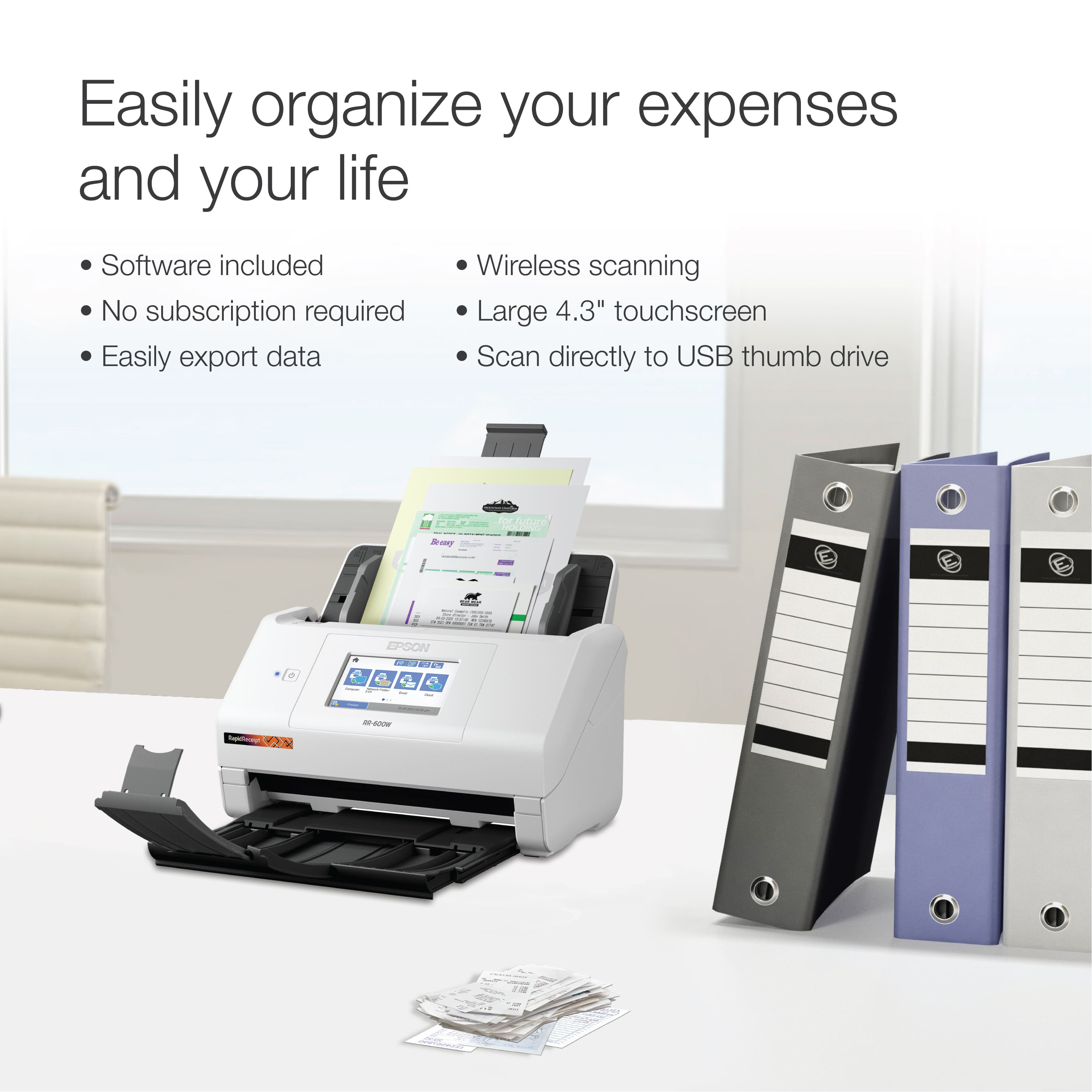
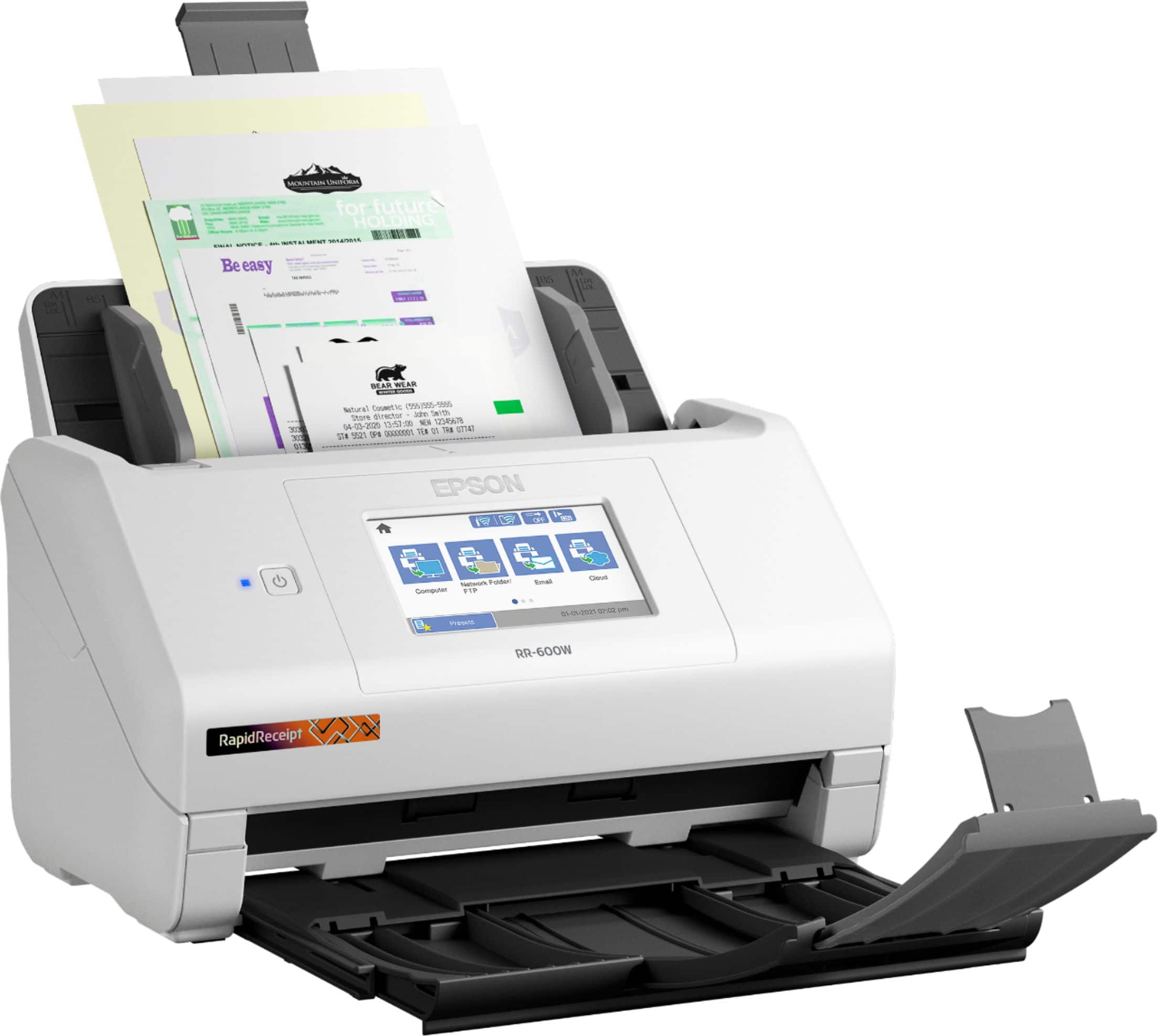
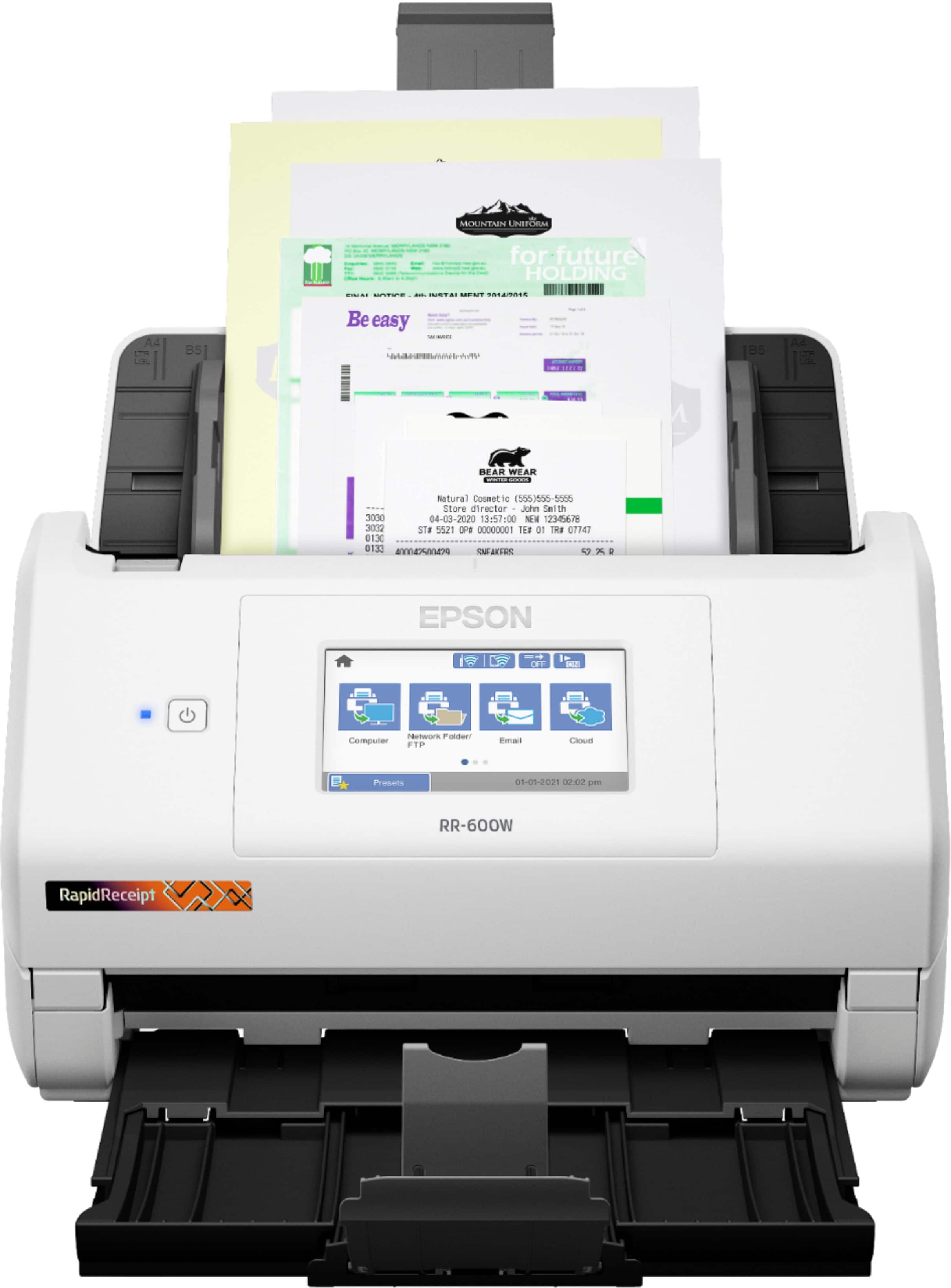
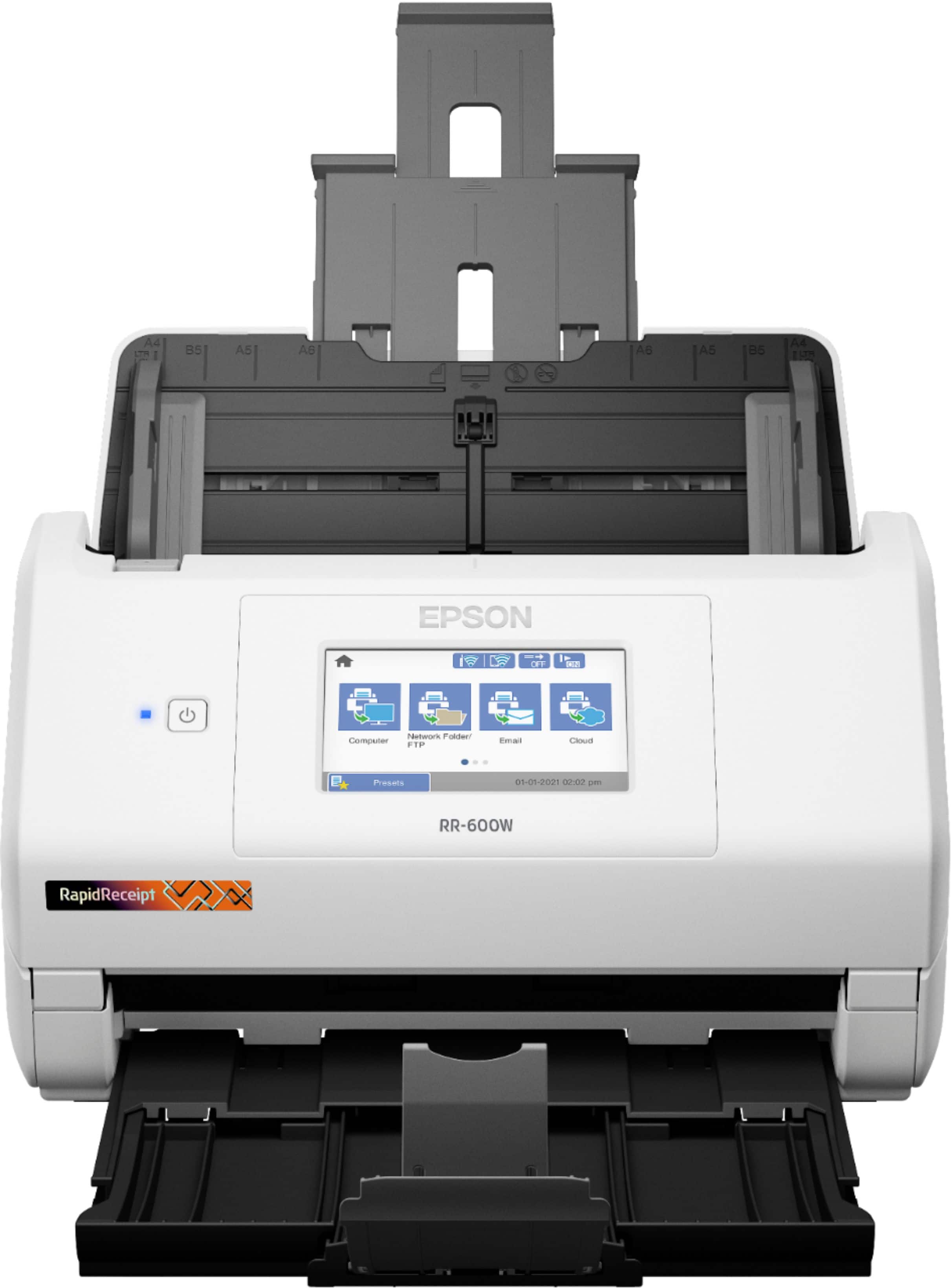
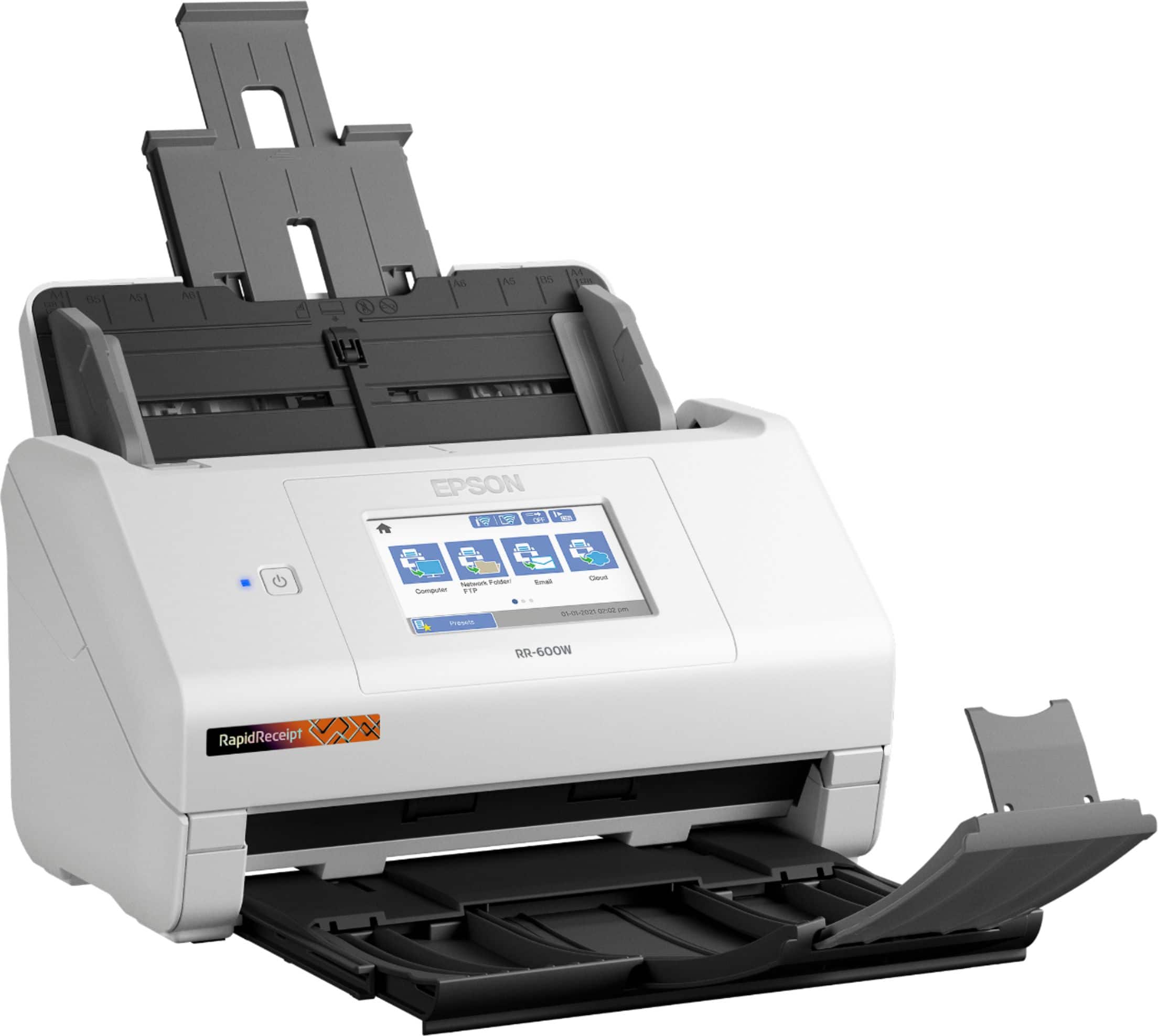
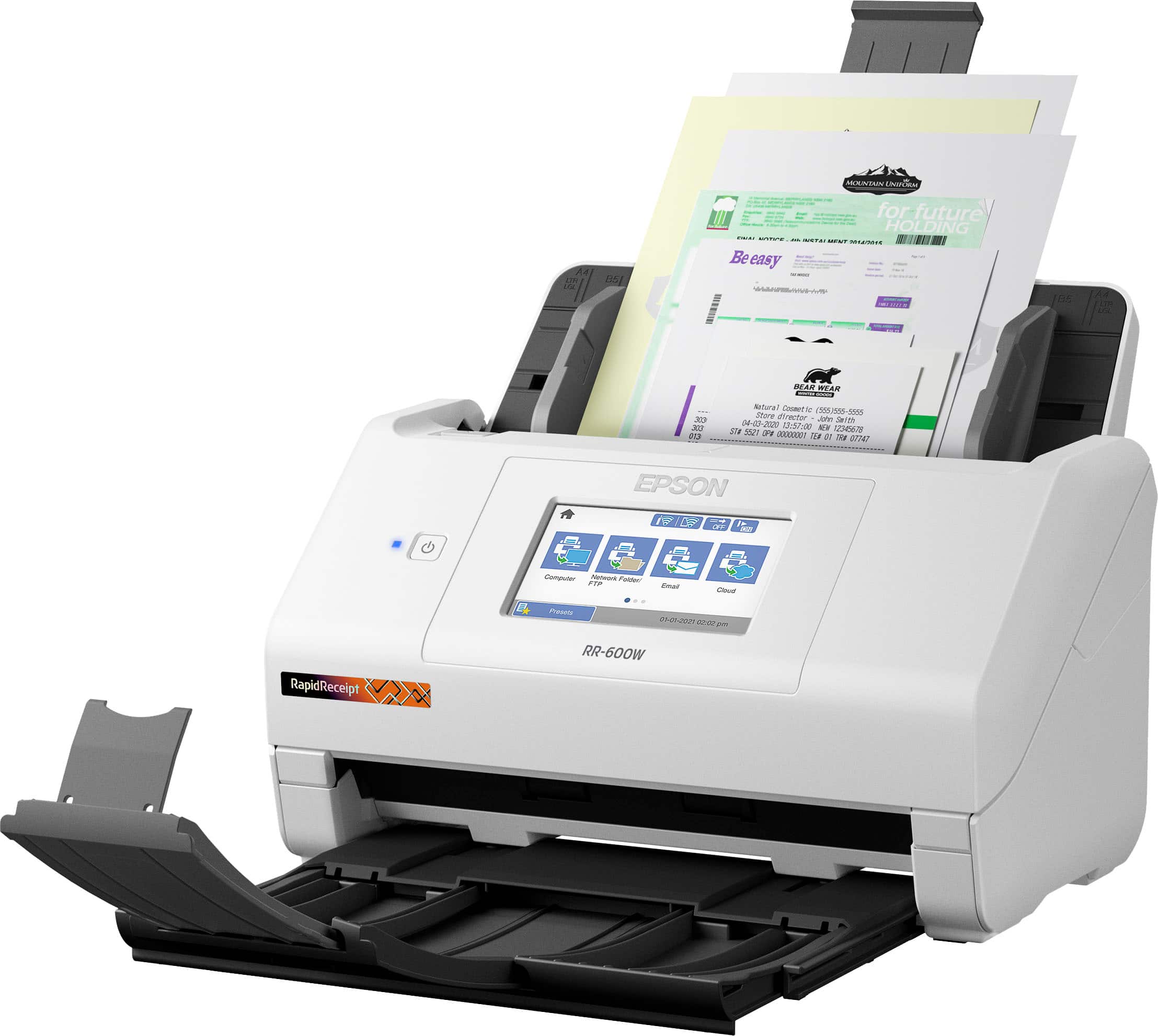
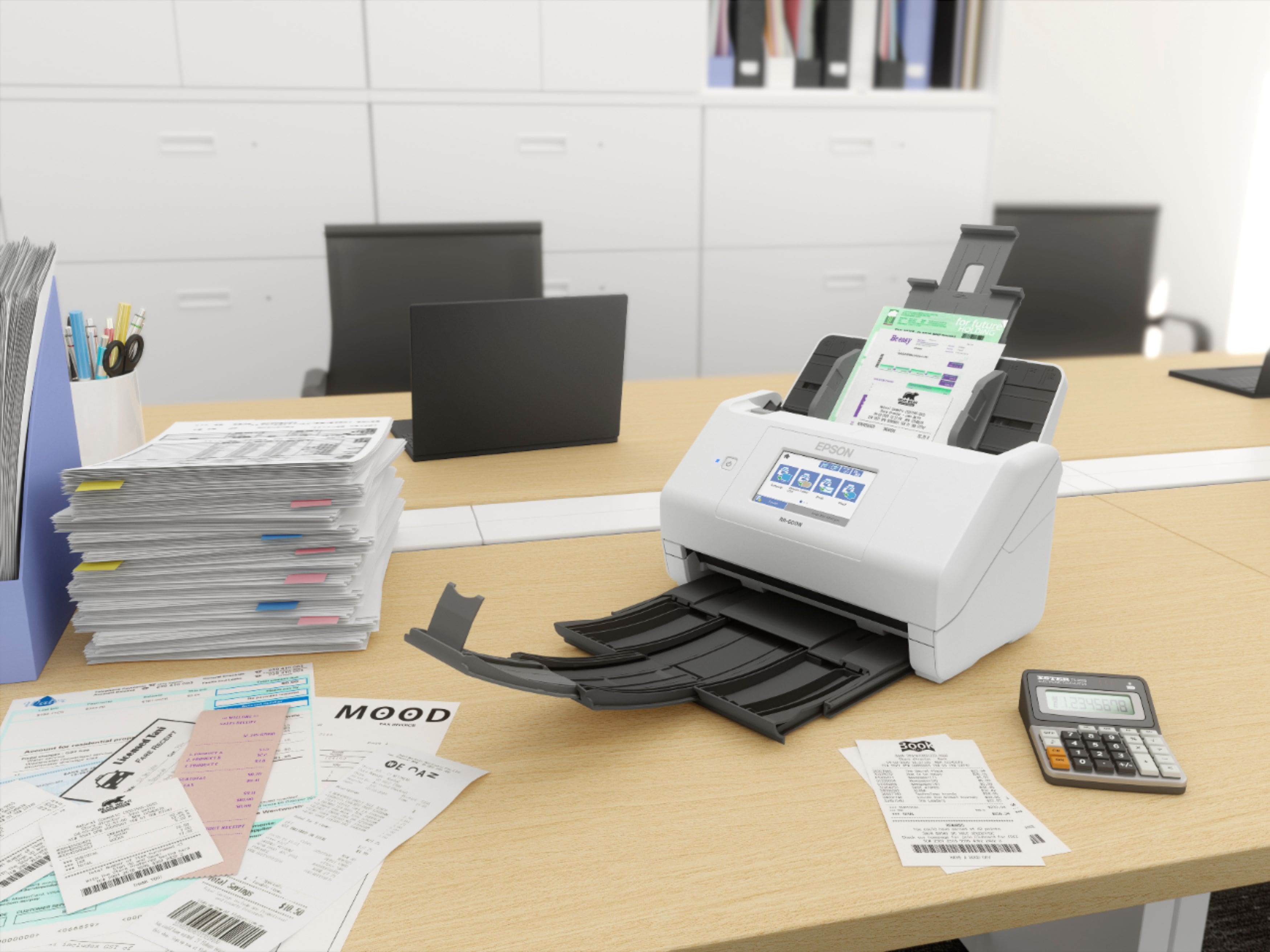
A:AnswerYes, the Epson RapidReceipt RR-600W scanner can scan and send files directly to an email address. You can use the Epson ScanSmart software that comes with the scanner to scan a document and then send it directly to an email recipient as an attachment.
To scan and send a file to an email address, you will need to set up your email account in the Epson ScanSmart software. Once you have set up your email account, you can select the Email option in the software and enter the recipient's email address. You can also add a subject and message to the email before sending the scanned file as an attachment.
Overall, the Epson RapidReceipt RR-600W scanner provides a convenient and easy way to scan and send files directly to an email address, allowing you to share documents quickly and efficiently.
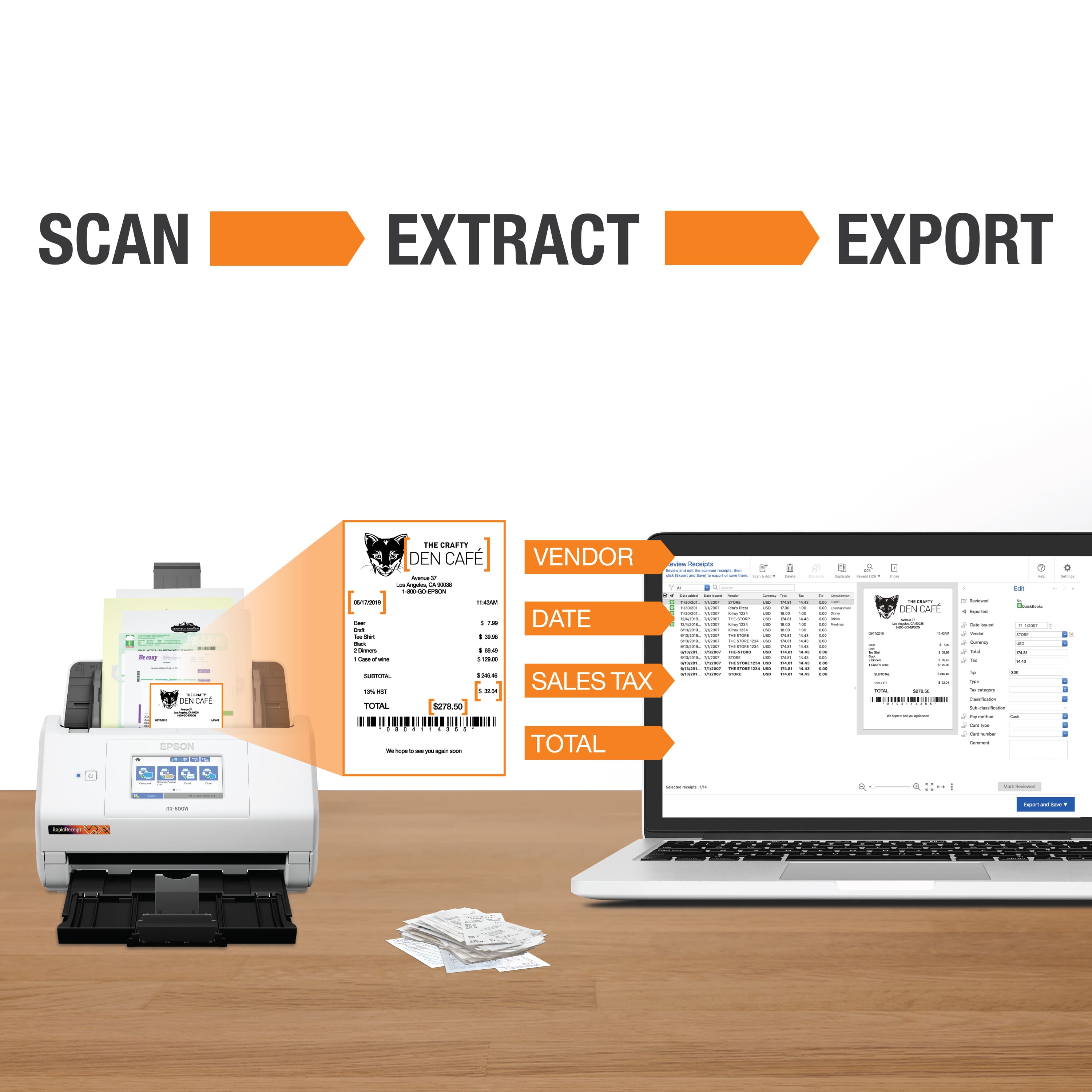
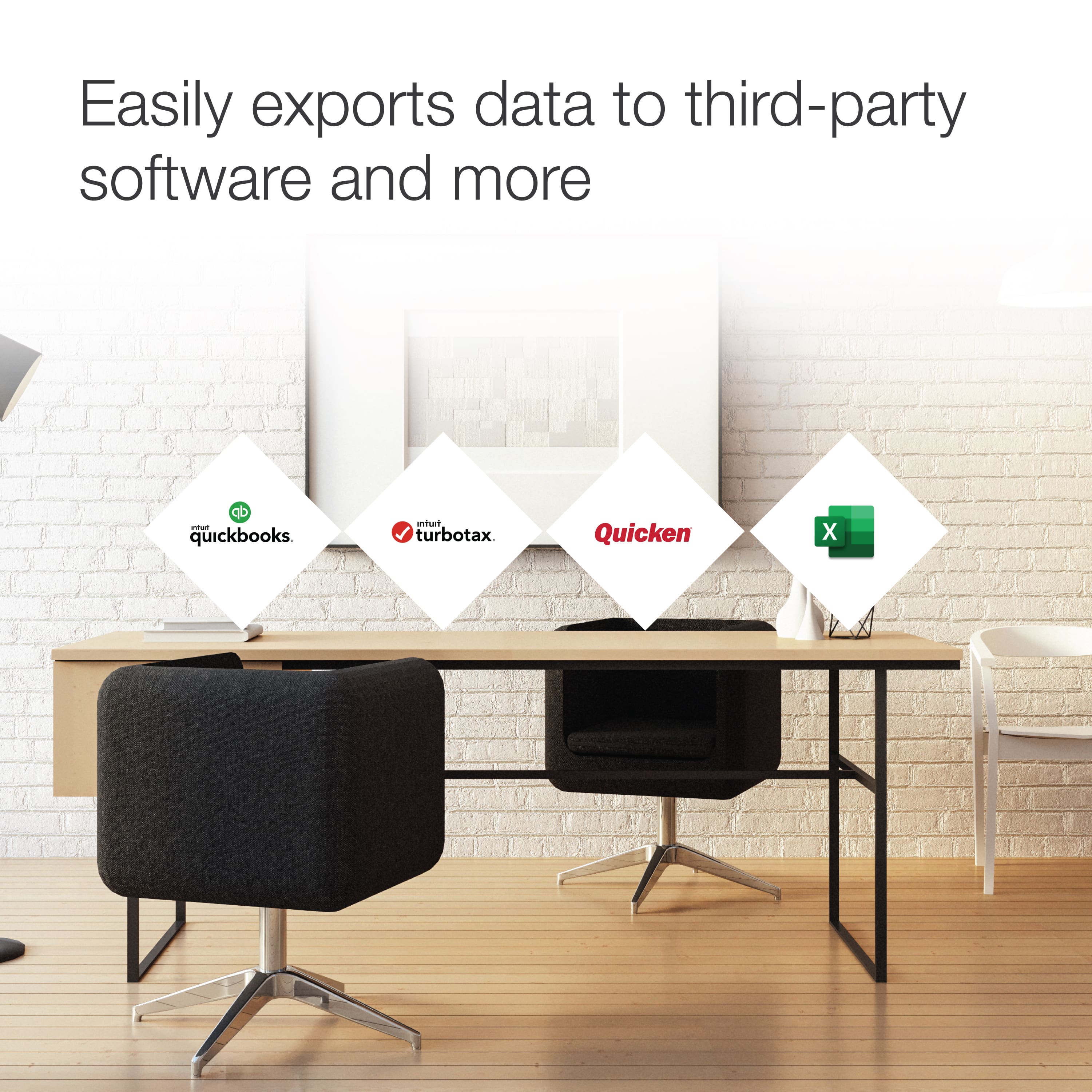
A:AnswerHello. Epson ScanSmart software can export scanned receipt data to software such as QuickBooks, Quicken, TurboTax, Excel®, and more. Unfortunately, there is currently no support for importing ndx files. Regards, Kevin - The Epson Team.
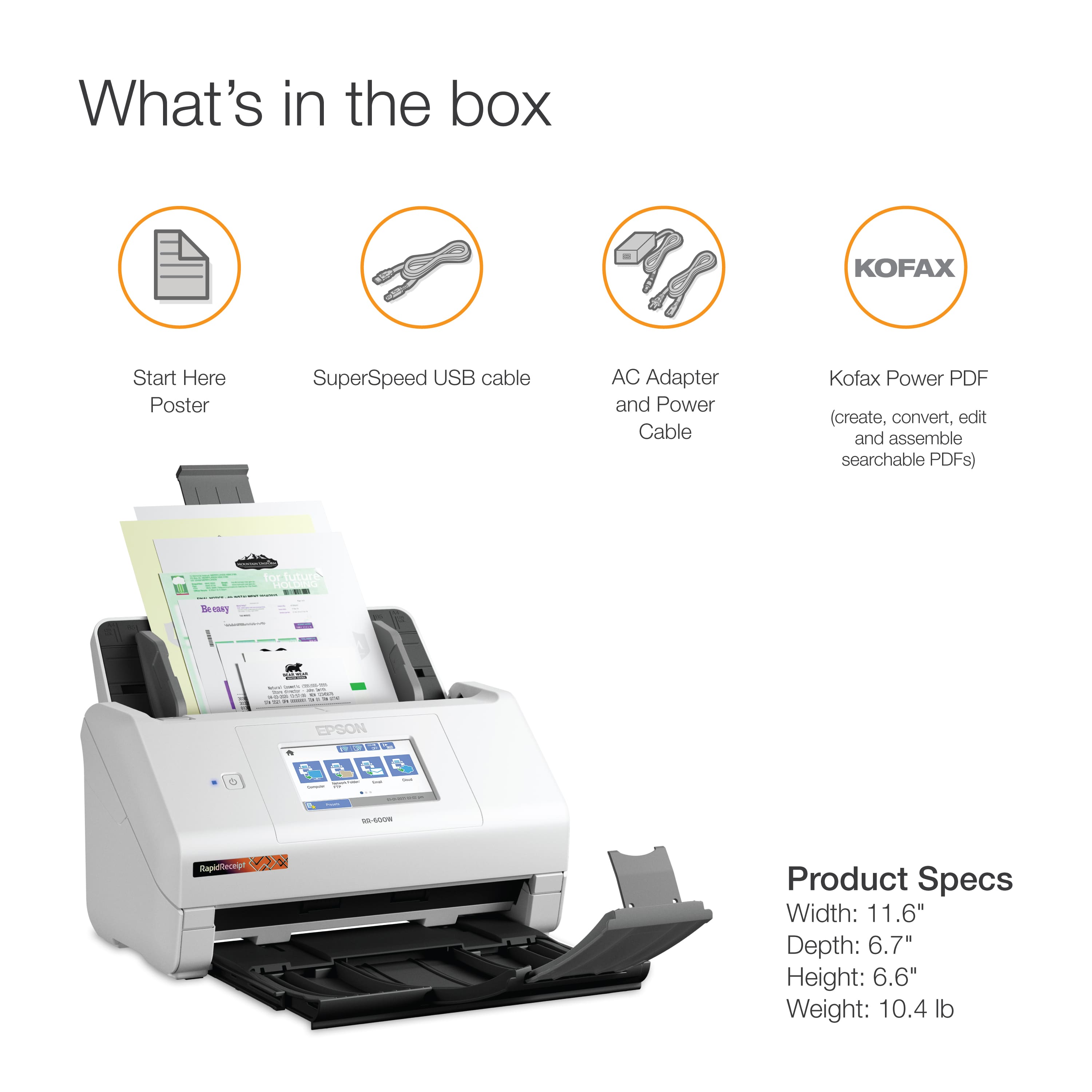
A:AnswerHello Programs. The RR-600W Document Scanner includes Epson ScanSmart software available directly on our official Epson Support page. We recommend reaching out to Presto and Kofax to confirm compatibility. Regards, Kevin - The Epson Team.
A:AnswerHello. If you have more than one computer connected to your RR-600W, the control panel will give you the option to choose which computer you would like to send scans to. Regards, Kevin - The Epson Team.
A:AnswerHi DanielO, The RapidReceipt RR-600W has Wi-Fi capabilities like the ES-580W, so you can use it to scan to smartphones. Regards, Mark - The Epson Team.
A:AnswerHello McA. You can attach a scanned image to an email as a file attachment with the RR-600W.
Your email app and account settings should be configured before scanning. You must install a
MAPI-type email programs such as Outlook Express, Windows Live Mail, Entourage, or Mac Mail. Attach to Email only supports 32-bit MAPI-compatible mail apps. Web-based email services such as Gmail are not supported. For more information, please visit the official Epson Support page. Regards, Kevin - The Epson Team.
A:AnswerHi Tameka, The same RapidReceipt RR-600W can be used with any computer that has the scanner software installed. Regards, Mark - The Epson Team.
A:AnswerMy computer is operating underWindows 7 Ultimate and will continue to do so (it is necessary), so, will all of the provided software work properly on my computer, yes or no?
A:AnswerIt does not work with the current version of Quicken. Apparently, Epson has known about this incompatibility since 2021 - ever since the QIF file format was no longer used to export info from Quicken. They just haven't bothered to update the software to work with .quicken files.