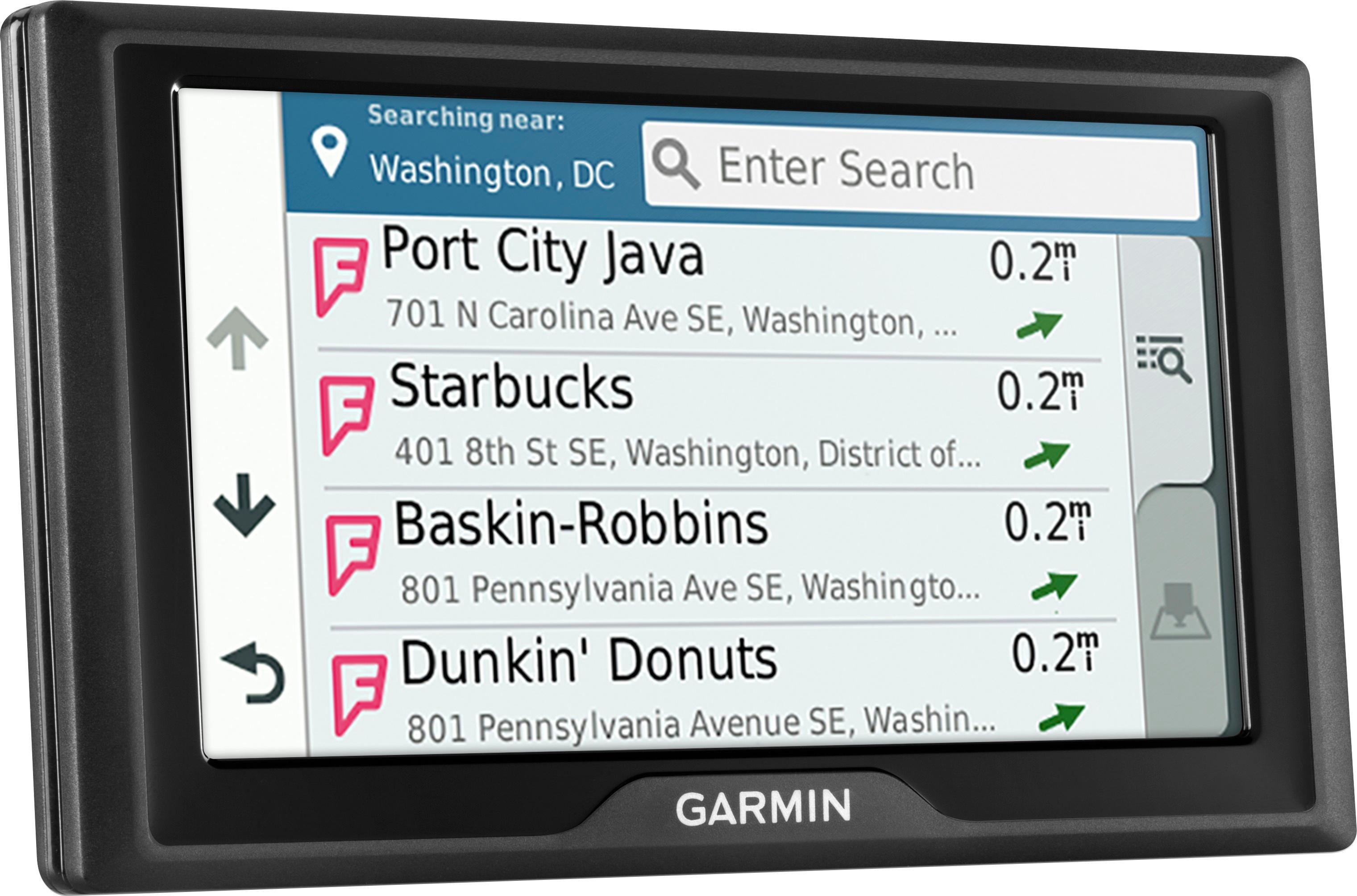
A:AnswerYou have to use the GarminExpress software to add new maps. In the software you can buy the maps for Europe. The entire Europe is around $99, there are some cheaper packages but don’t know if they contain Scotland, you would have to check that.
A:AnswerYou can install a memory card to increase the storage space for maps and other data on your device. You can purchase memory cards from an electronics supplier, or go to www.garmin.com/maps to purchase a memory card with pre-loaded Garmin® mapping software. The device supports microSD® memory cards from 4 to 64 GB.
A:AnswerThis model will work in any vehicle. It includes a vehicle power cable that connects to the vehicle’s cigarette lighter/power port and a Vehicle suction cup mount to mount the GPS to your windshield.
A:AnswerYes, any of the Garmin City Navigator® maps will work with this model, including City Navigator® Europe. Please see the Garmin Support Center article for information about purchasing maps for other countries: https://support.garmin.com/faqSearch/en-US/faq/content/rXctos6esD91rGB0suajE7 http://bit.ly/2j64mEc
A:AnswerI had an older nuvi gps that was not getting updates. I had to reinstall my Garmin express software and it looked like mine was very old. After that it started to get map updates again. You may simply try to uninstall Garmin express and reinstall it if its a older version of the map software installer. Hope that help!