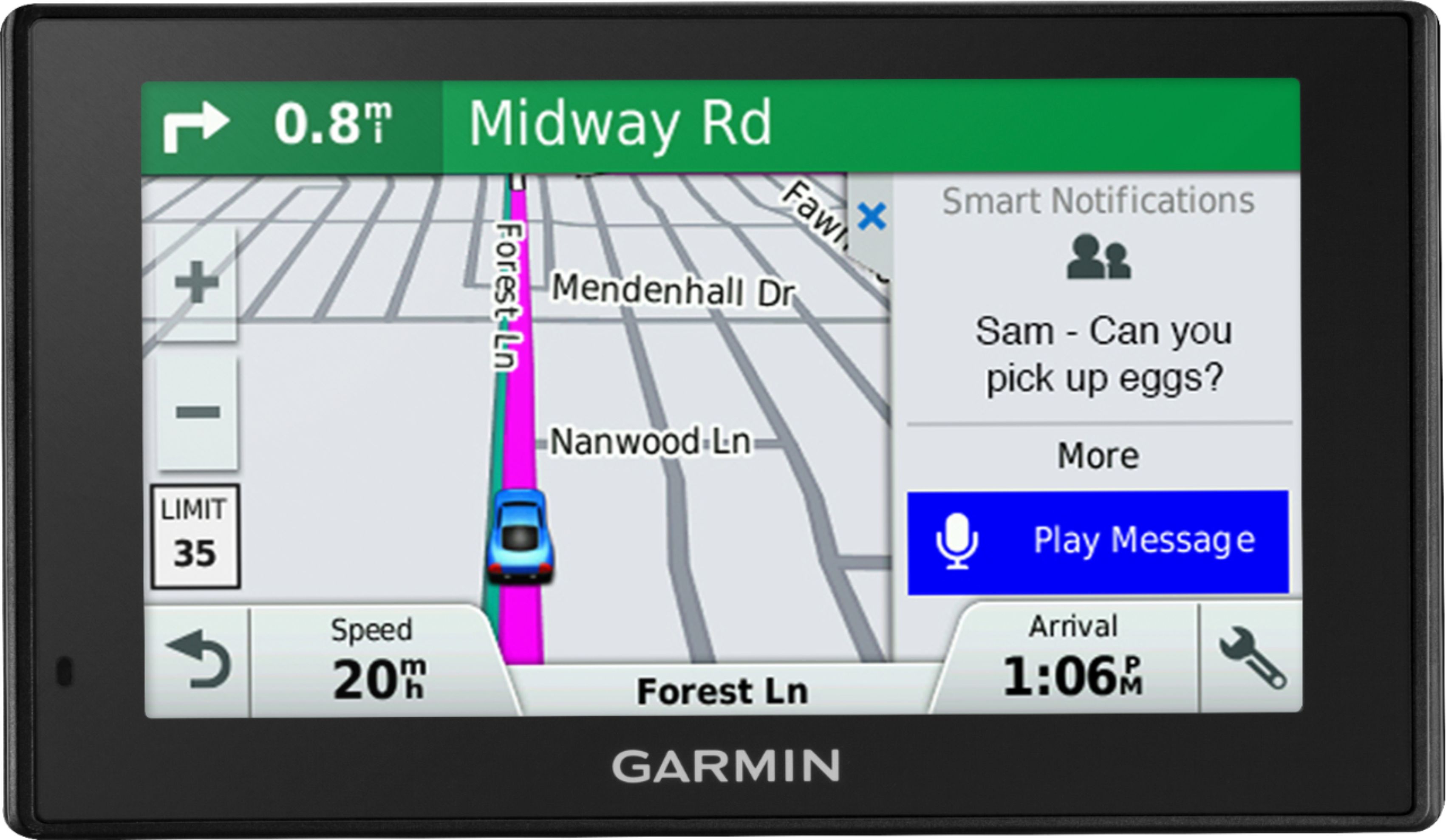
A:AnswerIn most situations, 2 MB of data per hour of active use is a reasonable estimate for data usage. For example, if the device is used 5 days a week on a 30-minute commute each way, Smartphone Link would use about 40 MB of data per month.
A:AnswerYes, this model includes the Trip Planner feature that can be used to create and save a trip with up to 30 multiple stops. Or if you only want to “shape” a custom route to go the way you prefer; the device has a Shaping Points feature also.
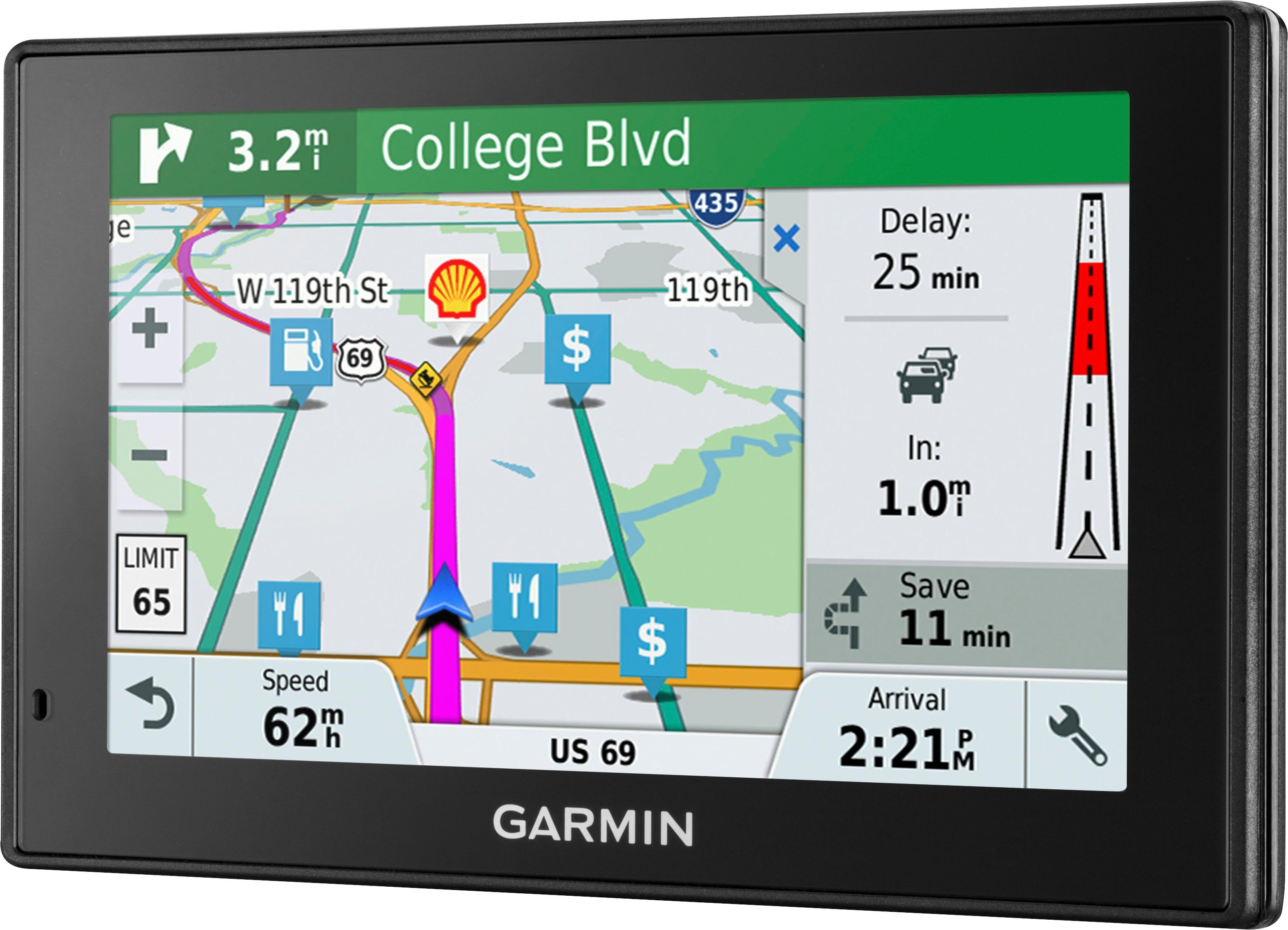
A:AnswerYes, for traffic alerts, relevant rerouting directions and up-to-date weather forecasts, download the Smartphone Link app, which connects your Garmin DriveSmart with your compatible smartphone.
A:AnswerThe reference of Lifetime refers to the useful life of the GPS. The terms for the Lifetime Map updates can be found here: https://www.garmin.com/en-US/legal/lmdisclaimer.
A:AnswerNo, this model includes a Vehicle suction cup mount to attach the GPS to your vehicle’s windshield and a vehicle power cable that connects to the vehicle’s cigarette lighter/power port.
A:AnswerNo, this model is designed for passenger vehicles and doesn’t include any truck specific routing. The Garmin dēzl™ series includes detailed maps for North America that include truck-related restrictions – like bridge heights, sharp curves, weight limits and more – and related information for most major roads and highways.
A:AnswerYes, this device includes the Trip Planner feature that can be used to create and save a trip with multiple stops. An Optimize Order feature is also included to have the device calculate the optimum order in which to travel to all the entered points.
A:AnswerThis model should fit in most vehicles. It includes a Vehicle suction cup mount to attach the GPS to your vehicle’s windshield and a vehicle power cable that connects to the vehicle’s cigarette lighter/power port.