A:AnswerDepends on your local store, but most places will hold your order for at least a day or two once it is ready (I've heard up to a week, though I've never waited that long).
A:AnswerThe device was probably reading the last reading of HR. If the HR reading was changing or you are experiencing an issue you may go to support.garmin.com where you can reach out directly to our product support team.
Debbie with Garmin
A:AnswerPlease go to support.garmin.com for FAQ's and video's on how to use the device. You may also reach out directly to our product support team from this page.
Debbie with Garmin
A:AnswerPlease go to support.garmin.com to confirm that your iPhone is compatible. As well, you may also reach out directly to our product support team from this page should you have any further questions or issue with pairing.
Debbie with Garmin
A:AnswerNot on the watch, however, there are possible options on Garmin Connect. Please go to support.garmin.com to reach out directly to our product support team from that page.
Debbie with Garmin
A:AnswerYes, Bluetooth connectivity is for uploading data to Garmin Connect or to receive notification on your phone. You can connect to your computer to upload data and to update the device if need be.
Debbie with Garmin
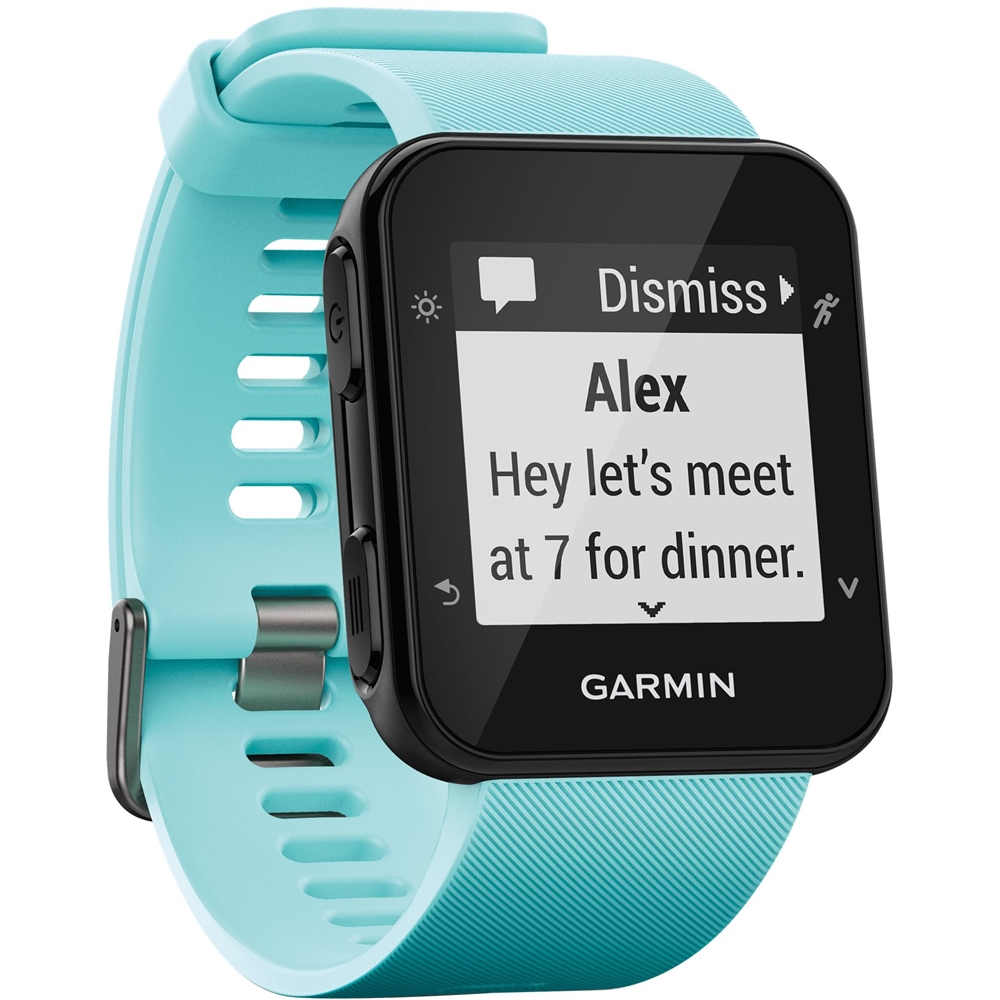
A:AnswerI do get occasional notifications for calls and some other apps, but usually only when the phone is locked. You can also dismiss those notifications from the watch. You can set which apps are allowed to send notifications to the watch.
A:AnswerThe device has a Walk profile that you could use for hiking. It does not have a transmitter or live track feature so your location could not be viewed real time by any of your connections.
Debbie with Garmin
A:AnswerYou will be able to track cycling as well as crossfit, however, the former will not be in a sport profile titled "crossfit".
-Blake with Garmin
A:AnswerYou will not be able to see your smart phone's notifications or upload your activities without pairing to Garmin Connect Mobile.
-Blake with Garmin