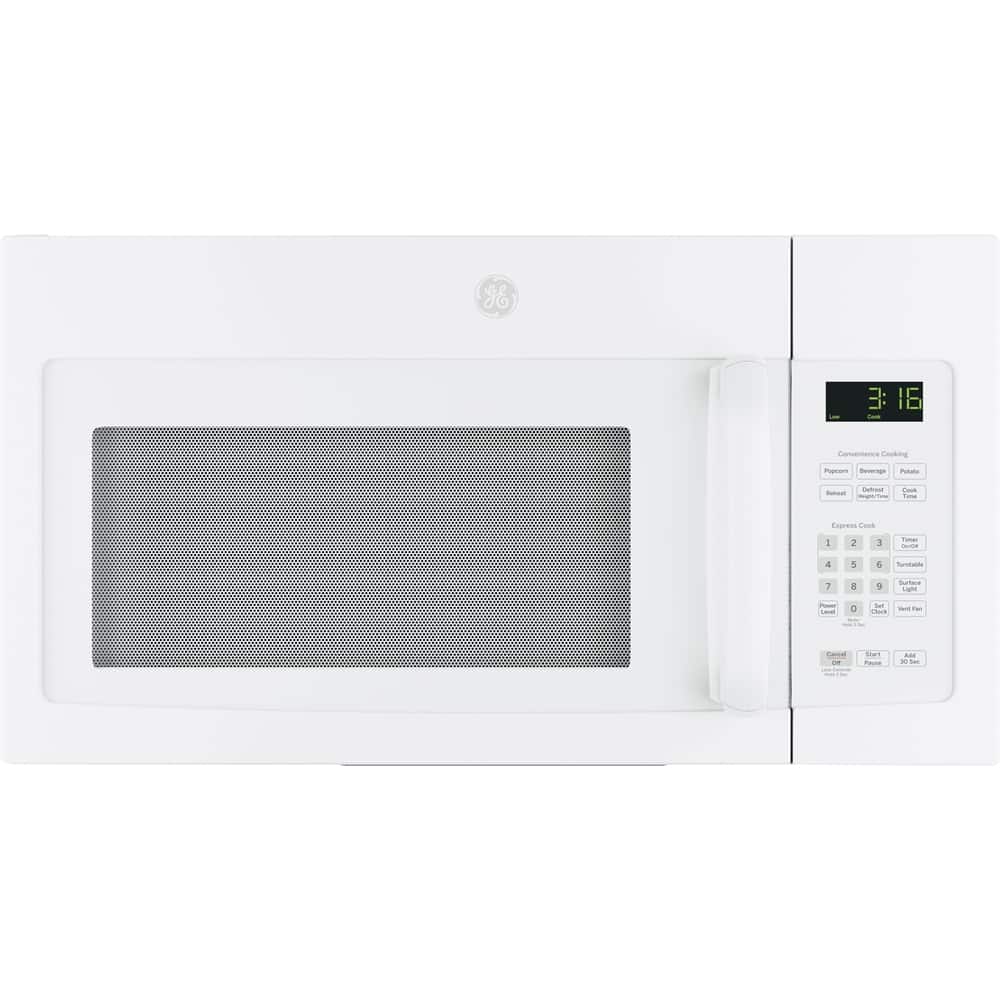
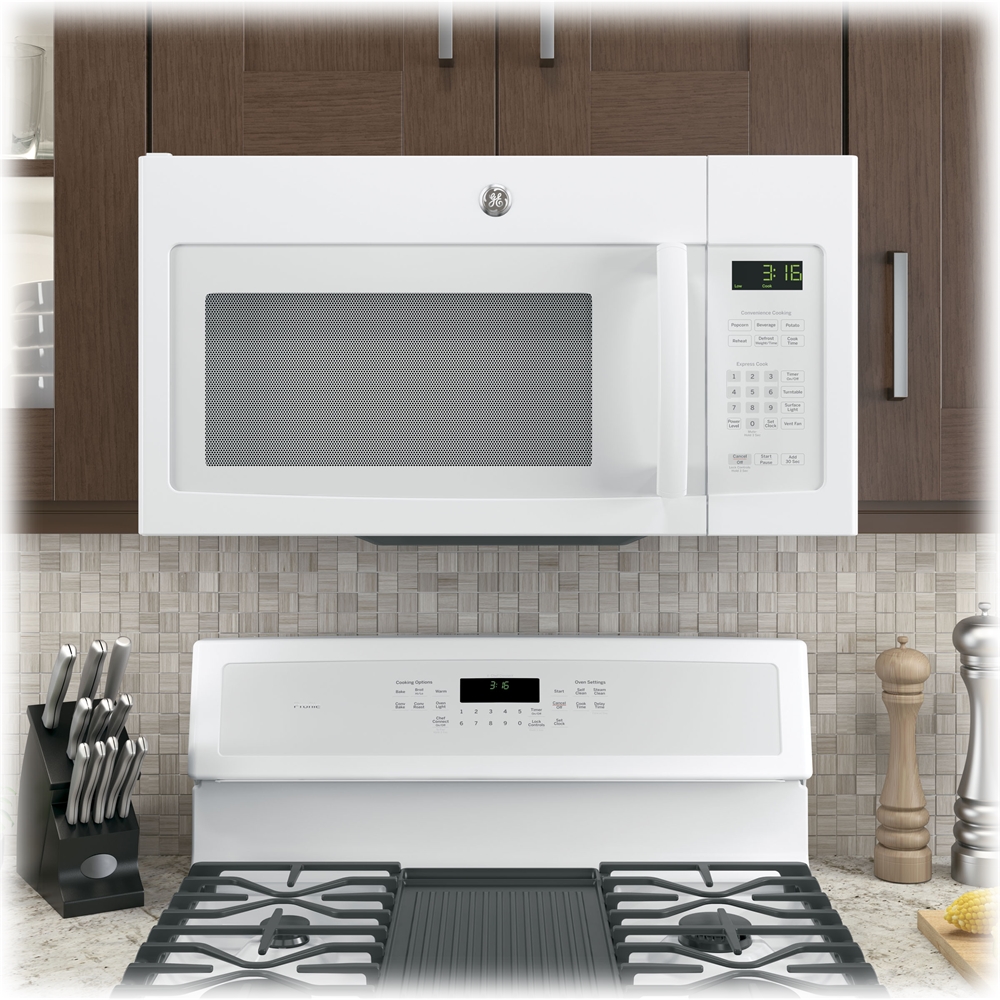
A:AnswerThis one also, but on this one the vent was facing to the back and because this microwave is sitting on top os a stove, my husband had to turn the vent around to throw the air out, instead of in. Hope this helps
A:AnswerHey there, and thanks for reaching out to us about this over-the-range microwave! We understand your concerns over venting, and are glad to assist. If you do not have a separate exhaust hood, there are still multiple options for venting - you can recirculate, exhaust outside through the top, or exhaust outside through the back. More detailed information is available on these options starting on page 11 of the Installation Instructions. If you need to review those instructions, you can find them on our GE website by searching for the model number and clicking on the product page. If you are planning on recirculating to vent specifically, there would be one cover plate installed on the back of the unit and one over the blower plate on top; we would recommend reviewing the diagrams in the installation instructions regarding this, to ensure venting is not adversely affected. We hope this information is helpful, and are happy to assist with any other concerns or questions. Best wishes! -Sarah@GEA
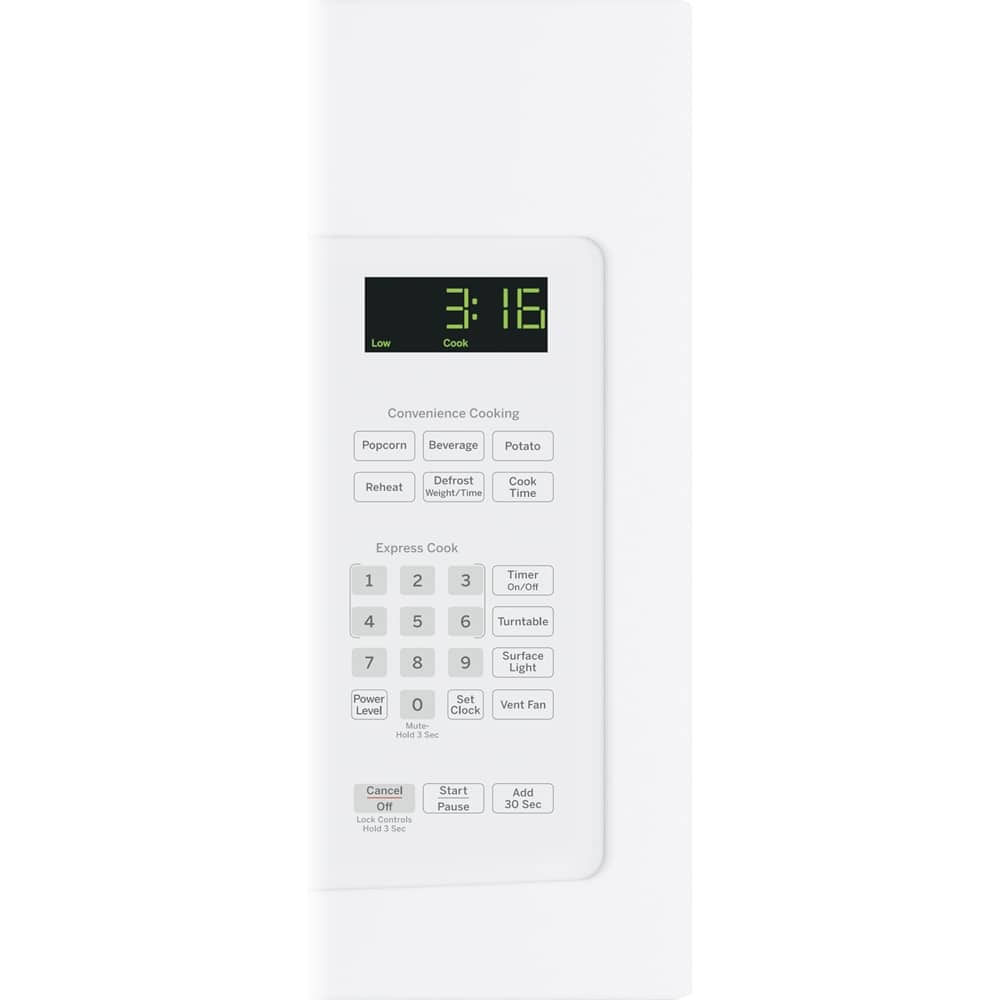
A:AnswerHello - Thanks for your question! The Beverage pad is sensor operated, and is designed to heat all kinds of beverages such as coffee, tea, hot chocolate, etc. There isn't a specific time programmed for this feature. It uses the auto cook sensor to sense the steam from the beverage or water whether it is a room-temperature beverage, tap water or even refrigerated beverage as it is heating and heats it to a "hot" temperature. This "hot" temperature is similar to a coffee temperature just brewed from a coffeemaker and is a satisfactory "hot" temperature for the dissolving of instant coffee, hot chocolate, use of a tea bag or the use of the new coffee singles, etc. To operate it, simply depress the BEVERAGE pad and START. If you have any additional questions, please let us know and we'll be happy to help. Thank you! - Sharon@GEA
A:AnswerI just purchased this microwave 3 weeks ago. It will fit in the same space as your prior. However, you will need to use the new bracket it comes with, as we tried to use the wall bracket from our old one we we’re replacing and could not. So make sure you are prepared to do the new bracket install. The vent is on the top
A:AnswerI purchased for $199 the Geek protection for 1 year. I paid only $49.99 for the install. Then the nightmare begins. Although I paid for the installation, I have never been given an appointment time. It has been 8 days and no appointment time. I was told upon paying the installation fee, I would be contacted within 24 hours to schedule the installation. Yes, I was contacted and put on hold for 55 minutes. Only to try again and reached an employee in Panama who also put me on hold for 52 minutes. I hung up in both cases before the employee returned. Finally, days later a phone message instructed me to call. I called and "Sorry, the computer will not let me schedule you" The next day, I got the same automated call and I followed through again. Same story "Sorry, the computer will not let me schedule you." I drove 35 miles to the nearest store where I purchased the microwave only to sit for 1 hour while the Geek agent was placed on hold. I walked out with NO appointment time! Today is 3 days since I went in person. Unbelievably I have NOT been contacted to resolve this issue.
So disappointed in what I thought BEST BUY stood for.
A:AnswerHello,
Thanks for asking! We appreciate the interest and we'd be happy to help. We found that
JVM3160DF2BB is the same as your current model, and the replacement should fit appropriately in it's space. If you have any further questions let us know. Take care!
-Sylvia@GEA
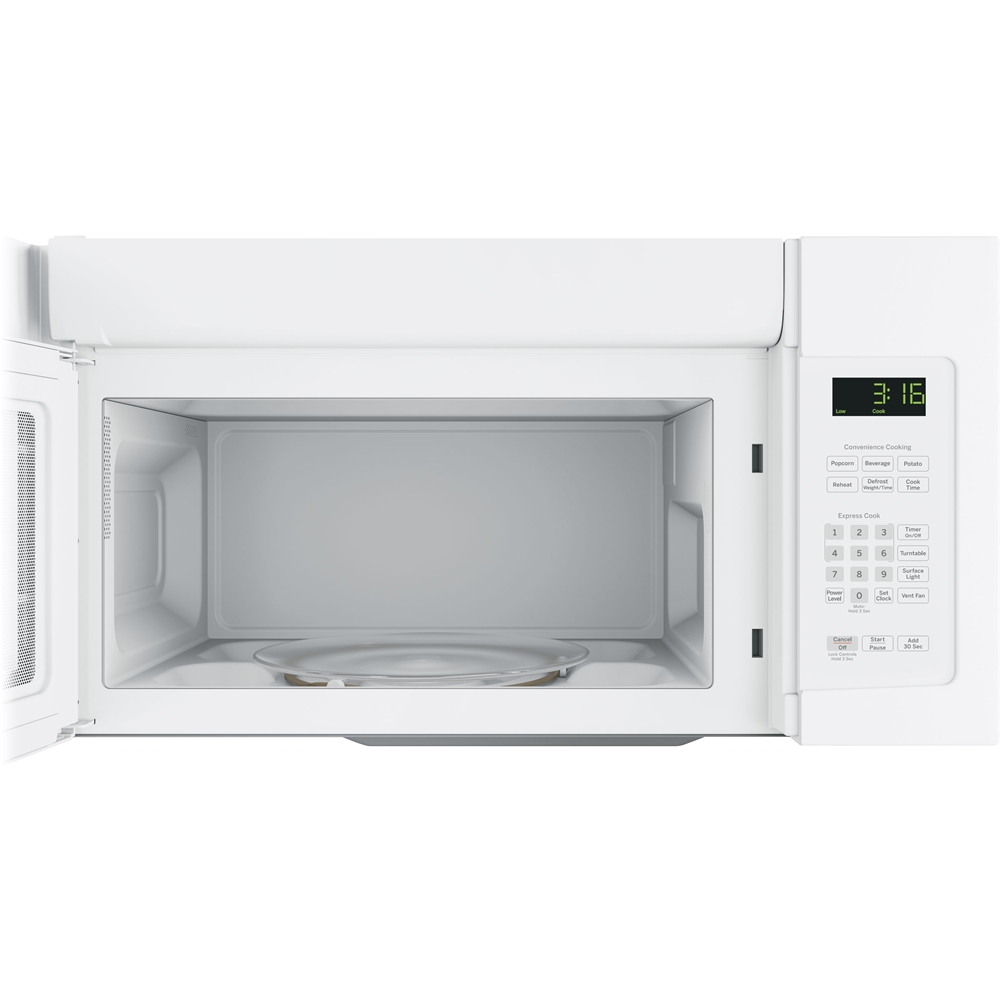
A:AnswerInside dimensions are x 9"h x 20"w with turntable in place. Removing the turntable will give u another 3/4" in height. This is shorter than the microwave I replaced, but am not finding I even notice in my normal use.
A:AnswerHi Carla, we're happy to help answer your question. Yes, model JVM3160RFSS will replace your current unit. You'll be pleased to know that all 30" over-the-range microwaves are approximately the same width and are designed to fit into a 30" wide cabinet opening. Therefore, any of our 30" over-the-range models will work as a replacement for an existing 30" over-the-range model. We hope this helps and we're wishing you the best! - Guy@GEA
A:AnswerHi Fred - Thanks for reaching out to us! We truly appreciate your interest in this over-the-range microwave and are happy to answer this for you. This microwave will include with the mounting hardware (mounting bracket, screws, exhaust adapter) needed for the installation. Please feel free to reach back out to us if you have any additional questions about this installation or using the microwave in the future. We are always happy to help! -Eliza@GEA
A:AnswerHi barb! Thanks for your question and interest in our microwaves. This unit's power cord is located on the top towards the right side if you are facing the unit. The dimensions of this microwave are 16 7/16 H x 29 7/8 W x 15 7/8 D. We cannot verify that this unit will fit since they are different dimensions and we do not know the cutout dimensions of your cabinet. We're sorry for any inconvenience that this may cause. If you have any further questions, feel free to reach out to us on our contact page. Stay safe! Emily@GEA
A:AnswerHello there! Thanks for your question and interest in our microwaves. Since model number JVM3160RFSS has the same dimensions as your current model and is over-the-range, it would be a good replacement. Take care! Emily
A:AnswerHello Zhenia - We're so happy you have reached out about this wonderful microwave. Model JNM3163DJWW is made globally. A more exact location can be found on the rating plate of the appliance. Please let us know if you have any more questions. - John@GEA
A:AnswerHello Nick - Thanks for reaching out. Have we got the perfect microwave for you! The PEB7227DLBB has the same installation dimensions sot that modifications will not need to be made to your cabinetry. The required trim kits for built in installation are the 27" JX7227DLBB or the 30" JX7230DLBB. Stay in touch! - John@GEA
A:AnswerHello Guy - Thank you for the excellent question on this spectacular microwave. It is approved for use above any electric or gas domestic use range. Please let us know if you have any more questions. - John@GEA
A:AnswerHello there. We're happy you reached out! This is an excellent question and we'll be glad to help. The wattage on this microwave is 1000 watts. We hope this helps answer your question. - Guy@GEA
A:AnswerHello Wolfy234 - Thank you for reaching out to us regarding your microwave; we are happy to help! We are sorry to hear that it stopped working and you have to replace it. Although we no longer make your model, we do have a variety of great new models available. We normally do not suggest an exact replacement because all of our 30" Spacemaker over-the-range microwaves are designed to be installed in the same standard upper cabinet space (30" min. width, 12" min.-13" max. depth, 66” min mounting height). The height and depth of the models may vary slightly, but any of our new models will work in your current space. The JVM3160RFSS is the most comparable currently available replacement model. We hope this helps. We appreciate your loyalty! Olga
A:AnswerHi there Donna,
Thanks so much for reaching out. We'll be happy to help you find a replacement. All our over-the-range microwaves are designed to fit into a 30" cabinet opening. This makes choosing a replacement a breeze. Please note however, that you will need to use the mounting kit that comes with the model. This is because the kit is made specifically for that model. Our over-the-range microwaves can also be converted to vent internally or externally. Model JVM3160DFBB is an excellent example of a replacement model. We hope this helps. Best wishes! Mike@GEA
A:AnswerHello Laurie,
Thanks for reaching out. We're happy to help find a replacement. We have found model PEM31DFBB is the most comparable model. You will also need the optional hanging kit JXA019K. Hope this helps. Best wishes -Mike
A:AnswerHi Dave - Thanks for viewing GE Model JVM3160DF! Enjoy peace of mind with a Limited 1 Year Warranty. We suggest viewing the written warranty at the following link for details: https://products.geappliances.com/MarketingObjectRetrieval/Dispatcher?RequestType=PDF&Name=49-40669-6.PDF - GE Appliances Repair is well equipped to take full and comprehensive care of your appliances. Conveniently schedule service online at https://www.geappliances.com/ge/service-and-support/service.htm or call GE Appliance Service at 1-800-GECares (1-800-432-2737); Monday – Friday: 7 a.m. – 10 p.m. ET;
Saturday – Sunday: 8 a.m. – 6 p.m. ET. Keep in touch at GEAppliances.com. Sue
A:AnswerHi there, thanks for reaching out! All 30" over-the-range microwaves are approximately the same width, and are designed to fit into a 30" wide cabinet opening. Therefore, any of our 30" over-the-range models will work as a replacement for an existing 30" over-the-range model. This makes choosing a replacement microwave easy! - NOTE: When replacing an over-the-range microwave, the mounting bracket included with the new microwave should be used since the mounting bracket is specific to each model. The new screws, bolts, and exhaust adapter should also be used. - We're seeing that the model you've given here is still being manufactured so you could purchase another of the same model if you'd like! If you're looking for a bit of an upgrade however, you can view a nice replacement model here: PVM9179DKBB. We hope that this helps! Stay safe. -Michael