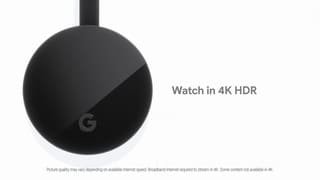
A:AnswerYes. All versions of the Chromecast except for the 1st Generation support 5G Wi-Fi bandwidth. Just make sure that the casting device like your phone or tablet should be on the same 5G Wi-Fi bandwidth as the Chromecast device.
A:AnswerNo. Apple TV doesn't support Chromecast. But, if you have cast-enabled apps on your iPhone or iPad you can cast them to your Vizio TV using the Chromecast.
A:AnswerThe platform you're using must be Chromecast-enabled in order to cast the content via Chromecast. But if you're using an Android device, you can take advantage of the "Cast Screen" option which lets you mirror the content on your phone to the TV. You can check the steps here: https://support.google.com/chromecast/answer/6059461
A:AnswerIf your TV has a built-in Chromecast, you can simply share content with your TV without the need for another Chromecast device. You can follow the instructions to set up and use the built-in Chromecast here : https://support.google.com/chromecastbuiltin/answer/7020323
A:AnswerYou can switch your Chromecast between your TV's you're or get a Chromecast for each TV as long as Chromecast and your smart device are connected to the same Wi-Fi network. Chromecast doesn't require any additional monthly payments, you only pay the initial purchase price. You can use Chromecast with the Chromecast enabled apps of our partners; you can have a look at the partners here : https://store.google.com/product/chromecast_apps?utm_source=chromecast.com
You can also check out this link to learn more about setup : https://support.google.com/chromecast/answer/2998456
A:AnswerIf your PC is Wi-Fi compatible, you may be able to use it like a laptop to cast content from Chrome Browser as long as Chromecast and your PC are on the same Wi-Fi network. But you still need to use a mobile device for setup. Check out the following article to find out more about casting from ChromeBrowser : https://support.google.com/chromecast/answer/3228332
A:AnswerYou would have to have Cromcast dongles on all tv's that did not have cromcast built in. Even then, when you want to cast, a list of all devices you have that have cromcast is shown and you pick only one that you want to cast to. Sorry.
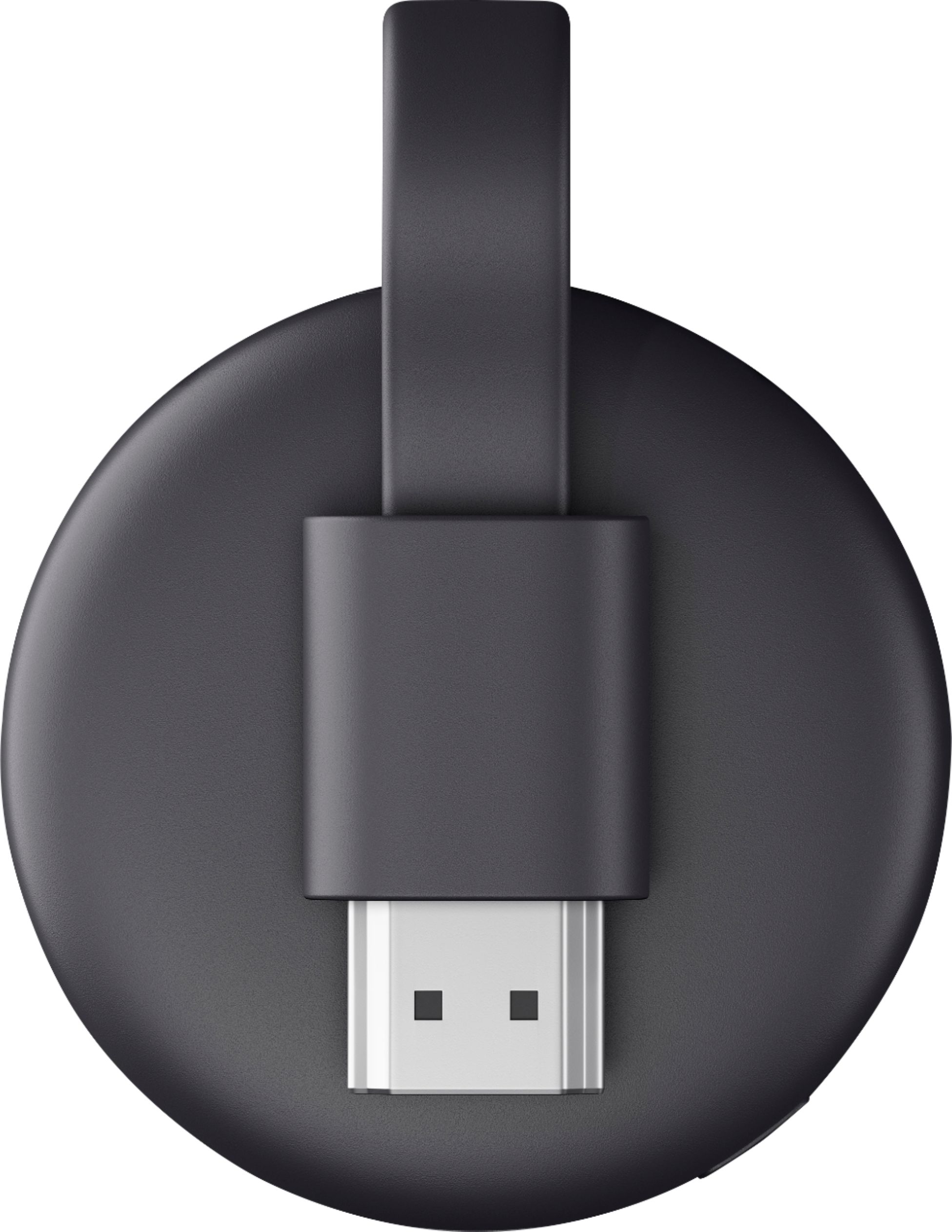
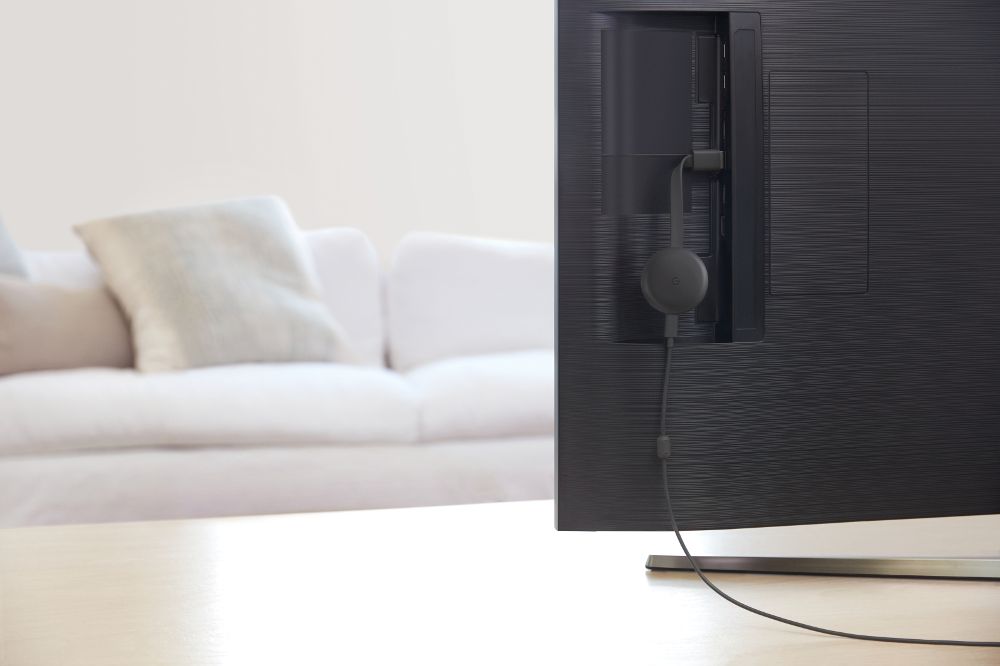
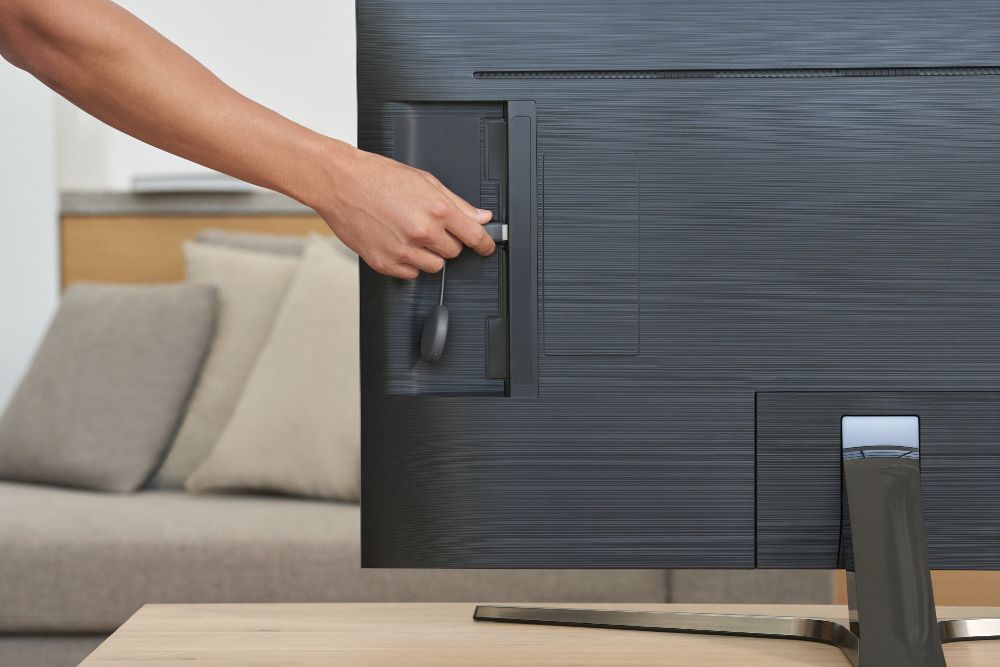
A:AnswerNo special equipment needed. All you need is the Google Home app on your phone, and an HDMI port on your TV (HDMI cable is included with Chromecast, along with power cable).
A:AnswerThe Chromecast Audio was the only one that connected that way, and as you mentioned, it's been discontinued. All the other Chromecasts use HDMI, so it would require converters.
If you can find a Chromecast Audio, I believe they should still work, or if your speaker has Bluetooth, you could connect it to a Google home mini/Nest Mini.