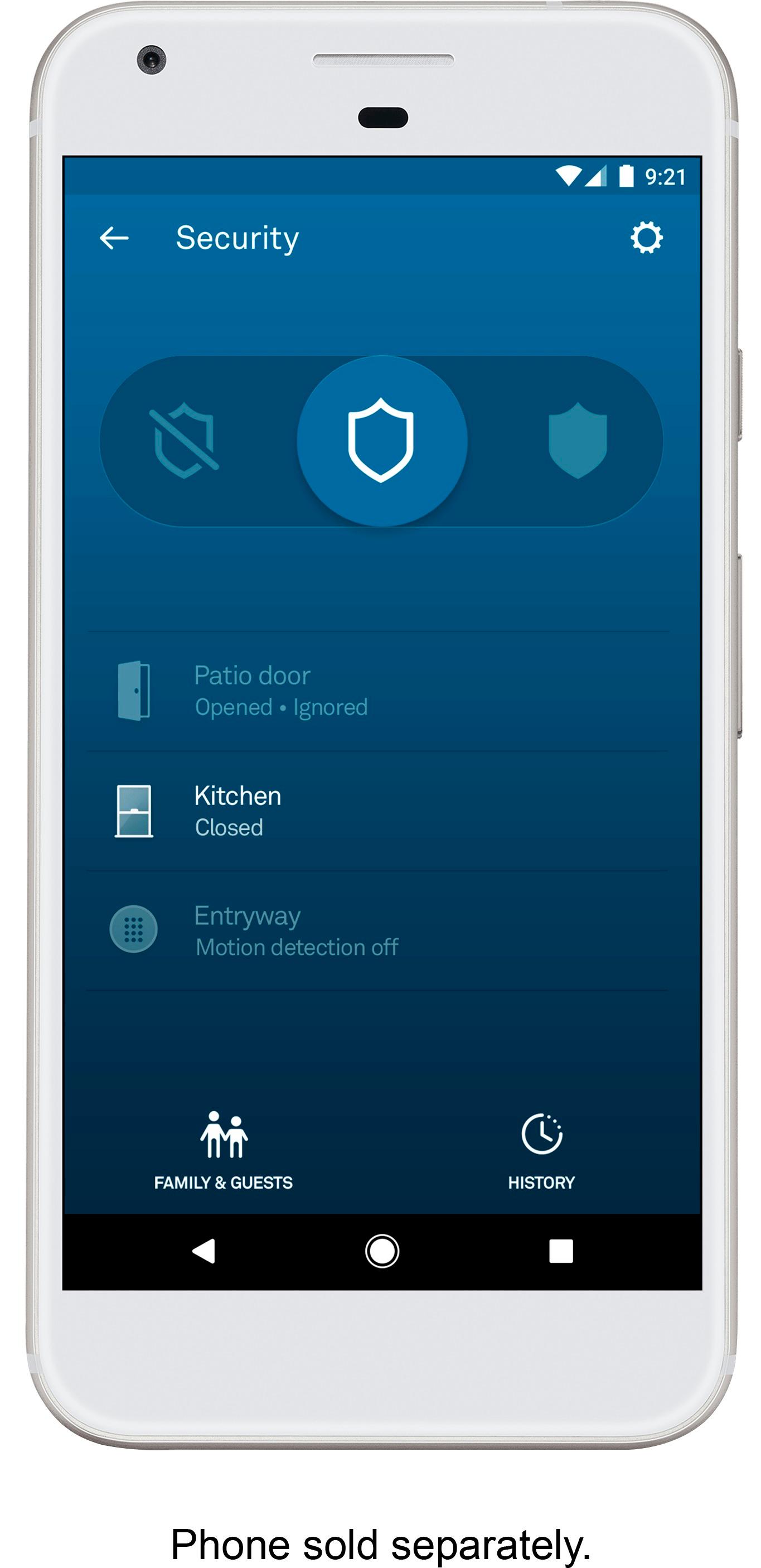
A:AnswerDon't count on Nest stuff working with anything but Google to be safe. They have taken away the API integration to home automation. I would go for something more friendly to open systems.
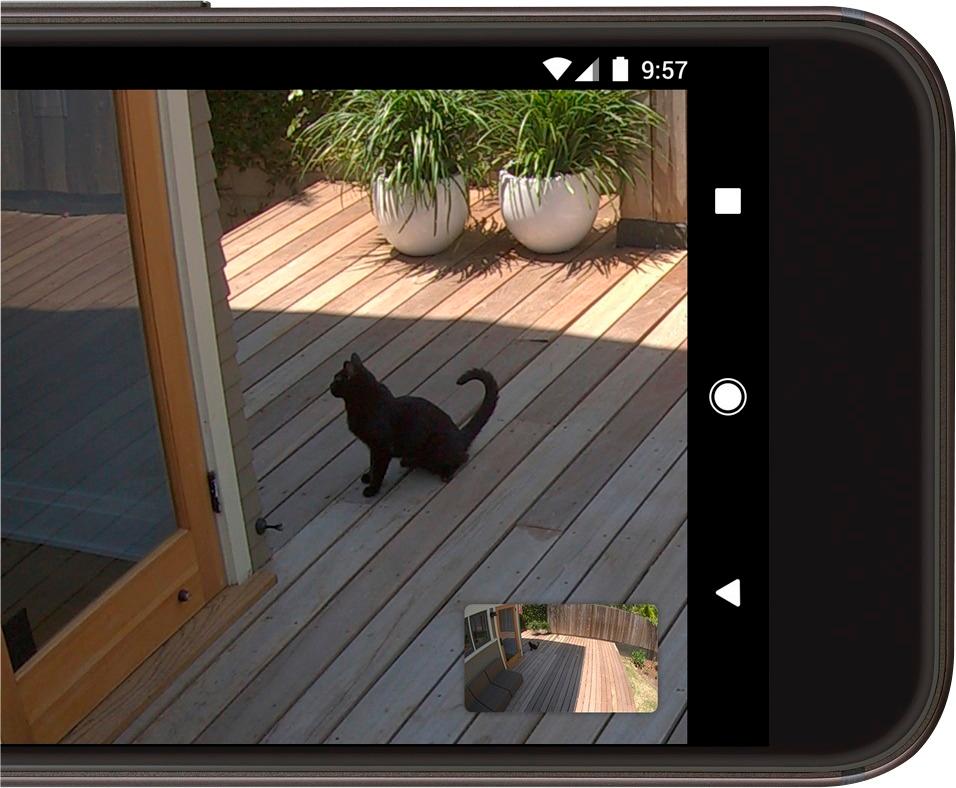
A:AnswerYes, however based on your internet bandwith, etc. there are resolution settings you can set for the cameras (higher resolution=higher bandwidth). if you want to zoom in to see something such as reading a license plate, you probably will want to be set at highest resolution so you will need to be sure your internet will allow this. It doesn't get clearer as you zoom in and there is no magic program that clarifies the grainy image like on the TV shows!
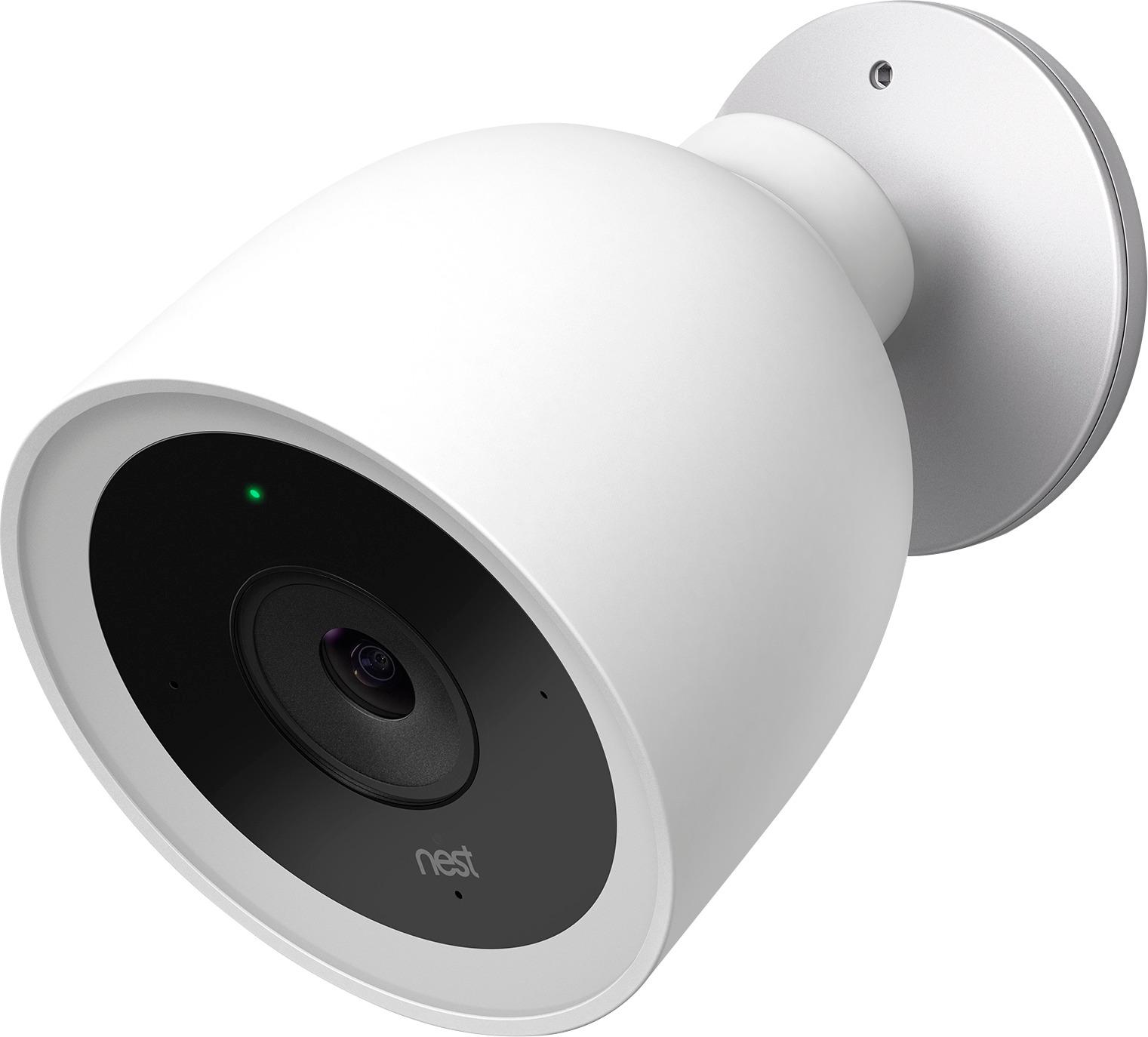
A:AnswerNest Cam Outdoor and Nest Cam IQ Outdoor don't have a set Wi-Fi range and they will connect to your Wi-Fi network as long as they can detect it. This depends on some aspects of your Wi-Fi network such as the coverage, strength, and available bandwidth. Upon installation, you will connect your Nest cameras to Wi-Fi and will be able to test the maximum distance you can place your Nest cameras from your Wi-Fi router.