A:AnswerPixelbook uses the principle "defense in depth" by providing multiple layers of protection to make sure no malicious attempt can get through. You can read more about Pixelbook’s security protocols here : https://support.google.com/pixelbook/answer/9133875?hl=en
After the Auto Update period ends in June 2024, your Pixelbook will still be protected by the other protection layers, but we recommend hardware upgrades to ensure protection against new security threats.
A:AnswerPixelbook uses the principle "defense in depth" by providing multiple layers of protection to make sure no malicious attempt can get through. You can read more about Pixelbook’s security protocols here : https://support.google.com/pixelbook/answer/9133875?hl=en
After the Auto Update period ends in June 2024, your Pixelbook will still be protected by the other protection layers, but we recommend hardware upgrades to ensure protection against new security threats.
A:AnswerYou can take a look at this article to see the Auto Update Expiration dates for Pixelbook : https://support.google.com/pixelbook/answer/9413900
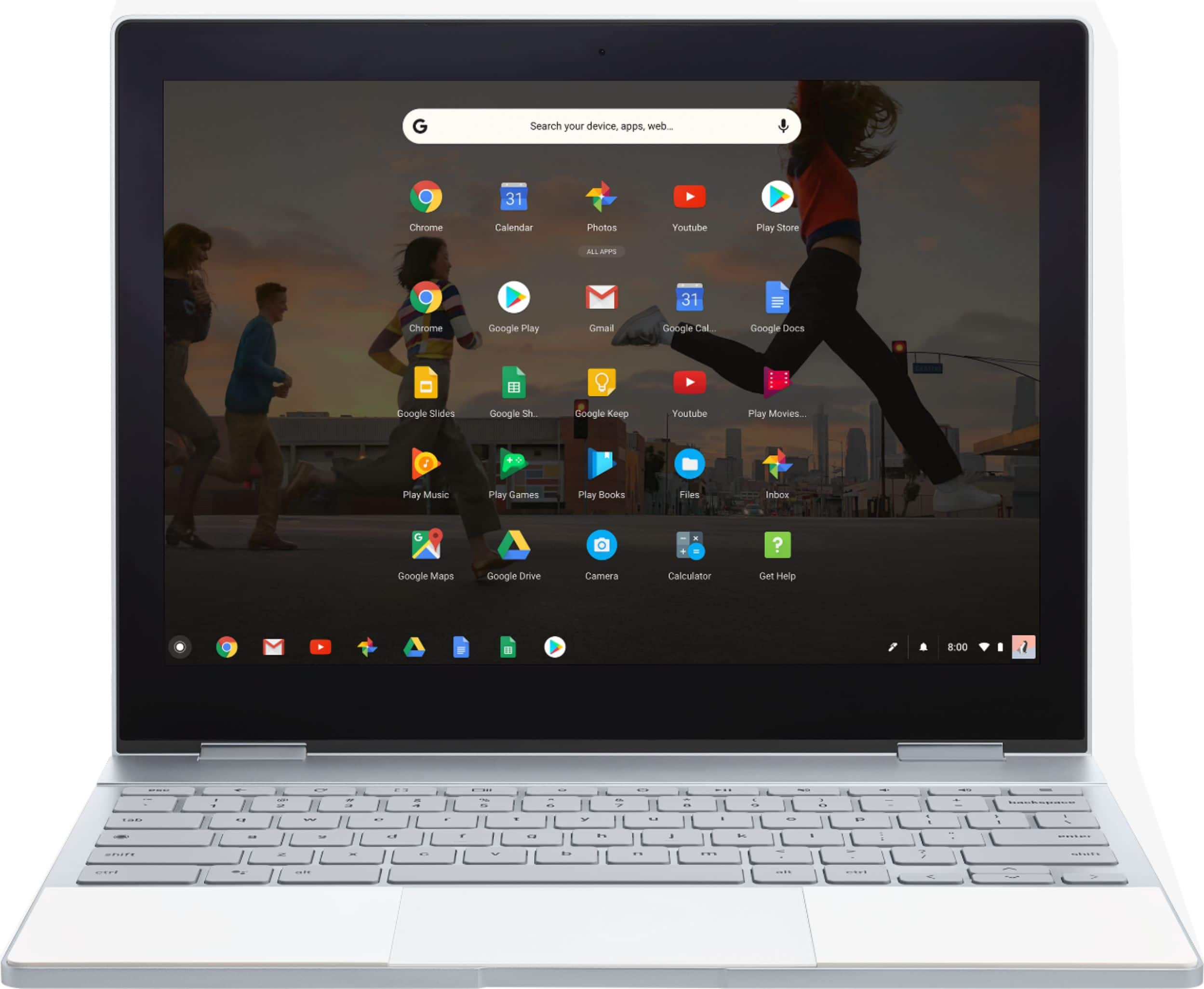
A:AnswerYes - the Pixel Book supports android apps, so you can download Microsoft Office applications from the google play store and run them on the Pixel Book without any issue.
A:AnswerI have a wireless Canon printer. It works just fine. You download the app to the Chromebook... Connect.. and get started... Was fairly easy to set up... Tried an HP first which best buy recommend.. but that proved to be difficult.. and the touch screen on the printer was not sensing my touch well... Went back and got the 40 dollar cannon... I like this one better...
A:AnswerNo slot, but I don't miss it. When I need to, I use a multiport USB C hub and it does the same thing as an SD card slot, has a power pass through slot, HDMI port etc, 3 USB-A 3.0 ports.... It was cheap, <$40. I also use a samsung SSD 1TB external
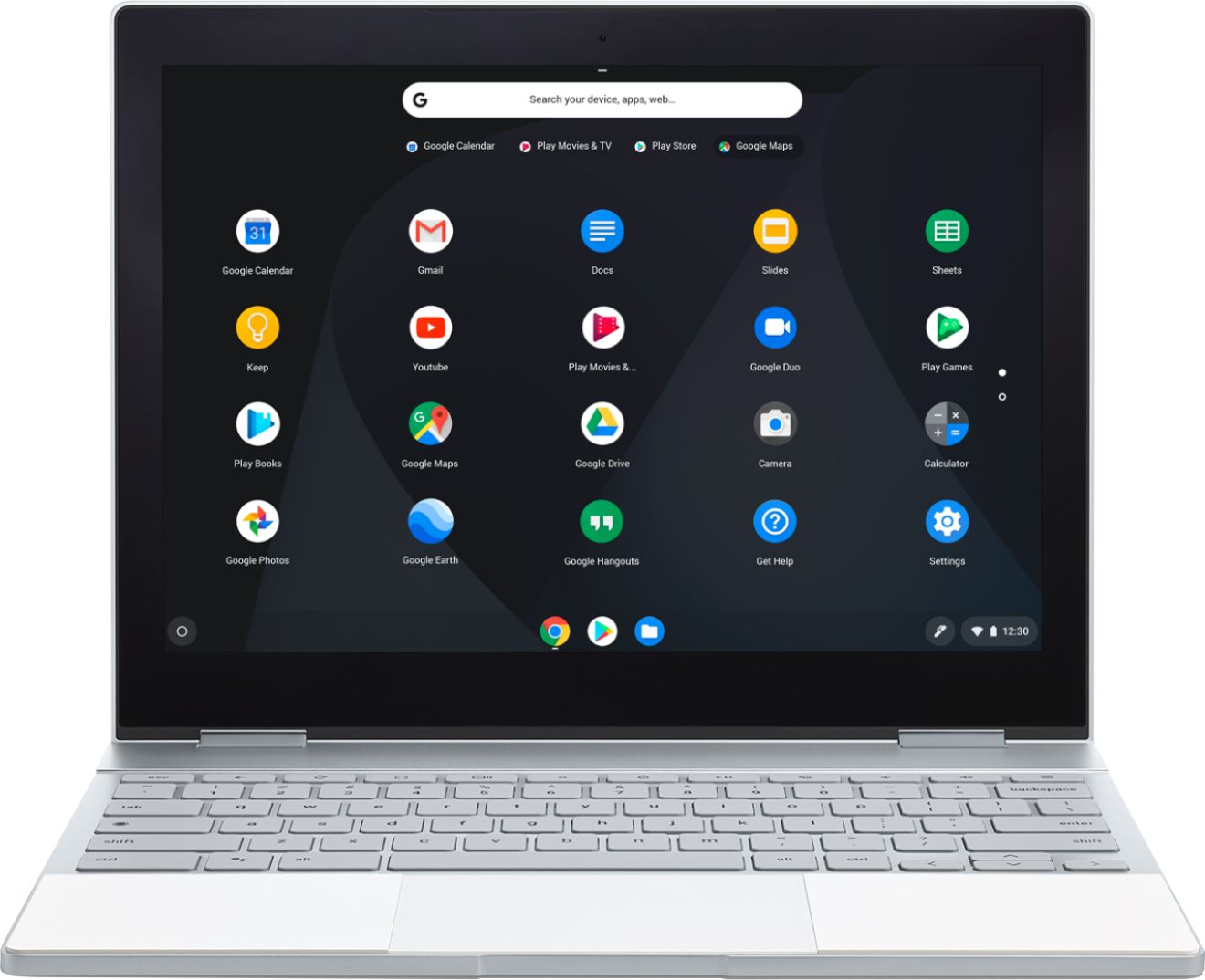
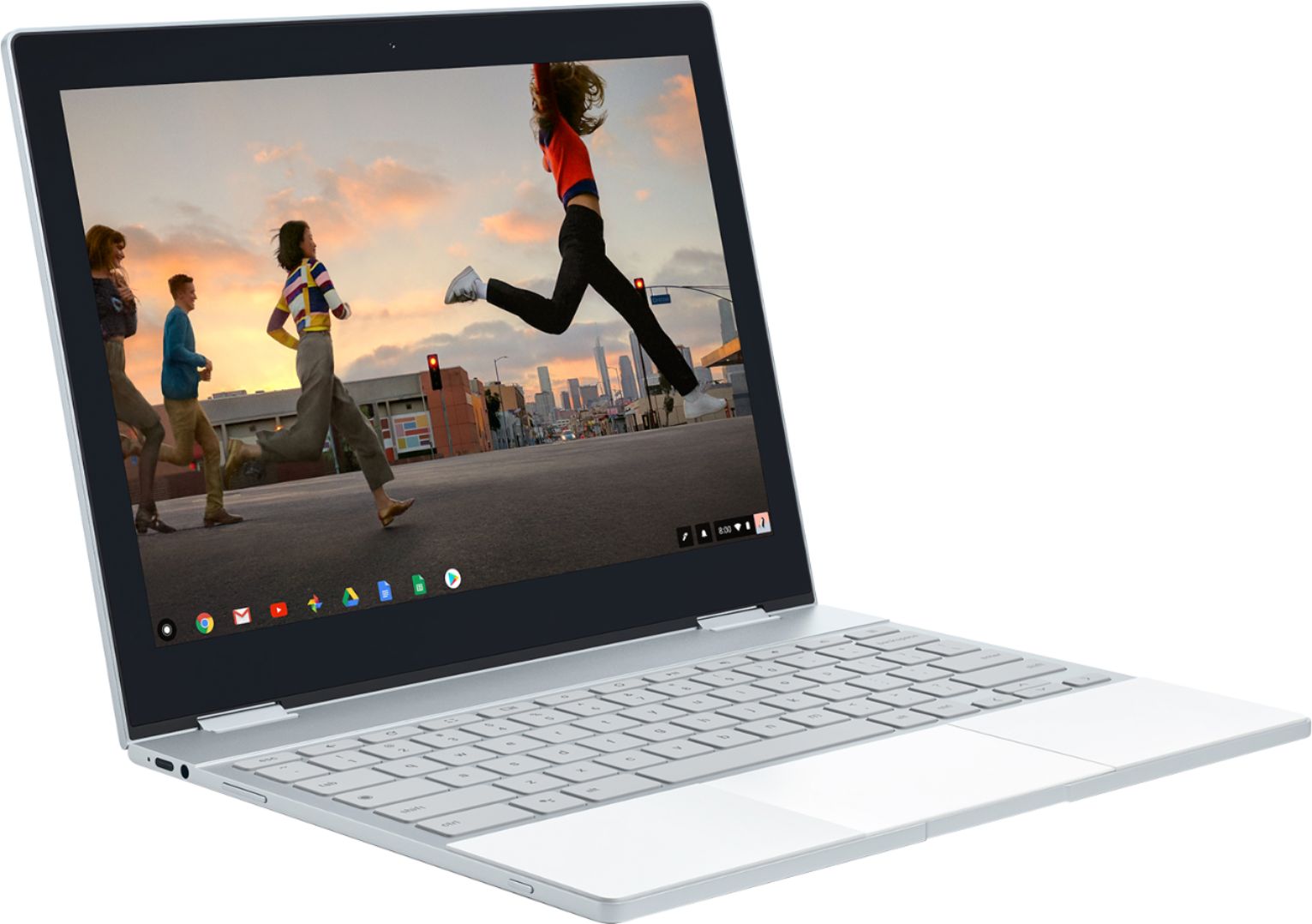
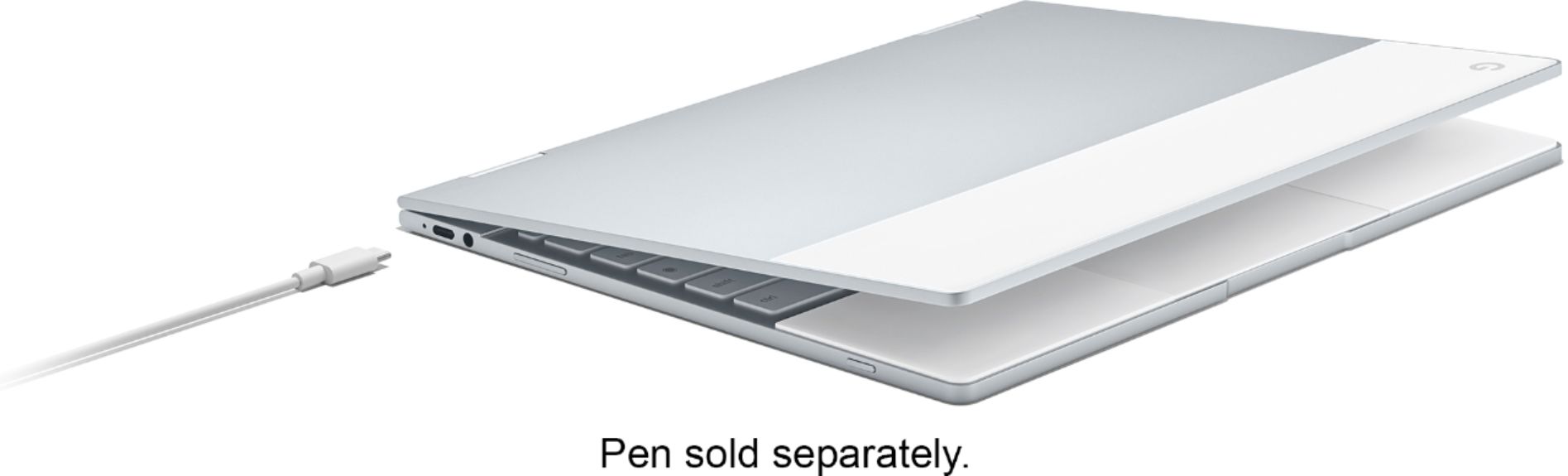
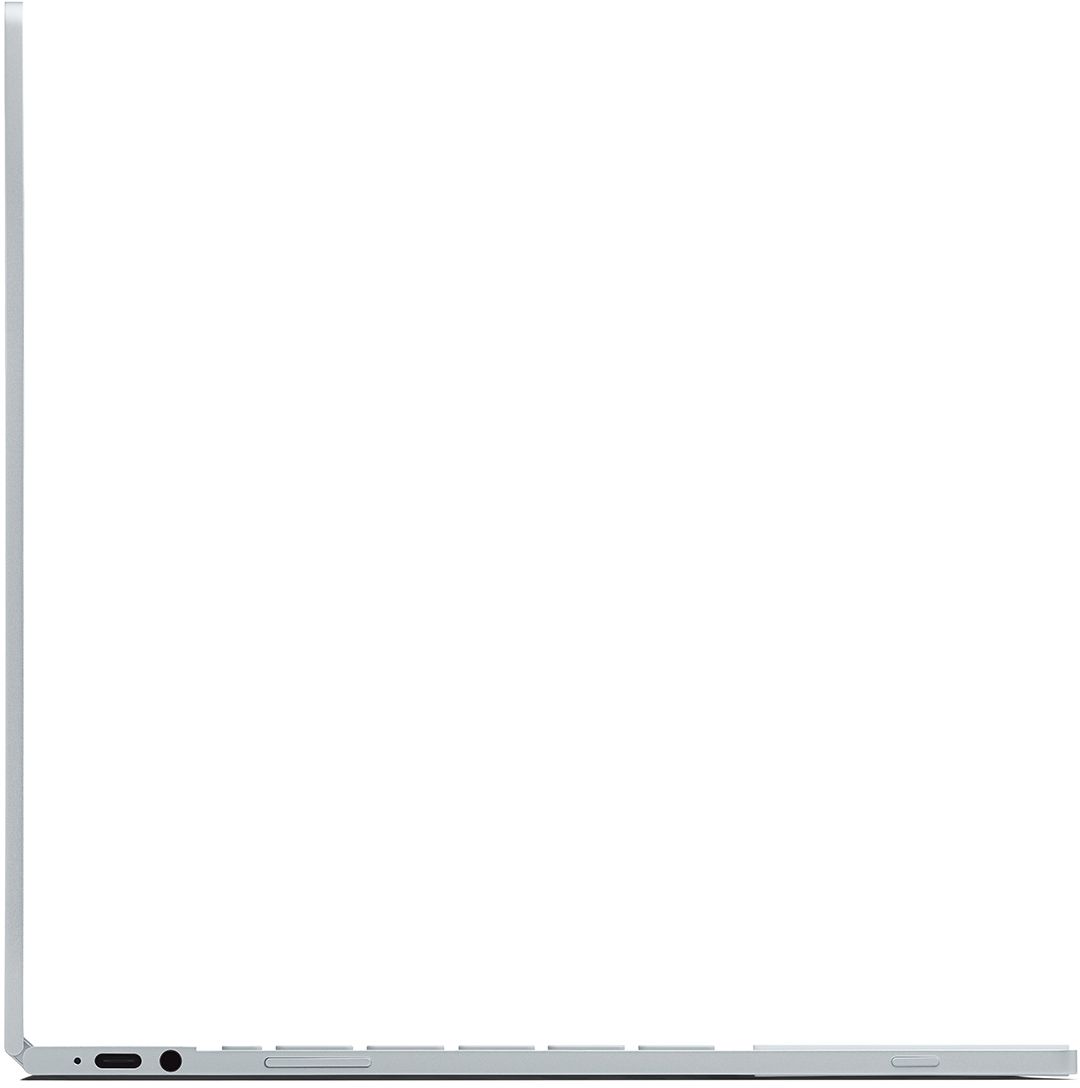
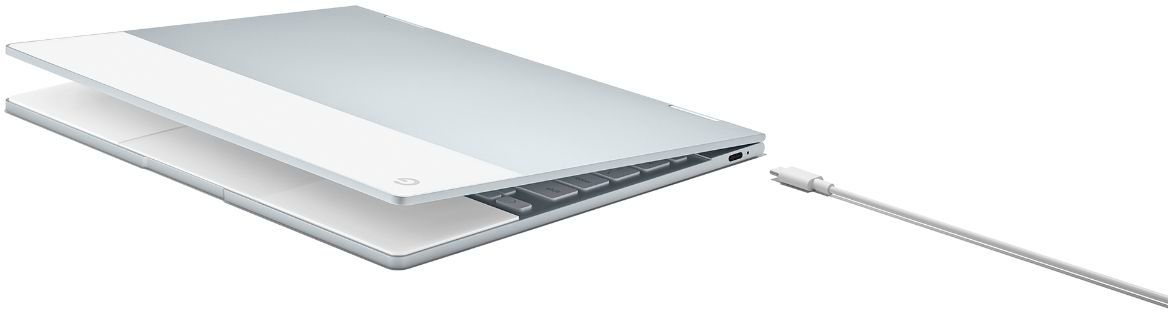
A:AnswerThe Pixelbook has just two USB-C ports; one on each side. If you want to use any other ports or peripherals, you'll need a USB-C hub or device of some sort
A:Answeri think this will really depend on your mother. My mother was never comfortable with her PC, but managed the basics for email and web browsing. I got her a Chromebook thinking it would be easier for her but she never made the transition. The main reason that I attributed this too was that with installed programs on Windows, they always behaved in a consistent manner and appearance. But with applications running in a browser, each time the developer improved their interface, it left her confused how to perform the simplest task
If your mother is comfortable using the Chrome browser and navigating various website and online apps, the transition to a Chromebook should be easy
Running a Chromebook is basically just like using the Chrome web browser for everything. Newer Chromebooks can also run apps from the Google Play Store which run as standalone applications.
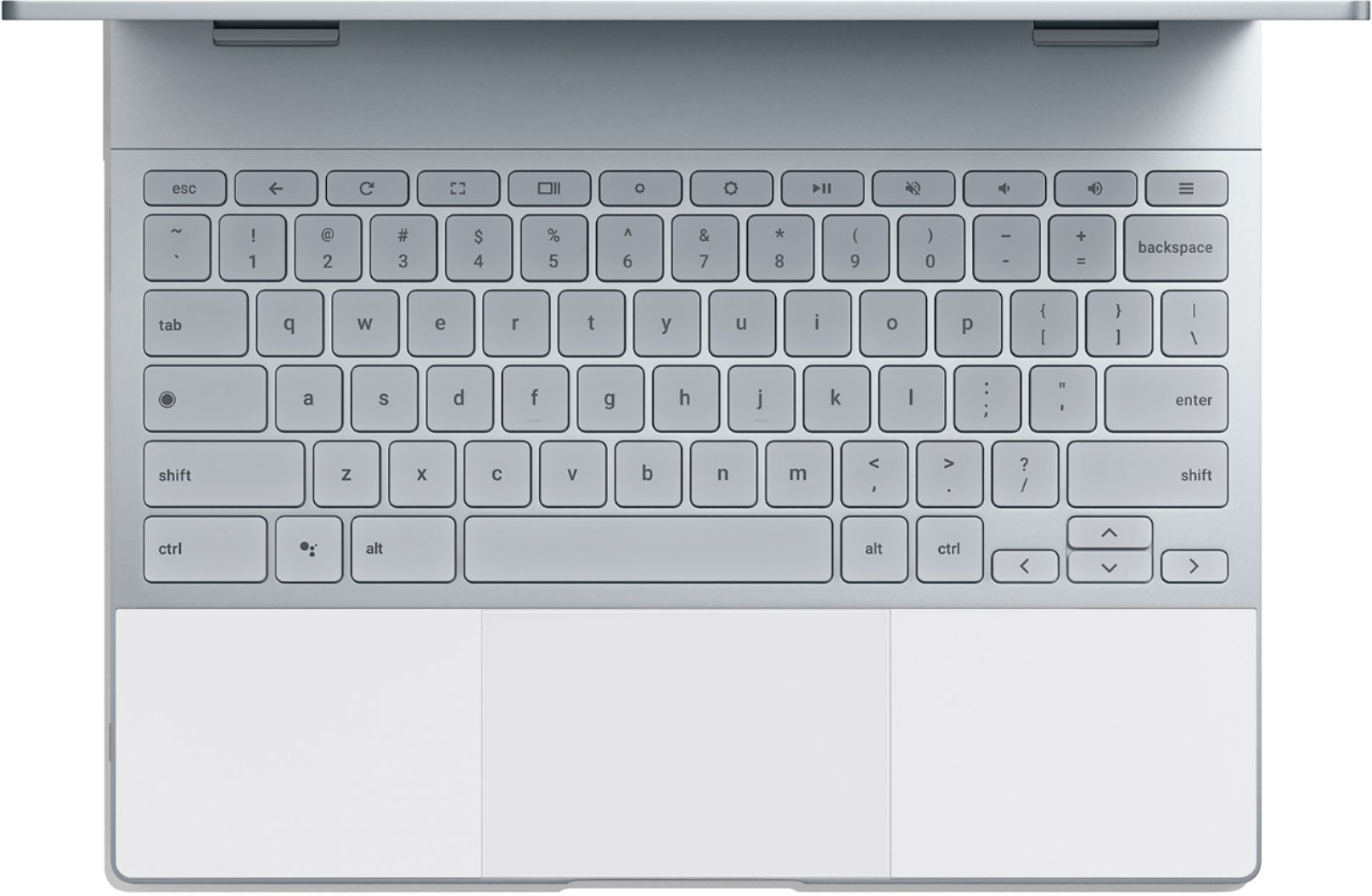
A:AnswerThe Pixelbook has an SSD for storage. There is no separate SD or microSD card slot on the device. Only two USB-C ports, and you will need an USB-C to USB/SD adapter in order to use external drives, SD cards etc.

A:AnswerSusan, The previous answer is not 100% correct. As I have do not own one of these YET, all research and BB has indicated that the Microsoft suit of products can be used on the chromebooks either via the app store or a subscription to Office 360. The subscription come with 1TB of cloud space from Microsoft.

A:AnswerLook elsewhere. Unless you use an web-based editor. This laptop does not have the memory or CPU power to rip videos or edit photos efficiently. Besides, there are no 'good' editors for android.