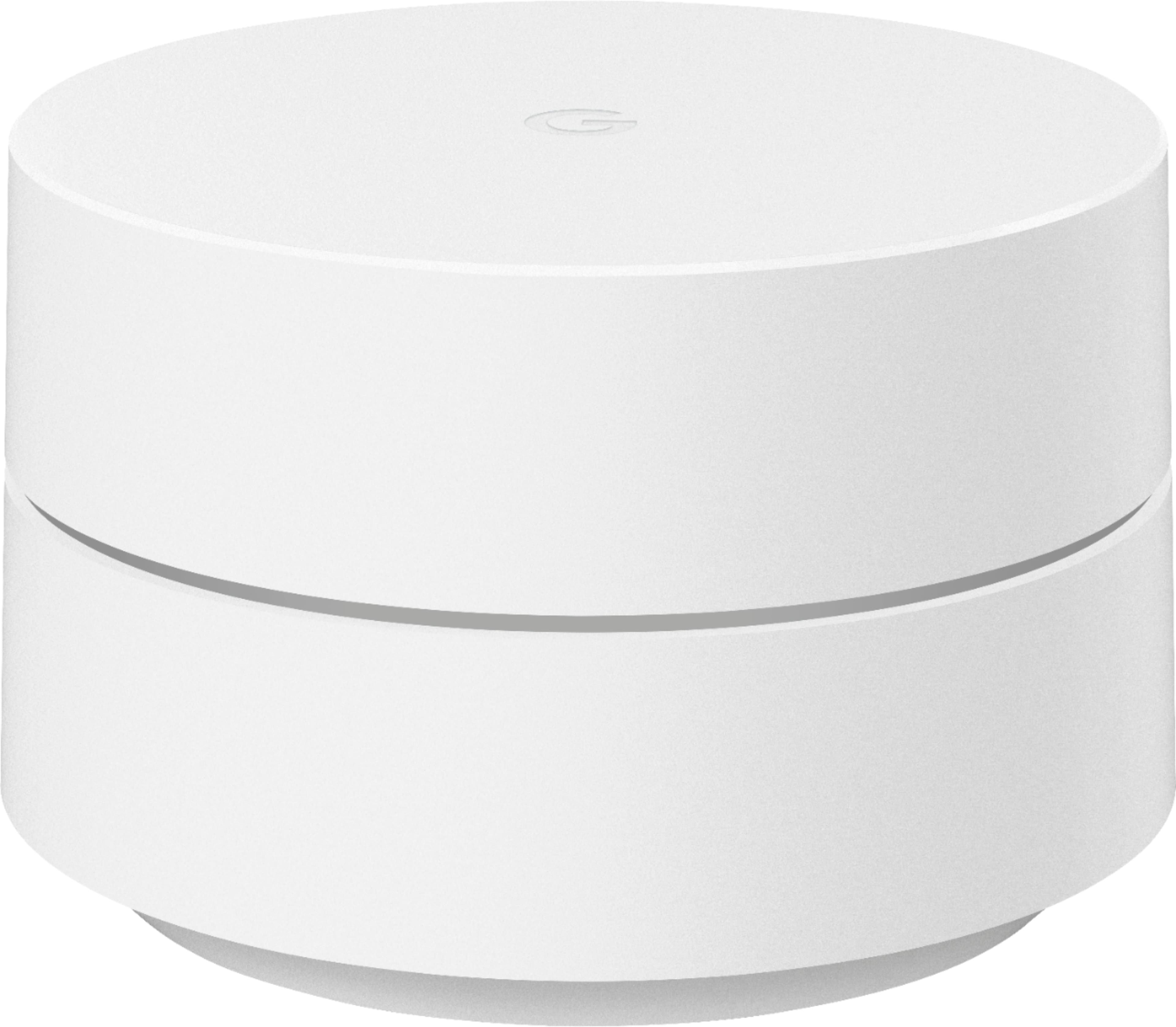
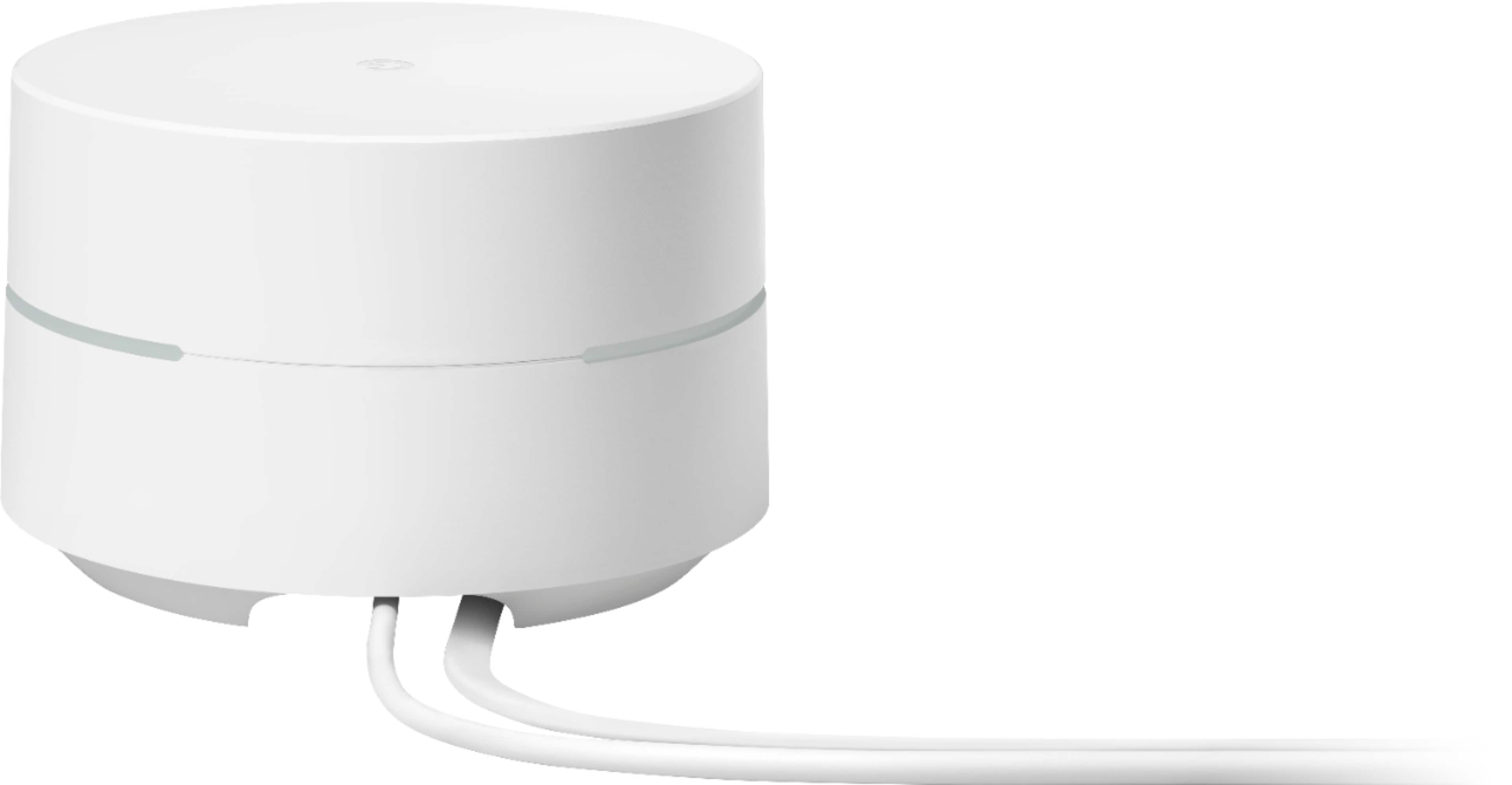
A:AnswerWhen you open the google home app, look in the top left corner. Its a single plus sign. Once you push it, the add and manage menu will pop up. Then hit set up device.
A:AnswerAs long as your Comcast router is handing out IP addresses dynamically, you're good to go! I have these connected to my Verizon router and they work perfectly.
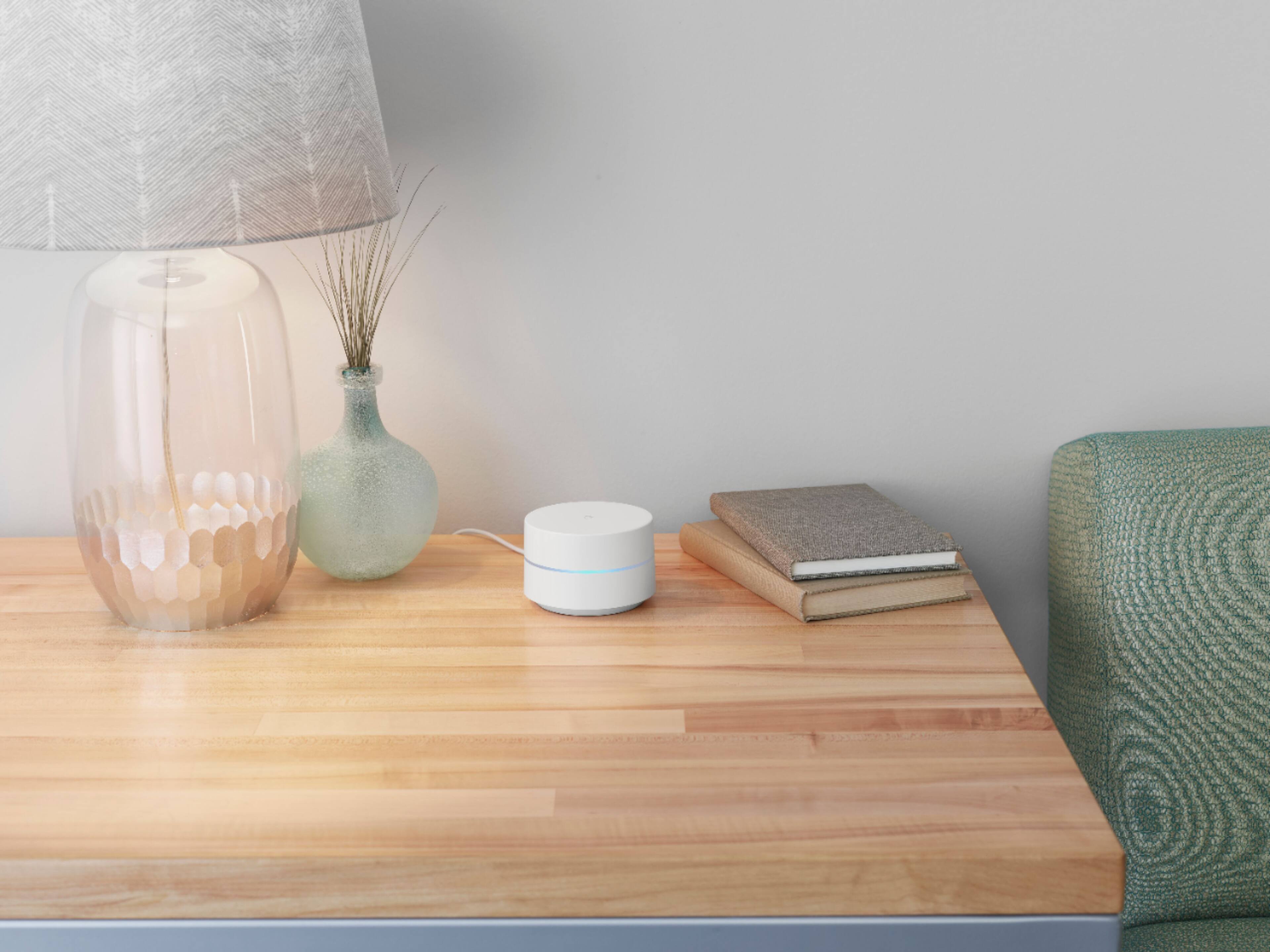
A:AnswerDenser materials (e.g. metals, concrete, bricks) can slow your network speed or even completely block wireless signals from reaching certain parts of your home. We recommend placing them on the middle floor of your home and within a clear line of sight to your connected devices to get the best performance and signal coverage.
A:AnswerYes. Google Wifi requires an internet service, and you need a provider to get this. Take a look at this link for the setup requirements and guide on how to setup: https://support.google.com/wifi/answer/7183148
A:AnswerGoogle Wifi doesn't have a Google Assistant or a built-in speaker. Only the Nest Wifi point has Google Assistant and a built-in speaker. You can check this link to compare Google Wifi and Nest Wifi router/points technical specifications: https://support.google.com/wifi/answer/6280668
A:AnswerGoogle Wifi is not a portable hotspot. It needs to be connected directly to your modem. Take a look at the following link for the complete setup requirements and guide on how to setup: https://support.google.com/wifi/answer/7183148
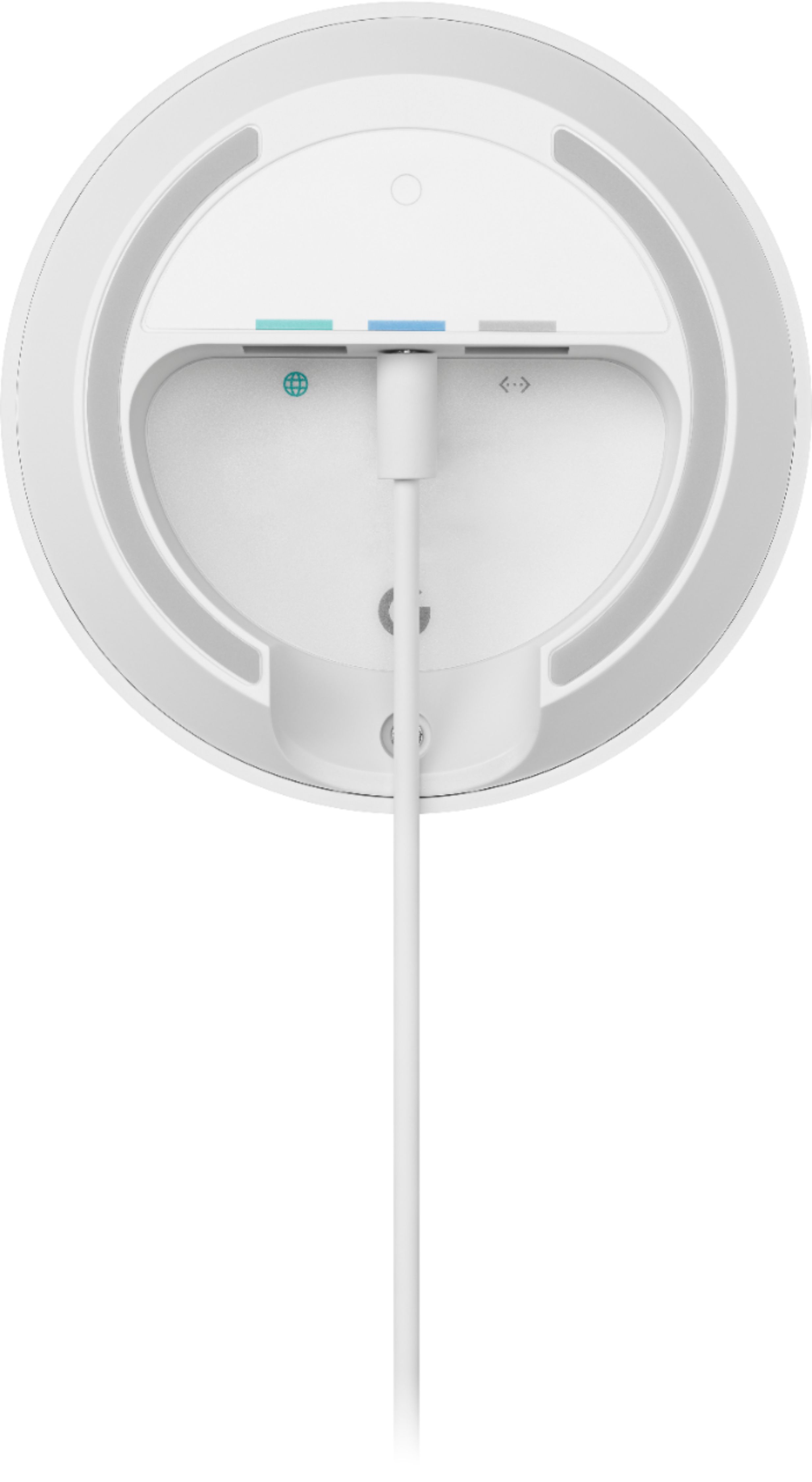
A:AnswerConnect one of three points to router with ethernet cable. Plug on point the port that has a circle pic of world. Power up point wait a while until flashes blue light now use app to discover and finish set up make password network name etc. Then add additional points fir the other points. Follow directions the app will give you. I downloaded Google WIFI app.
A:AnswerI only needed my router from my existing internet provider. I have a 2600 sq. ft. home and no one upstairs could get wifi - it was too weak. In the past, I had bought
several wifi extenders, but they didn't work very well. After getting Google Wifi Point, it came with 3 points - I placed them through out the house and now everyone
gets wifi - very strong signal - no more hearing them complain about they can't get wifii.
A:Answeryes it can, but you have to keep the router AT&T sent you. I plugged into the AT&T router, set up the google network, then I went into my router settings and turned off the wireless from AT&T so only my google network is available. It's actually really easy to do and a quick google search provided step by step instructions.
A:AnswerGoogle Wifi needs to be connected to a modem provided by your ISP. Here's a link for the setup requirements and guide on how to setup: https://support.google.com/wifi/answer/7183148