A:AnswerYes. There are a couple of ways to get the videos onto your laptop from the GoPro. Many people transfer the content directly from the SD card you use in the camera by connecting the card to the laptop through a USB port with an adapter.
A:AnswerYes. Many people transfer the content directly from the SD card you use in the camera by connecting the card to the laptop through a USB port with an adapter, but there are other methods as well.
A:AnswerThe name of the housing is the HERO8 Black Protective Housing. You can find that item here on the Best Buy site at https://www.bestbuy.com/site/gopro-protective-housing-for-hero8-black/6373227.p?skuId=6373227
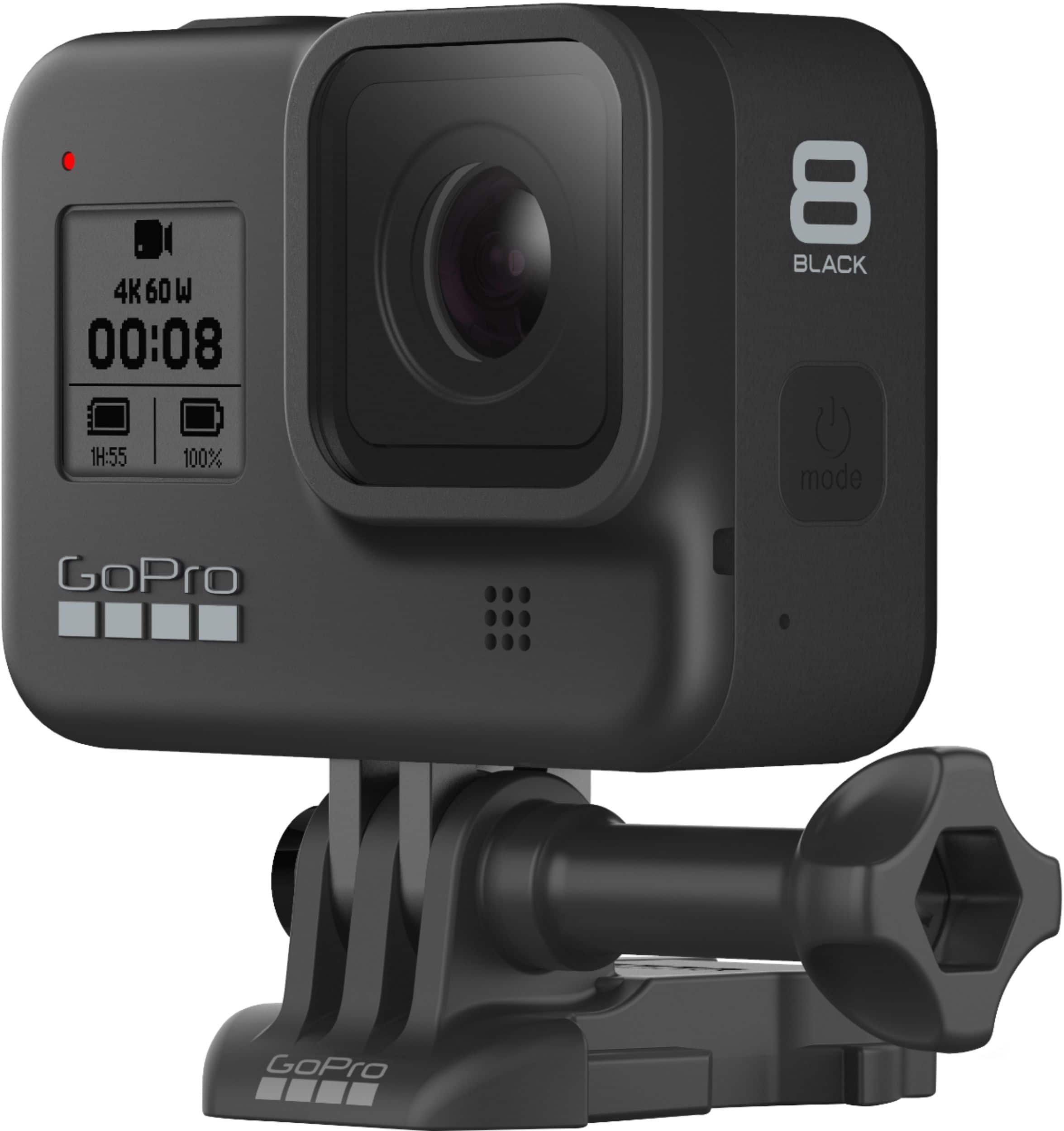
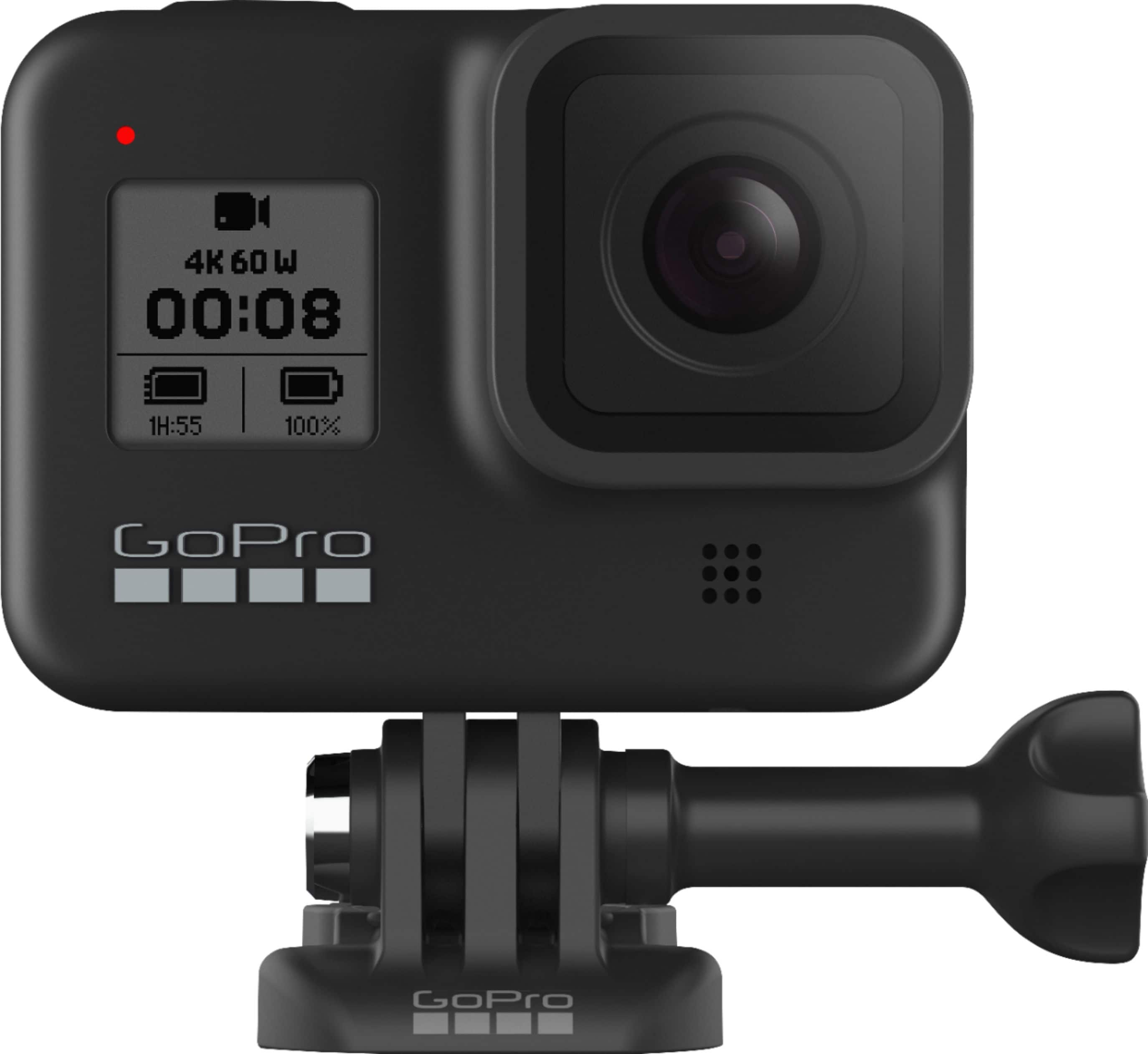
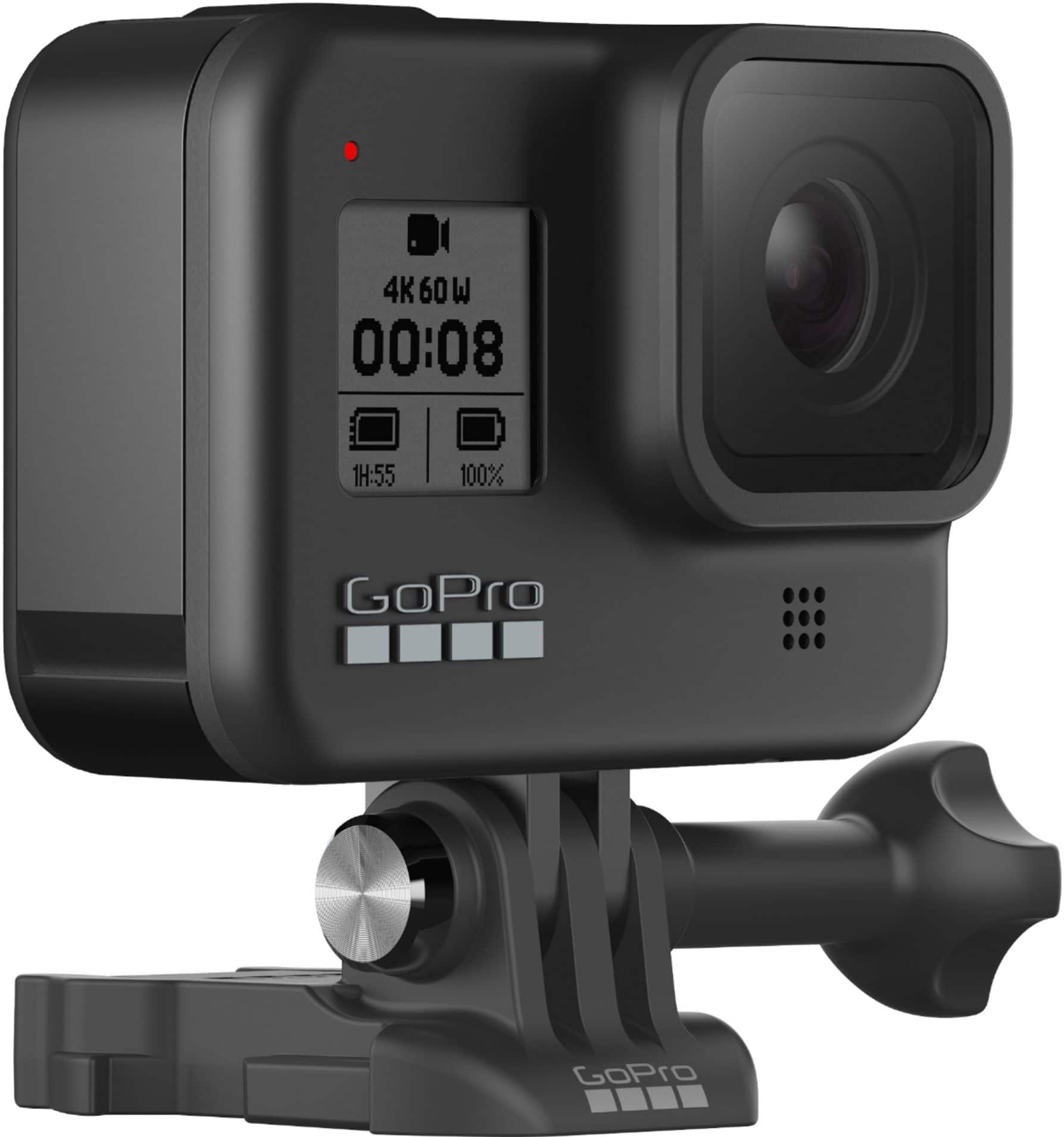
A:AnswerThe HERO8 Black does come with an adhesive mount as well as a quick release buckle that can be use to connect to other mounts that are not included.
A:AnswerYes, the mount that's pre-installed in some Tacomas is the standard GoPro Quick Release mount. That mount works with nearly every GoPro camera, including the HERO8 Black.
A:AnswerThere are some 512GB cards that are recommended for the HERO8 Black. The GoPro website has a list of recommended cards so you can be sure to get one that's compatible with your GoPro.
A:AnswerYes. The options for time lapse photos with the HERO8 Black are 0.5 seconds, 1 second, 2 seconds, 5 seconds, 10 seconds, 30 seconds, 1 minute, 2 minutes, 5 minutes, 30 minutes, and 1 hour.
A:AnswerYes it is possible not easy you have to use a heat gun or a powerful hair dryer to heat up the lens were you can pry it up. There is a product called lens butter or something like that available in Canada Google it.