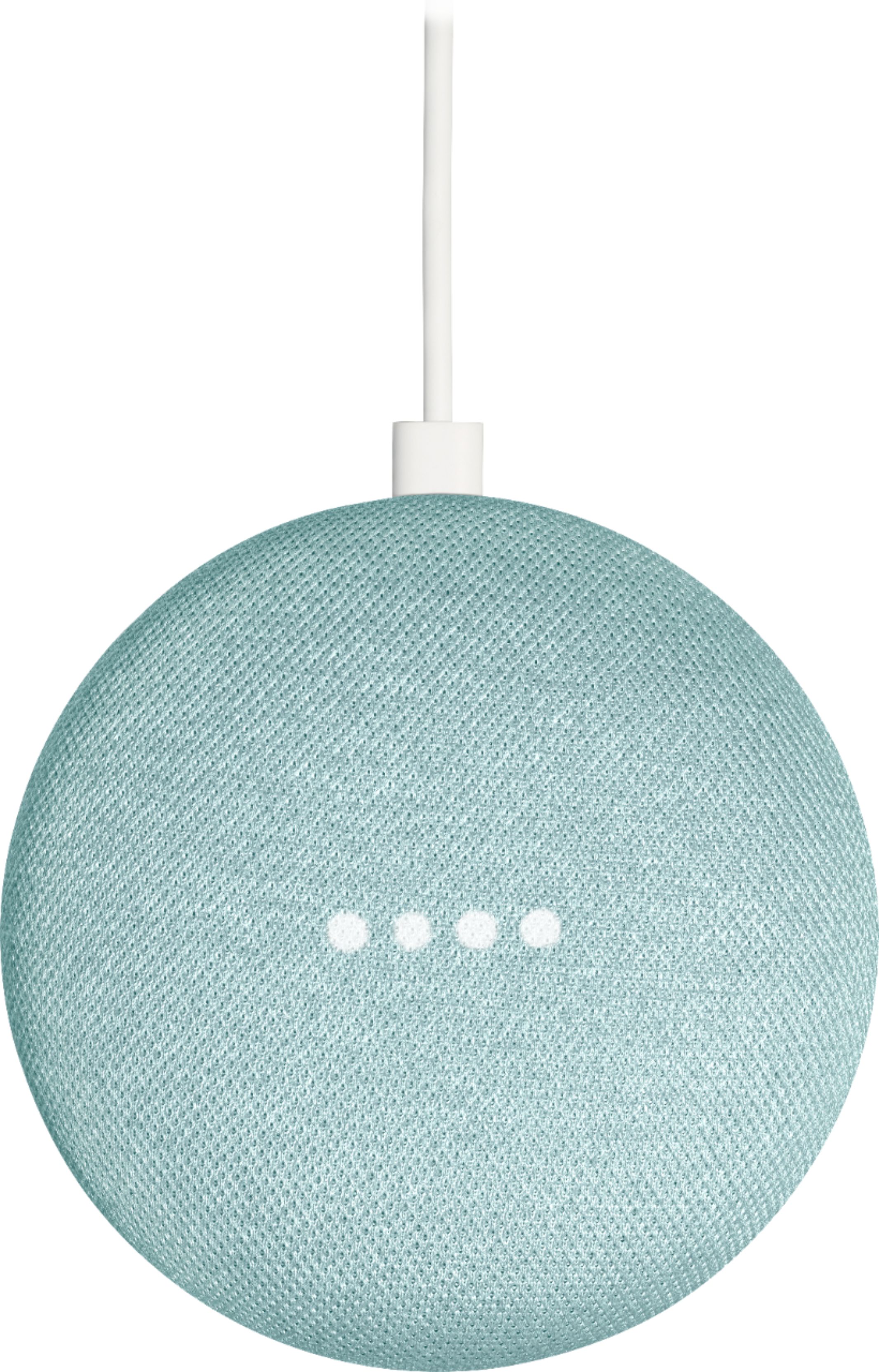
A:AnswerYes you can! Just by saying “Hey Google, broadcast (followed by the message you want him to hear)”. you will then hear google say “broadcasting now”, and your husband will be able to hear that message.
If you receive an error message when you ask Google to perform this command, go to the Google Home app and make sure in settings that broadcast options are turned on.
For more information check out googles support site for the Gooogle Home devices.
A:AnswerTo activate, all you need to do is download the Google Home app on your smart phone. Connect your Google account and sign in, then, add a new device and follow through the set up process that will be guiding you through the app itself.
A:AnswerTry making sure that each power source is connected properly. Next, make sure that your coacts cable or ethernet cable is connected to the main network box provided by your local Wi-Fi service provider. Make sure that all lights are either white or green, and if you see any red lights, make sure that your following those steps. Worst case scenario, contact your service provider for help.
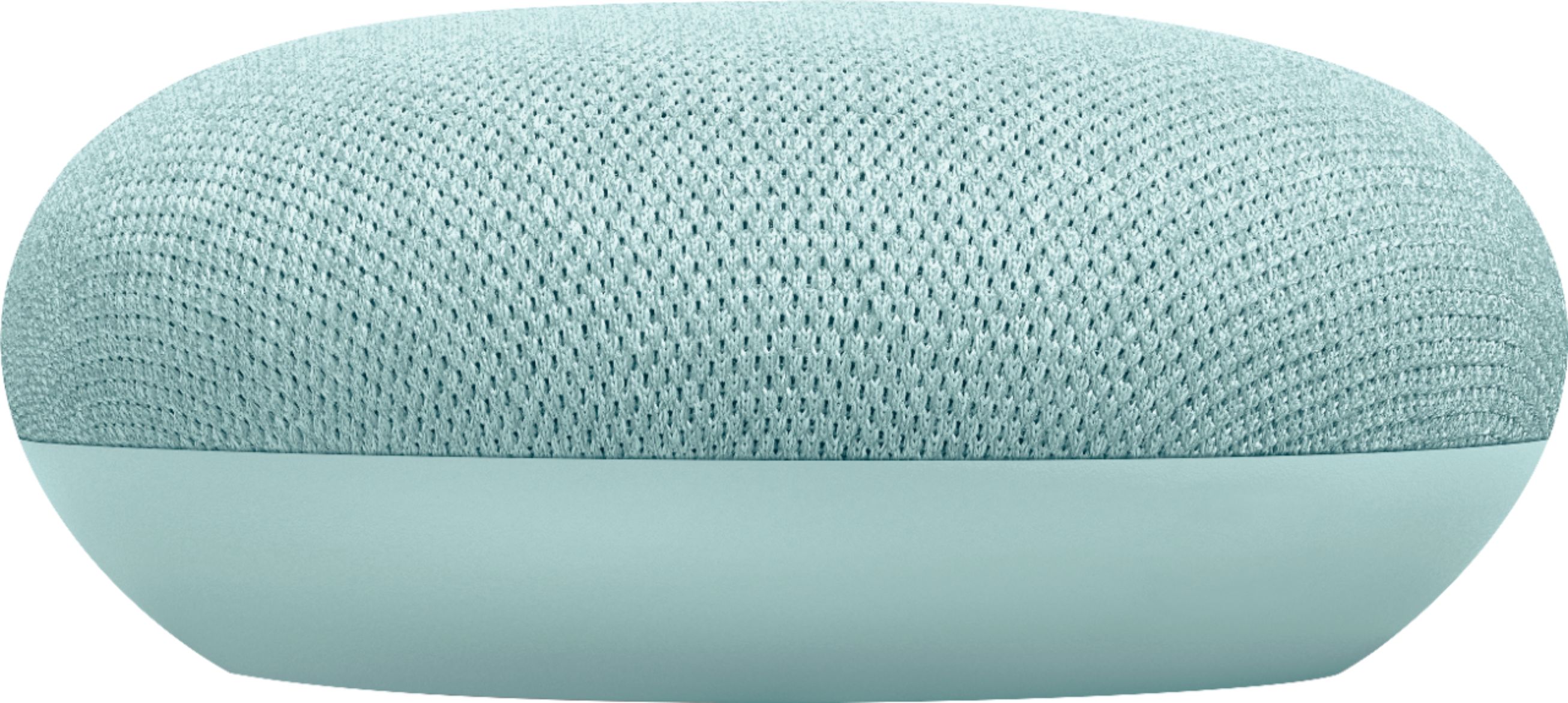
A:AnswerYou need the port on the Mini for power. Yes it will connect to your tablet if you enable the Bluetooth pairing on the speaker and add it on your tablet or you can stream sound via casting from Chrome browser on the tablet.
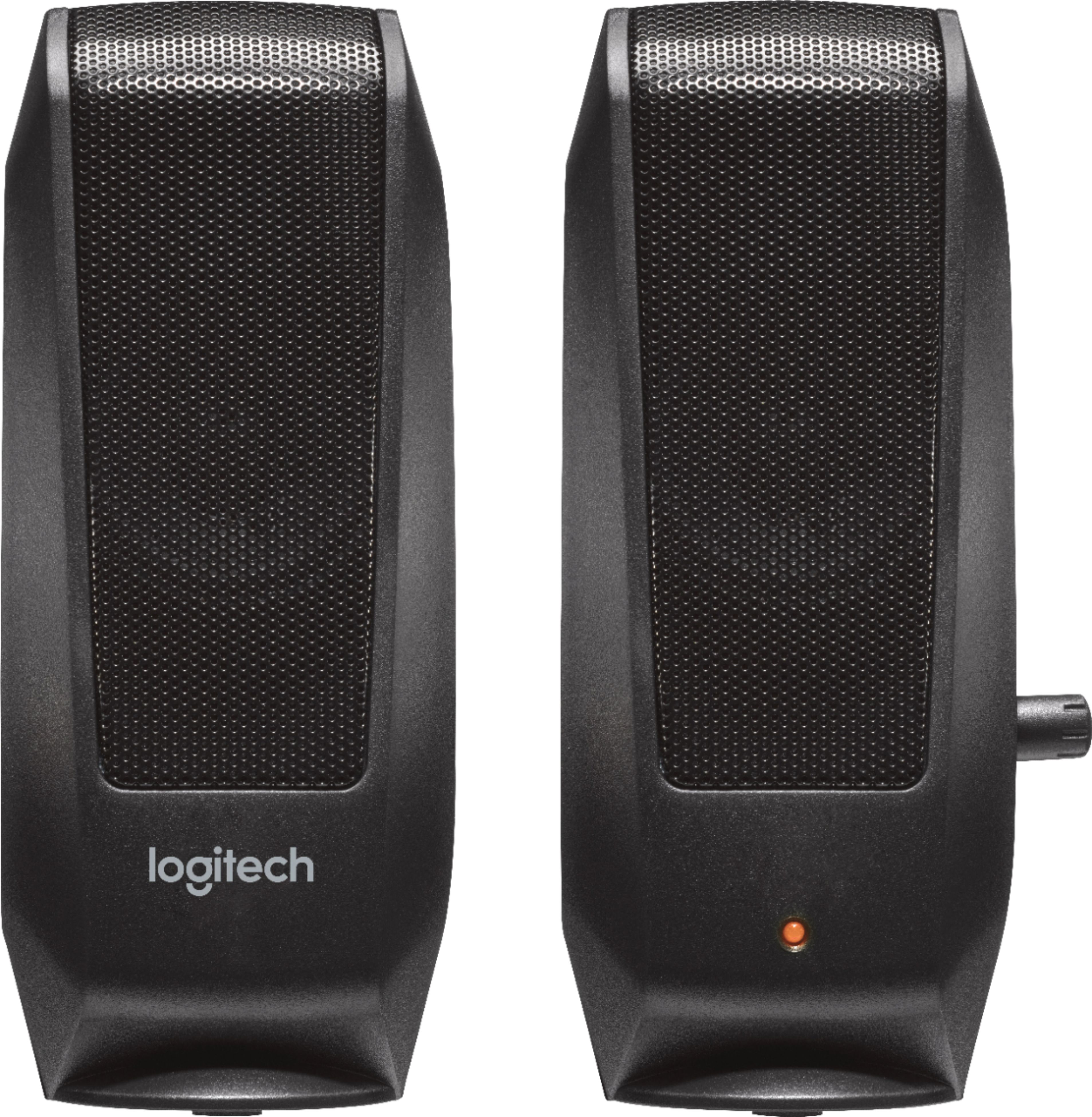
A:AnswerNo, it can only stream audio through mainstream Music/TV apps, or broadcast your voice from your phone. Buy better speakers for your computer or use a headset.
A:AnswerHere’s a website that will explain all you need to know about each and every smart home device from google;:
https://support.google.com/googlenest/answer/7029485?hl=en&co=GENIE.Platform%3DAndroid
A:AnswerUsing the Google Home App on your phone, create a speaker group of all of the minis/nests you want to play audio through at the same time. Once the group is made, say "Hey Google, play (spotify/pandora/whatever) on (name you gave speaker group).
A:AnswerHi Luci, we had the same problem when we moved and the best way to get it to work for us was to delete the old account and reset up the mini. It gets very confused and the technology isn’t syncing besides that if you had GeekSquad do your initial install and it’s within the warranty period they will sometimes come back out to help! Good Luck