Questions & Answers
- Model:
- 11A-NB0013DX
- |
- SKU:
- 6402920
Highly rated by customers for: Ease of use, Price, Size
Page Showing 401-420 of 599 questions
Q: QuestionCan I load/use Excel on this?
Asked by Misty.
- A:Answer You can use the Office app from the Google Play Store which includes Excel. Or you can Microsoft 365 on this Chrome, which also includes Excel.
Answered by HP Team

Q: QuestionHaving trouble getting some sites on my older iPad, could I get site like Heath Partners, my TCF bank, etc on this Chromebook? Thanks
Asked by Lady.
- A:Answer Yes you can.
Answered by HP Team

Q: QuestionDoes the chrome book come with the ms office suite of software? Word, excel, ppt, etc.
Asked by Newuser.
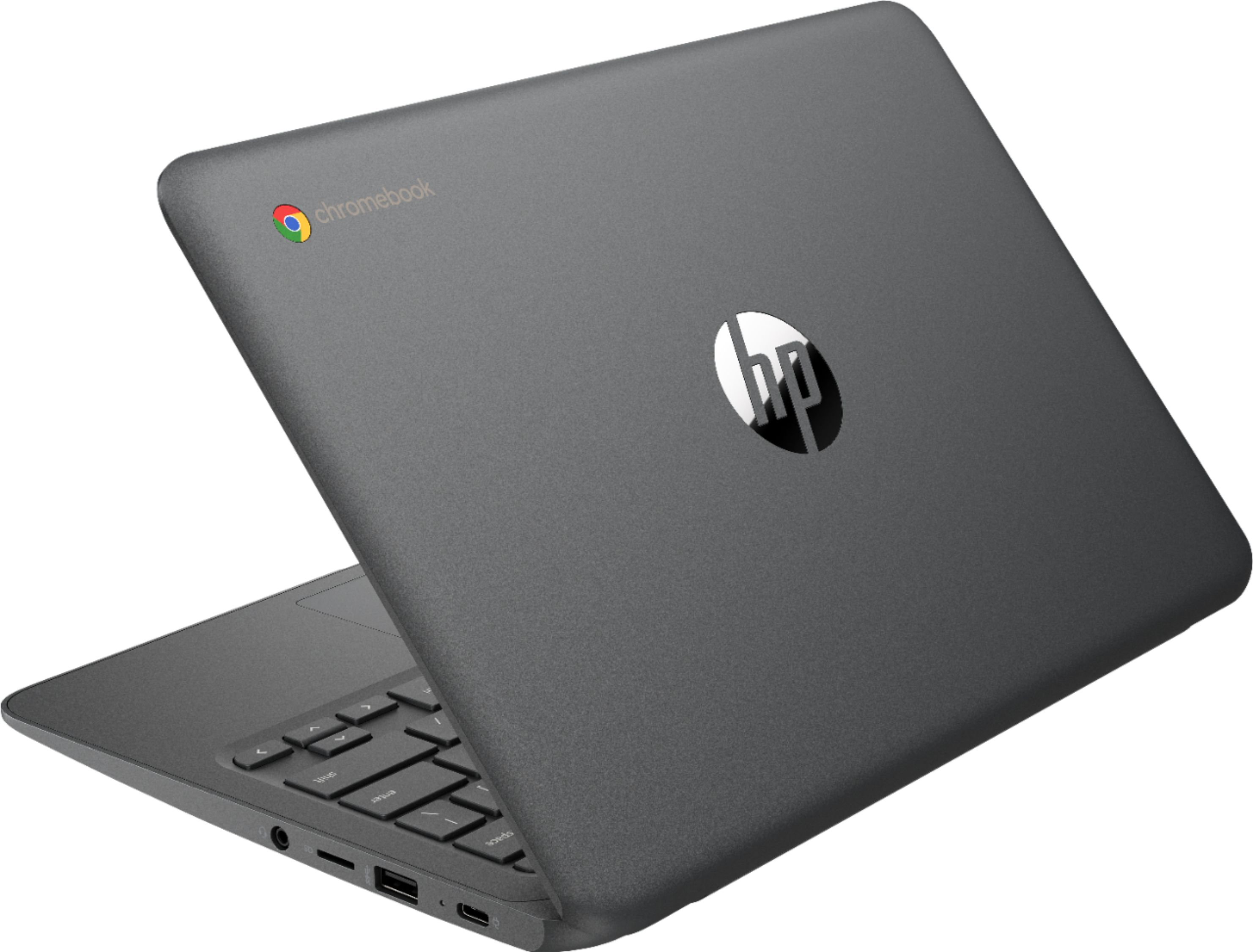
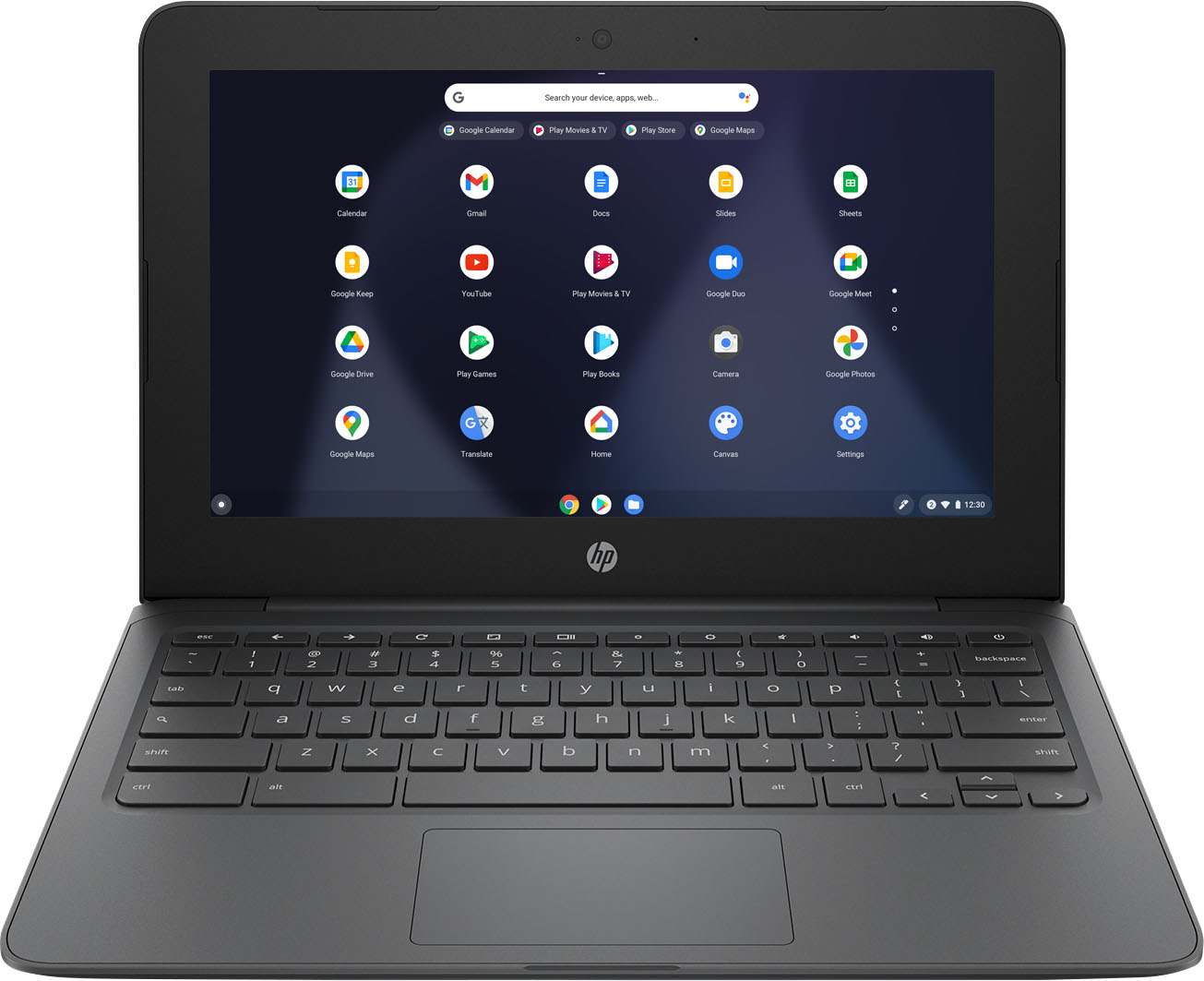
- A:Answer Because it's a Chromebook, it uses the Google Chrome operating system and can only download and run apps in the Google Store. Microsoft has not made the Office suite available. However, you can either use the free online versions of them, or you can use the free Google Docs, which create and can read and write 100% Office compatible files.
Answered by HP Team

Q: QuestionIs it as touch screen?
Asked by Anonymous.
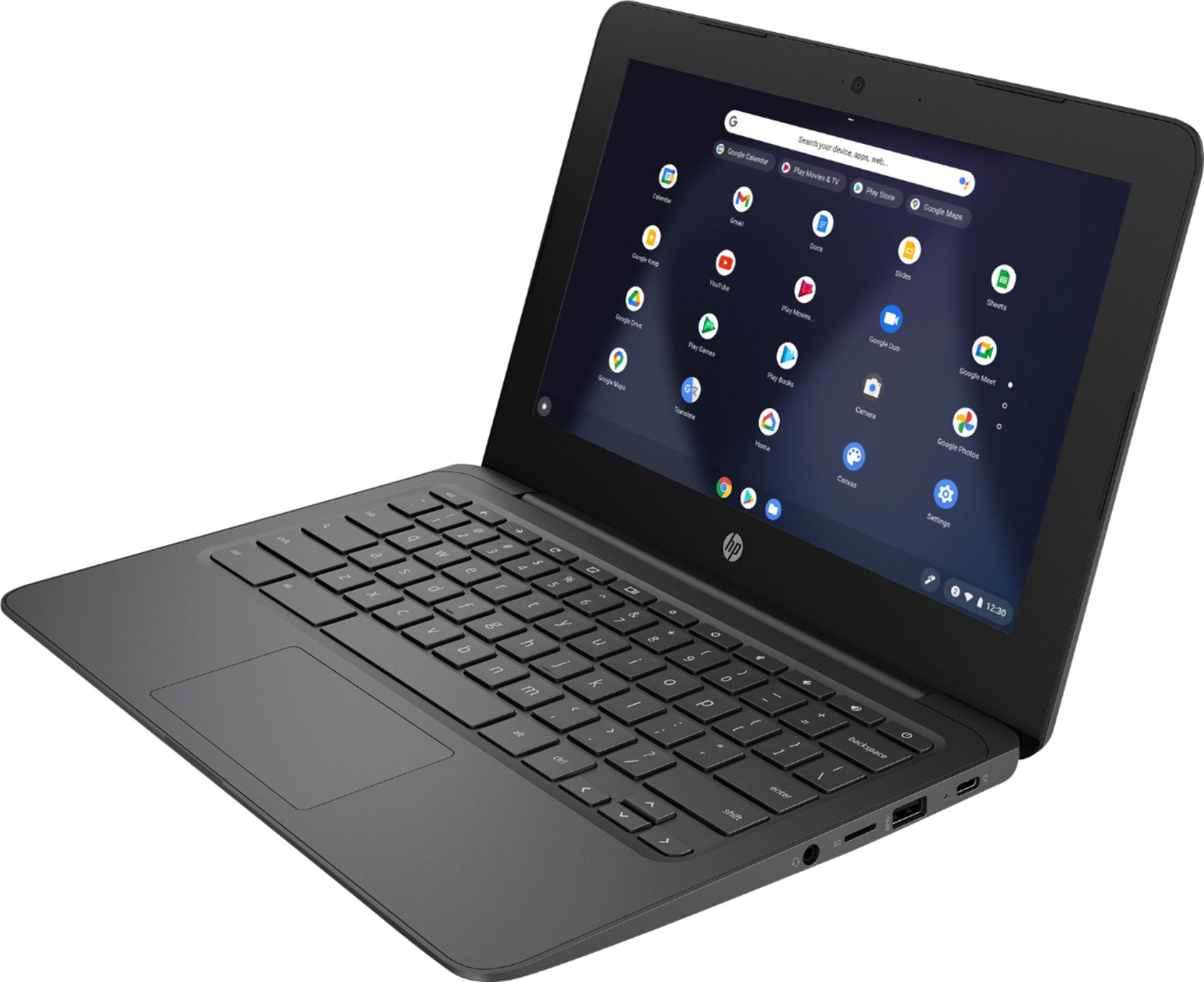
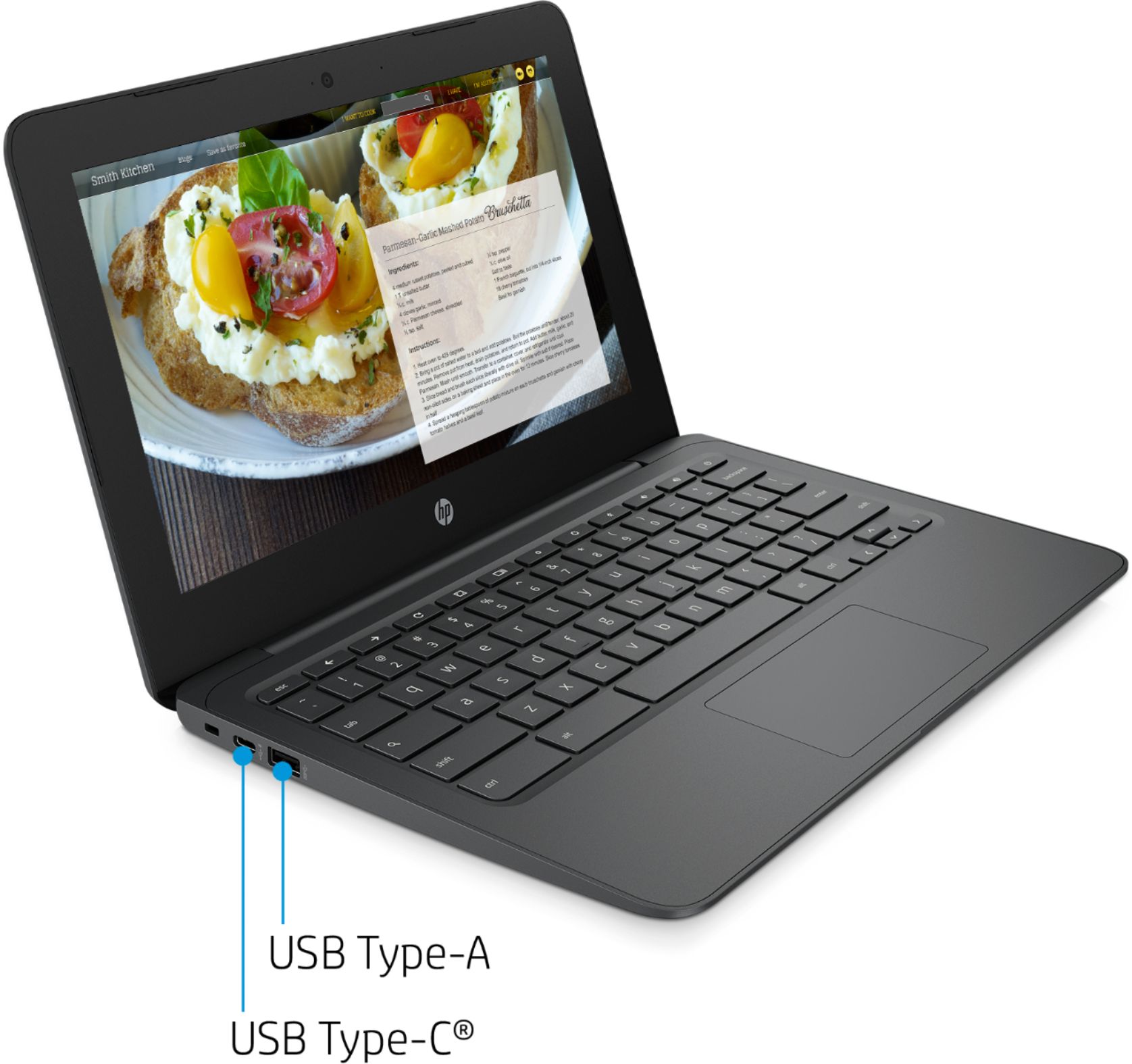
- A:Answer This model is not a touchscreen.
Answered by HP Team

Q: QuestionWill this Chromebook run Quicken?
Asked by HB.
- A:Answer You cannot use Quicken on this Chromebook.
Answered by HP Team

Q: QuestionCan I increase the ram on this computer to 8gb?
Asked by Jay6.
- A:Answer The RAM can not be upgraded on this model.
Answered by HP Team

Q: QuestionCan I run Microsoft Teams on this computer?
Asked by Skipd.
- A:Answer Yes, you can run Microsoft Teams on this Chromebook.
Answered by HP Team

Q: QuestionCan l edit home video on it?
Asked by Pay99.
- A:Answer Yes you can. There are video editing apps available for Chromebook on the Google Play store.
Answered by HP Team

Q: QuestionWill the keyboard light up when powered on?
Asked by Anonymous.
- A:Answer This Chromebook does not have a backlit keyboard.
Answered by HP Team

Q: QuestionCan I add a wireless mouse?
Asked by Maggie.
- A:Answer Yes. Because it has Bluetooth capability built-in, you can easily connect a wireless mouse to the computer.
Answered by HP Team

Q: QuestionDo you have the touch screen?
Asked by Mrquestions.
- A:Answer It's a non touchscreen
Answered by Remington
Q: QuestionCan this chrome book play video CDs?
Asked by Anonymous.
- A:Answer No, you cannot play CDs on Chromebooks.
Answered by HP Team

Q: QuestionCan you used a cellular chip to get on the internet?
Asked by Pool.
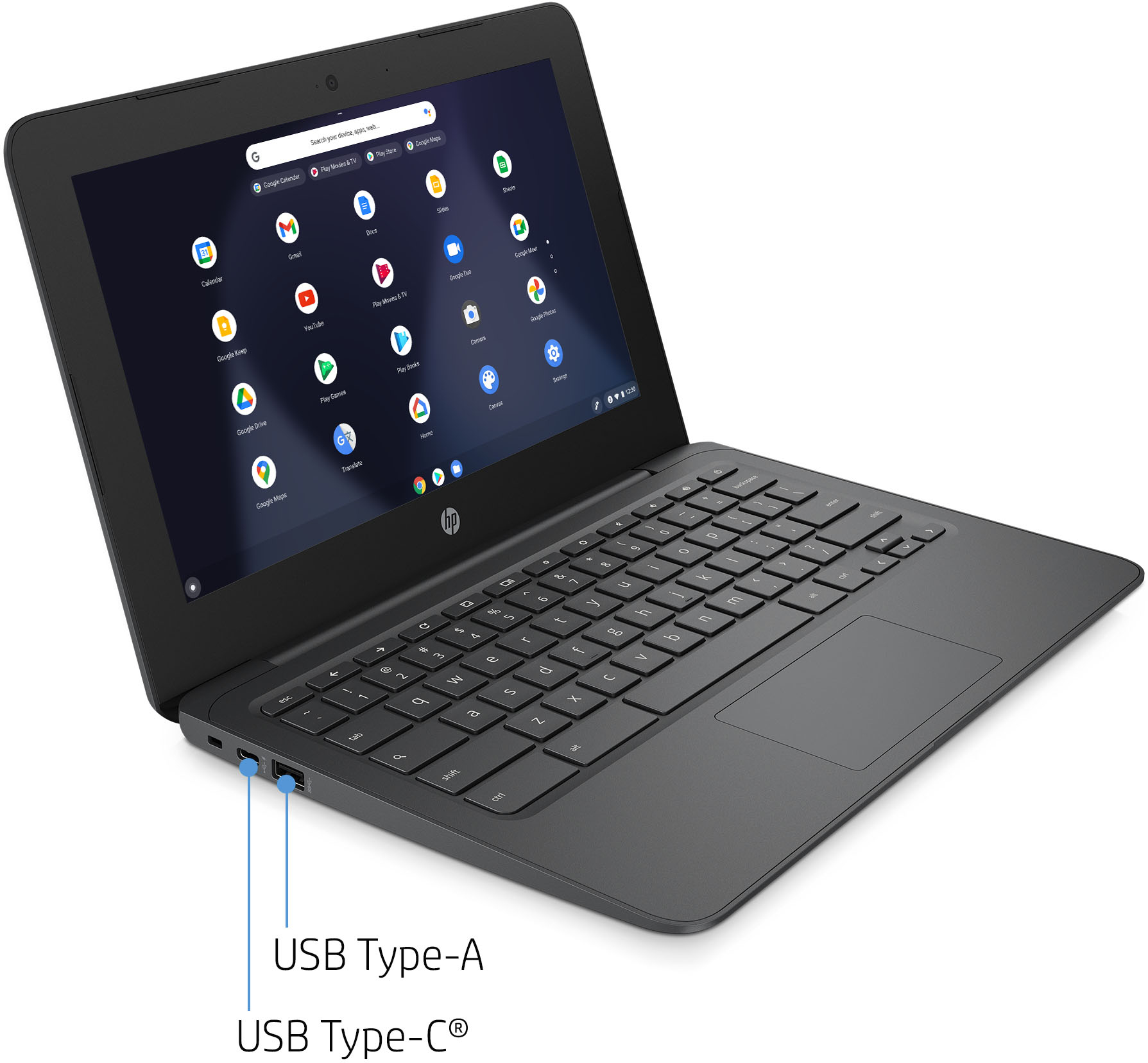
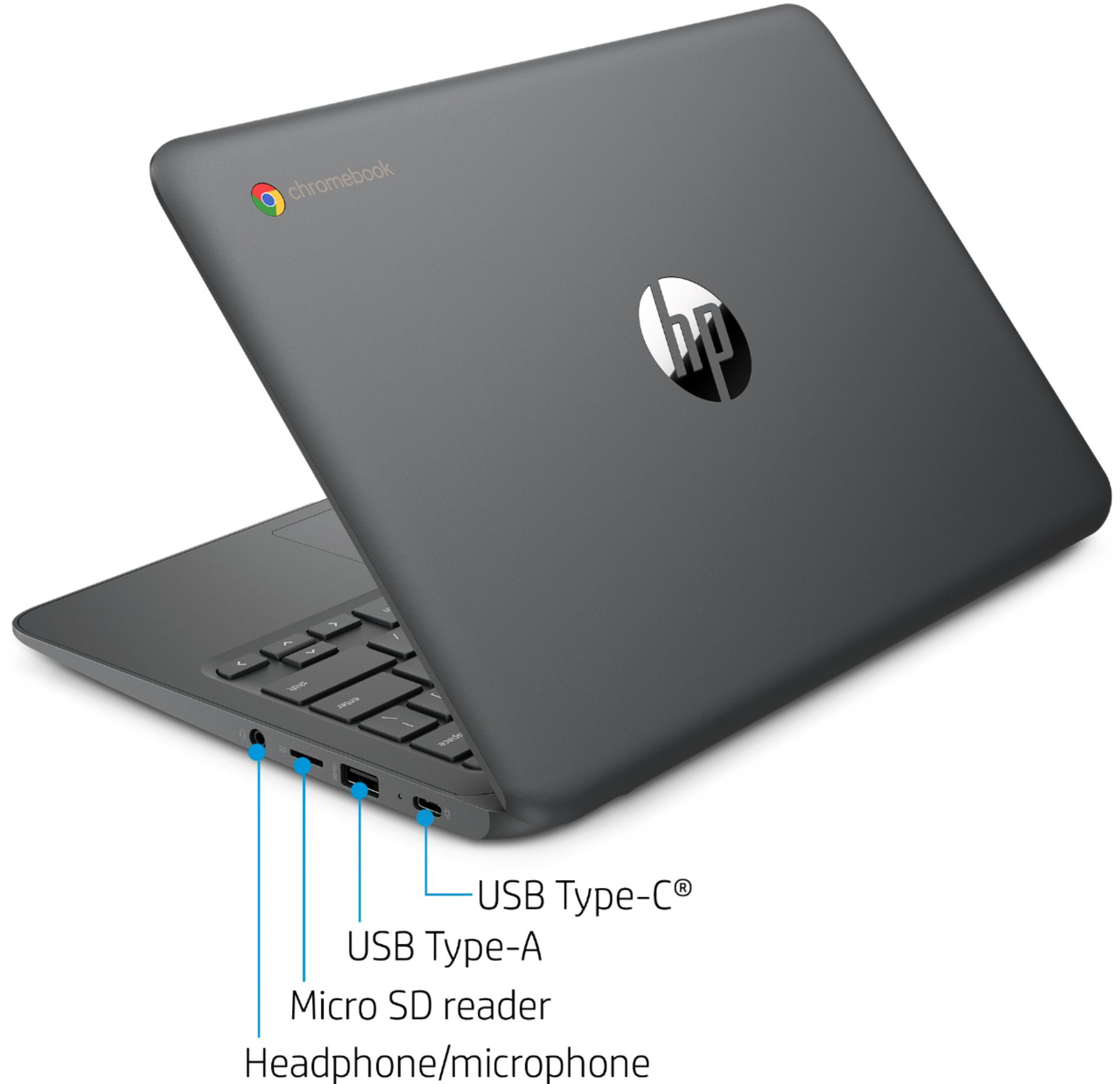
- A:Answer There is no slot in the computer for a SIM card to give the computer cellular service. However, if your phone or other internet compatible device can be used as a WiFi hotspot, you can get on line that way
Answered by HP Team

Q: QuestionWill the initial setup allow me to create a google account?
Asked by PBusby.
- A:Answer Yes, you can create a new Google account during setup. Here are more details under Step 3: https://support.google.com/chromebook/answer/1047362?hl=en
Answered by HP Team

Q: QuestionIs this computer compatible with cannon mx printer
Asked by Bless12.
- A:Answer Yes-you should be able to connect it with a Canon printer, either wirelessly or with a USB printer cable.
Answered by HP Team

Q: Questionis this the EE , education edition?
Asked by Mike.
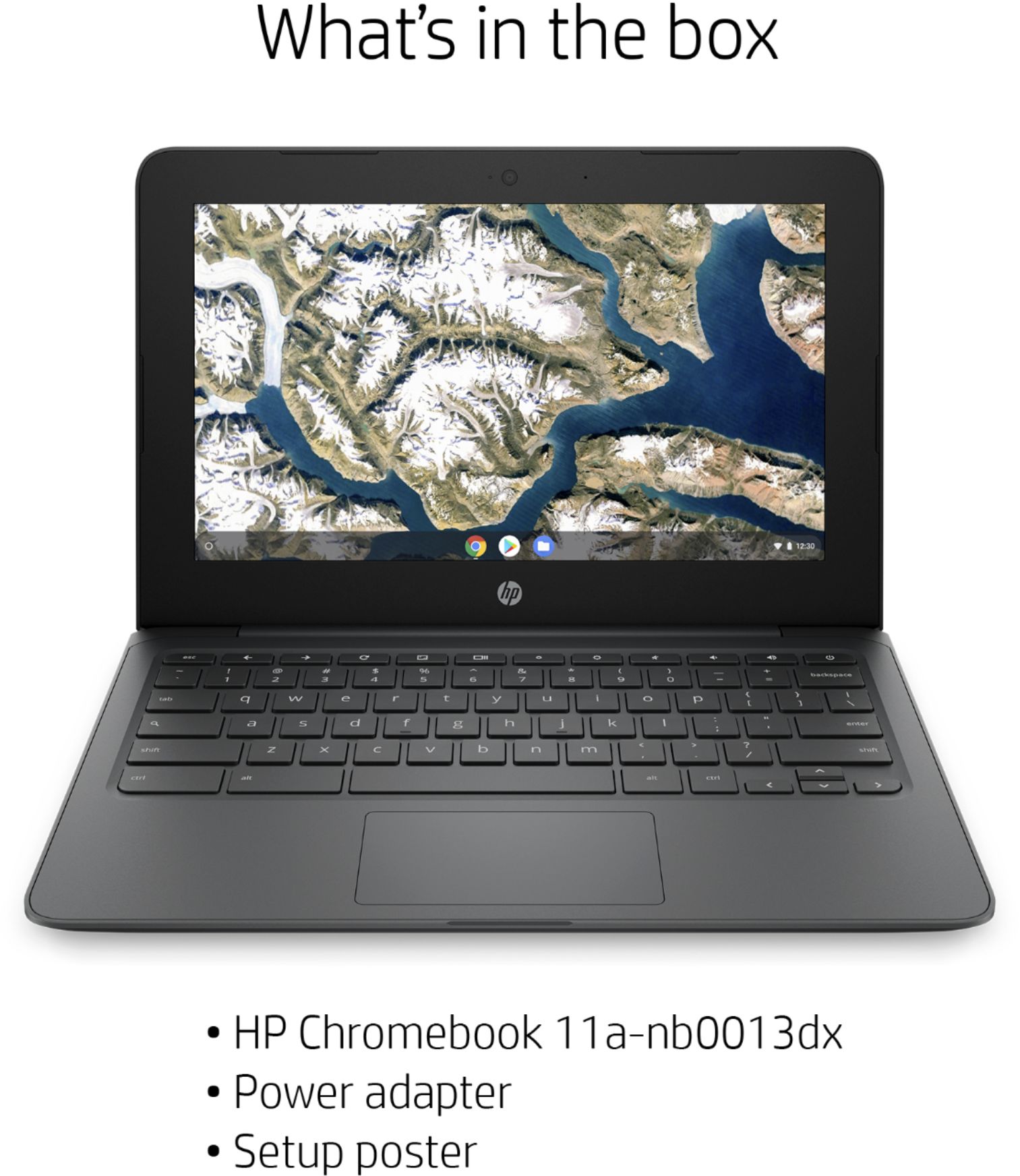
- A:Answer This is not a EE model. The EE models would be listed like this: HP Chromebook 11 G8 EE.
Answered by HP Team

Q: QuestionDoes this product support canvas and does it easily print?
Asked by Jas.
- A:Answer Yes, you can download Canvas Teacher or Student from the Google Play Store onto this Chromebook. Here are some instructions on how to set up the printer on the Chromebook: https://support.hp.com/us-en/document/c04122530
Answered by HP Team

Q: QuestionIs the volume good in this laptop?
Asked by KKy1.
- A:Answer It's not loud but it is room filling
Answered by Remington
Q: QuestionIs this laptop touchscreen?
Asked by Jen.
- A:Answer This Chromebook does not have a touchscreen.
Answered by HP Team

Q: QuestionIs this touch screen?
Asked by UnpaidCovidTeacher.
- A:Answer No, this model does not have a touchscreen.
Answered by HP Team