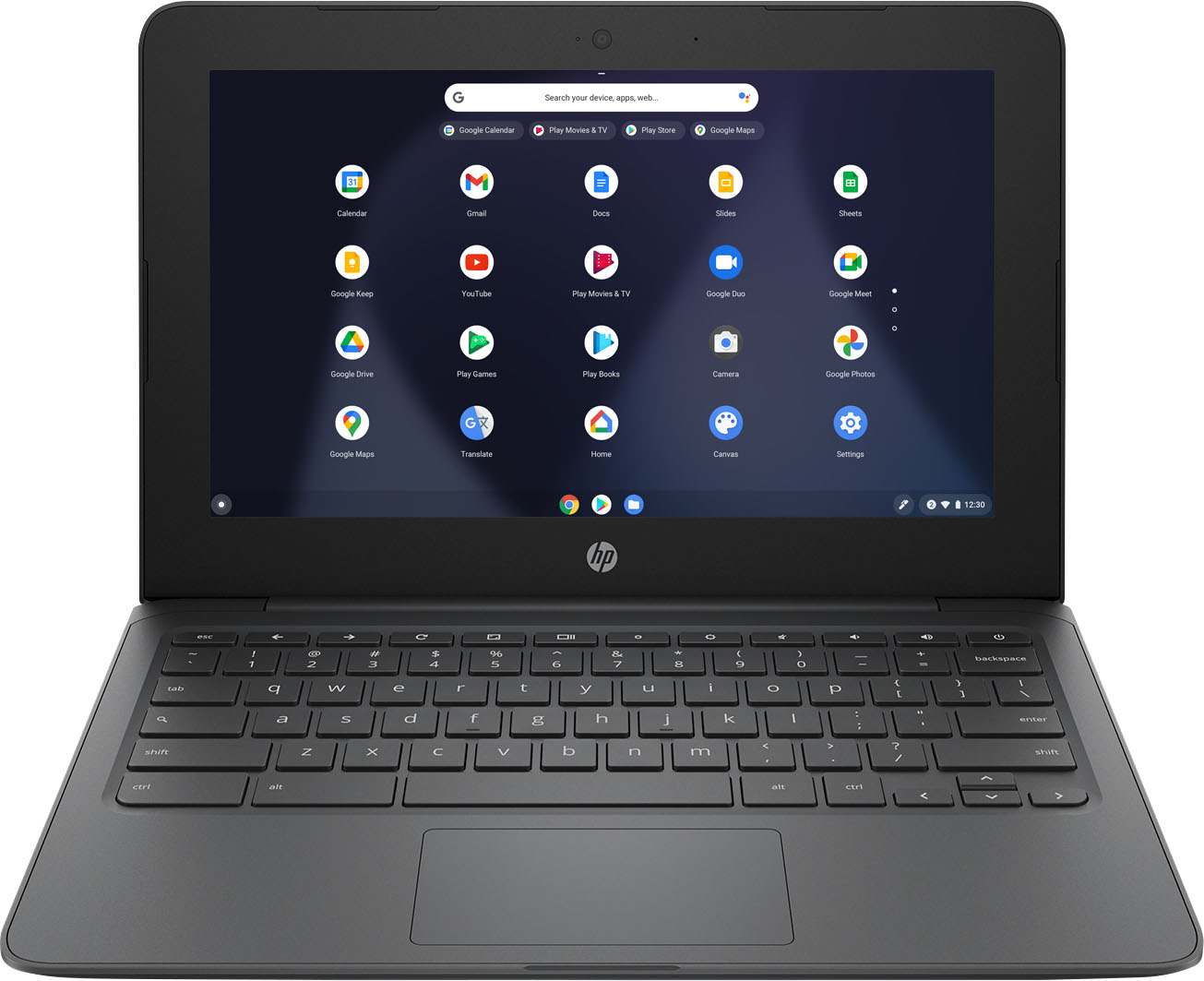
A:AnswerTo be able to use Word on this HP Chromebook, you would need to download the Office app from the Google Play Store. The Office app allows you to create, view, and edit Word files. You can also use Microsoft 365 on this Chromebook.
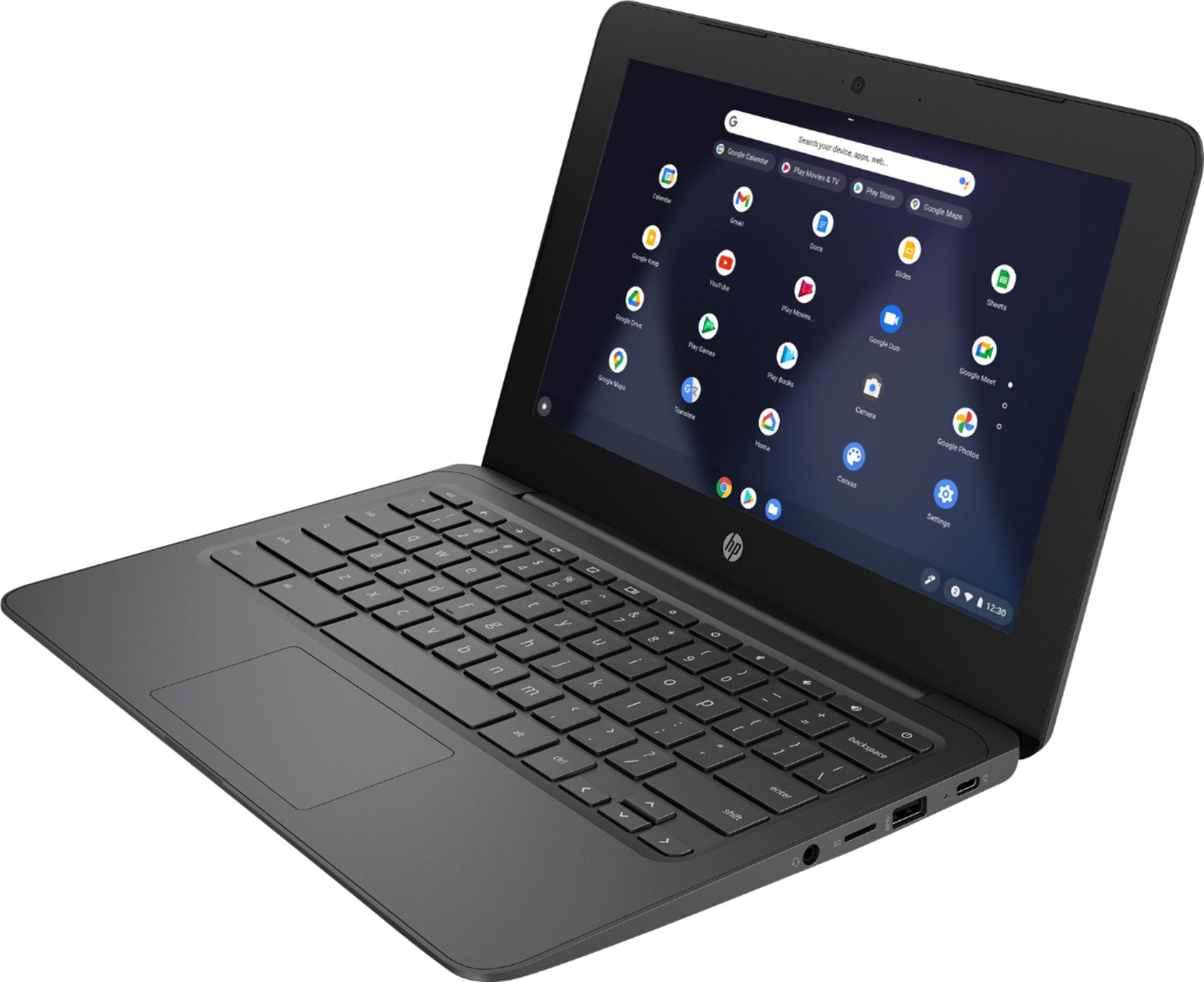
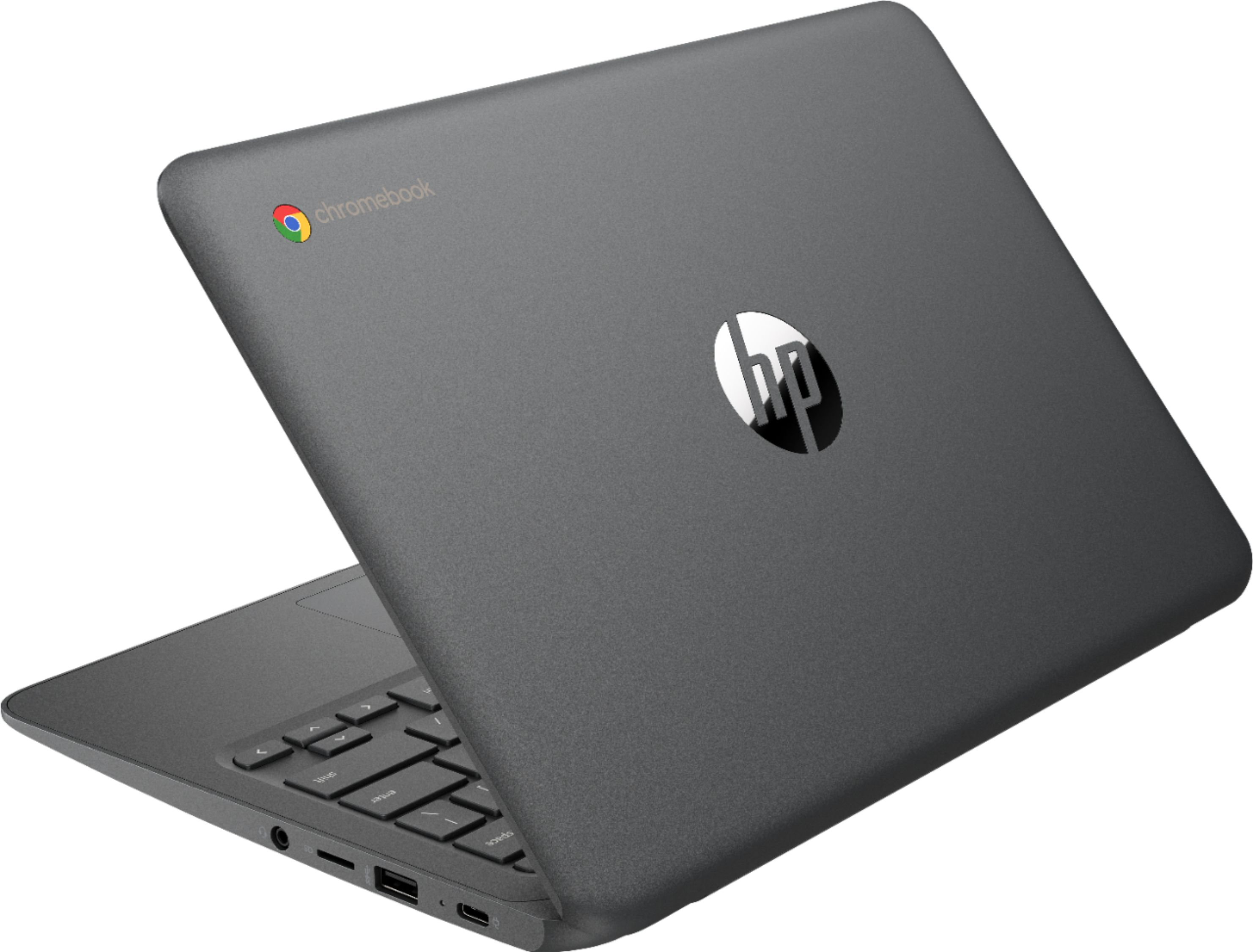
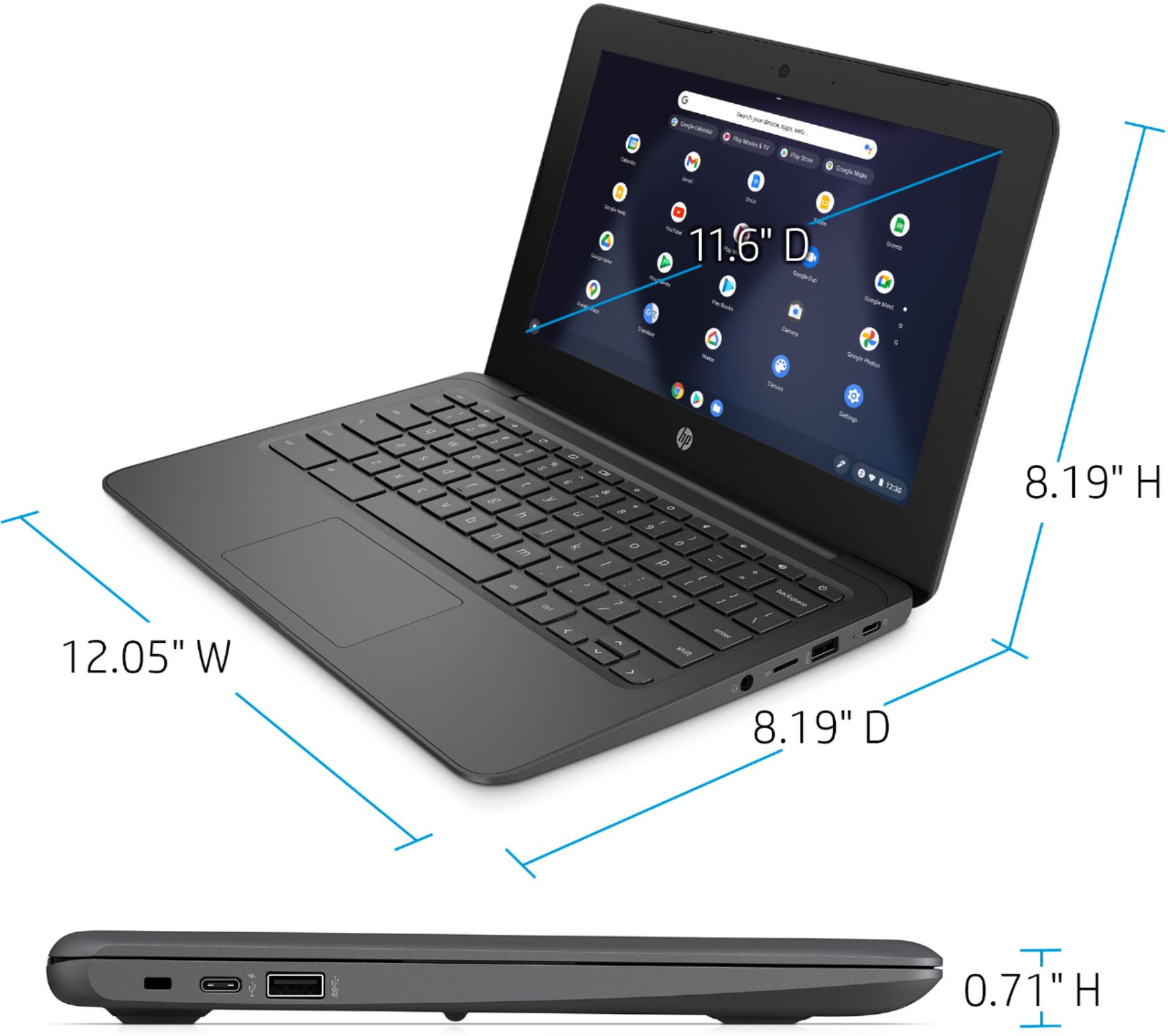
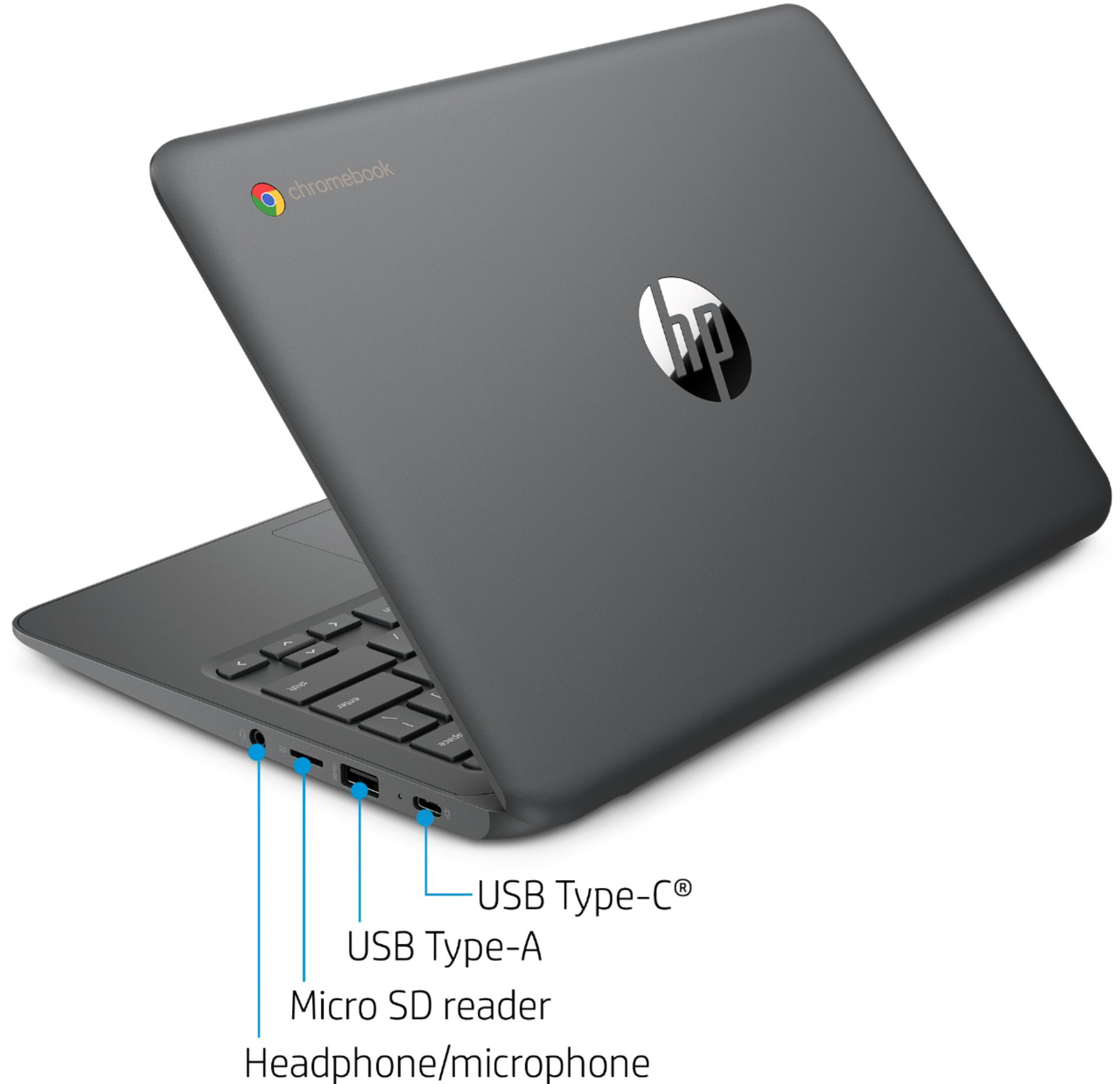
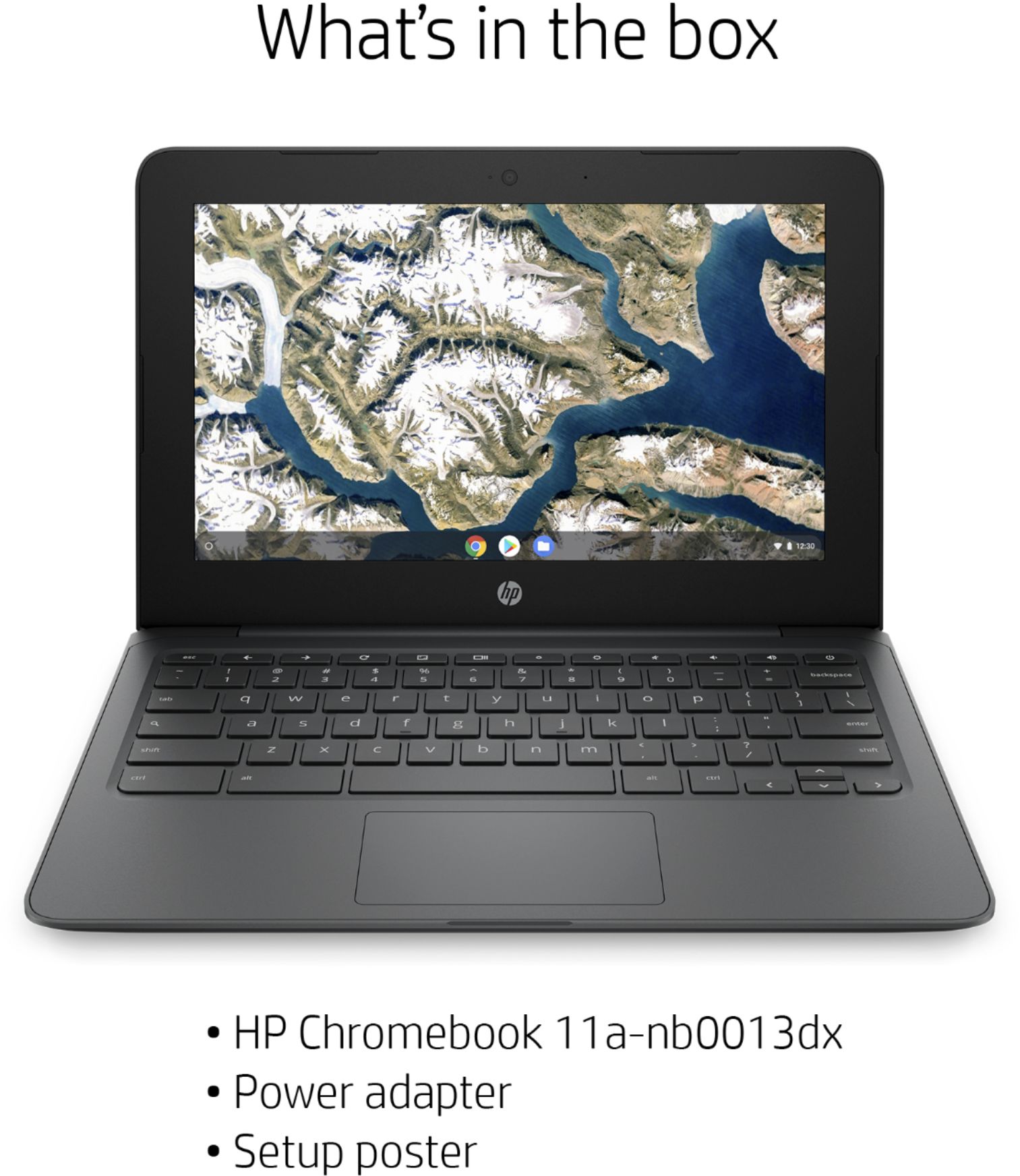
A:AnswerThis HP Chromebook does not have a CD drive. There is a headphone jack on this Chromebook. You can access your email. The charger is included with this Chromebook.
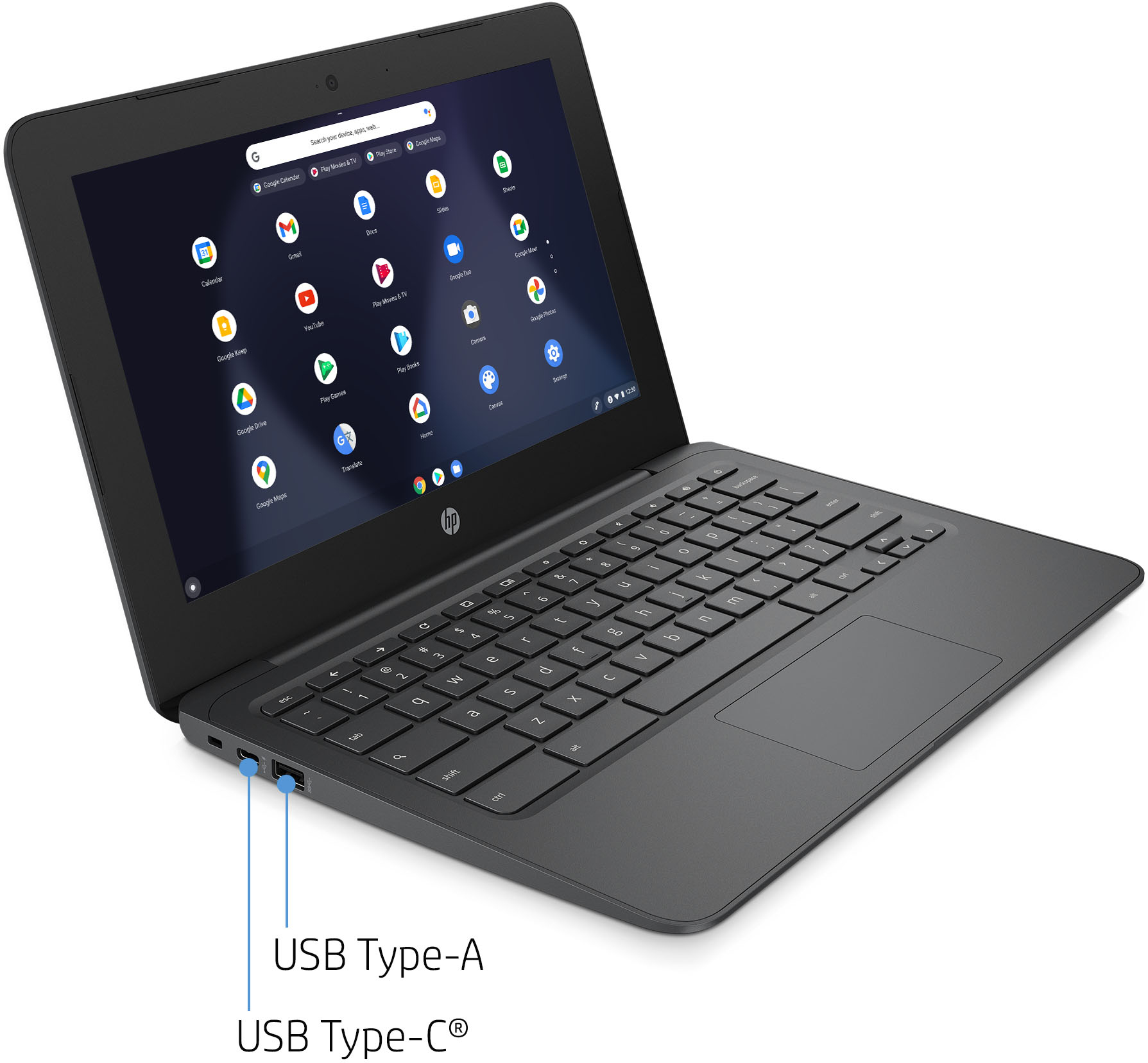
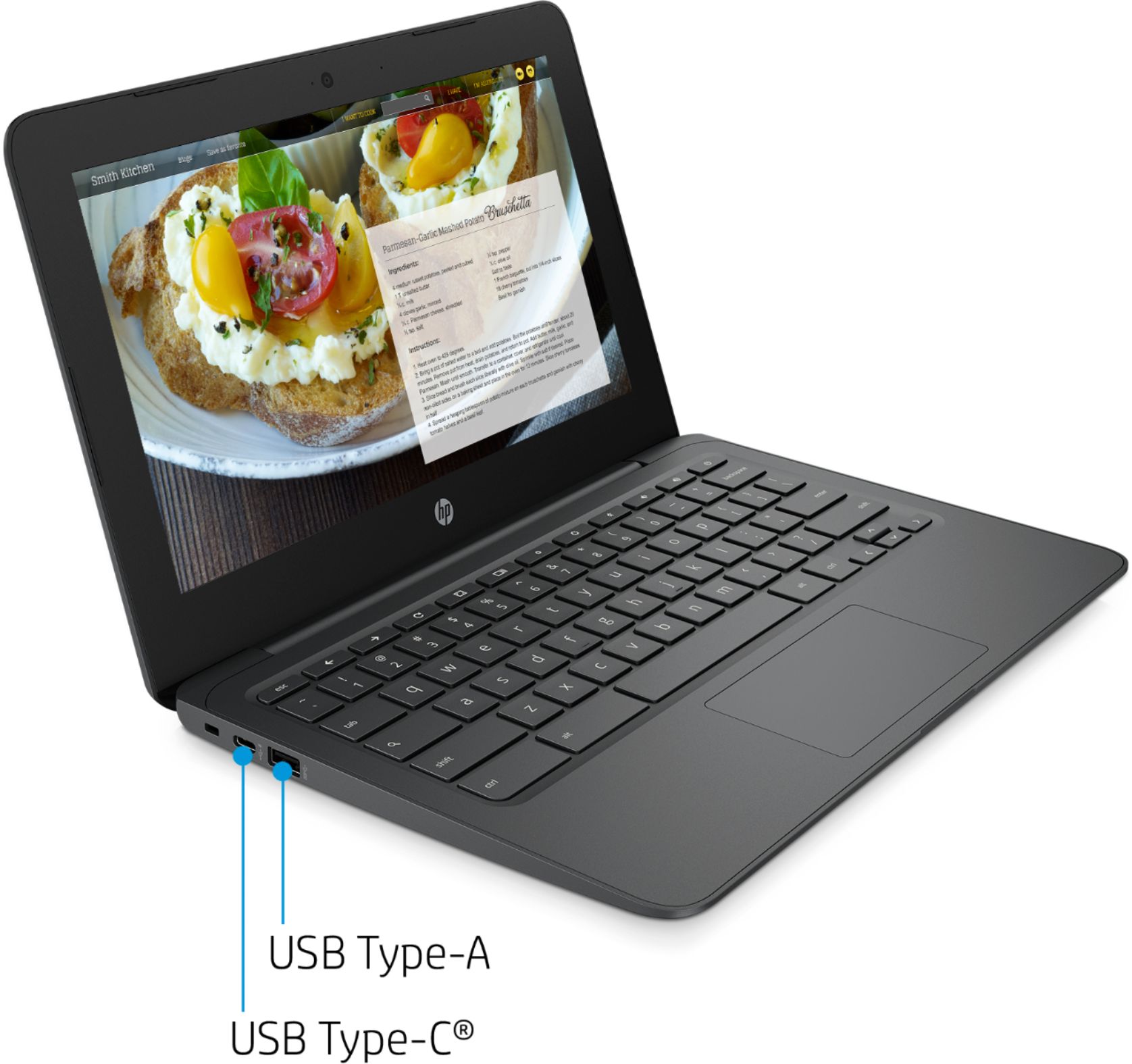
A:AnswerThis Chromebook has 2 USB C ports which has USB power delivery and DisplayPort 1.2 compatibility. There are also 2 USB A ports. You can use a USB C to HDMI adapter to connect this Chromebook to a monitor or TV.
A:AnswerYou can use your Google Account email or phone number and password to sign into this Chromebook. Or you can browse as a guest without an account. Here are more details: https://support.google.com/chromebook/answer/1047362?hl=en
A:AnswerYes, you can use YouTube on this Chromebook. The Office app is available in the Google Play Store. Or you can use Microsoft 365, which includes Excel and Word.
A:AnswerChromebooks have security features that help prevent and protect against viruses and malware built into Chrome OS.
Here is a link that will explain a little more about the security features implemented in Google's Chrome OS: https://bit.ly/361zqAm