A:AnswerYes and the laptop would probably run a lot better because it's to underpowered to even run Windows 11 correctly. I installed Linux Mint on mine and it runs way better than win 11 did
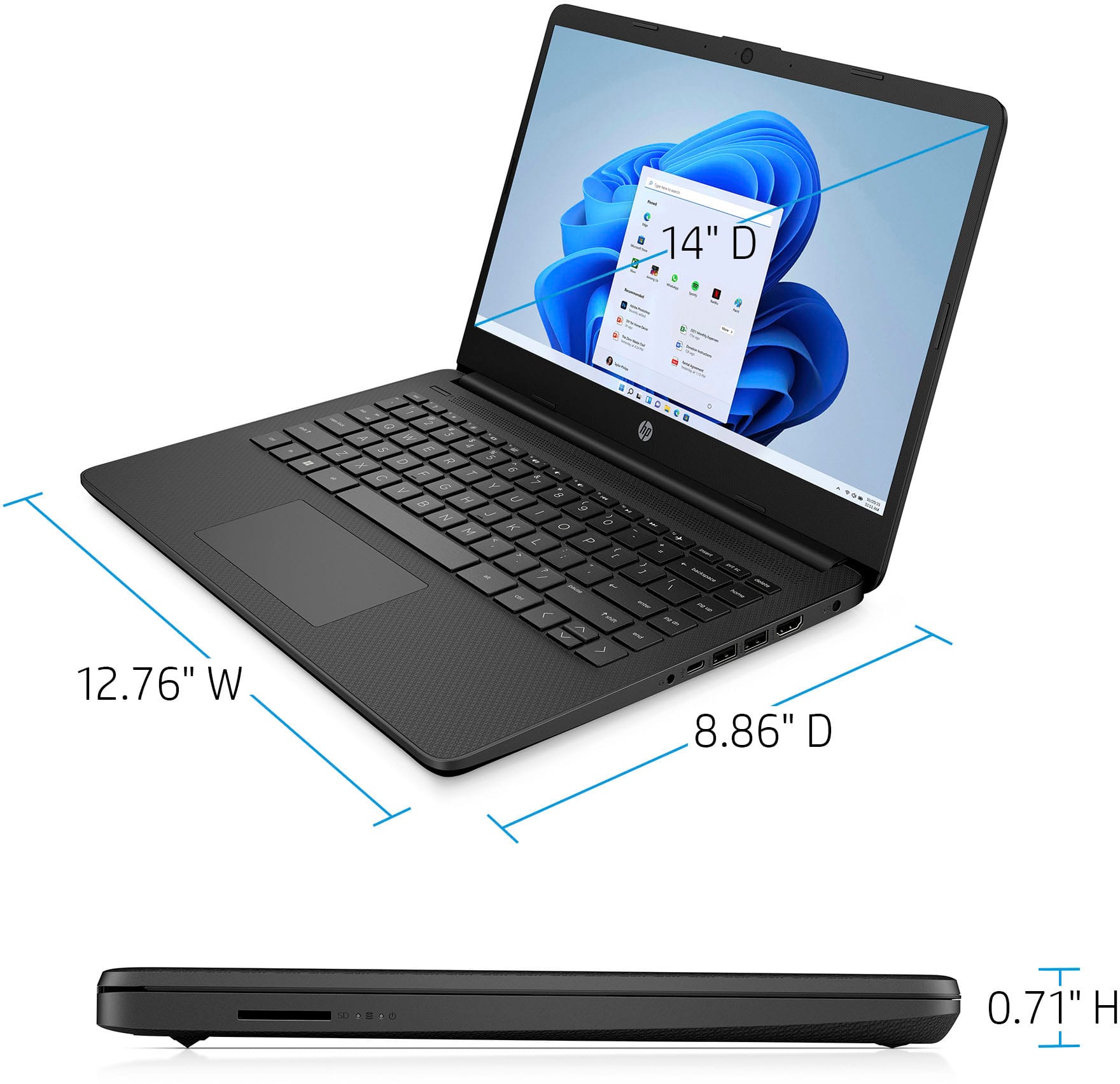
A:AnswerThis unit is running Windows 11 Home in S Mode. That could be an issue with the drawing pads if they need any third-party software to work. You would have to turn off S Mode first and this unit has limited storage in this case. Similar issue would be with any software that is not from Microsoft directly. For any software, you can look up the system requirements from the publisher's website. Clip Studio Paint can work with 2GB of Memory minimum but recommends 8GB or more.
A:AnswerThis computer comes with free Microsoft subscription. I bought one separately as advised by the BestBuy manager and had to return it when I realized it came with already installed.
A:AnswerYou may need to check the requirements of your printer to confirm that they are compatible with this model, but this printer is wireless capable.
A:AnswerFor any software you will want to look at the publisher's site for the system requirements and make sure that the device you are going to use or plan to use meets the requirements for the setting you would like to run it on. Updates can change the requirements which can impact what settings you can use or if you can run the software at all. The processor does not meet the system requirements on the Roblox site, and you may have to turn off S Mode if you were to want to try and run it.