A:AnswerDepends. For the average college student, NO. If you only browse the web, type essays/documents, play light games, & webcam, then, perhaps yes.
A:AnswerThis laptop comes with Windows 10 in S Mode. If you need to use the Windows 10 Home, you switch out of the S Mode for free. S Mode means you can only use the Microsoft Edge browser and apps from the Microsoft Store. Microsoft stopped supporting Windows 7 in January 2020. Here is how to switch out of S Mode: https://support.microsoft.com/en-us/help/4456067/windows-10-switch-out-of-s-mode
A:AnswerThis laptop comes with Windows 10 Home in S mode. You can switch out of the S Mode for free to Windows 10 Home. Here are instructions on how to get out of S Mode: https://bit.ly/3laywG1
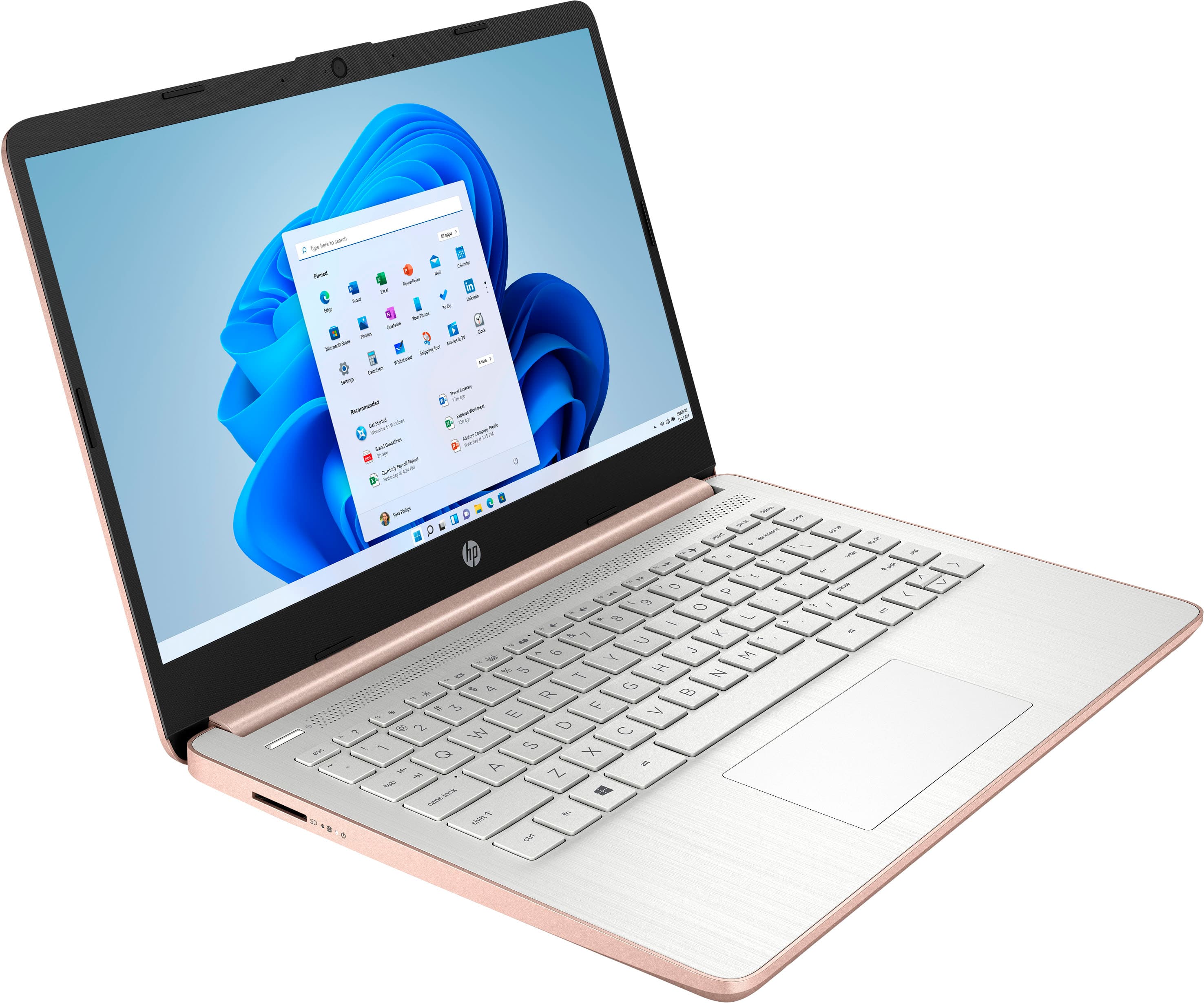
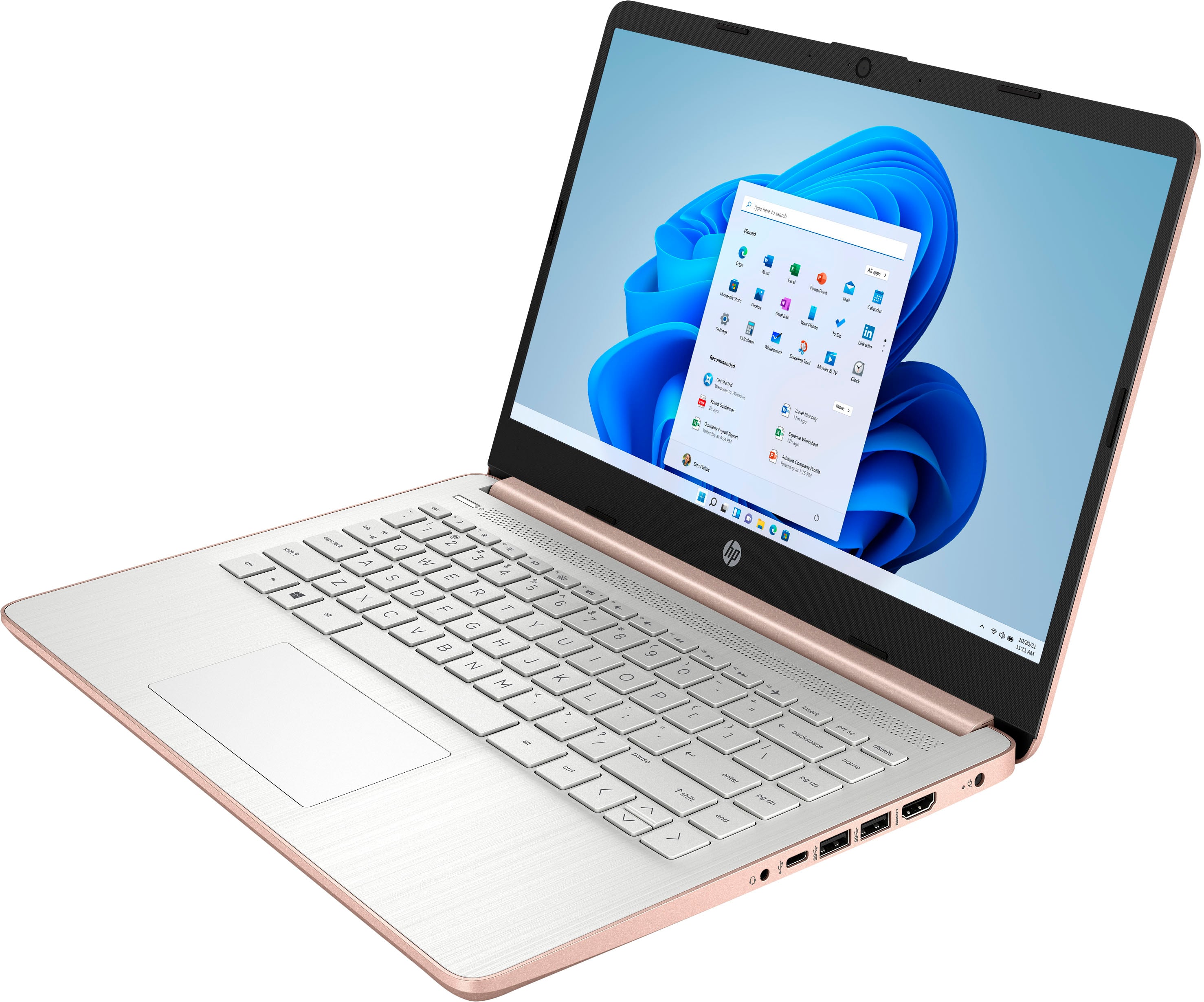
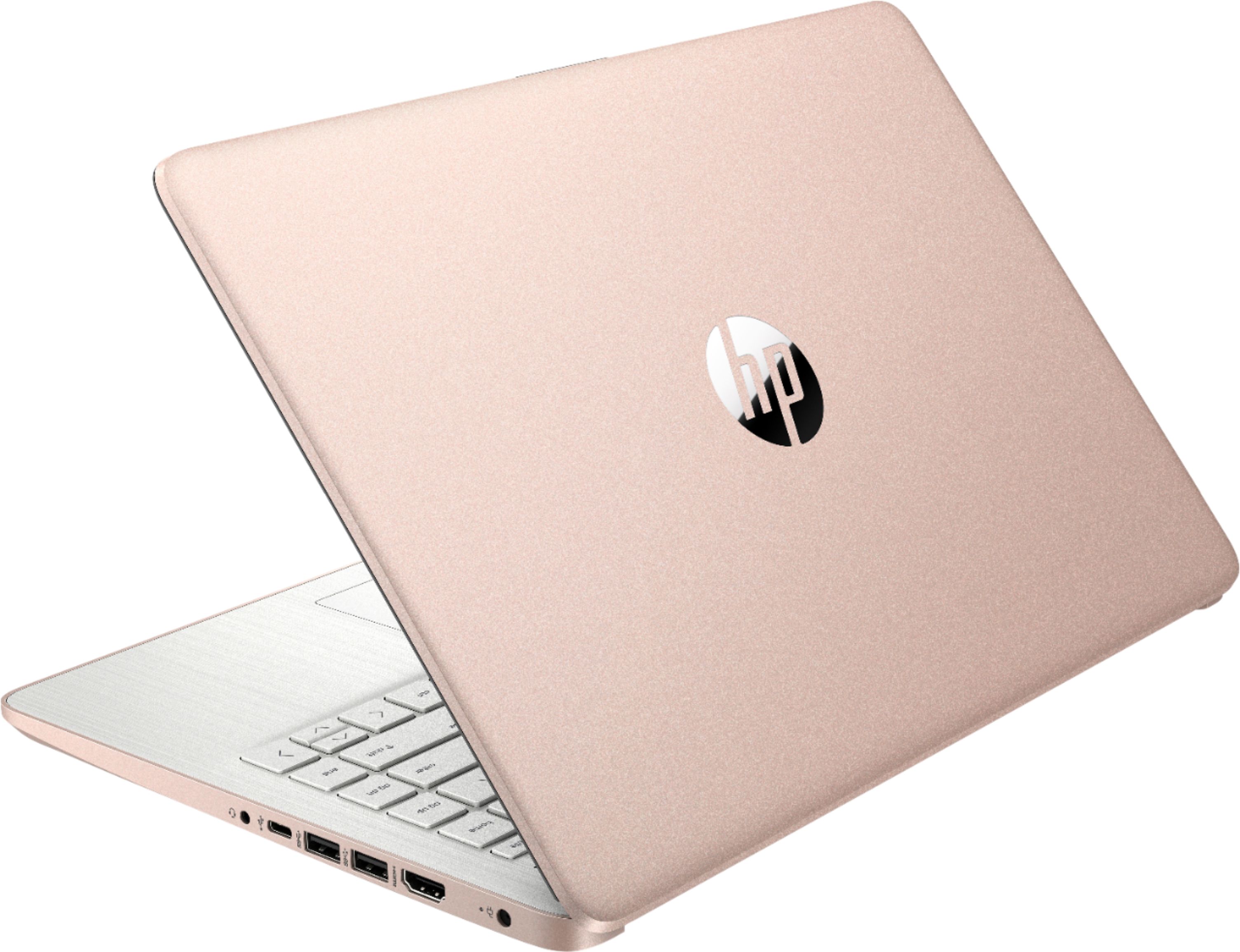
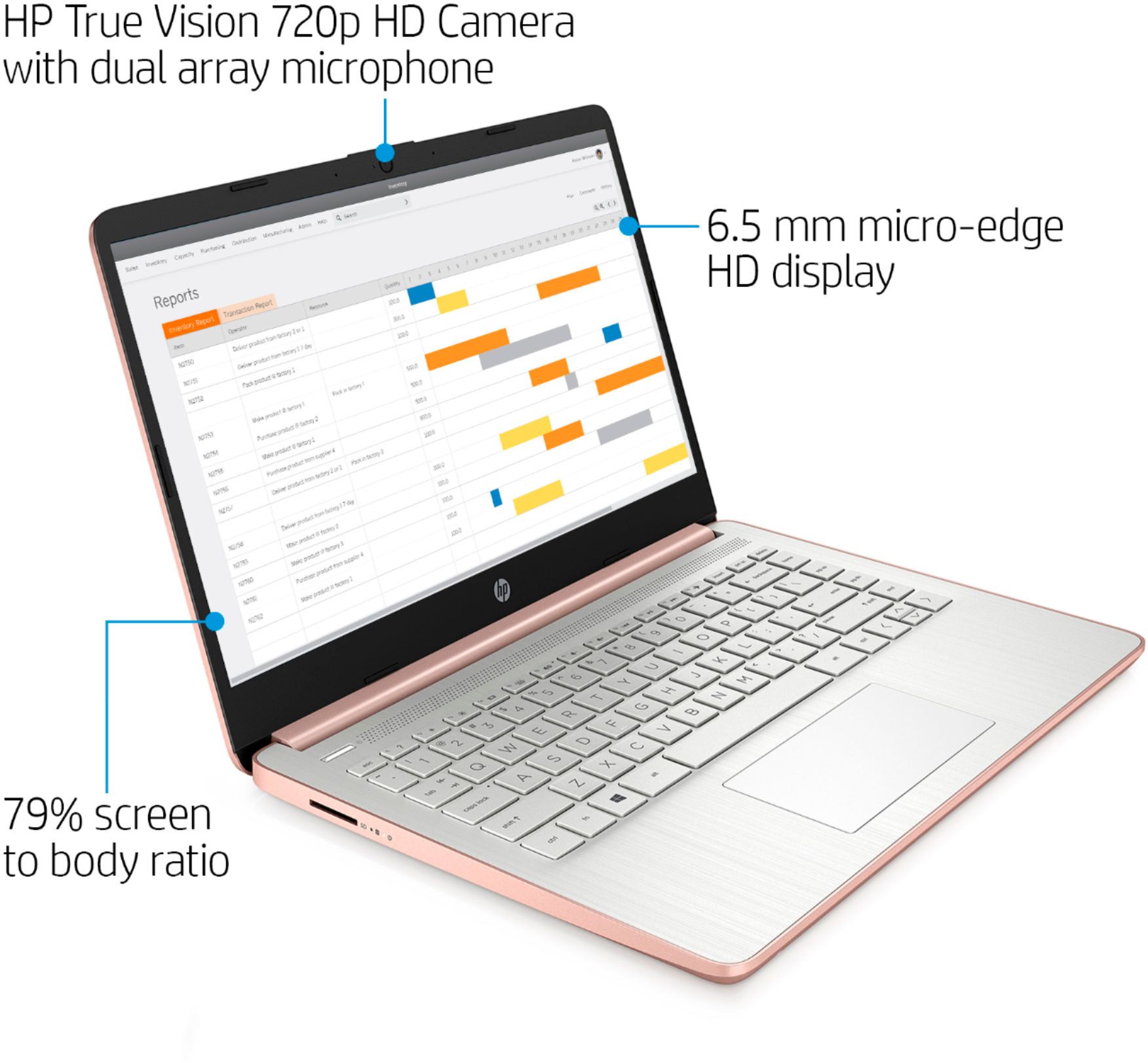
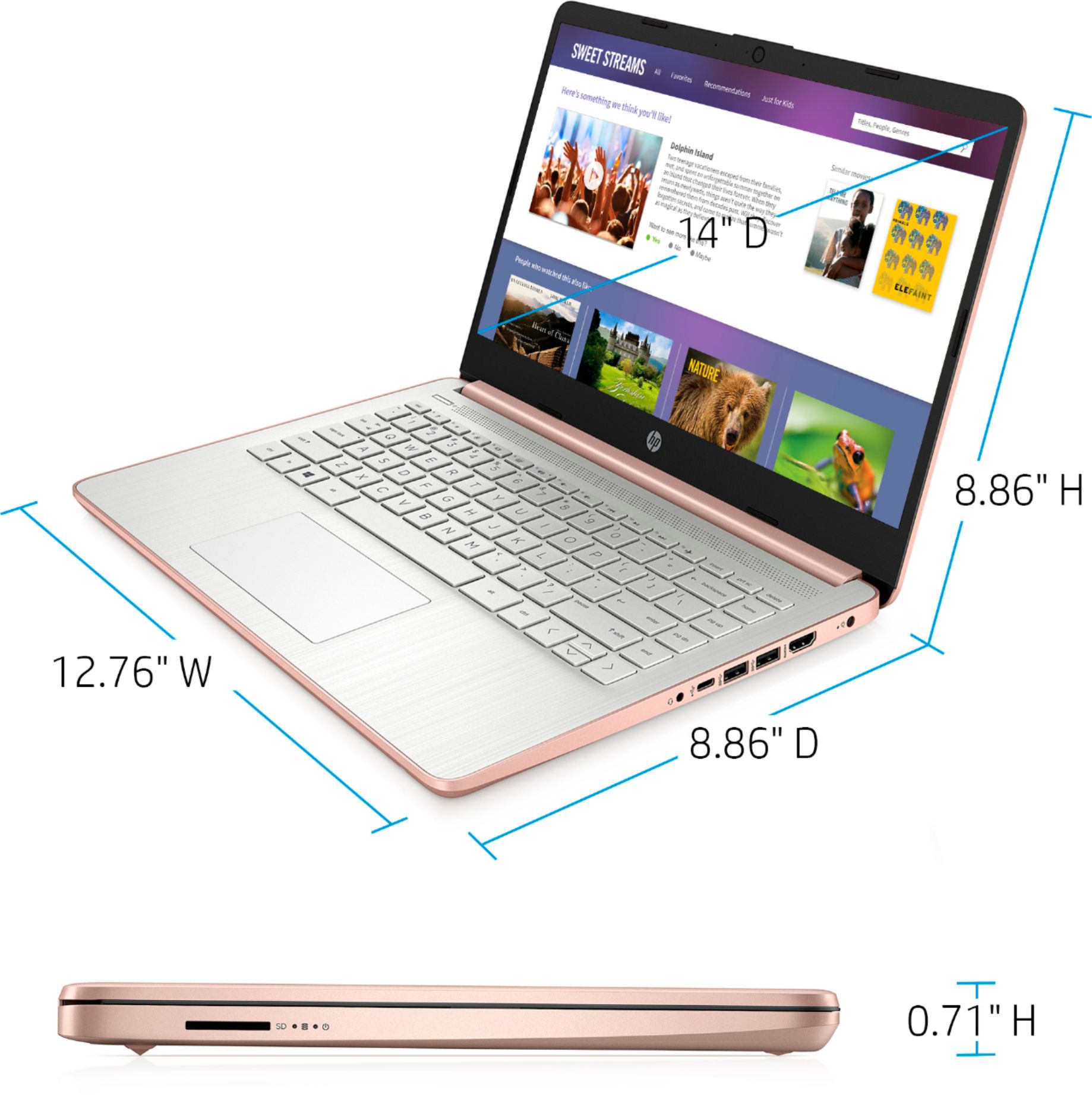
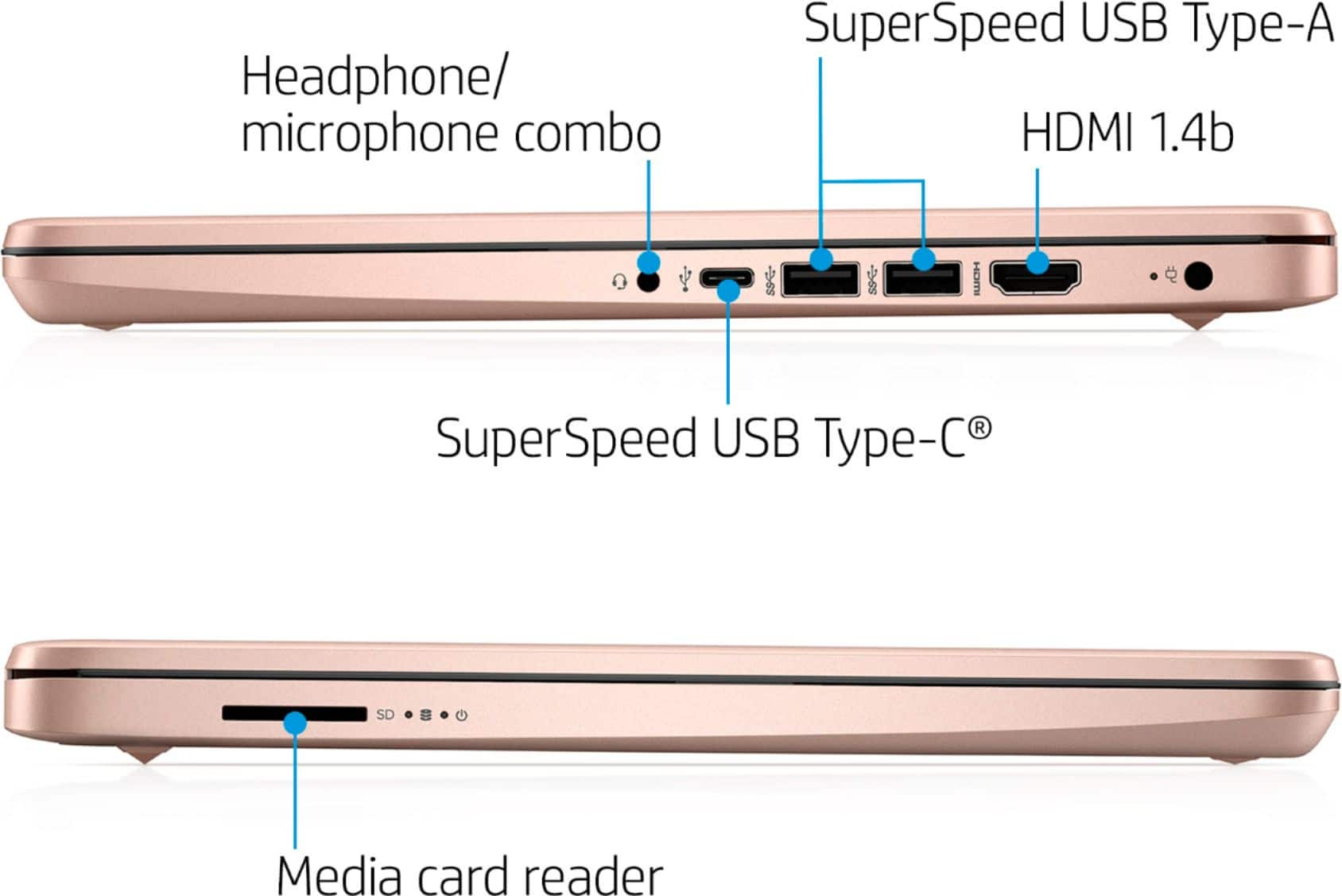
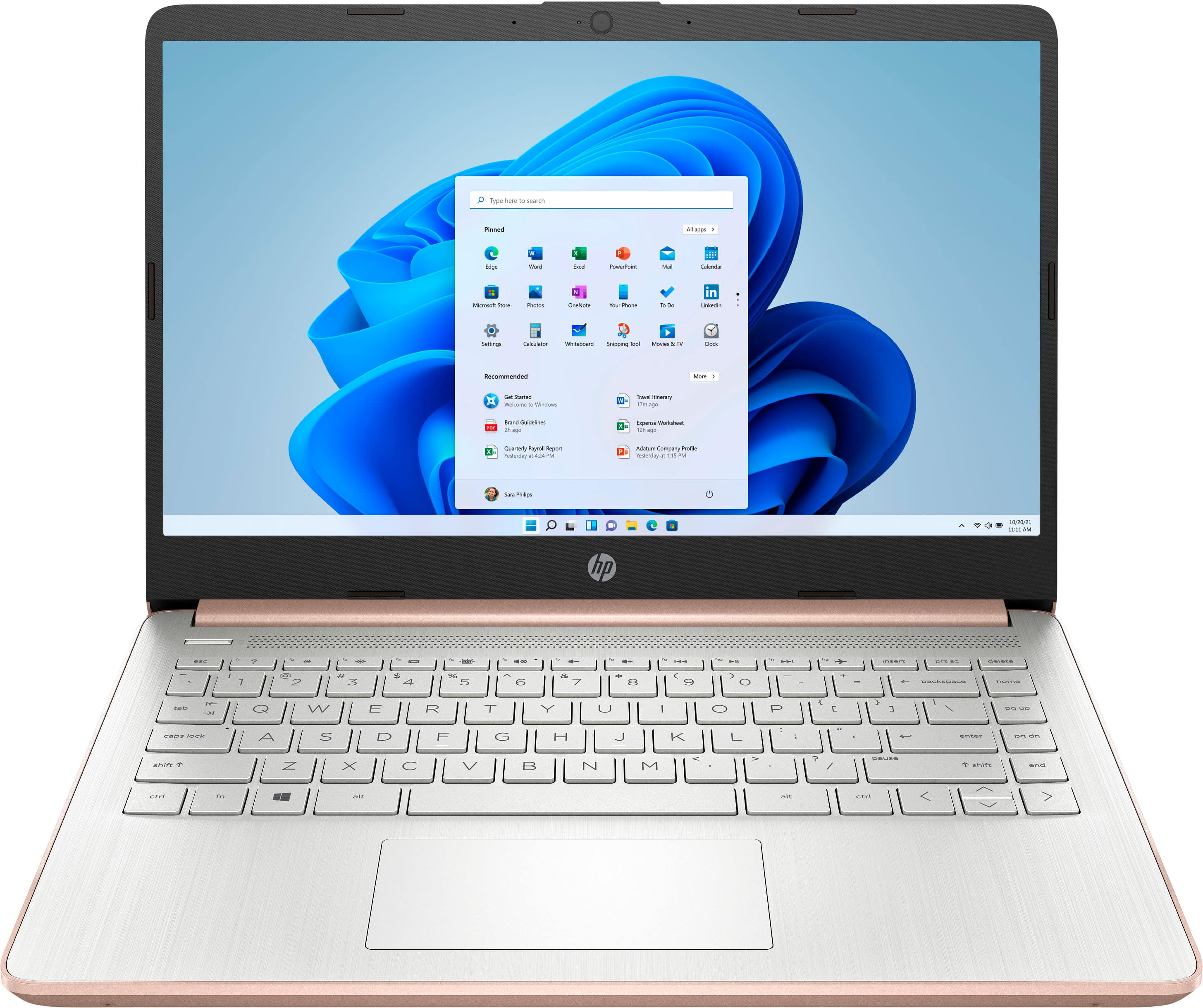
A:AnswerThis laptop has the Intel Celeron processor with 4 gigabytes of RAM (memory), and the storage is 64 gigabytes. This laptop comes with Windows 10 in S Mode. Here are the details on the processor: Intel® Celeron N4020 (1.1 GHz base frequency, up to 2.8 GHz burst frequency, 4 MB L2 cache, 2 cores). There is no CD/DVD drive on this laptop. But you can use an external USB CD/DVD drive. There is a SD card reader. The ports include 1 USB C for data transfer only; 1 USB A ports, 1 HDMI port, and 1 headphone/microphone combo. There is also a built in webcam, microphone, and speakers for video conferencing.
A:AnswerYes it has a 3.5mm audio jack and will work with Bluetooth headsets and earbuds. Yes, it would work with Zoom. It is compatible with a Canon MG5420 printer.
A:AnswerNo, this series of laptops does not have an internal 2.5" bay. I will report this to get it corrected. The memory is expandable to 8GB, 12GB, or 16GB, it is not soldered on the motherboard. The SSD can be upgraded as well. Adding memory or upgrading the 64GB SSD requires significant disassembly.
A:AnswerThis laptop cannot handle games like Sims 4, GTA 5 and Roblox. The RAM is not customer accessible or upgradeable. But a qualified tech can upgrade the RAM on this laptop up to 8 GB DDR4-2400. The 64 GB eMMC cannot be upgraded. You can use the cloud like OneDrive, USB flash drive or microSD card for more storage. Yes, you can switch out of the S Mode. Here is how: https://support.microsoft.com/en-us/help/4456067/windows-10-switch-out-of-s-mode For the games, we recommend looking at the HP Pavilion Gaming laptops.
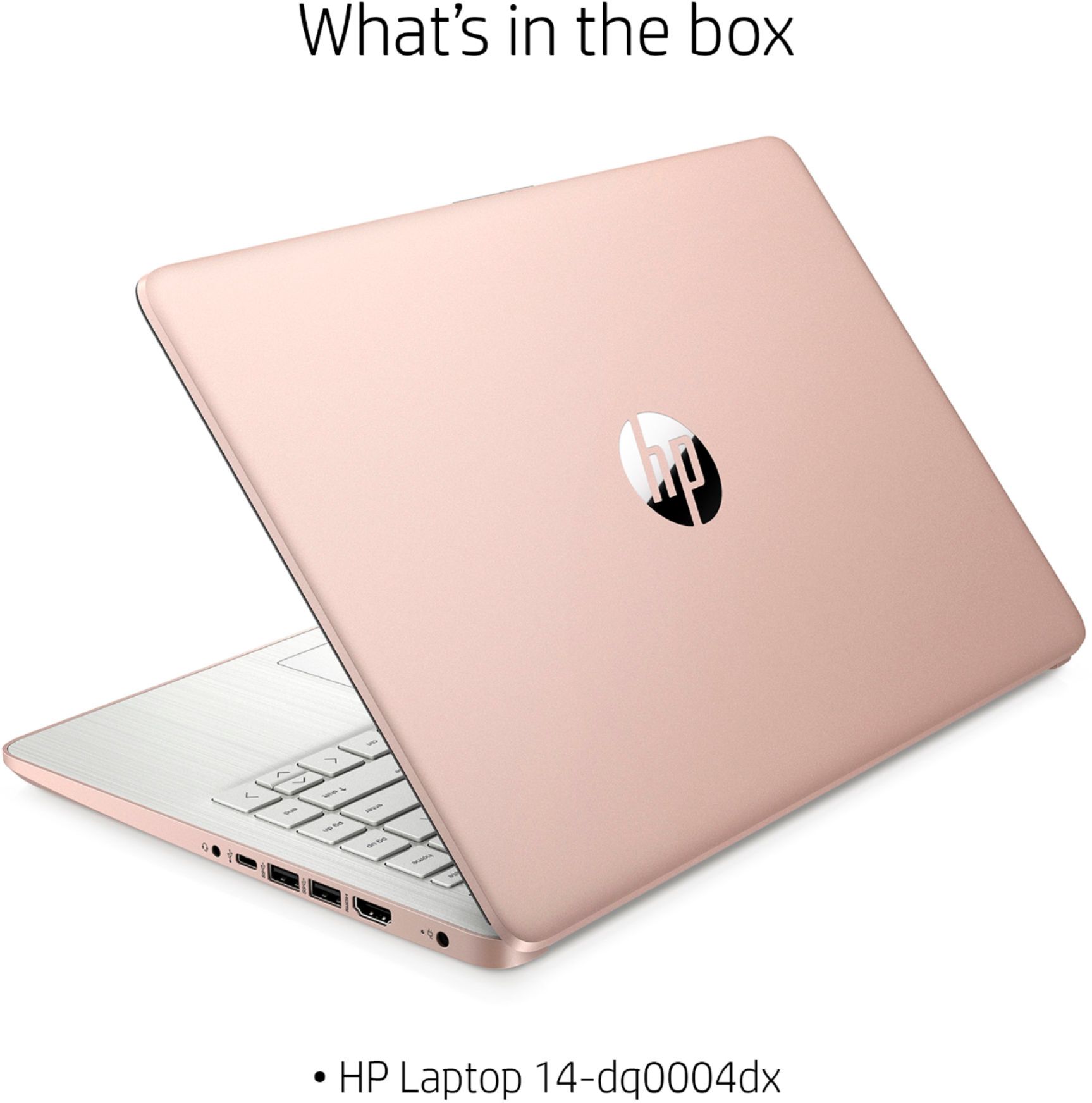
A:AnswerI see only one model, the HP 14-dq0001dx laptop. Yes, you can download Adobe documents, and use Adobe pdf software. Windows 10 has Notepad and Wordpad built-in and you can create documents with these. MS Office has Word which is more full-featured. This system should be good for streaming movies/music/videos, surfing the web, running Office Apps, social media, and email.
A:AnswerHello and thanks for your question. This laptop is not intended for user upgrades. However, an authorized service provider can upgrade the memory for you.