A:AnswerIts perfect. I haven't been to school in years but this computers loads everything well and has all the capabilities of more expensive computers!!
A:AnswerNo. Google Chrome is not included with this laptop. In order to download the Google Chrome browser, you would need to switch out of the S Mode. You can switch out of S Mode for free. Here are some instructions: https://support.microsoft.com/en-us/help/4456067/windows-10-switch-out-of-s-mode
A:AnswerGoogle Classroom is compatible I don't know about Zoom and I am pretty sure that Google Slides and Docs should work. I don't know about the camera and the games I know you can play Minecraft and Roblox but I don't know about Among Us. Sorry I couldn't answer all your questions.
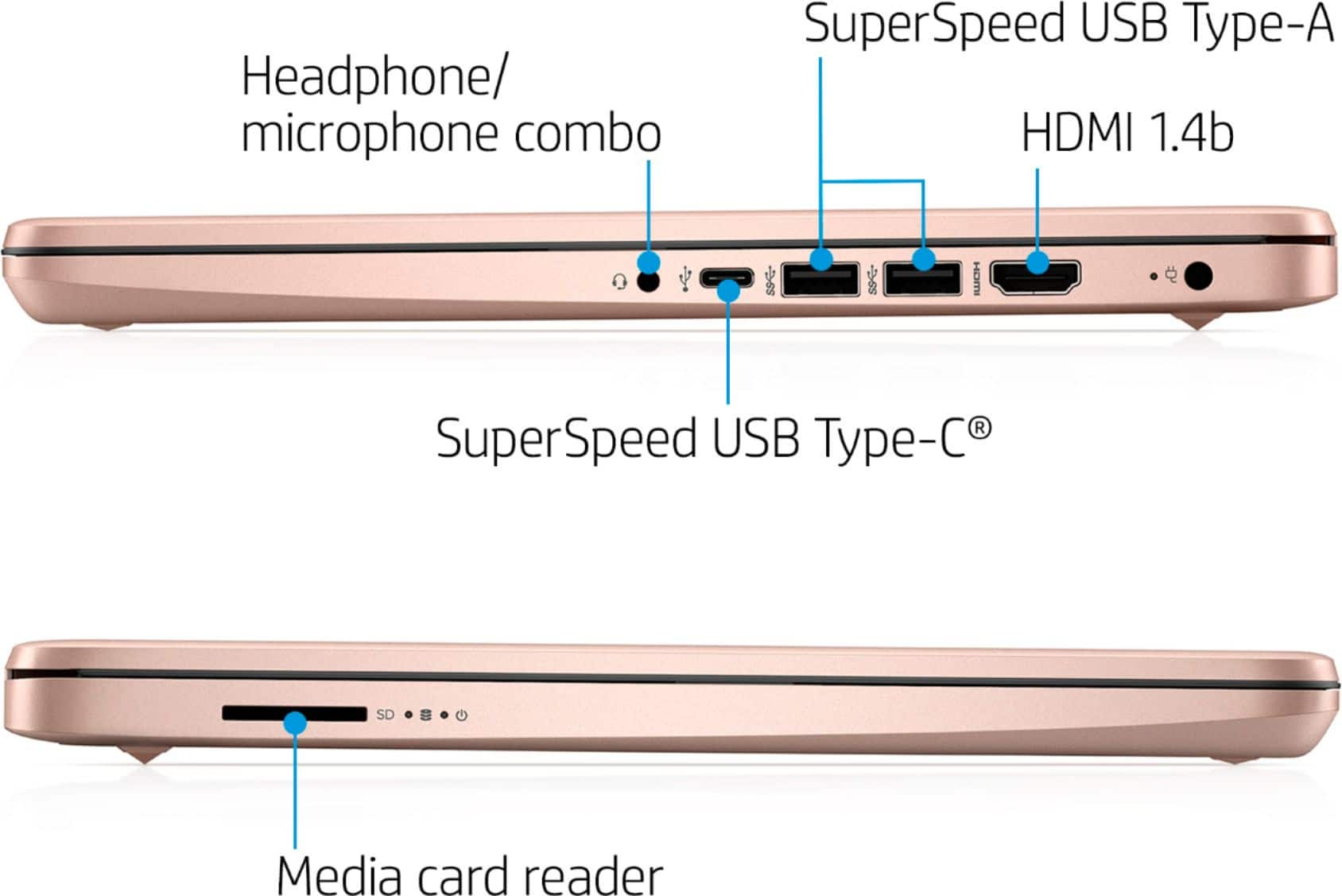
A:AnswerThere are a couple of ways you can save items on a laptop. 1) You can use an SD card for more storage. 2) You can use a cloud-like Google Drive or OneDrive for more storage. The advantage of using the cloud is that you can access your items from your laptop, smartphone, or tablet. We recommend looking at SKU 6346824 for a 64 gigabyte SD card. Or you any SD card with the amount of storage that you choose.
A:AnswerWhile you may be able to do some designing, most design software would require a larger processor, more RAM and storage, and some may require a dedicated graphics card.
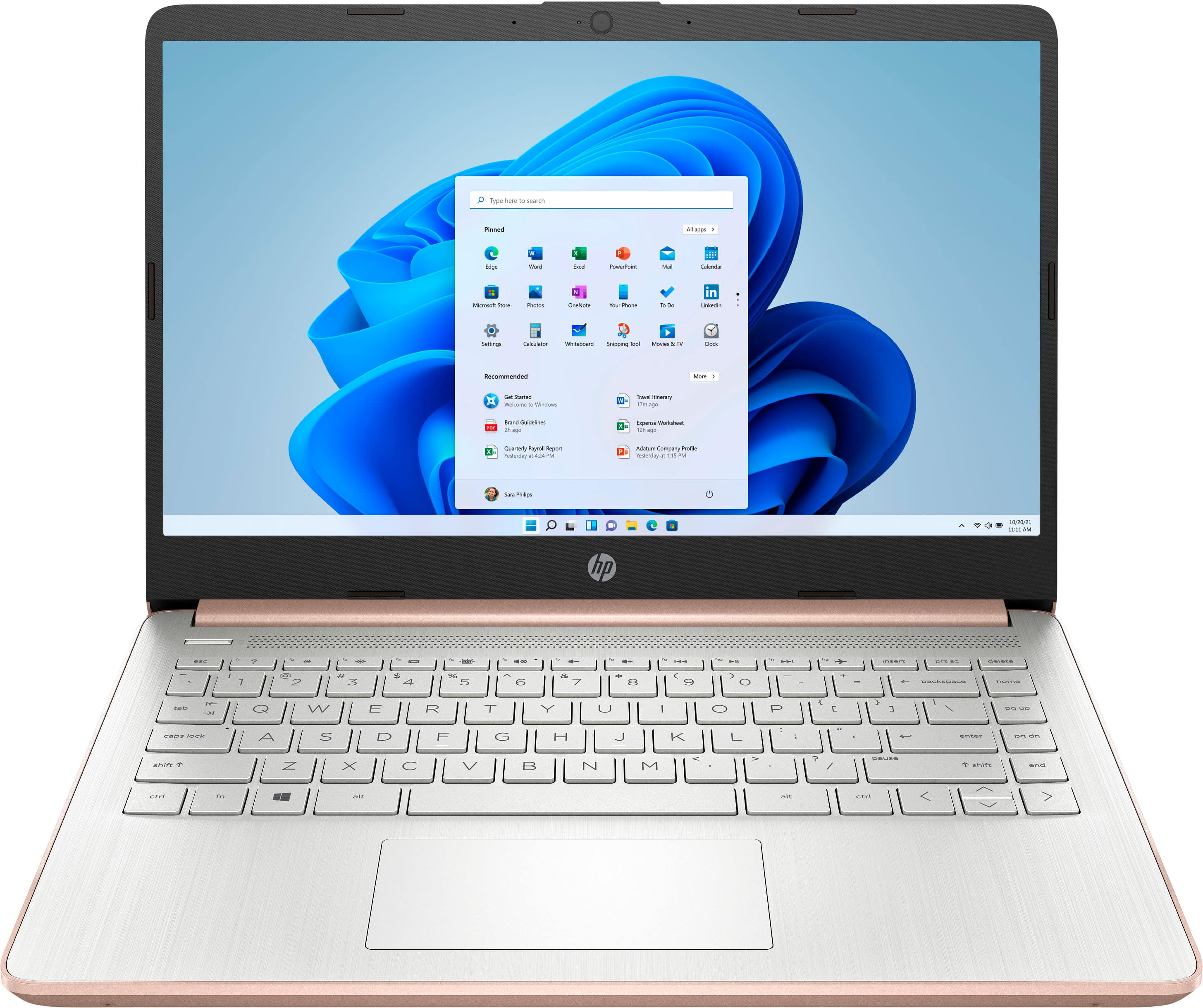
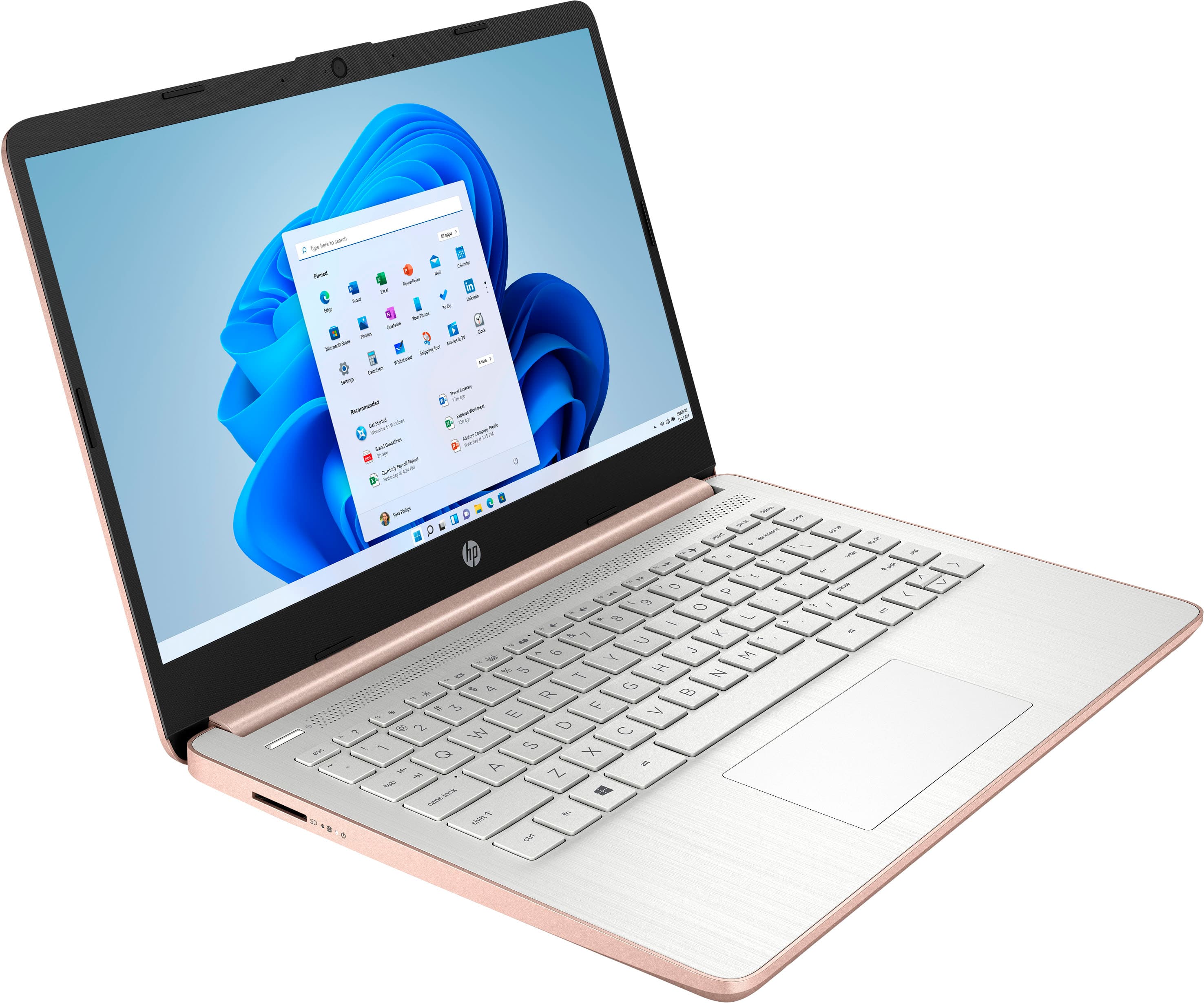
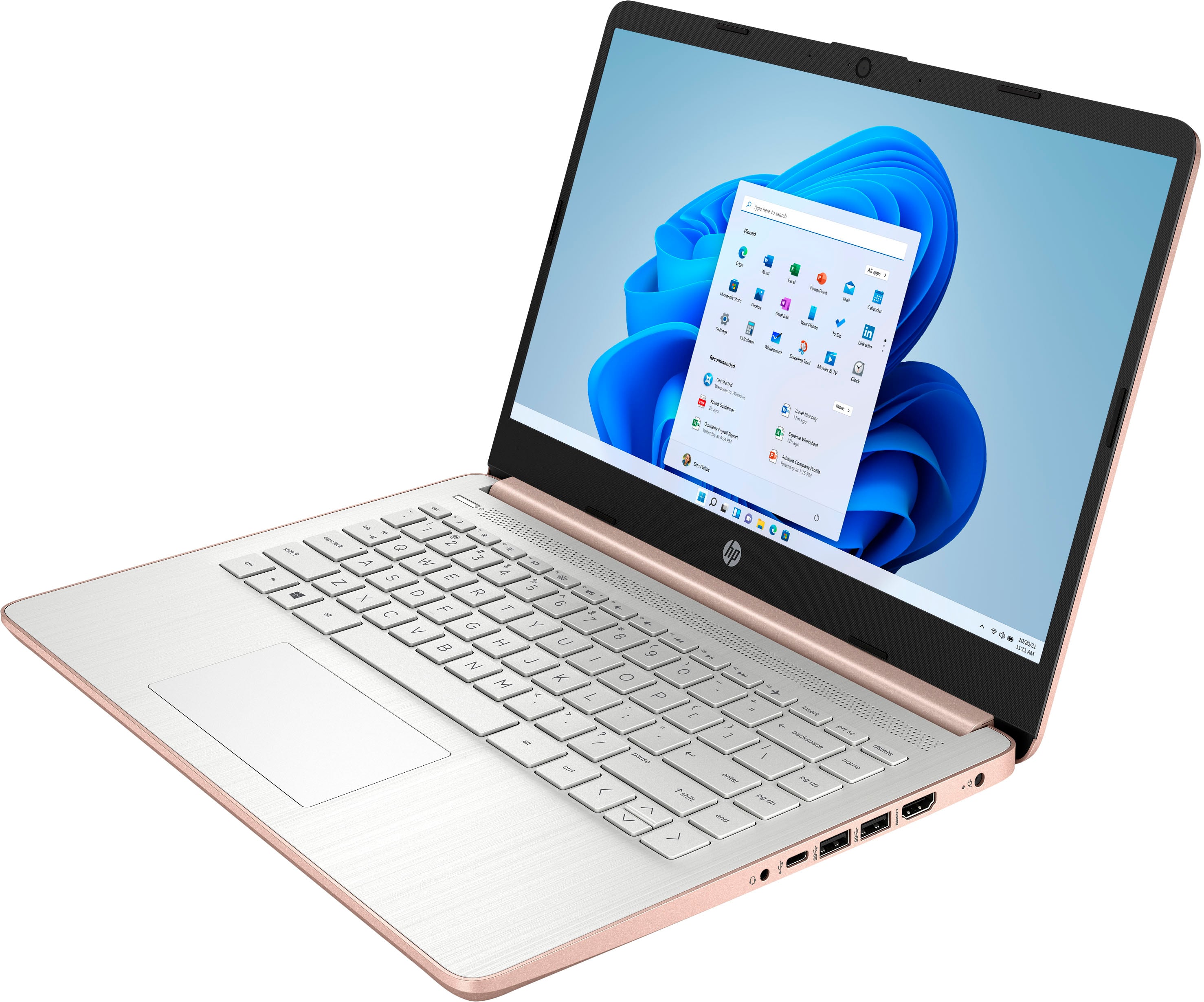
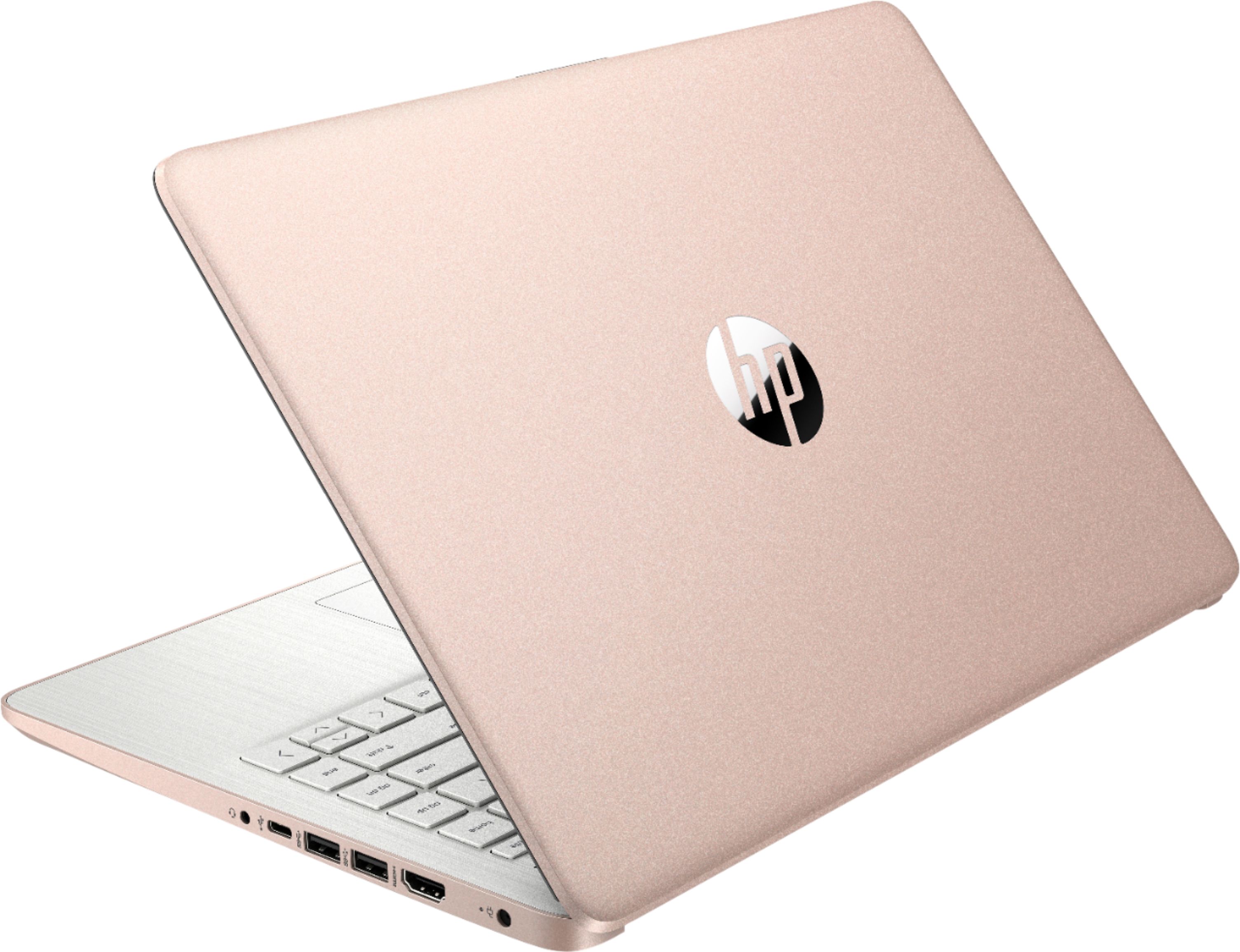
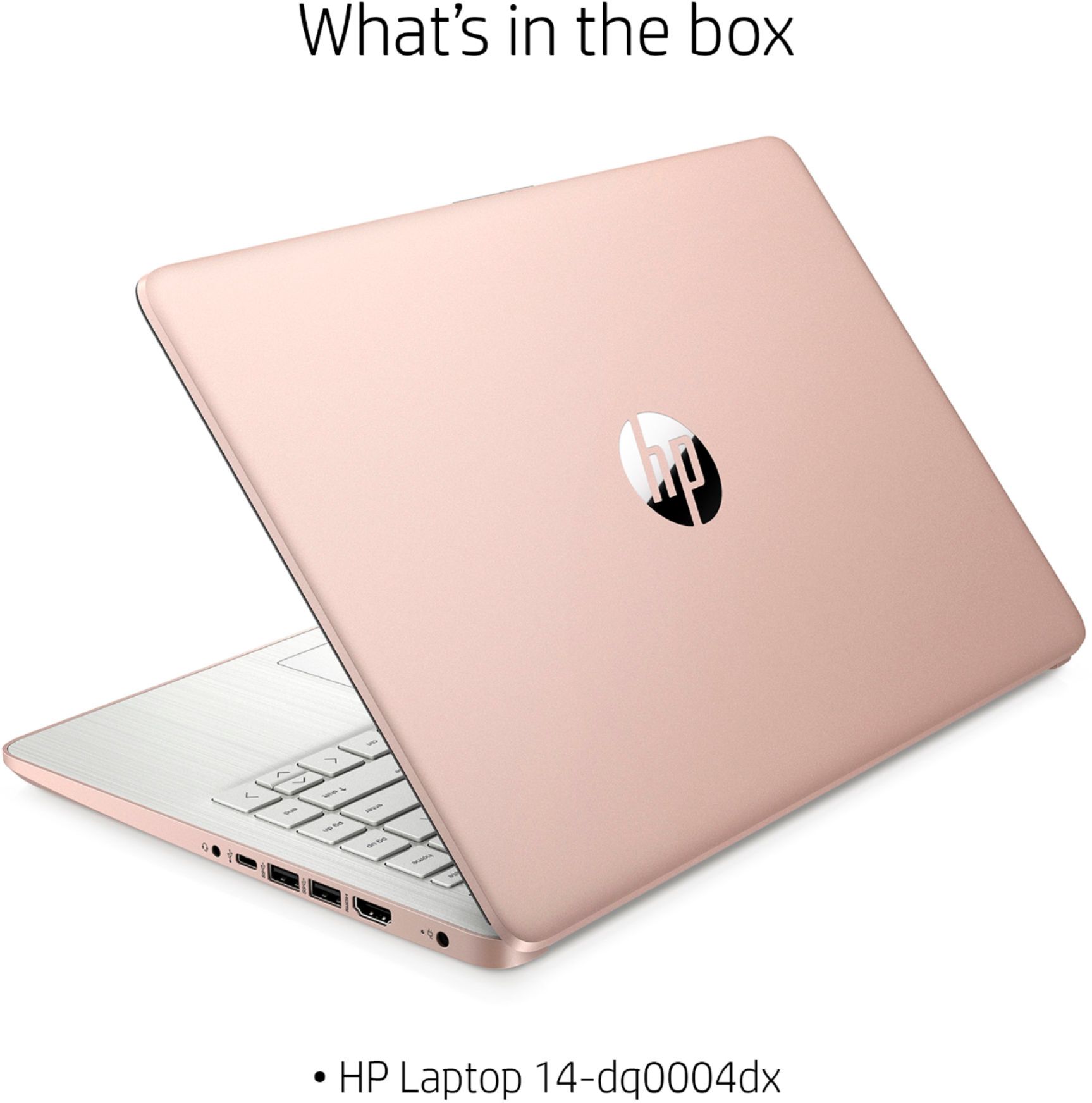
A:AnswerThey are very similar laptops. The only difference is that both laptops have different processors. The HP Laptop 14-fq0020nr has the AMD 3020e (1.2 GHz base clock, up to 2.6 GHz max boost clock, 4 MB L3 cache, 2 cores) processor. The HP Laptop 14-dq0003dx has the Intel Celeron N4020 (1.1 GHz base frequency, up to 2.8 GHz burst frequency, 4 MB L2 cache, 2 cores) processor.