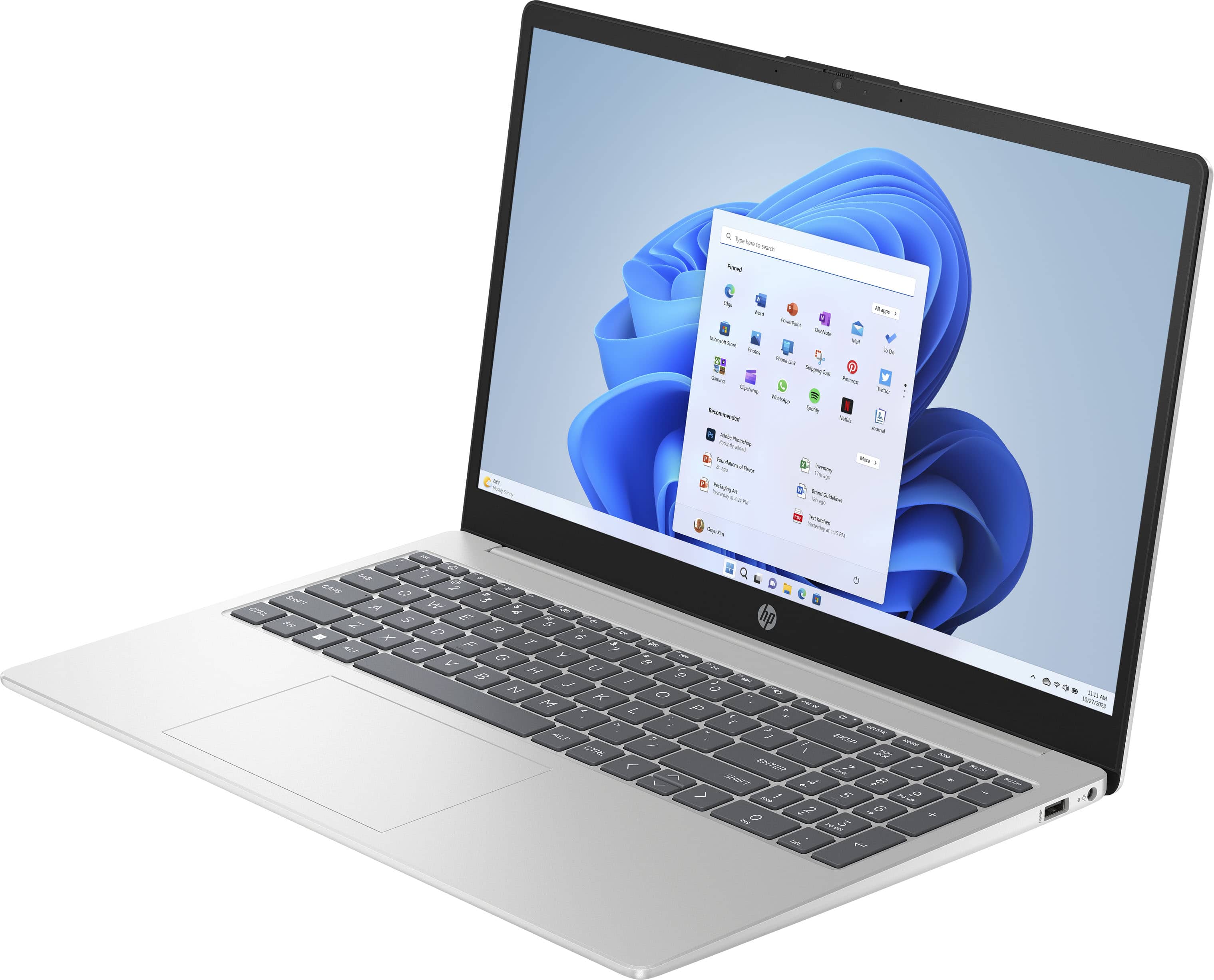
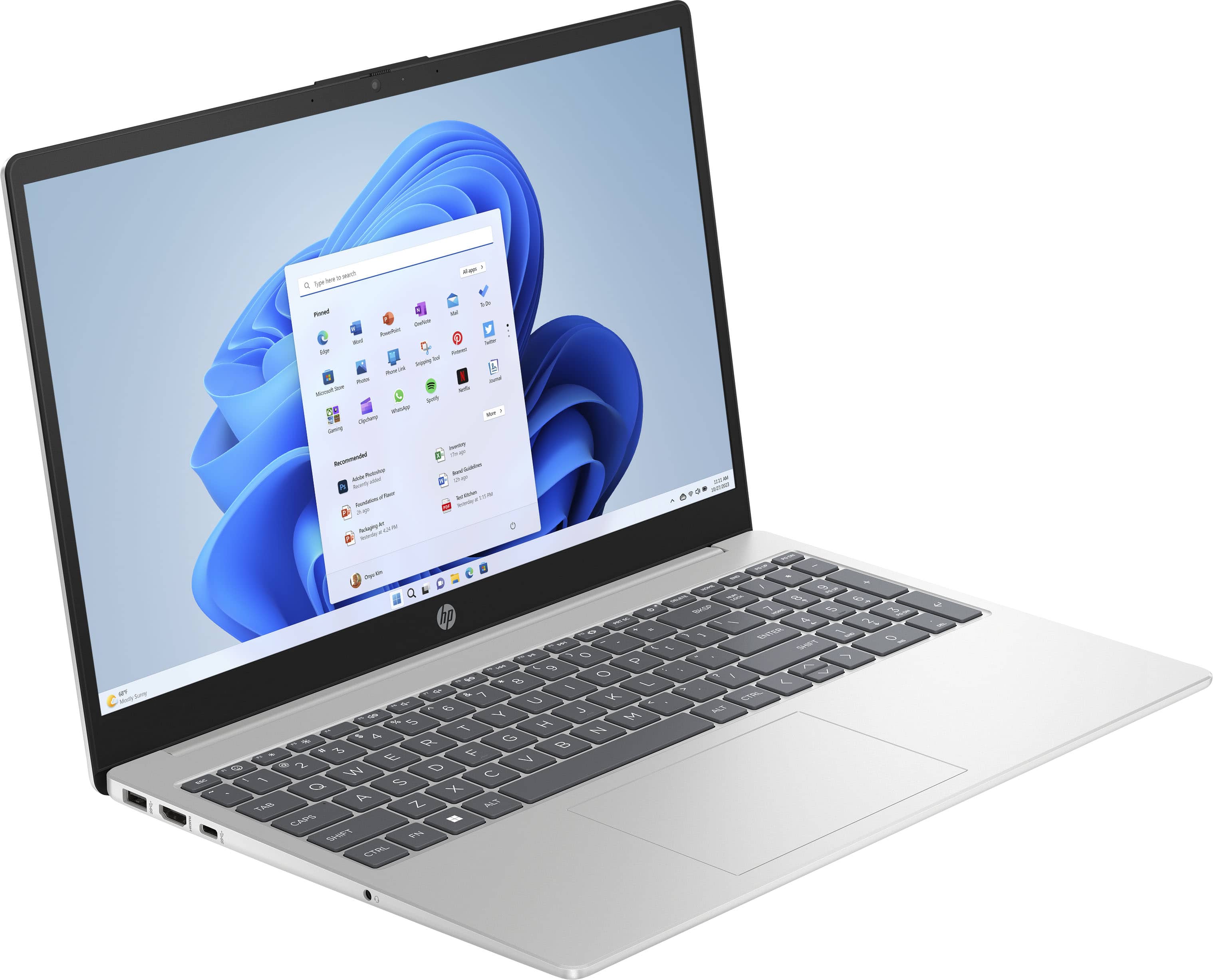
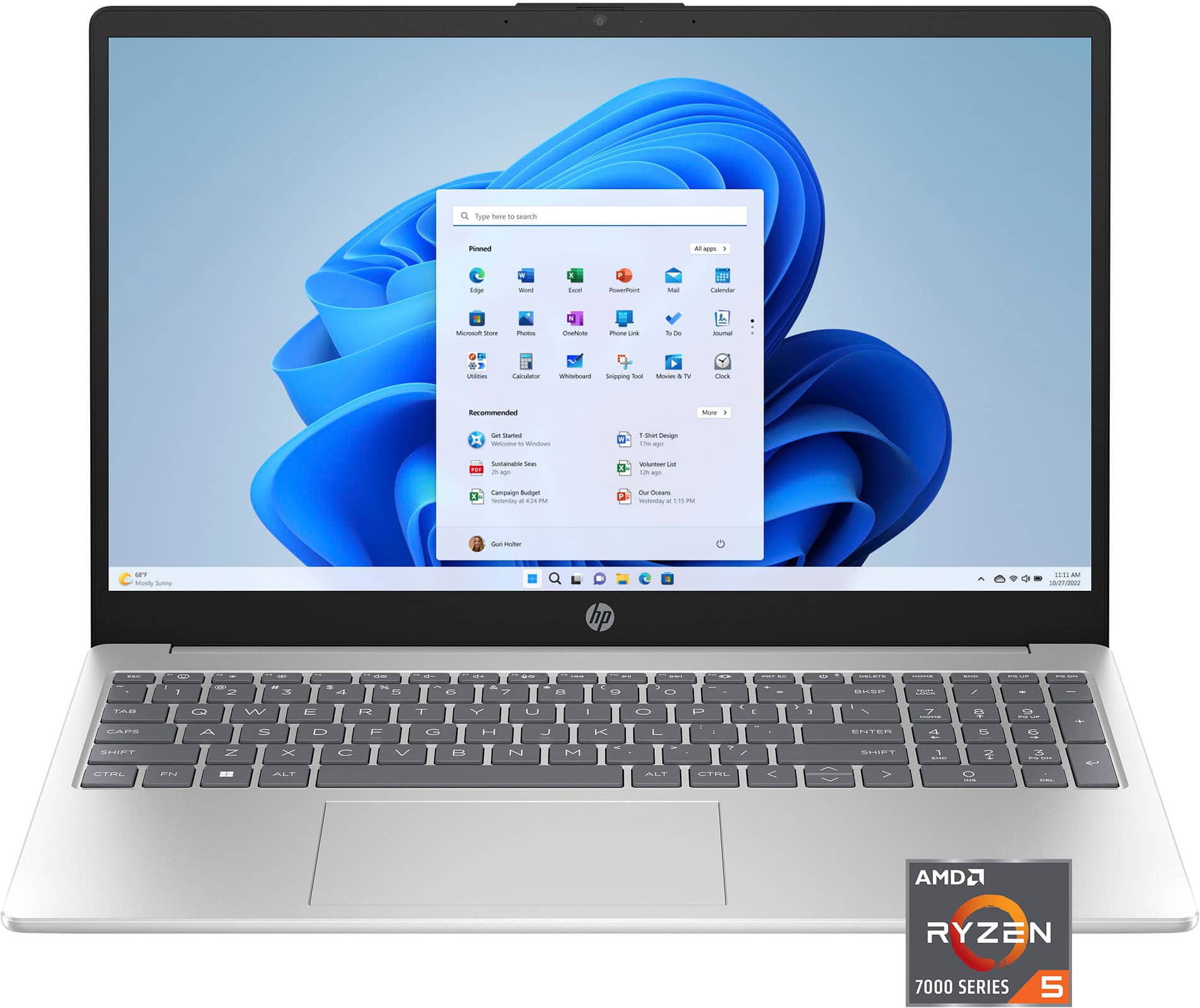
A:AnswerHello and thank you for asking. The HP 15-fc0025dx laptop computer comes with Microsoft Windows 11 Home in S Mode preinstalled. Windows 11 comes with Windows Security virus and malware protection along with the Microsoft Edge web browser. Also, Google Chrome cannot be installed on computers running Windows 11 Home in S Mode.
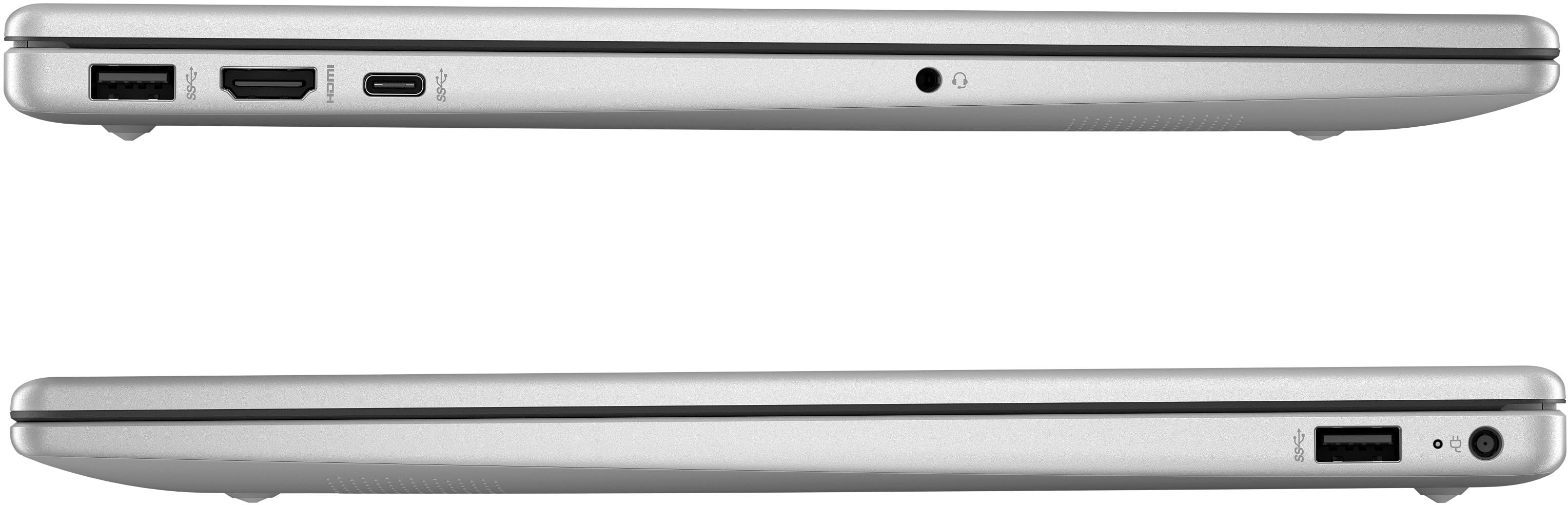
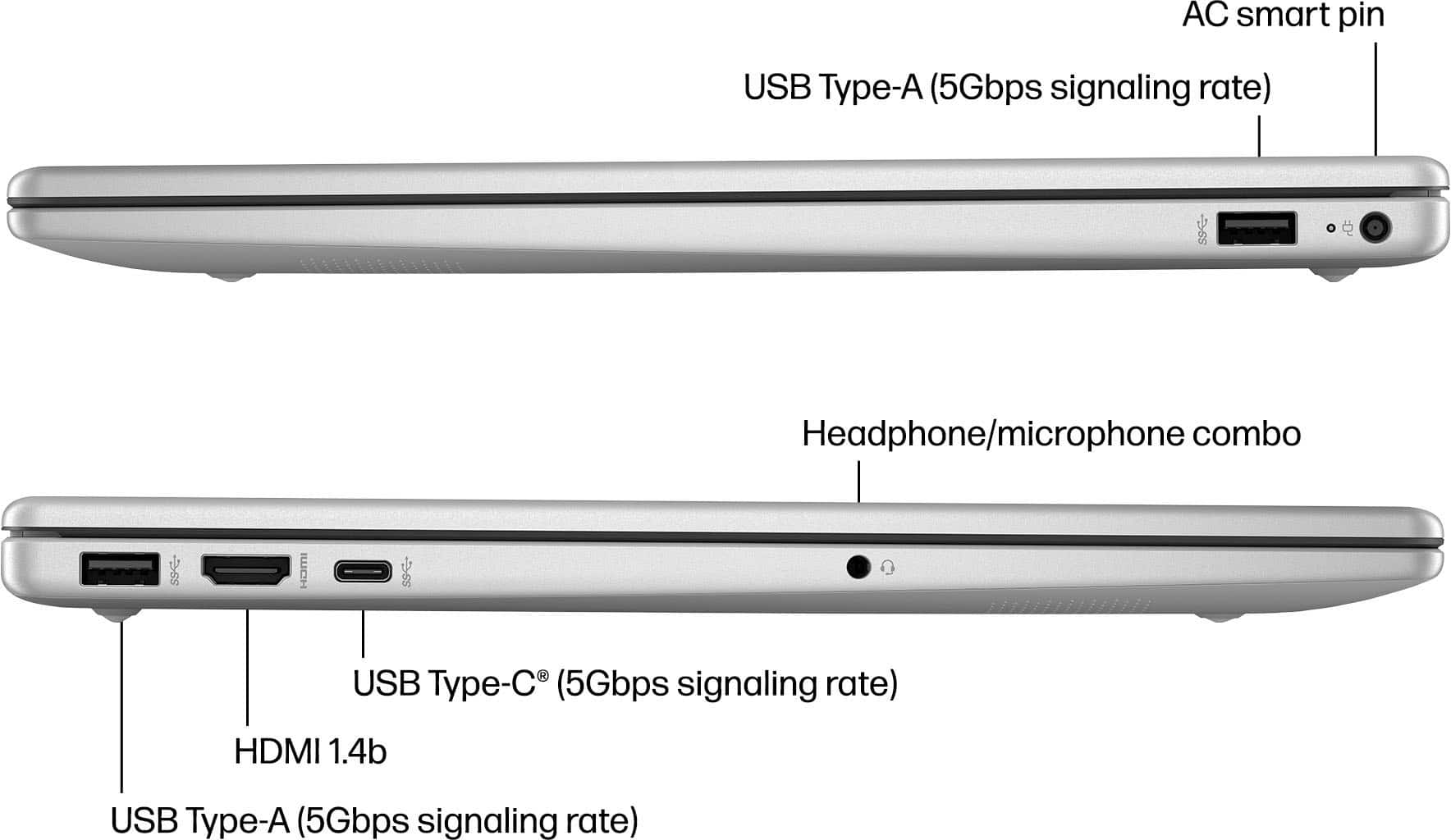
A:AnswerHello and thank you for asking. The 3 USB ports on the HP 15-fc0025dx laptop computer do not support a signaling rate that is high enough for sending video to external monitors.
A:AnswerHello. Thanks for your question. There is a 30 day trial of Microsoft Office on this HP laptop, which includes Word, Excel, and PowerPoint. We recommend purchasing Microsoft Office with this laptop.
A:AnswerHello. Thanks for your question. We recommend switching this HP laptop out of the Windows 11 in S Mode to Windows 11 so you can use the built in voice typing feature. Once you have switched out of S Mode, open Notepad. Then, you would press the Windows logo button + H to activate the voice typing too. Click on the microphone icon and start speaking. Your words will be dictated directly into Notepad.
A:AnswerThank you for your question. The 15-fc0025dx laptop has the Windows 11 S Mode operating which will not allow Respondus LockDown Browser to be downloaded. You can easily take this laptop out of S Mode, which will then allow the download.
A:AnswerThank you for your question. The laptop's performance will depend on what you are using for. To know if a game is compatible with a computer, we recommend checking the games system requirements to insure the laptop is compatible.
A:AnswerThank you for your question! It will depend on the kind of work you are doing, and if you require any specific software. If it is all done in your internet browser, then yes, this laptop would work for that. If you need to use any specific software though, we do recommend checking the system requirements for it to make sure the laptop you are interested in will work with the software.
A:AnswerHi Cam! Are you asking about the Windows 11 product key? Windows 11 came preinstalled on your computer. The product key is embedded in the motherboard firmware (BIOS/UEFI). Press Win + R, type cmd, and press Enter. In the Command Prompt, type: wmic path softwarelicensingservice get OA3xOriginalProductKey and press enter.
A:AnswerHello and thank you for asking. The HP 15-fc0025st laptop computer has Microsoft Windows 11 Home in S Mode pre-installed, so it comes with everything included by Microsoft with Windows, such as Edge, Paint, and Noptepad. HP also includes a 30-day trial of Microsoft (Office) 365 and of McAfee Live Safe. In addition, HP also includes HP Quick Start to help you get started with Windows 11 and the HP Support Assistant to help keep your PC up to date, plus HP Connection Optimizer and HP Games by Wild Tangent.
A:AnswerHi, Mare! Thank you for your question on this HP touch-screen laptop (model 9Q1E9UA). The HP DeskJet 3755 is compatible with this laptop using the HP Smart app, as well as Windows 11.
A:AnswerRoughly 25hp on the information highway. You can get it up to maybe 50-65 mph, and thats the maximum you can really spin up your processor. It's not the strongest, might do better with something from Dell.
A:AnswerThank you for your question about this HP laptop! Zoom is not available from the Microsoft Store. You would need to take this laptop out of S Mode to download and install it.
A:AnswerHi Jay, thanks for your question about the HP 15.6" Touch-Screen Laptop (product number 9Q1E9UA). This model is not LTE capable and does not have a SIM card slot. If you need help finding a model with these features, please reach out to a Blue Shirt in the computer department.