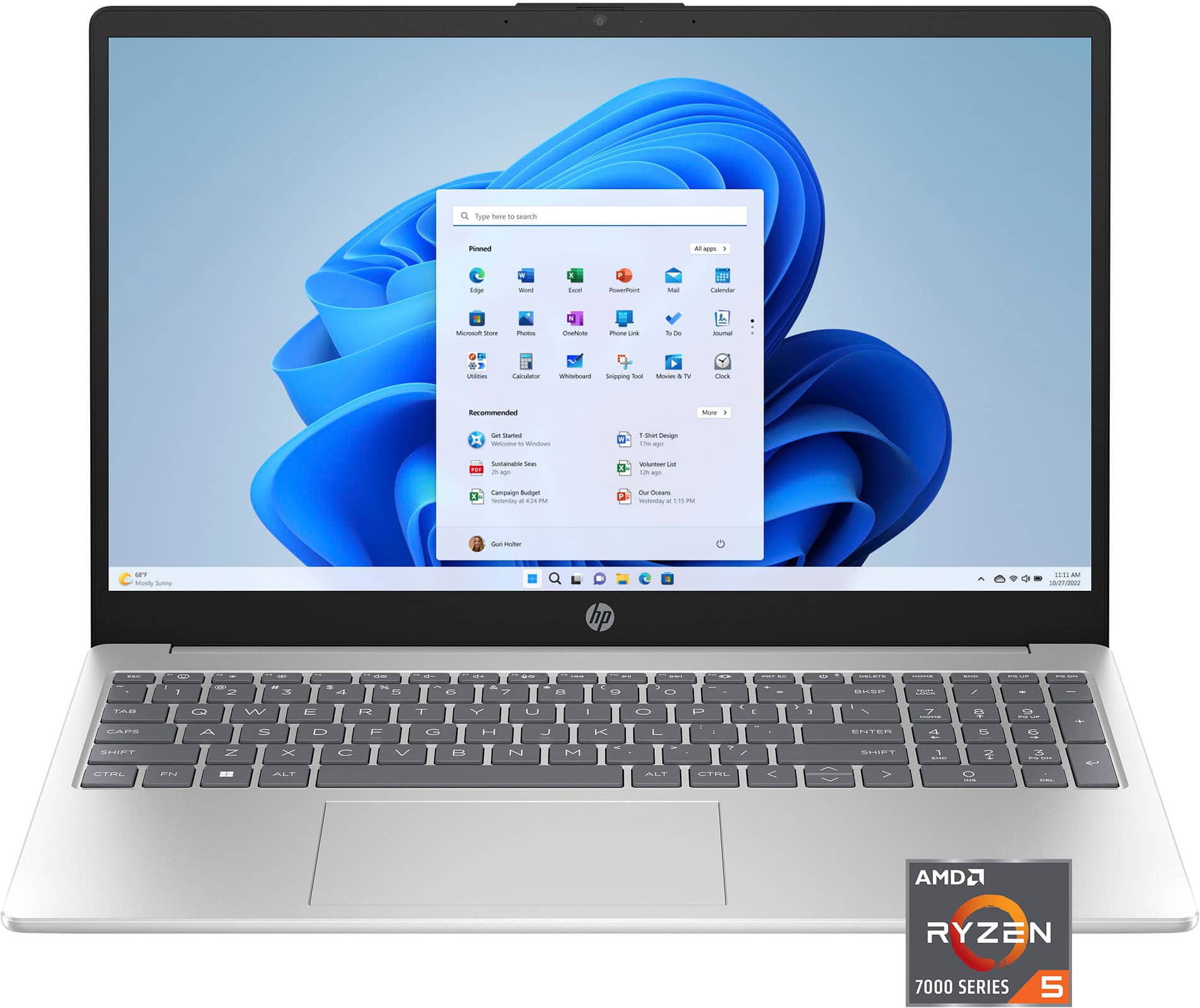
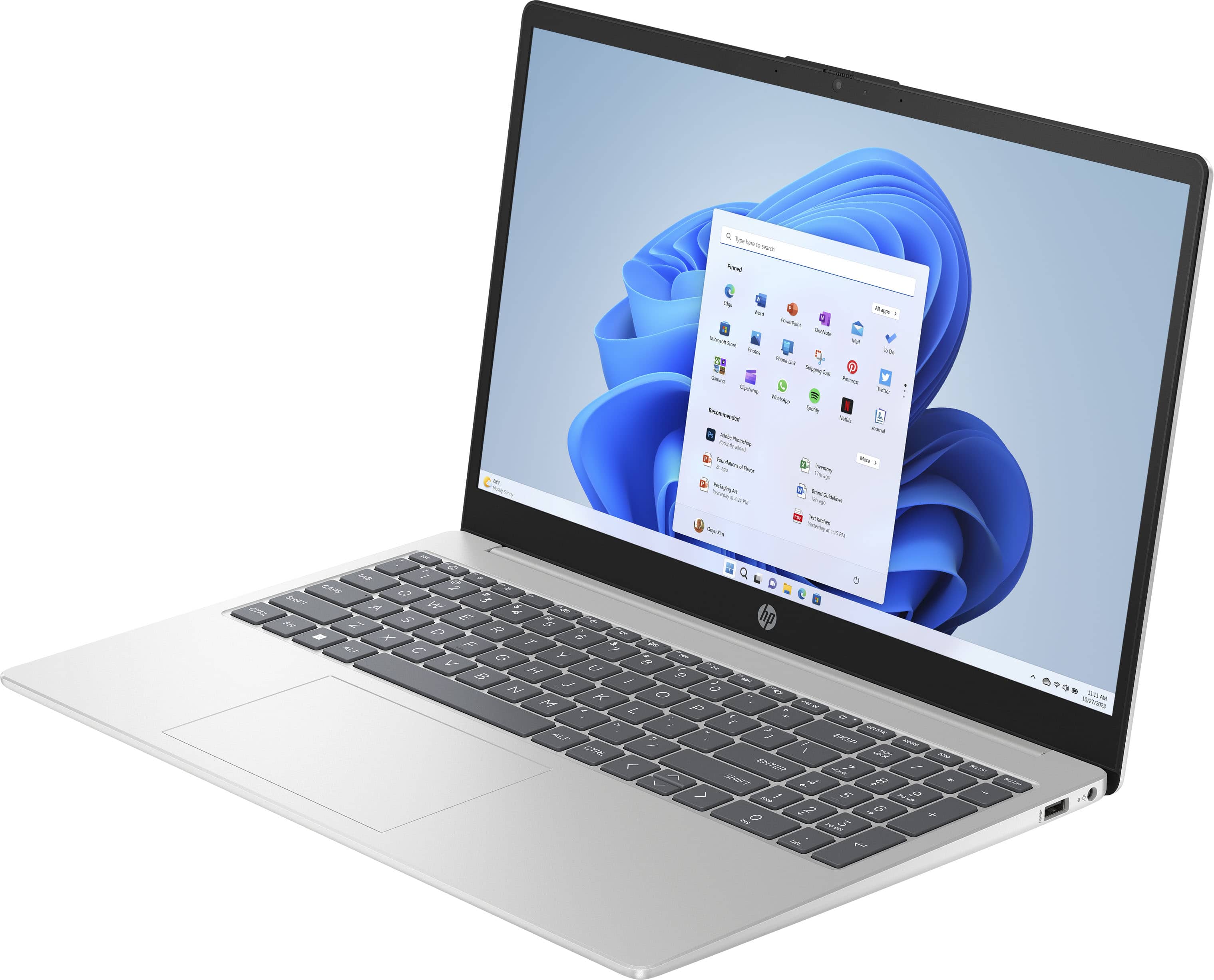
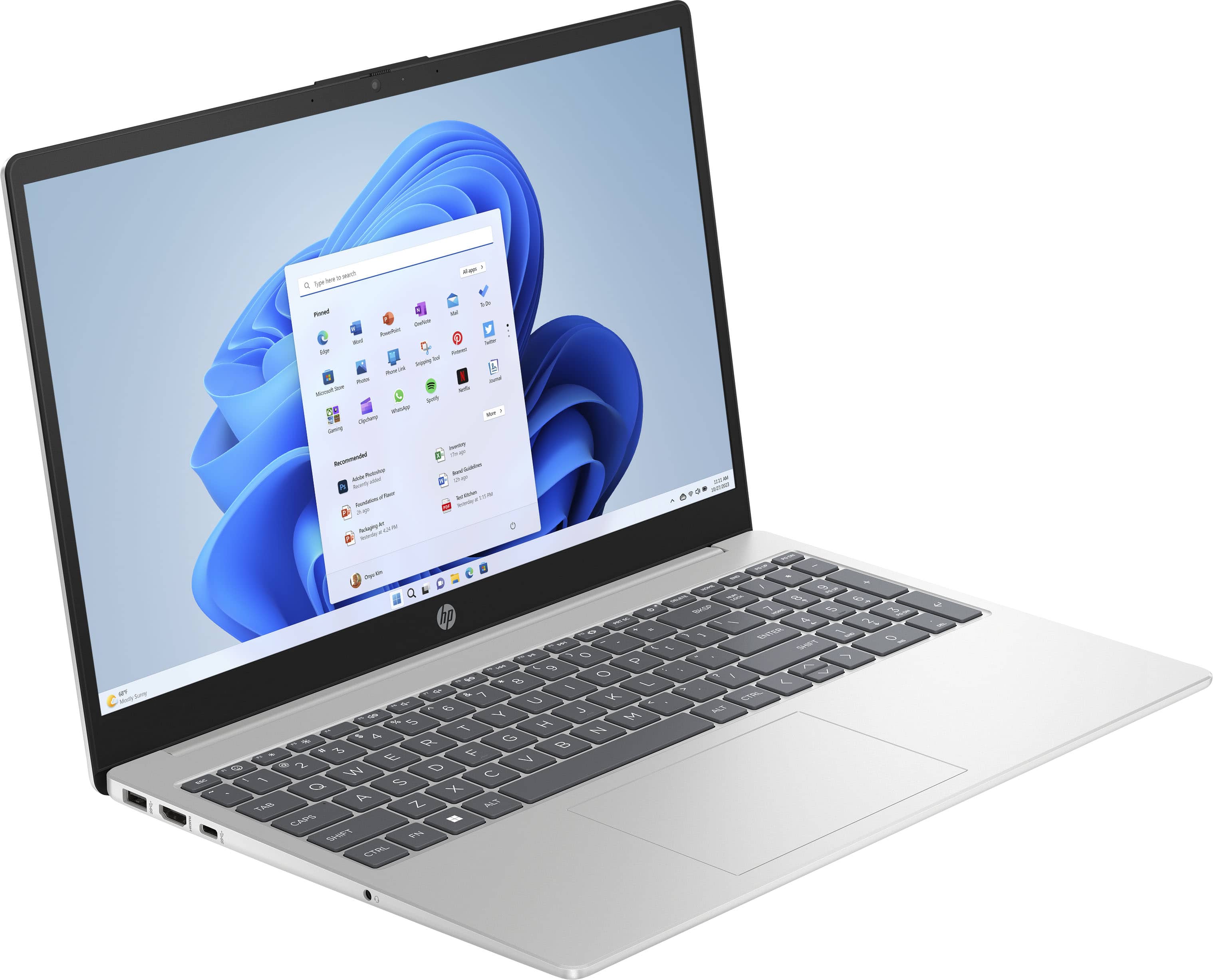
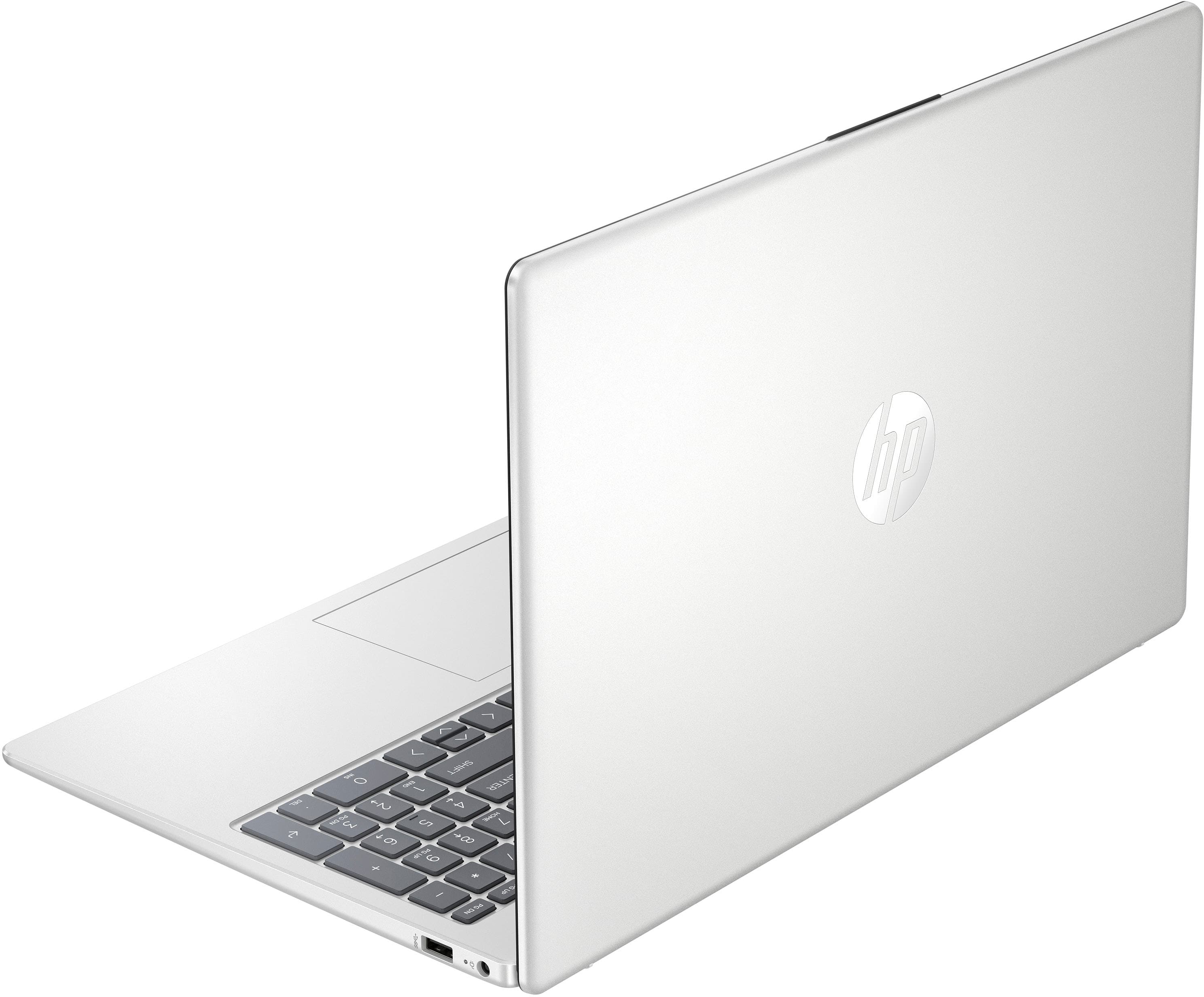
A:AnswerThank you for your question about this HP laptop! Zoom is not available from the Microsoft Store. You would need to take this laptop out of S Mode to download and install it.
A:AnswerHi Jay, thanks for your question about the HP 15.6" Touch-Screen Laptop (product number 9Q1E9UA). This model is not LTE capable and does not have a SIM card slot. If you need help finding a model with these features, please reach out to a Blue Shirt in the computer department.
A:AnswerHello and thank you for asking. The HP 15-fc0025dx laptop computer comes with a 30-day trial version of Microsoft Office 365. To turn that trial version into a full version, you will need to separately purchase a product key for either a subscription to Microsoft 365 Personal or Microsoft 365 Family, or for a version of Microsoft Office 2024.
A:AnswerHi Jerry! The HP warranty is included for one year, in the unlikely event of a defect. Register the laptop while setting it up to ensure you're covered by the HP warranty.
A:AnswerThank you for your question about this HP laptop! The memory on this is not accessible or upgradable. HP has a variety of computer models sold through Best Buy stores that has 16GB of memory that are factory-installed.
A:AnswerToya, thank you for your question about this HP laptop! This is good for students that will use it to write papers and do presentations, which includes humanities and finance majors. For STEM and creative majors, you would need to check with your advisor to see what software you would need to run and what the recommended requirements are for those.
A:AnswerThank you for the question. Hi Sally! The HP 9Q1E9UA has Windows 11 in S Mode (a secure version of Windows 11 Home). You can download forms if the origin site is supported by the Microsoft Store. If not, you can convert the operating system out of S Mode (free, easy, non-reversible). Yes, you can connect a printer, in S Mode or out of S Mode.
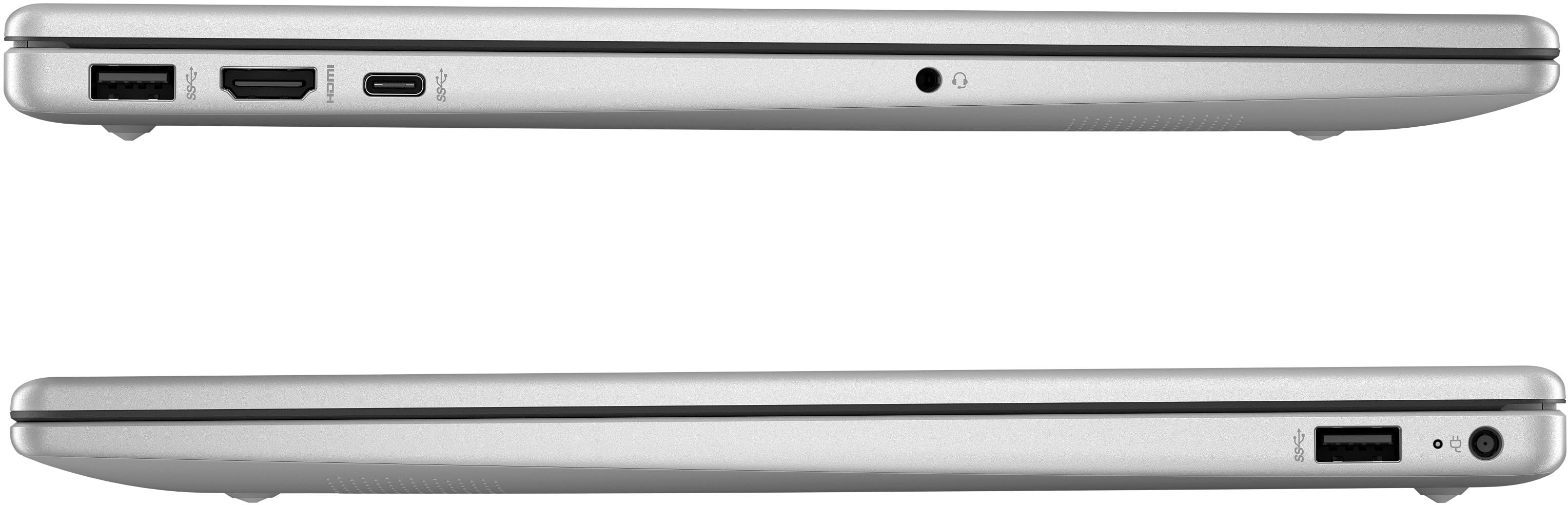
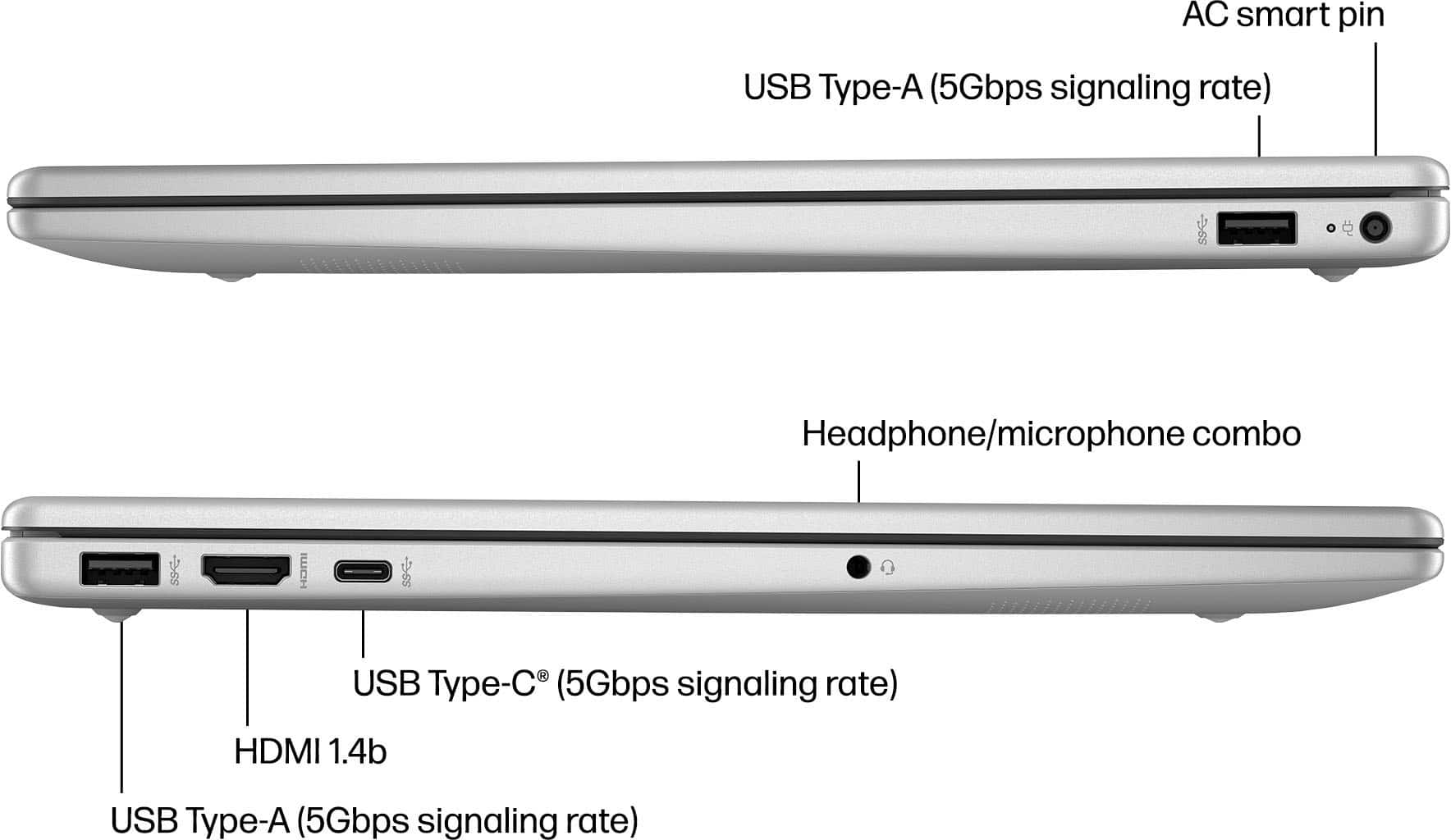
A:AnswerThe factory one is a 45w, but you can also charge with a usbc on the speed port just have to make sure it’s a quality one, my phone charger cables didn’t seem to be enough power.
A:AnswerThank you for your question about this HP touchscreen laptop and its charger. Best Buy has some universal chargers that are sold in the store. Additionally, you can check with Geek Squad about ordering an HP OEM charger for your laptop.
A:AnswerHello and thank you for asking. The HP 15-fc0025dx does not have an empty M.2 slot available that would permit adding an additional SSD. As the SSD is not user accesable, a trained technnician would be required to perform the upgrade and would have to transfer the entire contents of the current SSD to the new, larger one.
A:AnswerI am sorry to hear about your issue with your password. You can use the "Forgot Password?" on the login screen or contact HP or Microsoft Support depending which component is asking for the password.