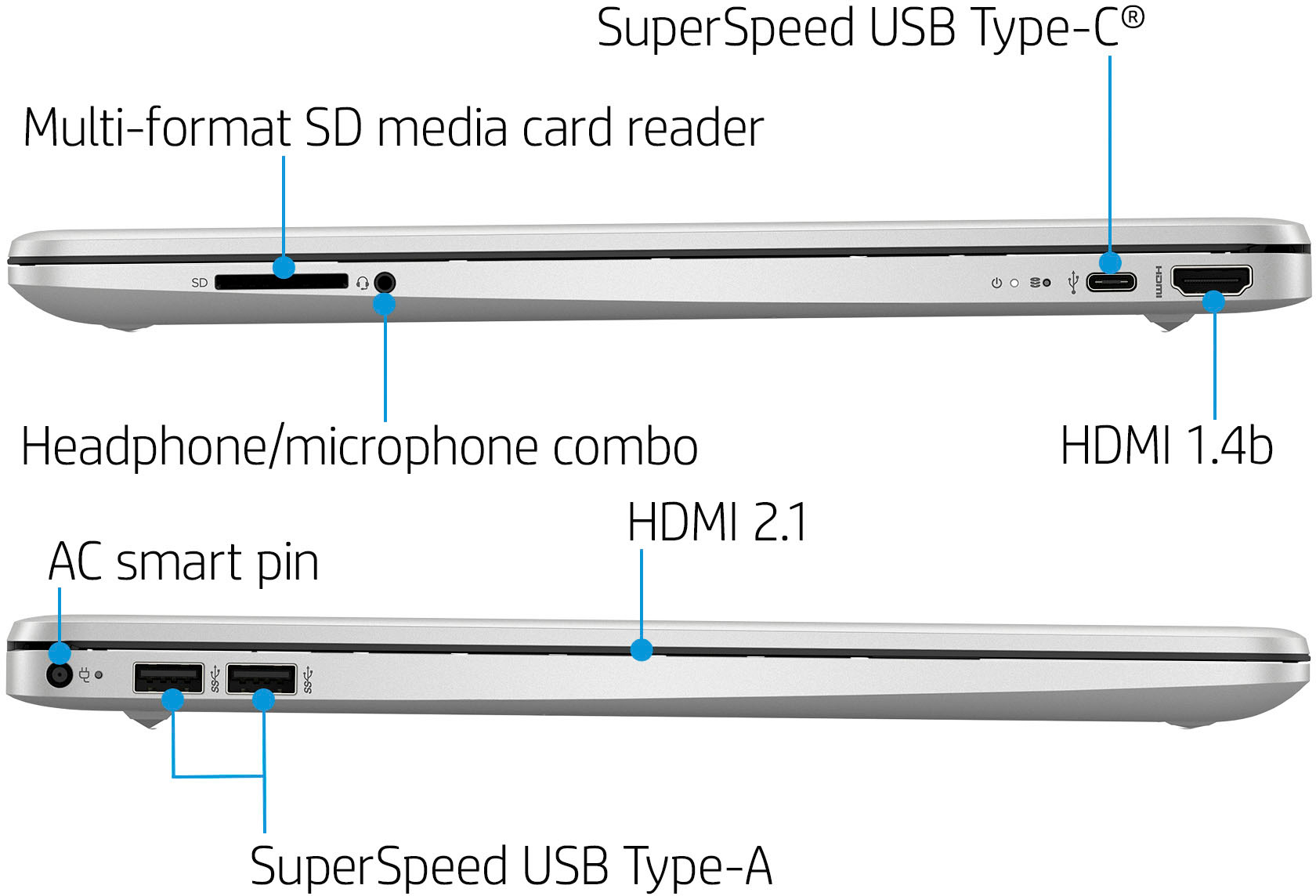
A:AnswerWhile this computer can be upgraded to 16GB for RAM, it is recommended that a professional perform the upgrade. For further assistance, you can contact HP Support or your local Best Buy Geek Squad.
A:AnswerApologies for what you're experiencing. Are you using the Smart App on your phone or PC? If it's on a PC, download, install, and run the HP Print and Scan Doctor. If on a smartphone, uninstall the HP Smart App and re-install it. Make sure that your phone and the printer are on the same network. Note that an unstable internet connection can also cause the error. If neither of these cures resolves the issue, please reach out to Support.HP.Com.
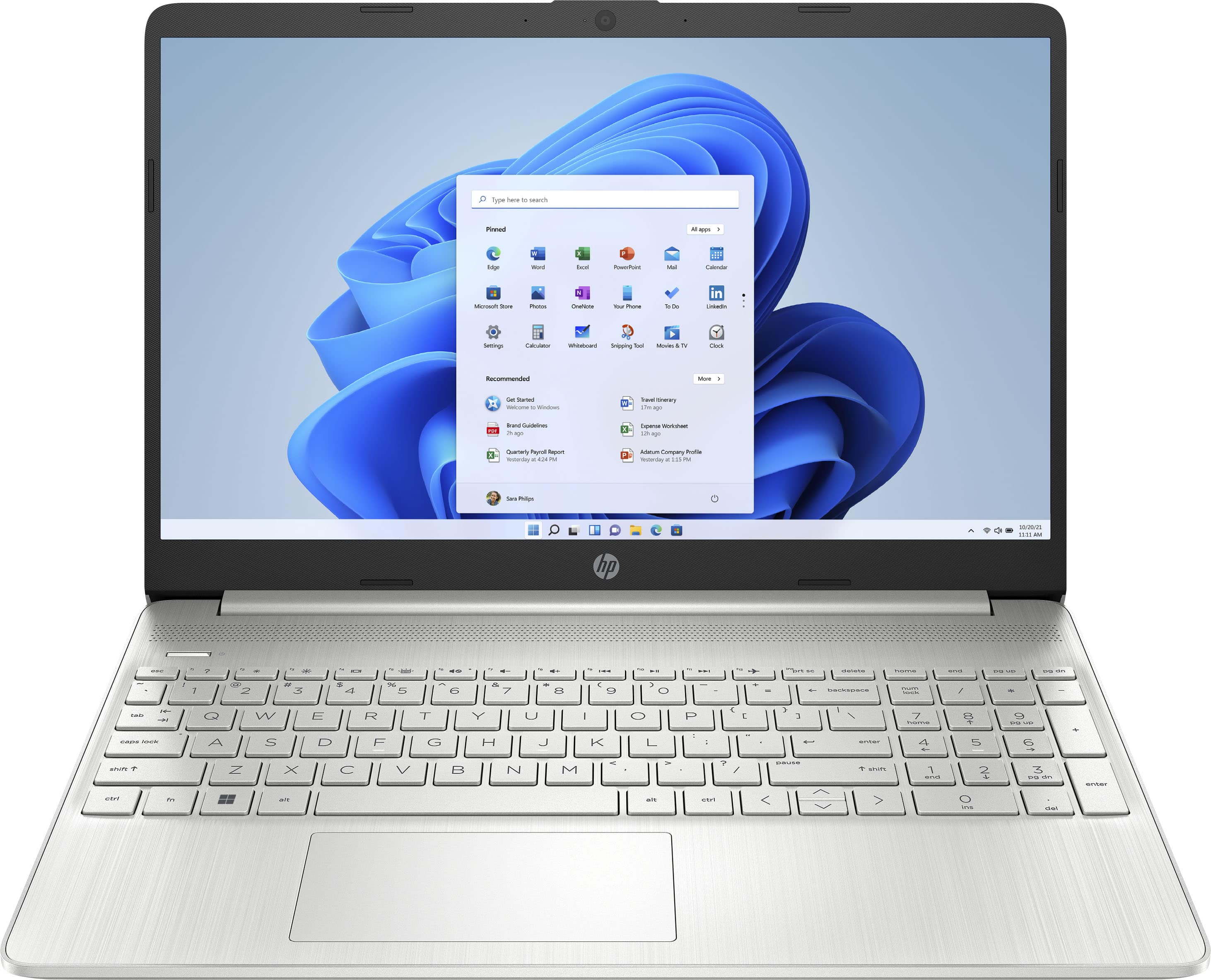
A:AnswerIf CIS is your major i might look into something more on the high end of the spectrum. Would be okay for beginner programing but would not suffice for codding game systems or anything more complex than a basic application
A:AnswerThank you for the question. Once you take the laptop out of S Mode (a non-reversible change), you'll have Windows 11 Home and will load the Chrome browser, not the Chrome operating system. She'll still be using a Windows laptop, just with the Chrome browser as default, (change that in settings) and she can still log into her Google account.
A:AnswerWindows 11 in S mode is a version of Windows 11 that's streamlined for security and performance while providing a familiar Windows experience. To increase security, it allows only apps from Microsoft Store, and requires Microsoft Edge for safe browsing.
A:AnswerThere is an app version of Microsoft 365 (including Excel) which will come pre-installed on the computer. The software, however, requires a subscription for use which you will be prompted for when you open the app.
A:AnswerThis model does come with McAfee installed. When checking out from the Best Buy website, you can select the free six month trial of Trend Micro at the time of checkout under the 'Included' tab.
A:AnswerApologies, we are not certain what you are asking. If you are wanting to increase the size of text that appears on the screen, it can be accomplished using Ease of Access settings in Windows 11. If you are referring to the size of the keys in the integrated keyboard, that design cannot be changed. However, you can connect an external keyboard of your choice that may be more comfortable for you.
A:AnswerWhile this product does come with a charger in the box, if you are looking to have an additional charger, you can reach out to HP Support or the Best Buy Geek Squad for help selecting and ordering a suitable replacement. You would want a charger with a 45W AC adapter.
A:AnswerIt doesn’t have a built in drive, but you can certainly purchase an external drive that connects via USB. You may need to take the device out of S Mode to use an external drive.