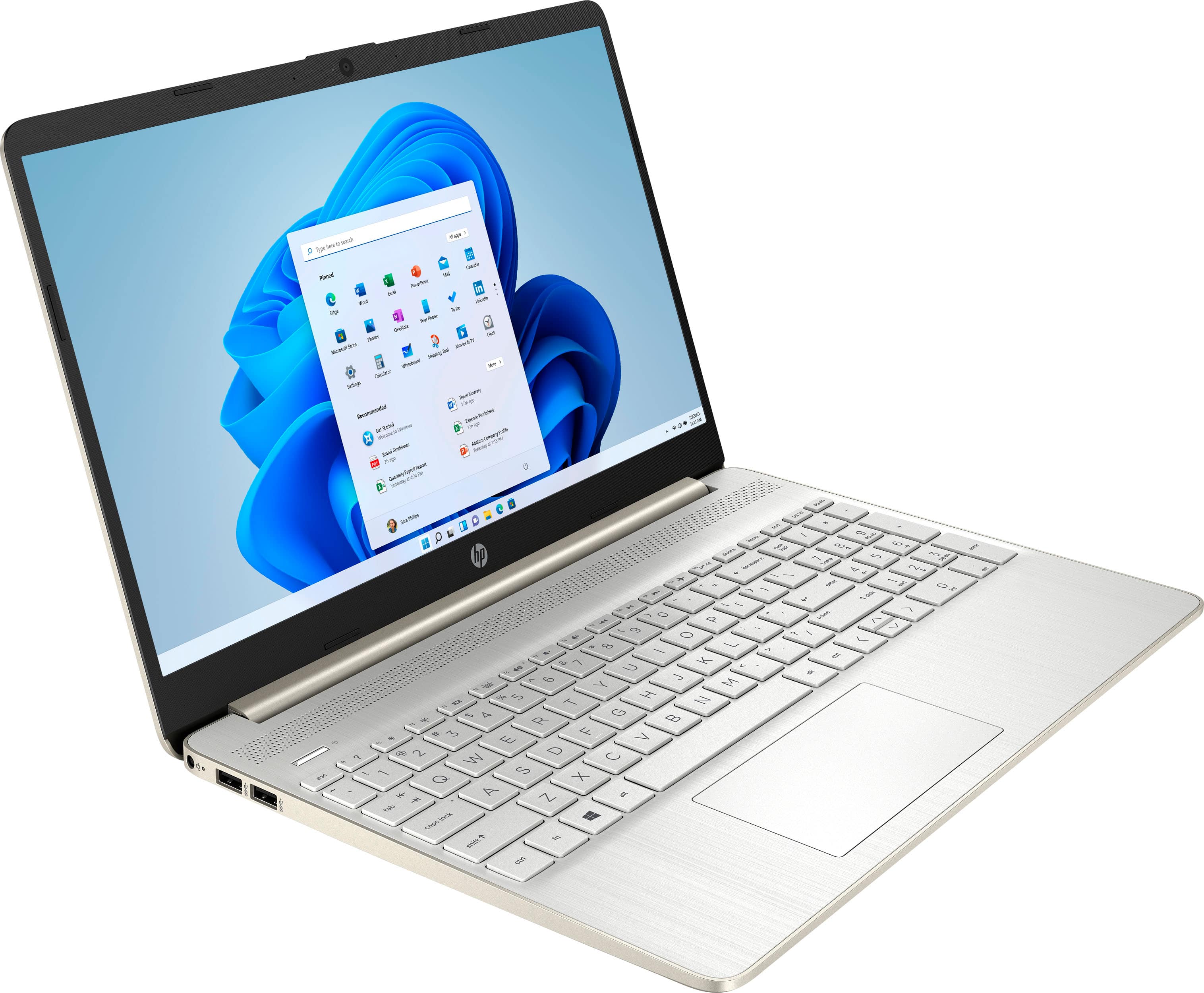
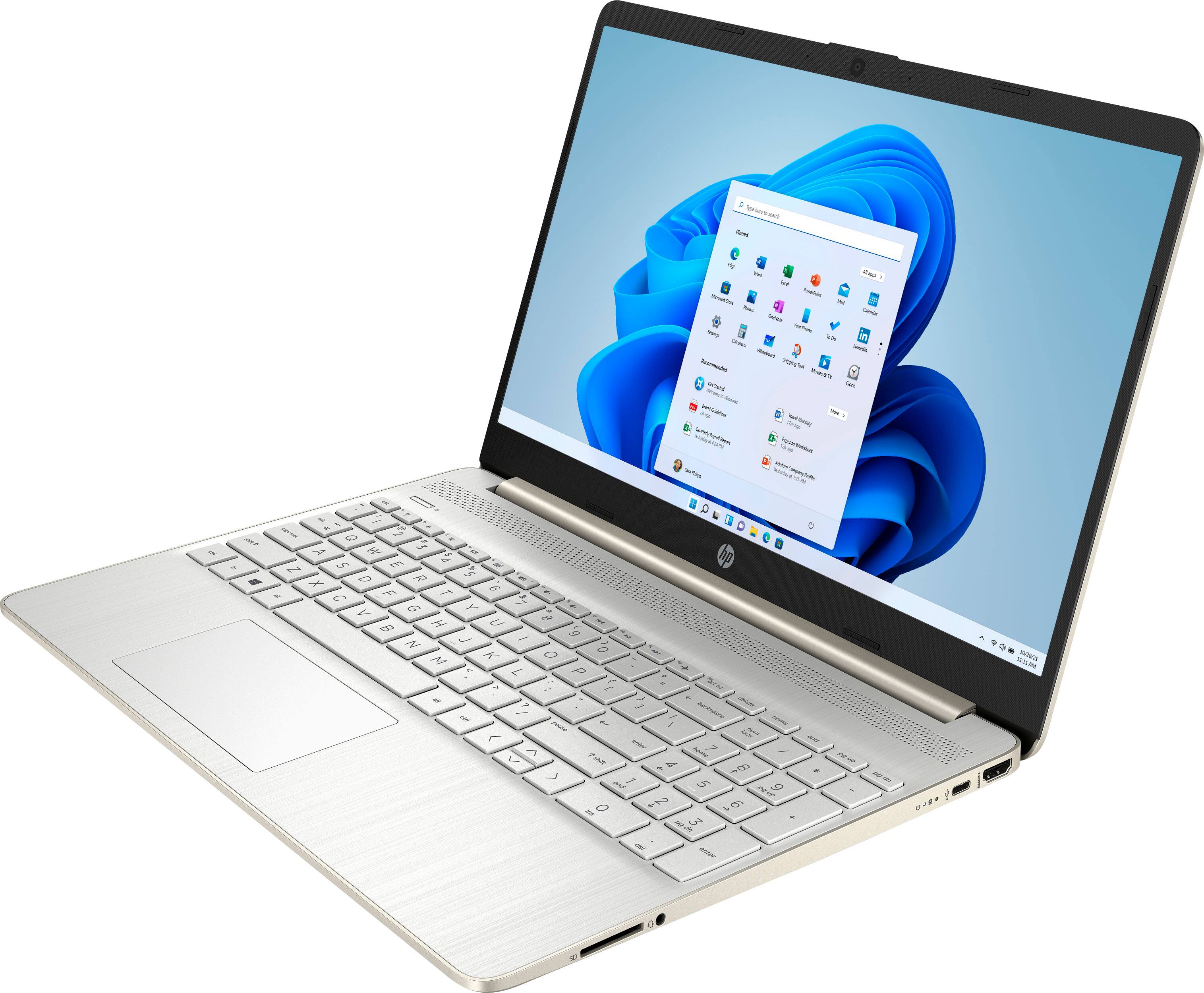
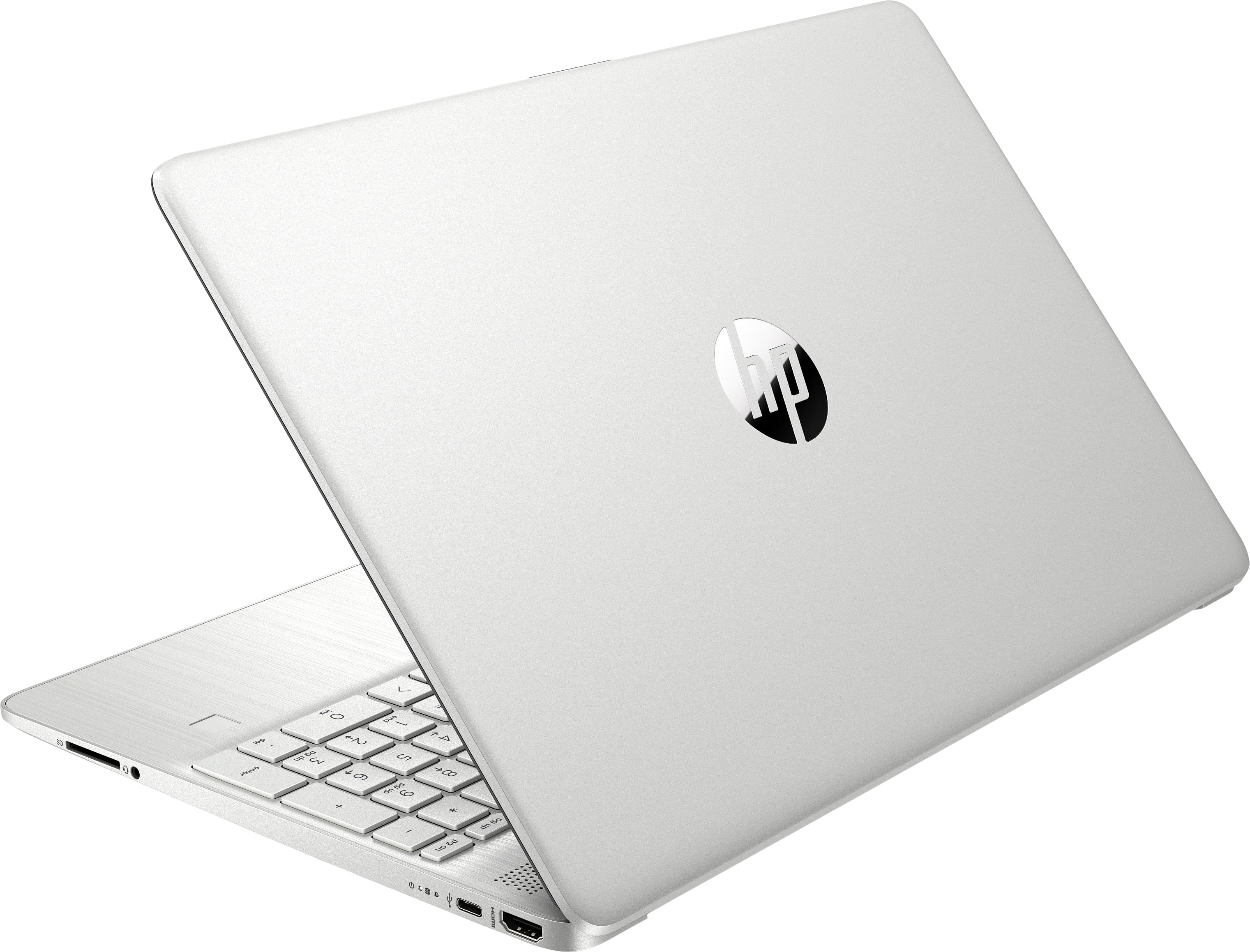
A:AnswerThe USB-C port on this computer is not a display port, so it will not support video signal. However, this model does come with an HDMI port that could be split to a second monitor.
A:Answerchipsets firmware is based on windows 11. if you decide not use windows update to install the drivers which would be a good idea since the latest windows 11 updates cripple memory bandwidth performance. in any case if you decide to that all the driver updates are based on windows 11. so you essentially have to install the generic intel chipset firmware. there are problems with using it. at 2.2 ghz the computer can't reach its full tdp of 28 watts and throttles. lowering the wattage to 18 watts using a program called throttlestop with intel speedstep and c1e performance improves dramatically for the wattage used. but if you can manage to avoid updates on windows 11 which is nearly impossible because they install when you download windows 11 and even if you manage to avoid updates on install once you connect to the internet. windows 11 will force install updates. windows 11 install fairly quickly though. if you really wanted to you can download the version of windows 11 thats available now and put on a usb flashdrive. pause windows update for 2 weeks. install the drivers using the serial number and product id on hp's website. install the drivers from hp's website. in 2 weeks reinstall windows and repeat.
A:AnswerThank you for asking. Yes, this laptop has the right processor and minimum RAM required to run Da Vinci Resolve. If you are a professional, the Envy and Spectre laptops will provide the best results.
A:AnswerThank you for the quiestion. The HP 15-dy2073dx was manufactured in 2021. It has 802.11ac, which means it can connect to the 5GHz band, but a WiFi 6 router will be backwards compatible.
A:AnswerThank you for asking. The standard HP warranty is one year, and extended warranties are available from Best Buy and HP at a very reasonable cost. Your User Guide is here: http://h10032.www1.hp.com/ctg/Manual/c06627899.pdf
A:AnswerThank you for the question. "A lot" is subjective, especially when speaking about touchscreen laptops. The hinges, chassis, and screen undergo hundreds of tests under many usage conditions to ensure a great experience with excellent quality. We would suggest visiting your local Best Buy to explore the laptop in person and gauge the wobbling (or lack of) for yourself.
A:AnswerRight click on the desktop, display settings, select what you want the displays to do with the dropdown on the right of the screen under the 1 and 2 box, next to identify. Problem should be solved.