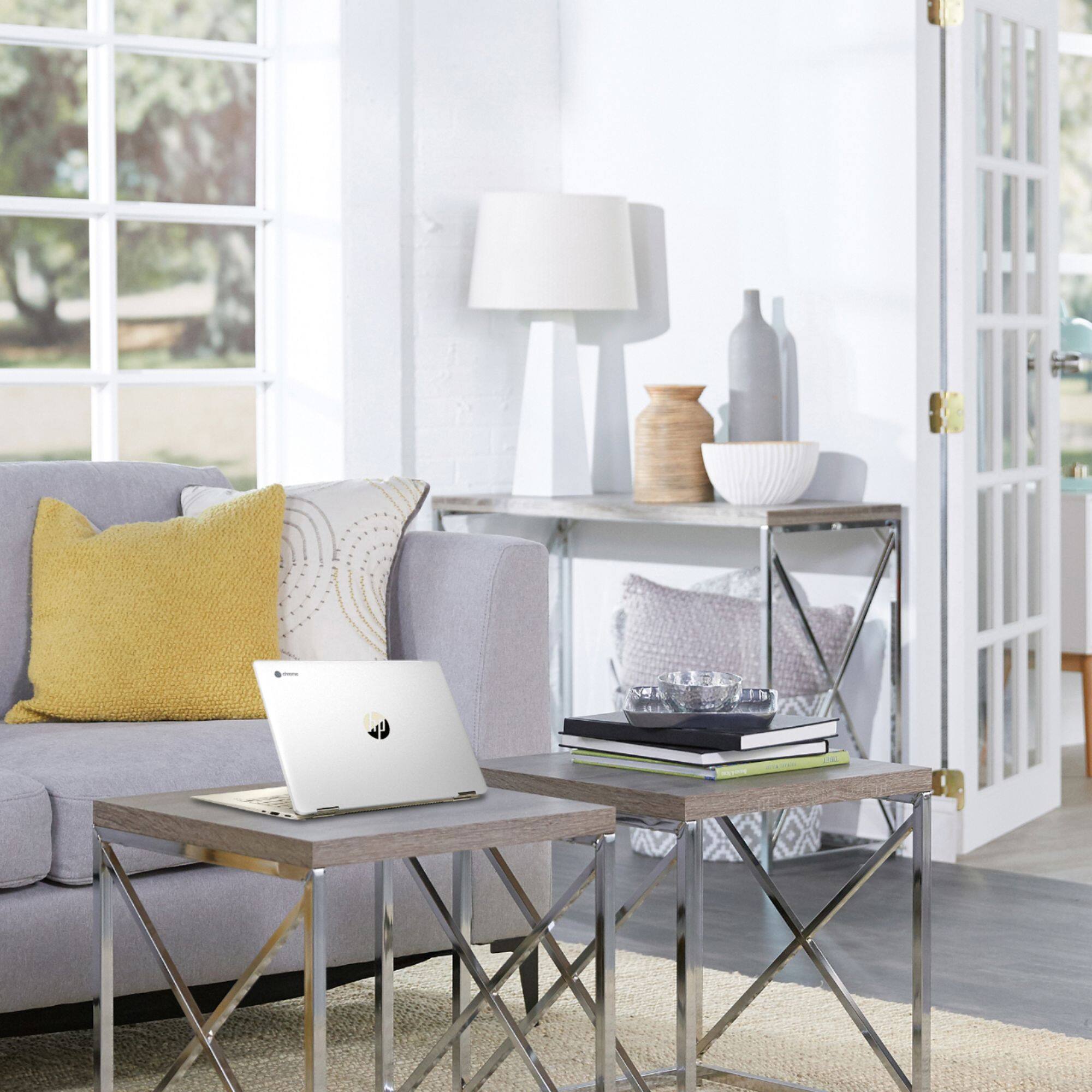
A:AnswerChromebooks have a variety of apps available for editing photos, including some Adobe apps. None of these will have the full functionality of Photoshop, which requires much more hardware (typically an i5 processor and at least 8 GB of memory is recommended, more for snappier performance).
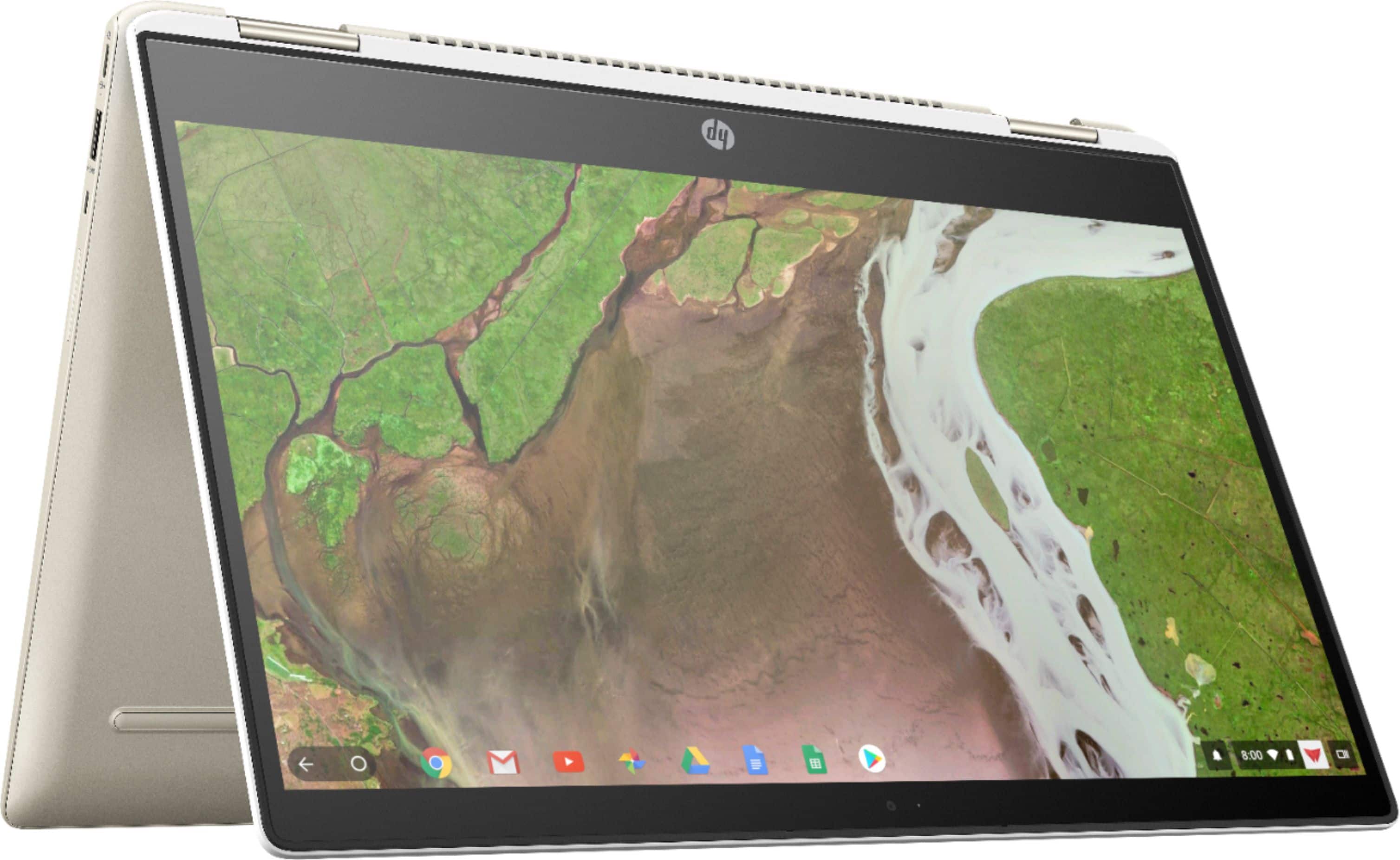
A:AnswerUnfortunately, I can't send you one. However, you can download the manual from http://h10032.www1.hp.com/ctg/Manual/c06470272 so you'll always have it available.
A:AnswerDo you also open the action center and put it in tablet mode? I think this enables the virtual keyboard.
To enable Tablet mode:
First open the Action Center which you easily get by swiping in from the right side of your screen. If needed, then tap on expand to see the “Tablet Mode”. After that tap on the Tablet Mode to enable it.
A:AnswerI would contact the geek squad at the best buy store. They were very helpful to me. They can help you get started. It still works like a regular computer, I brought it home and started playing around with it.