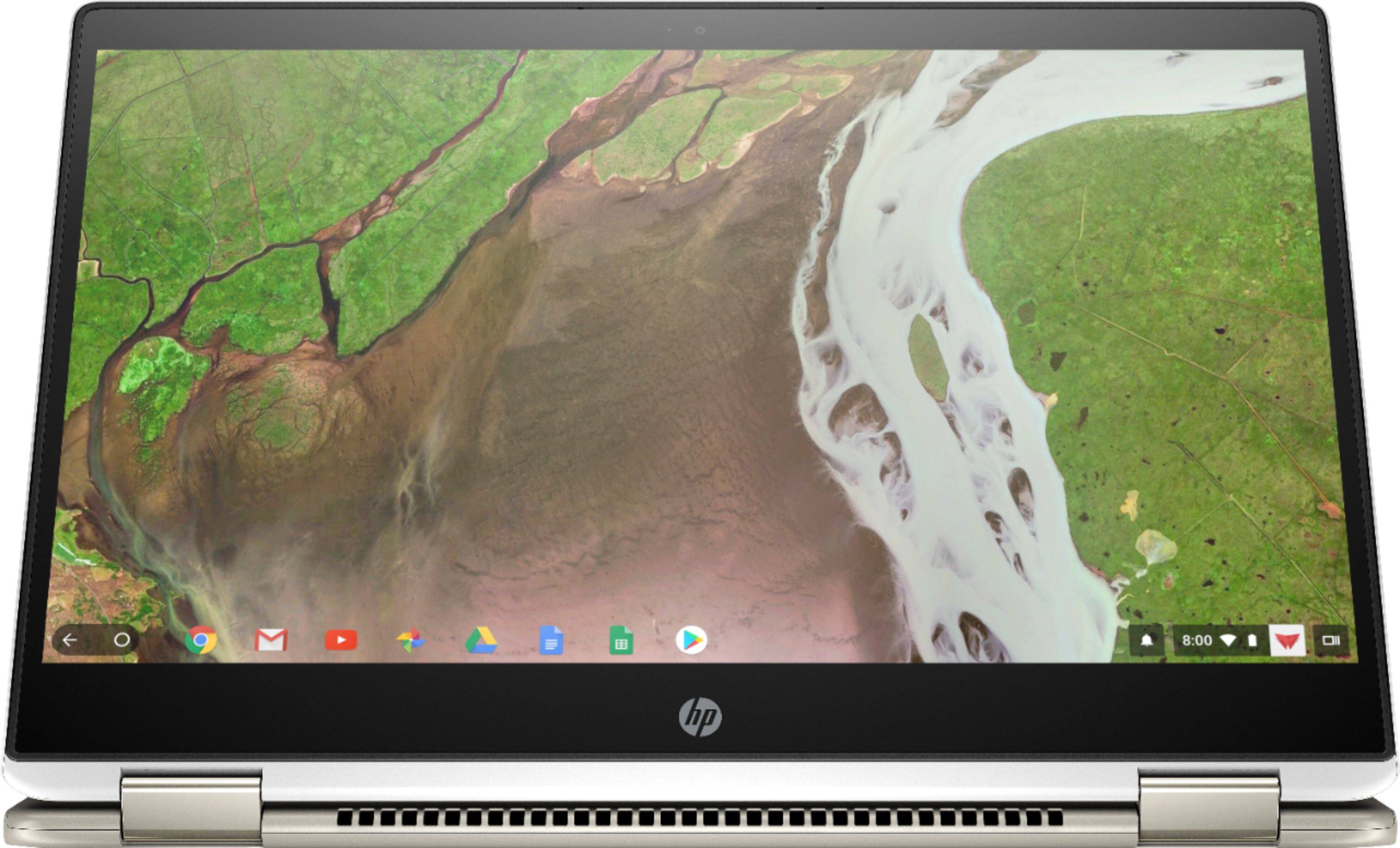
A:AnswerGo to settings, appearance, open wallpaper app, and there is an option to use photos you have downloaded on your Chromebook ! This worked for me, hope this helps !
A:AnswerIf you have the printer on a network, the Chromebook should find it easily. I did this with a Brother printer, super easy in the settings. If nothing else, search the model number on how to add it to a Chromebook and you should get results.
A:AnswerIt supports any printer supported by Linux (CUPS). I haven’t had any issues with any of my printers which include HP, Brother and Lexmark. Most printers made within the last 5 years or so should work.
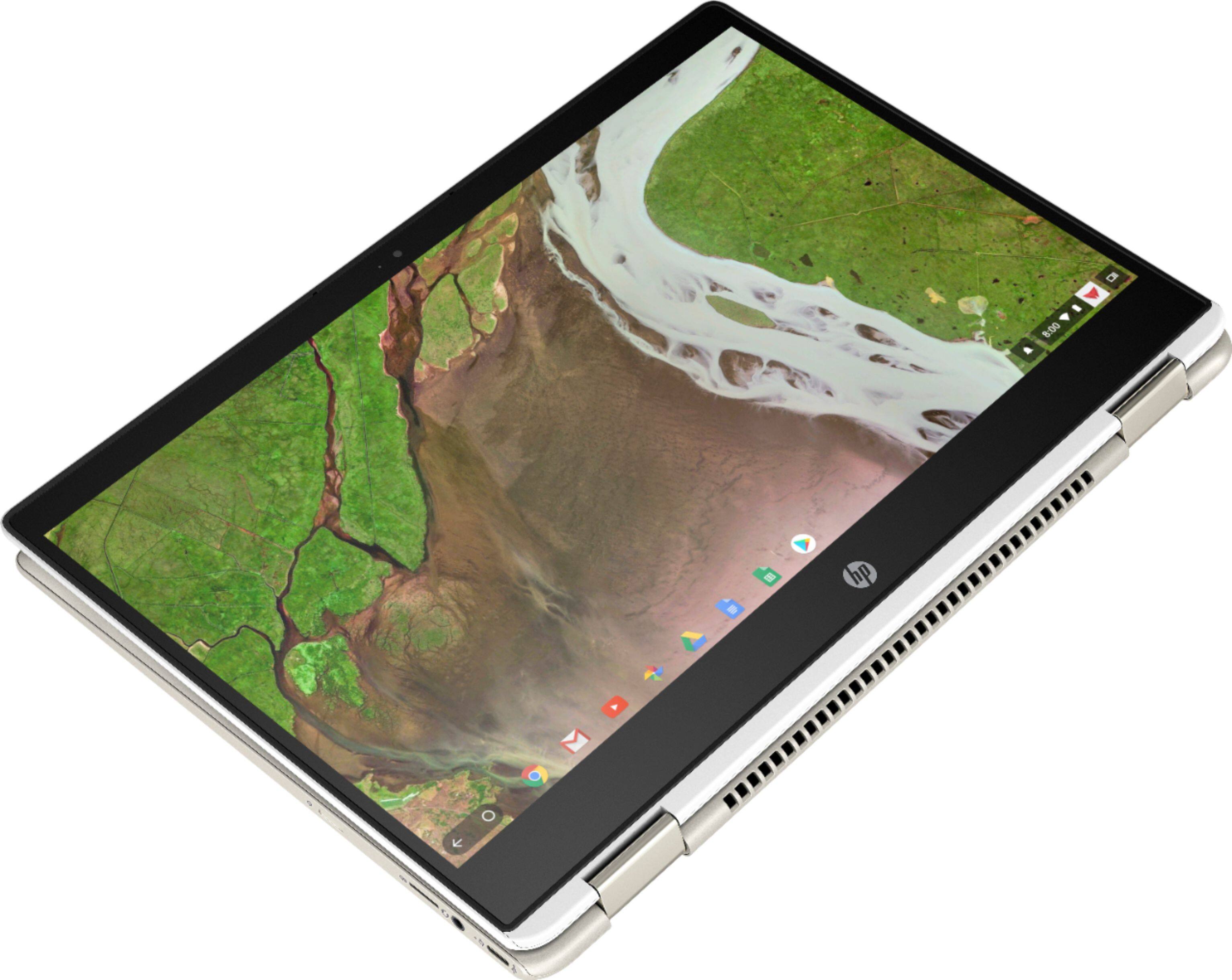
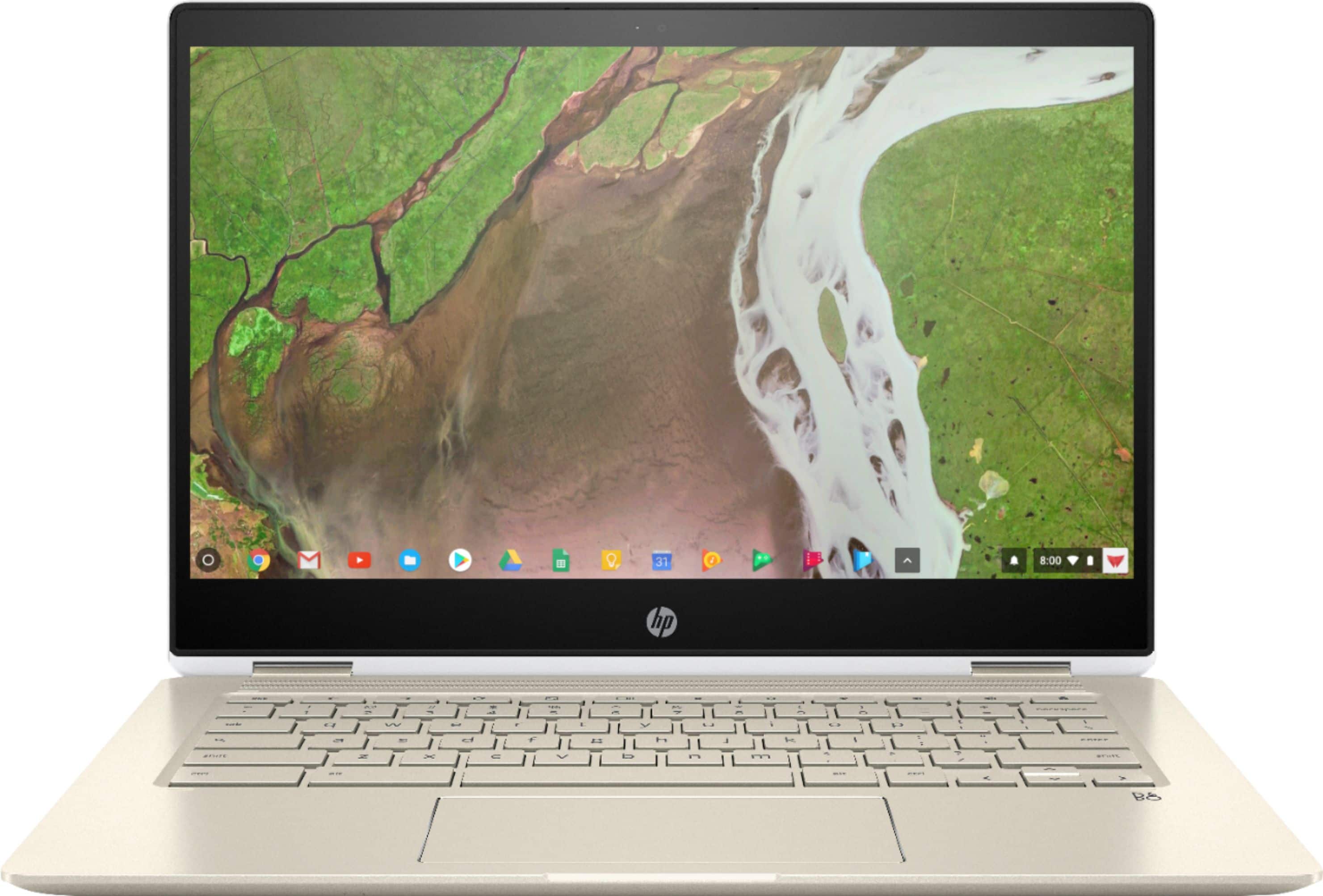
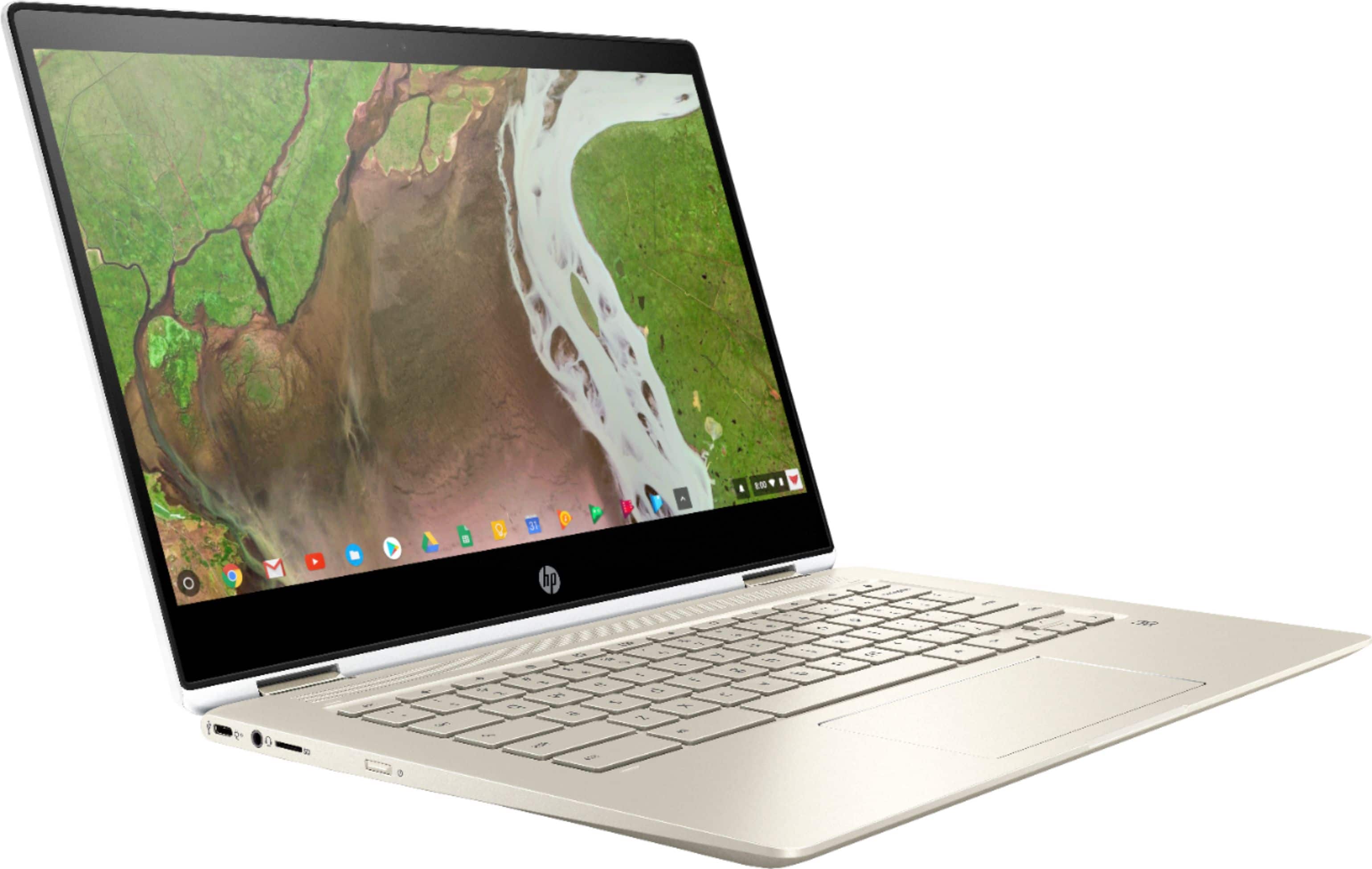
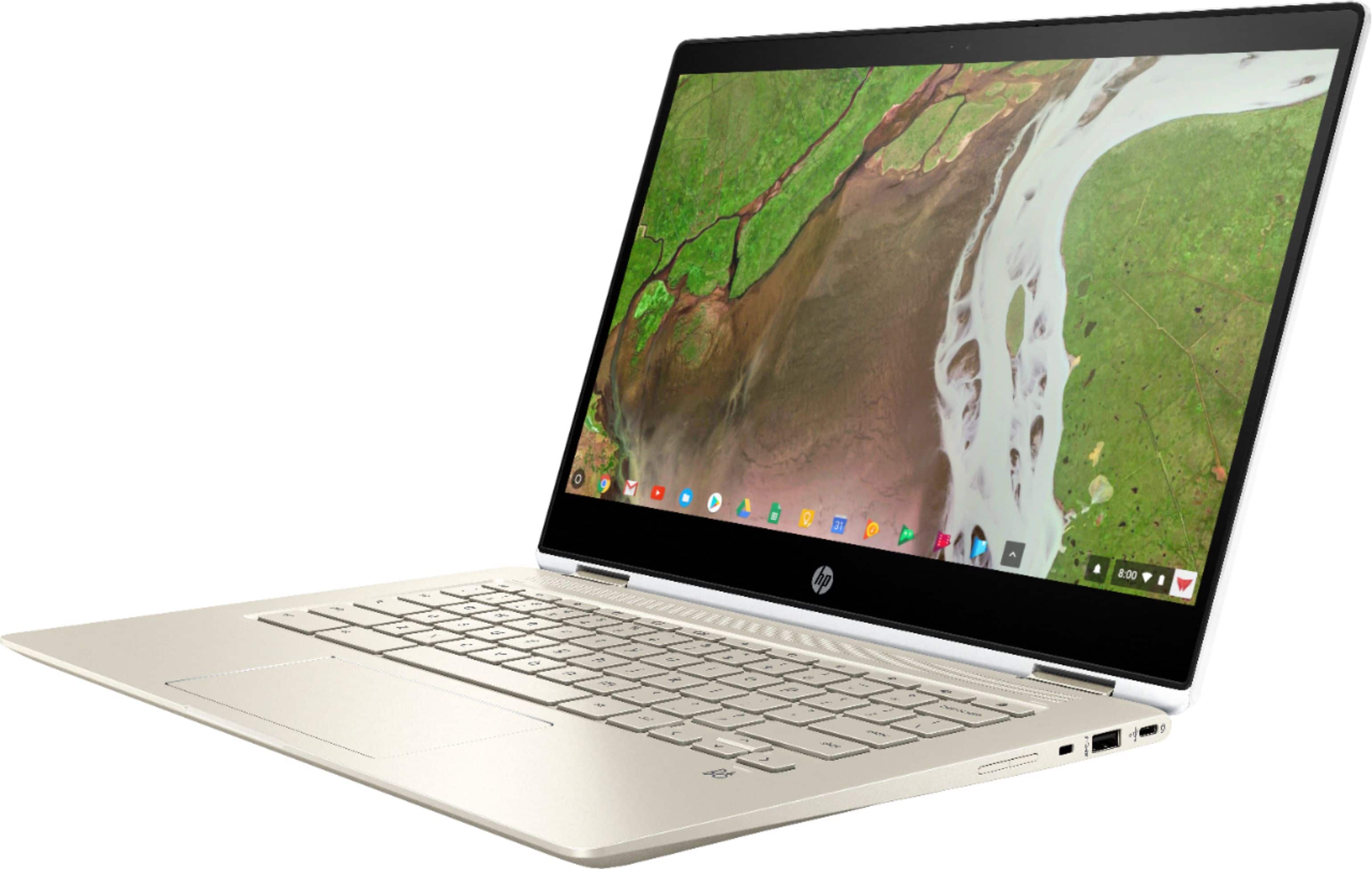
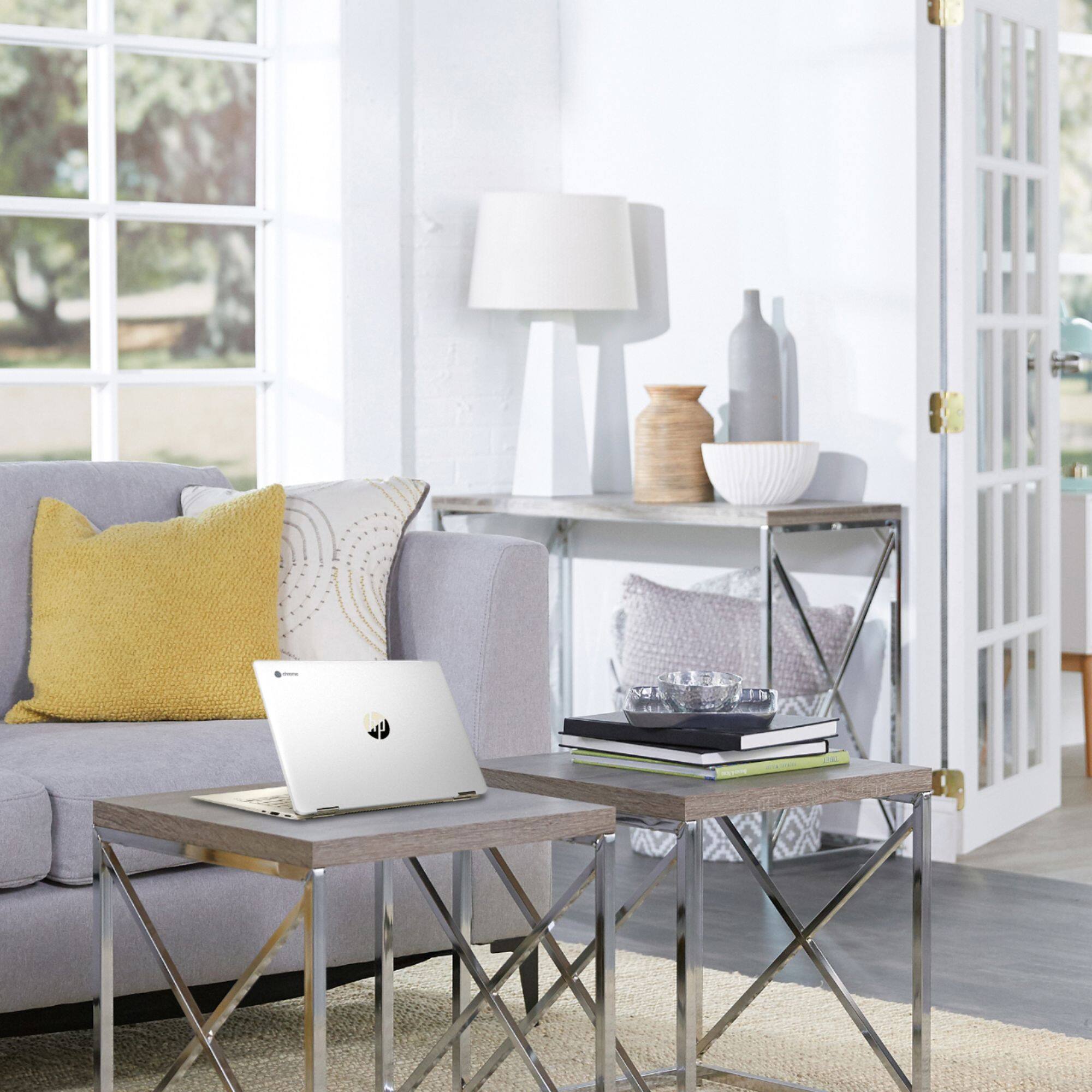
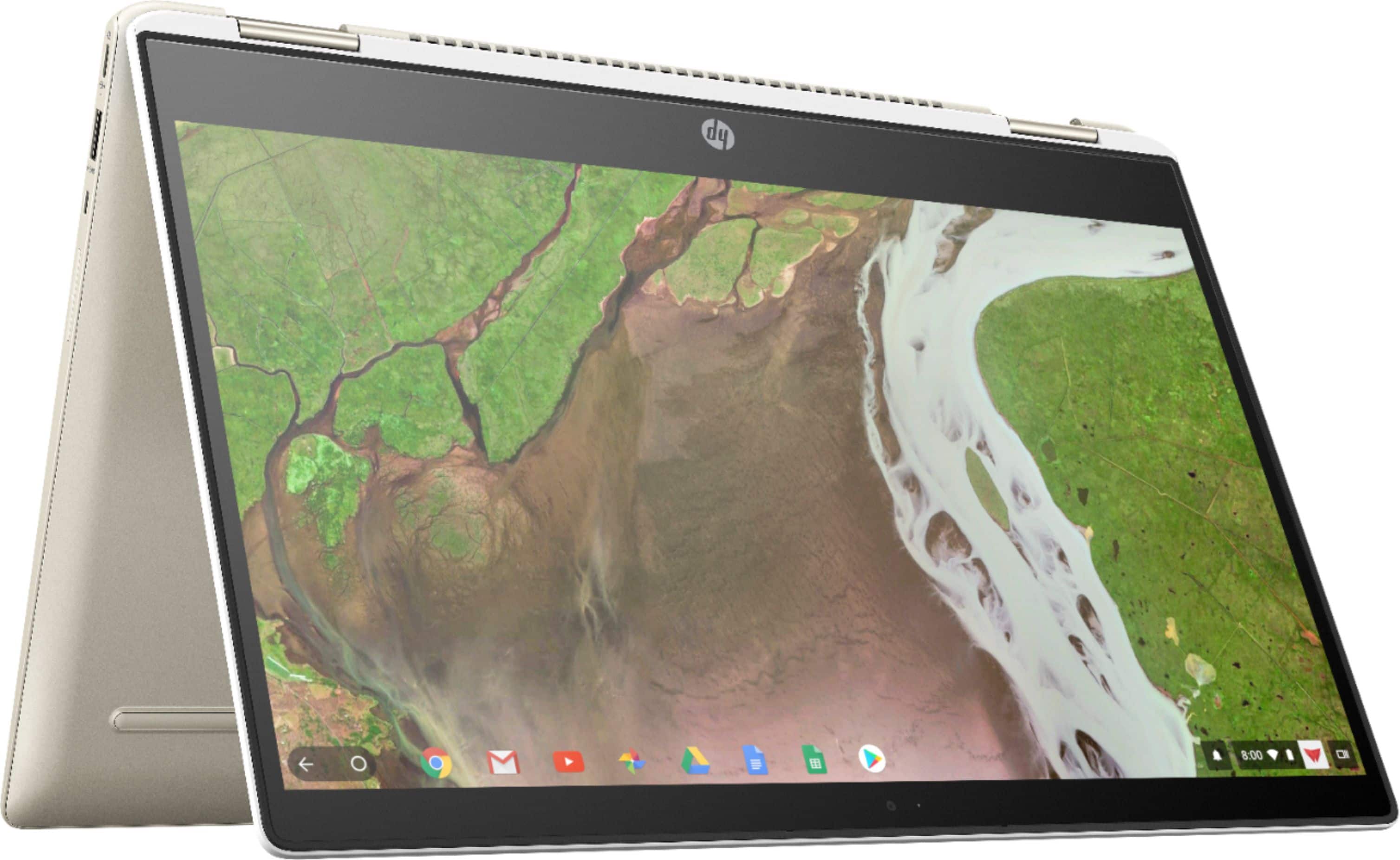
A:AnswerYes, it is a HP Chromebook 360 and is a great system! I have had mine for about 3 weeks and love it. It is quick, has great resolution, and great battery life. I suggest it!
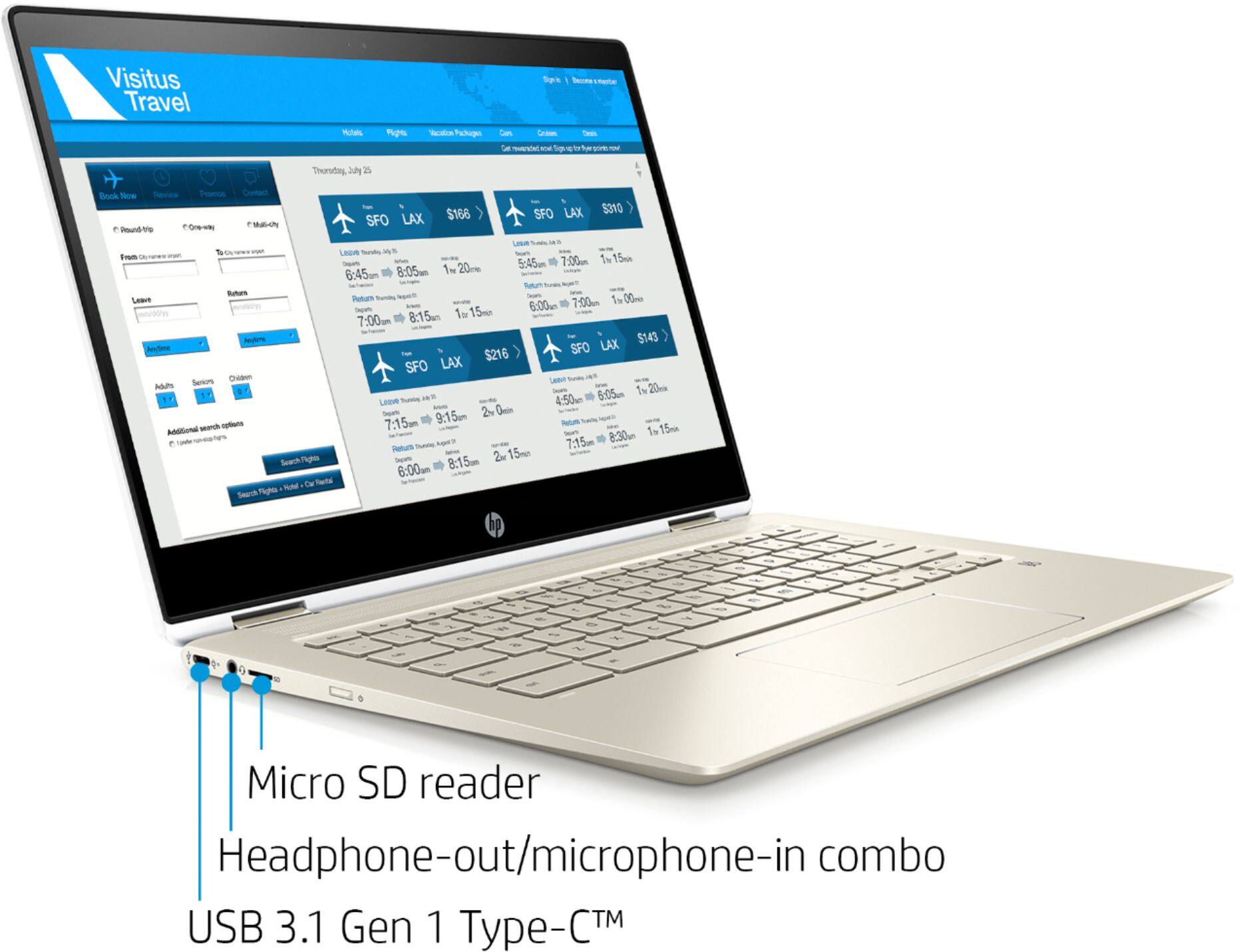
A:AnswerNo. The components are soldered. However, this Chromebook does have a micro-SD slot and you can purchase/add a micro-SD card (Samsung EVO Select micro-SD cards, for instance, are excellent (128gb, 256gb, 512gb...) and the prices have really come down.
A:AnswerYes, you will need a wireless printer to print with the Chromebook. You will need to use Google Cloud print. Here are more details: https://support.hp.com/us-en/document/c02817255