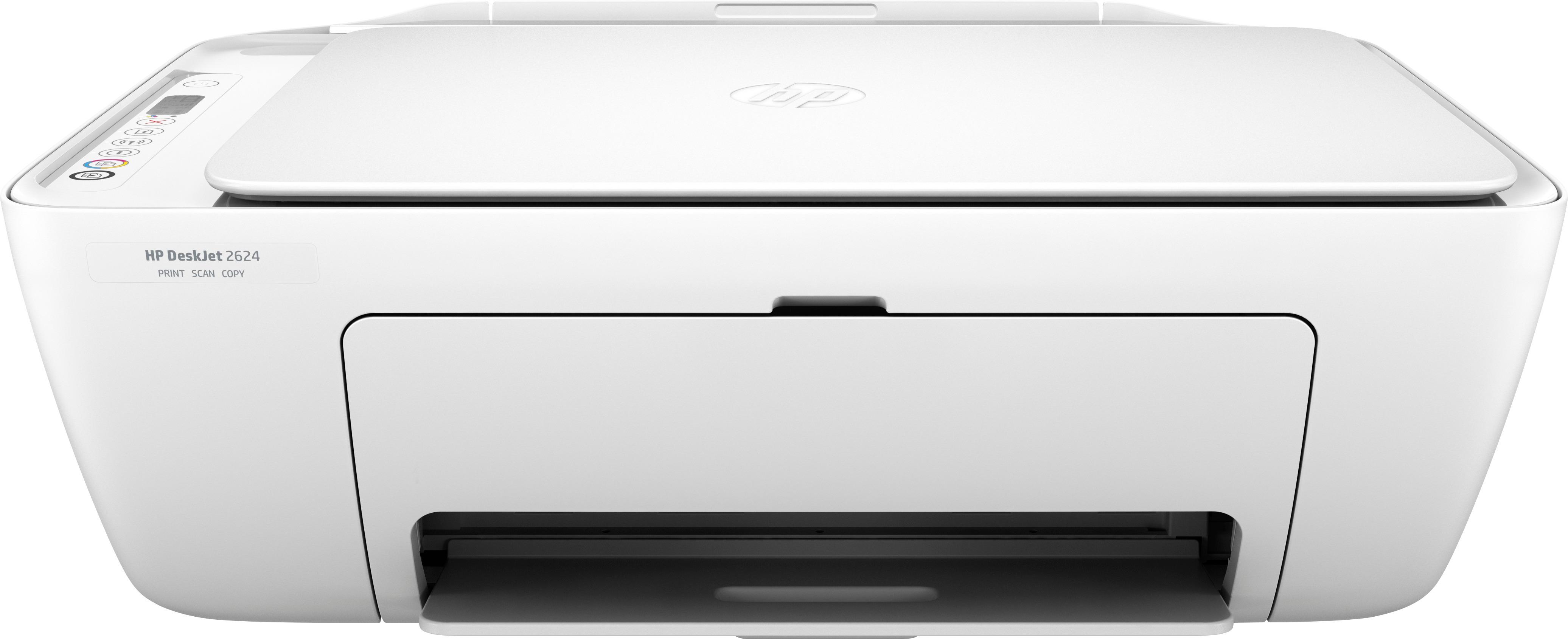
A:AnswerSorry for the confusion. This printer used to come with a USB cable, but recently HP stopped packing it in the box because most people set it up wirelessly and do not use the cable. If you do not wish to print wirelessly you can use any standard USB A-B printer cable, including one that you have used for a previous printer if you have one.
A:AnswerYes It does do double sided. You have to reinsert the paper into feeder after one side prints. It took me a few tries to do it. Not very user friendly for sure.
A:AnswerWireless means you don't have a wire connected to the device (computer or phone). You connect the printer wirelessly to your WiFi network using your WiFi password, and then all the devices on the network have access to it.
A:AnswerAll printers come with setup cartridges to get you going. However, they are not usually full standard cartridges. Typically you will get 60-80% of a standard cartridge with an HP starter cartridge.
A:AnswerThese wireless printers are designed to work via wifi. I have not tried to connect this specific printer with my cell phone's Hotspot. I have tried other HP printers and was never able to connect them with a Hotspot. I'm pretty sure your printer and laotop/cell phone have to be connected to the same wifi to be able to print.