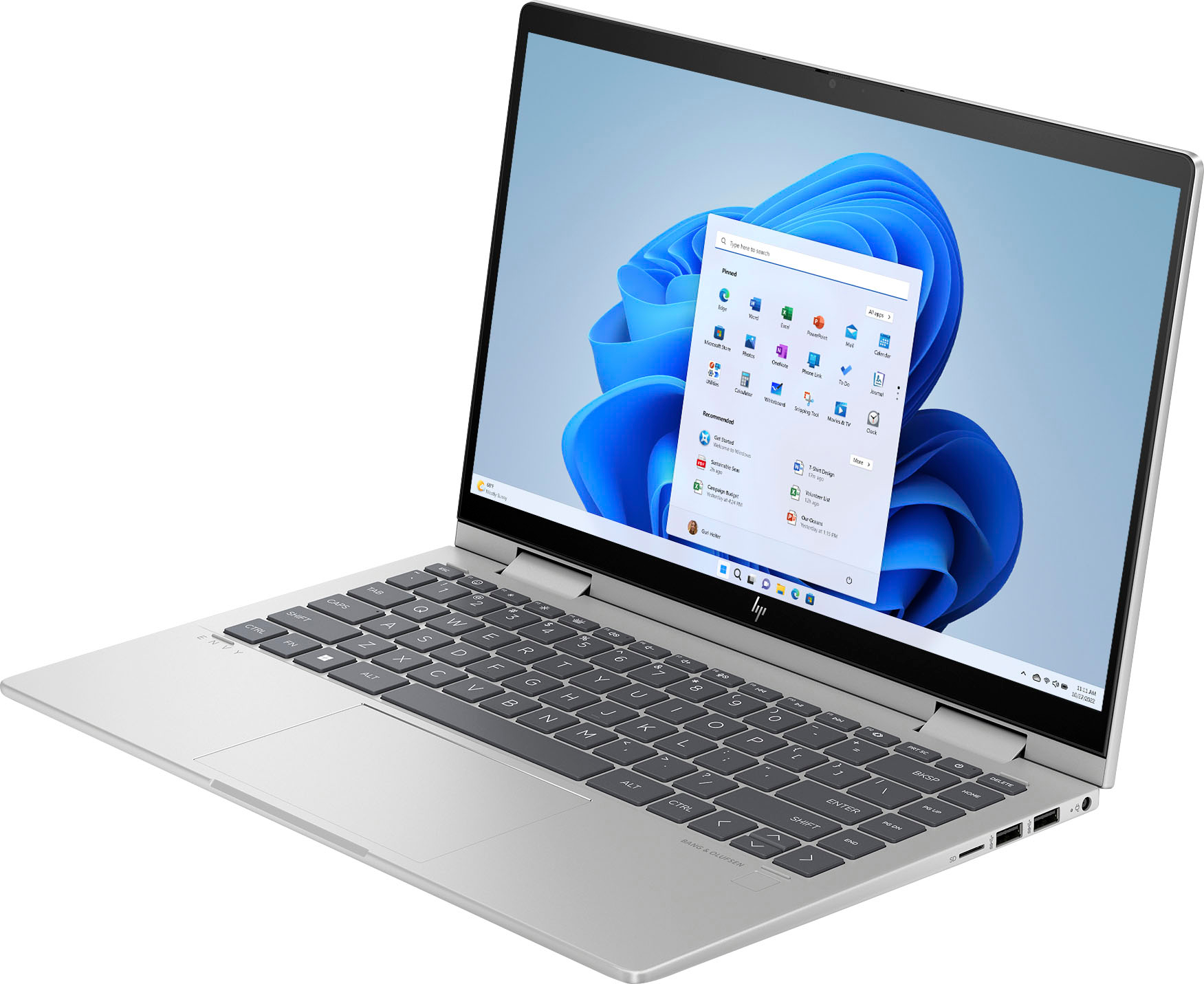
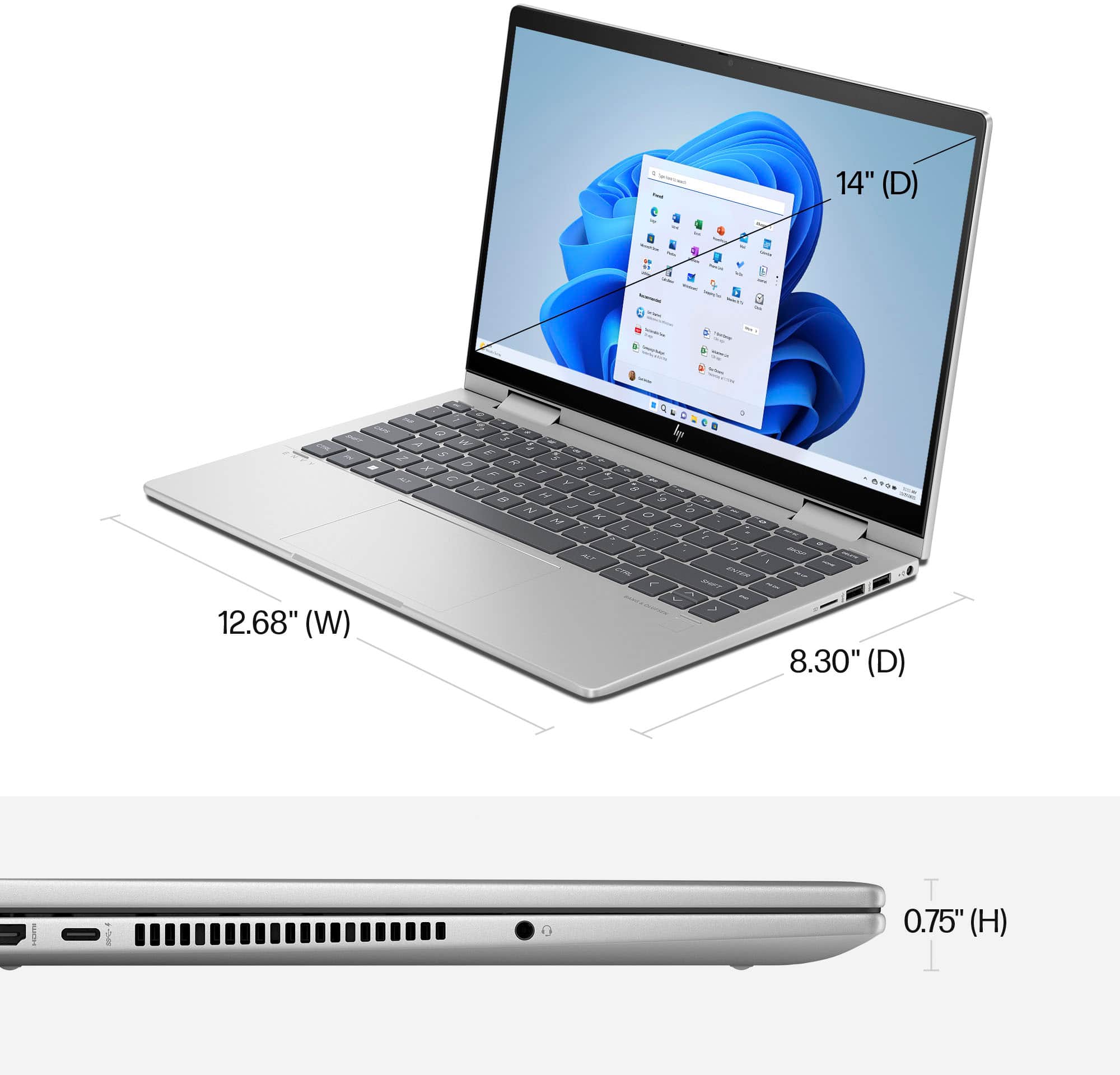
A:AnswerYou can, but the screen on this laptop is 1920x1080p. You would need to use an external screen to watch it from this unit as the processor is capable.
A:AnswerIn terms of files, you can upload your old files to OneDrive with Microsoft and have them imported or restored on the new computer. You can also use a usb cable to transfer the files directly between the computers. Some games and downloaded apps may not be able to transfer all local data.
A:AnswerThank you for the question. Yes, you can add Adobe Acrobat to your order. See it here: https://www.bestbuy.com/site/adobe-acrobat-standard-pdf-software-1-year-subscription-with-auto-renewal-mac-os-windows-digital/6433436.p?skuId=6433436
A:AnswerYou would be better off having a best buy total membership and have the geek squad handle that for you, nonetheless if you're somewhat tech savvy you might be able to perform the fix yourself.
A:AnswerIt's actually both. The image itself is made up by an LCD display. But for the image to be visible, it has to be backlit, and that's done with LED lights.
A:AnswerThank you for the question. Please reach out to your local Best Buy. The can assist you in acquiring a case that may not be on the store shelf.
A:AnswerYou shouldn't have any problem, but without knowing exactly why your previous computer was stalling and freezing, it's impossible to guarantee it.
A:AnswerYes? If you've got connection to it via some wireless protocol? Most wireless printers connect on wifi, so as long as you're on the same wifi network and install the printer drivers, then yes, of course you can.