Questions & Answers
- Model:
- 34-c0154
- |
- SKU:
- 6491898
Highly rated by customers for: Screen Size, Build Quality, Performance
Page Showing 41-53 of 53 questions
Q: Questionis the monitor height adjustable?
Asked by Anonymous.
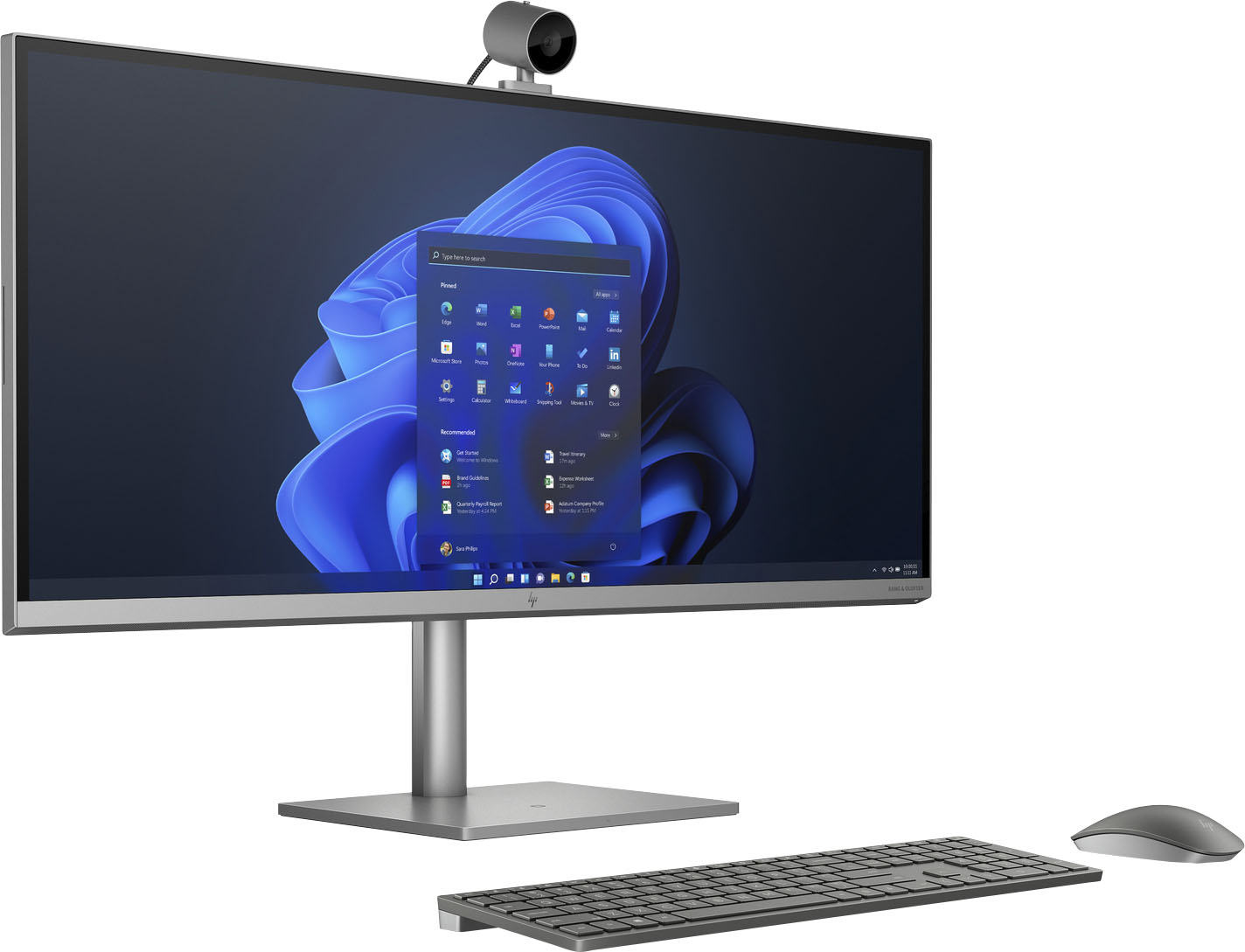
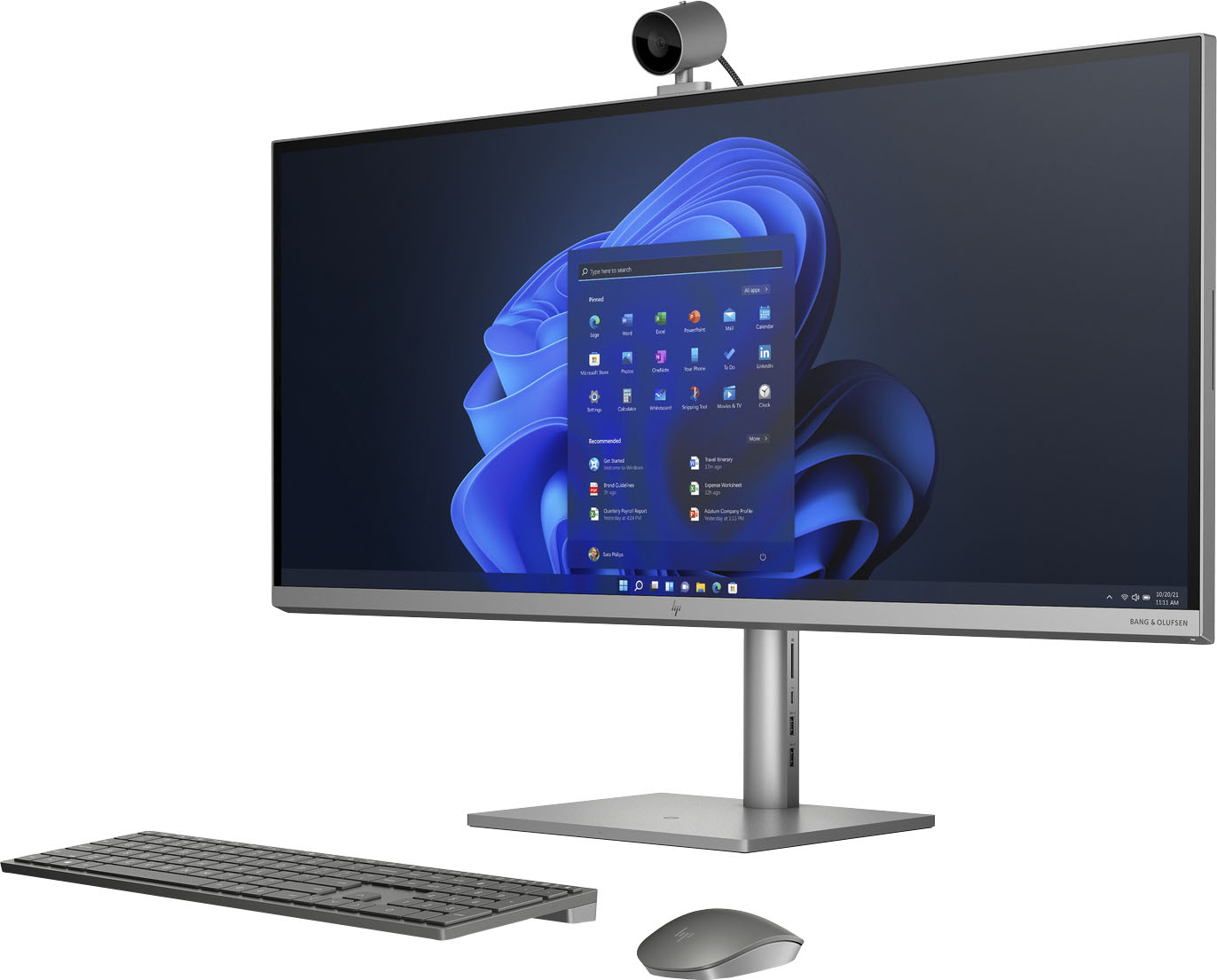
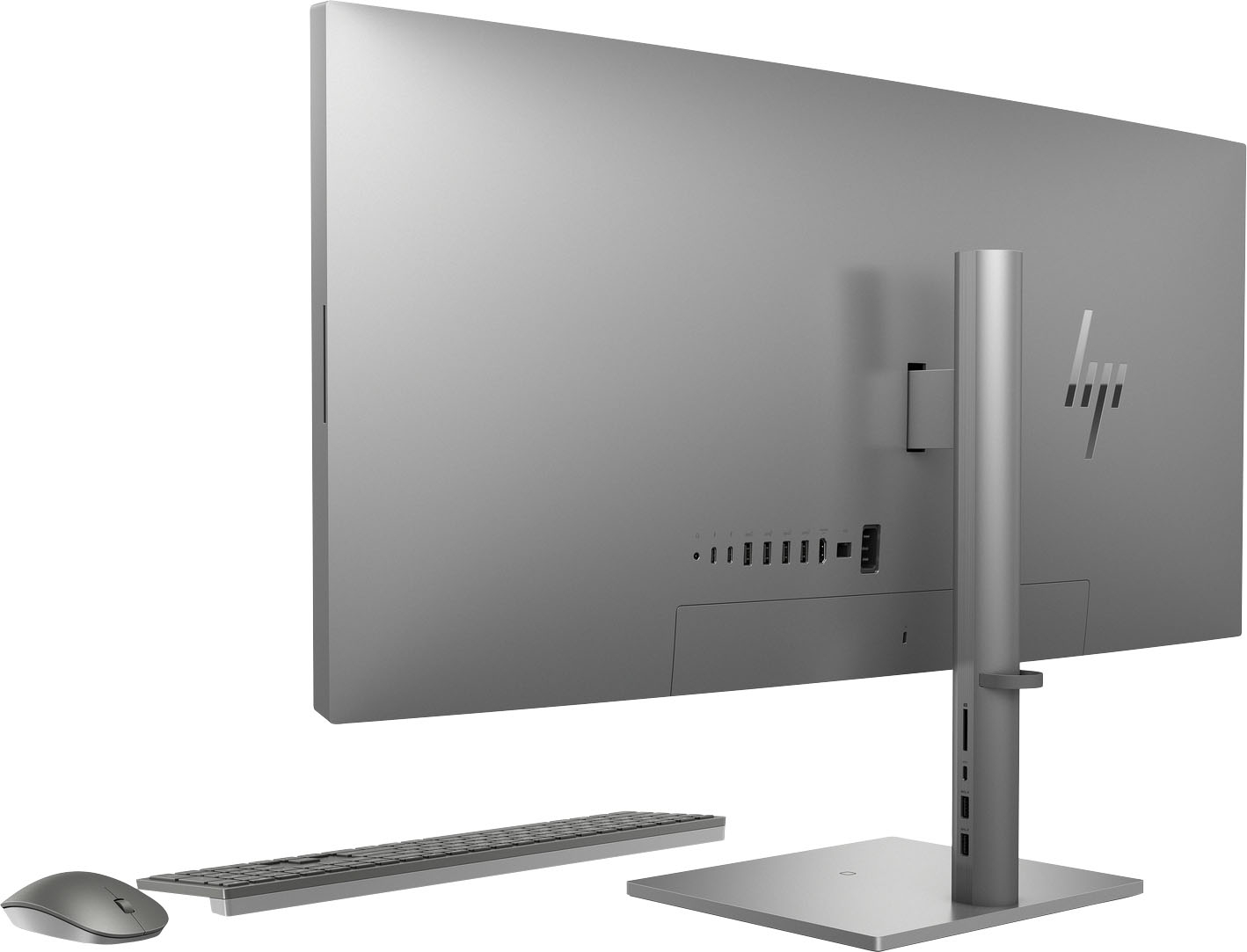
- A:Answer Thank you for the question. Yes, the height of the display can be adjusted by 100 mm. and the tilt within the range of .5 to 25 degrees.
Answered by HP Team

Q: QuestionOutside Dimensions: height x width?
Asked by Peg.
- A:Answer It's 32.17 inches wide and 14.5 inches high
Answered by HP Team

Q: QuestionHow well will this computer run AutoCad?
Asked by SpokaneAE.
- A:Answer This Envy All-In-One computer meets the system requirements to run AutoCad.
Answered by HP Team

Q: QuestionDoes HP make a touchscreen AIO that has 4K display?
Asked by SexyHousewife.
- A:Answer Thank you for asking. We hope to be able to offer that on our premium AIL models in the future.
Answered by HP team
Q: QuestionHello is shipping to germany possible? (72820 Sonnenbühl)
Asked by Chris.
- A:Answer Hello, Chris. Thanks for your question. We recommend reaching out to the Best Buy customer service team.
Answered by HP Team

Q: QuestionGreetings! 1) Processor: 11th Gen (2021) Core i7 11700 .. is that 11700F? 2) Expandability: Can I add a second SSD ? 3) Future-proof : Does the motherboard support PCI Express 4.0, Wi-Fi 6 and 2.5GbE ? Thanks! Lou
Asked by Lou.
- A:Answer 1) It is not listed as the 11700F model. 2) There is a second NVMe m.2 slot for a drive, so you can add a second drive. 3) It does support WiFi6, but not 2.5GbE, and the chipset on the motherboard does not support PCI Express 4.0
Answered by HP Team

Q: QuestionCan you adjust the height of the display and also tilt the angle?
Asked by student.
- A:Answer Thank you for the question. Yes, the height can be adjusted within 100 mm and the tilt within the range of .5 to 25 degrees.
Answered by HP Team

Q: QuestionWhen will upgraded models (RTX 3060/3080) be available?
Asked by foldpages.
- A:Answer Hello foldpages. Thank you for your question. To check on this information, we suggest you to get in contact with Best Buy's support team using the link below: ***https://www.bestbuy.com/site/electronics/customer-service/pcmcat87800050001.c?id=pcmcat87800050001*** You can also chat with a Best Buy agent by clicking the chat button that is located in the lower right corner of the retailer website. Thank you for choosing Intel!
Answered by Intel team

Q: Questionis the sound system any good? how hard to set up?
Asked by carloswen.
- A:Answer Thank you for the question. The 34-c0154 All-in-One desktop has dual 2-watt speakers, with audio by Bang & Olufsen. You can adjust the sound settings (using "settings") to your liking. You can also connect external speakers if you'd like. This All-in-One is simple to set up. Plug it in, power it on, and follow the initial prompts to begin working in no time.
Answered by HP Team

Q: QuestionWhat are the specs
Asked by JcdViking.
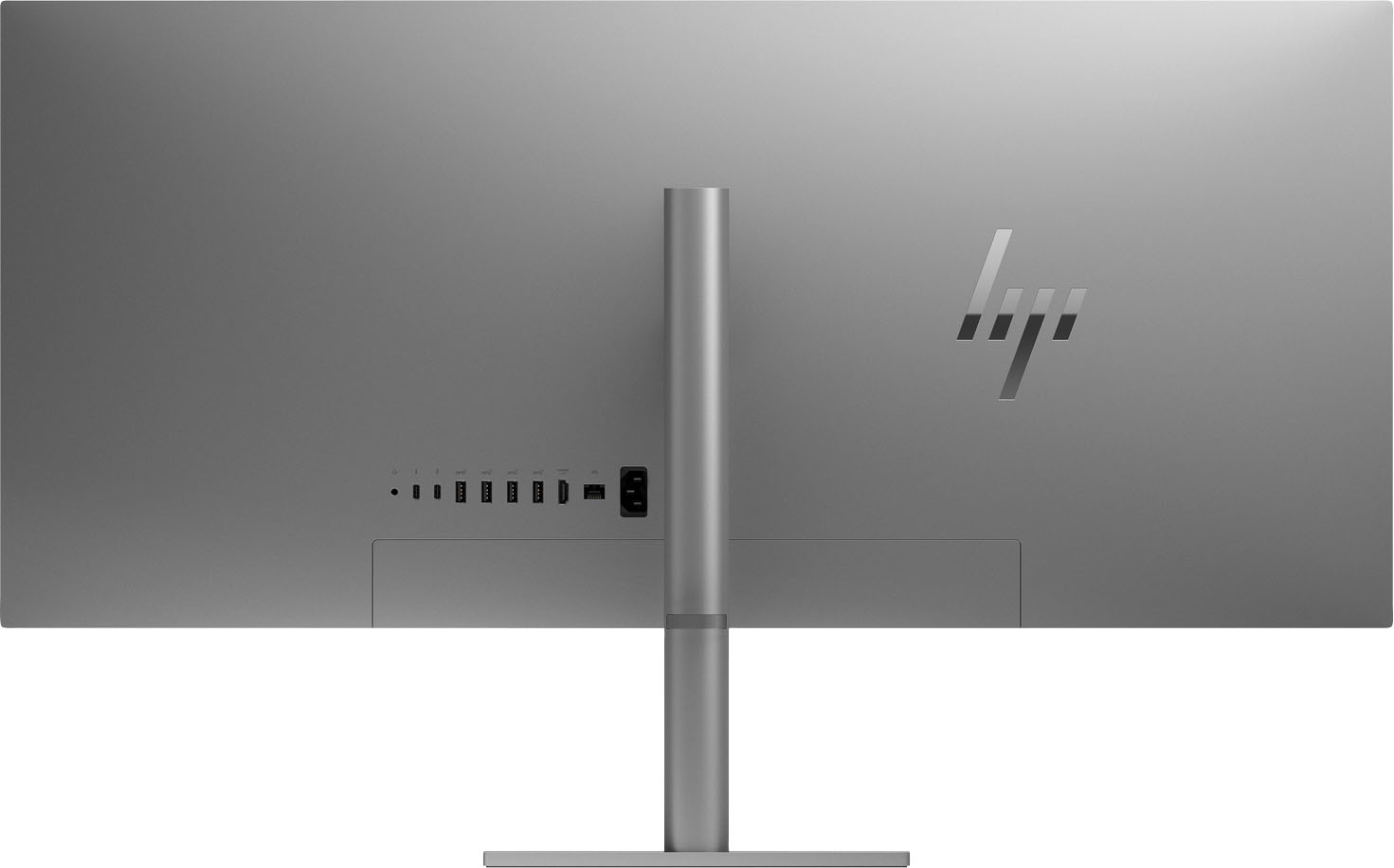
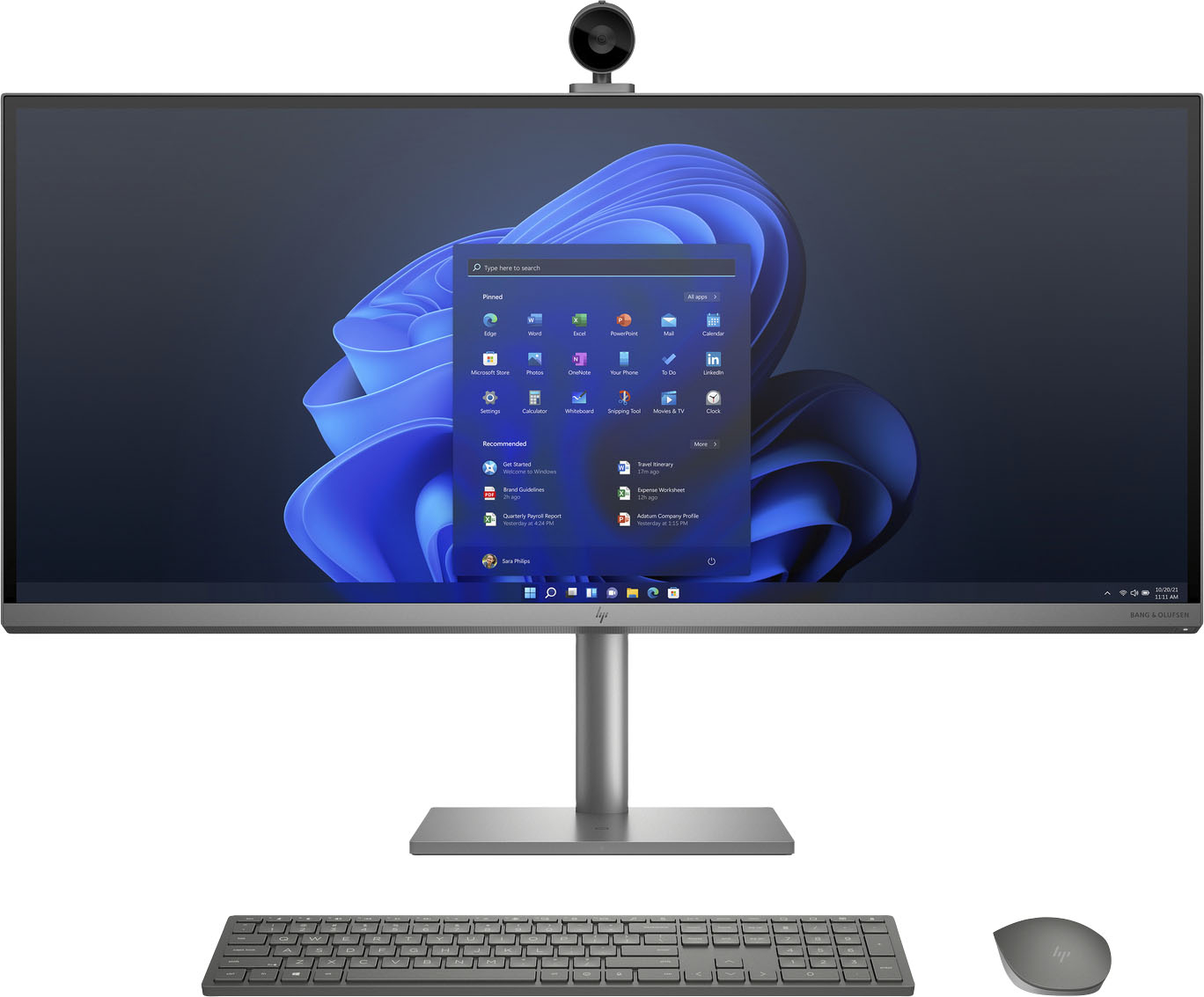
- A:Answer Operating system: Windows 11 Home, Integrated display: 34" (86.36 cm) diagonal, non-touch, WUHD (5120 x 2160), IPS, three-sided micro-edge, anti-reflection, 500 nits, 98% DCI-P3, Processor: 11th Generation Intel® Core™ i7-11700 processor, Memory: 16 GB DDR4-2400 SDRAM memory(3) (2 x 8 GB), Graphics: NVIDIA® GeForce® GTX 1650 graphics with 4 GB GDDR6 dedicated memory, Internal Storage: 1 TB PCIe® NVMe™ M.2 Solid State Drive.
Answered by HP Team

Q: QuestionCan a secondary hardrive be added? If so, how easy is it to to add it?
Asked by SecondaryStorage.
- A:Answer An external USB hard drive will be the best way to add more storage capacity.
Answered by HP Team

Q: QuestionThere is a thin plastic film over the monitor screen. Is this to protect the monitor during shipping and it can now be removed or is this the anti-reflection film? I’m not sure if I should remove it or not.
Asked by Ashley.
- A:Answer If it looks like it could be part of the screen, but you can remove it, you should contact HP Support or Geek Squad. There is a protective screen to help prevent damage from travel and fingerprints as you are getting it out of the box. It should have a little tab indicator to make it easier to pull from a direction to take it off. If it concerns you for any reason, do not hesitate to contact HP Support or Geek Squad to make sure that it is not an issue or flaw with the product.
Answered by HP Team

Q: QuestionThe screen is shown as 14.5 inches high. Does anyone know the total height from the base of the stand to the top of the screen? I only have a total height of 22inches in the cabinet. Thanks
Asked by Anonymous.
- A:Answer The full dimensions for this model are 32.17 in (W) x 8.78 in (D) x 14.50 in (H) approx.
Answered by HP Team

Page 3, Showing 41-53 of 53 questions
Top Rated
- $329.00$329.00The price was $349.00
- $249.99$249.99The price was $379.99
- $99.99$99.99The price was $129.99
- $329.99$329.99The price was $469.99
- $149.99$149.99The price was $199.99
- $33.33 per month$33.33/mo.for 36 months; 0% APR