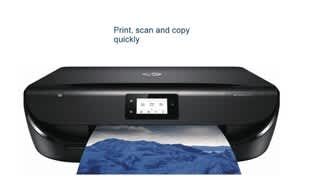
A:AnswerNo, there is no fax function on this printer. I recommend looking at any of HP's Officejet or Officejet Pro printers for the fax function. Also, the Envy Photo 7855 printer has a fax.
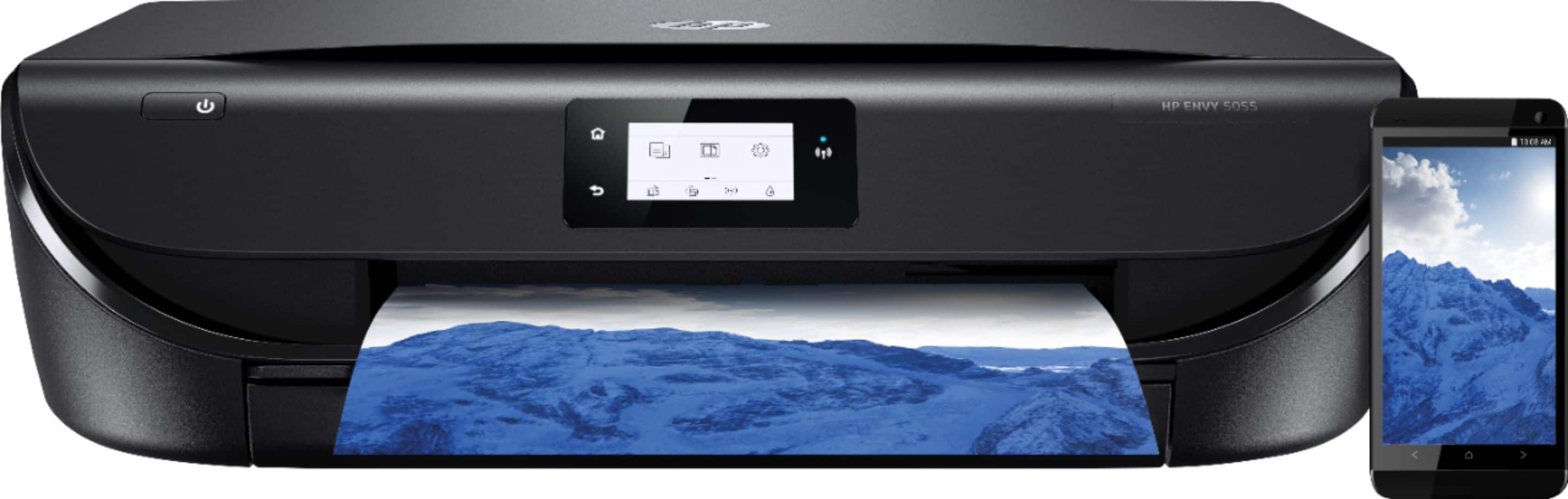
A:AnswerYou can use Google Cloud Print with the Chromebook. Here are more details: https://support.hp.com/us-en/document/c02817255 And as long as the printer is connected to the same wireless network as the mobile devices, you can set up the printer and print. We recommend using the HP Smart App.
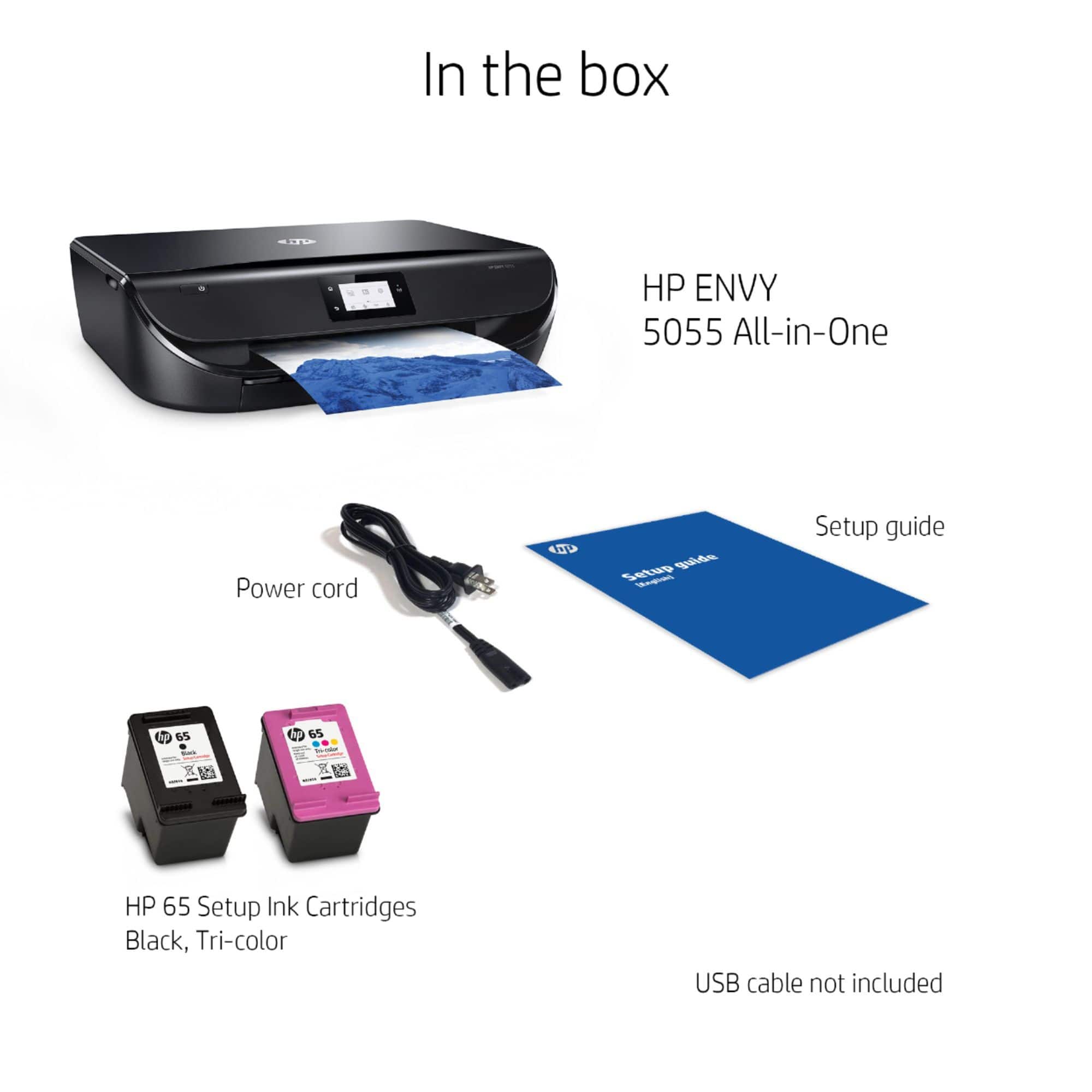
A:AnswerThis printer uses the HP 65 black and tricolor ink cartridges. Here is the combo pack: https://www.bestbuy.com/site/hp-65-2-pack-ink-cartridges-multicolor-black/5303000.p?skuId=5303000
A:AnswerNo. These are the supported media types: Plain Paper; HP Photo Papers; HP Matte Brochure or Professional Paper; HP Matte Presentation Paper; HP Glossy Brochure or Professional Paper; Other Photo Inkjet Papers; Other Matte Inkjet Papers; Other Glossy Inkjet Papers; Plain Paper, Light/Recycled
A:AnswerYes, you will need one if you do not set it up wirelessly. However, setting up wireless can be pretty simple and quick if you pair it with the HP Smart App.
Either way (wired or wireless), make sure you do update the drivers once you've added the device to your computer.