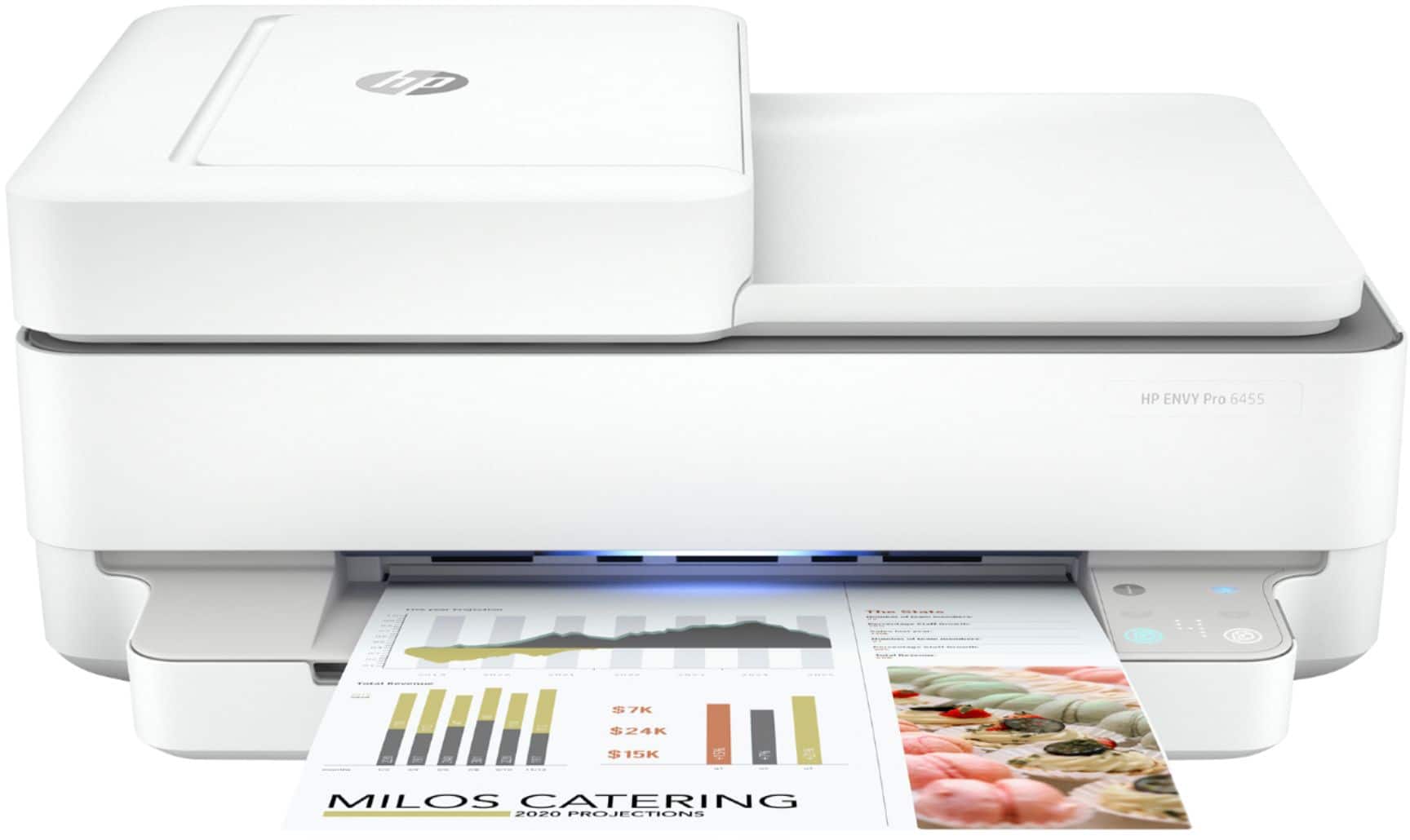
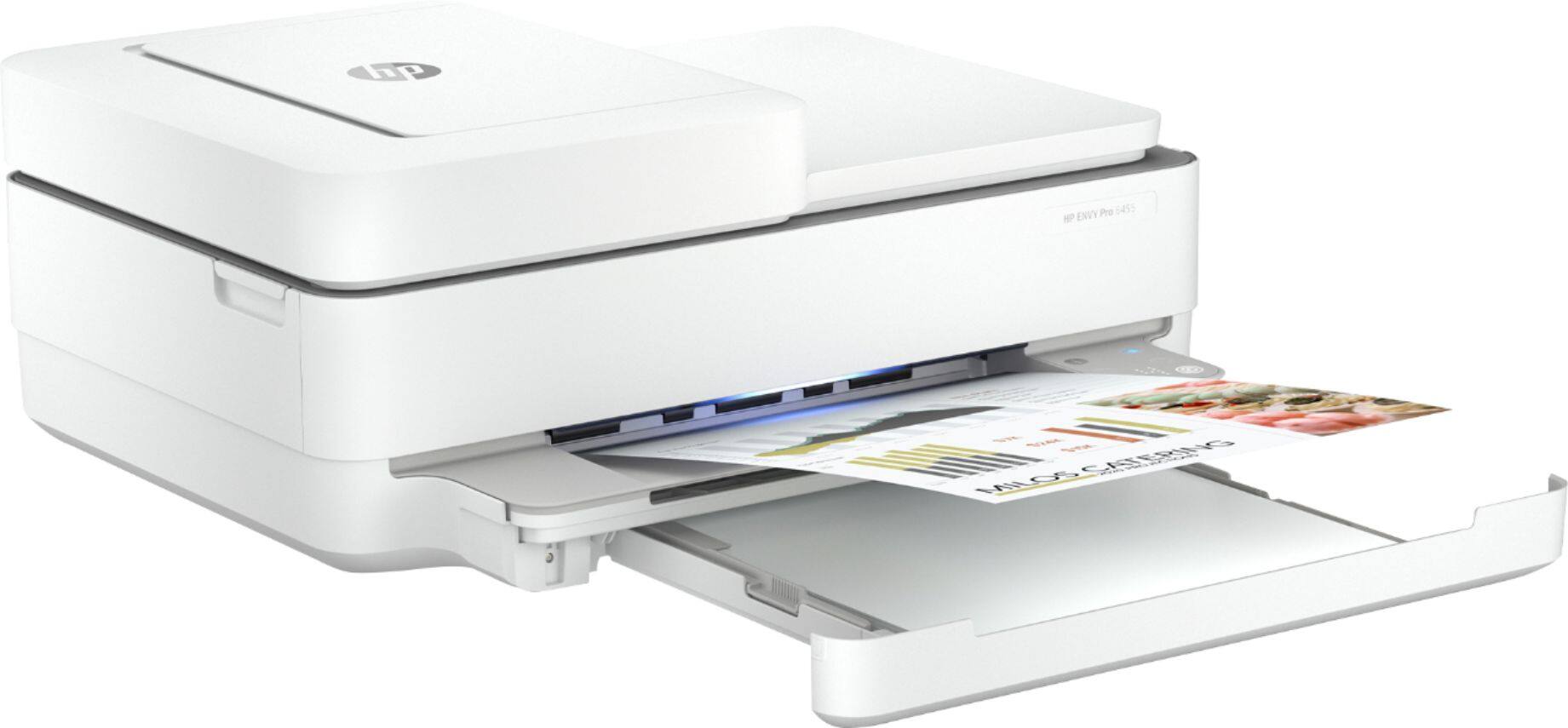
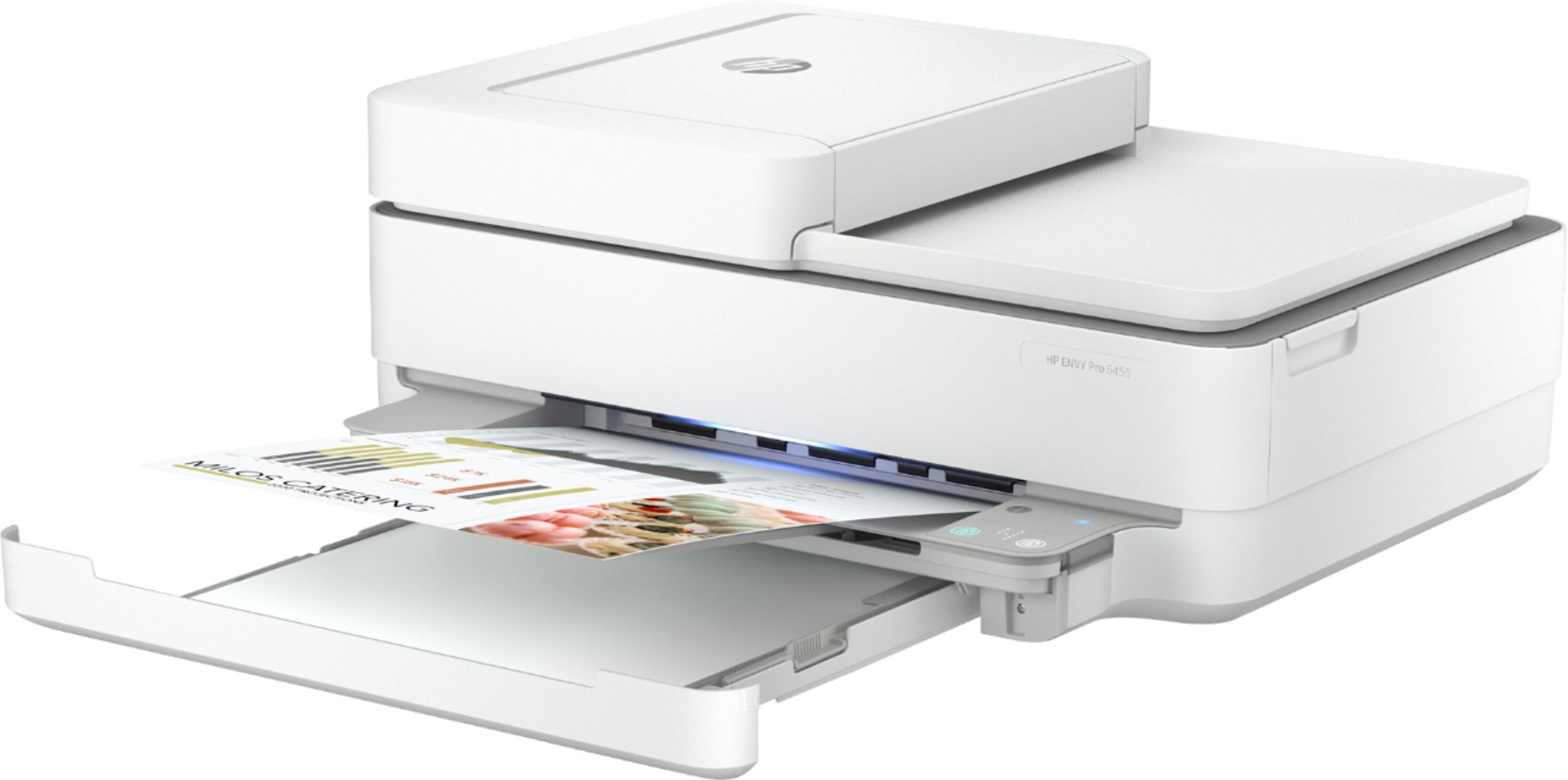
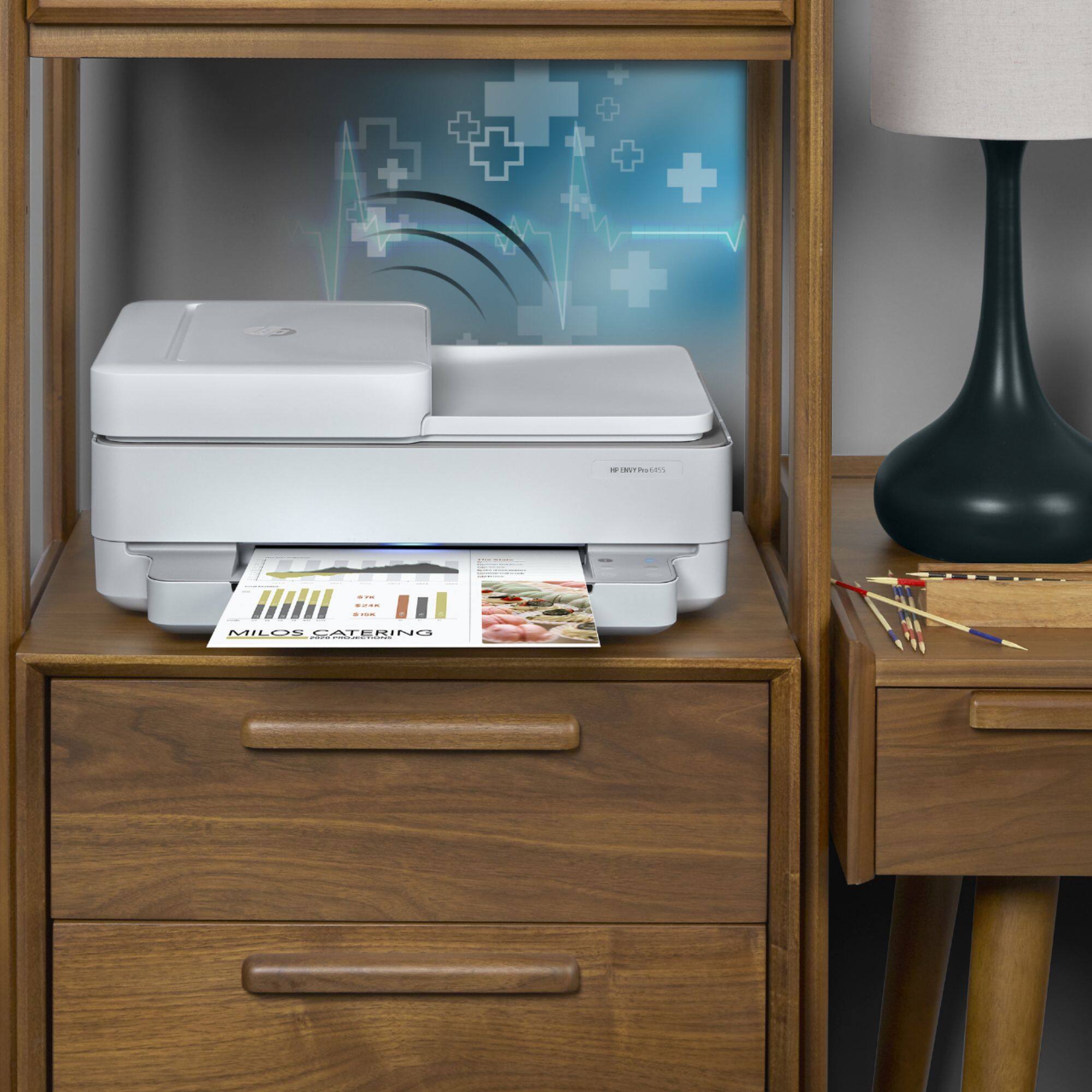
A:AnswerHello. Thanks for your question. This HP Envy 6455e printer does have the capability to scan. We recommend using the HP Smart app. Here are some instructions: https://support.hp.com/us-en/document/ish_1716406-1413451-16 If you need further assistance, we recommend reaching out to HP Support: https://support.hp.com
A:AnswerHello, MaryAnn. Thanks for your question. You can download a User Guide under the manuals tab on this webpage: https://support.hp.com/us-en/product/hp-envy-6400e-all-in-one-printer-series/2100178605/model/2100187520 If you need further assistance, we recommend reaching out to HP Support: https://support.hp.com
Asked by Question4uregardingHPENVY6455eandcompatibilitywithWindowsVista.
A:AnswerIt's iffy. We have several laptops. We're using a Windows 10 as the "main" laptop for the printer. We can print to the printer with a Vista laptop, but when we were setting it up we got messages about limited compatibility. I would select a different printer.
A:AnswerHello. Thanks for your question. Yes, this HP Envy 6455e printer is compatible with the Mac computer. You would enroll in HP Instant Ink during the printer setup. Or you can register by visiting https://www.hpinstantink.com after you get the printer.
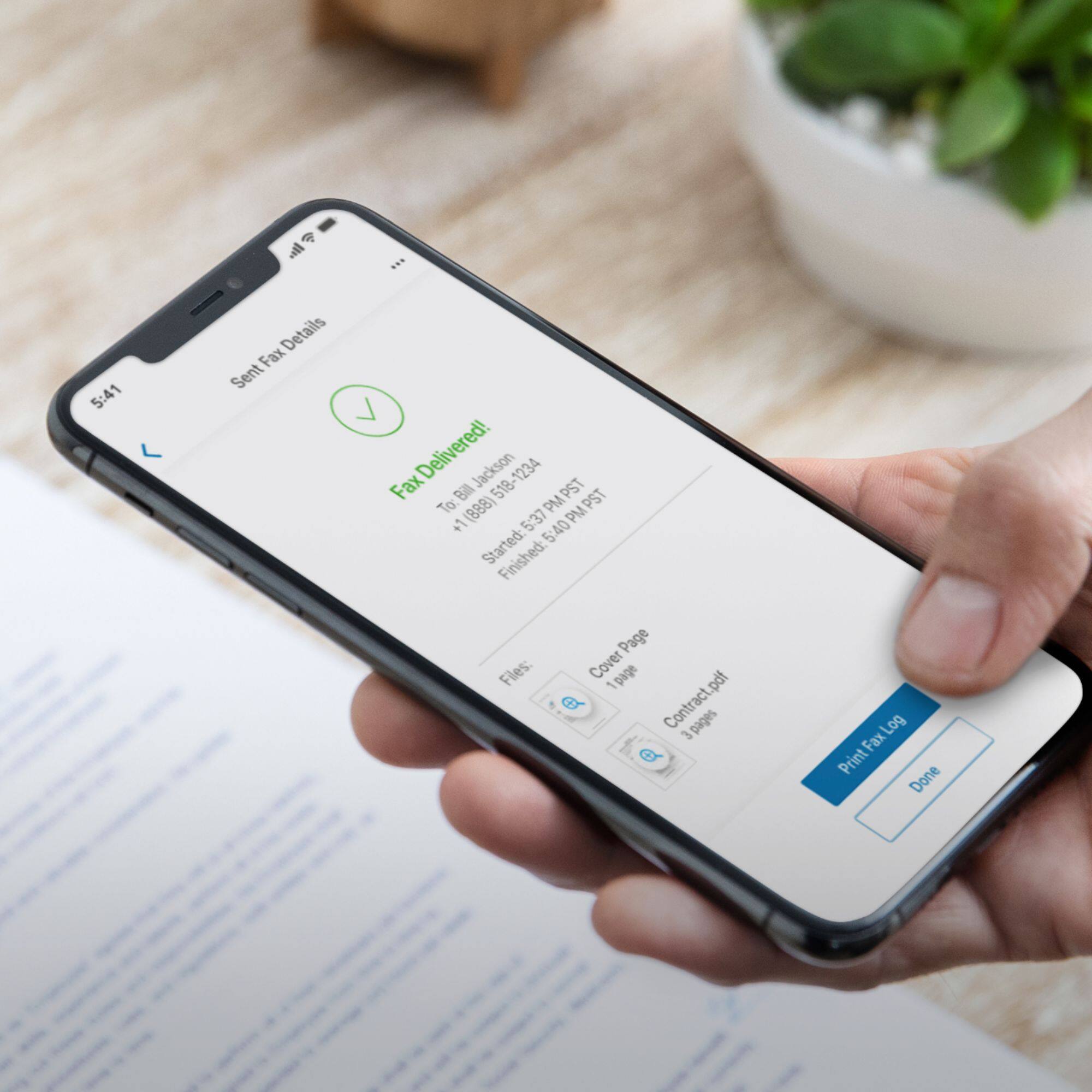
A:AnswerHello. Thanks for your question. You can send a fax through the Mobile Fax option on the HP Smart app. Here are more details about the Mobile Fax: https://www.hpsmart.com/us/en/mobile-fax Here is a video: https://www.youtube.com/watch?v=NvDAYa1nZzw
A:AnswerI have no idea!
I did not notice even a hint of a comment that any "free" ink came with the printer. The last time I bought into a HP ink deal I felt that I had been "burned" and I seriously doubt I will make the mistake a third time
HP's lack of instructions with a new purchase is an abomination.
The printer purchased was an HP - ENVY 65444e
The included black ink cartridge printed fewer than 30 pages and was all done. I had to purchase a new cartridge. As you may suspect I am not a happy customer.
PED
A:AnswerYes, that will be no problem. Obviously, the printer won't respond to print requests from the HP Smart app outside the available hours, but that's the only change you should notice.
A:AnswerThank you for your question, Robert! You can connect new devices to this printer using Wi-Fi Direct, which does not require an internet connection.
A:AnswerYes, it will work with a Windows 7 computer. You'll want to download the free HP Smart app to control the setup process. You'll be asked a few questions, but the printer and computer will do most of the work.