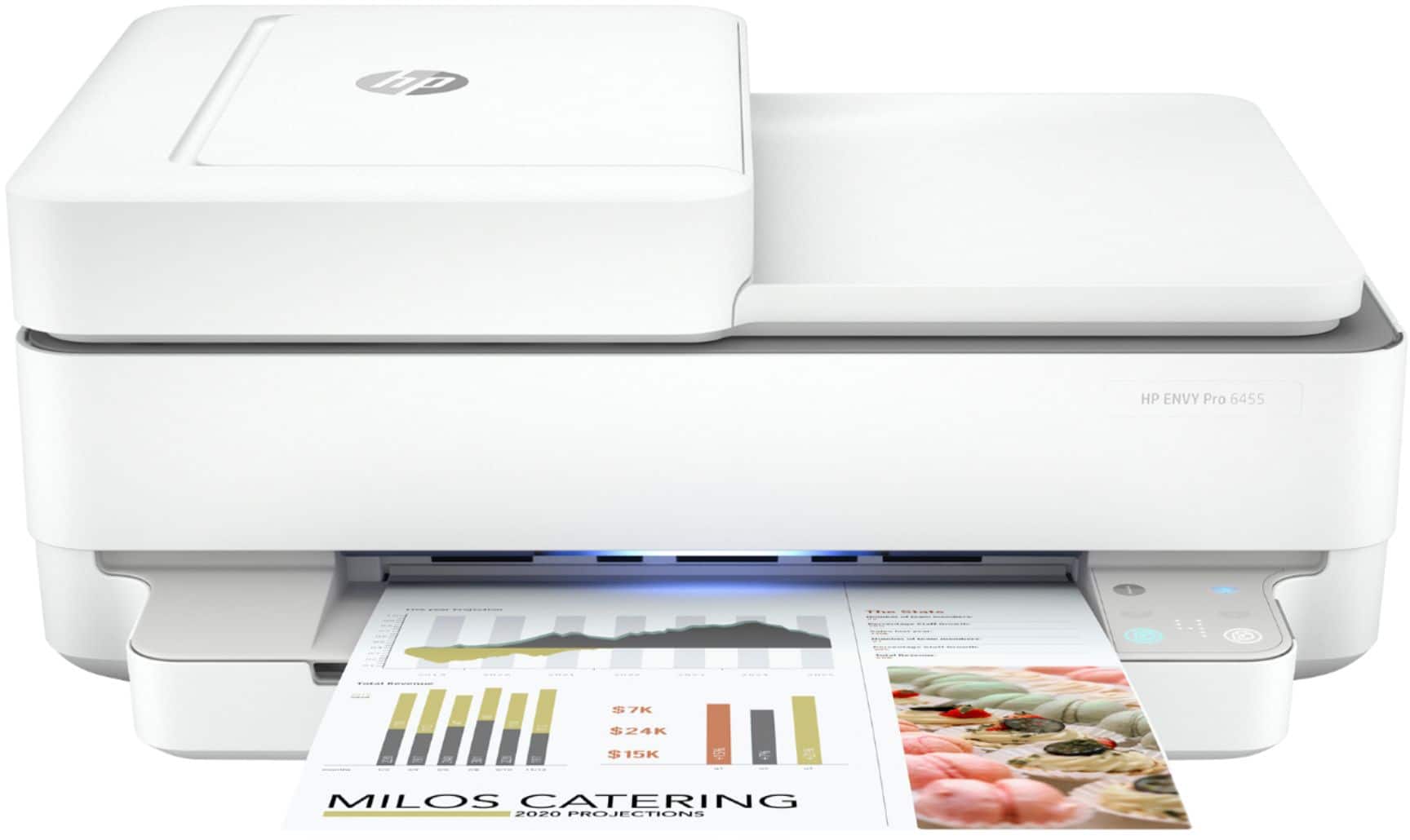
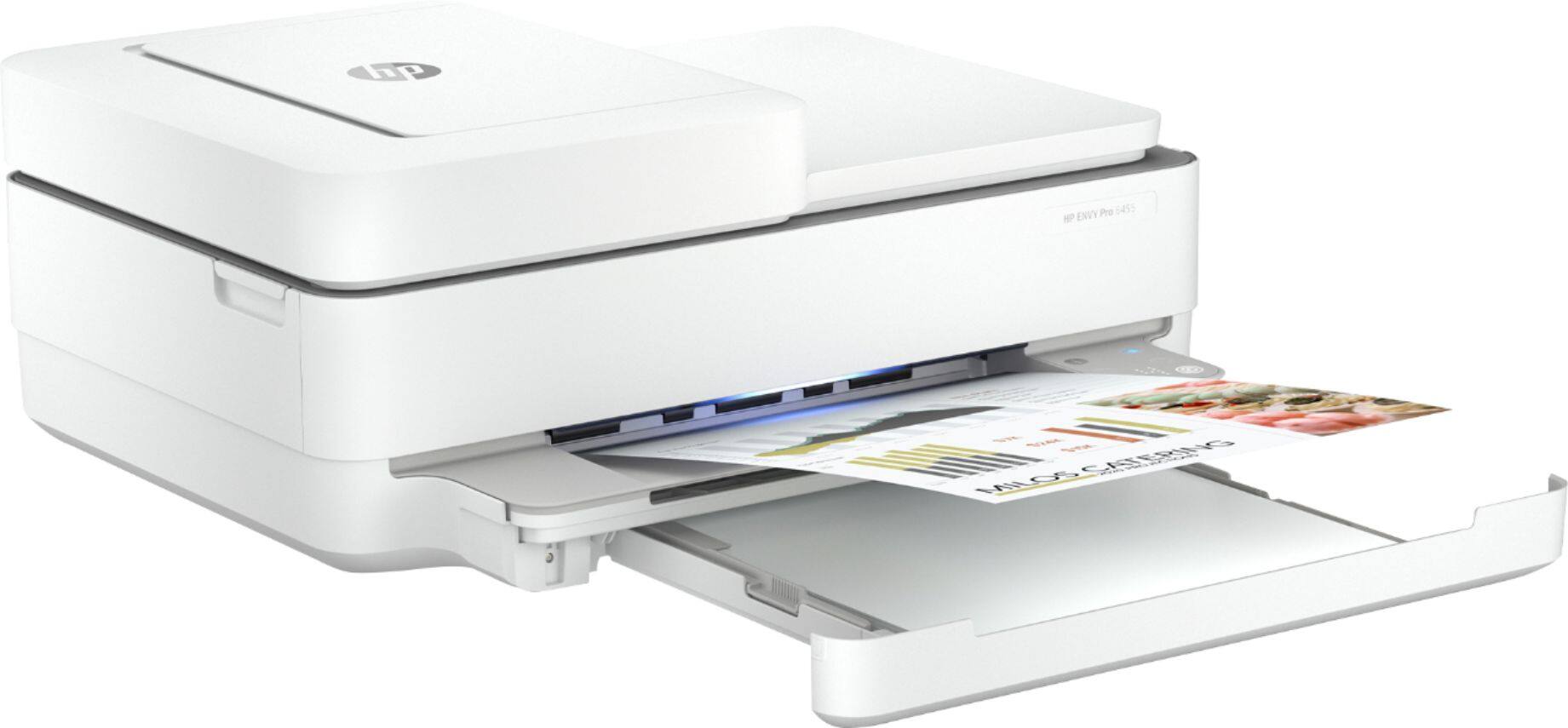
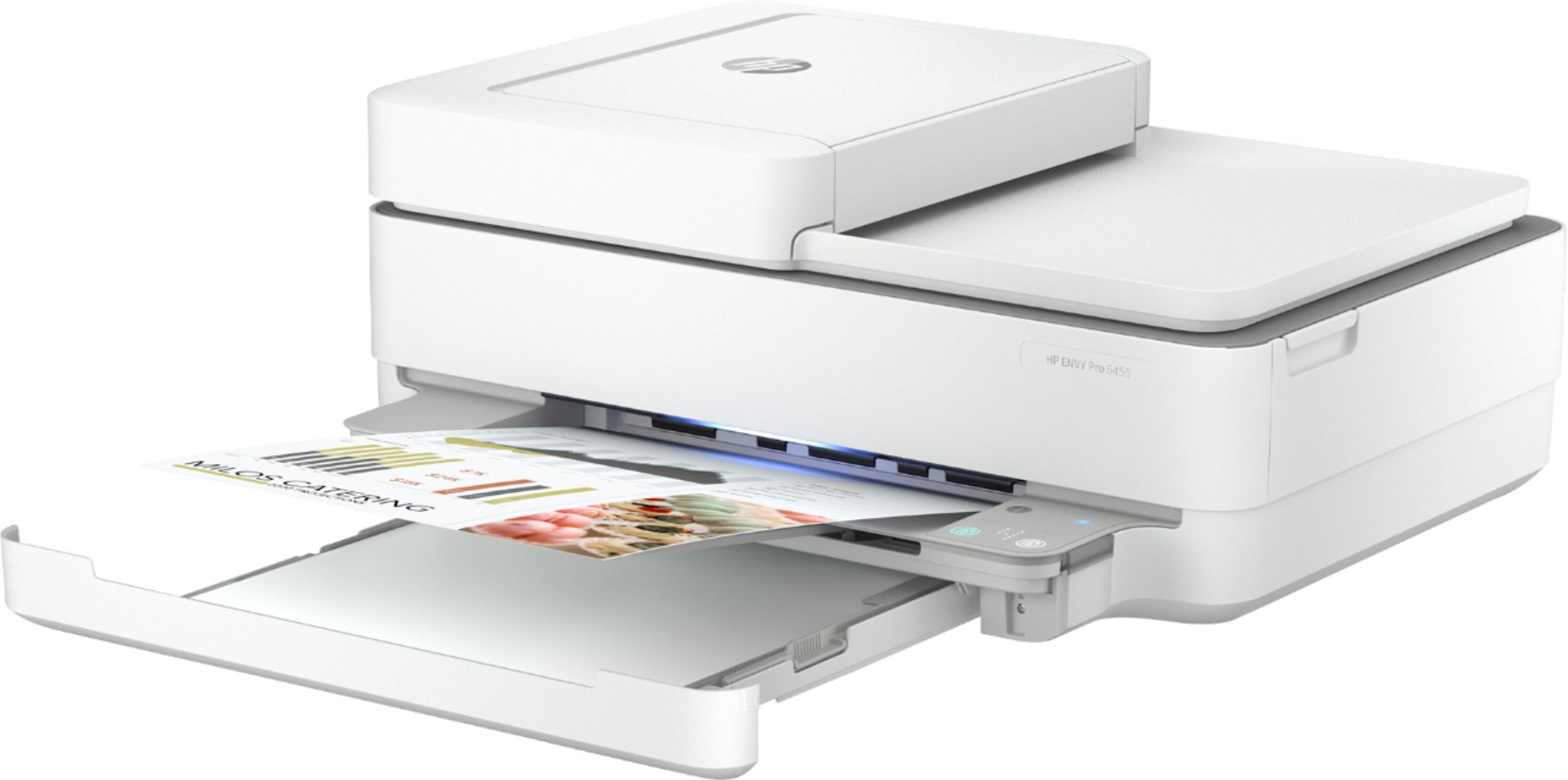
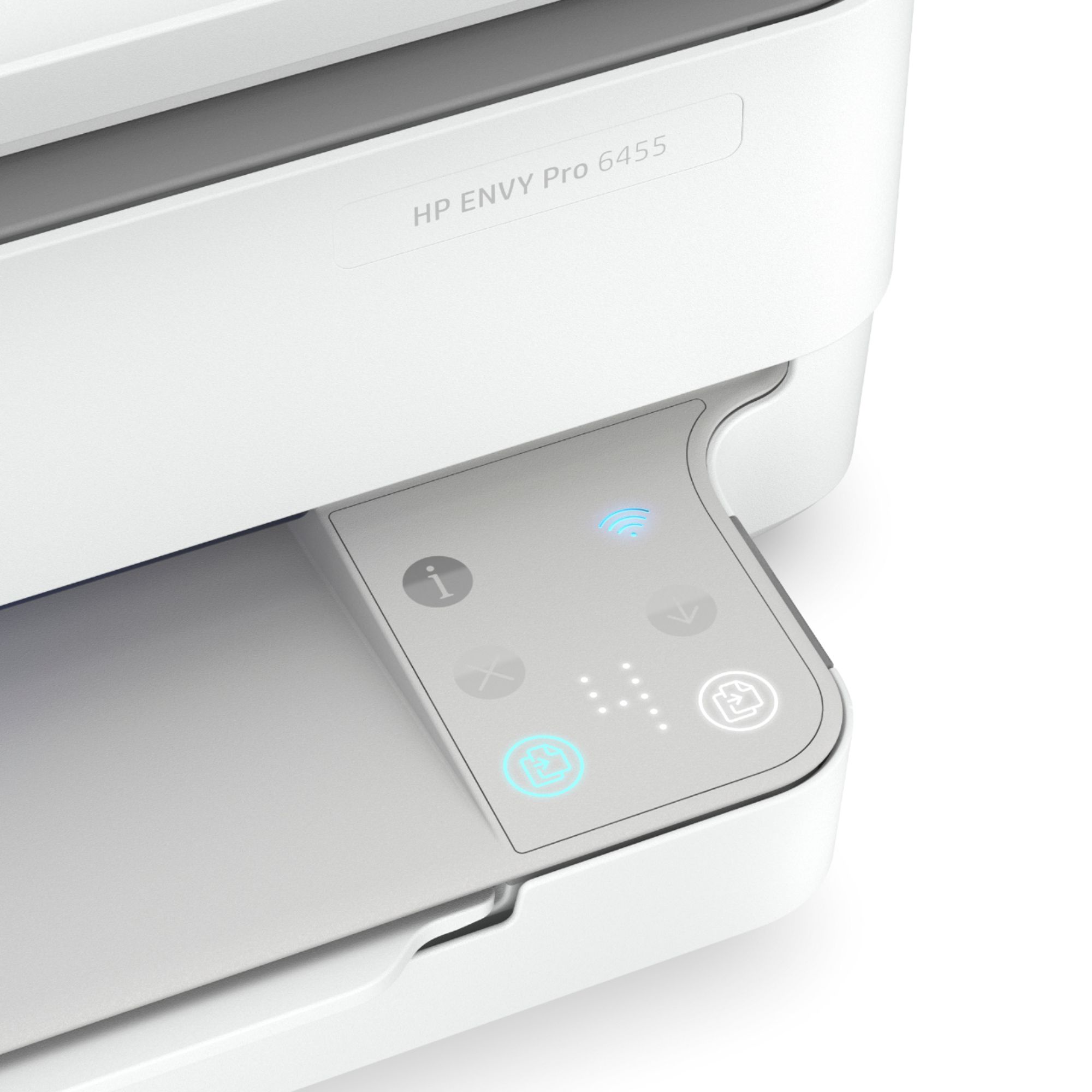
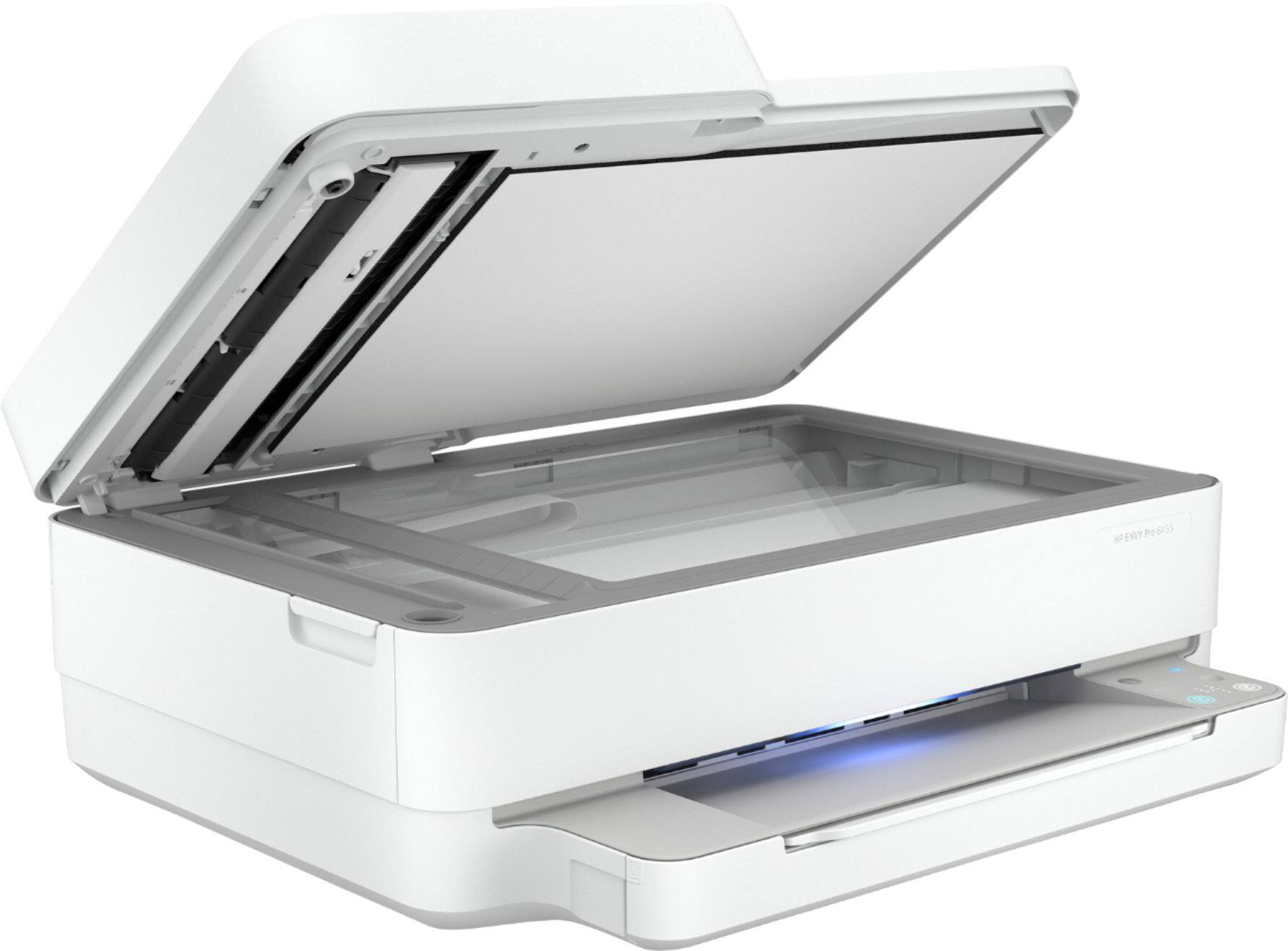
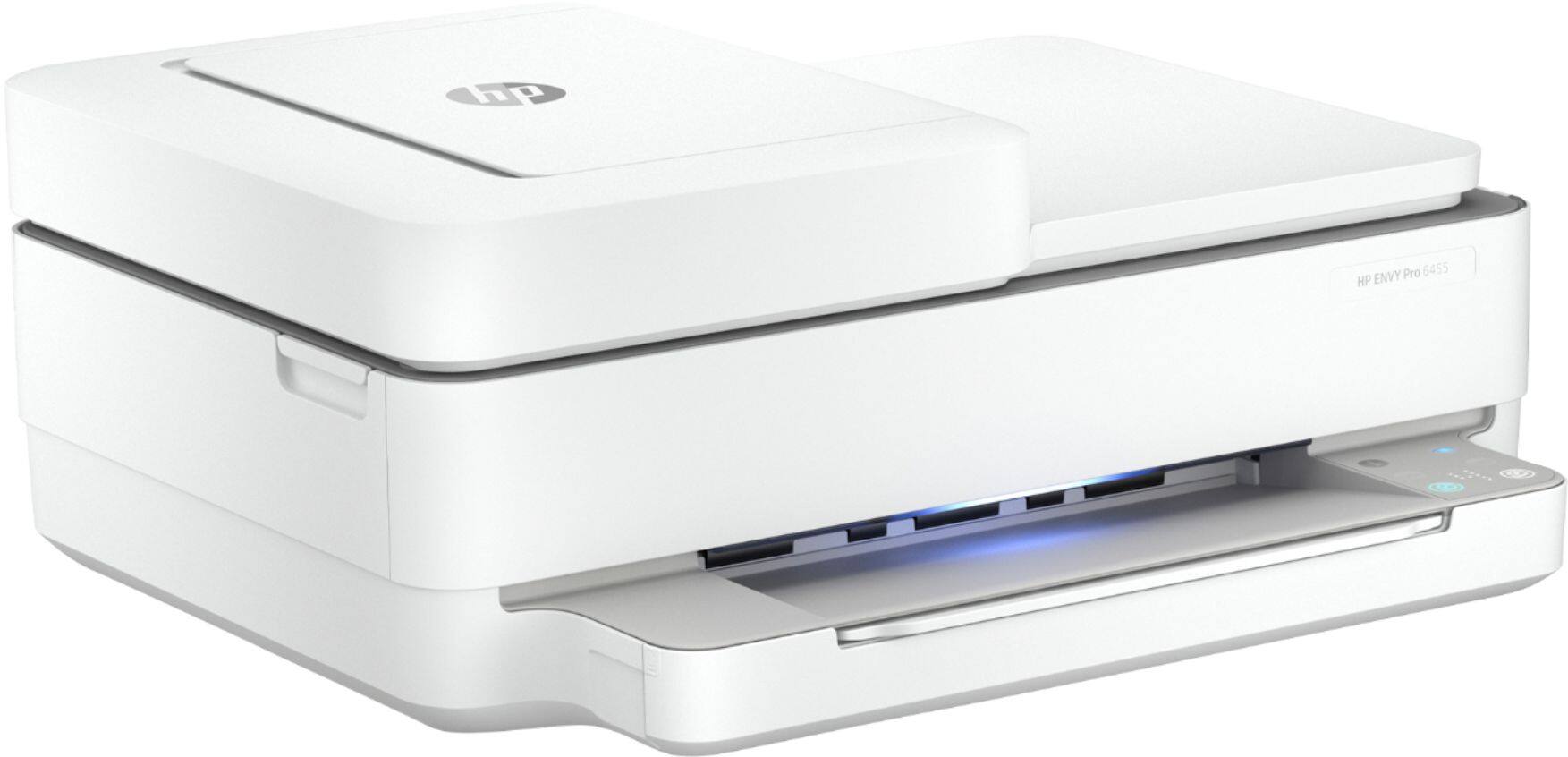
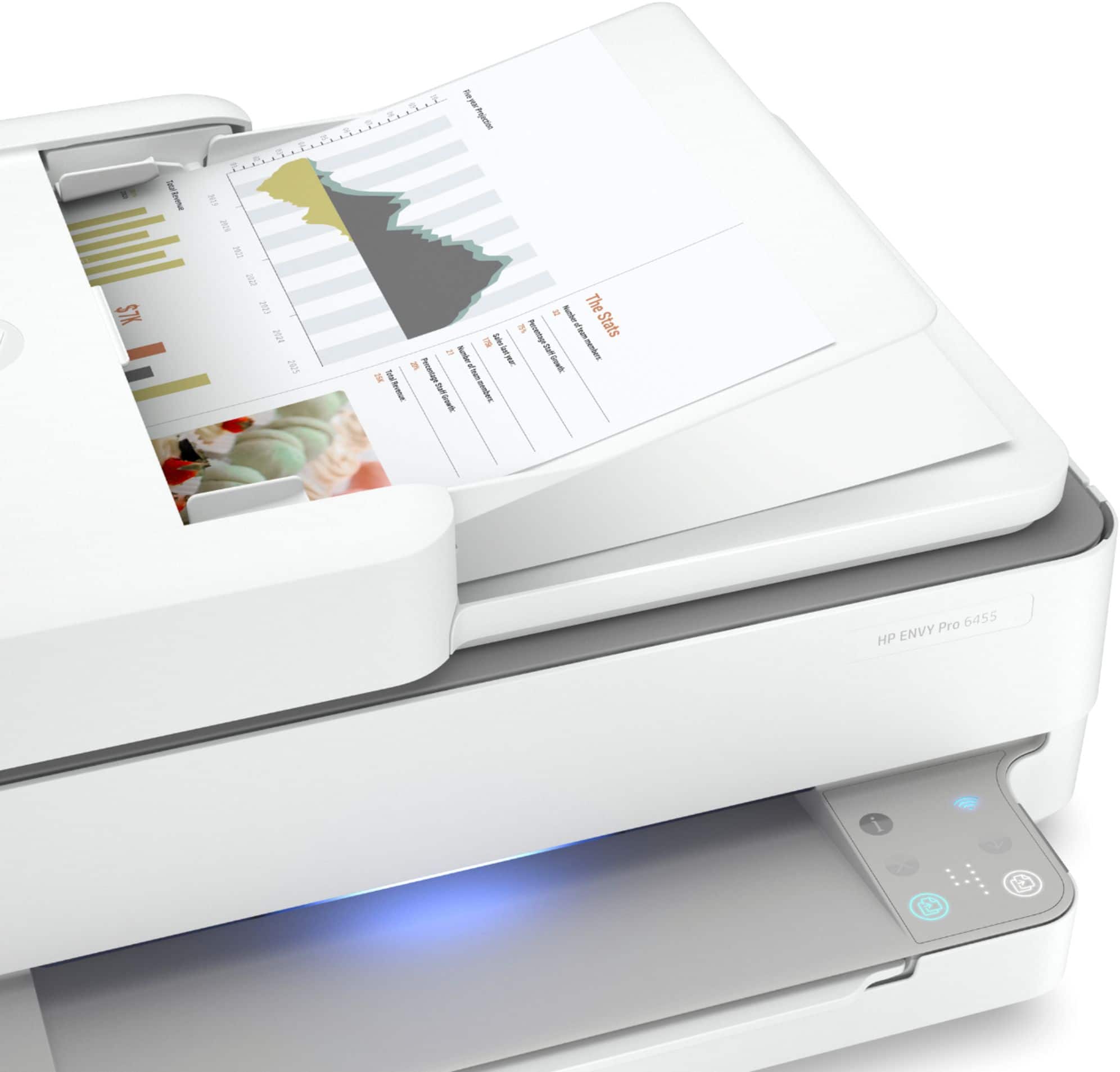
A:Answer The power button for the printer is actually on the back, right above where the power cord plugs in. The button with the "i" on it will print about an information page about the printer's current status. The "X" button cancels any action that the printer is currently doing, such as printing a page. The "down arrow" is the resume button. If the print job stops for some reason (like being out of paper), you can correct the condition and then press the down arrow to finish the print job. To change the sleep time (so the printer stays on), you'll need to go into the "embedded web server" to change that. Instructions on how to access the embedded web server are available in the product manual, which can be downloaded from the HP web site. You can change the brightness of the lights through the free HP Smart App, which you can download for free for your computer or wireless device.