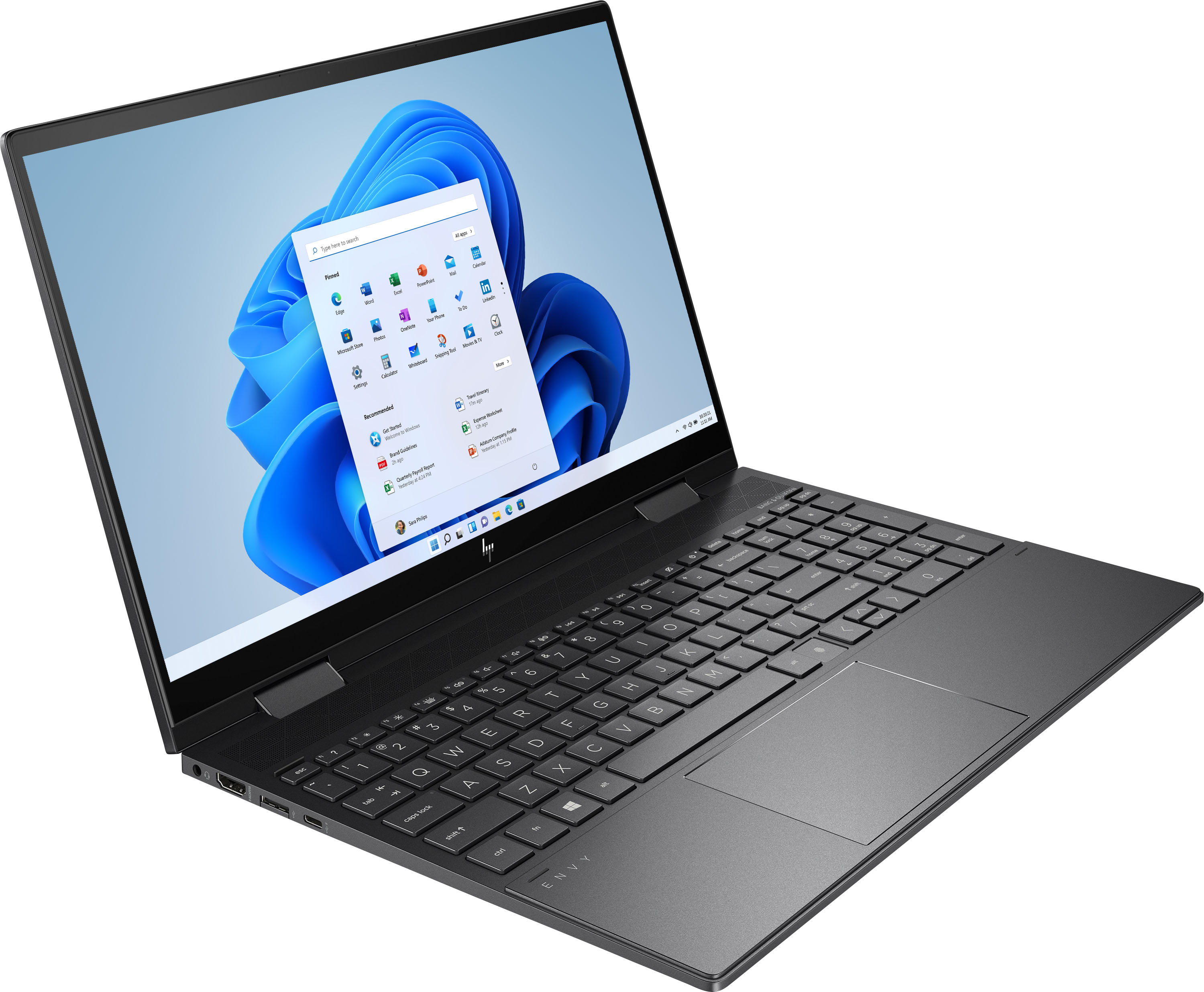
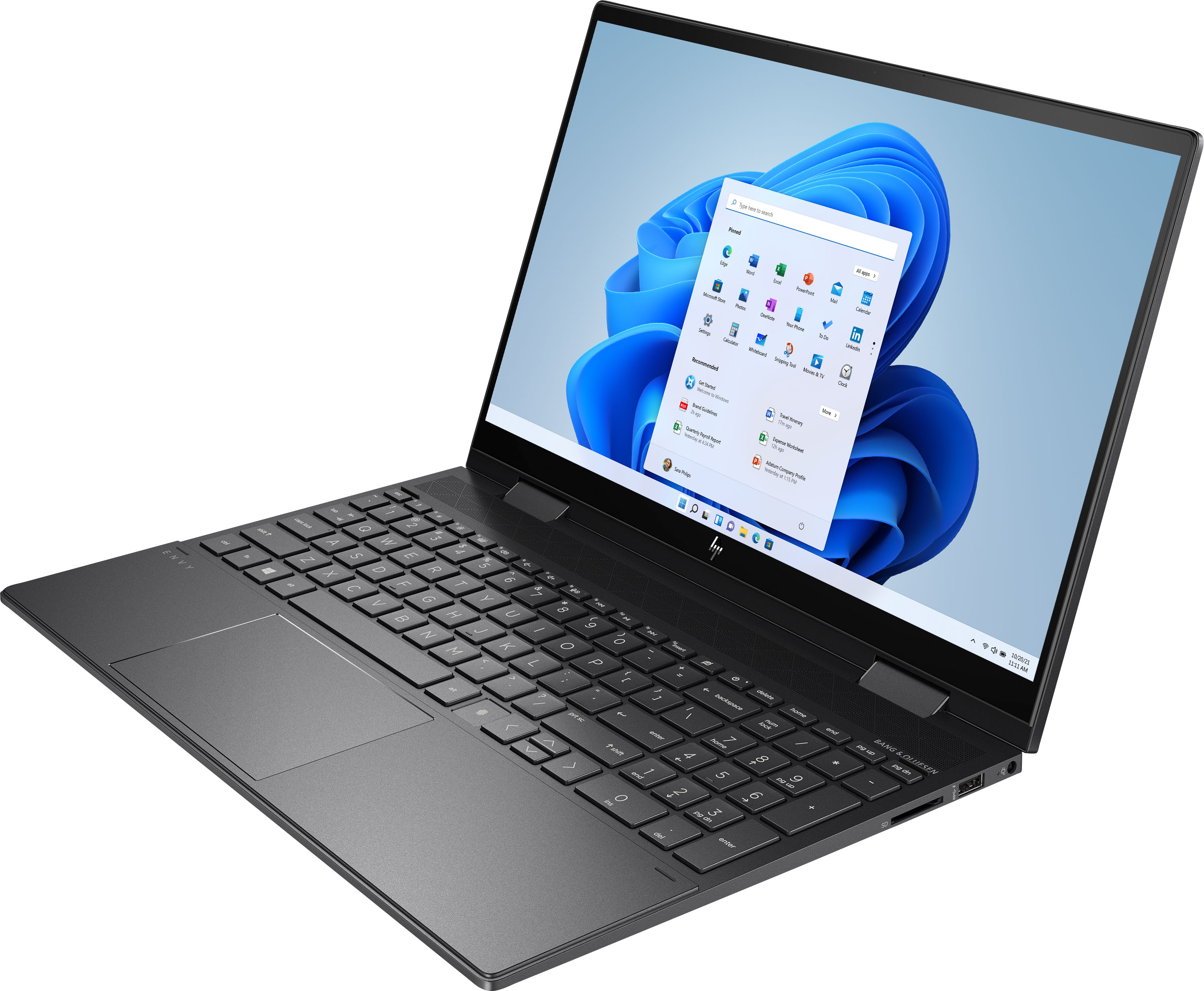
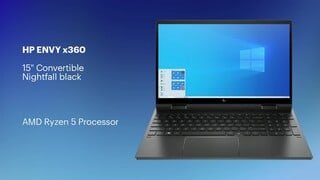
A:AnswerThis HP Envy x360 laptop comes with Windows 10 Home 64 bit; a 6 month trial with McAfee LiveSafe, which is an antivirus software; and a 30 day trial of Microsoft Office.
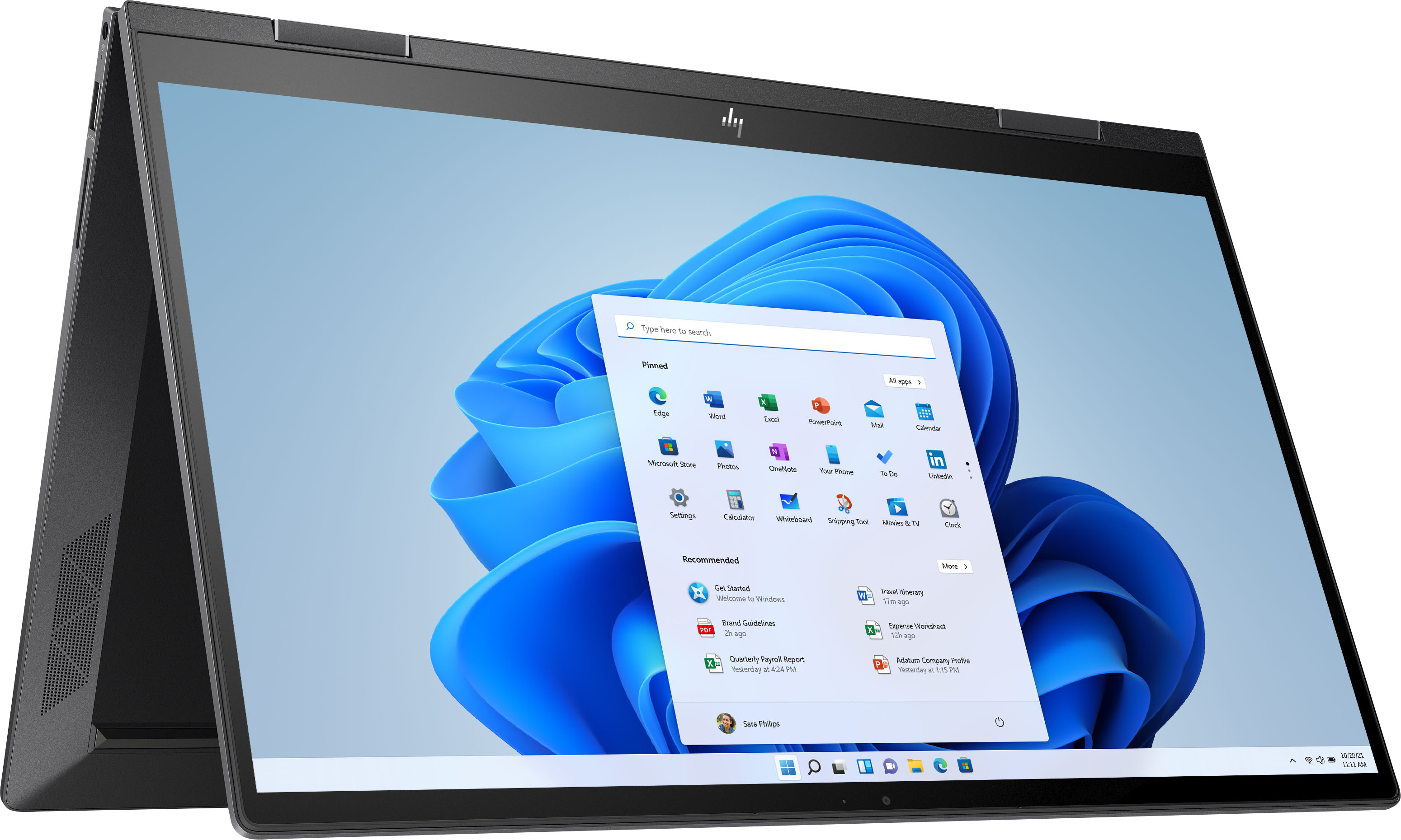
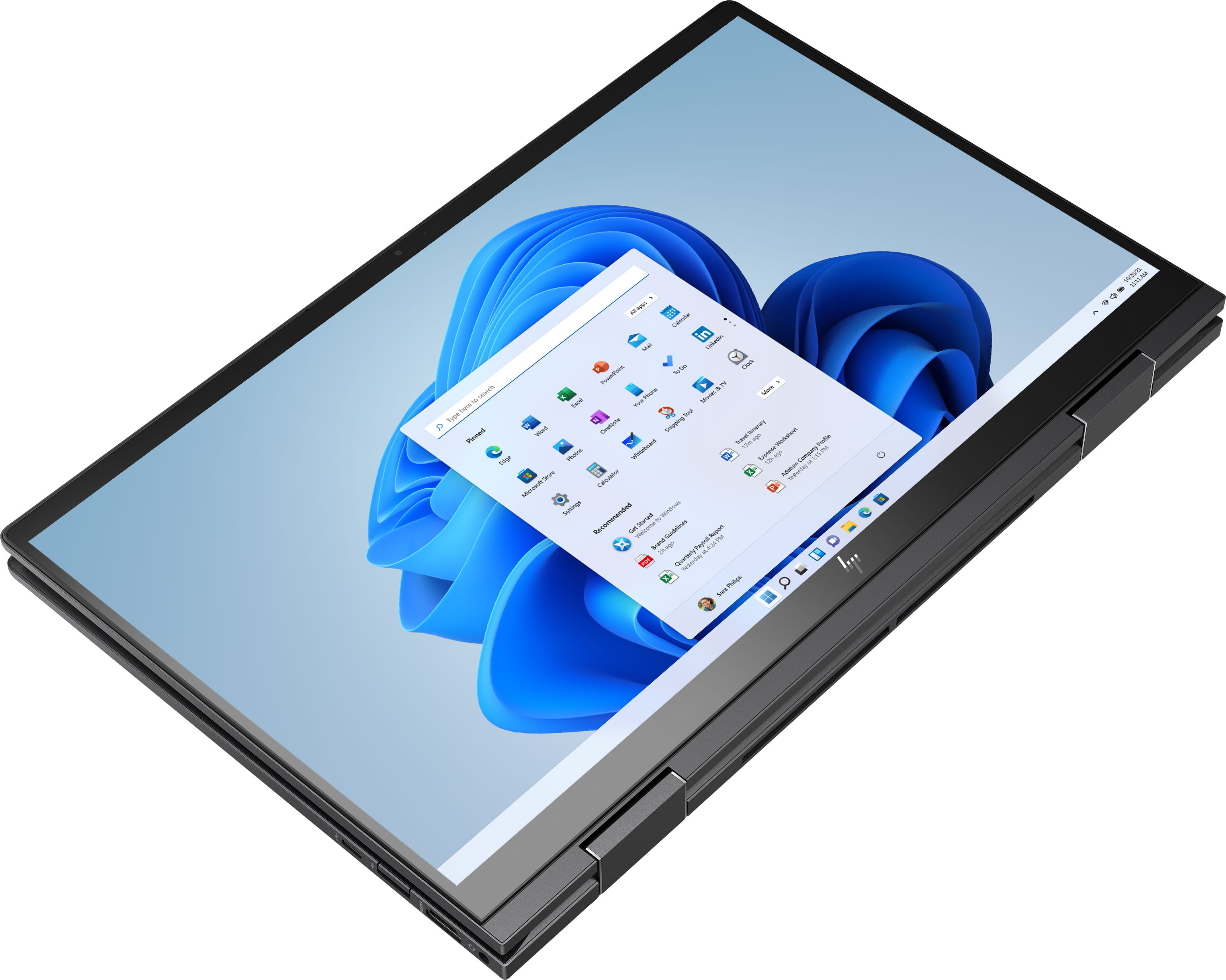
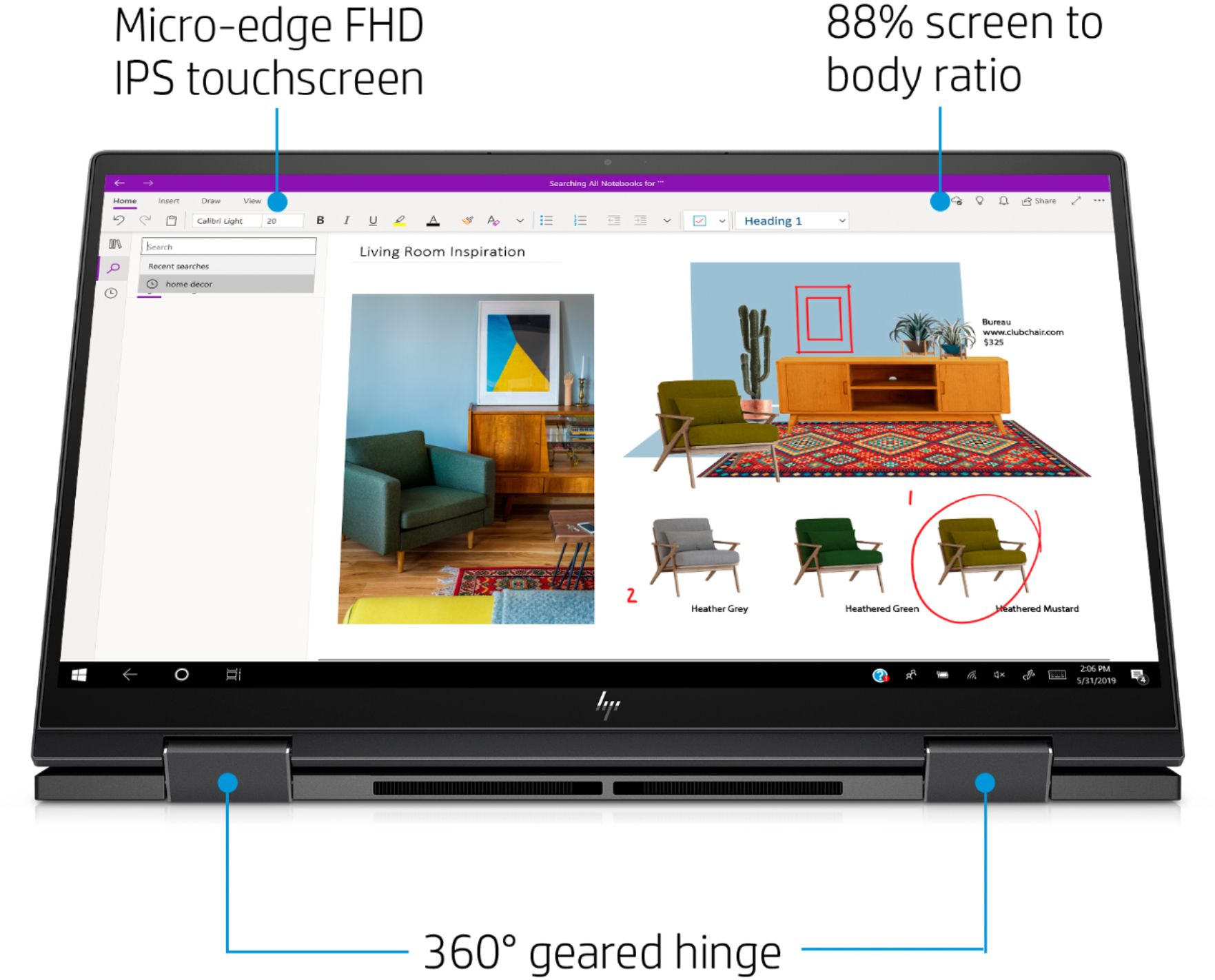
A:AnswerIt is a touch screen but also has a keyboard. You can use either style or easily use both without having to switch or turn anything on or off. Very convenient and easy to use.
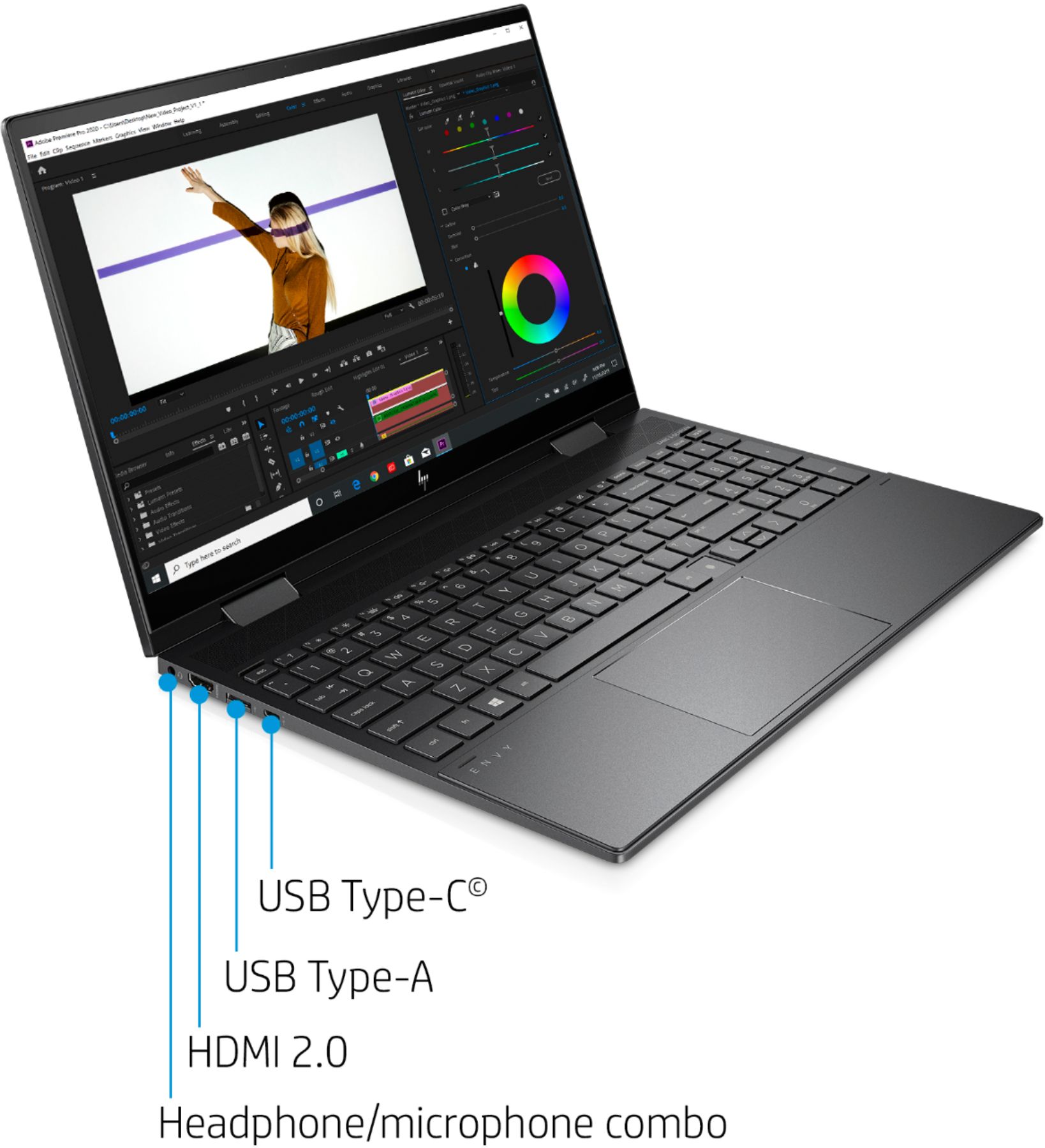
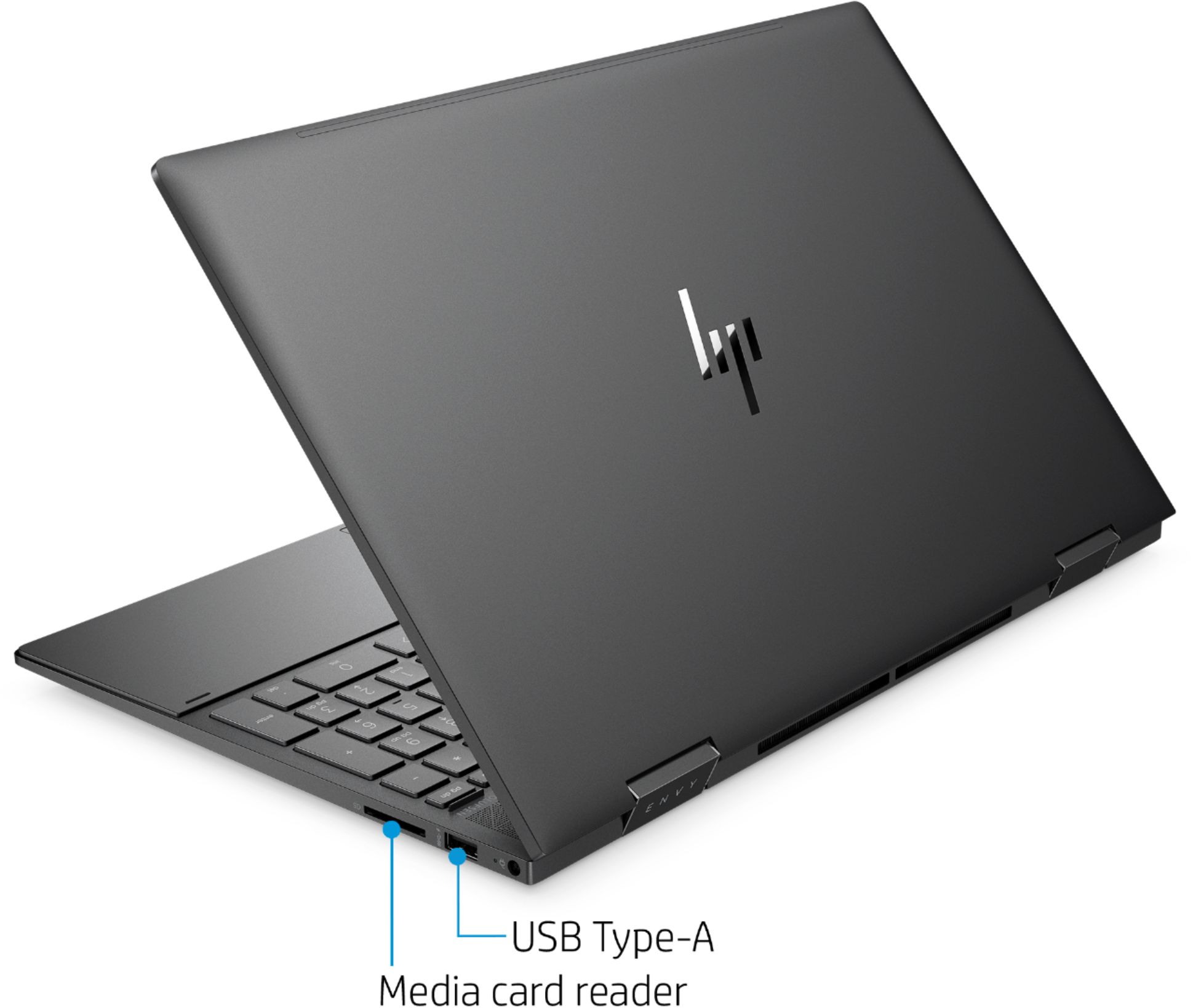
There is no Cd/DVD drive and Office is not included.
A:AnswerYou technically can upgrade the memory but will have to remove the rubber strips from the bottom of the case and remove the screws underneath in order to crack open the case. For everyday use 8 GB should be enough.
A:AnswerUnder light load, it's borderline silent. However, when charging or doing moderately heavy work, it's a very noticeable, high-pitched sound. "Moderately heavy" is pretty generous too, as it will kick up even when it's not running remotely hot (air coming from the vent isn't even slightly warm). I do wish they were less aggressive on the fan curve, but it's not horrible.
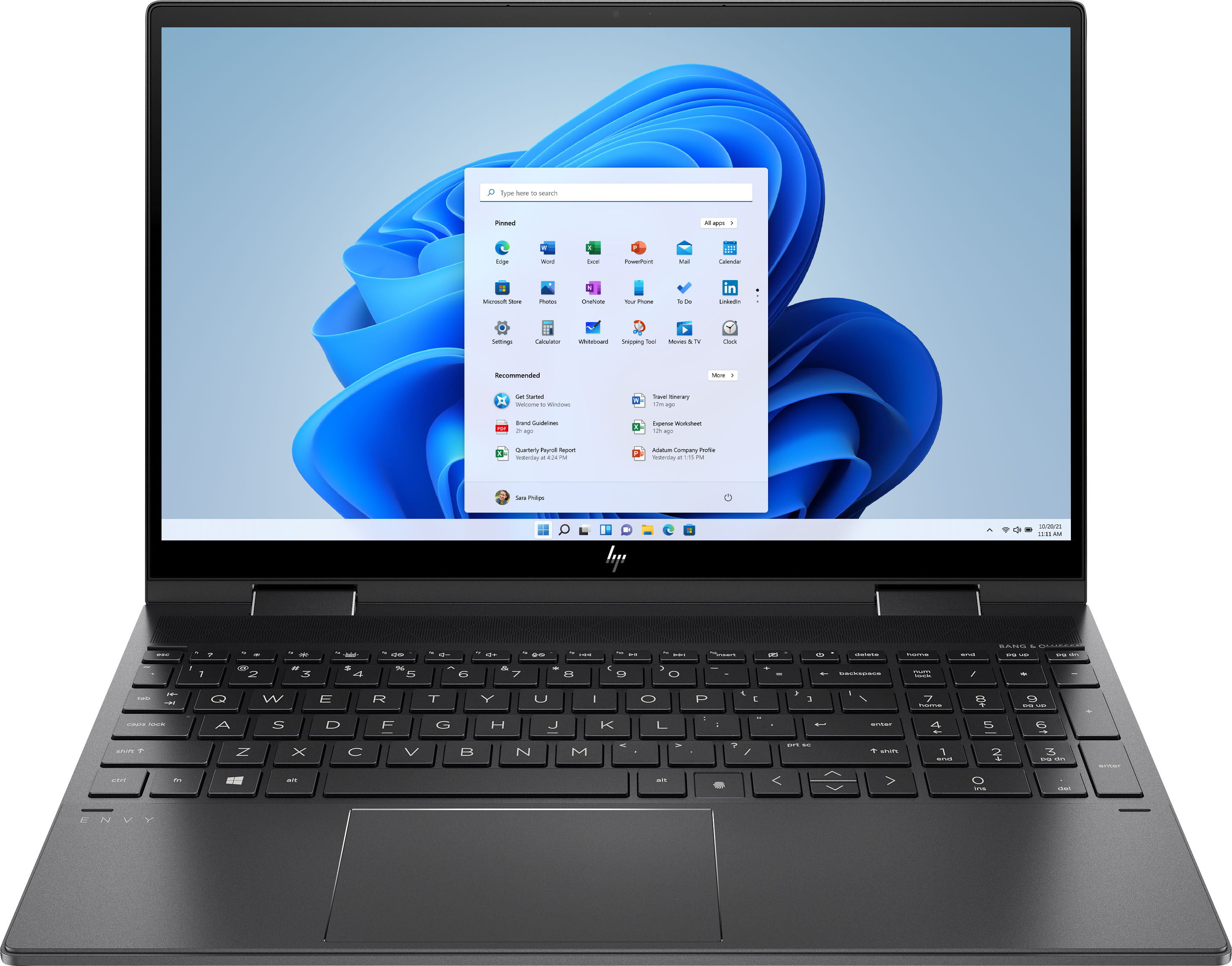
A:AnswerThere are 2 memory slots. This can be upgraded to 16GB by an authorized service provider.
It uses DDR4-3200 SDRAM and must be replaced in pairs. There are currently 2x4GB memory modules installed in the slots.
A:AnswerYou can try to reset the laptop by holding the power button down for 12 seconds, pausing a few seconds, and then pressing it for 1 to 2 seconds. If it does not power up you may wish to contact HP support at https://support.hp.com or call them at 1-800-HPINVENT.