A:AnswerI've only been sent new cartridges once so far. Both arrived before my black ran out, the tri-color has not. They were brand new HP cartridges and came with an envelope to send the empty cartridges back to HP. I have no idea whether HP refills them.
A:AnswerYour printer has to be on a wireless network. You have to register online and this is how HP knows when to mail you more inks. Your printer will let them know when ink is getting low.
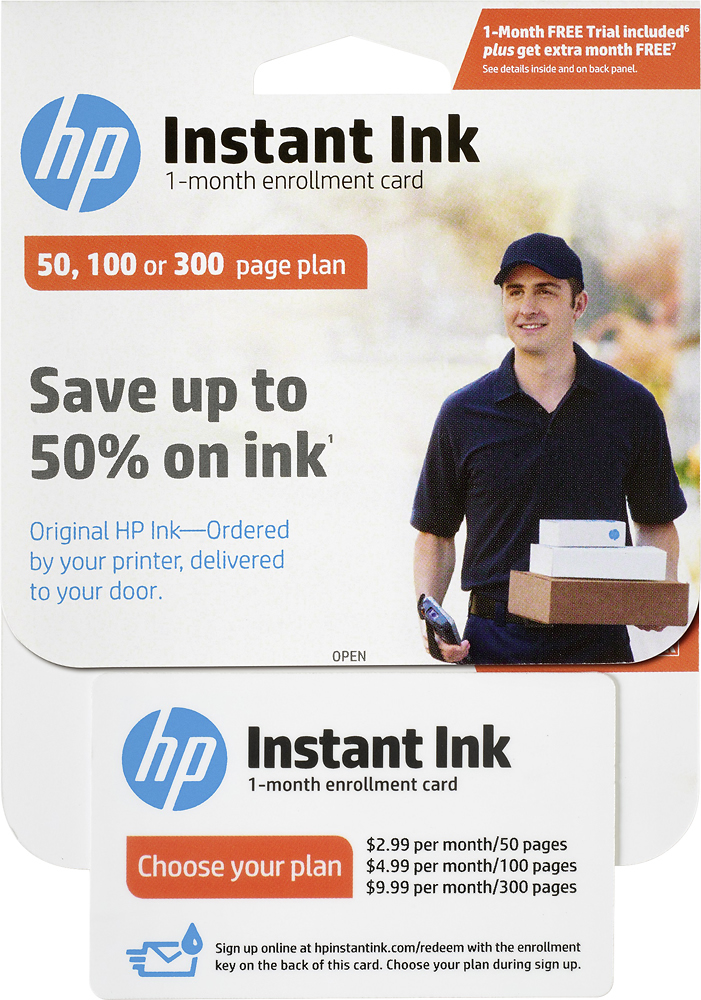
A:AnswerThe card will include a 2 month trial period so you can see how much you print. After the two months if you decide to continue, you can keep the plan you purchased (set by the number of pages you need). There is no contract, you can end or change the program when you want. You only need to go buy regular cartridges after the last month is done.
A:AnswerThat was my question also. Yes, a photo counts as one page even though the page is covered 100% with ink. UNFORTUNATELY, I was told that printing a document with a single dot .... ALSO counts as one page. So print away with photos!
A:AnswerYou pay $2.99 per month. It doesnt matter if you use no pages or 50 pages. If you go over 50, they charge you $1.00 for the each time you print 15 more pages. They allow up to 50 pages per month to be rolled over to the next month.
A:Answeryou get one of each ink cartridge your particular printer needs, based on usage. If you do mostly black-and-white printing, you'll get the black cartridge more often, but you will get the color pack when you wear that cartridge down enough.