A:AnswerThere are many answers. I think you can better get your answer by going online and open the manual for your answer. FYI--I printed the manual rather than having to scroll through the pages and find it easier to find what I need.
A:AnswerYes, but I would suggest XL cartridges. These cartridges also come in a double pack. It's worth the cost if you do a lot of printing. The standard size does not seem to last very long.
Also check out hpinstantink.com.
A:AnswerHP support is helpful, but as an Apple user I’m frustrated that I even need to call them. This printer has been a nightmare with my Apple products. They are never able to find each other and thus I can never print when I need to.
A:AnswerI know for a fact that it will work with other devices under the same Wifi as the printer and I think it should work with what ever device is hooked up with the Ethernet cable. but I am not 100% sure with the Ethernet cable.
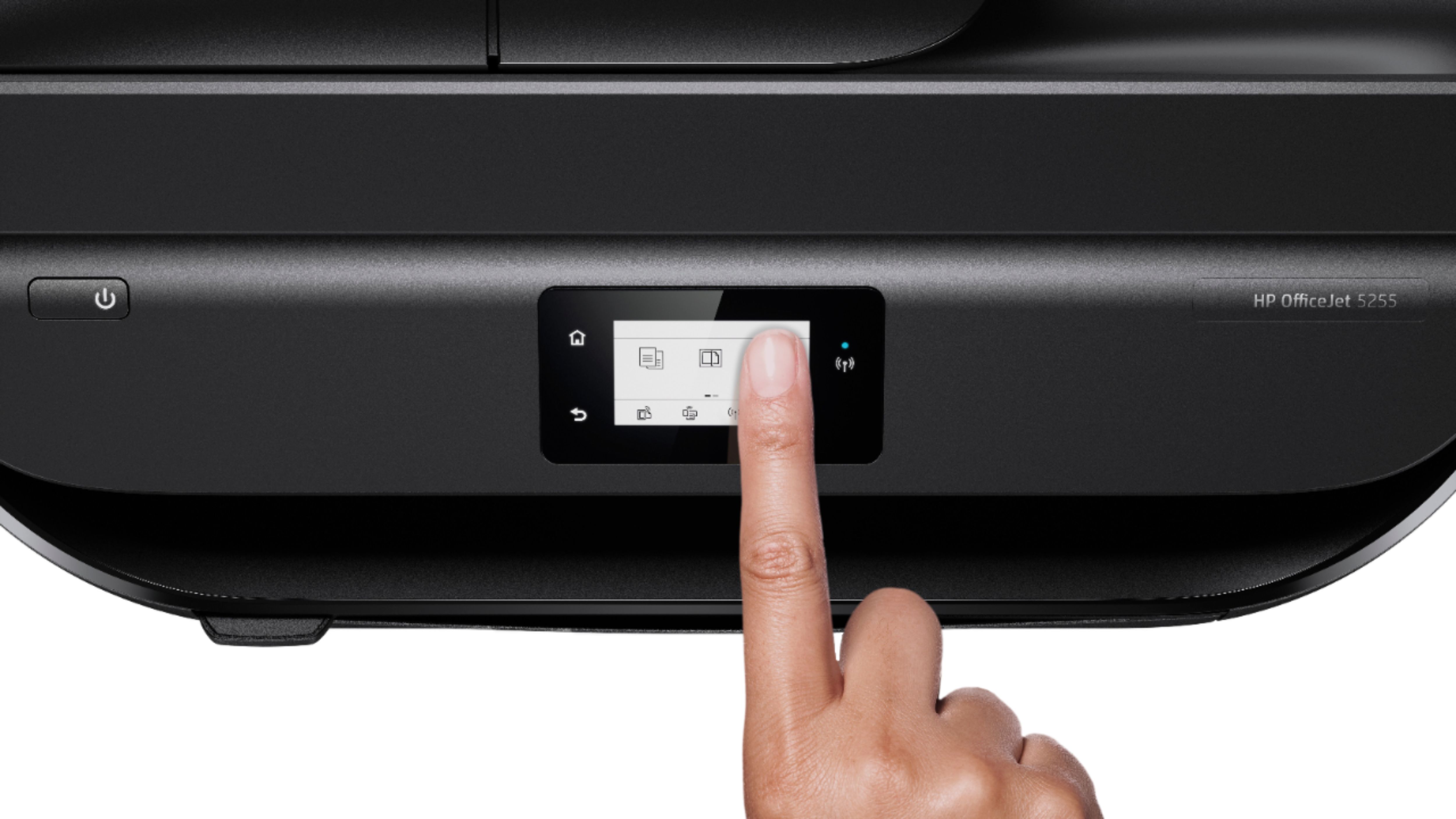
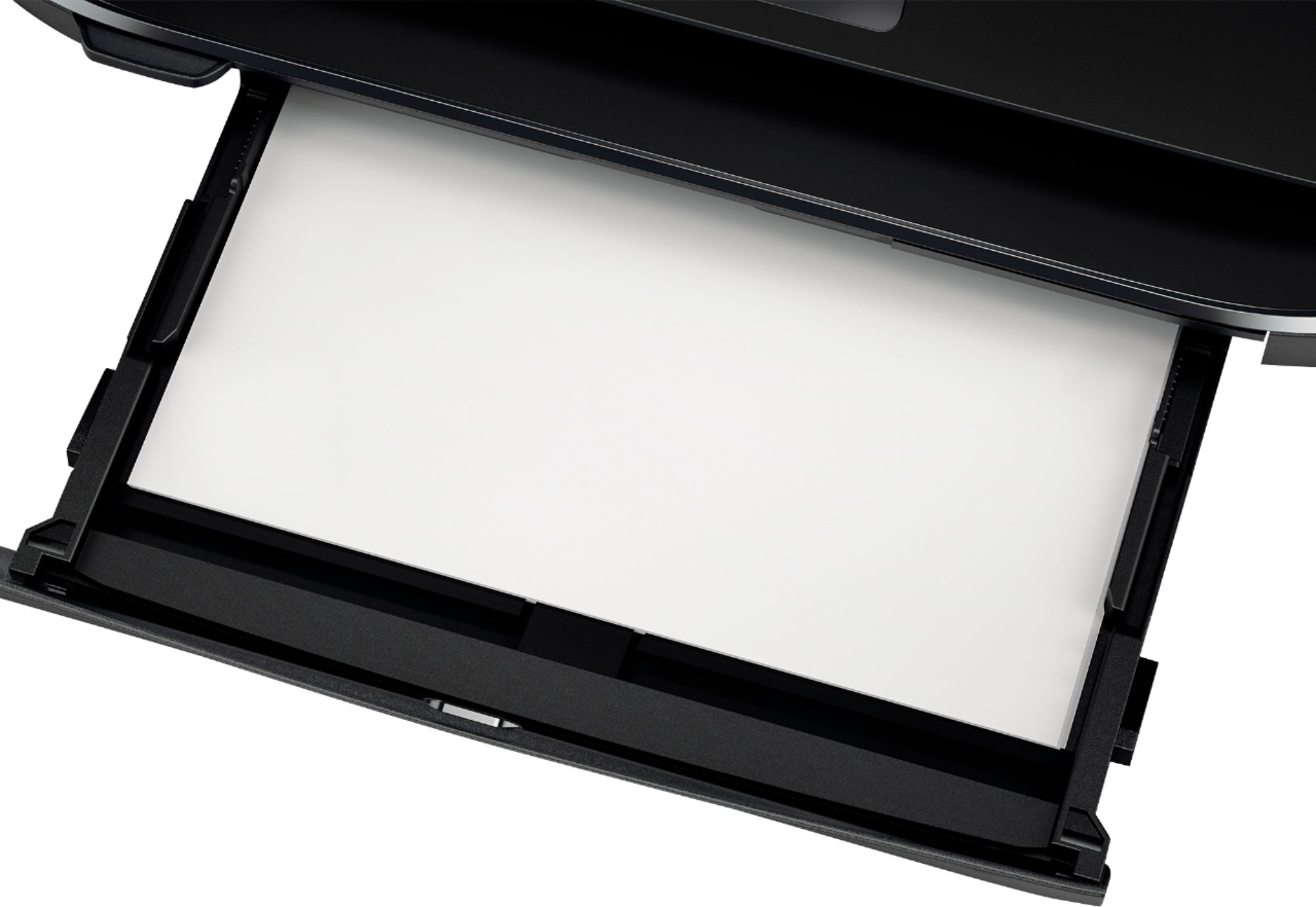
A:AnswerYes, you can print pictures with the OfficeJet 5255. Simply load the photo paper you wish to use, and adjust the paper guides. On the screen, choose the paper size you loaded and you're ready to go.