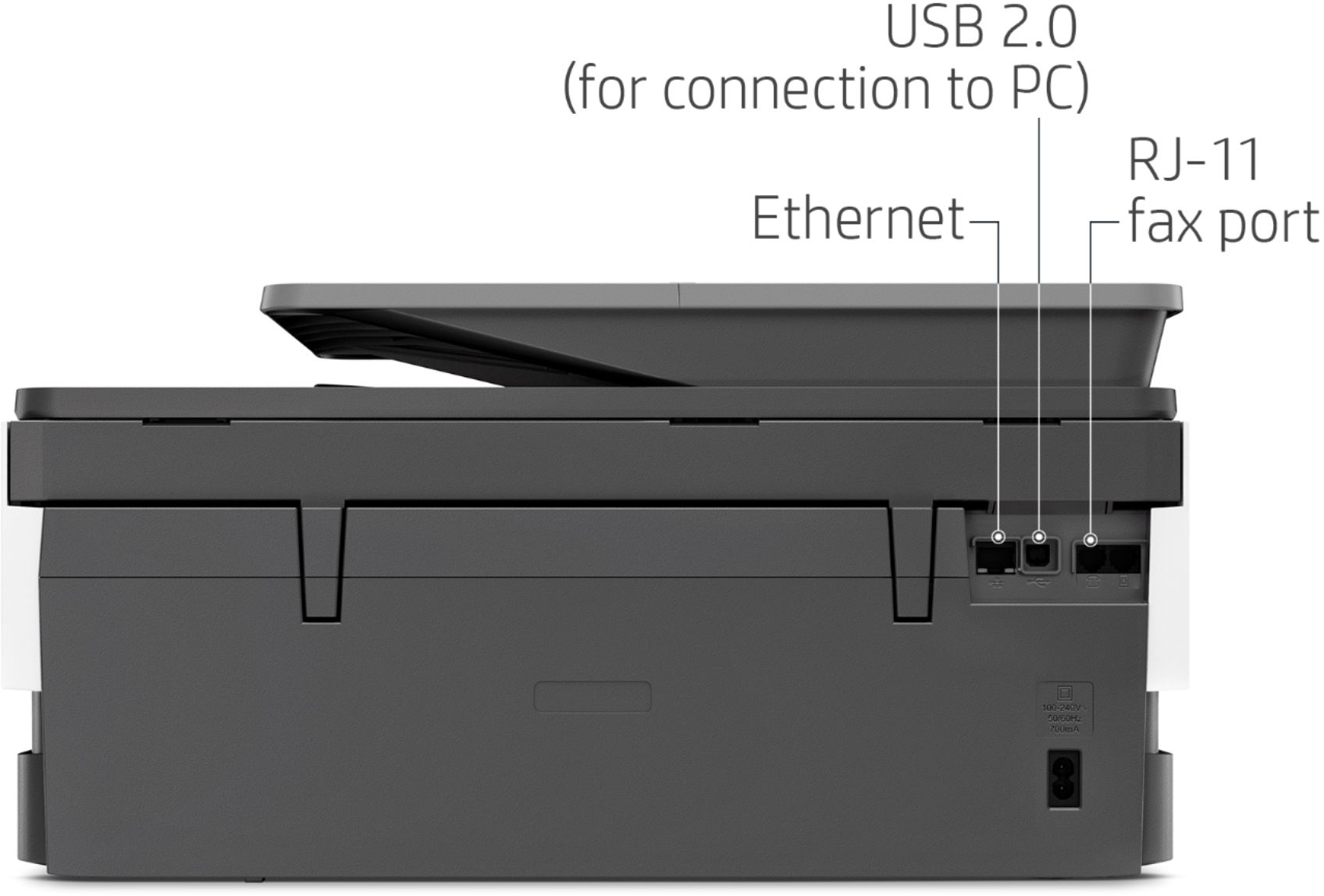
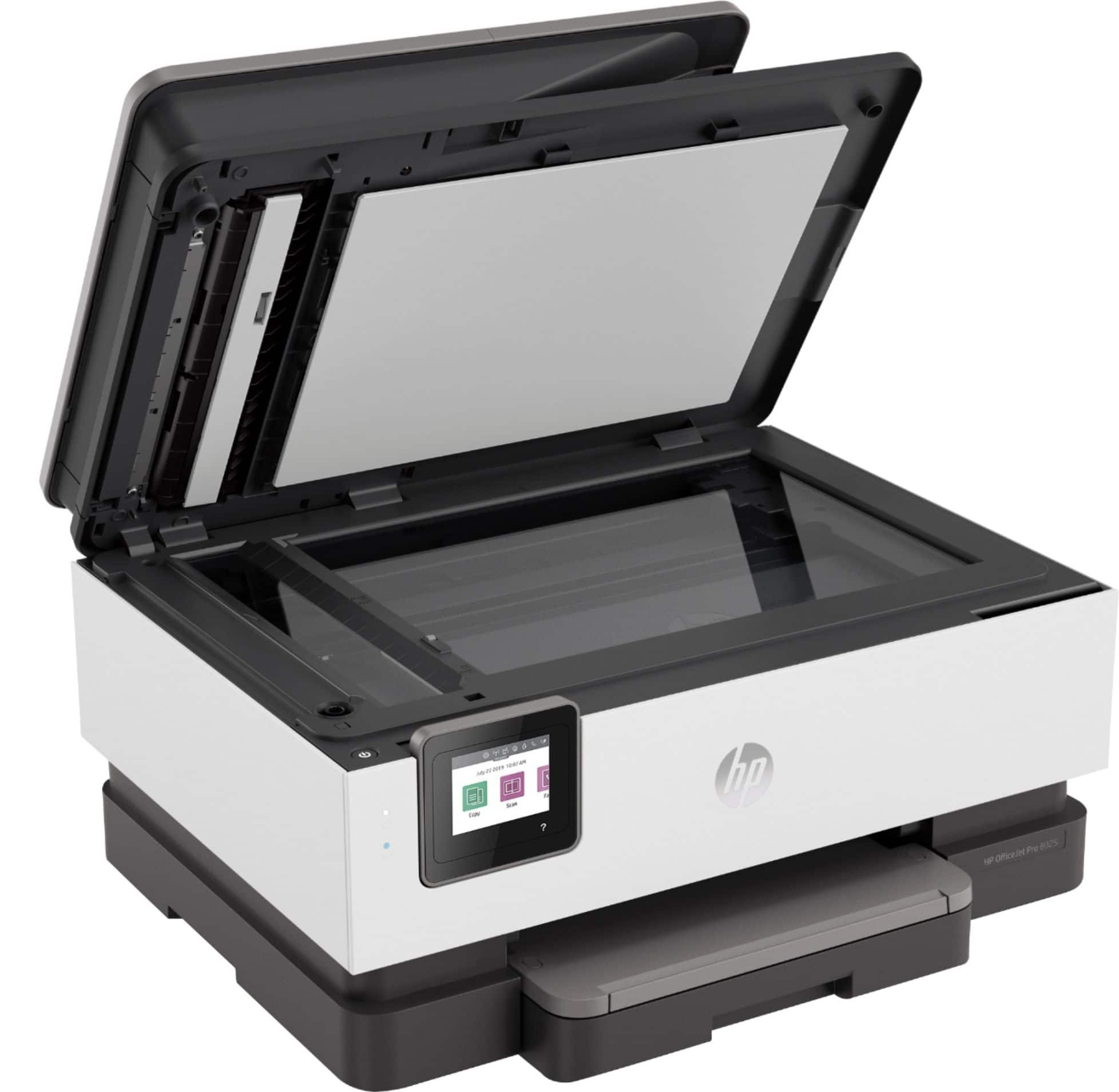
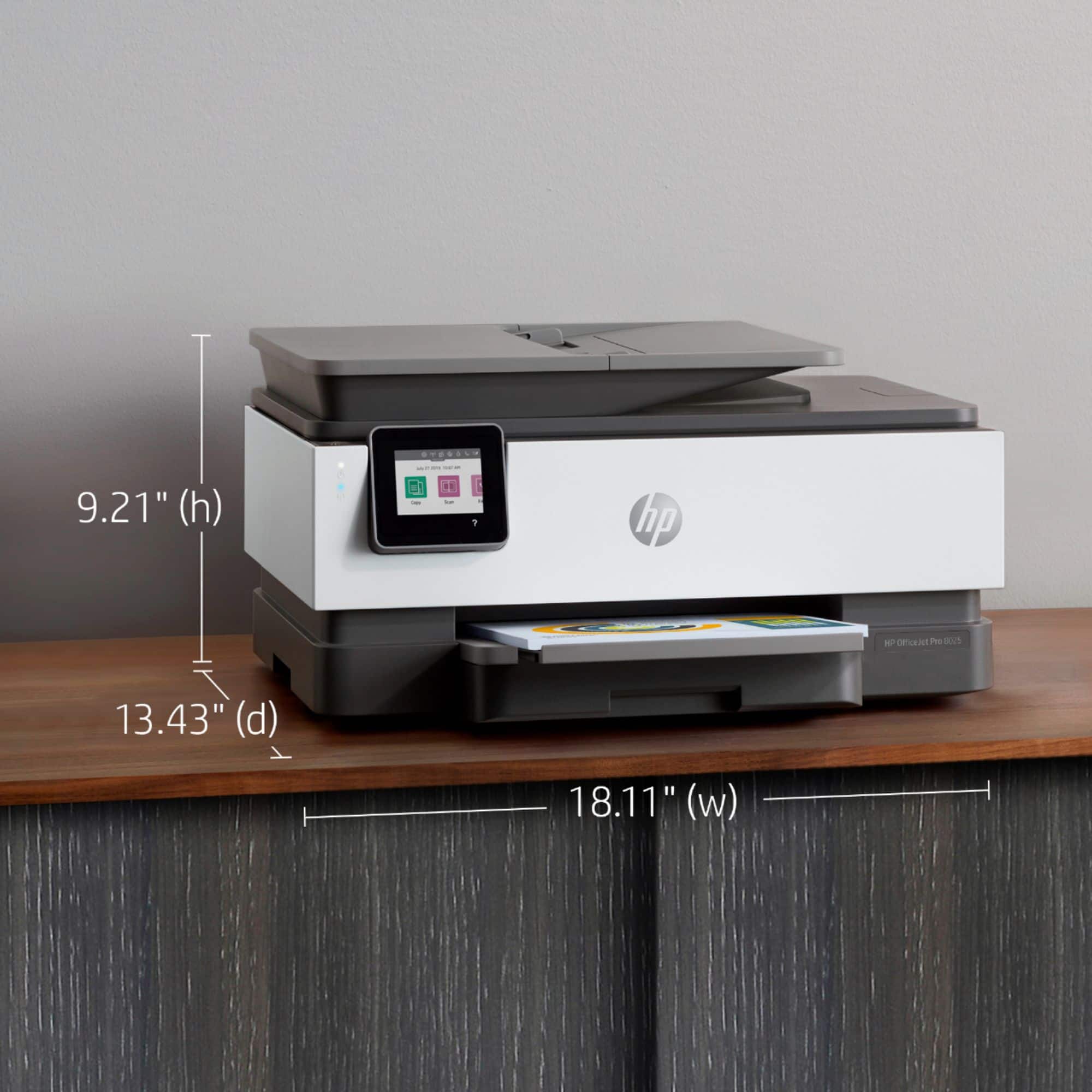
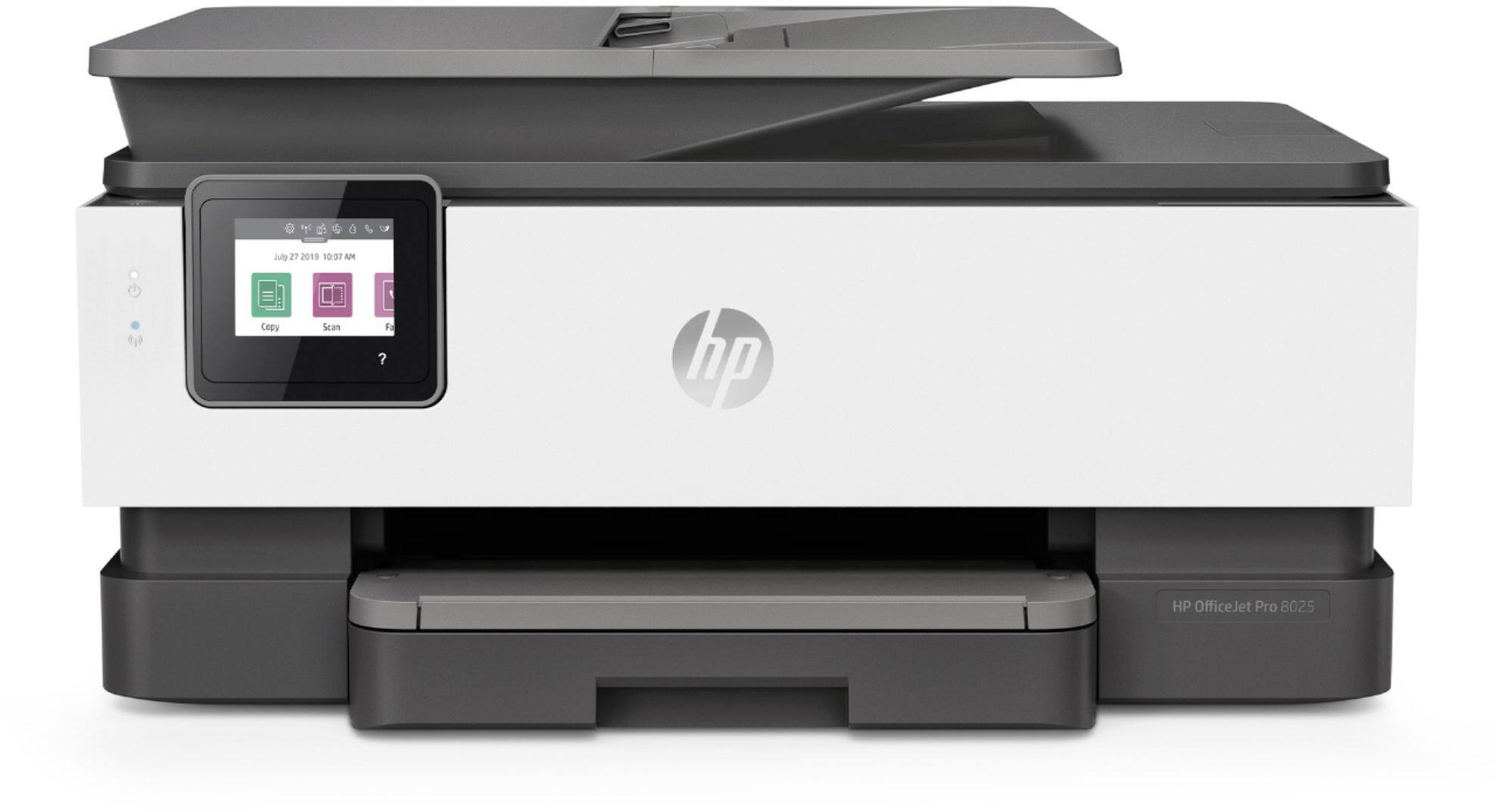
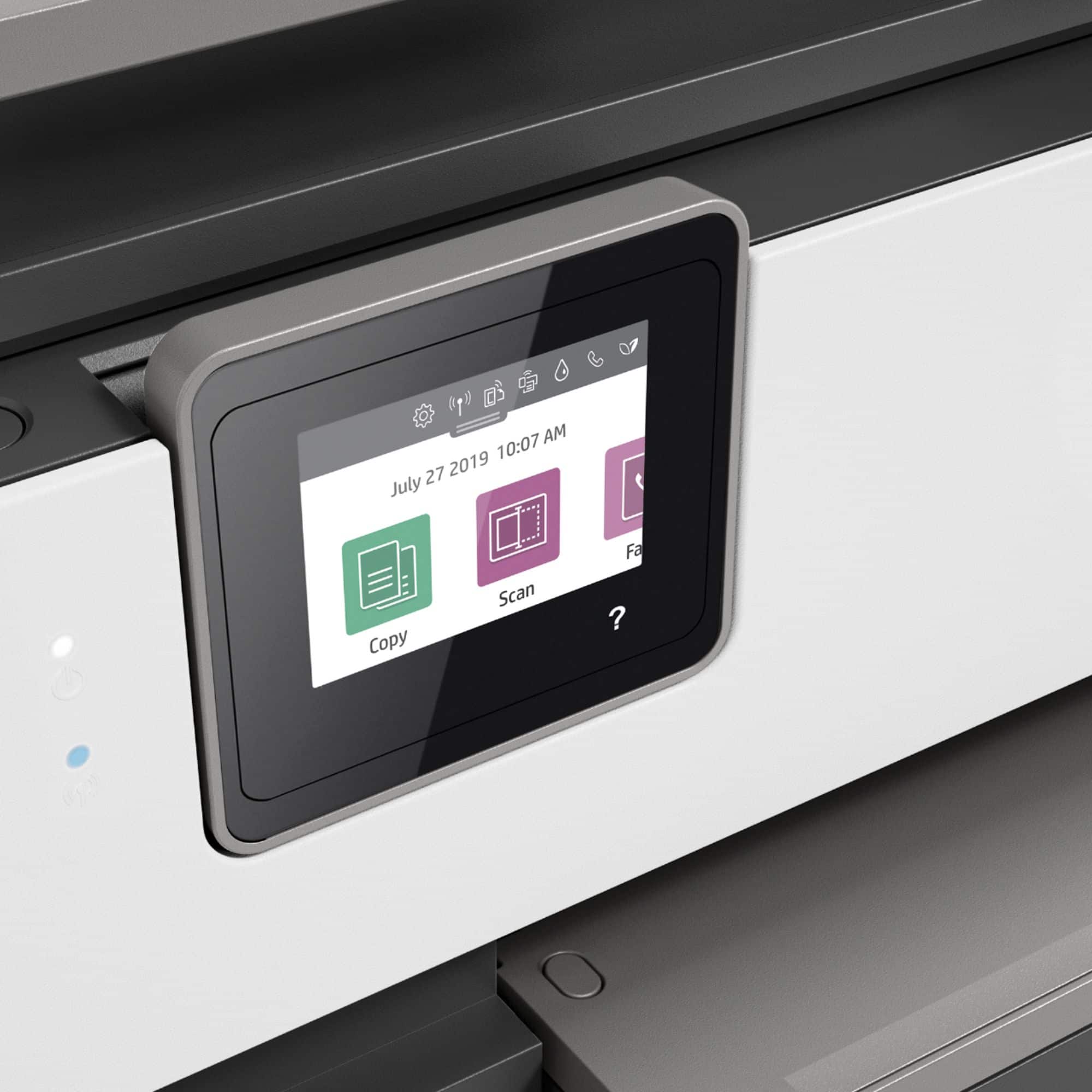
A:AnswerYou can either connect wirelessly if you have wireless networking at home, or you can use a standard USB printer cable (Type A to Type B). Here is an example of one:
https://www.bestbuy.com/site/insignia-6-usb-2-0-a-male-to-b-male-cable-black/5886035.p?skuId=5886035
A:AnswerIt needs both the black and color ink, because the ink also acts as a lubricant for the print head. Dragging one the heads dry across the paper would quickly wear it out.
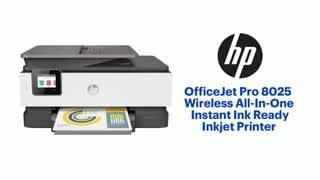
A:AnswerYes, it can be used for printing photos (and they look great). The OfficeJet 8025 is a variant of the 8020, so yes, they are considered the same thing for subscribing to Instant Ink.
A:AnswerI have used photo paper and have not found any limitations to this point. And, photos are crisp and clear with bright colors. This printer does a great job.
A:AnswerAs long as your computer has Windows 7, 8 or 10, this printer will work with your computer. It also works with Mac computers with at least 10.11 and later.
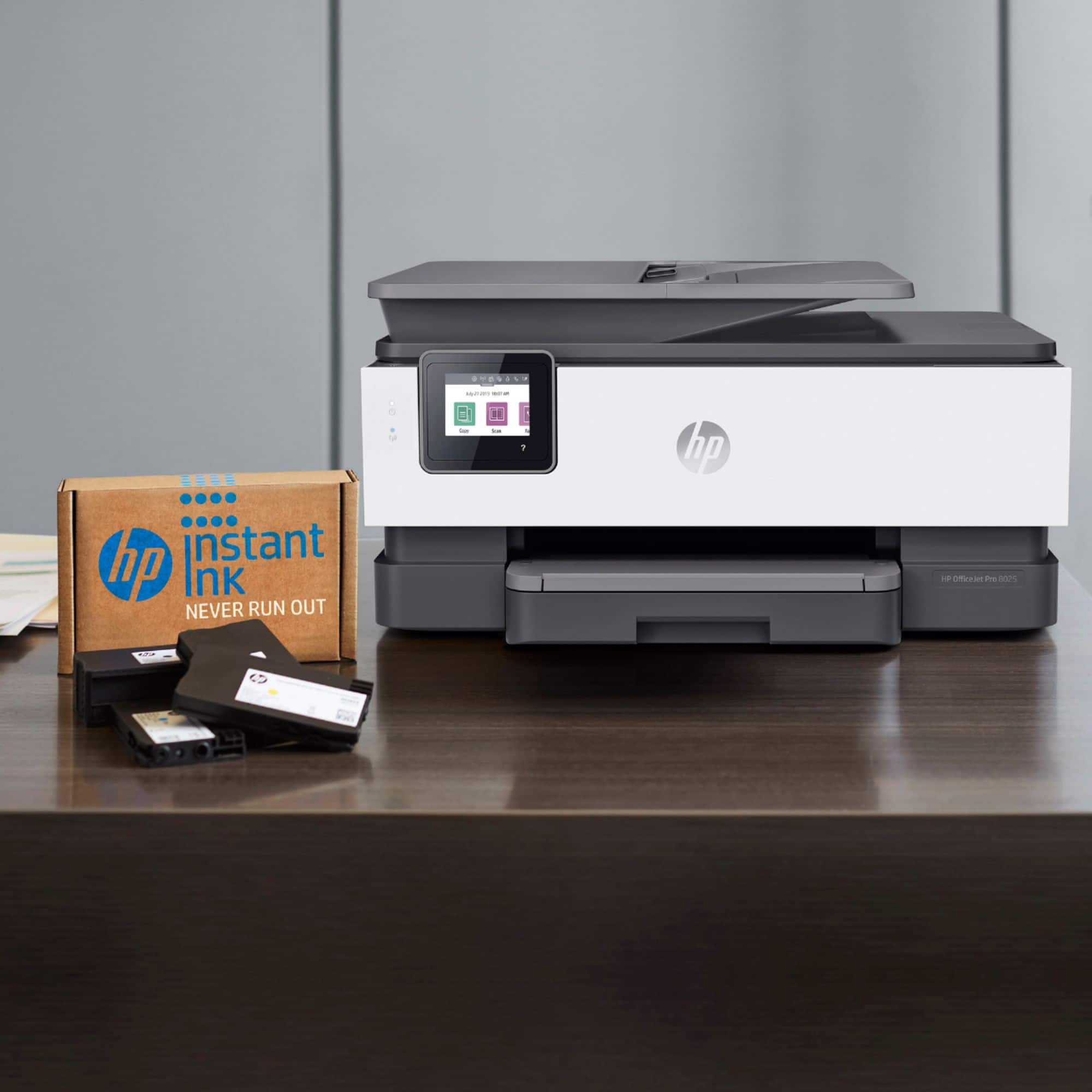
A:AnswerThe 3 paid plans that are available are the: 50 pages for $2.99, 100 pages for $4.99 and 300 pages for $9.99. You can rollover up to two months of unused pages. If you need extra pages, it is $1 for a set of 20 pages. The ink and the shipping are free. Here is the link to more information on the program: https://www.bestbuy.com/site/hp/hp-instant-ink/pcmcat1474927211435.c?id=pcmcat1474927211435
A:AnswerConnecting to a wireless network is the most convenient and accessible method, but you can connect wirelessly via AirPrint, or a mobile hotspot, or anything like that!