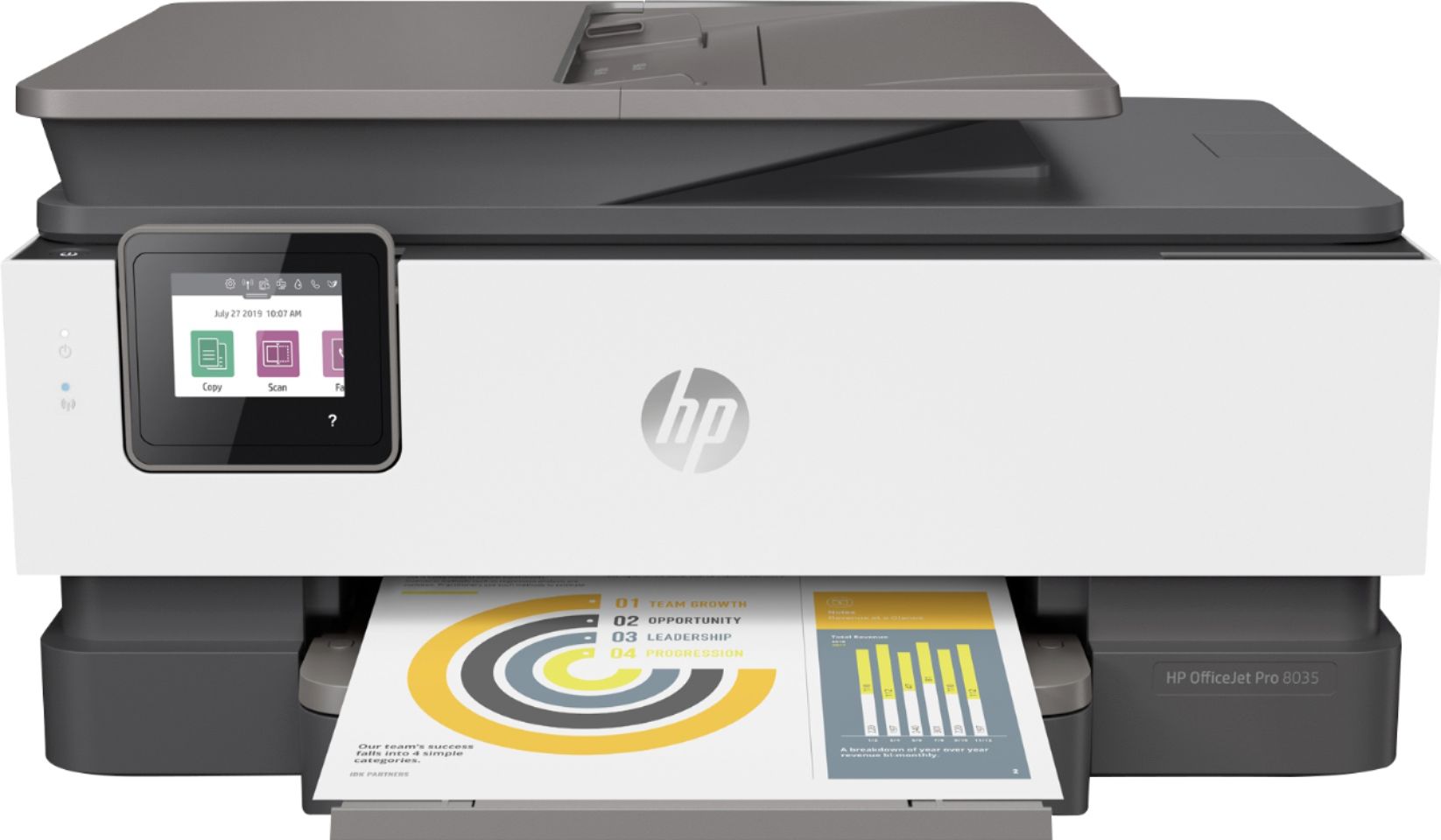
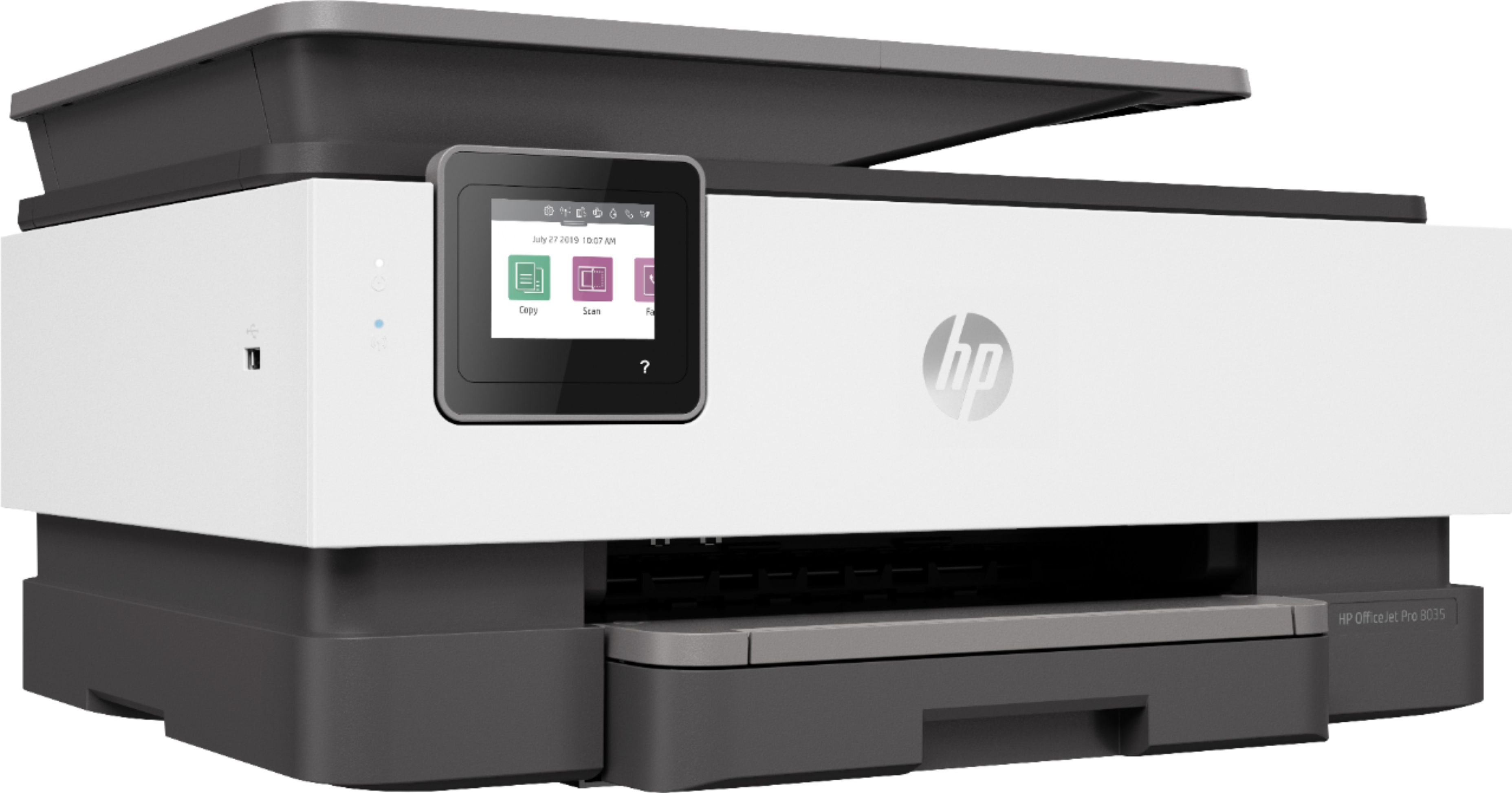
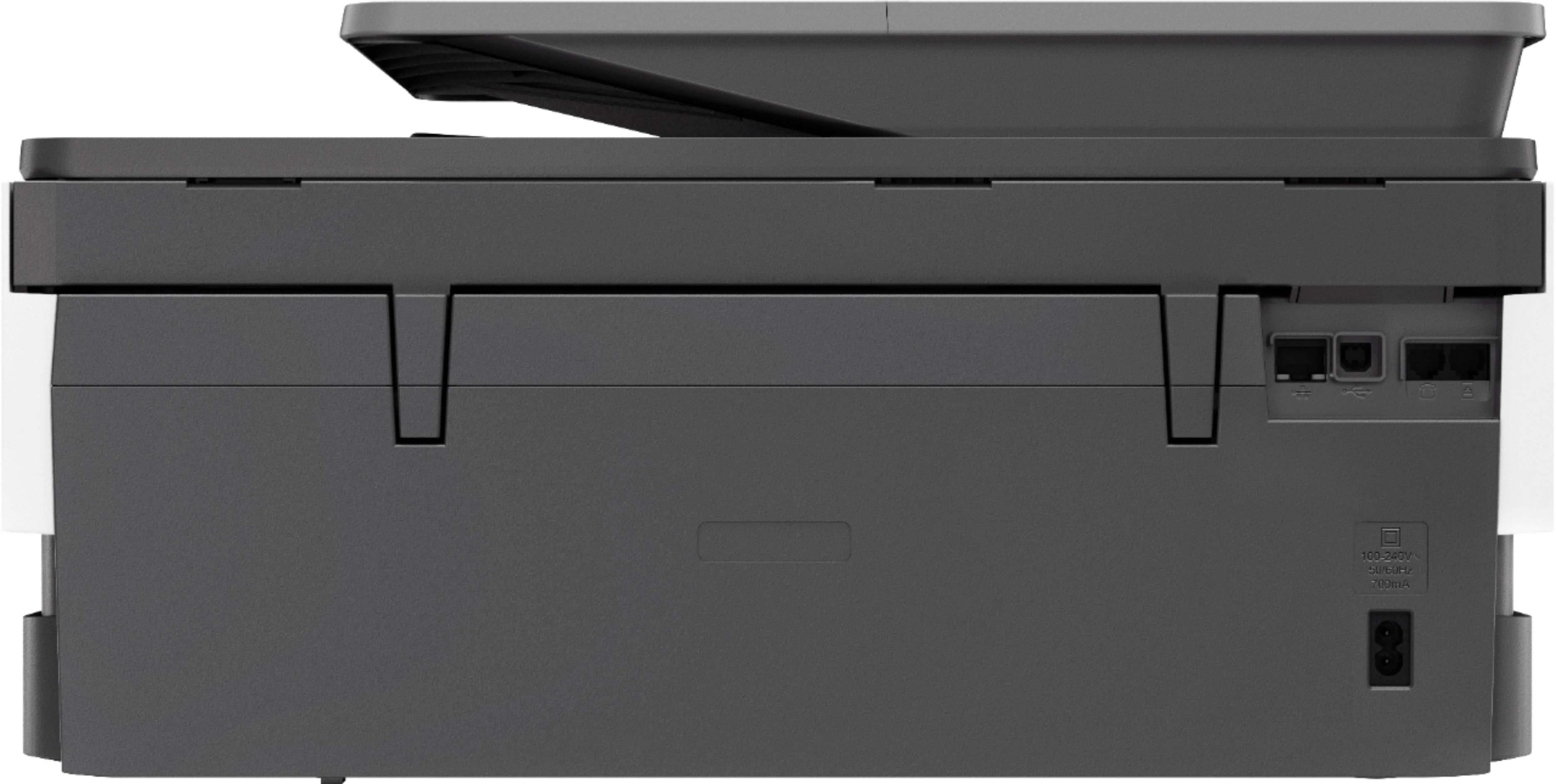
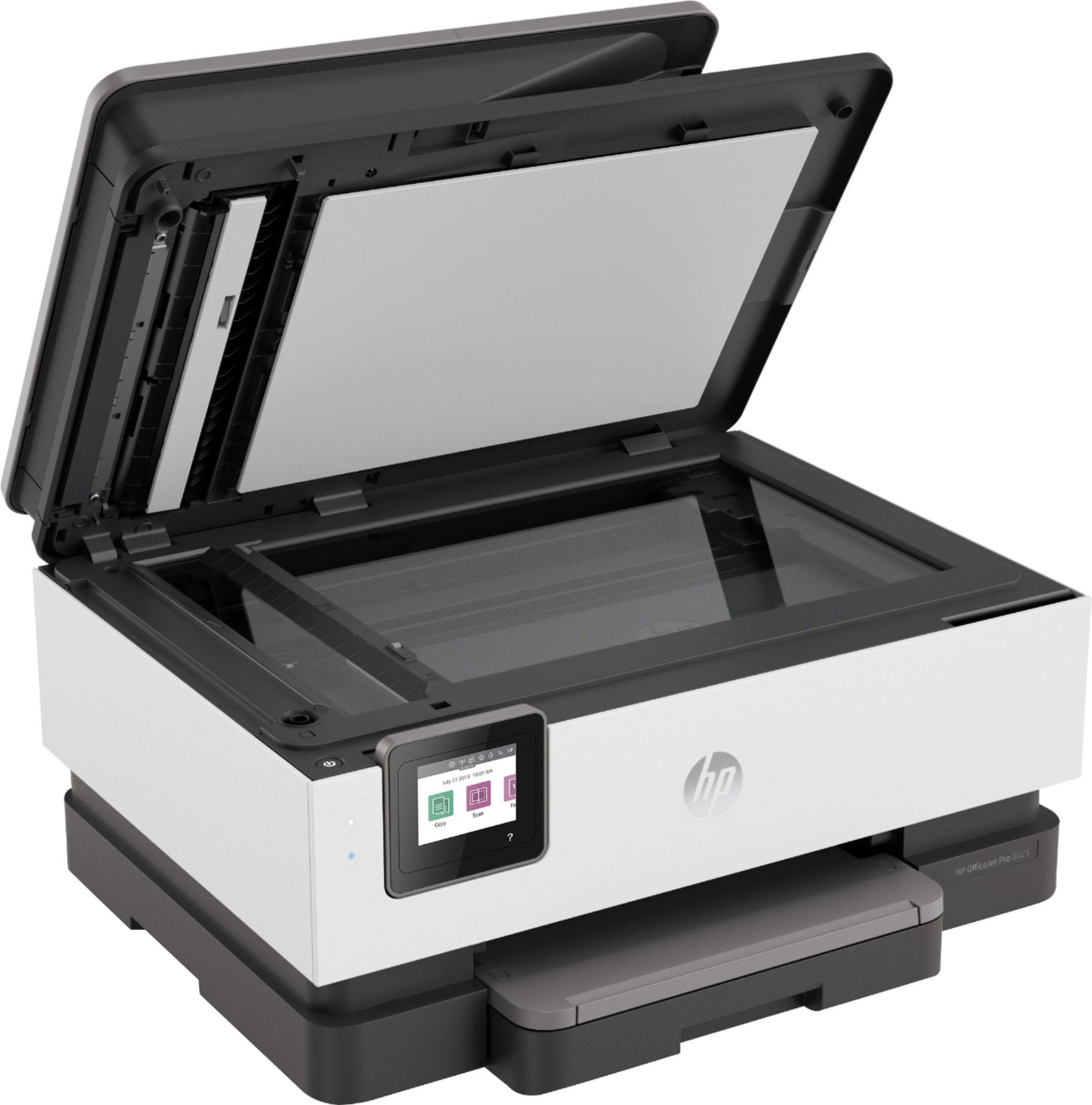
A:AnswerYes, this printer has a USB port on the back to connect to the computer. There is also a USB port on the front to print photos or scan photos to or from a USB flash drive.
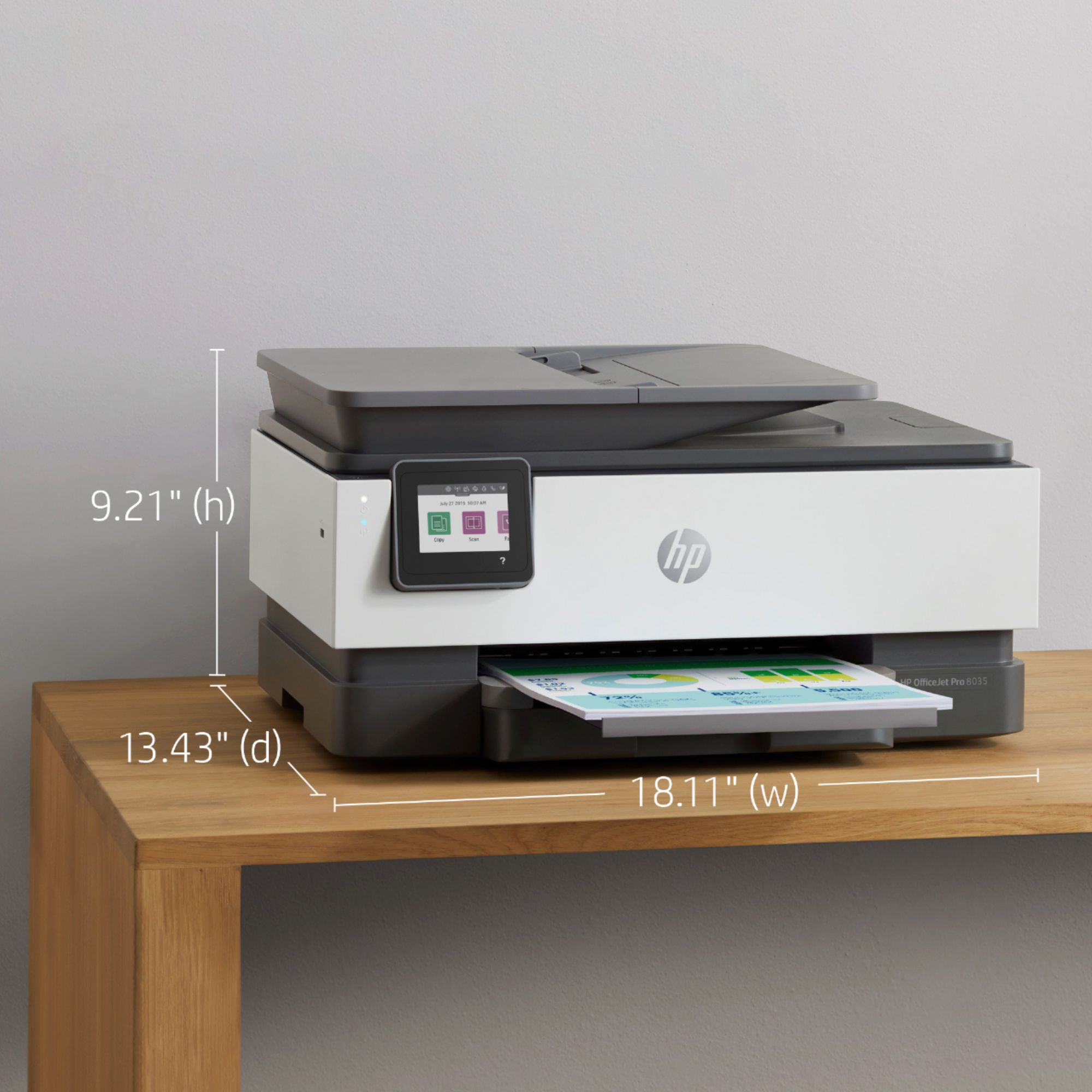
A:AnswerYes, this printer prints double sided. Make sure that you choose double-sided (on your computer screen) either as a default, or when you are printing documents that you wish to have print on both sides.
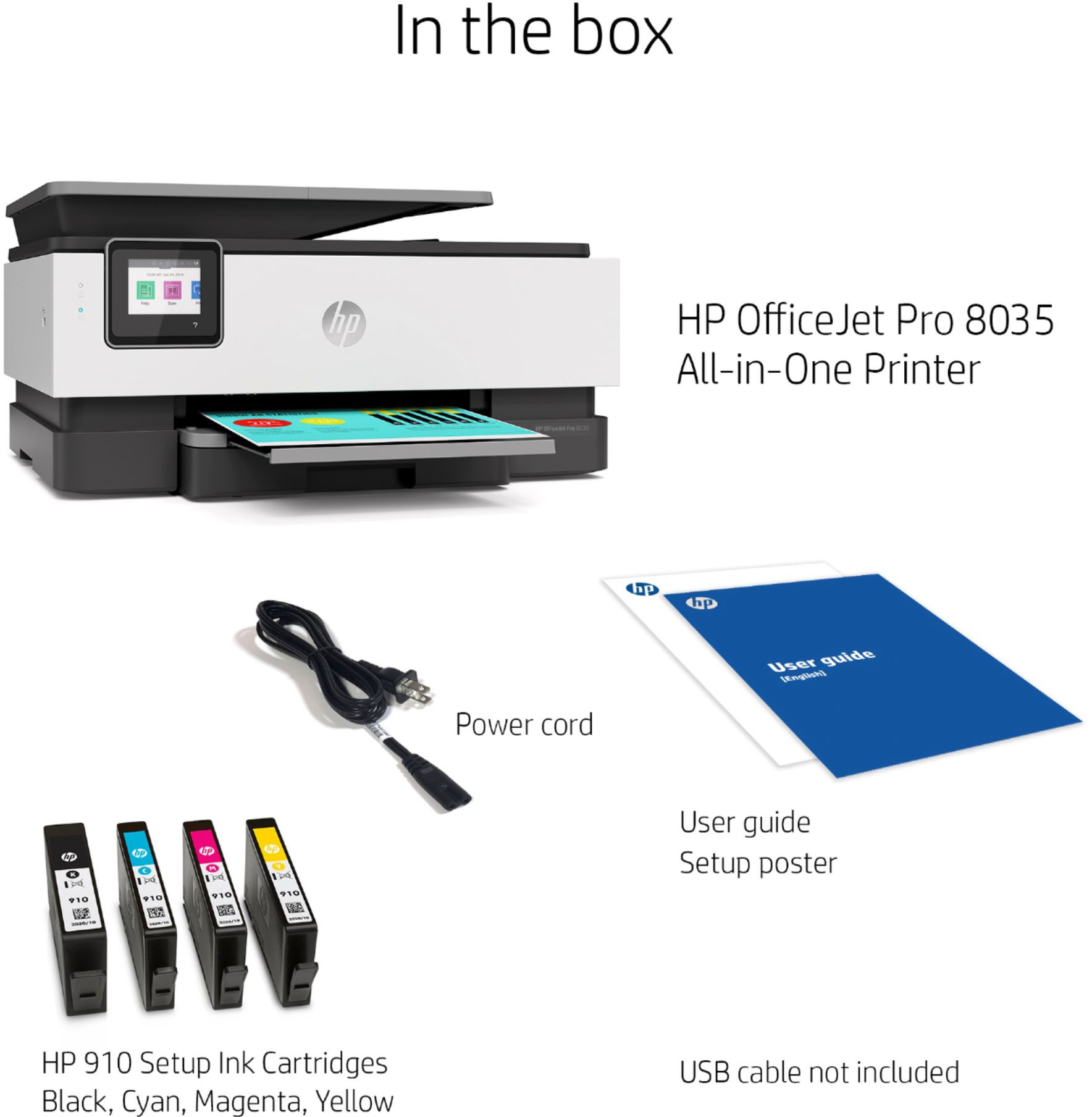
A:AnswerIt has a power cord included, but not a USB printer cable to connect it directly to a computer. If you're replacing a printer that was connected with a USB printer cable, the same one will work with the OfficeJet Pro 8035e.
A:AnswerThank you for the question. Any USB-A to USB-B cable will do. Find one here: https://www.bestbuy.com/site/insignia-6-usb-2-0-a-male-to-b-male-cable-black/5886035.p?skuId=5886035
A:AnswerModel 8035e-yes for printing only. I recently printed out a document from Apple and since it was a two sided document, it printed out 2 sided as well .
Scanning- the flatbed is used for scanning as there is not a duplex scan function.
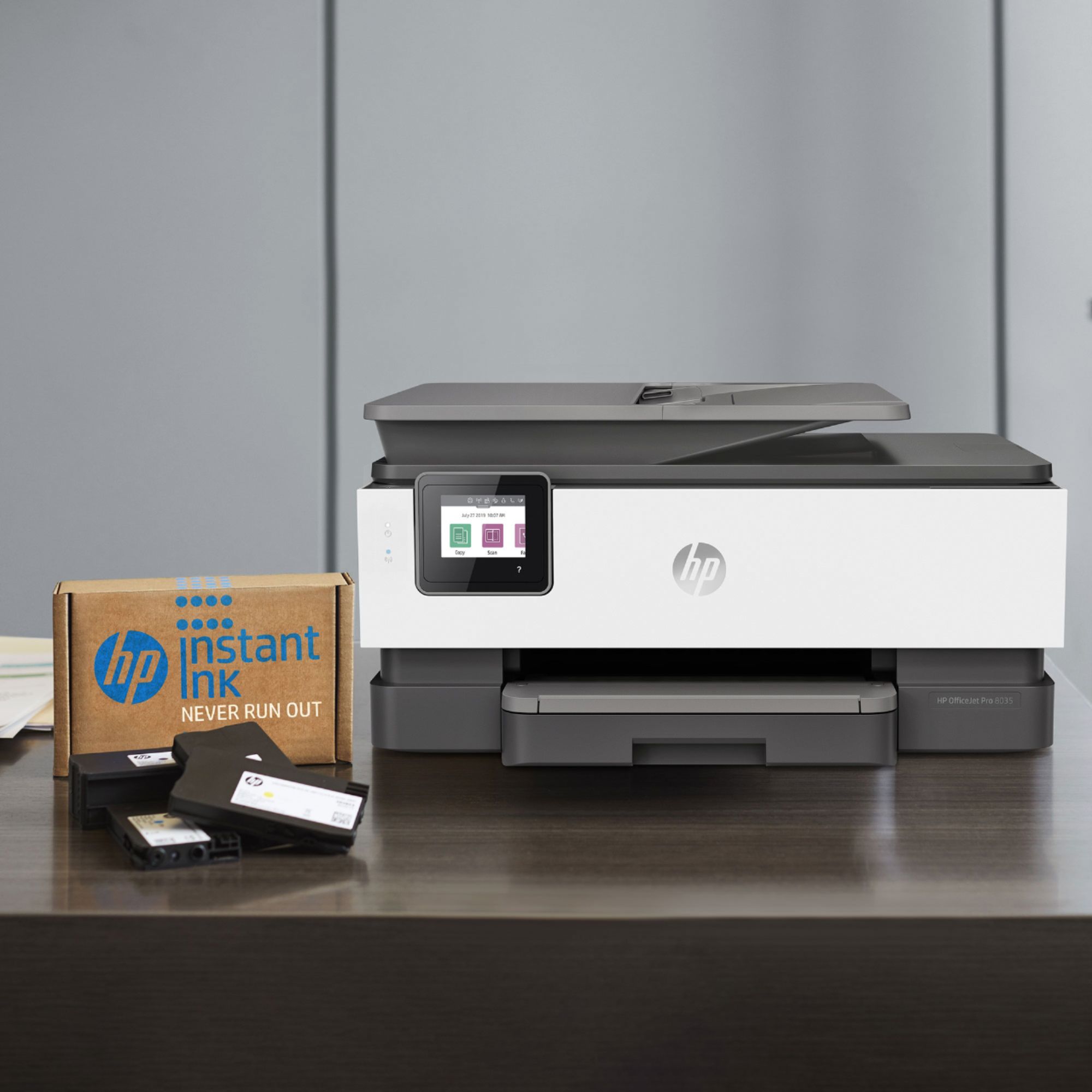
A:AnswerThe HP OfficeJet Pro 8035e is eligible for the HP+ program. The HP+ program gives you 6 months of free HP Instant Ink, and an additional 1 year of HP warranty.
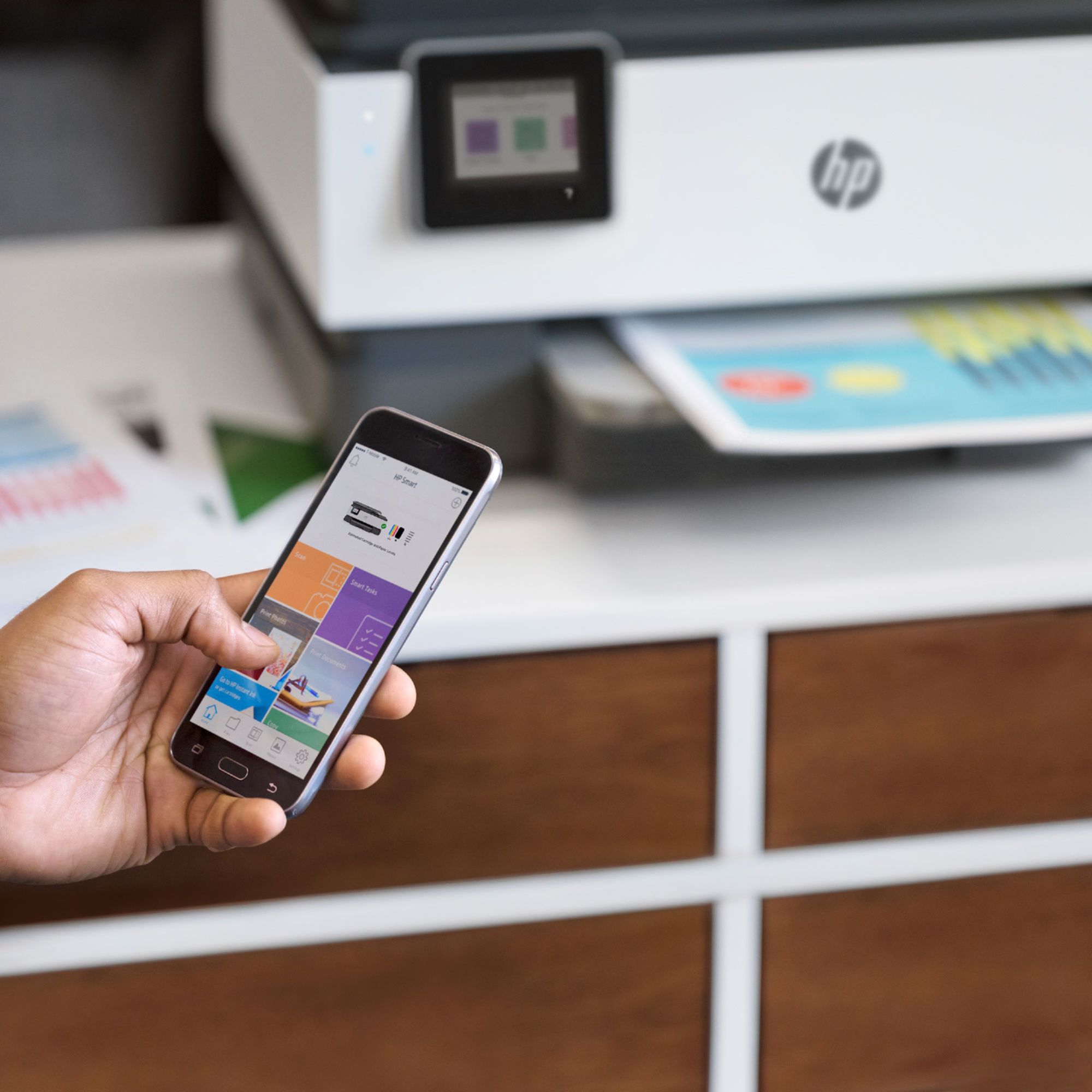
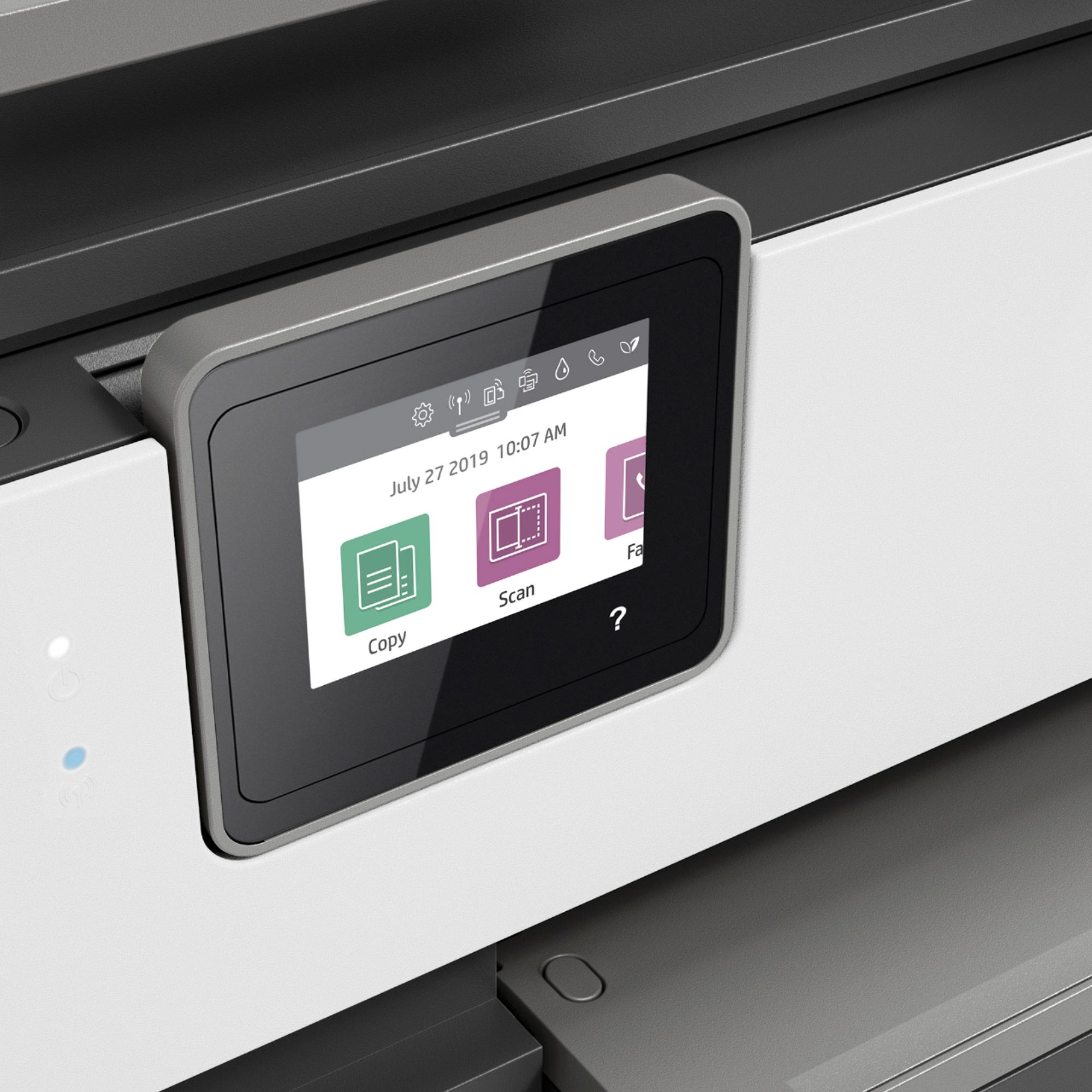
A:AnswerYes you can. On the printer screen, you click scan and it’ll ask you how you want to it. You have to type in your email and verify and then it will send the scans to you.