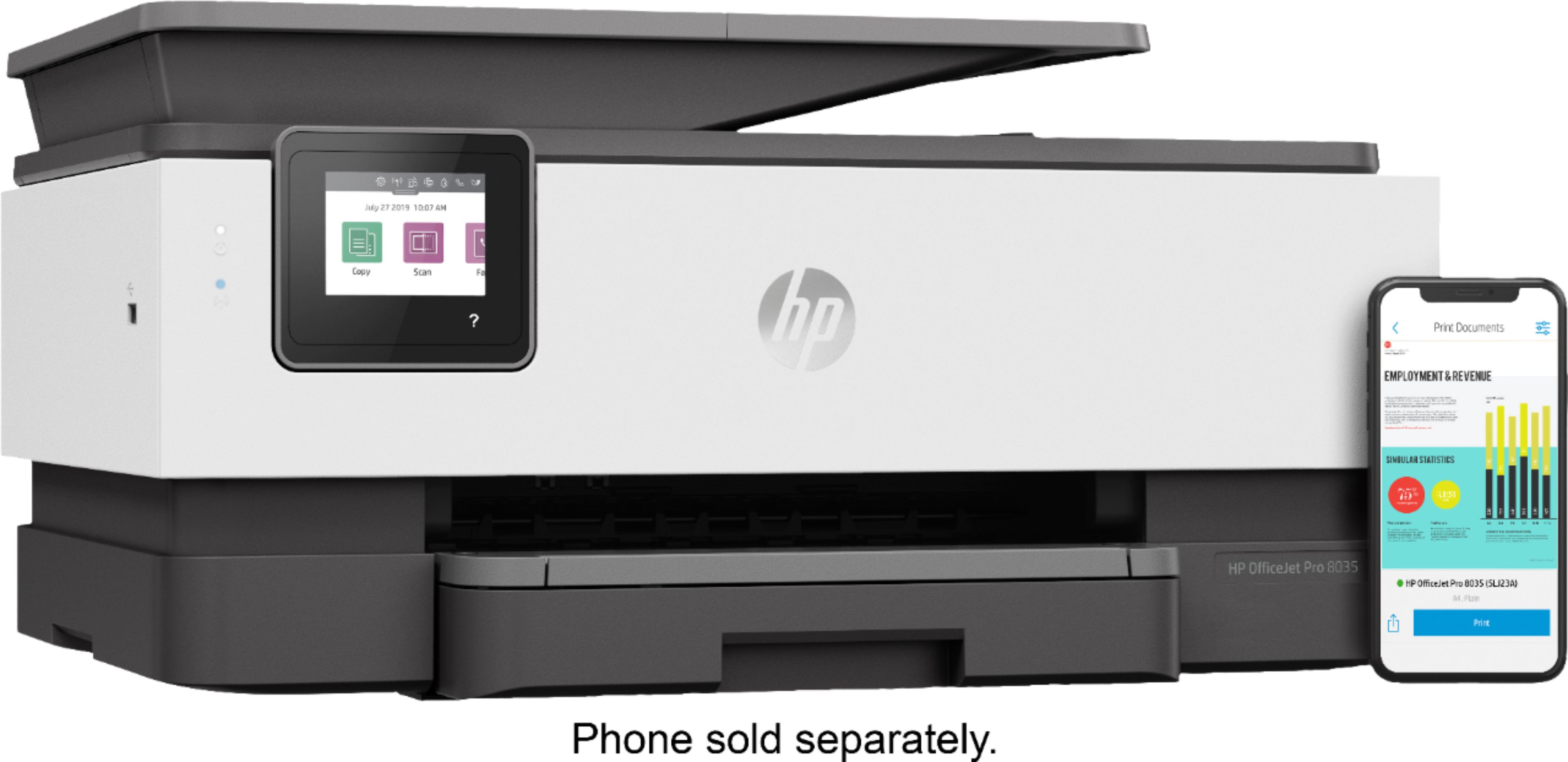
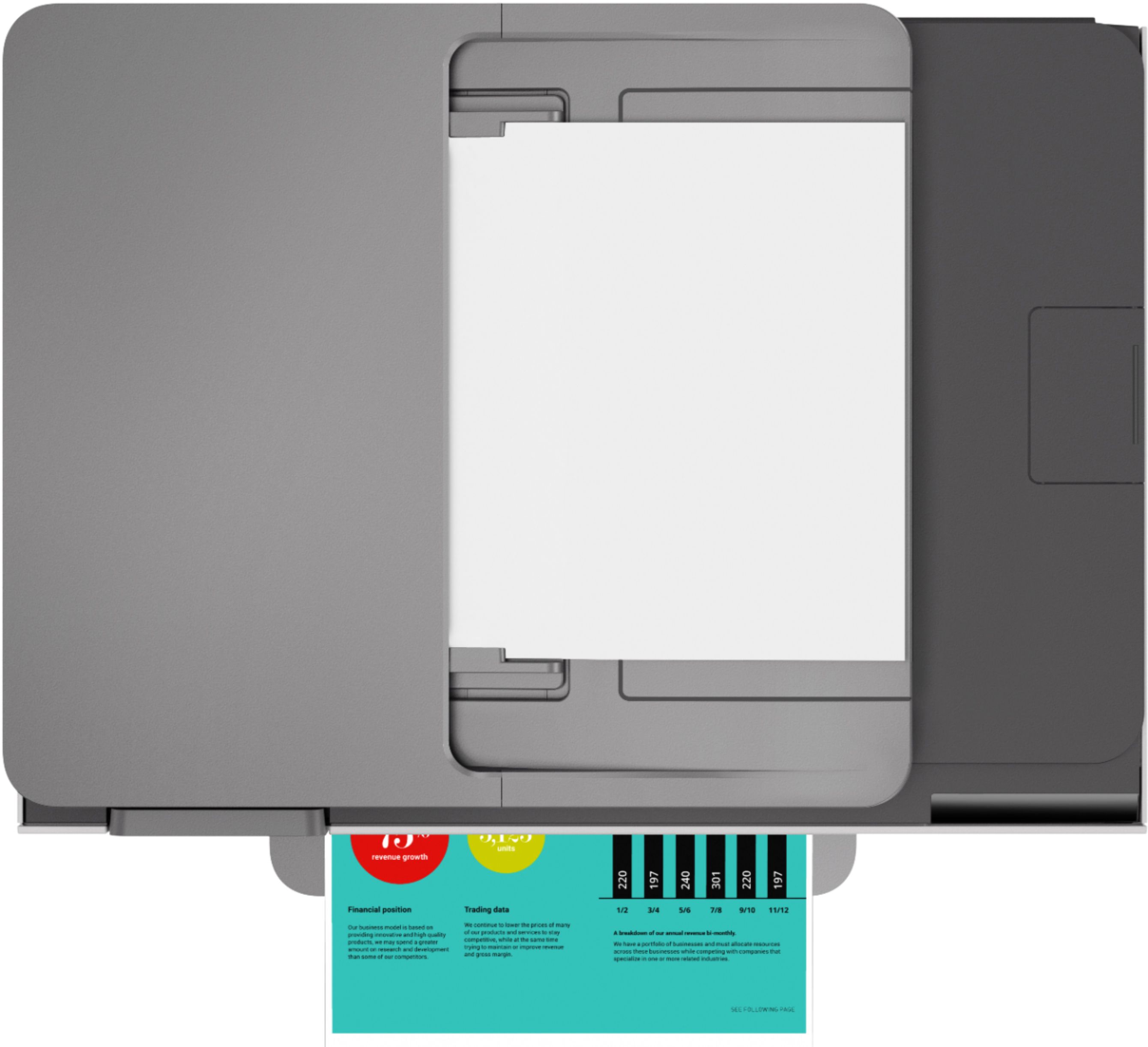
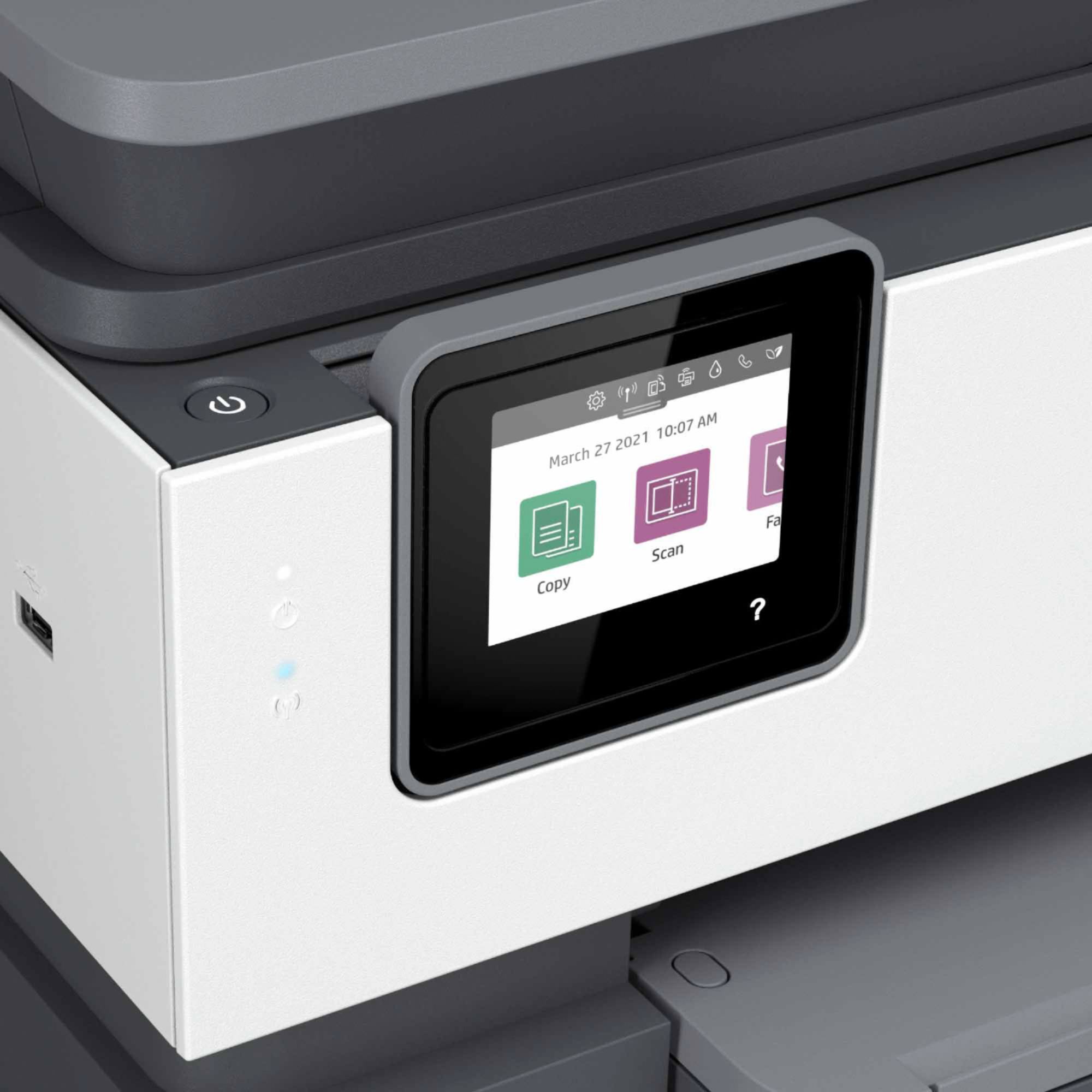
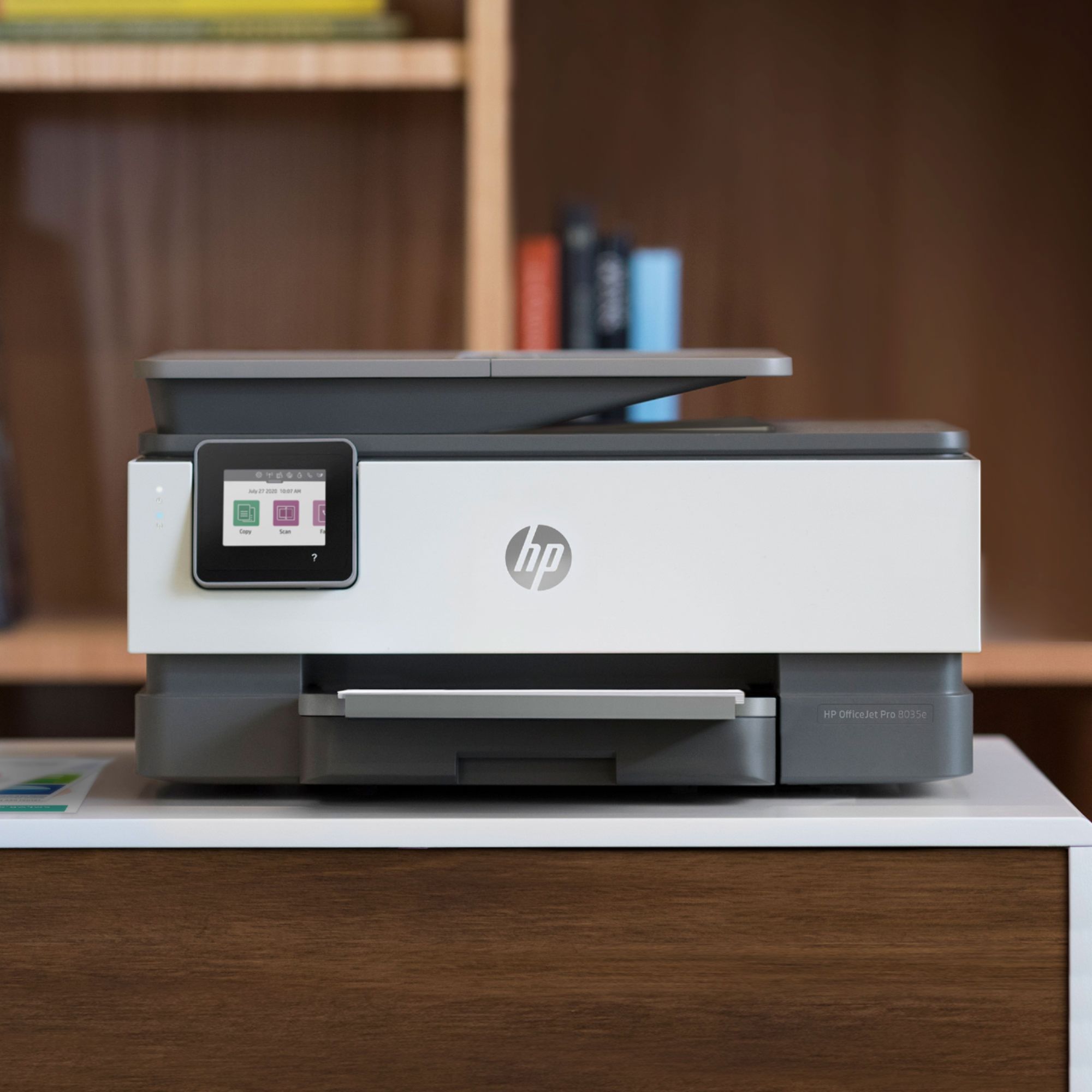
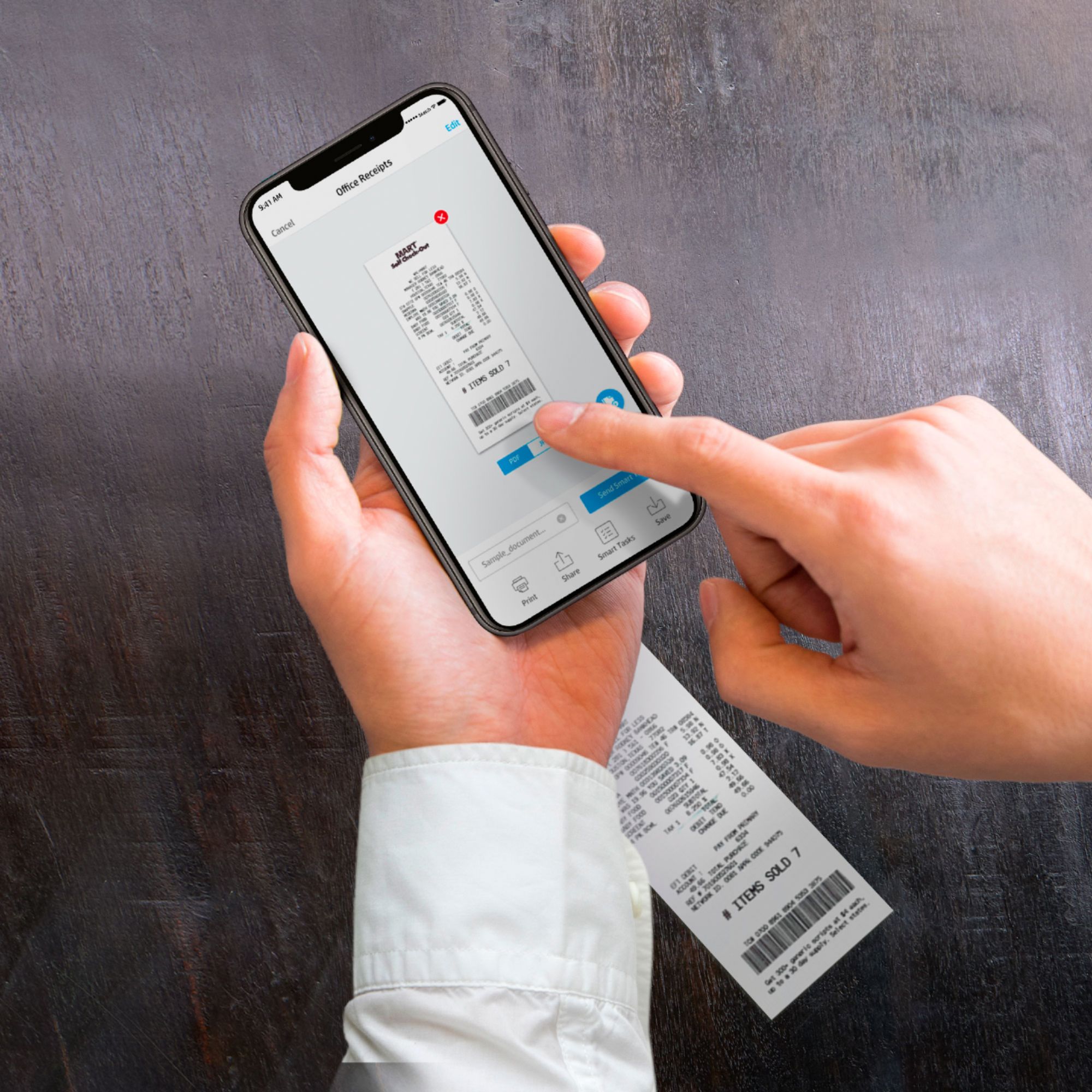
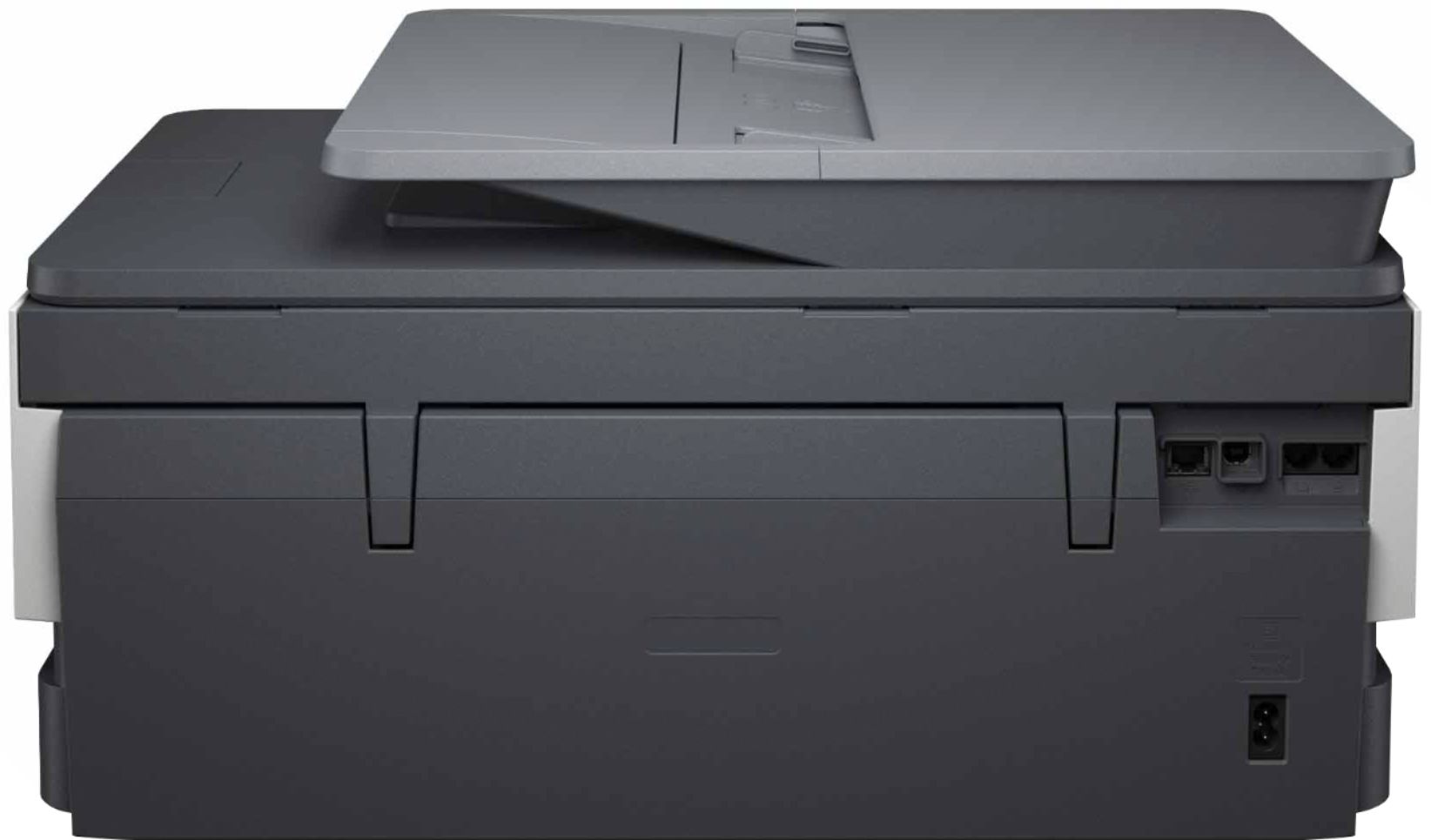
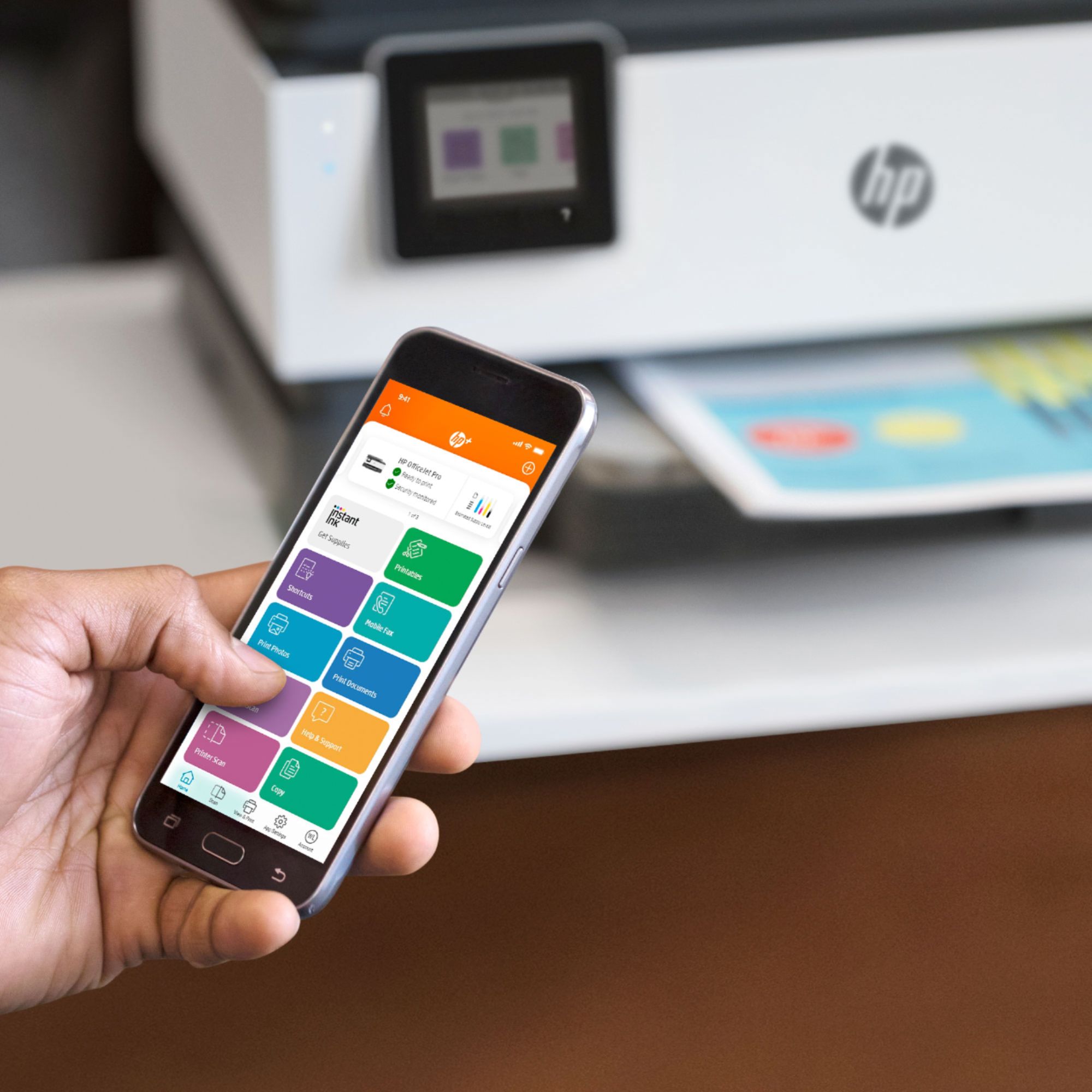
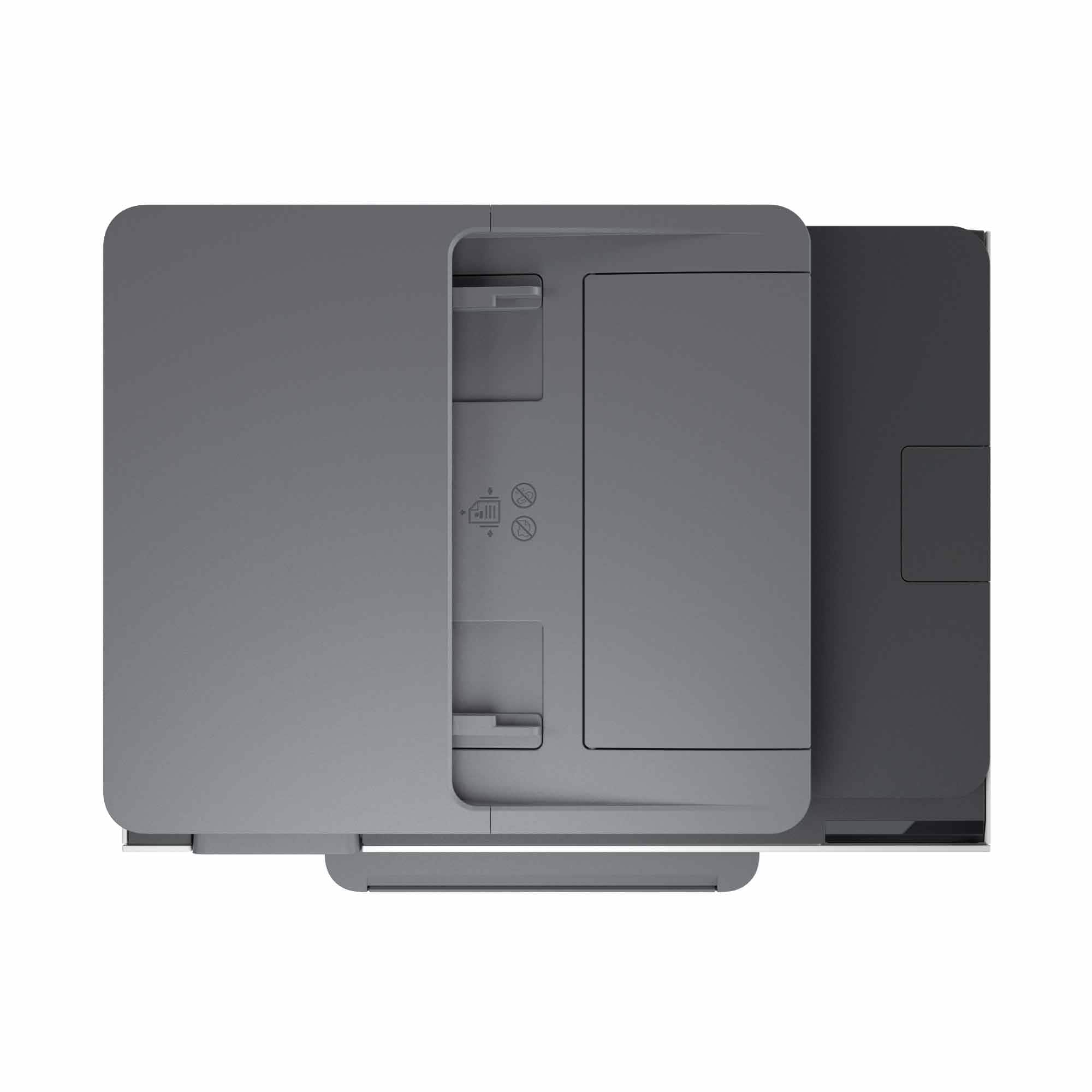
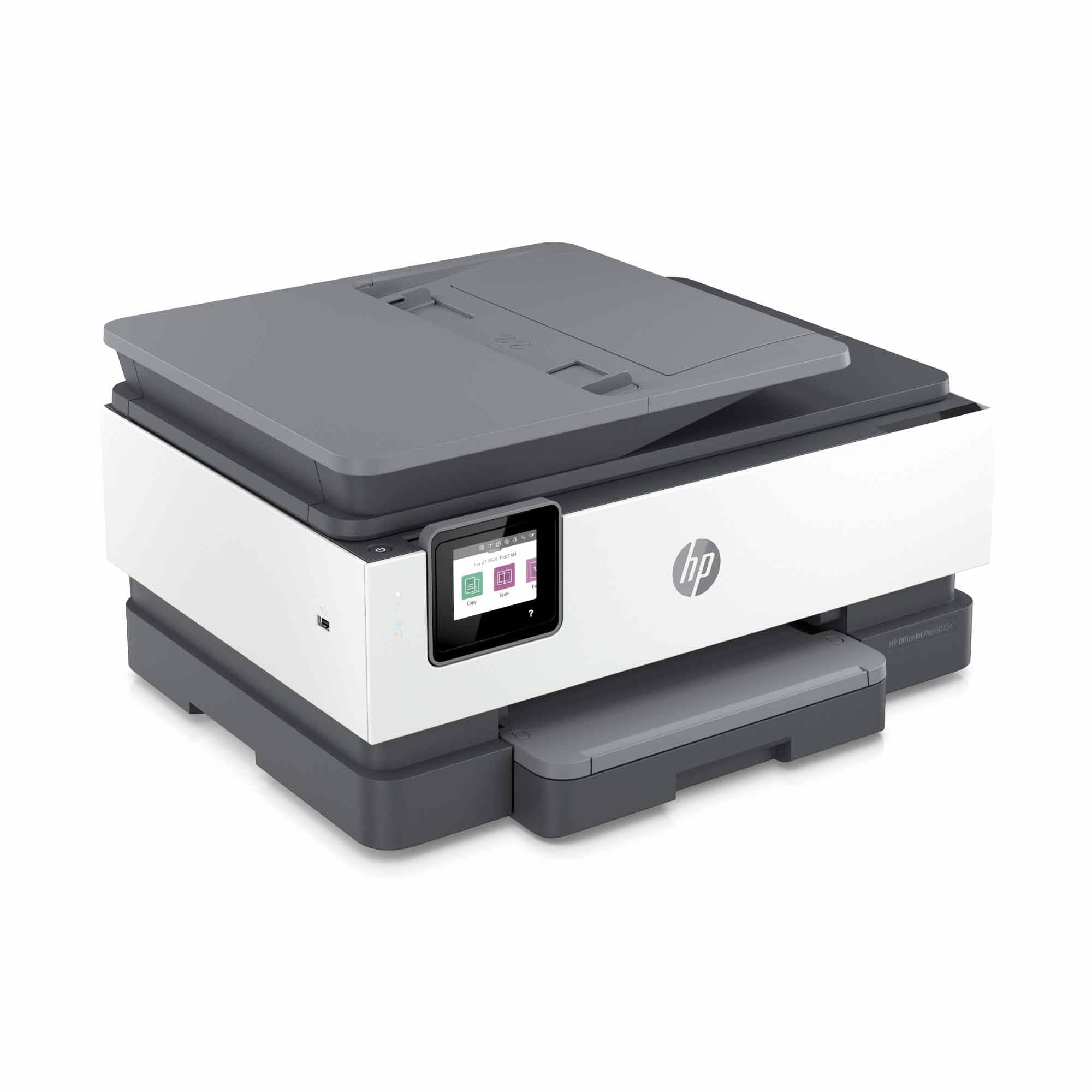
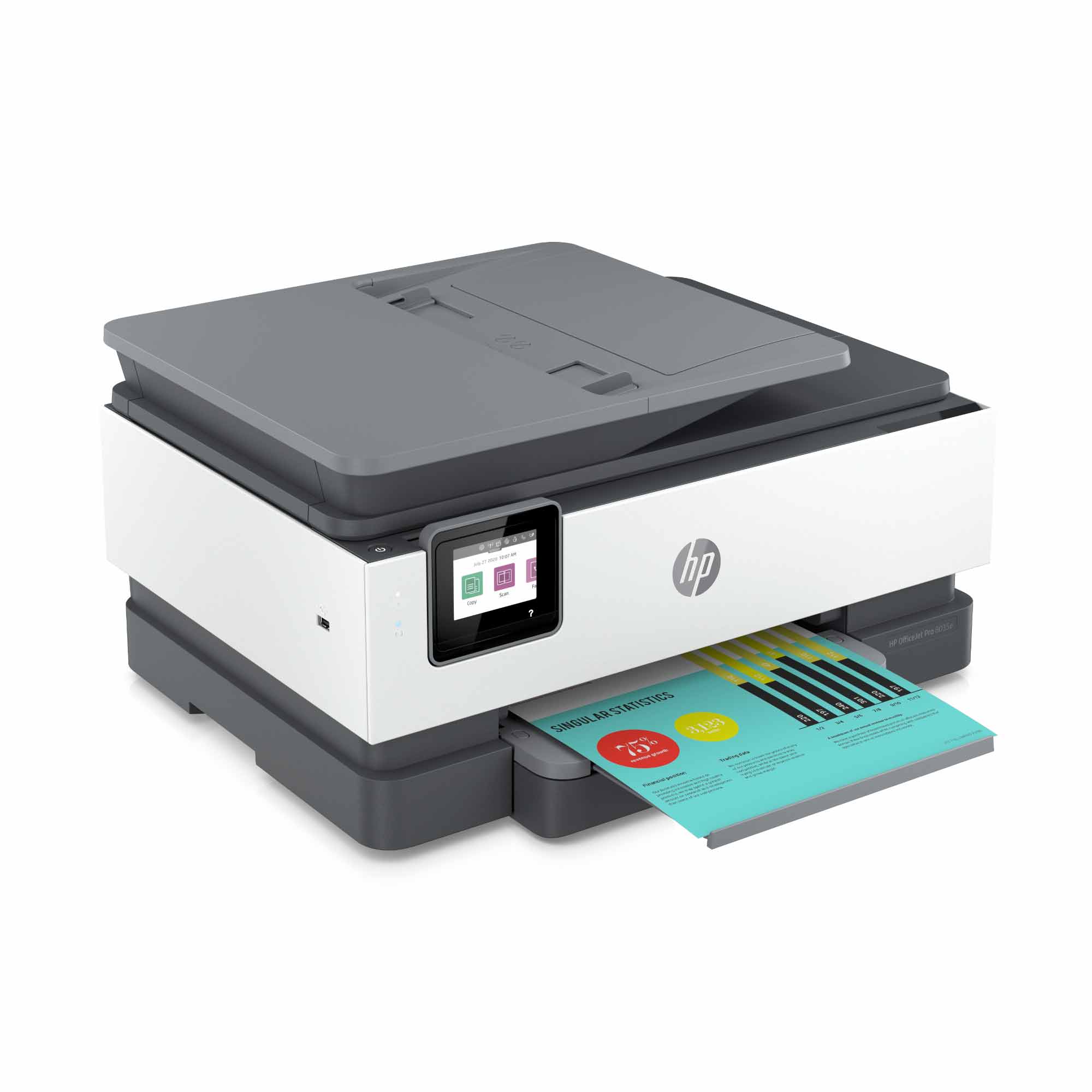
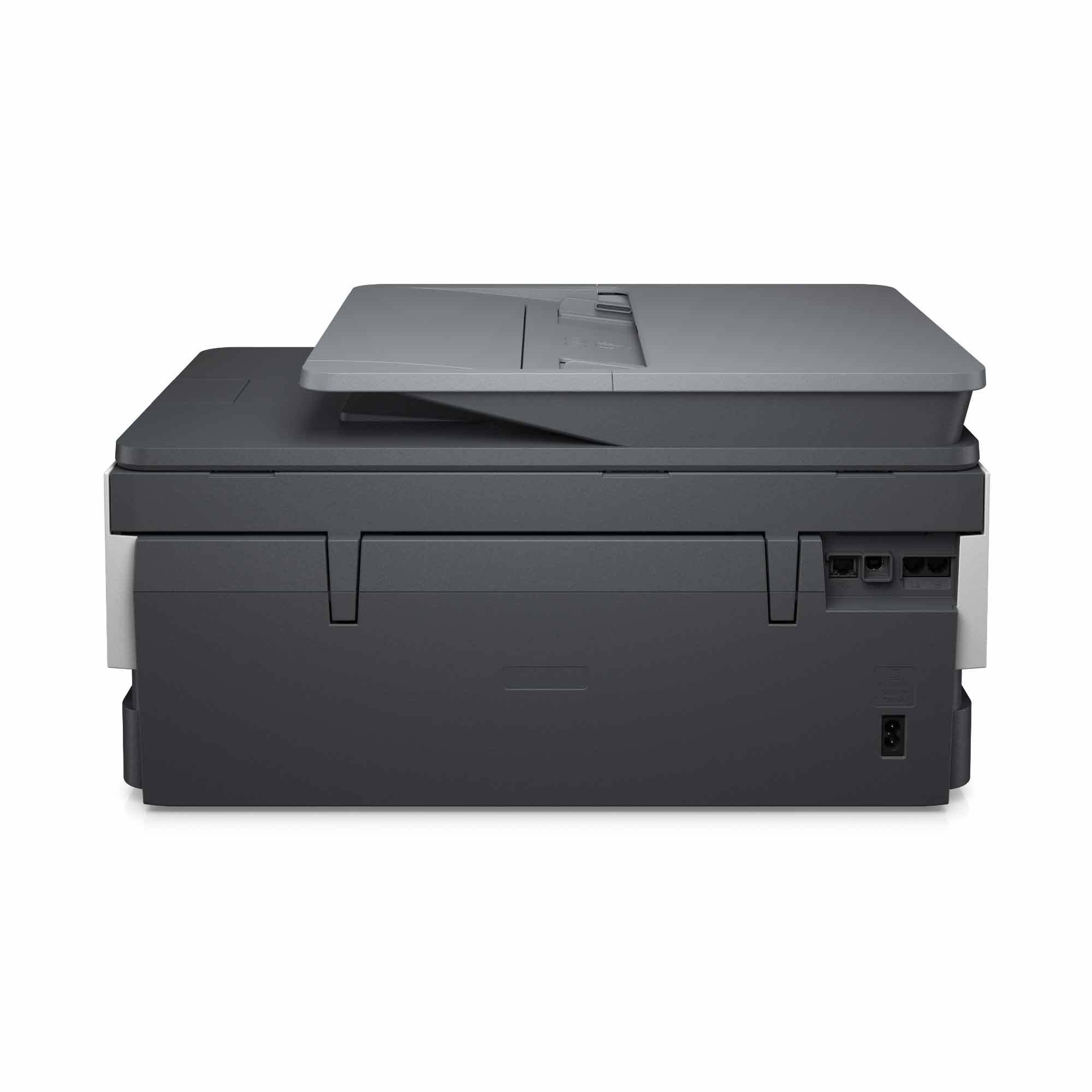
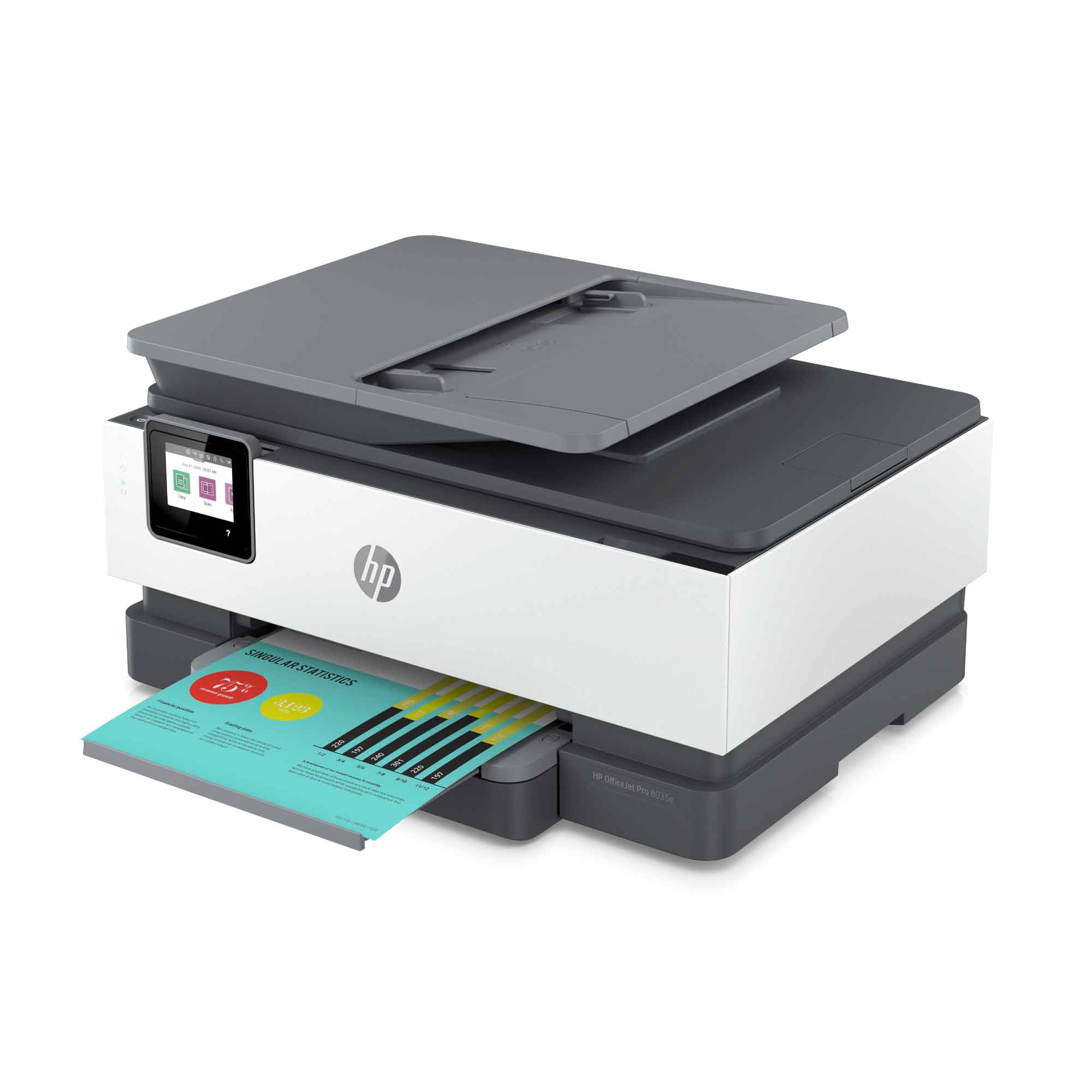
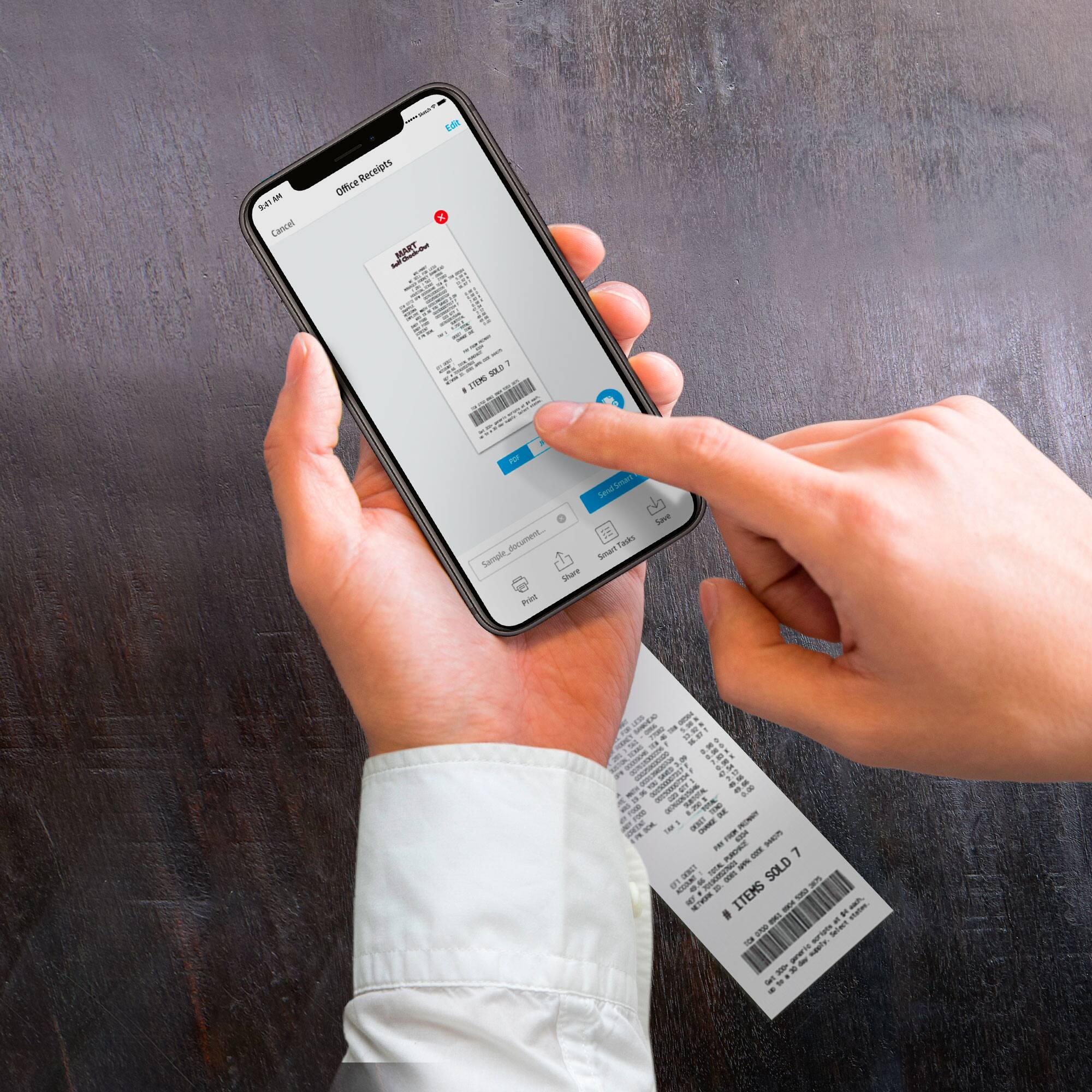
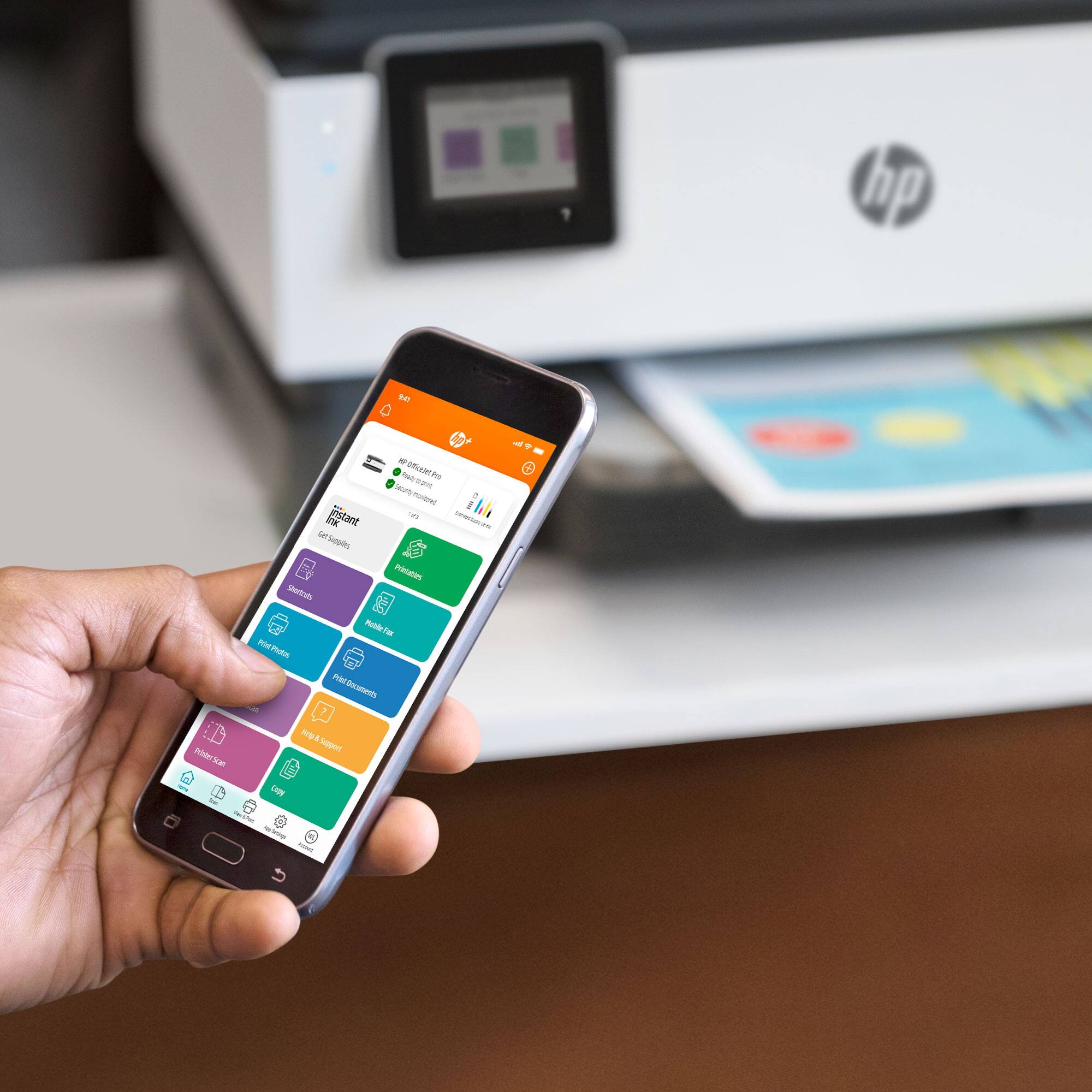
A:AnswerYes, it easily scans single documents from the glass surface located under the cover or multiple documents using the feeder on top. Using the HP Smart app; I really liked how I could scan a multi-page document, preview all the images, and save it as a single file on my computer.
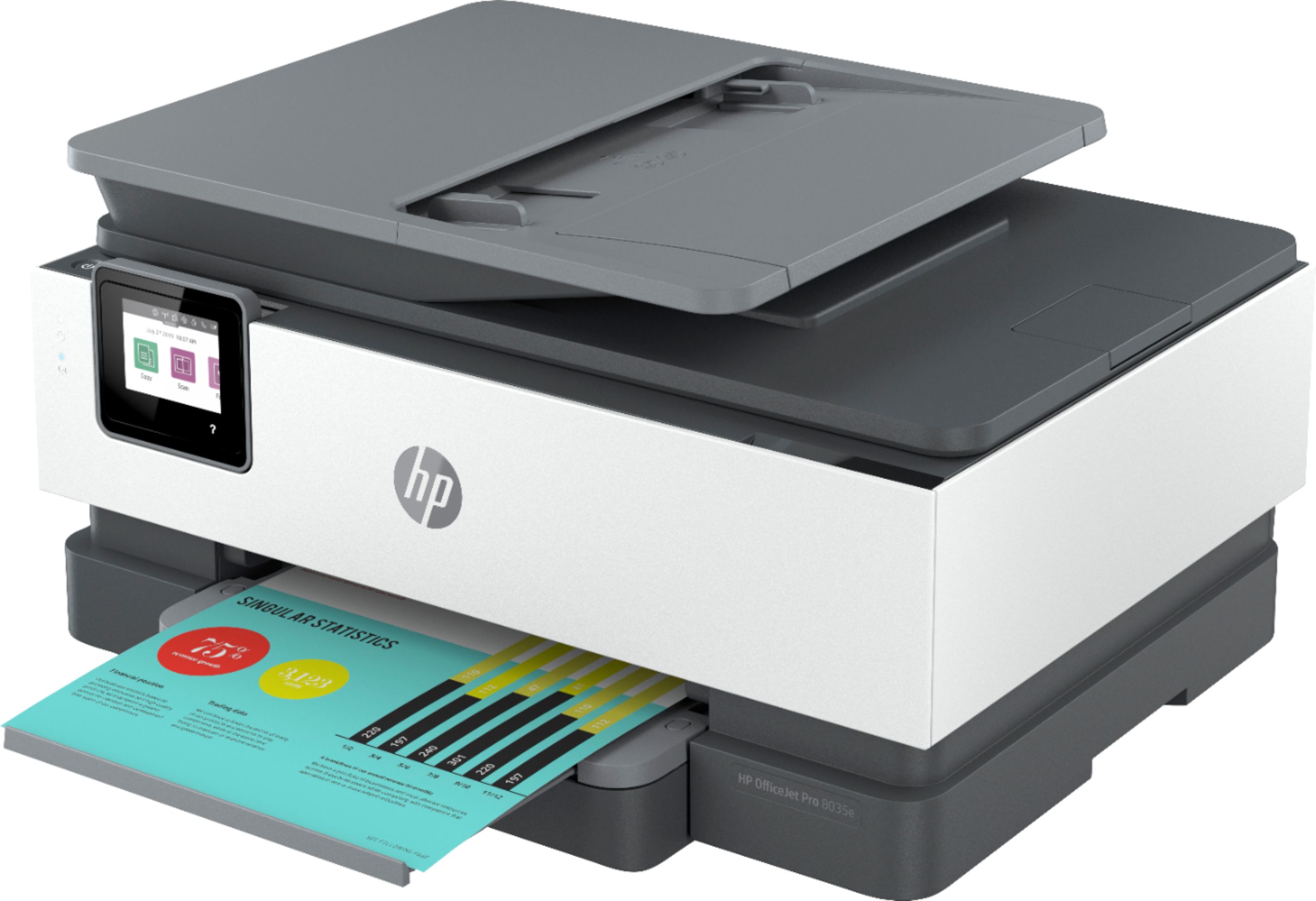
A:AnswerThanks for the great question! The HP OfficeJet Pro 8035 has one paper tray. In order to print on different sizes of paper you would have to manually adjust the paper tray for each paper type. The largest size that is compatible with the printer will be 8.5" x 14".
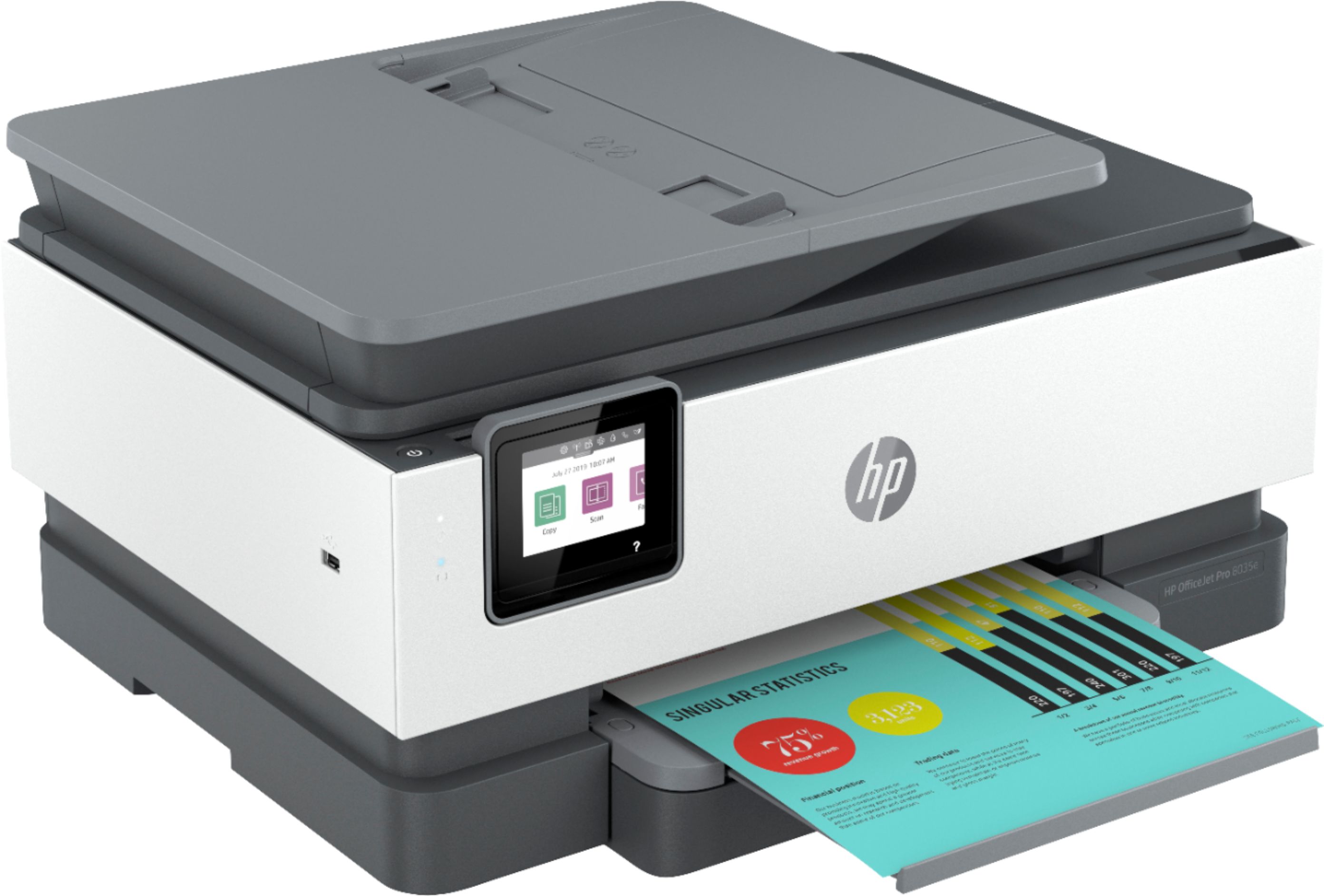
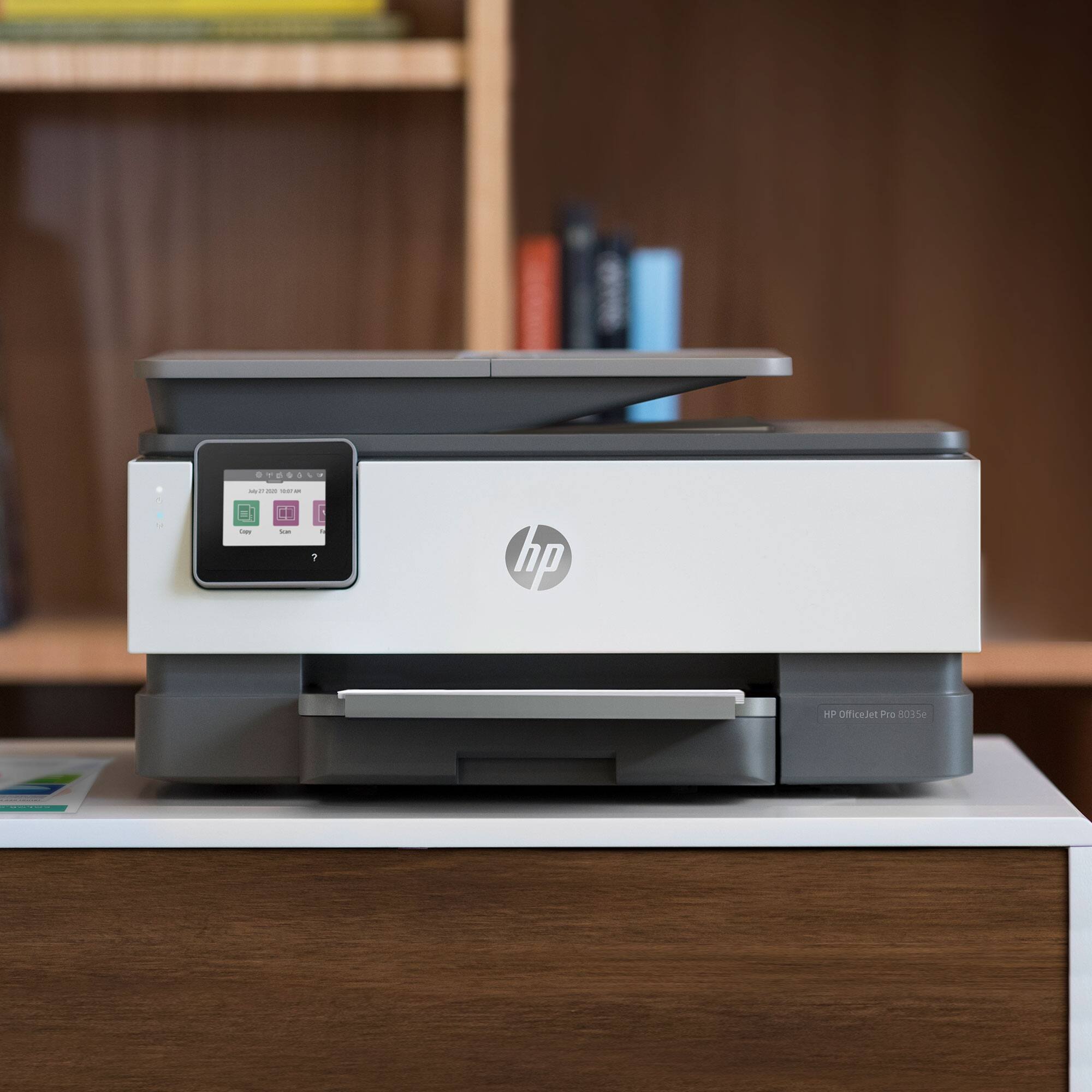
A:AnswerThe printer itself is exactly the same. The 8035e is part of the HP plus program which means when you set up this printer it will give you the option of signing up for 2 great programs. 1) By agreeing to use only genuine HP ink you will get a 2nd year warranty free. 2) If you opt into the Instant Ink program you will get 12 months free ink through this subscription ink program. You can opt in to both or one or neither at the time of printer set up.
A:AnswerThank you for the question. Within seven days of set-up, please register your printer. You'll be asked to opt-in to the HP print plan to receive your free 12 months of ink coverage, as well as an additional year of warranty. Please follow the instructions on the set-up flyer.
A:AnswerThis model will come with a one-year manufacturer's warranty for the hardware and 90-day phone tech support for the software. This does not cover accidental damage or damage as a result of a power outage/surge. For further details, this link covers the Warranty and Support guidelines: https://bit.ly/2G1B2z7
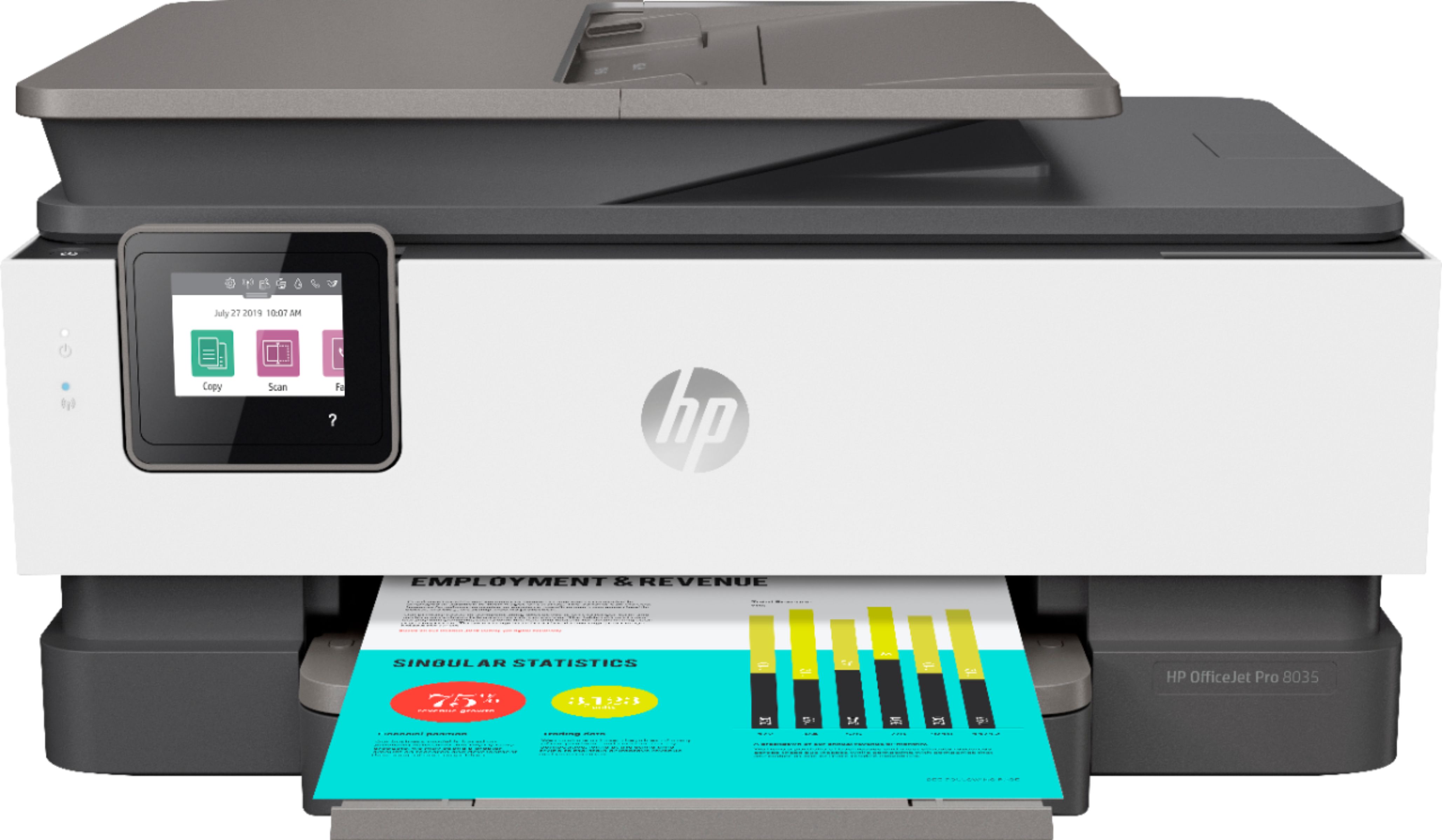
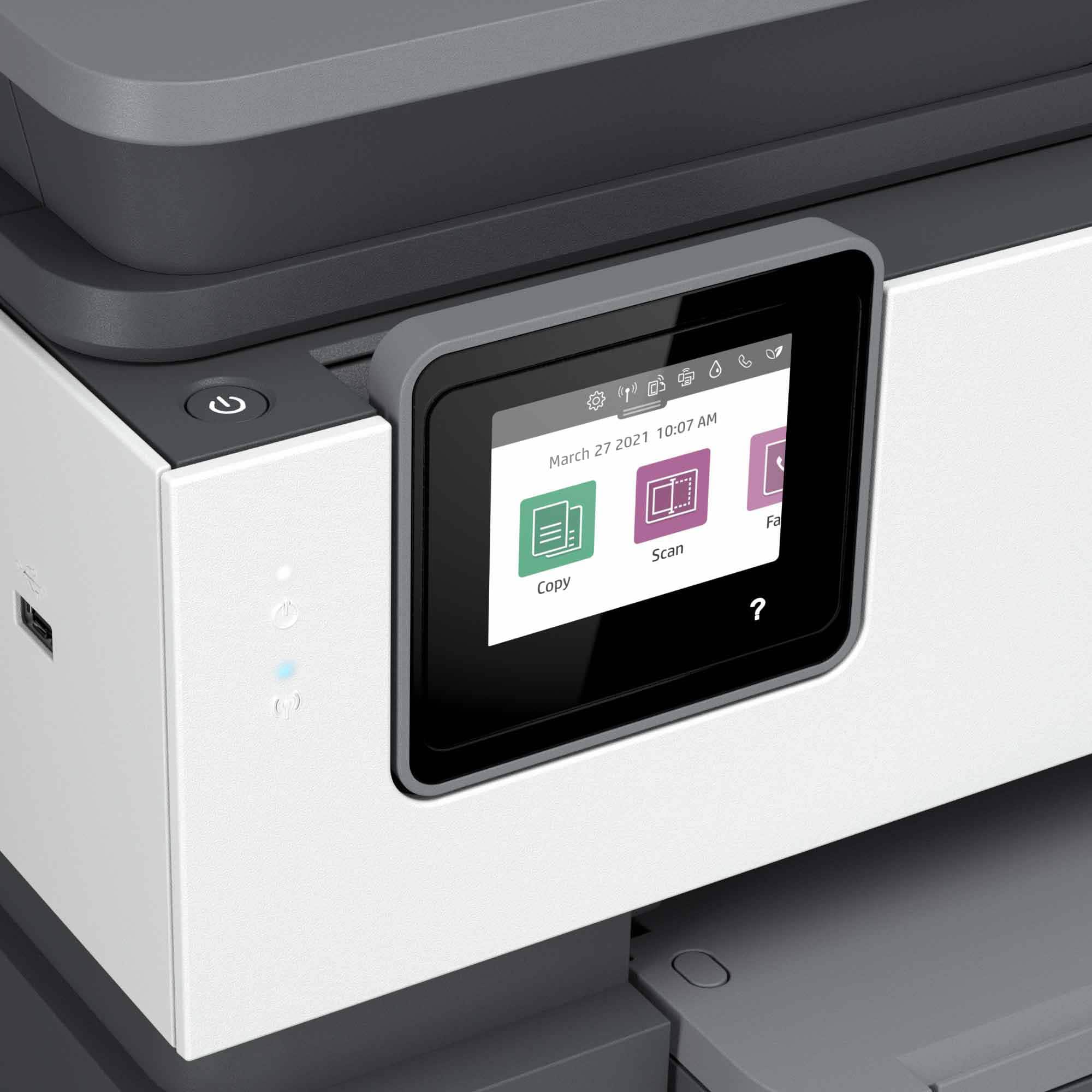
A:AnswerHello, thank you for the question. Yes, the OfficeJet Pro 8035 has a 35-sheet automatic document feeder for scanning files to a number of destinations: to your computer, to the cloud, to a flash drive loaded into the host USB port, or to email.
A:AnswerHello. Thanks for your question. You can only scan one side at a time with this HP Officejet Pro 8035 printer. If you want to scan or copy 2 sided documents, we recommend looking at the HP Officejet Pro 9015 or 9025 printers.
A:AnswerThanks for the great question. Your printer speeds are letter: Letter: Up to 20 ppm; Black (ISO): Black (ISO): Up to 20 ppm; Color (ISO): Color (ISO): Up to 10 ppm; First page out black: As fast as 13 sec; First Page Out Color: First Page Out Color: As fast as 16 sec; Black (draft): Black (draft): Up to 29 ppm; Color (draft): Color (draft): Up to 25 ppm; Print speed Black Duplex: Print speed Black Duplex: Up to 10 ipm Print speed Color Duplex Up to 7 ipm.