Questions & Answers
- Model:
- OJP 8035e Oasis
- |
- SKU:
- 6450664
Q: QuestionIs the hp 8035 compatible with Apple devices?
Asked by Curious.
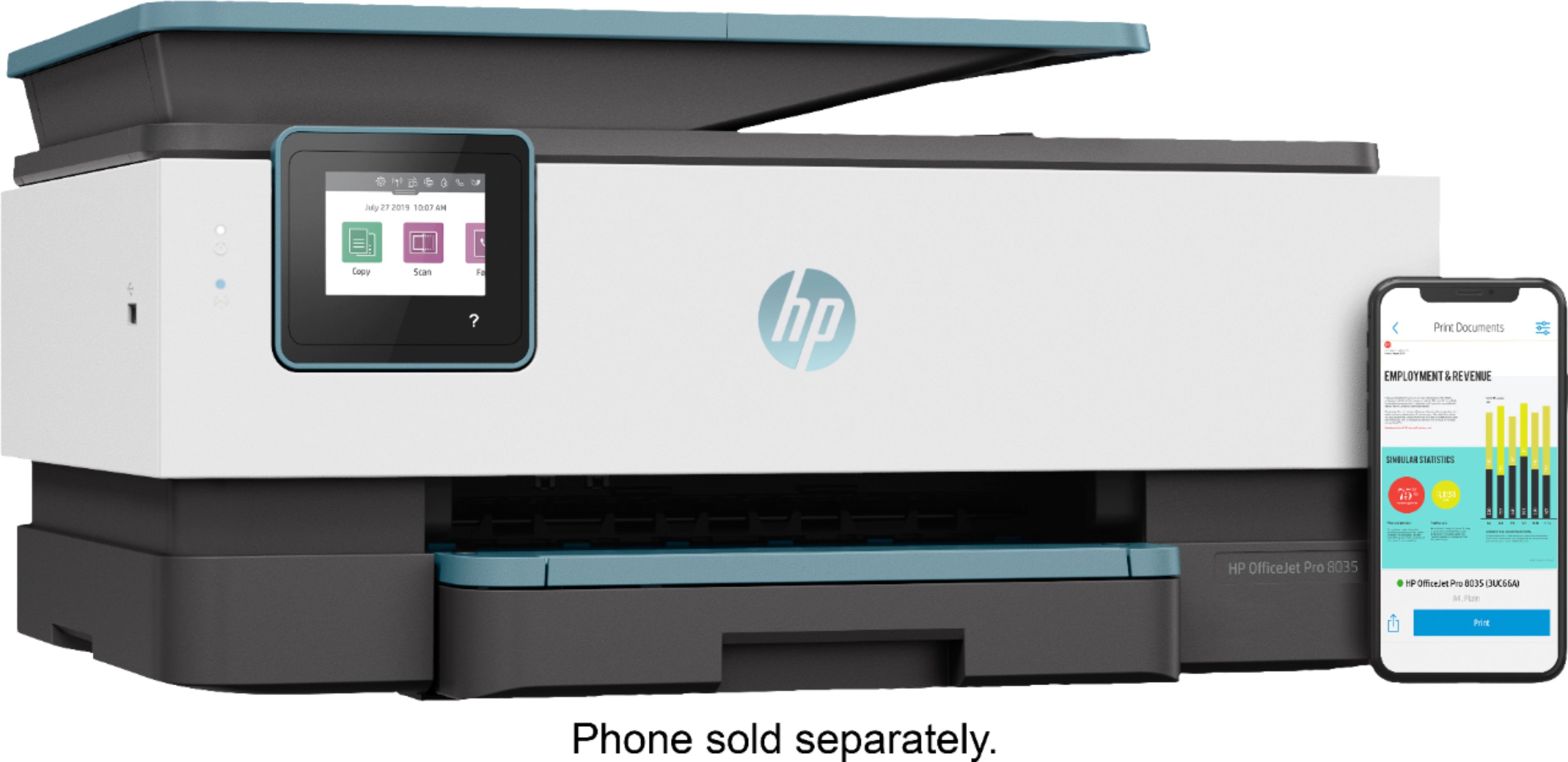
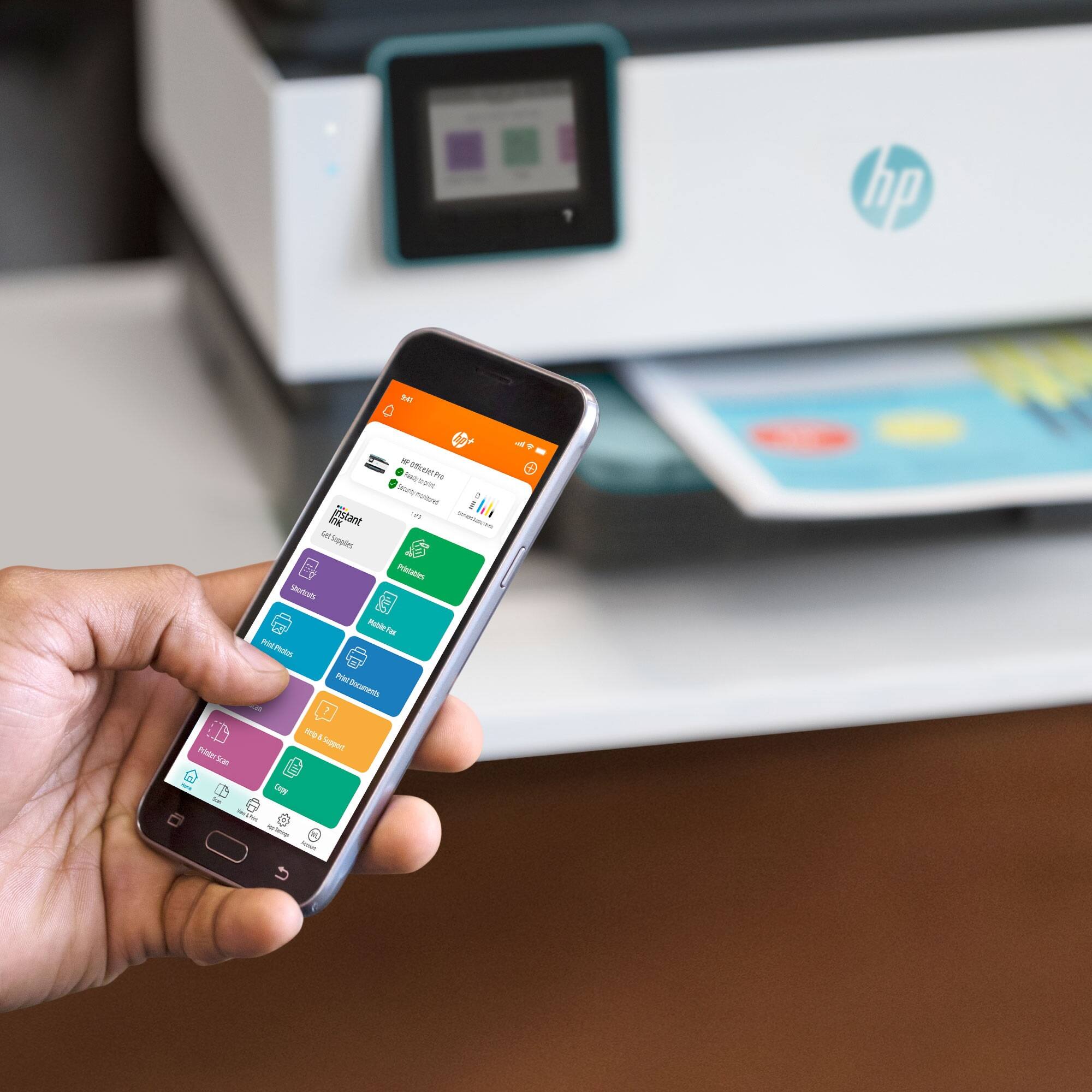
- A:Answer yes it is I work on a Mac book pro work perfectly fine. also works well with my cell which is a iPhone.
Answered by pro8035
Q: QuestionWill it print white ink on a black card stock?
Asked by Nessa.
- A:Answer Hi Nessa, thank you for the question. Unfortunately, there is no white ink. However, you can achieve this by using white card stock (maximum supported is 110 lb) and setting your colors to black for the background and white for the text. These settings will be within the software you're using to create the document.
Answered by HP Team

Q: QuestionIs this printer compatible with my Dell Optiplex 3040 Mini Tower XCTO desktop bought in 2017 ?
Asked by Anonymous.
- A:Answer Thanks for your interest in HP Products! The HP OfficeJet 8035 will be compatible with the Windows 10 Operating System that came on that PC.
Answered by HP Team

Q: QuestionDoes this print use sublimation ink.to make images for heat press
Asked by Star.
- A:Answer Hi Star, thank you for the question. The OfficeJet Pro 8035 uses dye and pigment inks. If you need a sublimation printer, please see the HP Stitch family of printers.
Answered by HP Team

Q: QuestionWill this printer work with my MacBook Pro? Can I print labels directly from Avery?
Asked by Nany.
- A:Answer Yes and yes. The printer does require OS X version 10.11 or newer, however.
Answered by hpguy
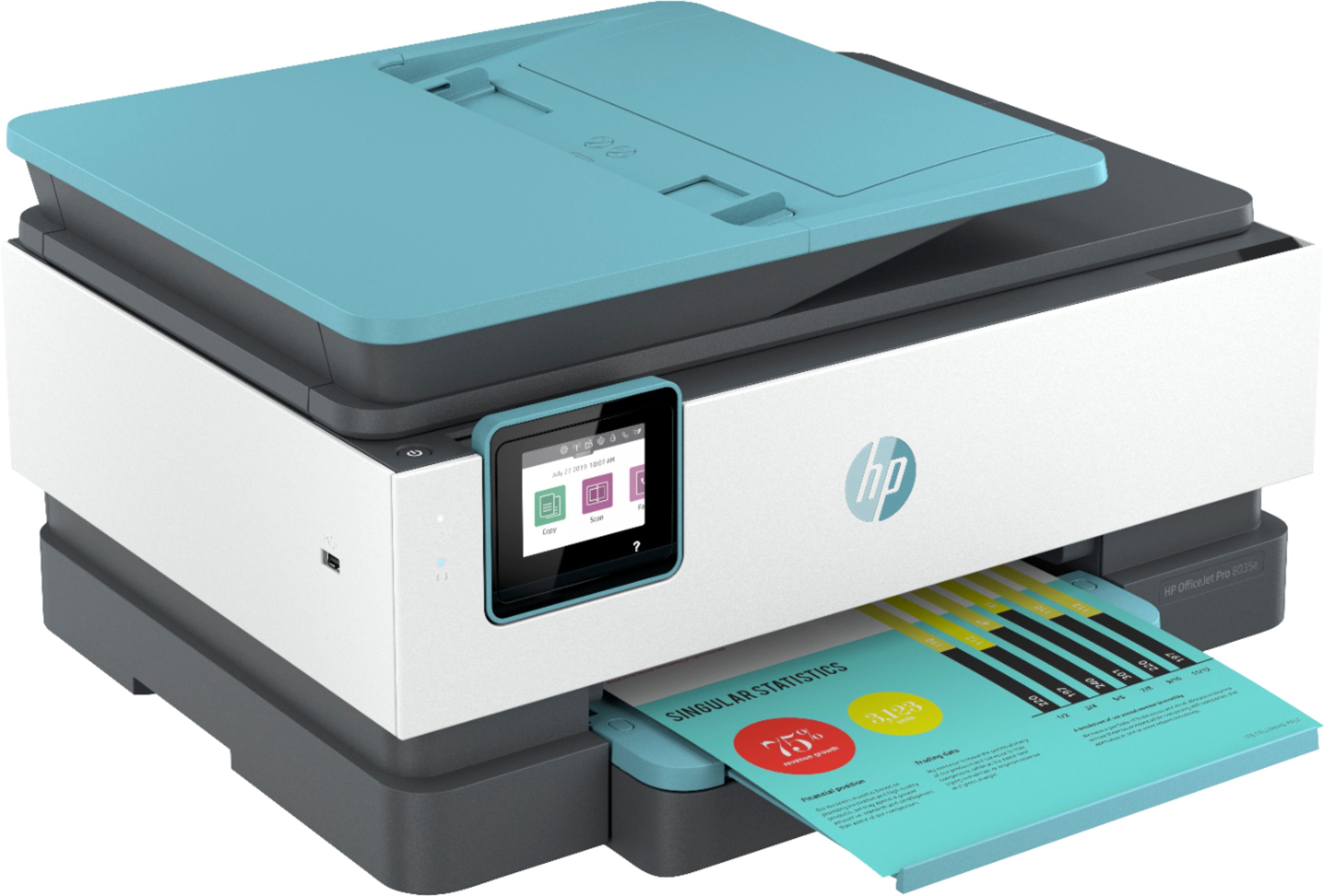
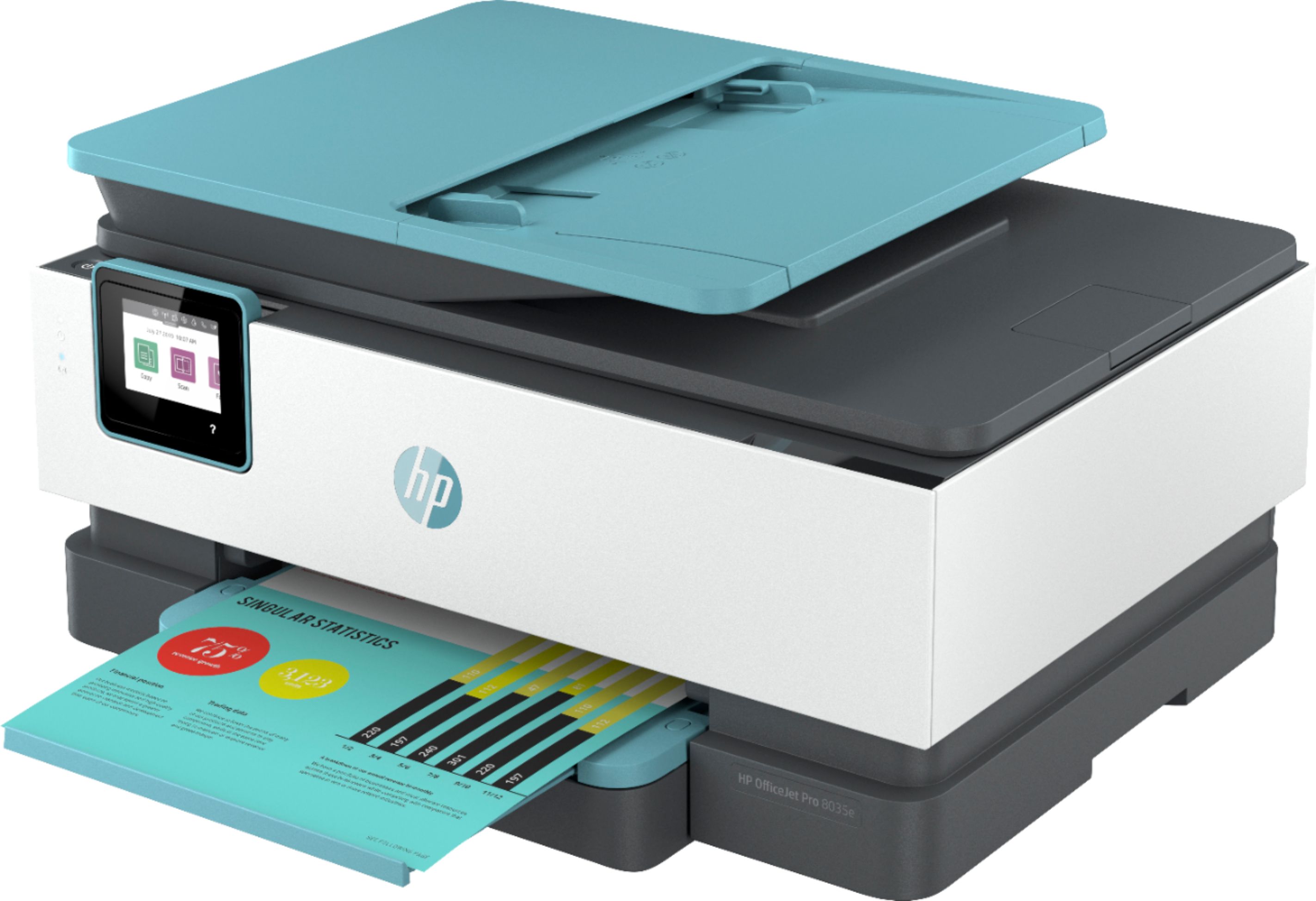
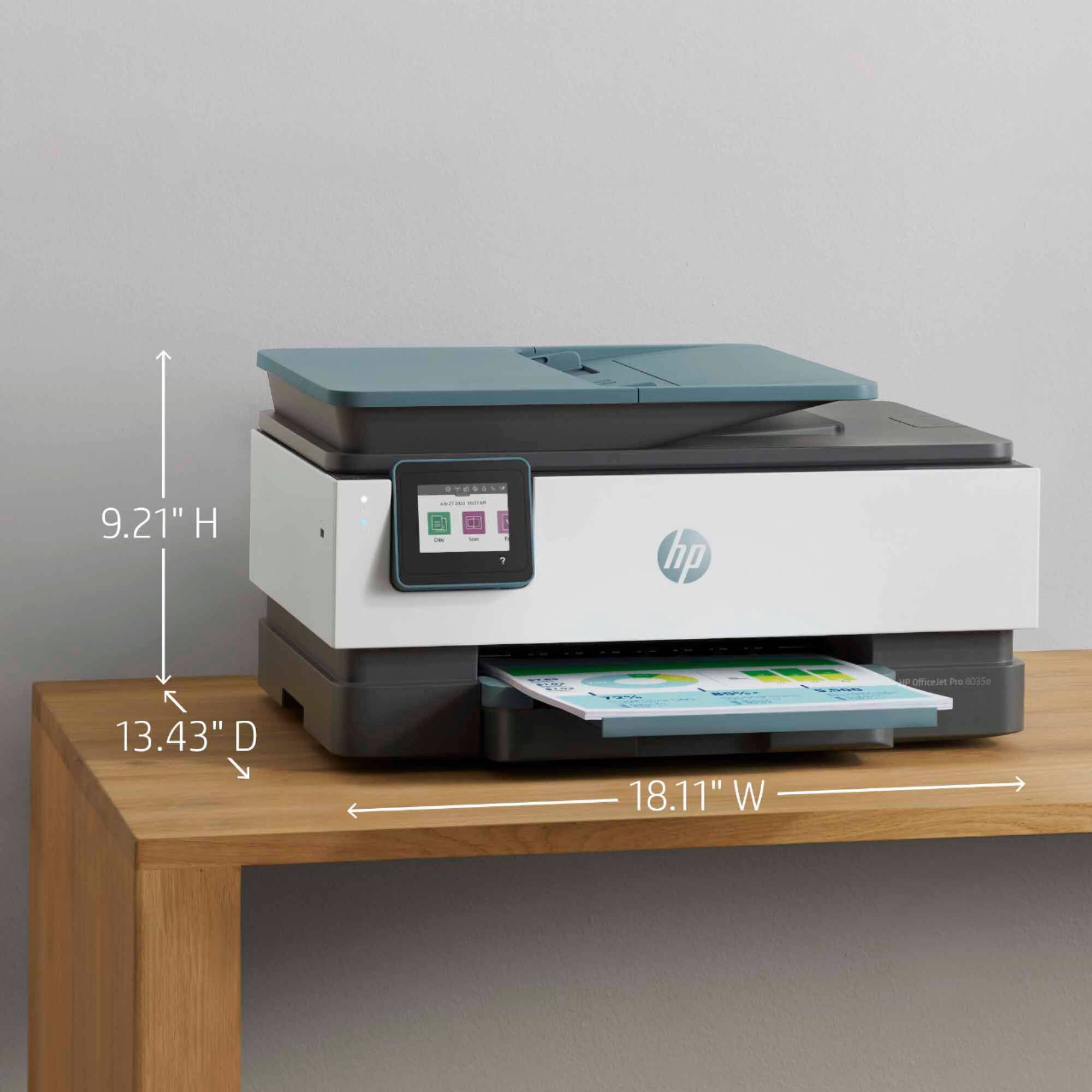
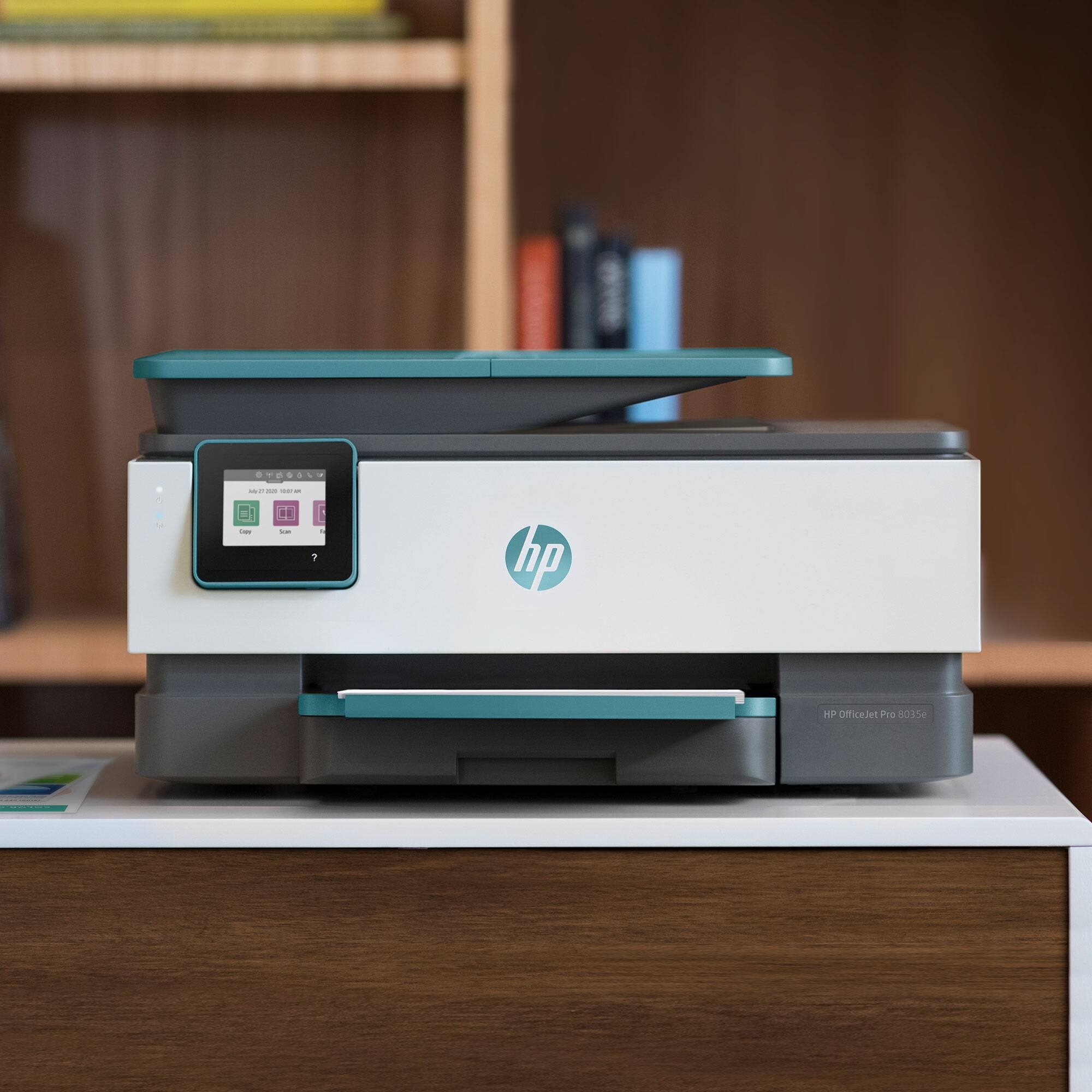
Q: QuestionDimensions?
Asked by Sis.
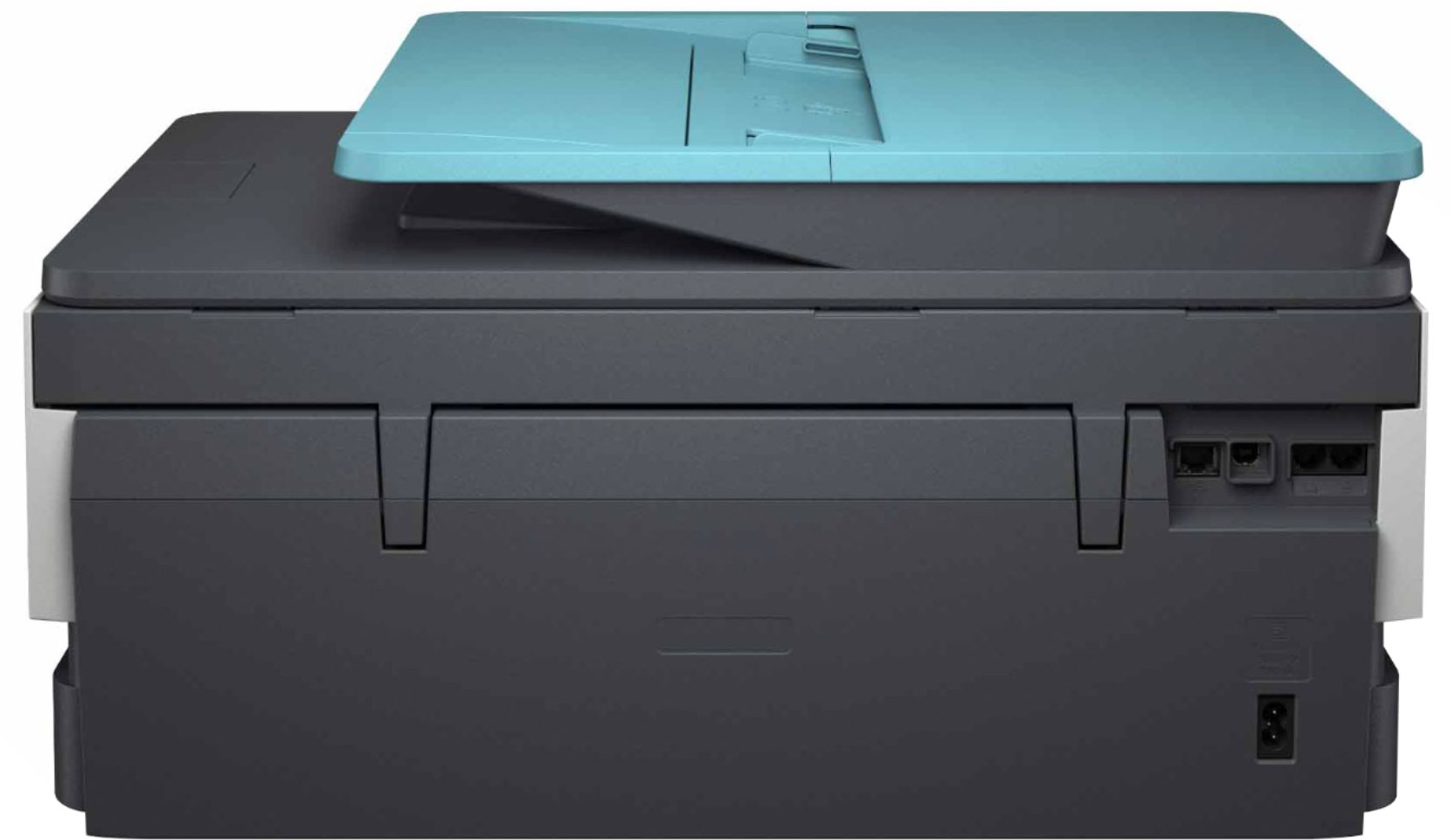
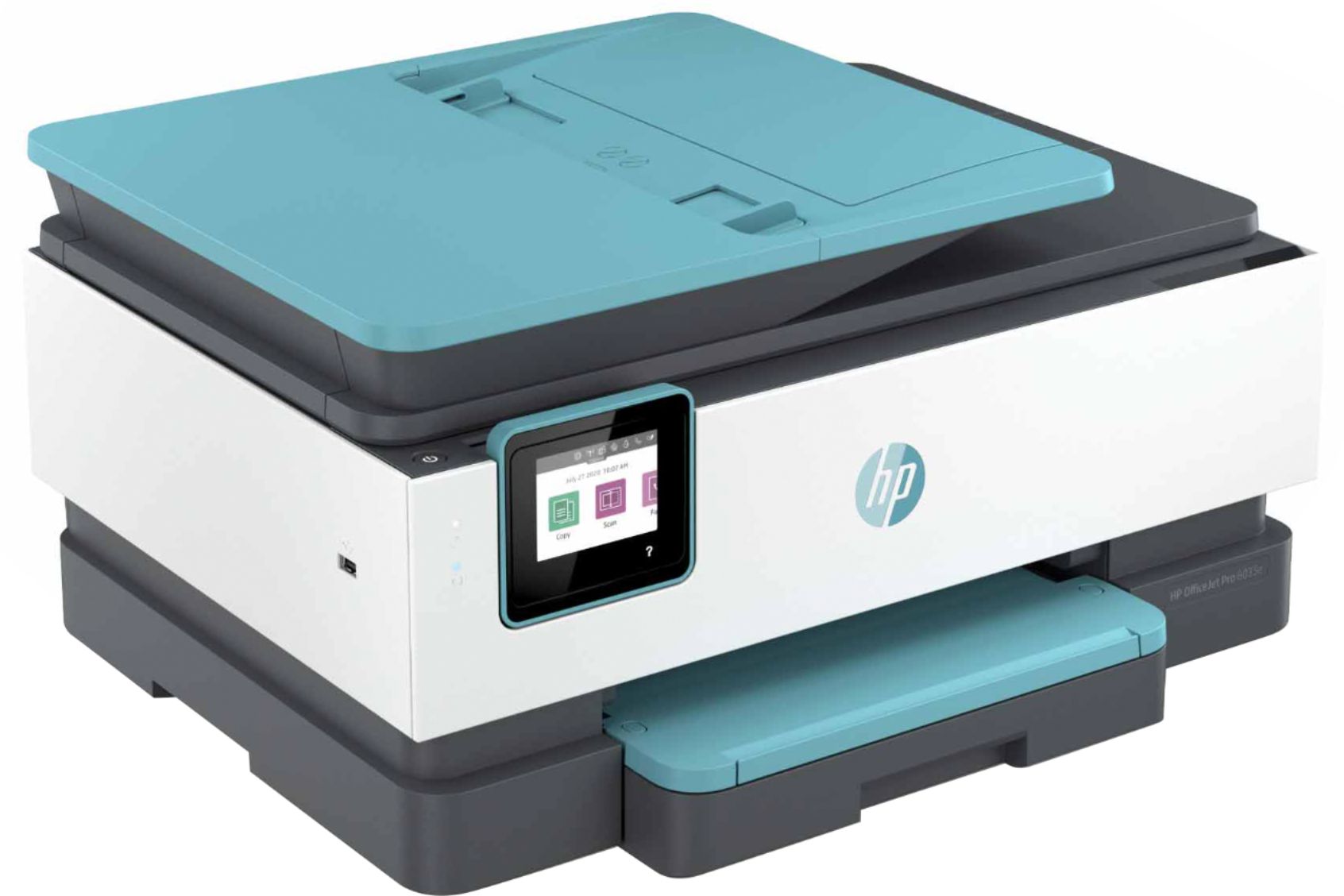
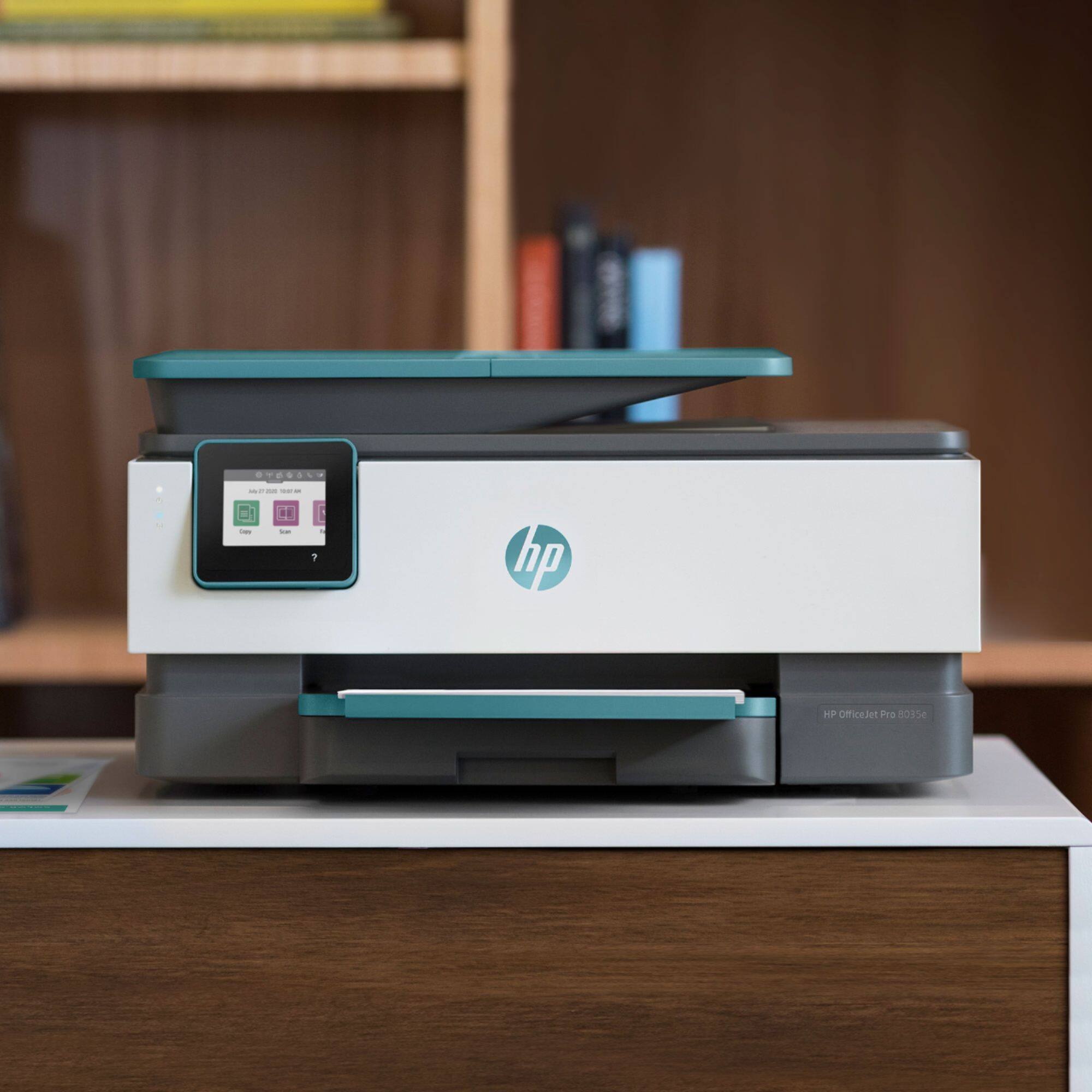
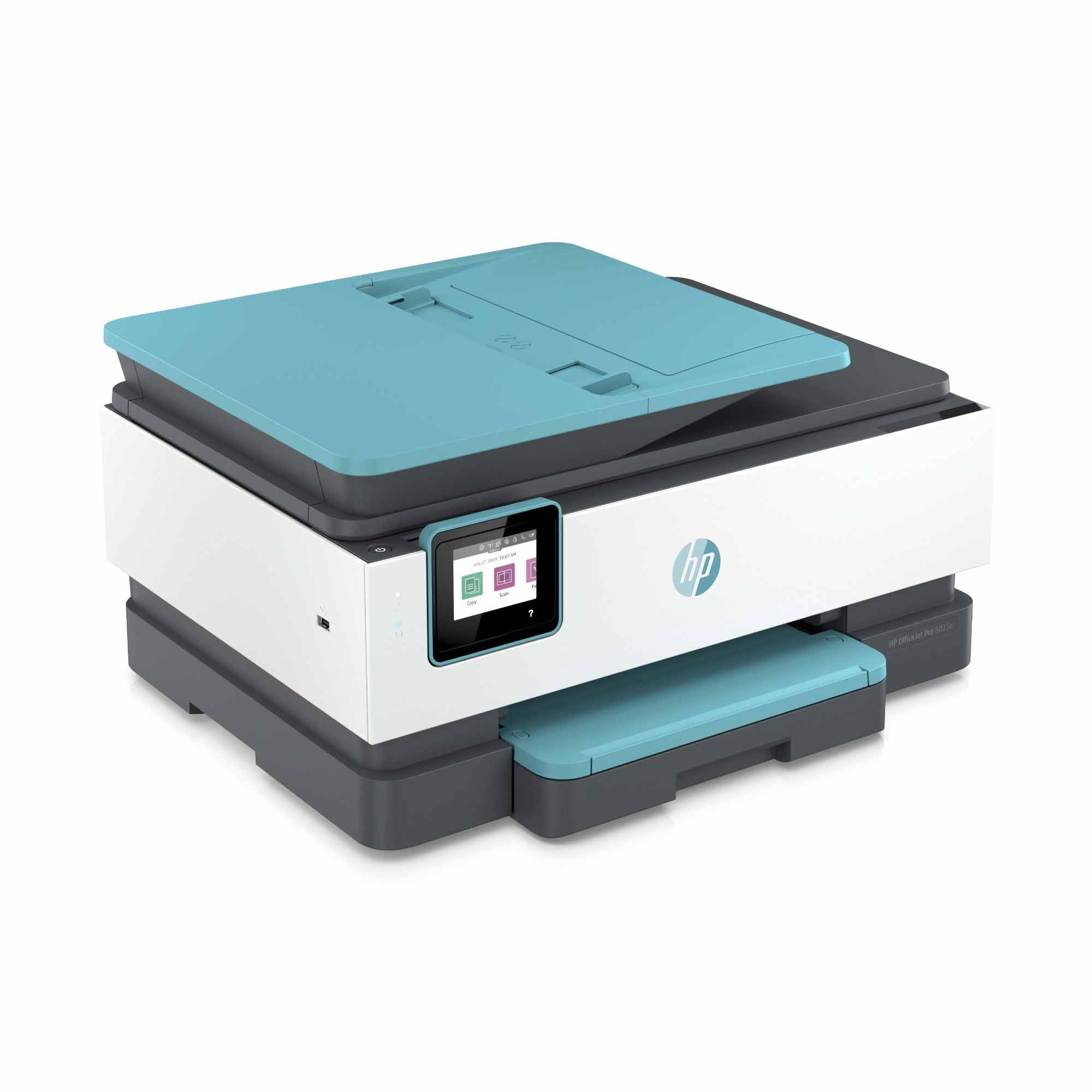
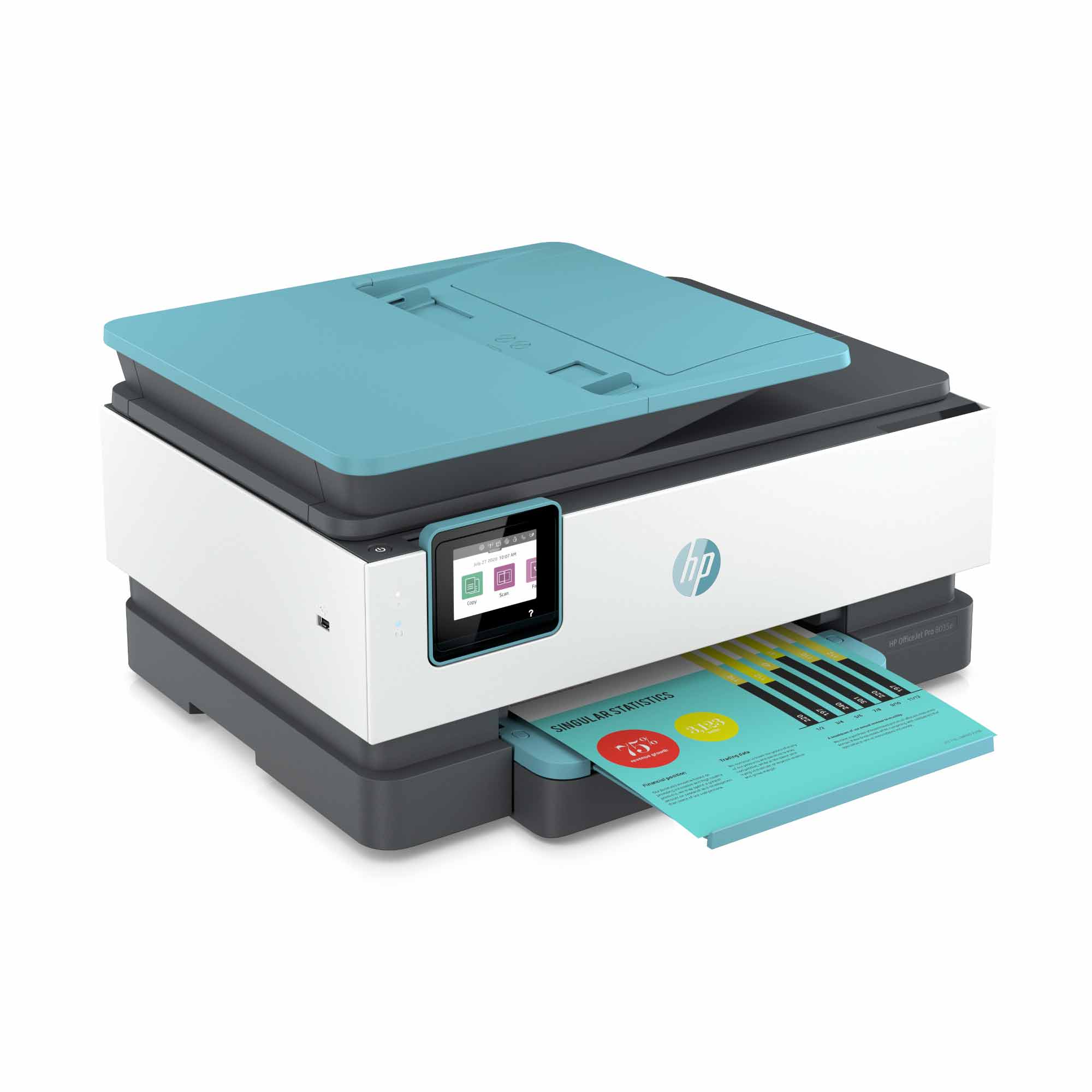
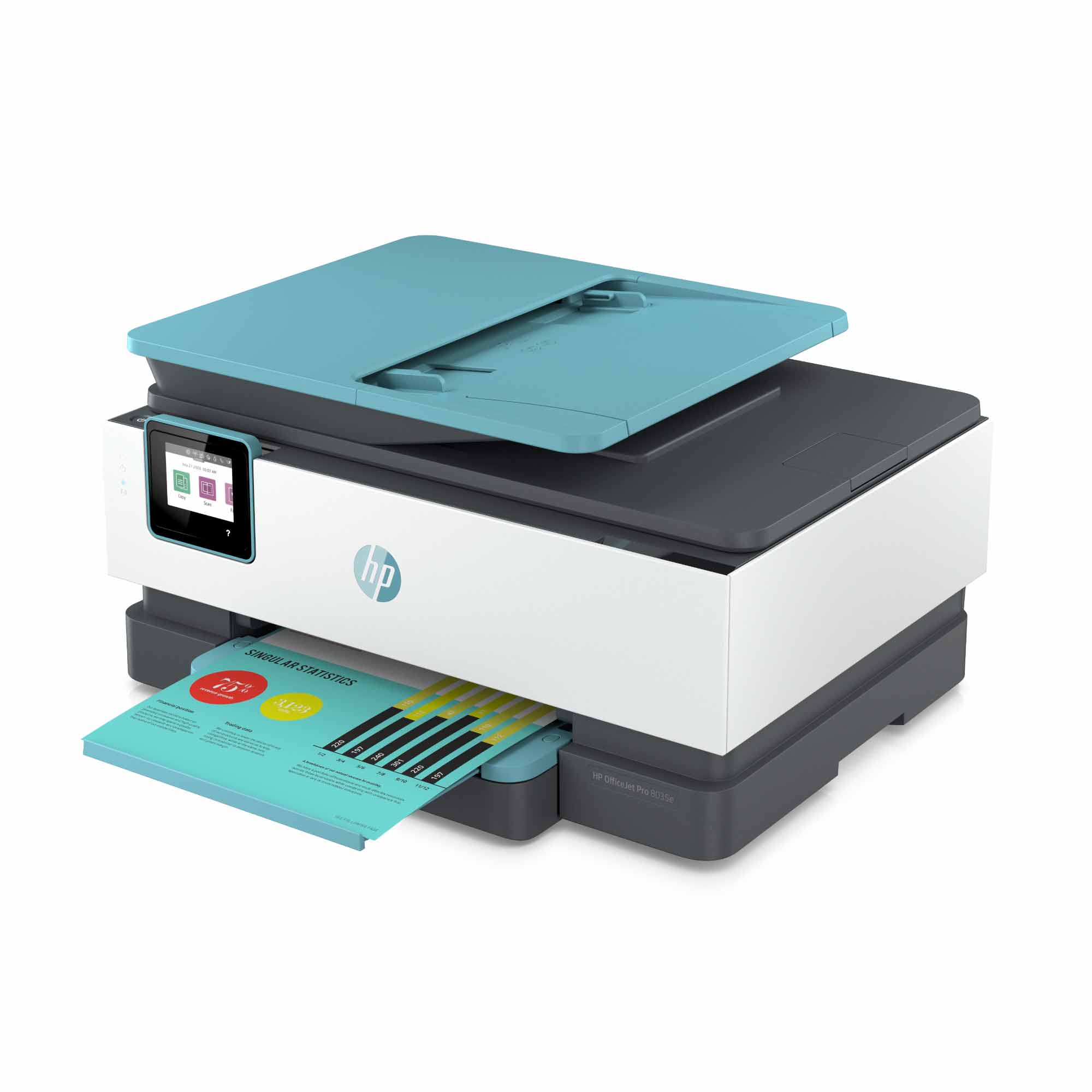
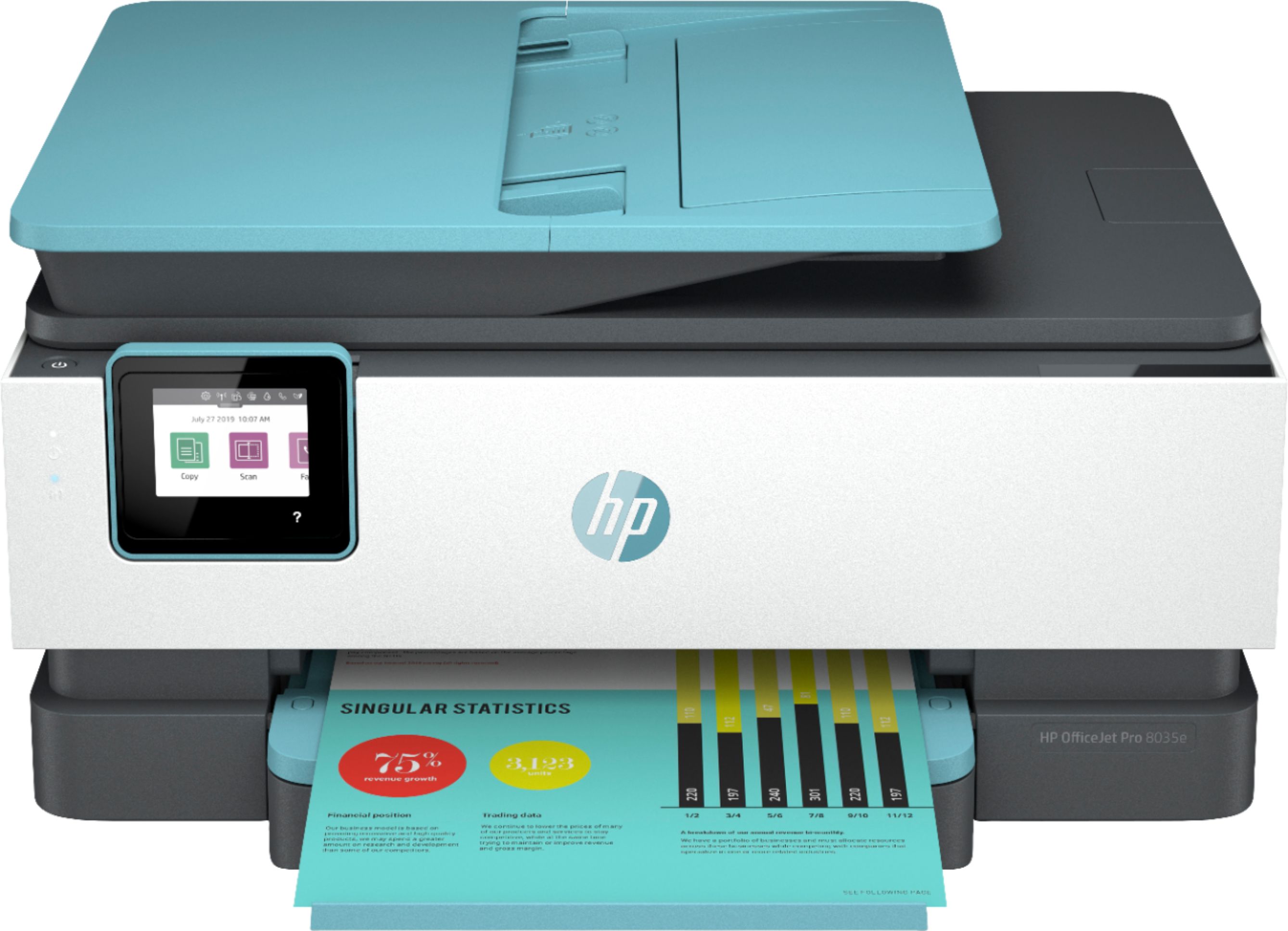
- A:Answer When looking at the front of the printer: 18 inches wide, 13 inches deep, and 8 inches tall.
Answered by Buddy
Q: QuestionWhat type ink cartridges?
Asked by walter099.
This question was asked about the related product: HP - OfficeJet Pro 8035 Wireless All-In-One Instant Ink Ready Inkjet Printer - Oasis/White/Gray
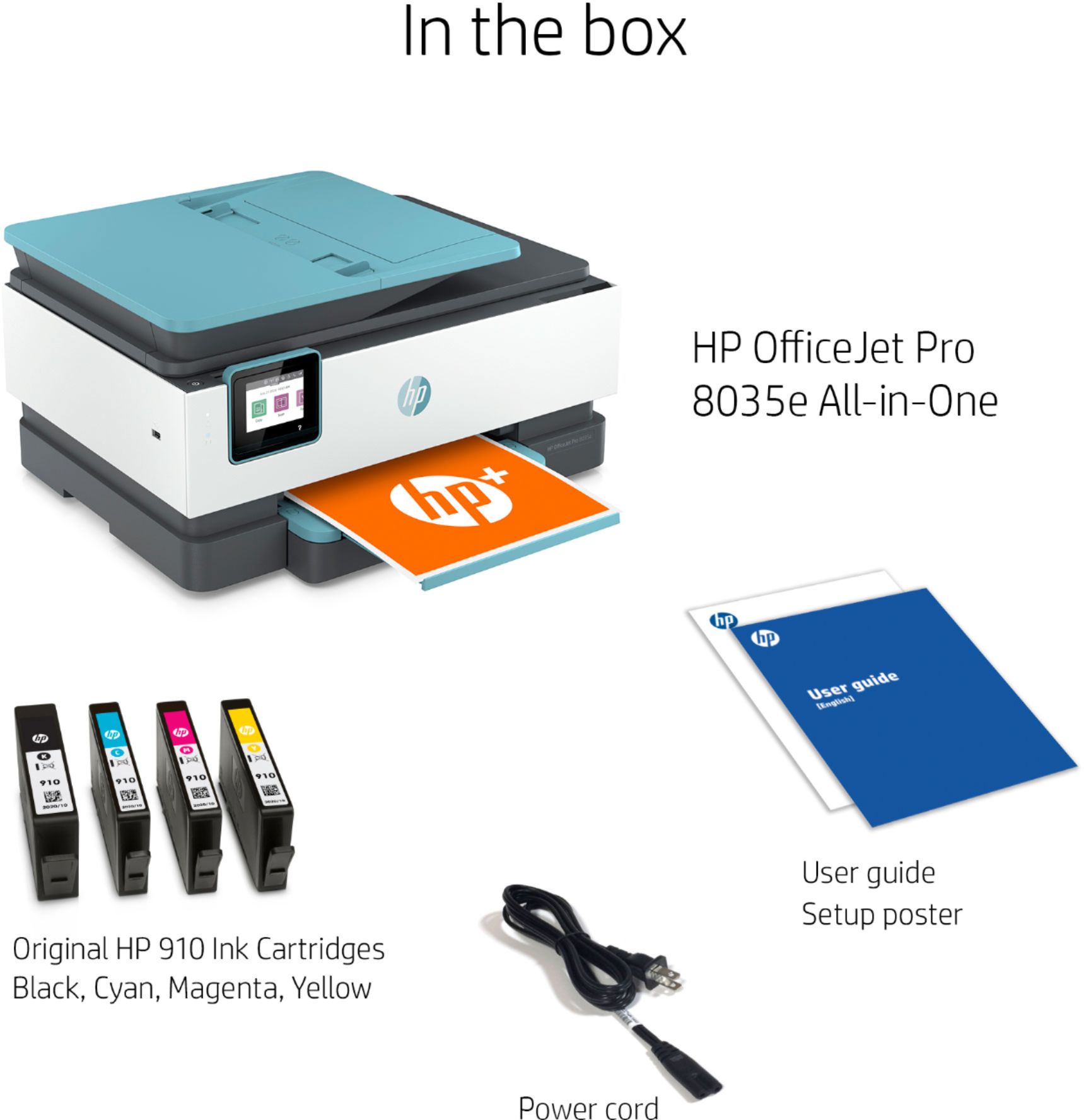
- A:Answer Thank you for your question! The HP OfficeJet Pro 8025 uses HP 910, 910XL, and 916XL ink.
Answered by HP Team

Q: QuestionIt looks like they are no longer manufacturing the 910 ink in yellow and cyan. What other ink cartridges are compatible with this product?
Asked by 910InkDiscontinued.
- A:Answer It's not that the cartridges are no longer being manufactured. There was an issue identified with the HP 900 series Cyan and Yellow inkjet cartridges that may impact the print quality or cause potential damage to your printer. HP has implemented an expedited call and exchange process for customers who may have been impacted by this. The HP Support team will be able to further assist you with this matter. Here's the link for HP Support: https://bit.ly/3mULd9E .
Answered by HP Team

Q: QuestionDo you have to use the Instant Ink with this printer?
Asked by AnnaM.
- A:Answer No, although you will be asked to sign up for it.
Answered by Rick
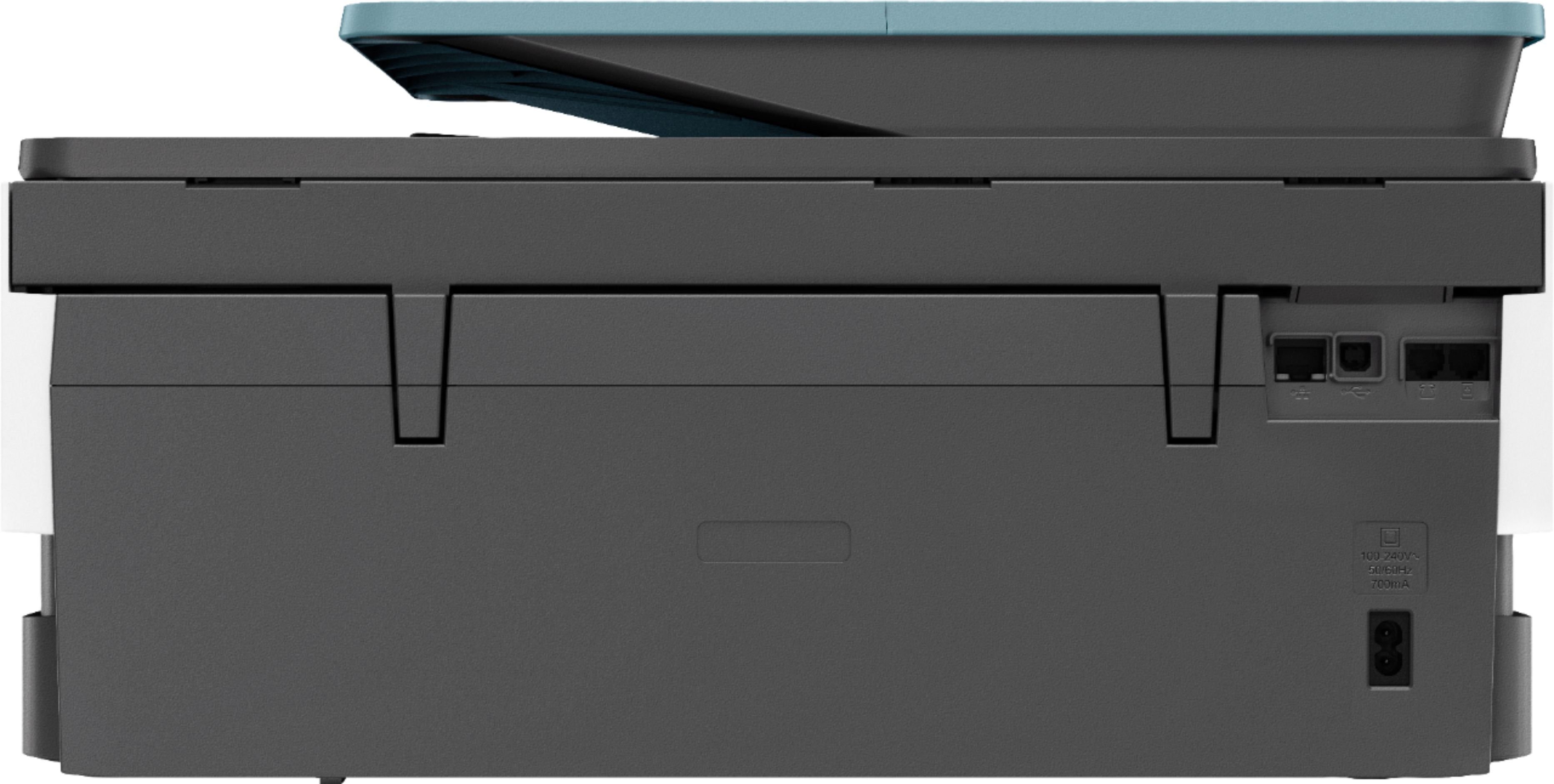
Q: QuestionDoes this printer come with usb cable?
Asked by Nik.
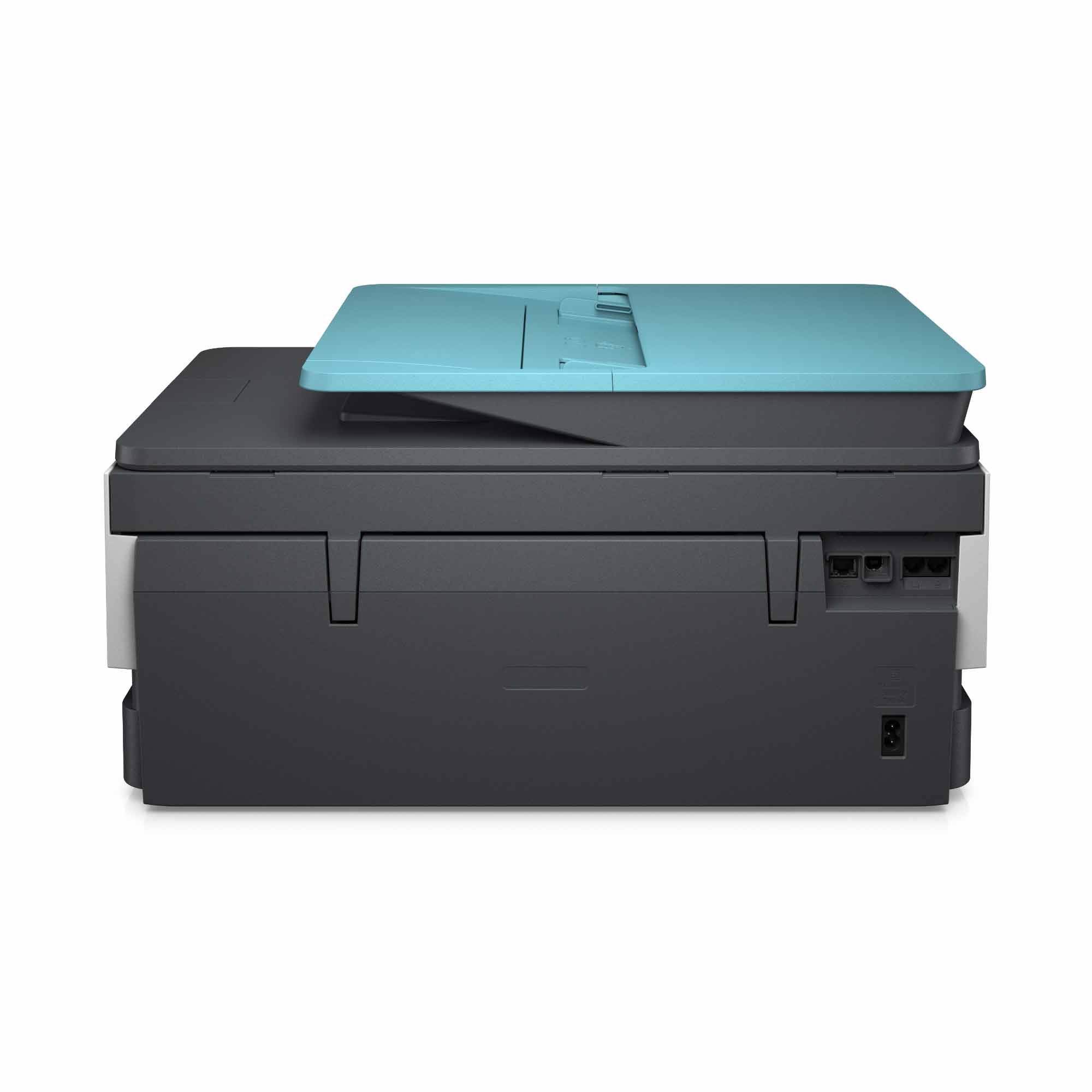
- A:Answer Since this is a wireless printer it comes with only a power cord. In fact, the directions specifically advise you not to connect the printer with a USB cable because all necessary connections are done wirelessly via the software download.
Answered by IBCurly
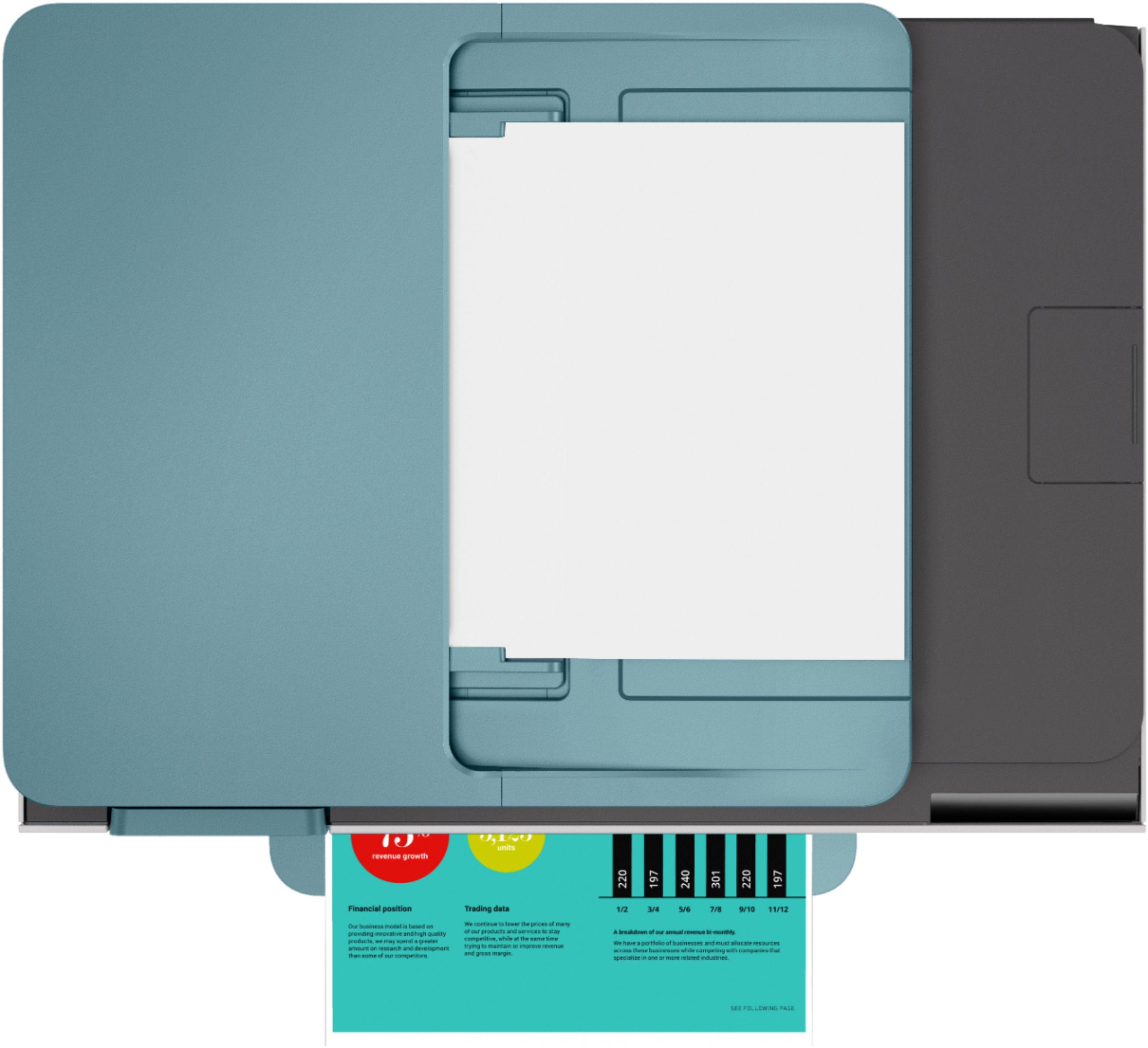
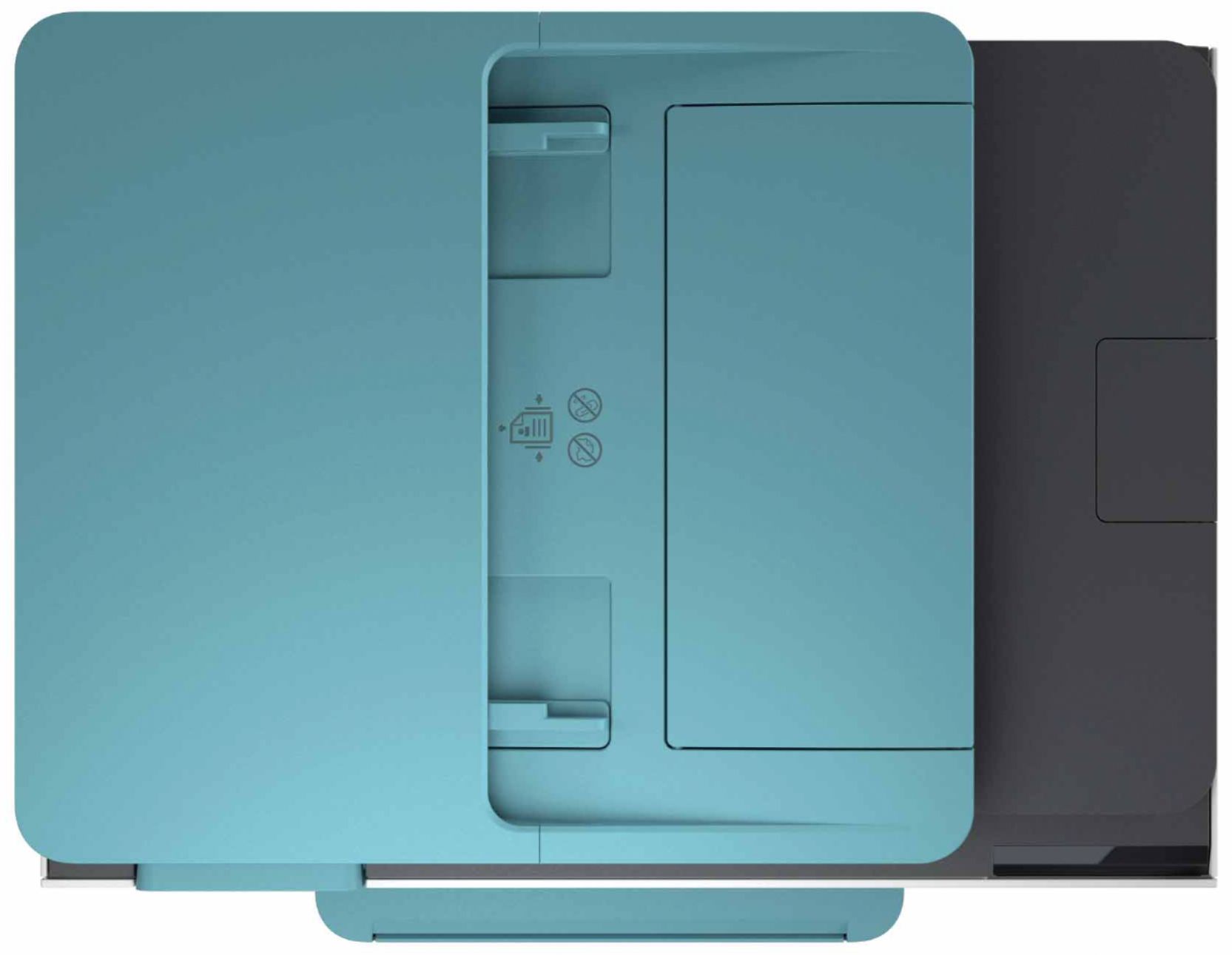
Q: QuestionCan a legal doc be scanned on the flatbed scanner; if not can you tell me one that can? Thanks
Asked by BJ.
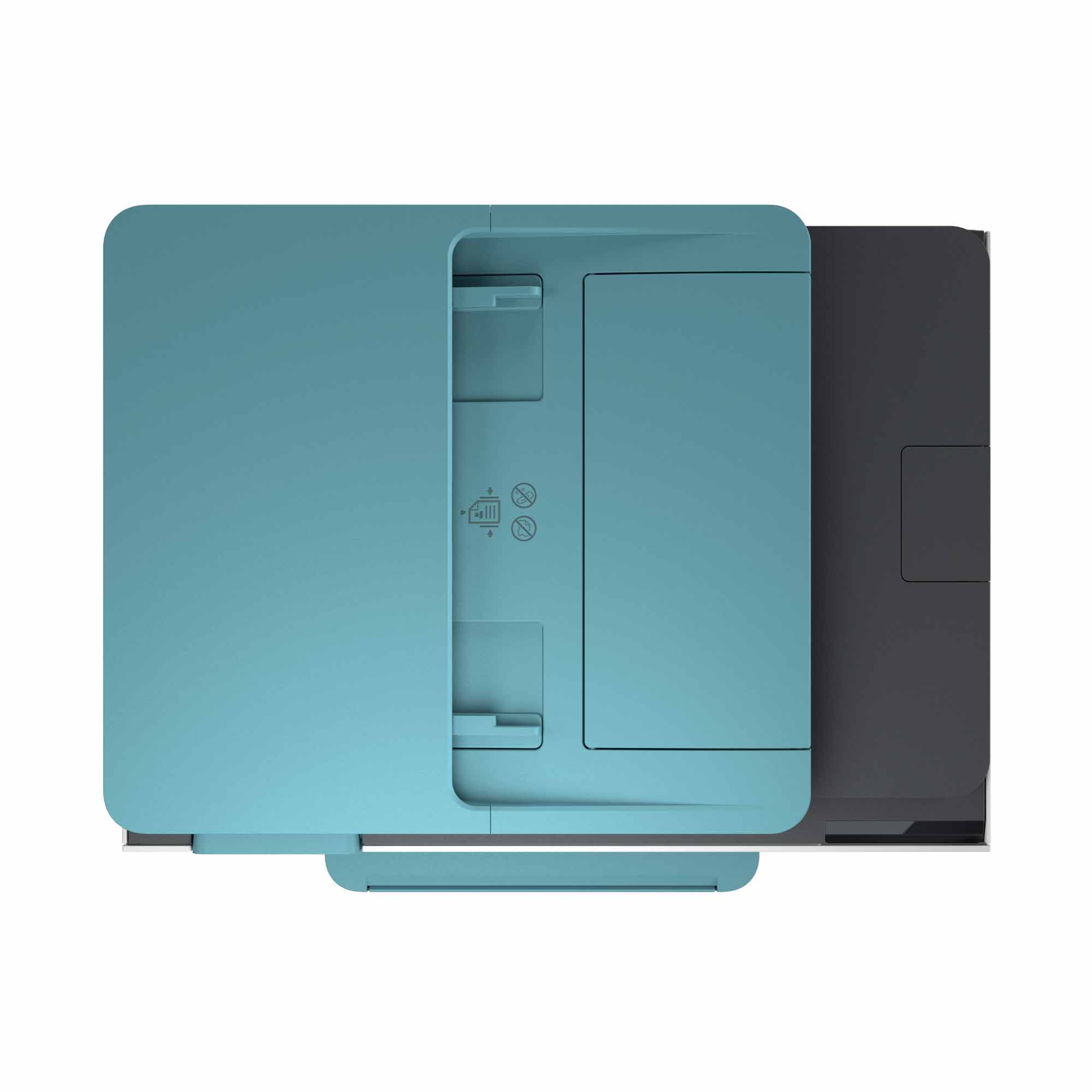
- A:Answer No, the flatbed is only big enough to handle a 8 1/2 x 11 piece of paper. This printer has a paper tray that would scan a legal size paper document.
Answered by Trishamc
Q: QuestionWhat kind of ink does it uses?
Asked by Anni.
- A:Answer The HP OfficeJet Pro 8035 printer uses the HP 910 or 910XL black, cyan, yellow, and magenta ink cartridges.
Answered by HP Team

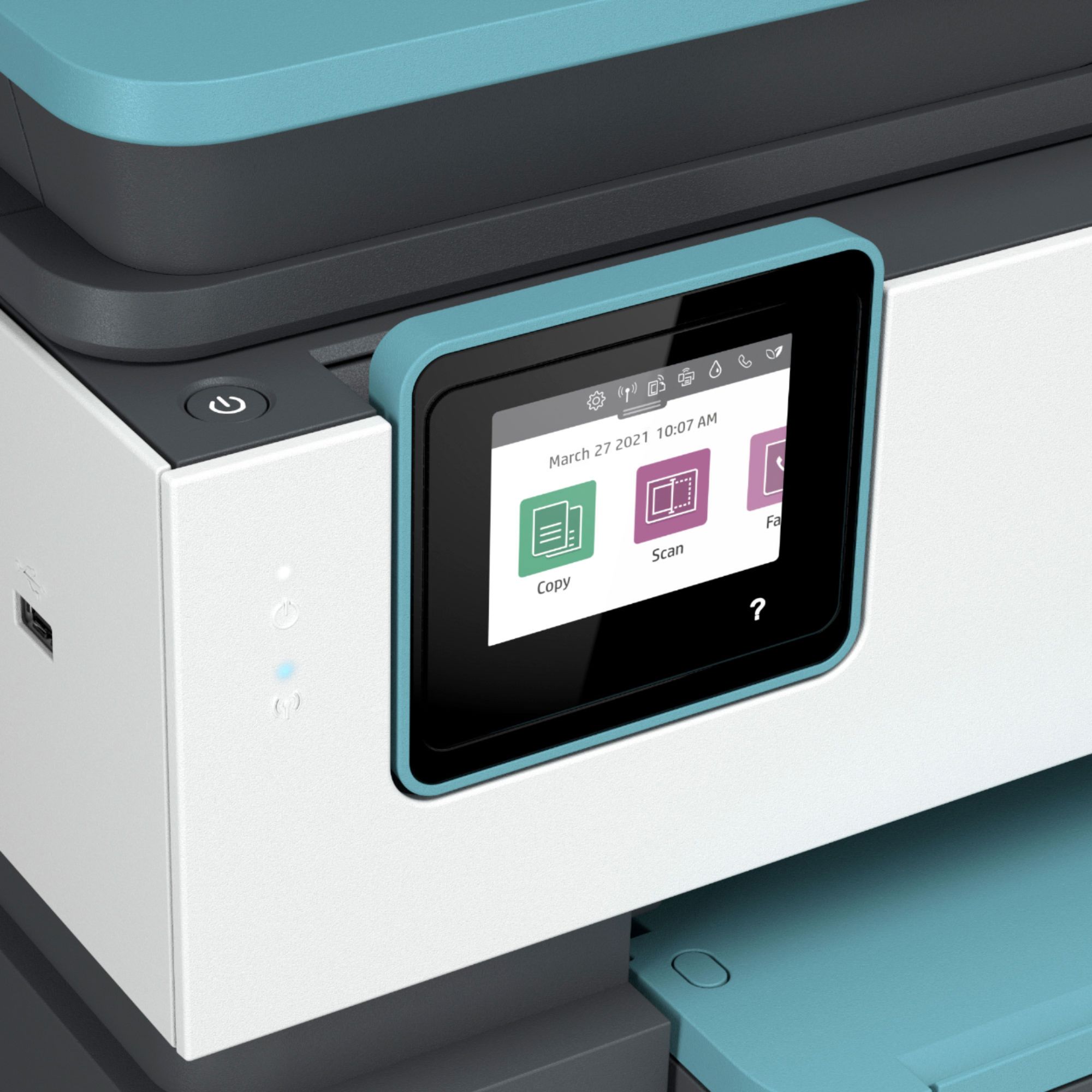
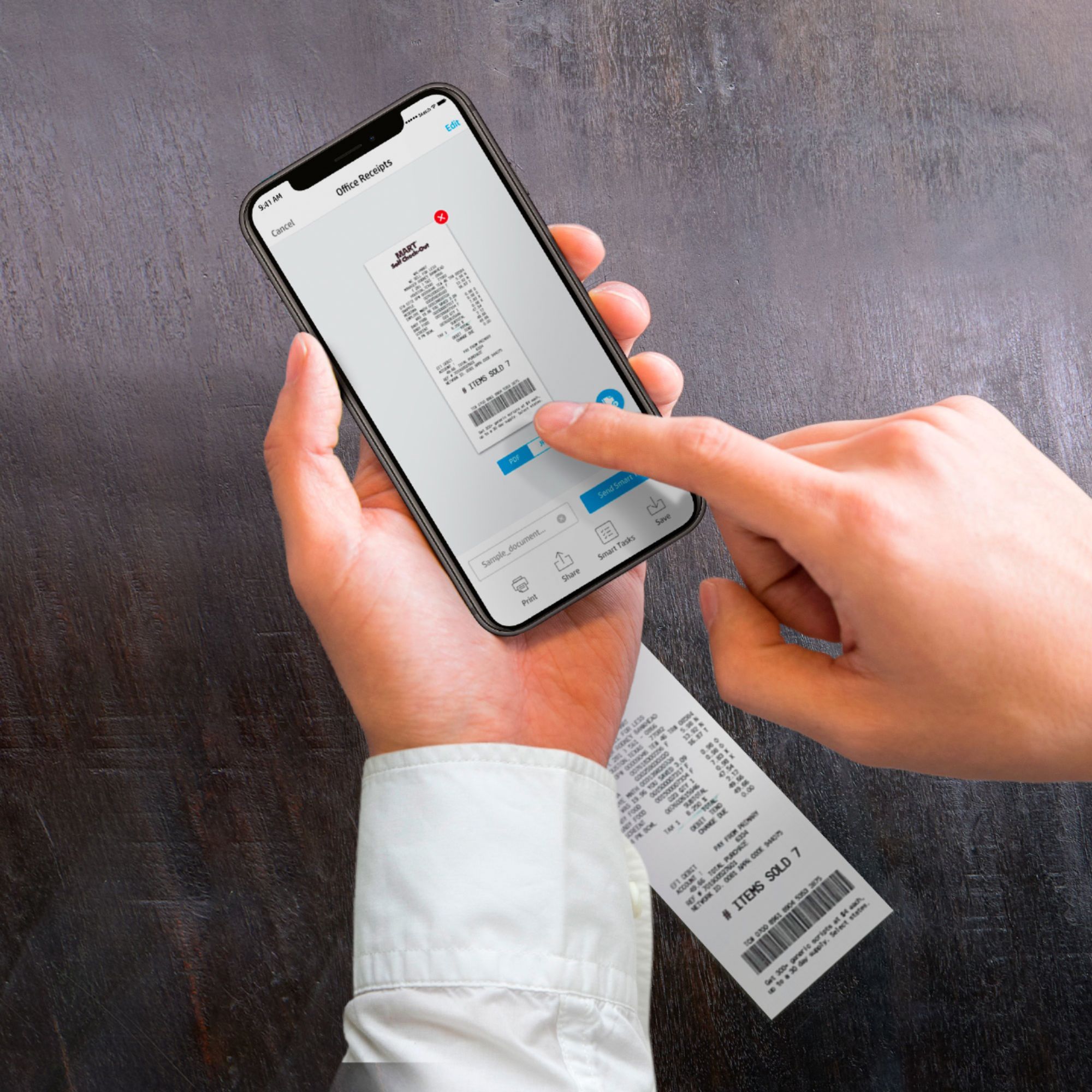
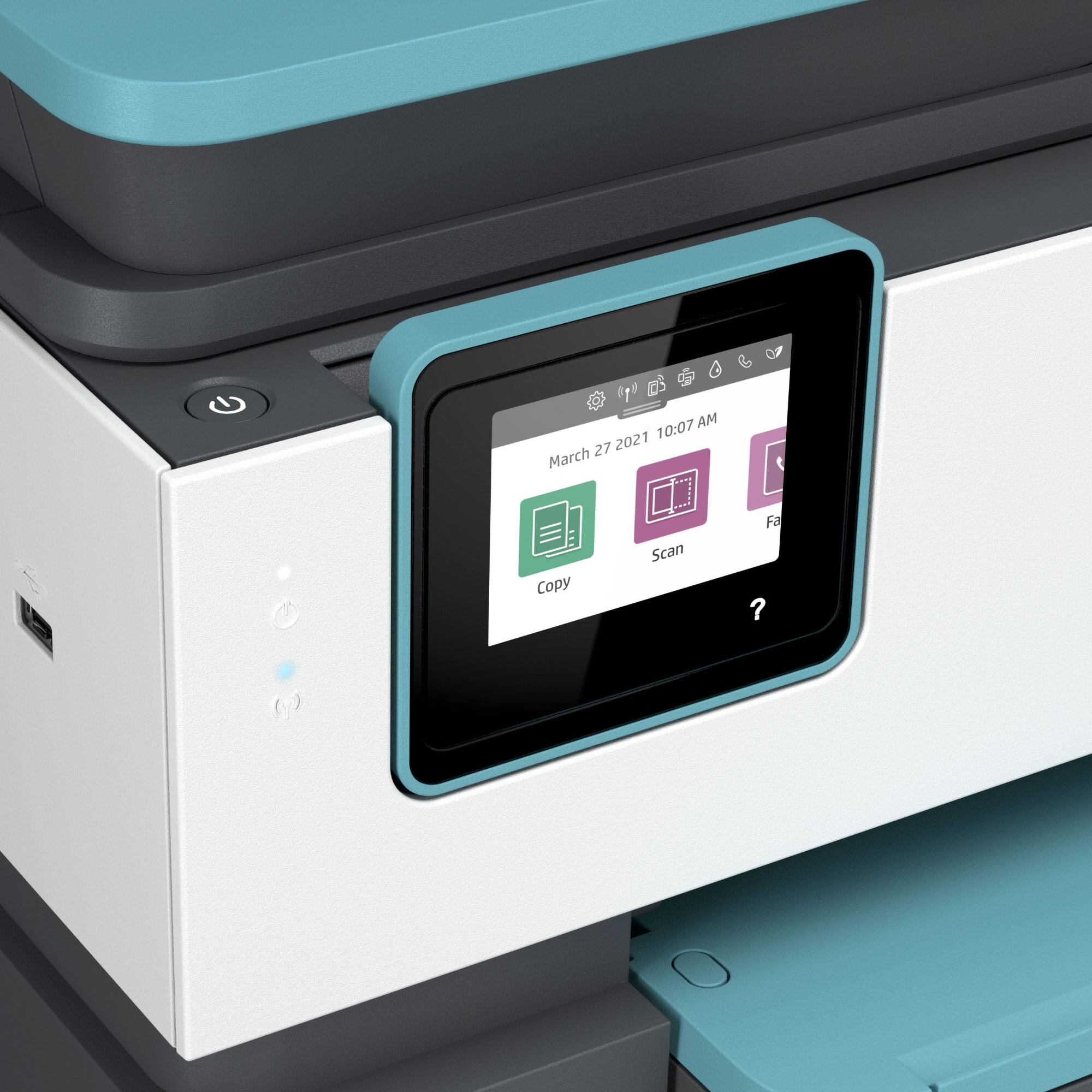
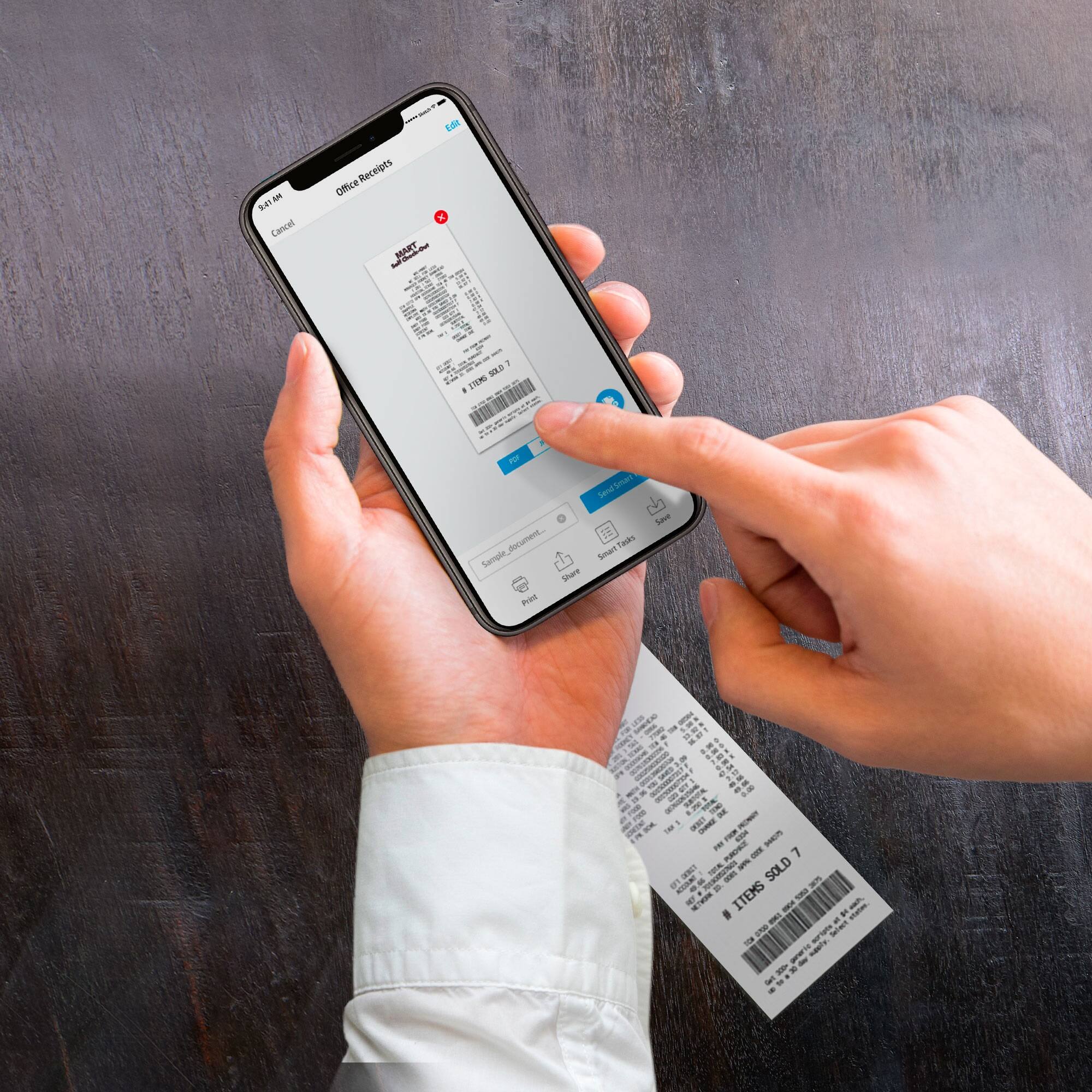
Q: Questioncan you scan to your email
Asked by Anonymous.
- A:Answer Yes... very easily ! My first scan was to myself...
Answered by Nick
Q: Questionis this printer compatible with MacBook Air
Asked by jo.
- A:Answer Yes, it's compatible with a MacBook Air.
Answered by HP Team

Q: QuestionDoes this printer support borderless printing on cardstock?
Asked by Julian.
- A:Answer The HP Officejet Pro 8035 printer can print borderless. So, it will be able to print borderless on cardstock up to 110 pounds.
Answered by HP Team

Q: QuestionDoes the printer do double sided printing?
Asked by Larry.
This question was asked about the related product: HP - OfficeJet Pro 8035 Wireless All-In-One Instant Ink Ready Inkjet Printer - Oasis/White/Gray
- A:Answer Yes, it does.
Answered by HP Team

Q: QuestionSo when I purchase this printer it has the ink already, correct? Are there parts that need replacement after say 500 pages?
Asked by dv15.
- A:Answer This printer comes with setup cartridges in the box. The yield of setup cartridges varies by model but tends to be enough to get the average user through setup and initial printing jobs. You can learn more about Ink and Toner by the model at www.hp.com/go/learnaboutsupplies The only parts that need to replaced with this HP Officejet Pro 8035 is the ink.
Answered by HP Team

Q: QuestionIs this a Cloud ready printer?
Asked by Joyce.
- A:Answer Yes, the HP Officejet Pro 8035 printer is a cloud ready printer.
Answered by HP Team

Q: QuestionDoes this printer jam easily?
Asked by Anonymous.
- A:Answer So far it has printed quickly and smoothly no jams at all very impressed with printer.
Answered by Shalerz7
Q: QuestionCan you scan to email directly from the printer?
Asked by Anonymous.
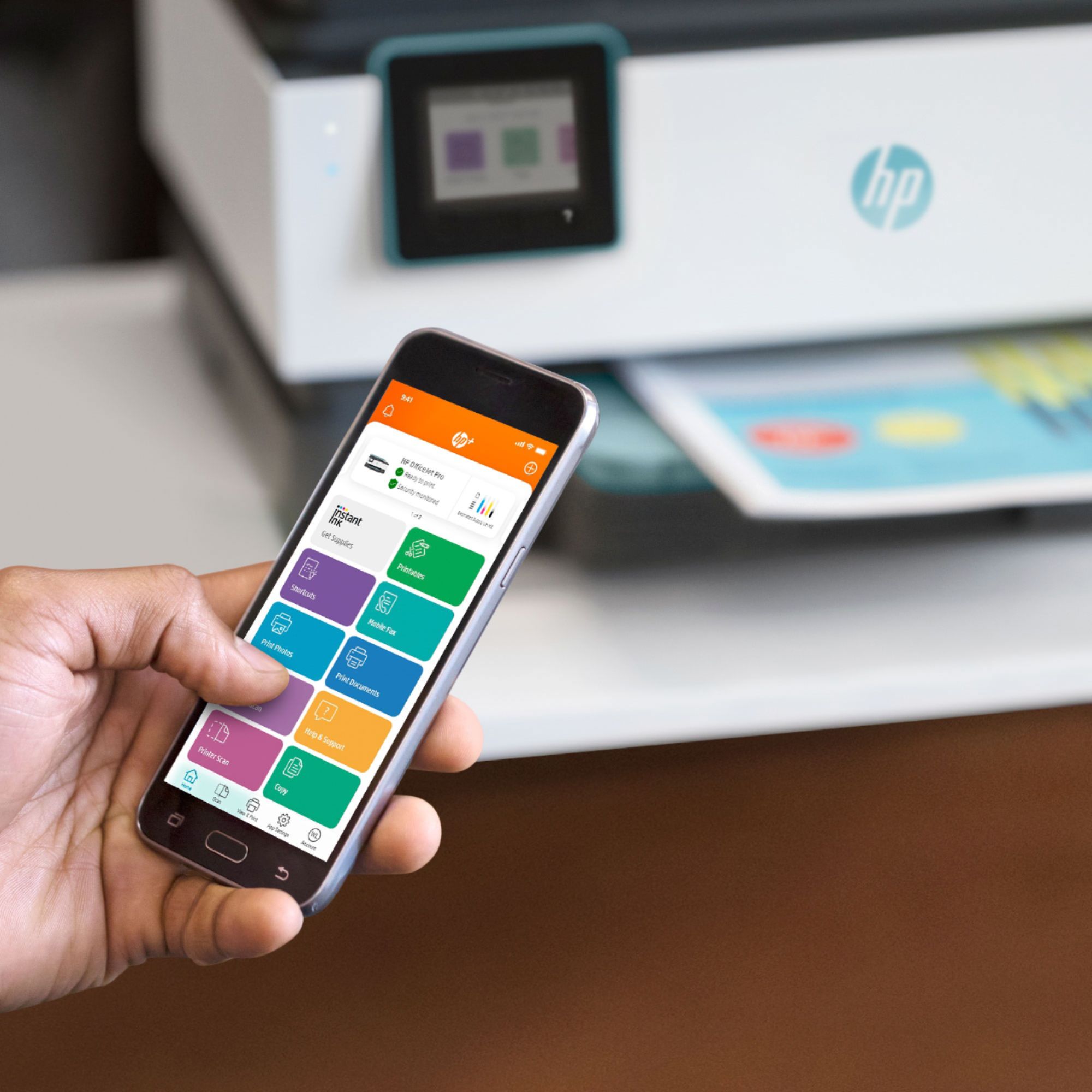
- A:Answer Yes, just need to set it up to do this by entering your email account information.
Answered by Carol
Most-viewed items
- Tech Fest Deal$99.99