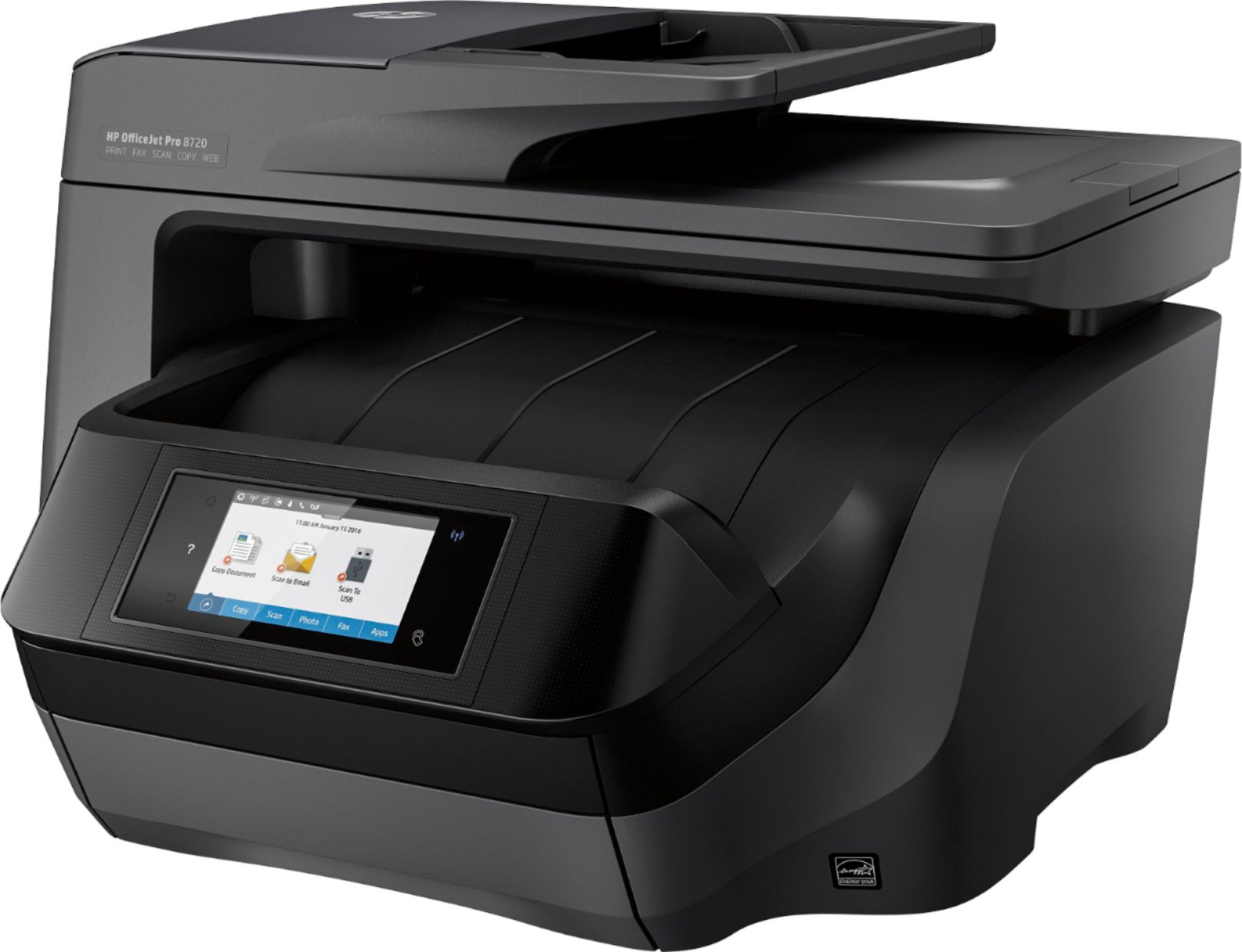
A:AnswerThere is only 1 paper tray and you have to take out and change paper if you want a different size. It will hold legal size paper, but seems to shrink legal copy slightly when copying. Definitely scans front and back at one time.
A:AnswerNo, this unit does not have the option to print on printable DVD media. No, HP printer has this feature. Epson makes a printer with this option, however.
A:AnswerHi. The printer can be set up as a host in your home network. Any computer or smartphone will be able to access the printer. If you want, you can use a PC (windows, etc) to have a direct connection to the printer (USB).
A:AnswerYes, and it does so clearly. Then with a little cropping, you can make it look like a separate page. I even took scans through thick plastic (mint proof coins) for an eBay ad and the picture was clear enough to run the ad.
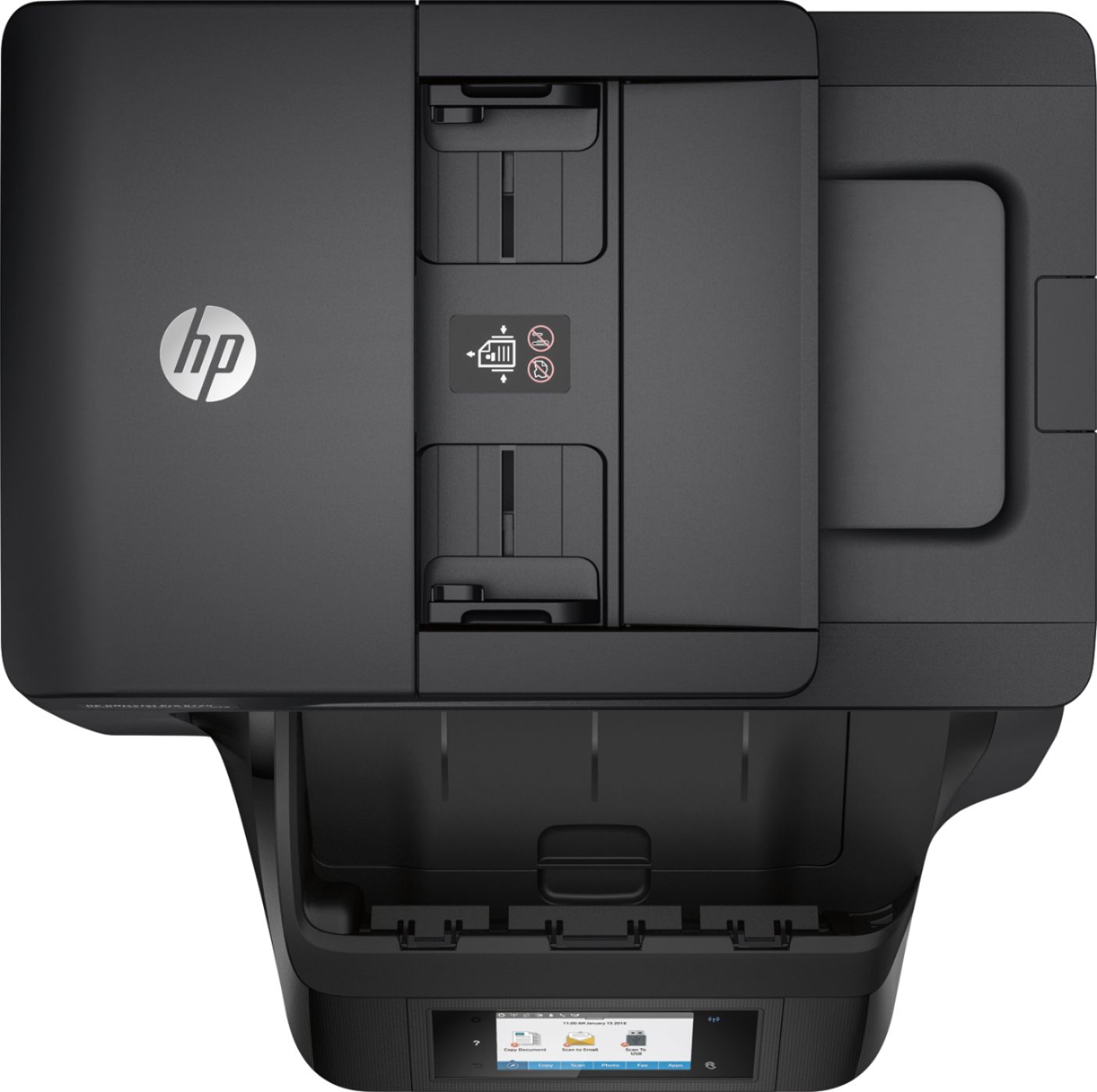
A:AnswerIf the receiving fax machine will print in color you can send color. If it doesn't your print will tell you and just send it in black. If your faxing through the top paper feeder, make sure the printing is facing UP at you rather than facing down. If the printed document is facing down you will fax an empty white document.
A:AnswerI have it set on wireless. I went into settings and entered my router information. I have a Hp all in one computer. It picked it up through the WiFi right away. Seek help from the geek squad or maybe your cable company. Either can walk you through the process.
A:AnswerIt does give you the option to scan directly to an email but I have not used this option so I can not comment on how easy or well it does this task.
A:AnswerThe tray accepts standard size 8.5 x11, something called A4 and ALSO 8.5 x 14. As I have not tried the legal size, nor need to, I can only assume that it will print it as it accepts this size in the pull out tray.