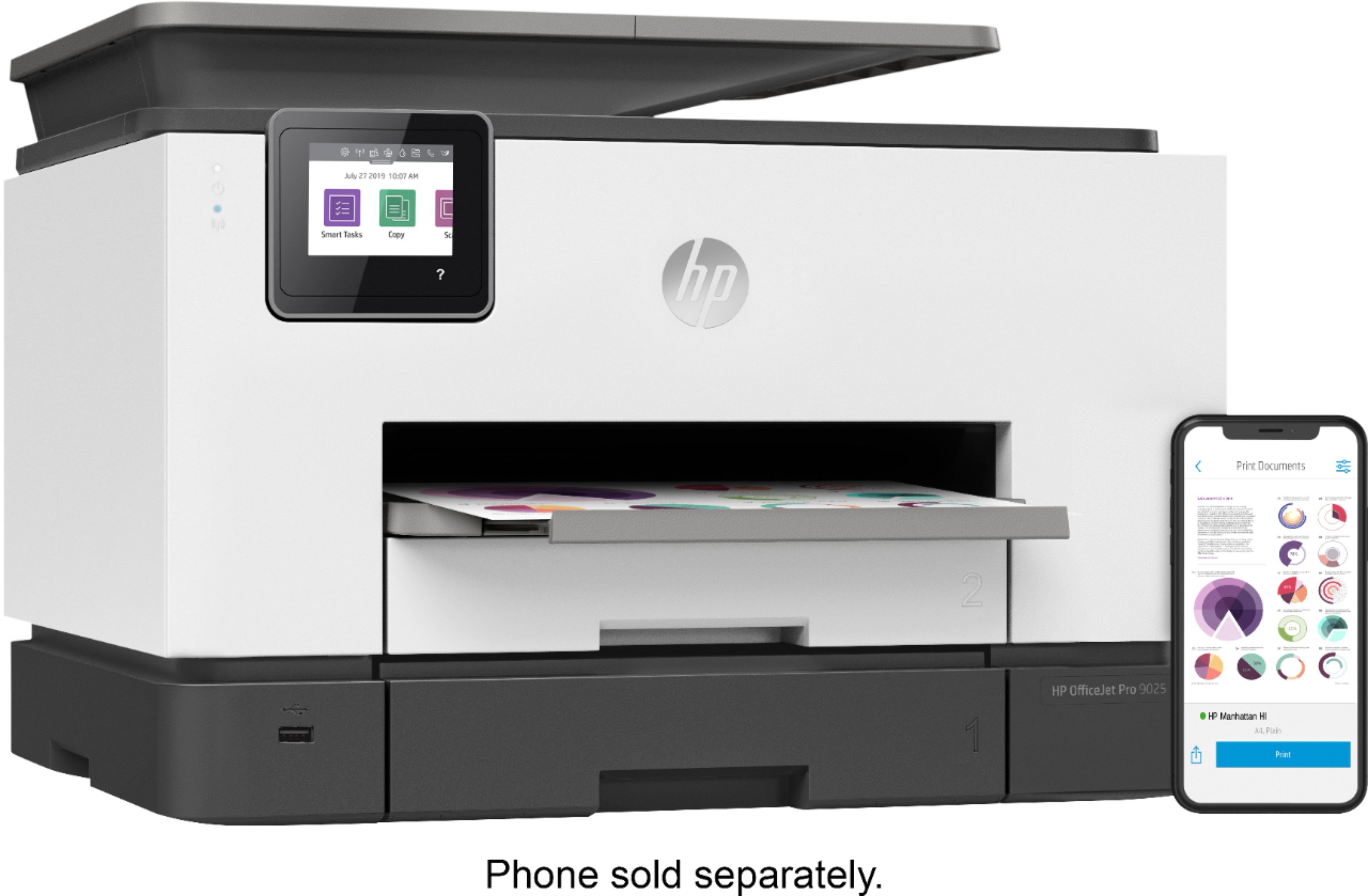
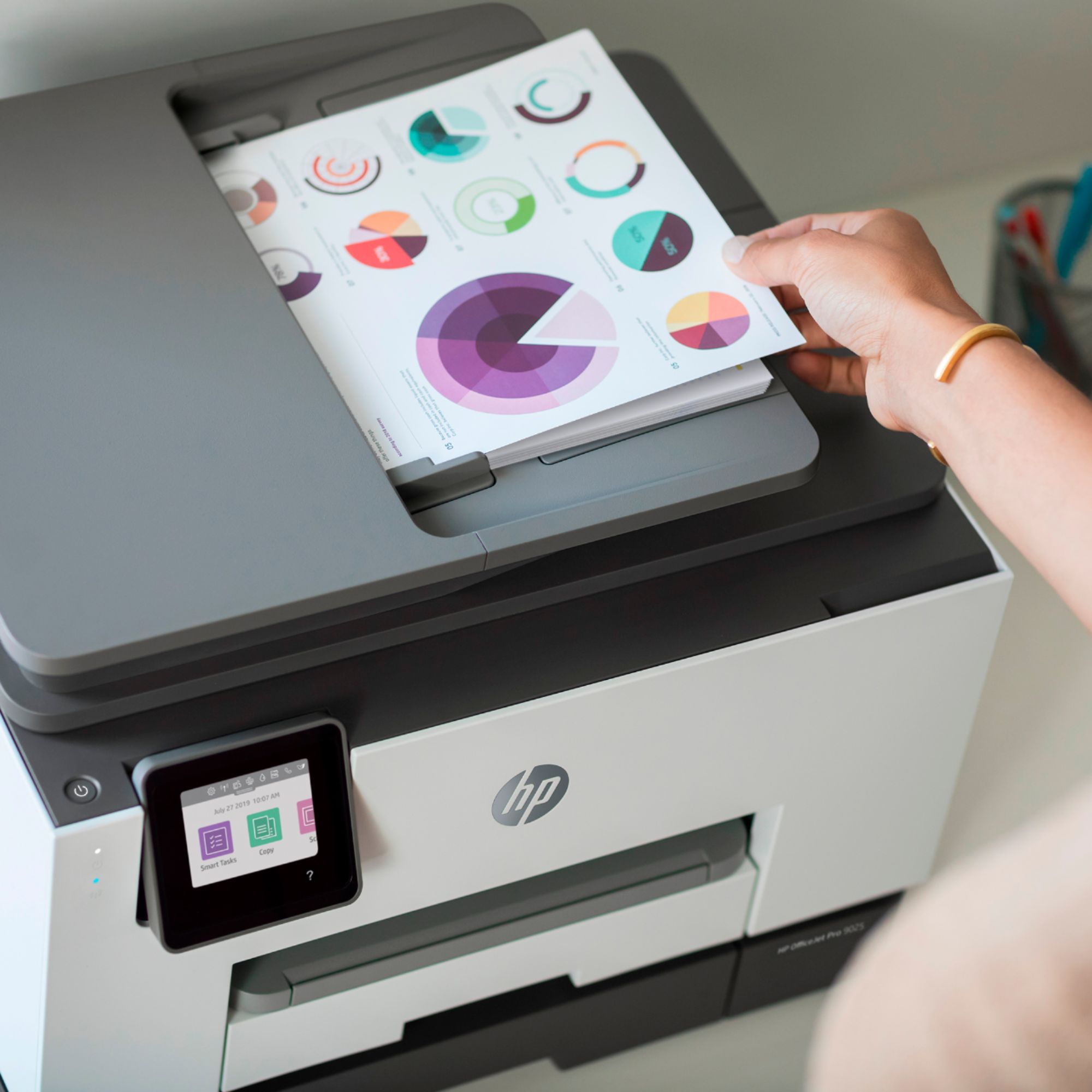
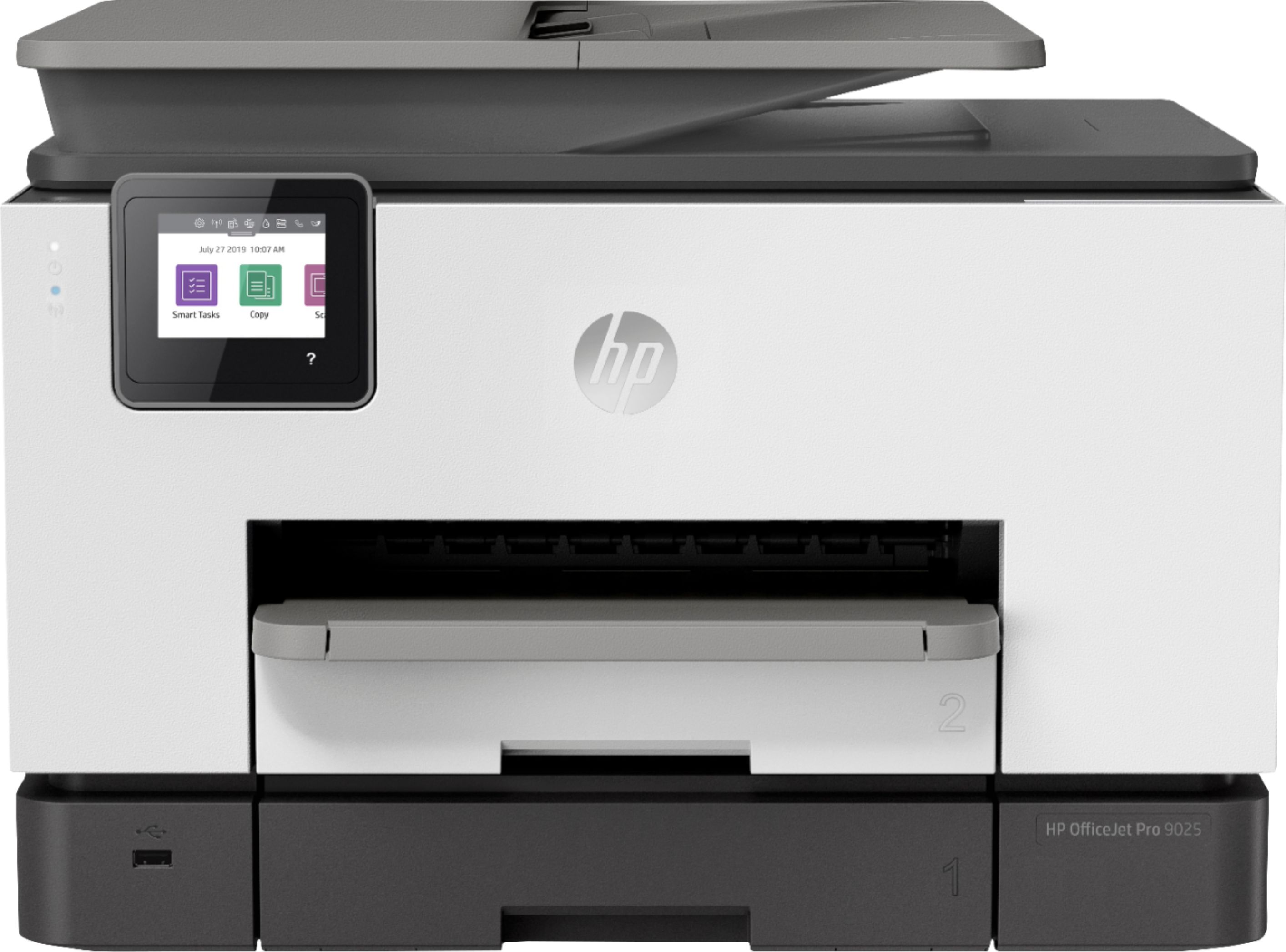
A:AnswerThanks for your question! All legal size copying and scanning on the HP 9025e will have the original document inserted into the document feeder.
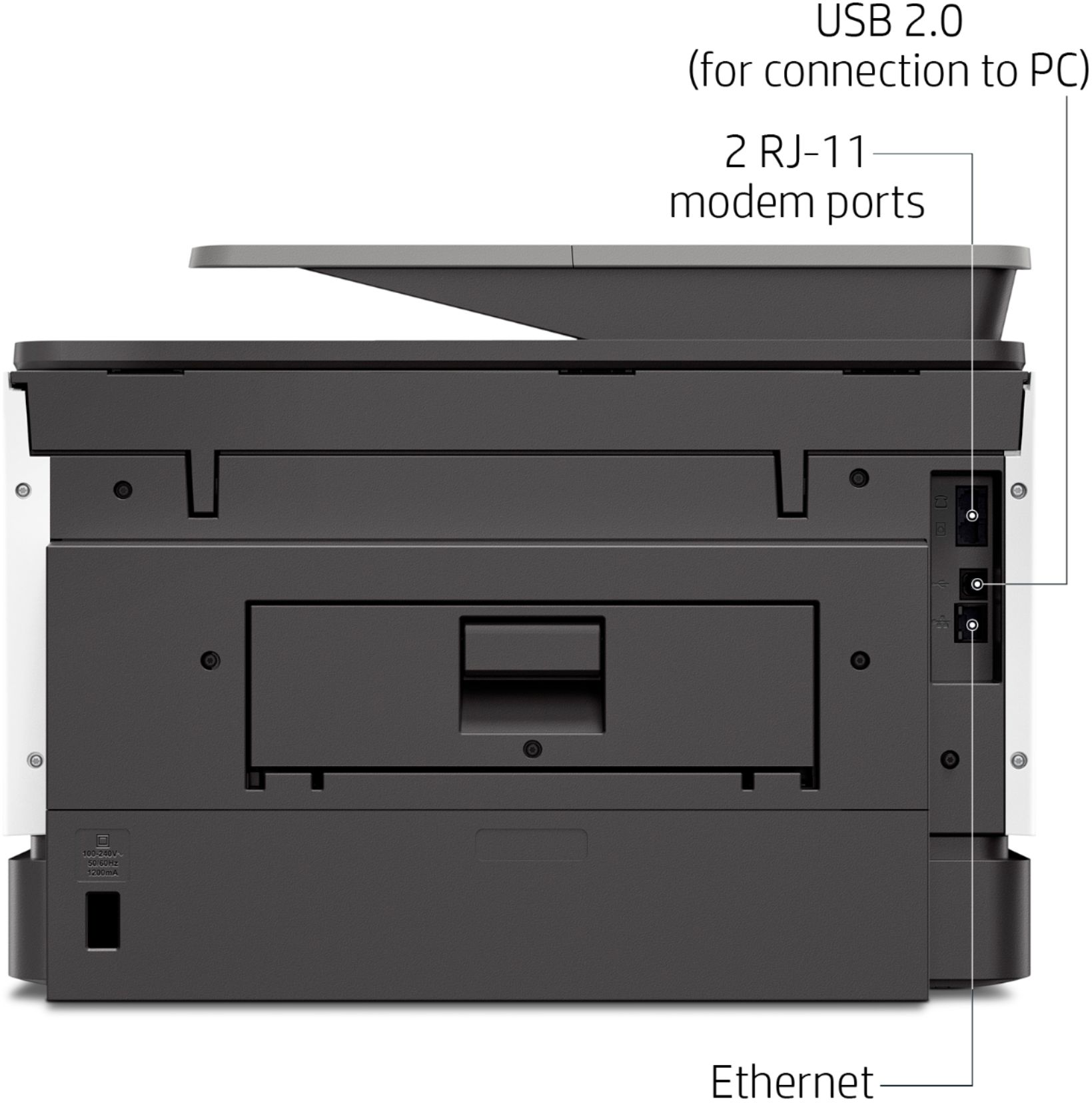
A:AnswerI believe you can run the printer just wired like normal.
I do not believe you can get the free in if the printer is not connected to the web (to track the print usage)
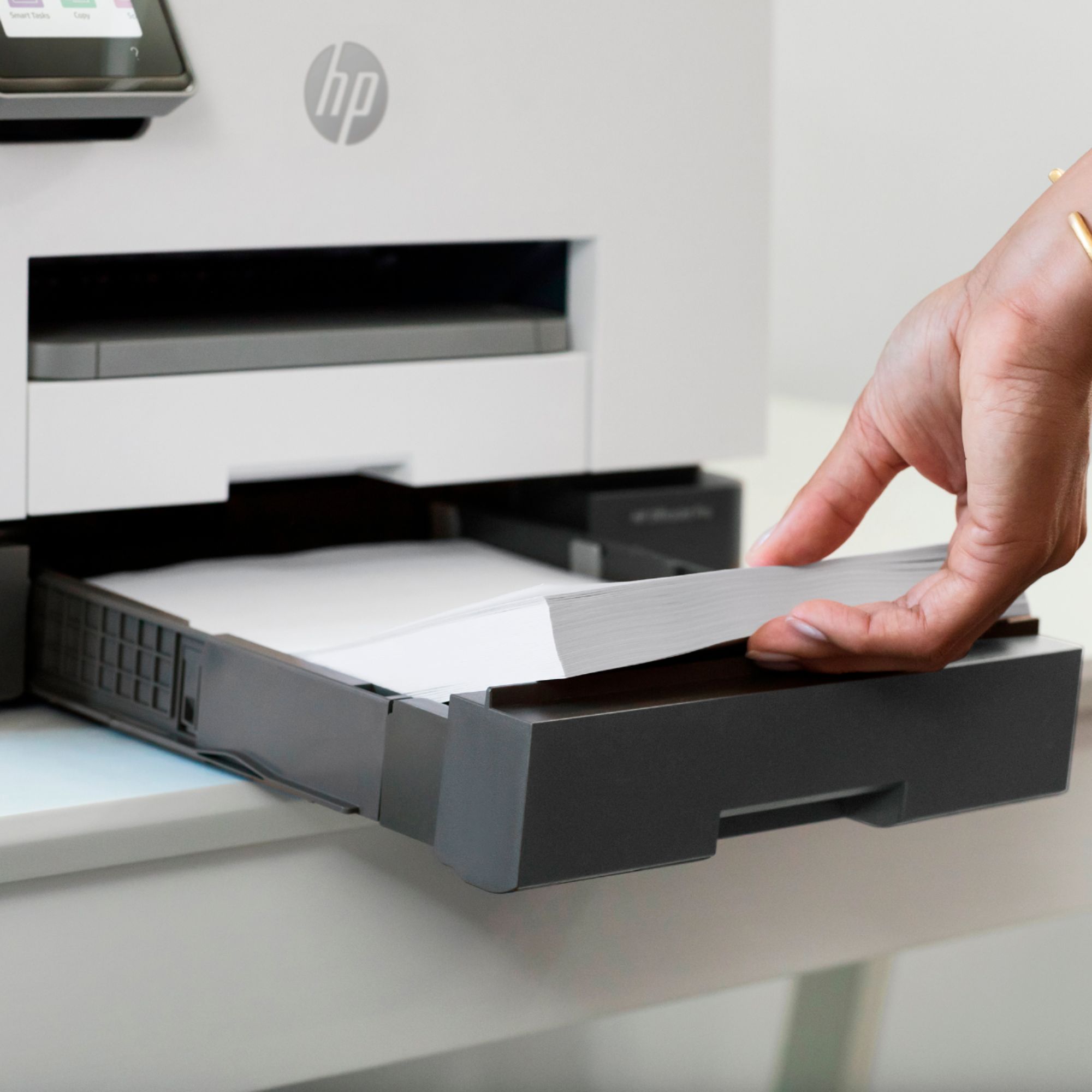
A:AnswerThank you for the question. Yes, you can add different media to each tray. The OfficeJet Pro 9025e supports the following media sizes: Letter; Legal; Government Legal; Executive; Statement; 3 x 5 in; 4 x 6 in; 5 x 7 in; 13 x 18 cm; 8 x 10 in; 10 x 15 cm; L; Photo 2L; Envelope( #10, Monarch, 5.5 bar); Card (3 x 5 in, 4 x 6 in, 5 x 8 in).
A:AnswerRosie, I have found that all scans are straight. I am attaching a small cropped image that I scanned on the 9025e to this reply. It is simply a sectiion of two overlapping pieces of looseleaf paper. With regard to your question about WiFi, I am attaching a second image that demonstrates that you CAN accomplish this. I hope this answers your questions!
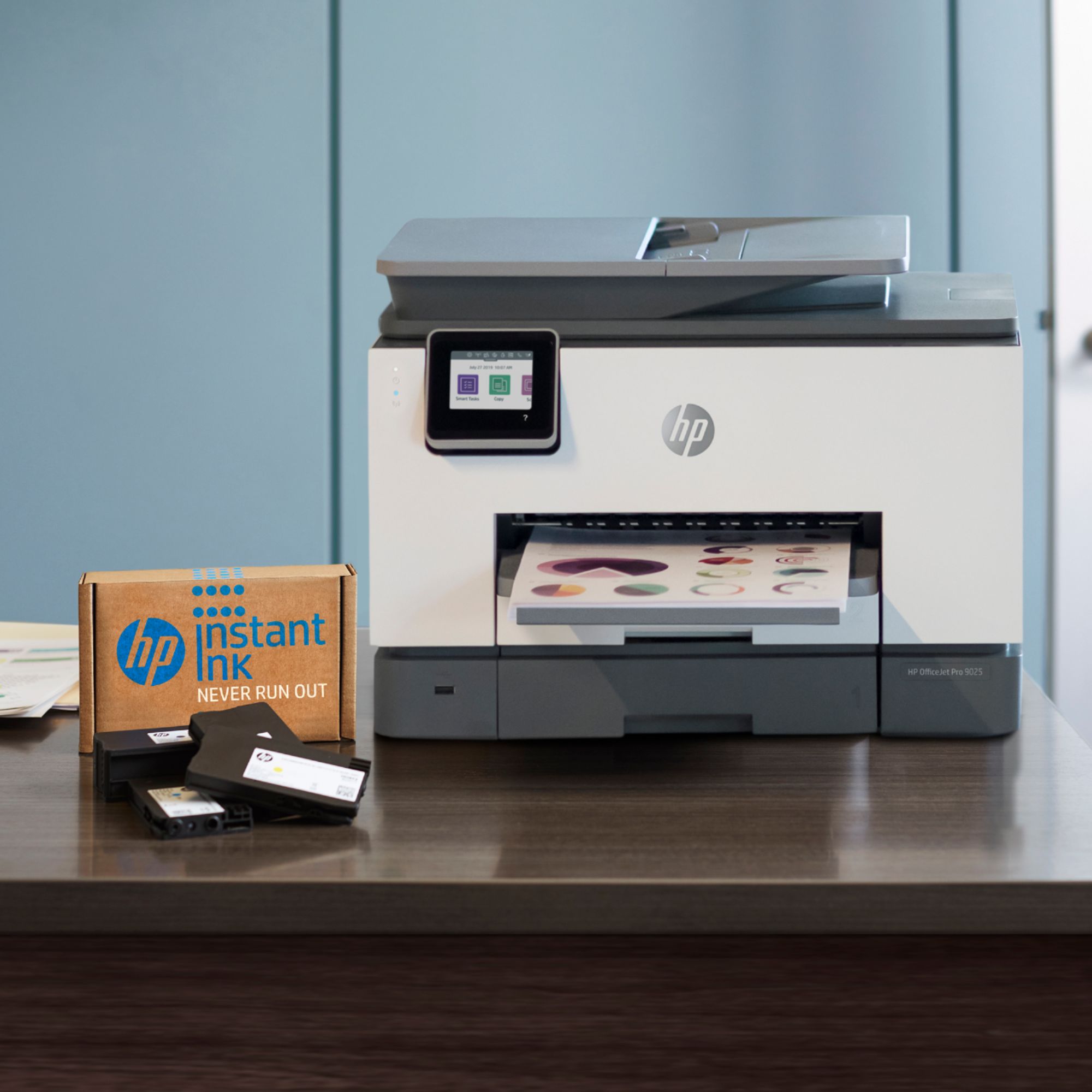
A:AnswerHello, this is a great printer with a 2 year warranty included in the purchase upon sign up! This printer does need to have each of the cartridges filled with at least a small amount of ink to print. If you are on the Instant Ink plan you will never run out of ink as it will be shipped to you before you run out completely! Thank you for being an HP customer!
A:AnswerYes, this printer is excellent for auto-feed of multi-page documents through printer, scan, and generation of output PDF file for email distribution. Highly recommended!
A:AnswerAs long as your device can download the HP Smart App, you should be fine. The App will let you know if the device is incompatible. I tried it on an old Samsung Note 3 and it let me know the device was too old.
Hope that helps.