A:AnswerMark, I am sorry that you are having technical issues right out of the box on this Omen desktop. HP Support is free during the period of the warranty and they can look into the performance issues. Another option is through Geek Squad, if you have their support package or are a member. As a last resort, you can exchange the unit since it is within Best Buy's return policy.
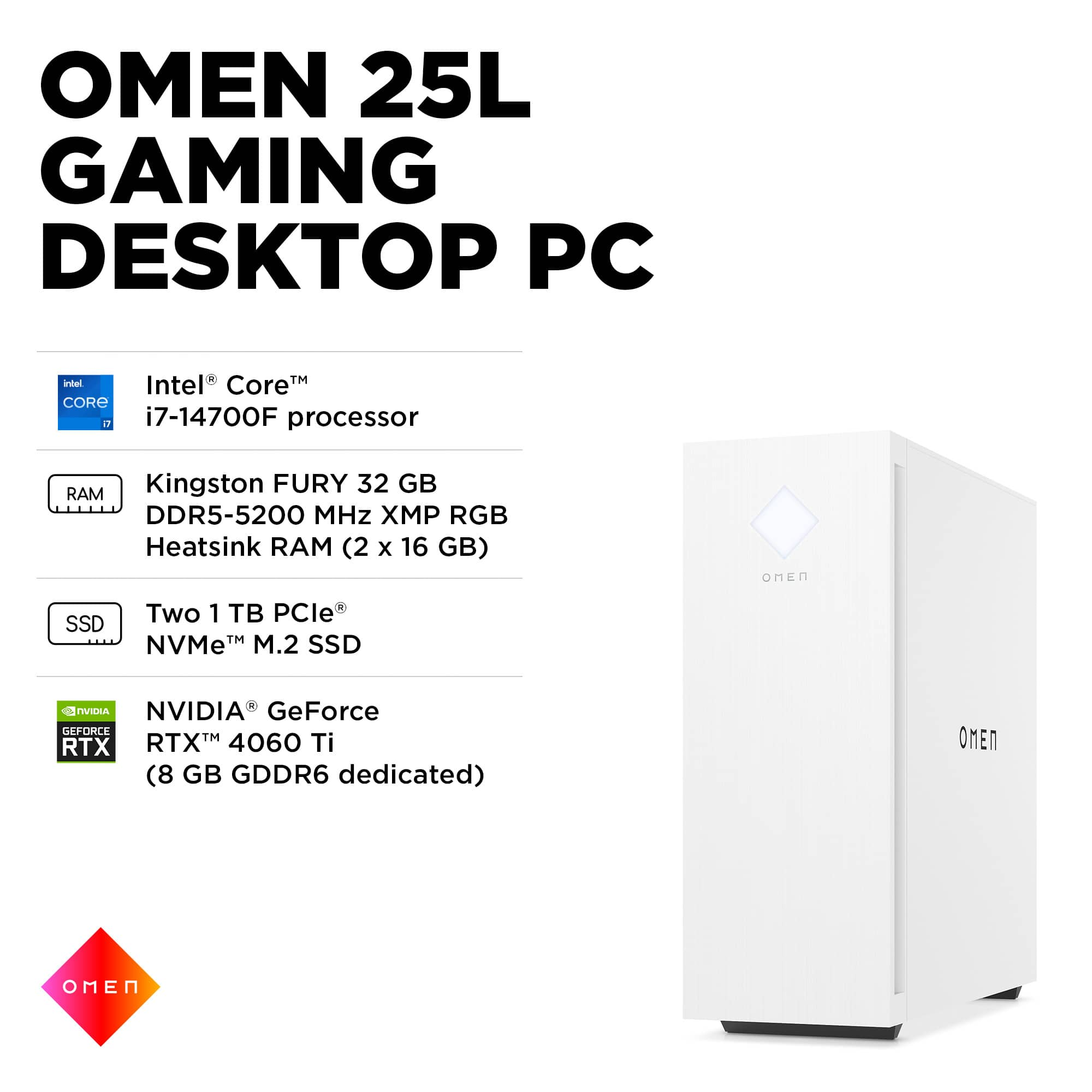
A:Answerjust one. it only has one SATA plug in the motherboard and has 2 m.2 drives.. it comes with 2x 1TB m.2 drives... you can upgrade those and add one SATA SSD drive.
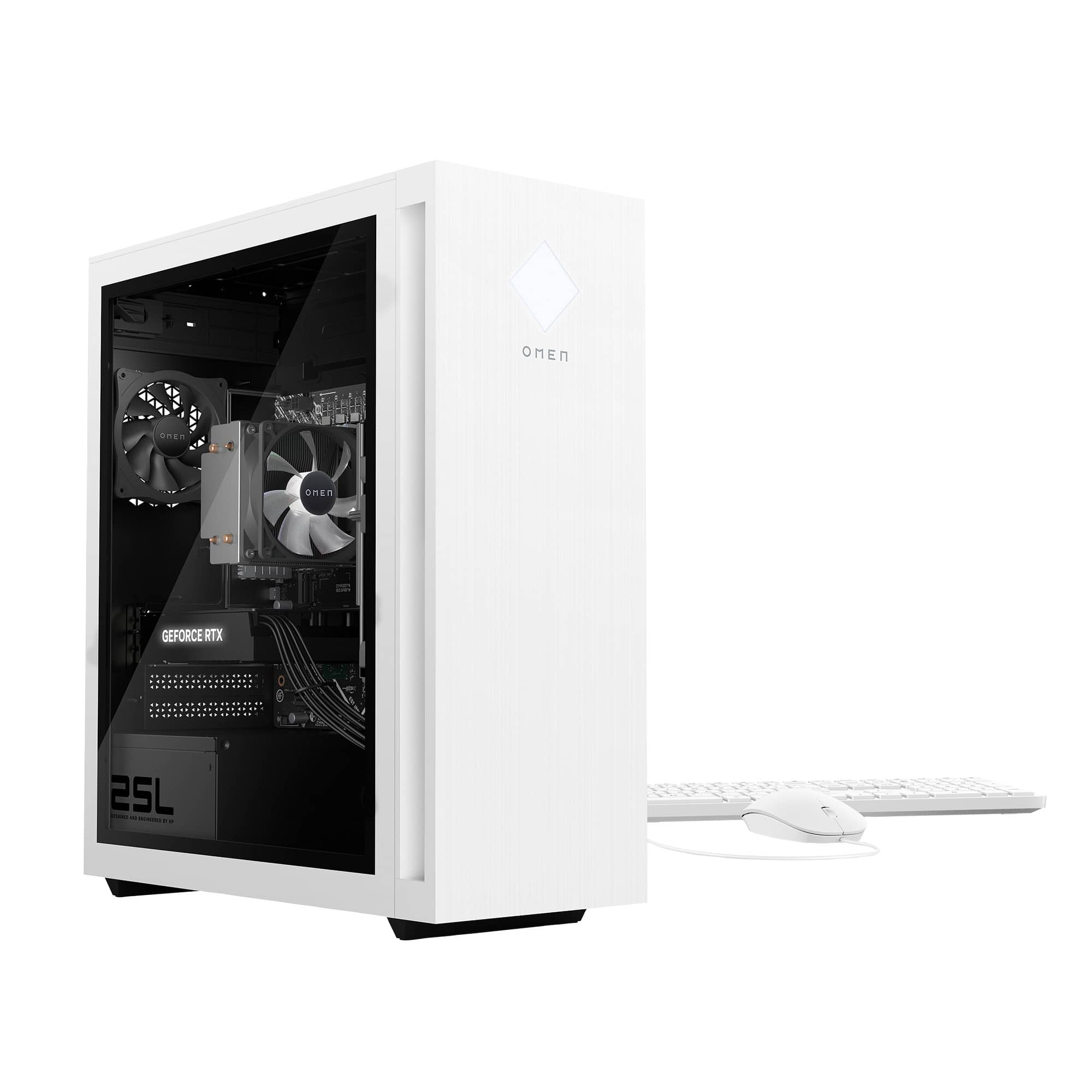
A:AnswerIn this PC, there are 2 - M.2 ports that are each already filled with 1TB solid state drives in each. There is an open SATA data and SATA power cable adjacent to a bracket that supports 1 - 3.5 inch SATA drive.
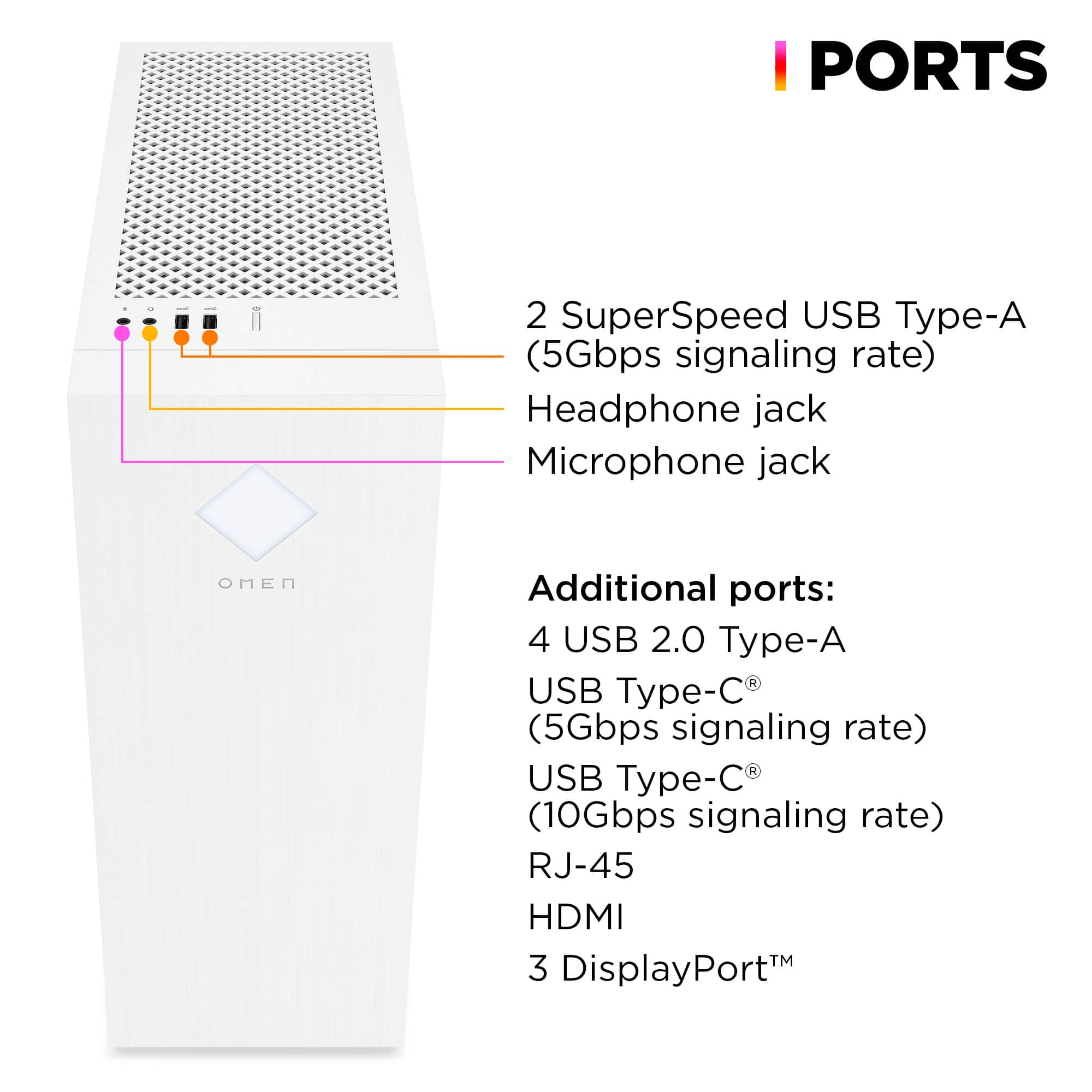
A:AnswerIt can support 4 different screens. It has 1 HDMI port and 3 Display Ports. Check your monitors to see if they support Display Port. If not you will need to buy adapters to convert display port to HDMI.
A:AnswerThere's 1 HDMI and I believe 3 display ports if I recall; I don't have any monitors that support it, so I was able to get away with a HDMI to display port cable.
A:AnswerThank you for your question. As system requirements for software constantly change, we cannot answer questions about software compatibility or performance. What is compatible today may not be in a few months. Please check the software manufacturer's website for the most current system recommendations.
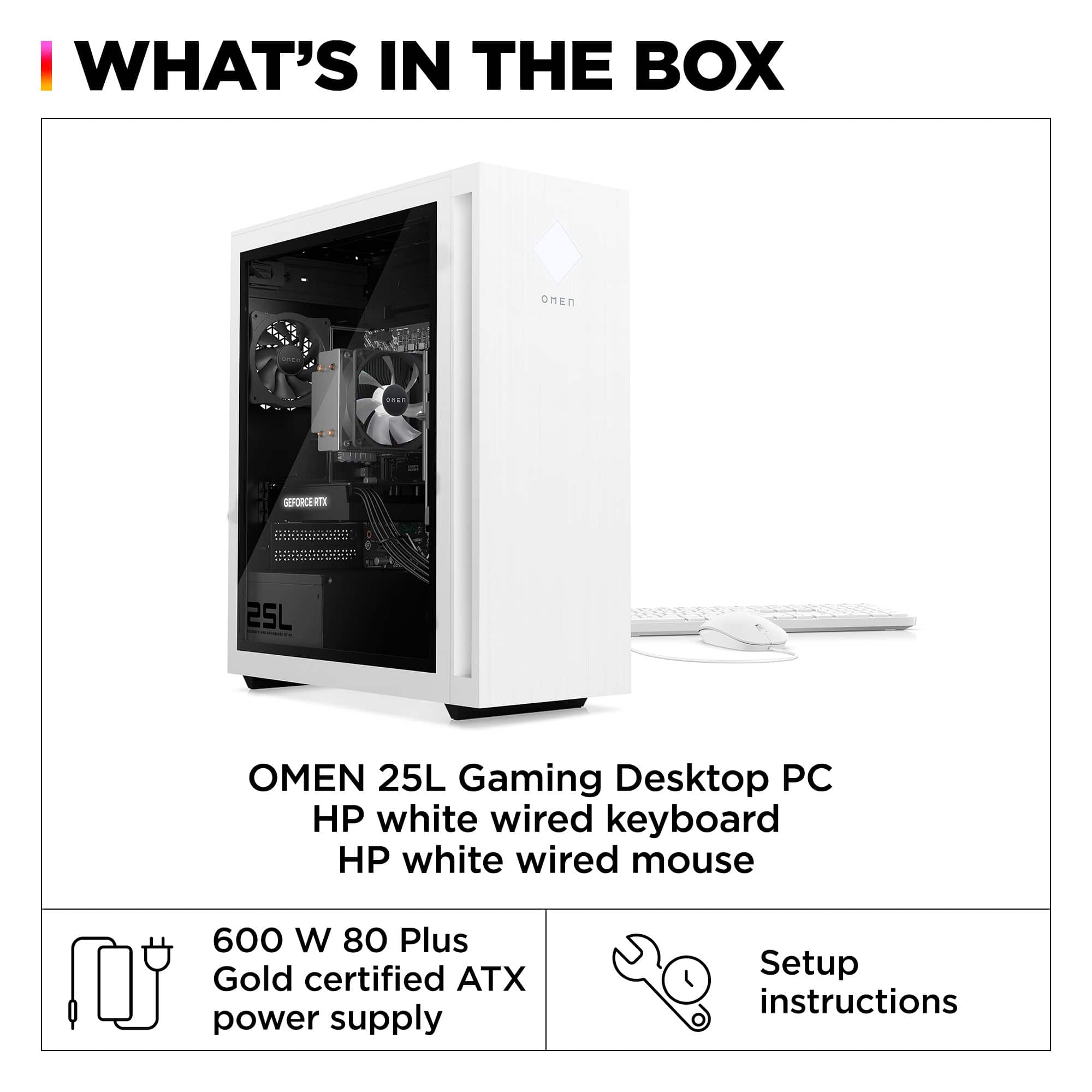
A:AnswerThank you for the question. A double or triple fan GPU will block the M.2 slot. If that's okay, you'll want to upgrade the power supply and add two case-mounted fans to increase airflow.