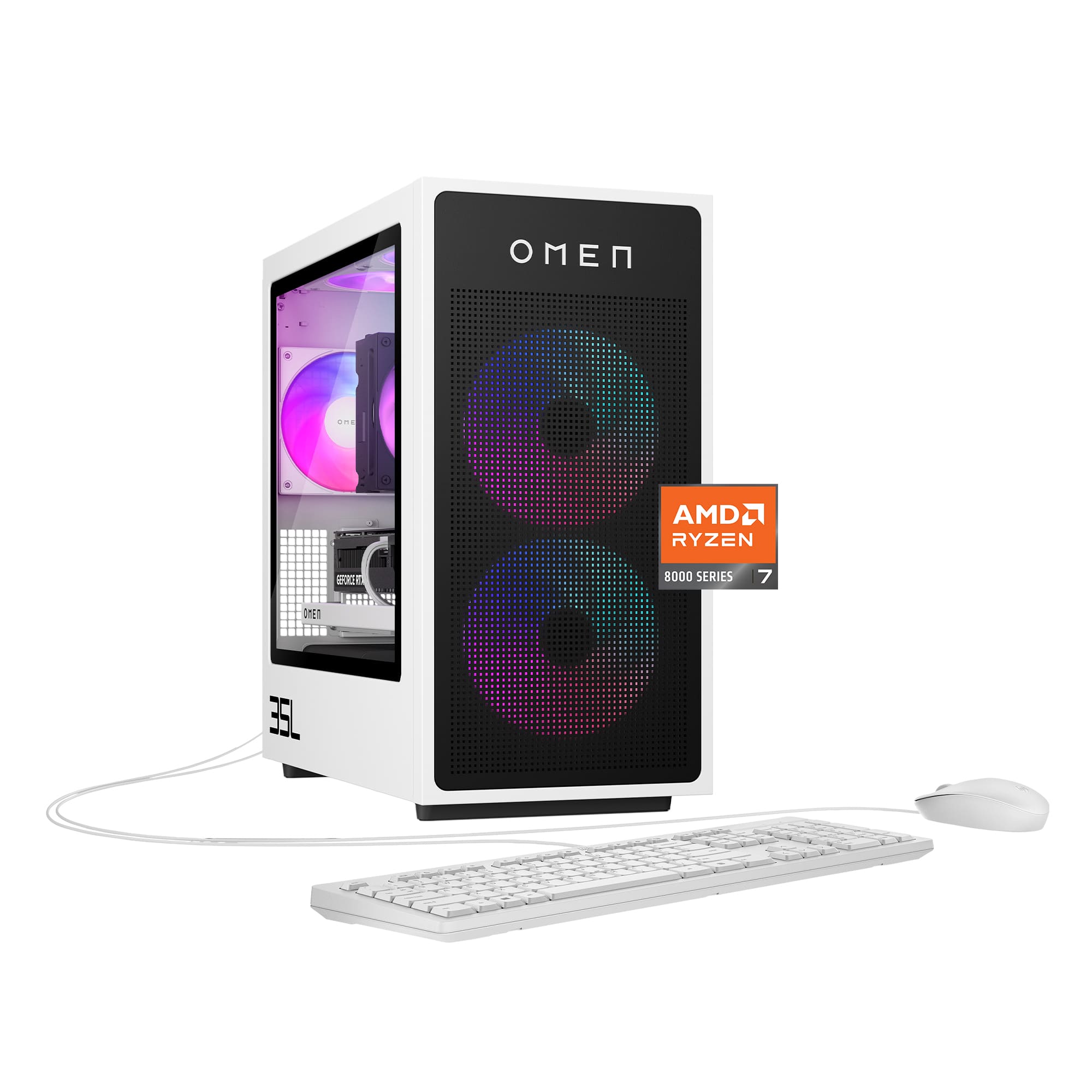
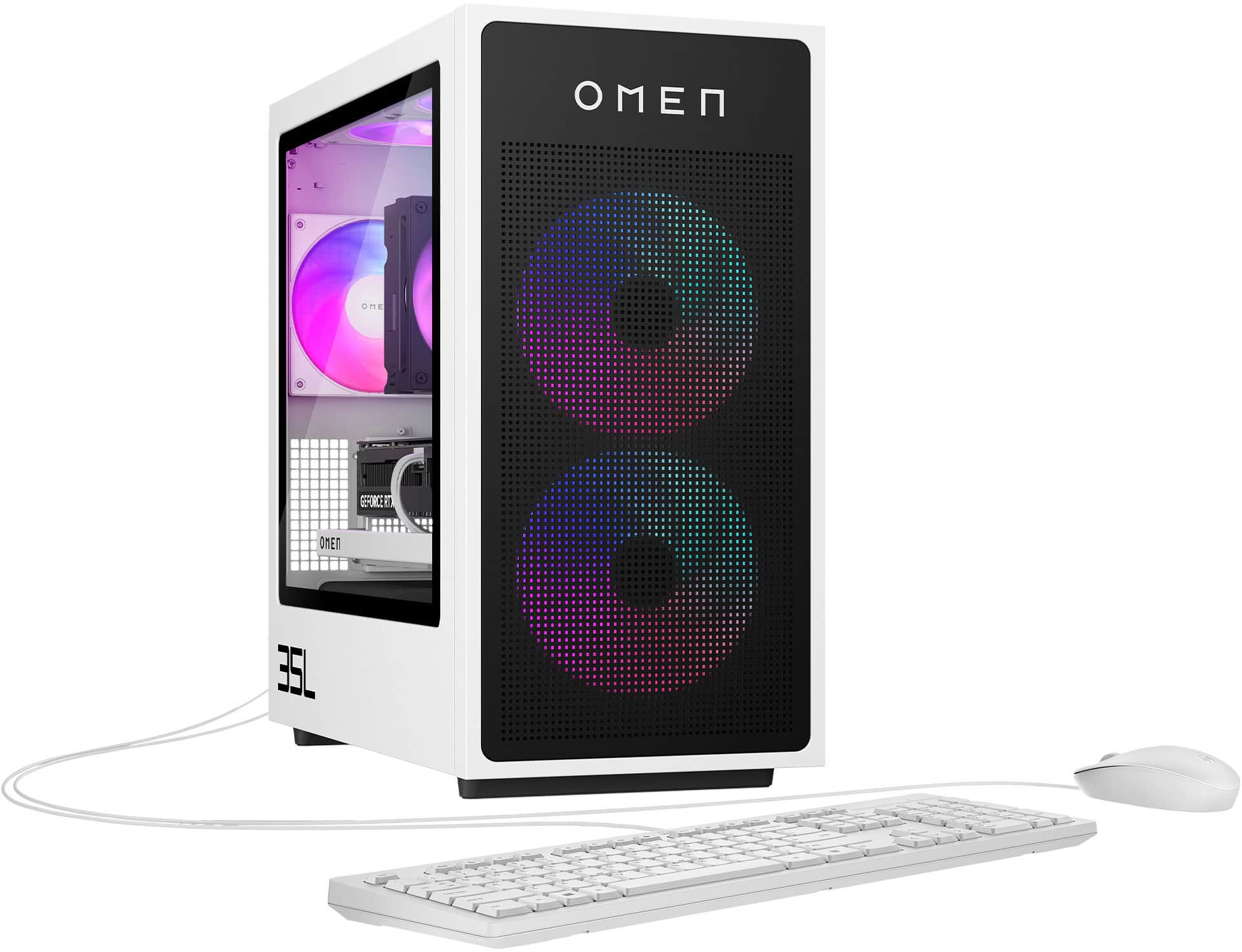
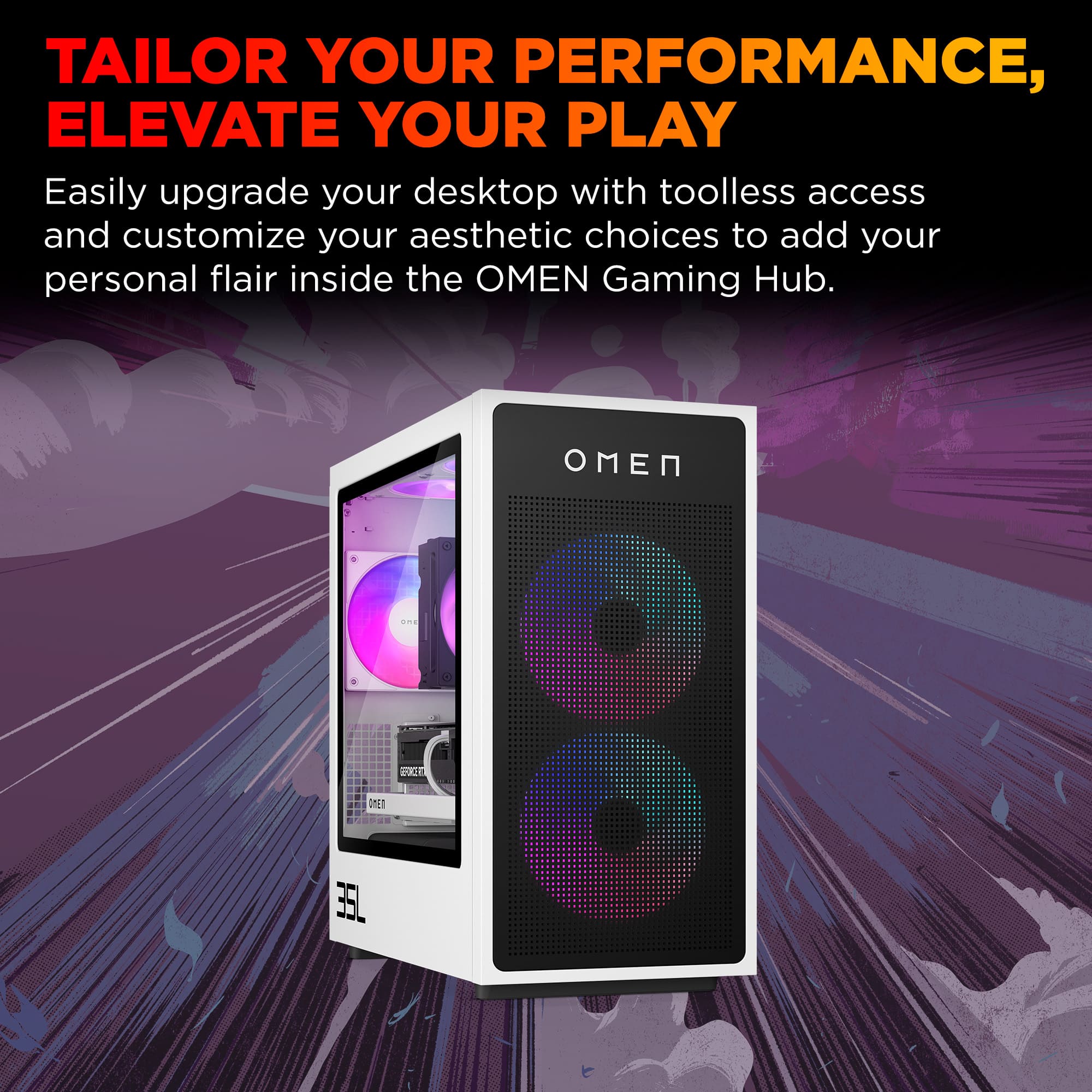
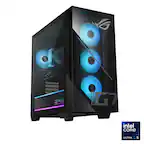
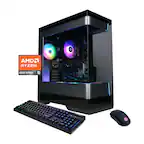
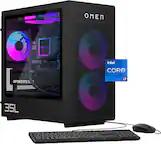
A:AnswerInjust added a 2TB to mine and its directly behind the GPU (covered up). Remove the GPU and you'll see a slight little black case/cover you can unscrew and then you can install. Was super easy.
A:AnswerYes! I purchased a 2Tb WD BLack SSD with heatsink and it fit perectly in the 2nd slot (i added is as an addition and not a replacement to the stock SSD)
A:Answer✅ Short Answer
HP does not use a retail motherboard. The HP OMEN 35L (Ryzen 7 8700F, 2024 model) uses an HP‑proprietary micro‑ATX motherboard, typically labeled:
“HP 8906 / 8907 / 8917” (varies by batch)
These boards are custom OEM designs built specifically for the OMEN 25L/30L/40L/45L/35L series.
✅ What You Actually Get
Even though the exact model number varies, all 2024 OMEN 35L motherboards share the same characteristics:
✅ Chipset: AMD B650‑class OEM
✅ Form Factor: micro‑ATX
✅ Primary M.2 Slot: PCIe 4.0 ×4 (for your NVMe SSD)
✅ Secondary M.2 Slot: PCIe 3.0 ×4 (varies by batch)
✅ RAM: DDR5, dual‑channel, up to 128GB
✅ BIOS: HP‑locked (no overclocking, no EXPO/XMP)
✅ Power connectors: Standard 24‑pin + 8‑pin CPU
✅ Front panel: HP proprietary block connector
✅ Why HP Doesn’t Publish the Exact Model
HP uses multiple OEM board revisions across the same product line. Your OMEN 35L could have:
HP 8906
HP 8907
HP 8917
All functionally identical for performance and compatibility.
✅ How to See the Exact Board in Your Unit
If you want the literal model number for your cockpit:
Windows Search → “System Information” → BaseBoard Product or
CPU‑Z → Mainboard tab
It will show something like:
“8906”, “8907”, “8917”, or “89xx”
This system uses an HP‑designed micro‑ATX motherboard built specifically for the OMEN 35L series. It’s an OEM board based on an AMD B650‑class chipset, with DDR5 support and a PCIe 4.0 ×4 M.2 slot for the NVMe SSD. The exact board number can vary by unit (for example: 8906, 8907, or 8917), but all versions offer the same features and performance.
A:Answer✅ Answer: Yes, it comes with an NVMe M.2 SSD
The HP OMEN 35L (Ryzen 7 8700F, 2024 model) does include an NVMe M.2 drive as the primary storage device.
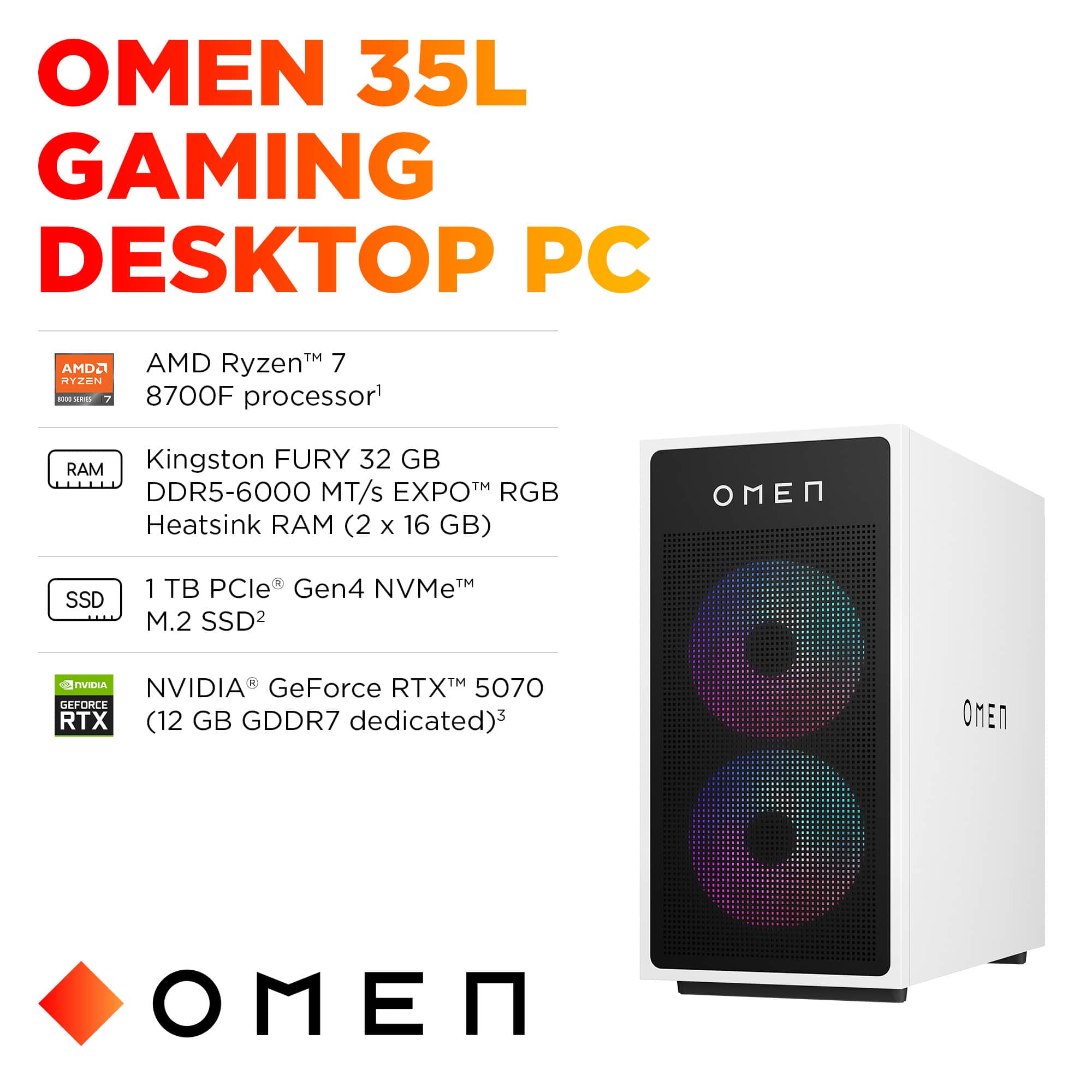
It ships with a 1TB PCIe Gen4 NVMe M.2 SSD
Installed in the motherboard’s primary M.2 slot (PCIe 4.0 ×4)
No SATA drives are included unless added manually
This is the standard configuration for the 2024 OMEN 35L line.
A:AnswerIt depends on the load.
Idle temps should be just a bit higher than the ambient air.
While gaming? Doesn't matter as long as you're not hitting thermal throttling. (~95C)
A:Answer✅ Can a heatsink SSD fit in the second slot?
Yes — but with caution. The second M.2 slot (typically PCIe Gen3 ×4) is located between the CPU cooler and the GPU. That space is tight, but low-profile heatsinks (like those on Samsung 980 Pro or WD Black SN770) do fit.
Tall heatsinks or bulky fin-style coolers may not clear the GPU.
If your GPU is dual-slot and the heatsink is under 5mm tall, you're likely fine.
If you want to be sure, measure the vertical clearance between the motherboard and the GPU backplate — it’s usually around 5–7mm.
✅ Is a heatsink required?
No, it’s not required — but it helps.
The second M.2 slot does not have a built-in heatsink, unlike some premium boards.
NVMe SSDs can throttle under sustained load, especially Gen4 drives.
A heatsink helps maintain performance during long transfers or heavy I/O.
If you're using the second slot for archival storage or light usage, you can skip the heatsink. If you're installing a high-performance Gen4 SSD, a low-profile heatsink is a smart upgrade.
A:AnswerOne of the SSD slots is next to the CPU/Ram slots and the second SSD slot is under the GPU mount point. You will have to remove the GPU to access this second slot.
A:Answer"Can this play BF 6 out of the box?"
Check the spec page on steam :shrug:
" Is secured boot enabled out of the box?"
Yes... it comes with Windows 11 and that *requires* secure boot.
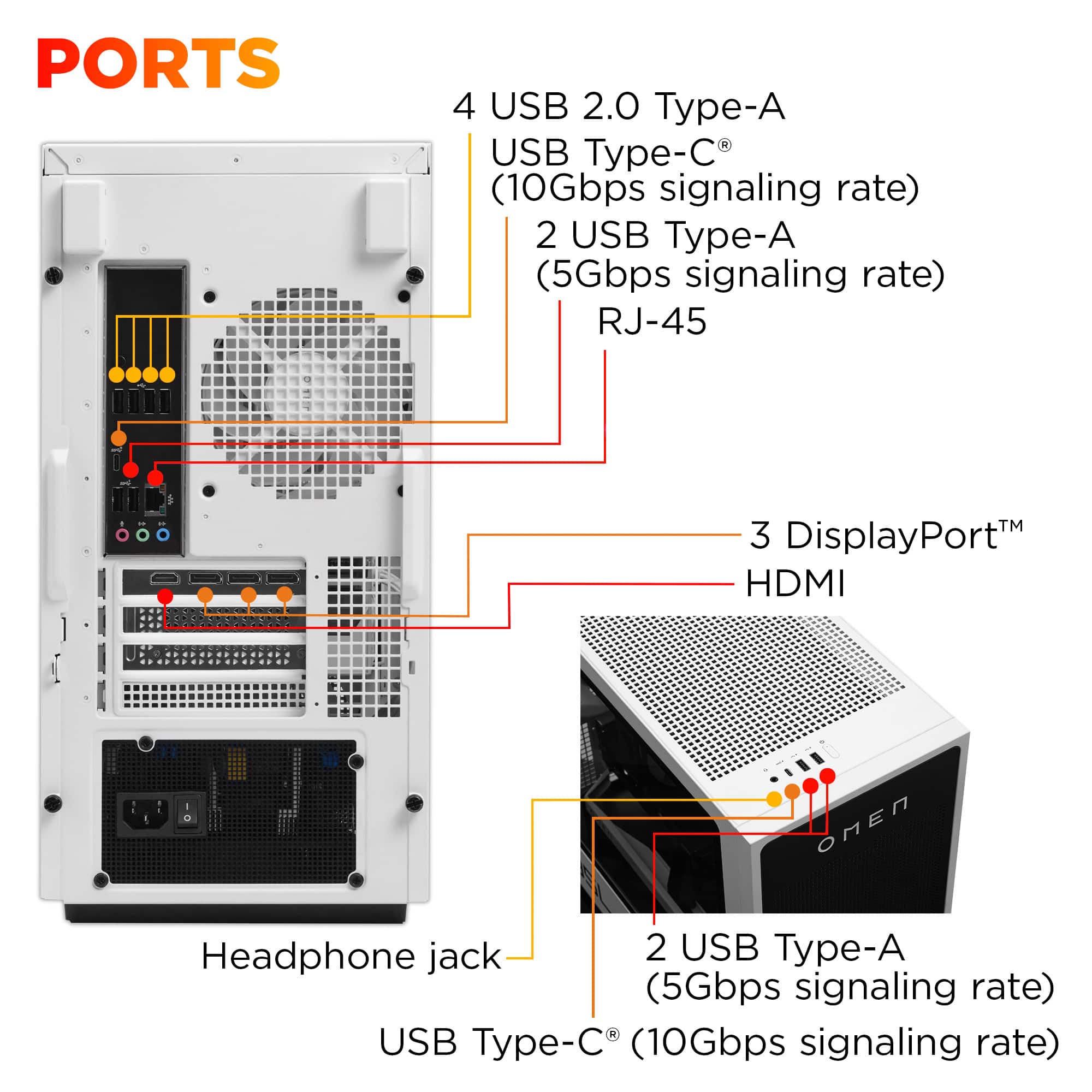
A:AnswerIt has a 1 Gig RJ-45 Ethernet port option or you can connect to WiFi using the pre-installed WiFi 6 internal motherboard adapter to connect to WiFi.