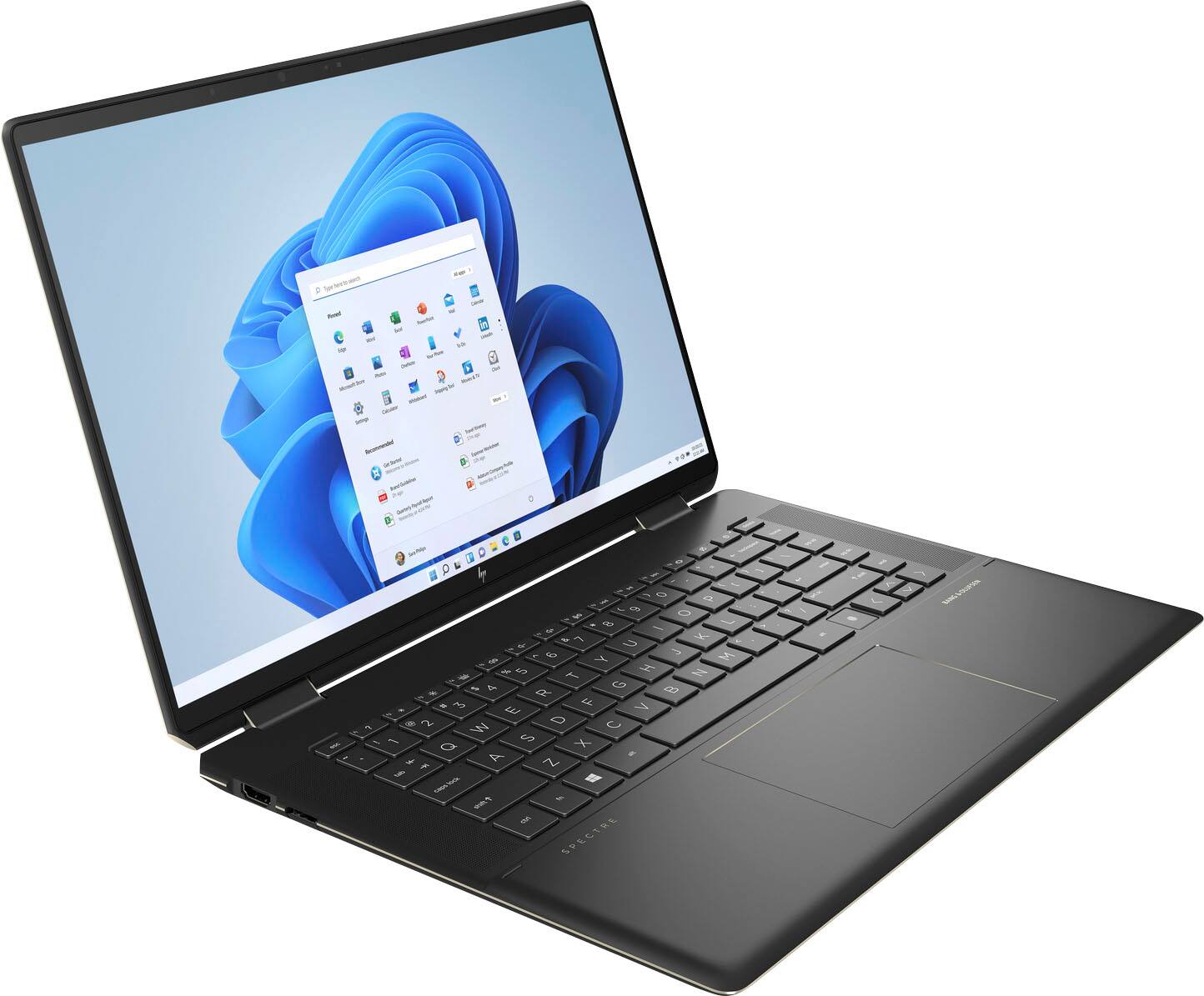
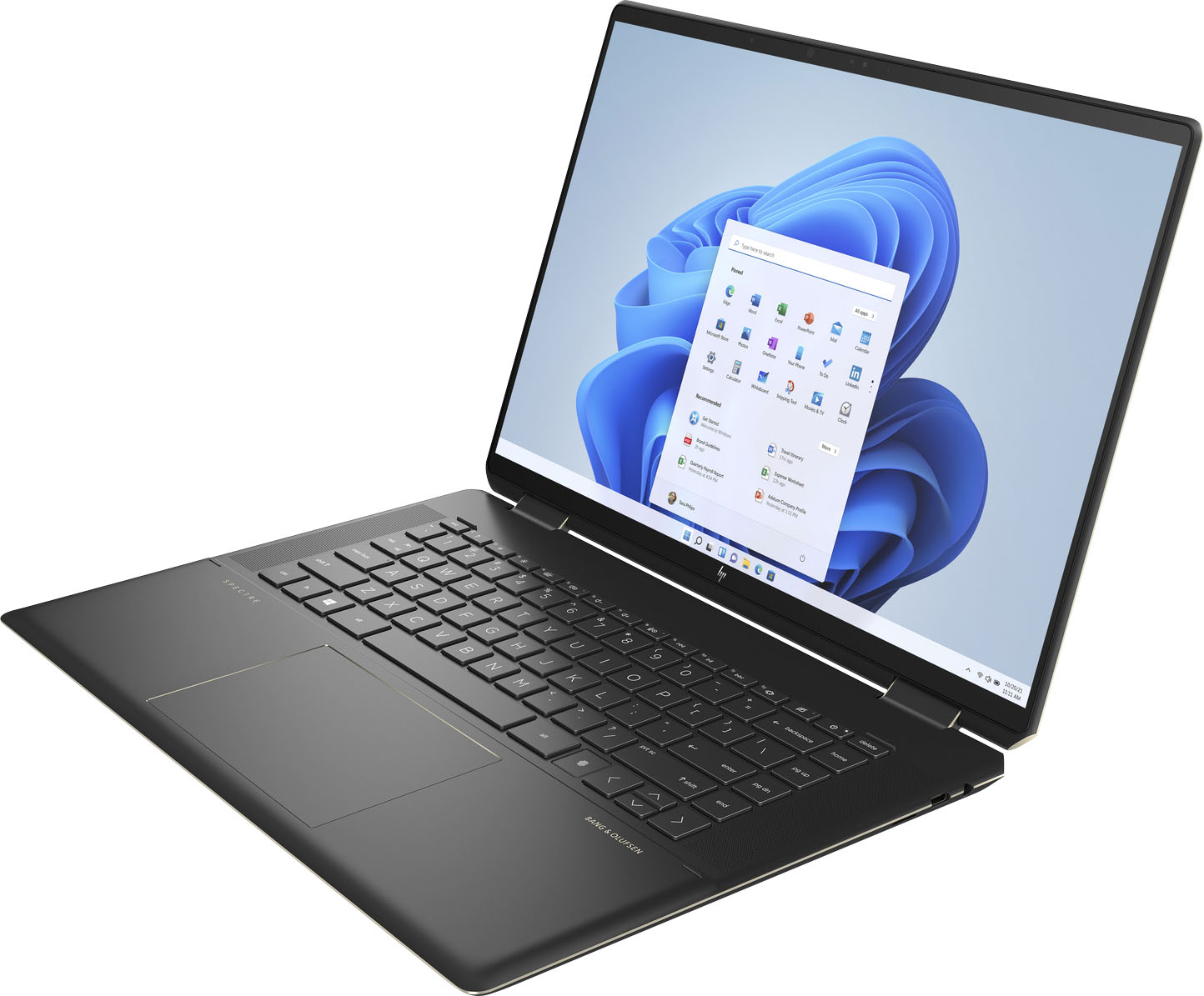
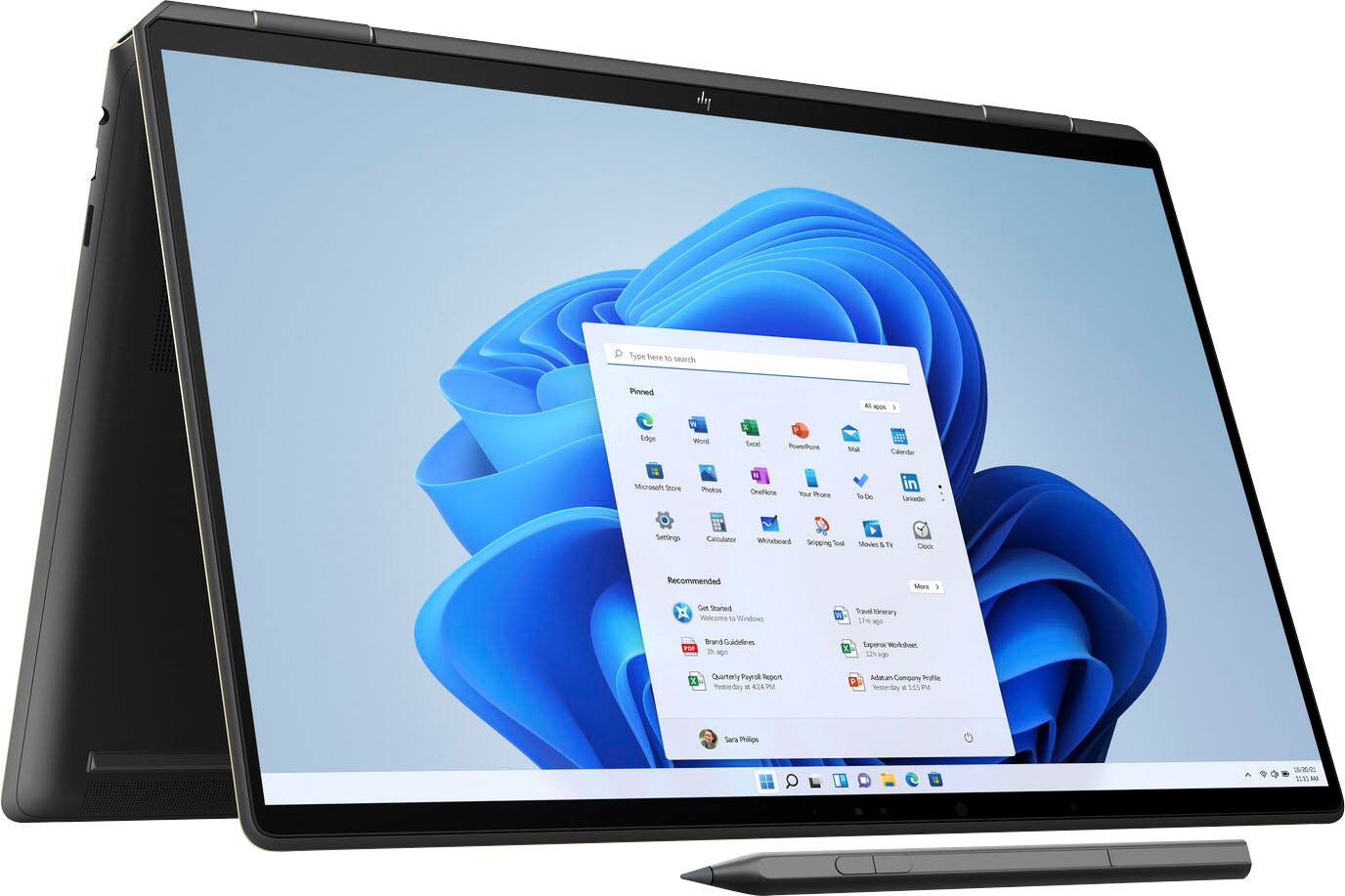
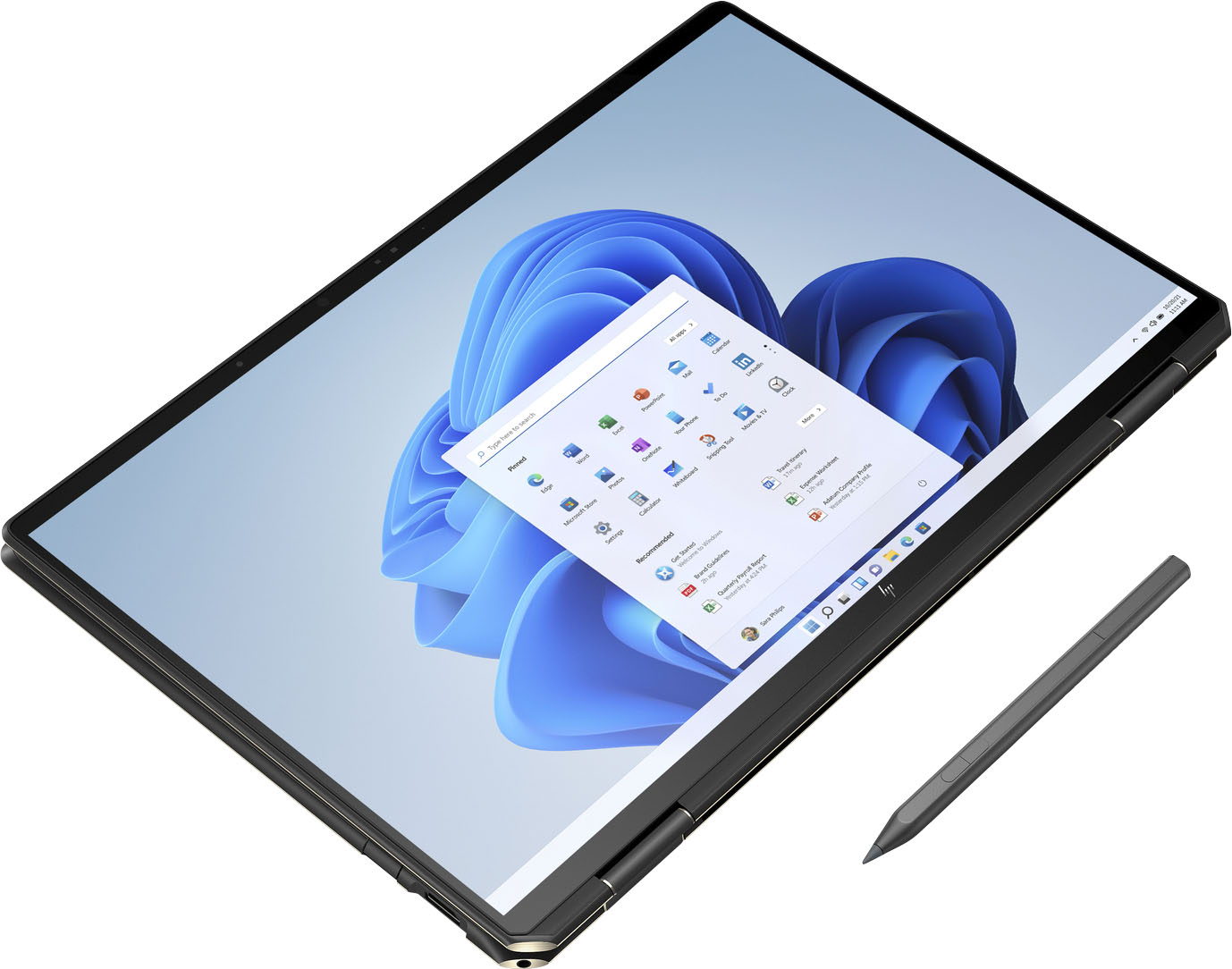
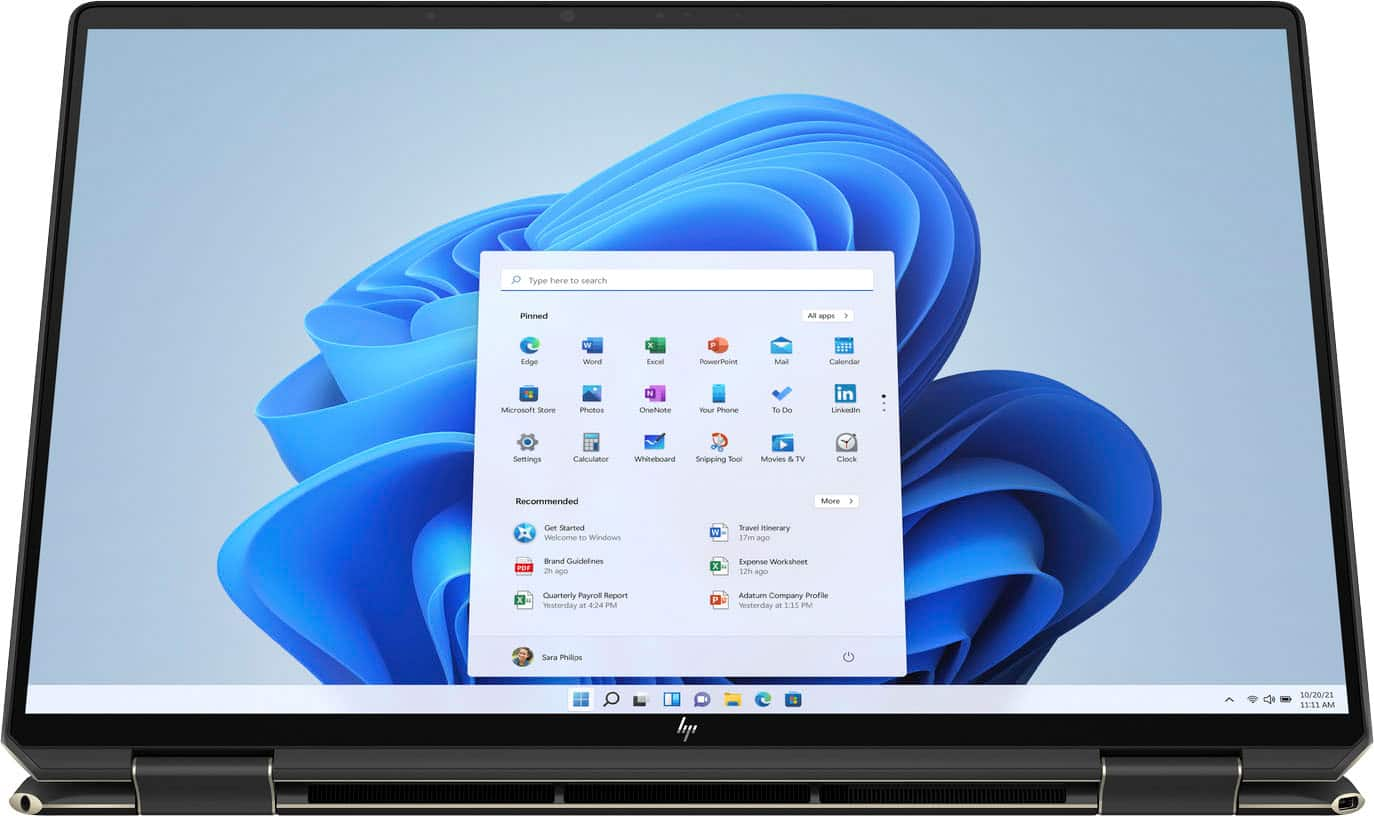
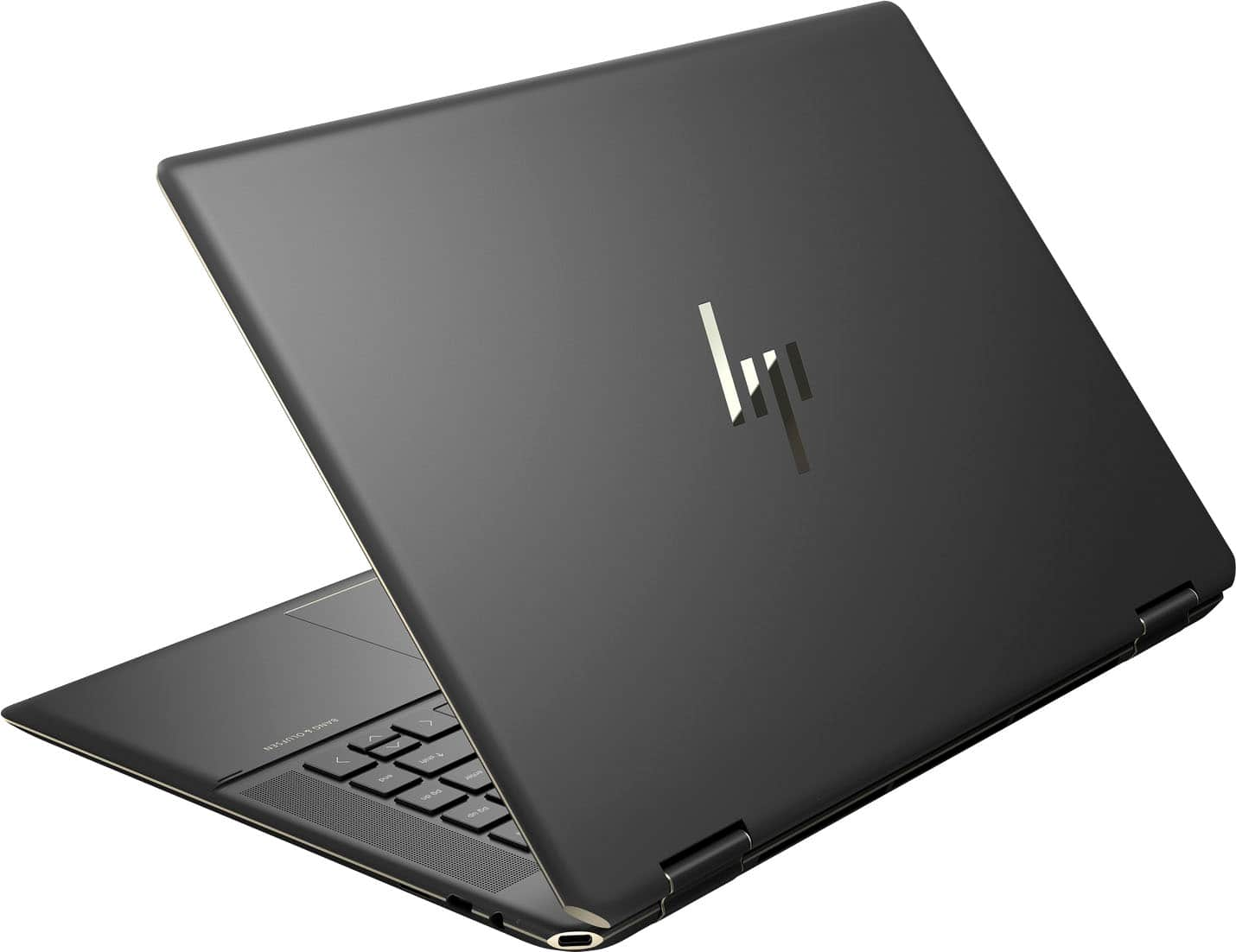
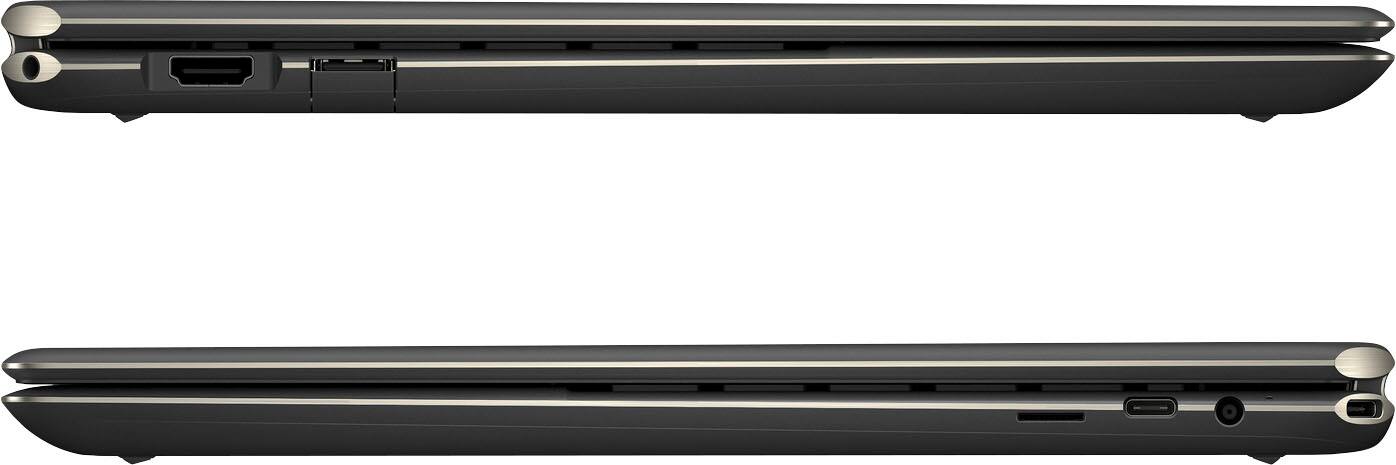
A:AnswerDon't believe HP's response. The OLED screen sucks the battery power. At 50% brightness you'll get about 4 hours of continuous use. That's the truth HP, so quit misleading potential customers!
A:AnswerI just called Best Buy at the number that was provided from HP and the Best Buy rep told me that their system says "waiting on vender to ship". So we have HP saying call Best Buy and Best Buy saying call HP. I think I'll just go Lenovo or Dell at this point...
A:AnswerThis (x360 16" w/ 3050) has a power limit of 40W on the GPU and 35W for the CPU. The Nvidia control panel info shows this is a MaxQ enabled device, 40W power limit, Advanced Optimus - NO. There's no 'mux switch' to turn off the iGPU. Also it doesn't support Gsync for external monitors using displayport via the USBC port.
A:AnswerYes-they both are, because they reference two different things. The amount of RAM in the computer is 16 gigabytes. The 32 gigabytes is the Optane cache on the motherboard. Because instructions that were recently used by programs are likely to be used again, the system puts a copy of those instructions into the cache. That can be accessed much faster than going back to the SSD to get them again, so it improves the overall computer speeds.
A:AnswerFOLLOW-UP #1:
According to the HP website - the 512GB storage option is ALSO a "TLC" Solid State Drive (SSD)
"HP Spectre x360 2-in-1 Laptop 16-f0007TX Product Specifications"
https://support.hp.com/us-en/document/c07901756#AbT0
~
A:AnswerThank you for the question. The HP U28 4K HDR monitor might be a great solution. It's 3840 x 2160, with a viewing angle of 178° and a swivel of ±35° when used with the supplied adjustable stand. It is VESA mountable, so you'd want a VESA compatible stand. See the monitor here: https://www.bestbuy.com/site/hp-28-ips-led-4k-uhd-monitor-with-hdr-hdmi-displayport-silver-black/6440343.p?skuId=6440343 and an example of a desk-mounted stand here: https://www.bestbuy.com/site/mount-it-full-motion-dual-monitor-desk-mount-with-gas-spring-arms-black/6348879.p?skuId=6348879
A:AnswerThe display has a 100% DCI-P3 color gamut. It's not directly translatable to Adobe rgb, but it's similar, and it the standard color gamut used to color correct motion pictures.
A:AnswerHello, the 11th Generation Intel processor and the OLED display are both current and should last you sufficiently throughout your college years. Thank you for being an HP customer!
A:AnswerHello, Robert! That's a great question! I can confirm that the HP Spectre 2-in-1 16"(16-f0023dx) does not have the ability to restrict the battery charge level. It does have the Adaptive Battery Optimizer which comes enabled automatically in the BIOS. Battery life will vary depending on various factors including model, configuration, loaded applications, features, use, wireless functionality, and power management settings. The maximum capacity of the battery will naturally decrease with time and usage. Thank you for your question!
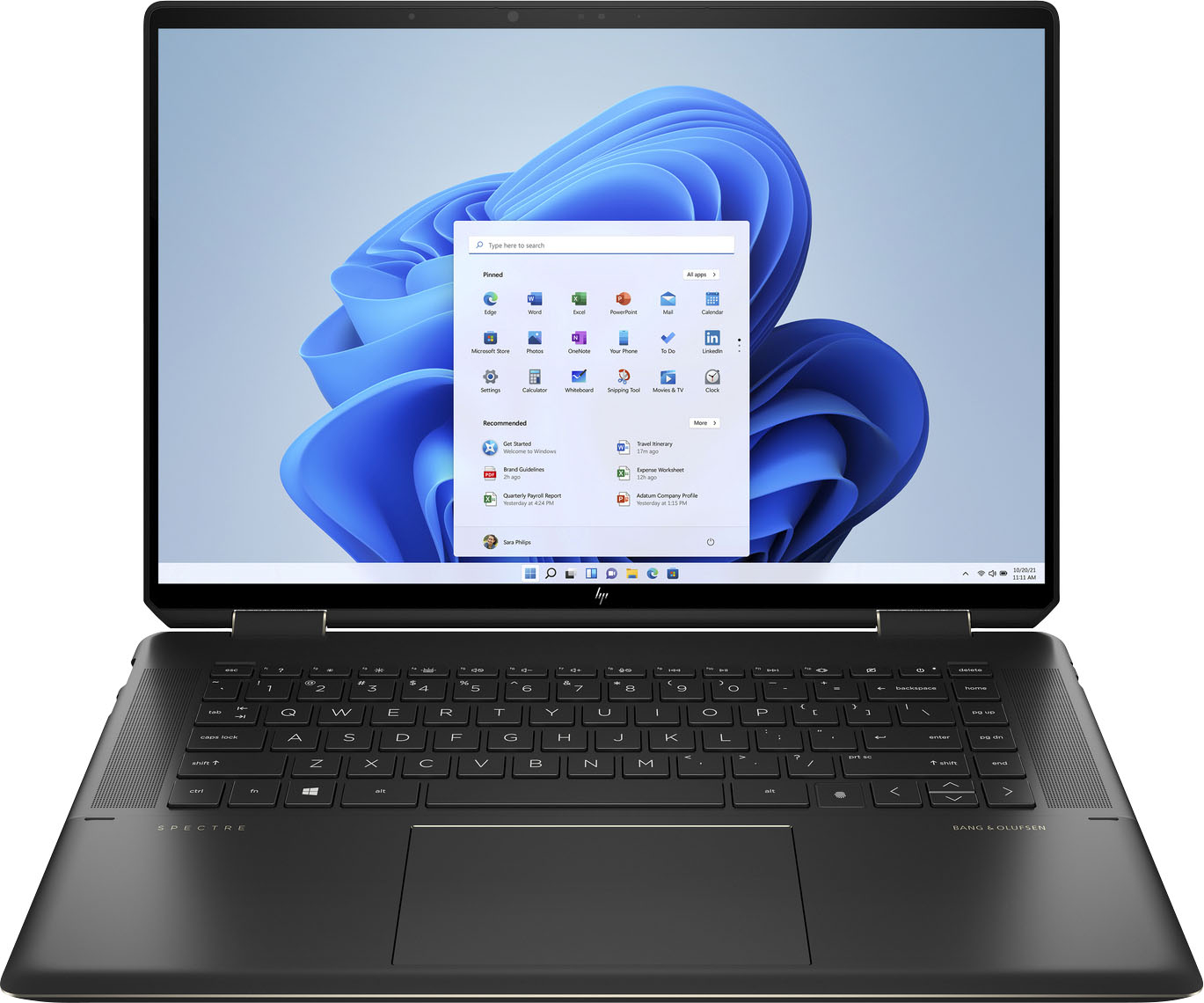
A:AnswerNo, it's a new computer, so it won't be an "open box" item. The rubber strips shouldn't come off in normal use, but they should be pretty easy to stick back on if they do.
A:AnswerHello. Thanks for your question. The other 16 inch HP Spectre x360 laptop option available at Best Buy at this time is a Nocturne Blue model, SKU: 6480377.