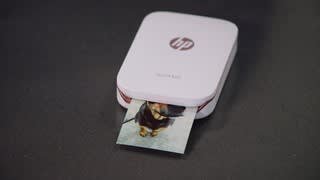
Questions & Answers
- Model:
- X7N08A
- |
- SKU:
- 5622677
Q: QuestionHello does this work with samsung s9 series???
Asked by Kel.
- A:Answer I have a Samsung J7 and with the app works fine
Answered by Susie
Q: QuestionCan I just use regular plain paper if I run out of the photo paper?
Asked by Fiona.
This question was asked about the related product: HP - Sprocket Photo Printer - White
- A:Answer No you have to buy the paper as the printing elements are on it, there is no ink/cartridge so plain paper won’t work.
Answered by MOMG
Q: QuestionWhat phones is this compatible with and how much are the Ink cartridges
Asked by Alyoop.
This question was asked about the related product: HP - Sprocket Photo Printer - White
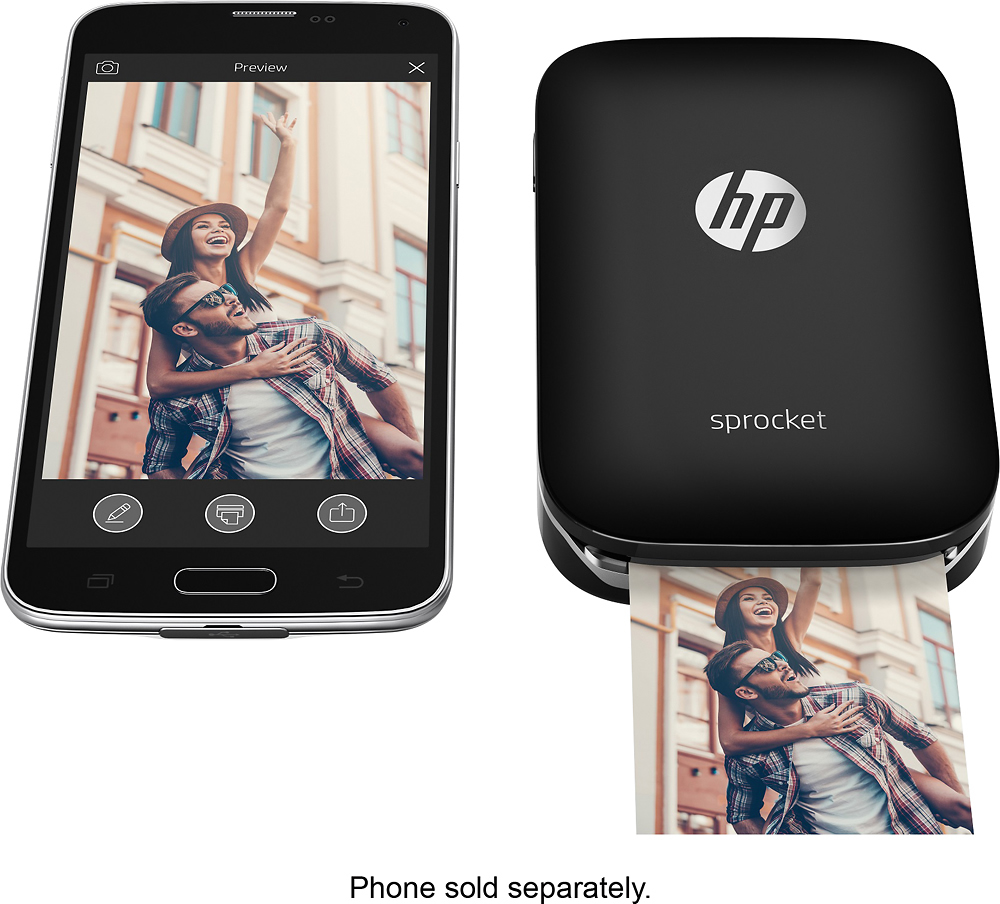
- A:Answer Anything that is bluetooth capable, can be linked to the device. It does not use ink. You purchase a pack of print paper that has the ink built in each sheet. Those can be found at Bestbuy as well. No ink needed. Just the print sheets.
Answered by queenv214
Q: QuestionAccording to this site, it has a rechargeable battery, but no other site says that, not even the HP site. I can't find a battery compartment on it. Anybody else have this issue?
Asked by Leanne.
This question was asked about the related product: HP - Sprocket Photo Printer - White
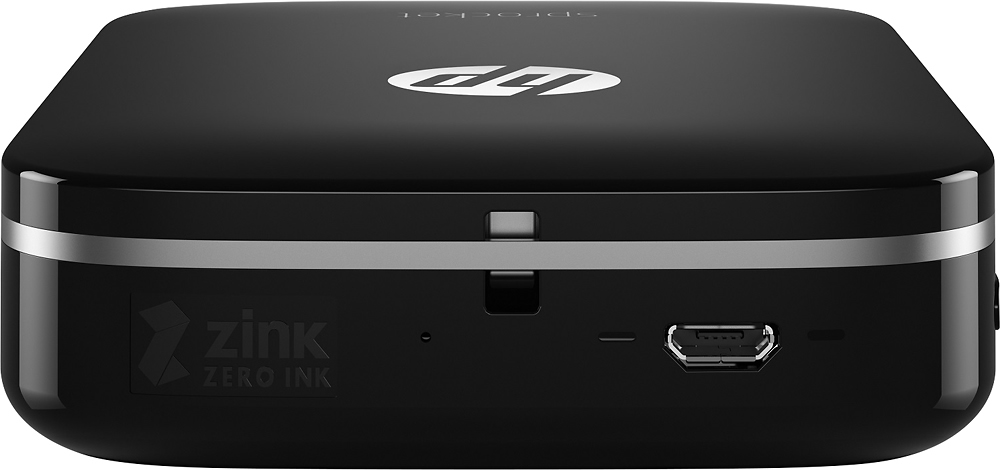
- A:Answer Yes it has a built in. rechargeable battery. It comes with a USB cable that plugs into the side of the device and can be connected to a computer or other device with a USB port for charging.
Answered by Johnh
Q: QuestionHow many devices can connect to it via Bluetooth? Could it be used at a wedding to collect photos from various phones?
Asked by Angiew.
This question was asked about the related product: HP - Sprocket Photo Printer - White
- A:Answer As long as the device has the app you can connect it. We used it for a selfie spot (photo booth) and it was a big hit. We had multiple users/devices.
Answered by Davis
Q: QuestionDoes it work with iPhones 5
Asked by Anonymous.
This question was asked about the related product: HP - Sprocket Photo Printer - White
- A:Answer It works with iphone as well you just bluetooth n download the app
Answered by Snickers
Q: QuestionDoes it work with Samsung 6?
Asked by Lyn.
This question was asked about the related product: HP - Sprocket Photo Printer - White
- A:Answer Yes as long as you have bluetooth on as well as downloaded the app your good.
Answered by candle619
Q: QuestionHow is the quality of the print?
Asked by Anonymous.
This question was asked about the related product: HP - Sprocket Photo Printer - White
- A:Answer The quality is amazing! I find it does give a hint of a red tone on skin tone depending on the lighting in the picture. I've found instagram filters help with that such as Gingham & Valencia.
Answered by Crazyjennjenn
Q: Questioncan it connect to computer
Asked by Anonymous.
- A:Answer Yes...if any computer have bluetooth connection.
Answered by Mahin
Q: Questionwhat size are the prints, and are the prints in color, and how much paper can be stored, and does it work with note10+?
Asked by GeorgeV.
This question was asked about the related product: HP - Sprocket Photo Printer - White
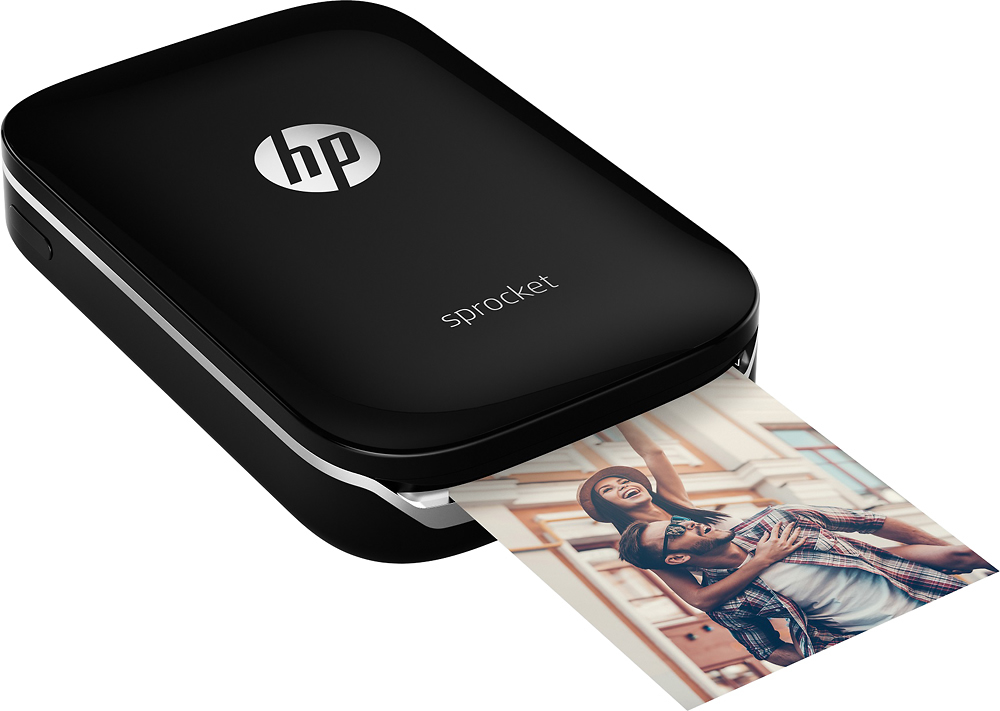
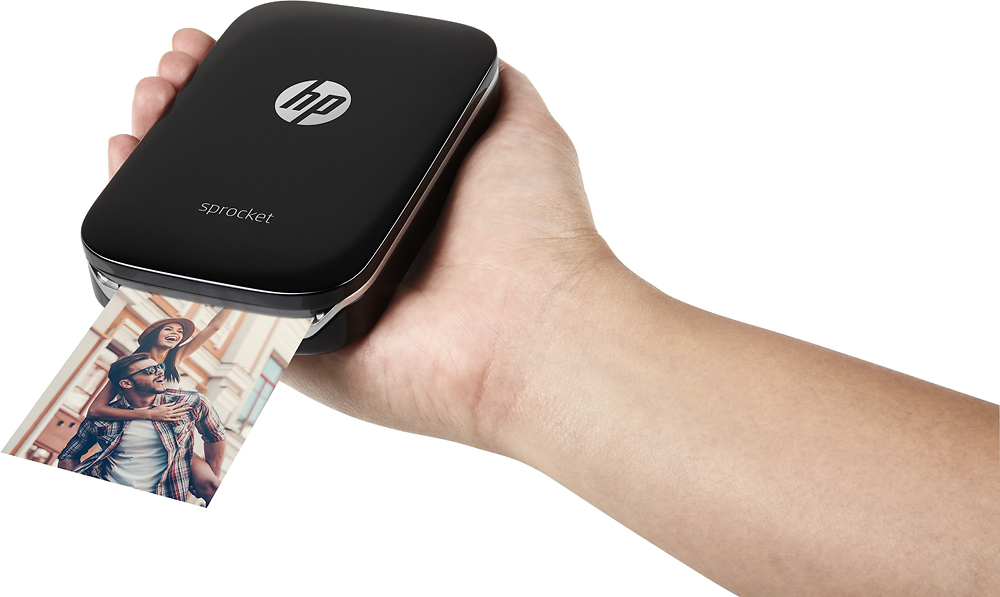
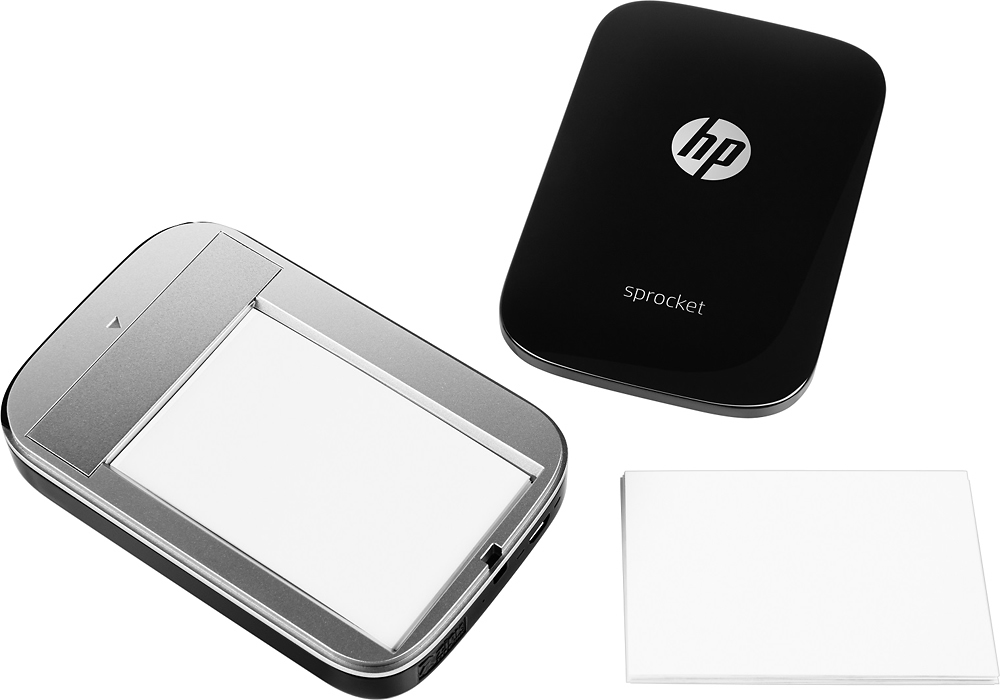
- A:Answer It has 2x3 sticker paper. It prints color photos & holds 10 papers at a time.
Answered by Picklepunkin
Q: Questionhow large are the photos?
Asked by 15t310.
This question was asked about the related product: HP - Sprocket Photo Printer - White
- A:Answer The photos are 2" x 3" and can be tiled to create larger photos as well.
Answered by HP Team

Q: QuestionIs there a setting to create a border around a print? Is there a matte paper available for this little printer?
Asked by Beverly47.
- A:Answer There is only one finish available, but it is matte. You can apply filters, stickers, borders and more using the HP Sprocket app before printing your custom images.
Answered by HP Team

Q: QuestionCan you print screenshots?
Asked by Beeker.
- A:Answer Yes, you can print any photo file on your Smartphone.
Answered by HP Team

Q: QuestionWill it print on any photo paper that is not sticky?
Asked by Lauren.
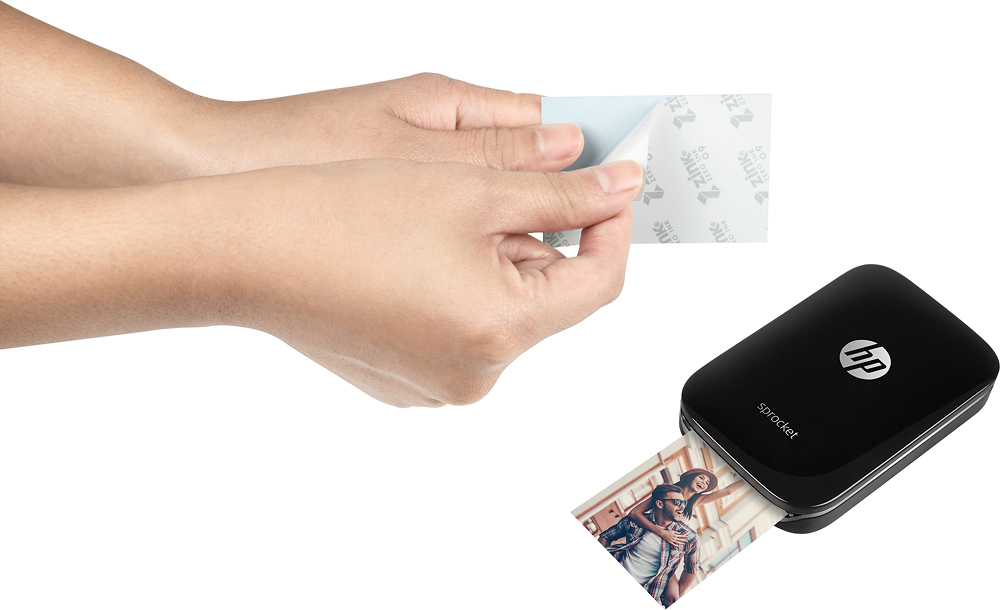
- A:Answer Unfortunately no, the HP Sprocket is designed to use the HP ZINK (Zero-Ink) sticky back paper. You do not have to peel the back off, if you do not want to!
Answered by HP Team

Q: QuestionWhen it runs out of ink do you just throw it away? About how many photos can you print before it runs out of ink? Are there paper options that would print it to look like a vintage or film photo?
Asked by Helen.
This question was asked about the related product: HP - Sprocket Photo Printer - Red
- A:Answer The Sprocket is rechargeable through a Micro USB, connects to your phone through Bluetooth, and requires Zink / HP photo paper to work. That means you don't need ink because Zink's proprietary printing technology puts crystals on every sheet that show up as specific colors when they're heated up. If the photos were taken in a vintage setting or style they would print that way.
Answered by RNTexas
Q: QuestionHow does the picture quality compare to normal prints?
Asked by Quality.
- A:Answer The photos are small (2" x 3") but the quality is equal to that from other photo printers.
Answered by HP Team

Q: QuestionHi, Is it compatible with Iphone 8 plus? Box indicates 7 and below. Thanks
Asked by Smiley.
This question was asked about the related product: HP - Sprocket Photo Printer - White
- A:Answer Yes, it is compatible. You only need the HP Sprocket App.
Answered by HP Team

Q: QuestionDo you have to have Wy fi
Asked by Amber.
This question was asked about the related product: HP - Sprocket Photo Printer - White
- A:Answer No it's a Bluetooth connection. It's simple and easy to use.
Answered by Anonymous
Q: QuestionDo I need to buy ink for it ?
Asked by Brianna.
This question was asked about the related product: HP - Sprocket Photo Printer - White
- A:Answer No, The photo paper is already coated with ink
Answered by Anupam
Q: QuestionDoes this printer work with Android and LG smartphones?
Asked by Diggy.
This question was asked about the related product: HP - Sprocket Photo Printer - Red
- A:Answer Prints through the HP Sprocket App with Bluetooth technology.
Answered by RNTexas
Top Rated
- $249.99$249.99The price was $379.99
- $99.99$99.99The price was $129.99
- $299.00$299.00The price was $349.00
- $149.99$149.99The price was $199.99
- $1,099.99$1,099.99The price was $1,299.99