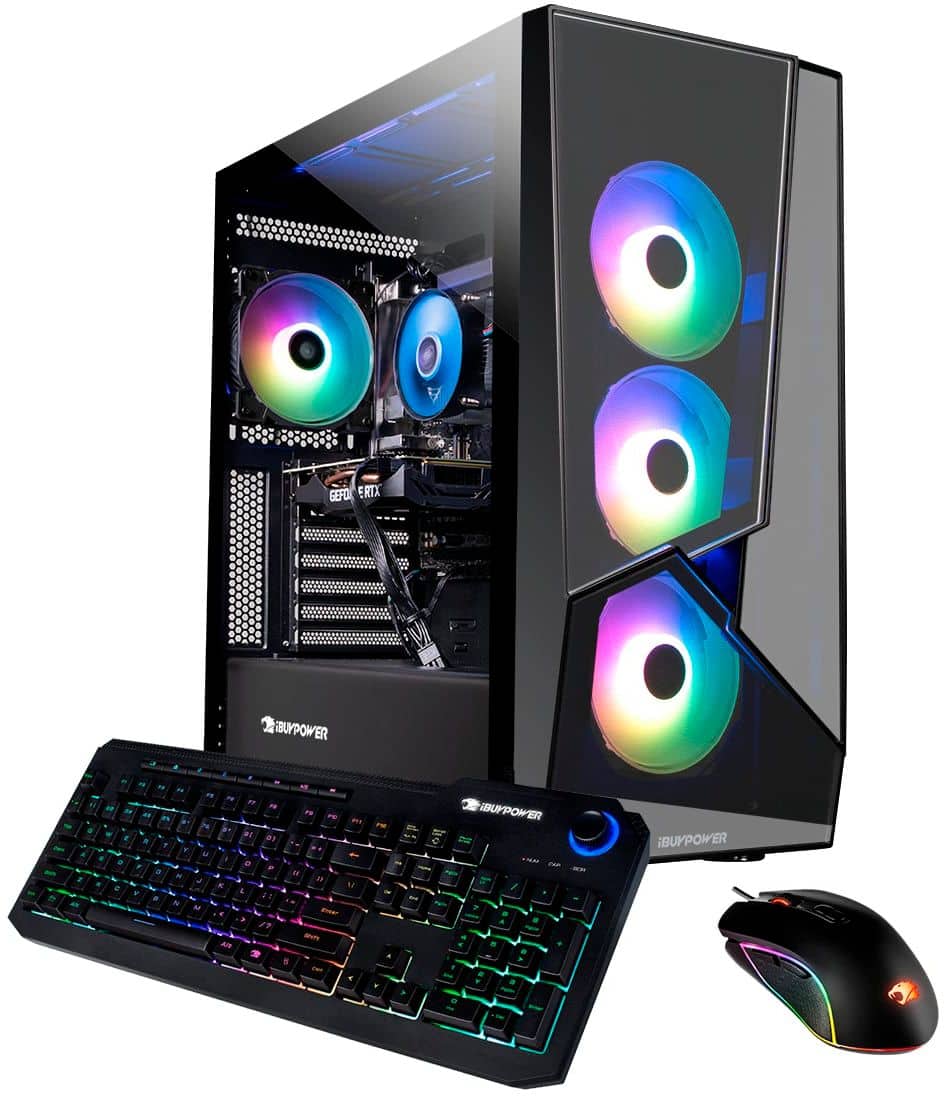
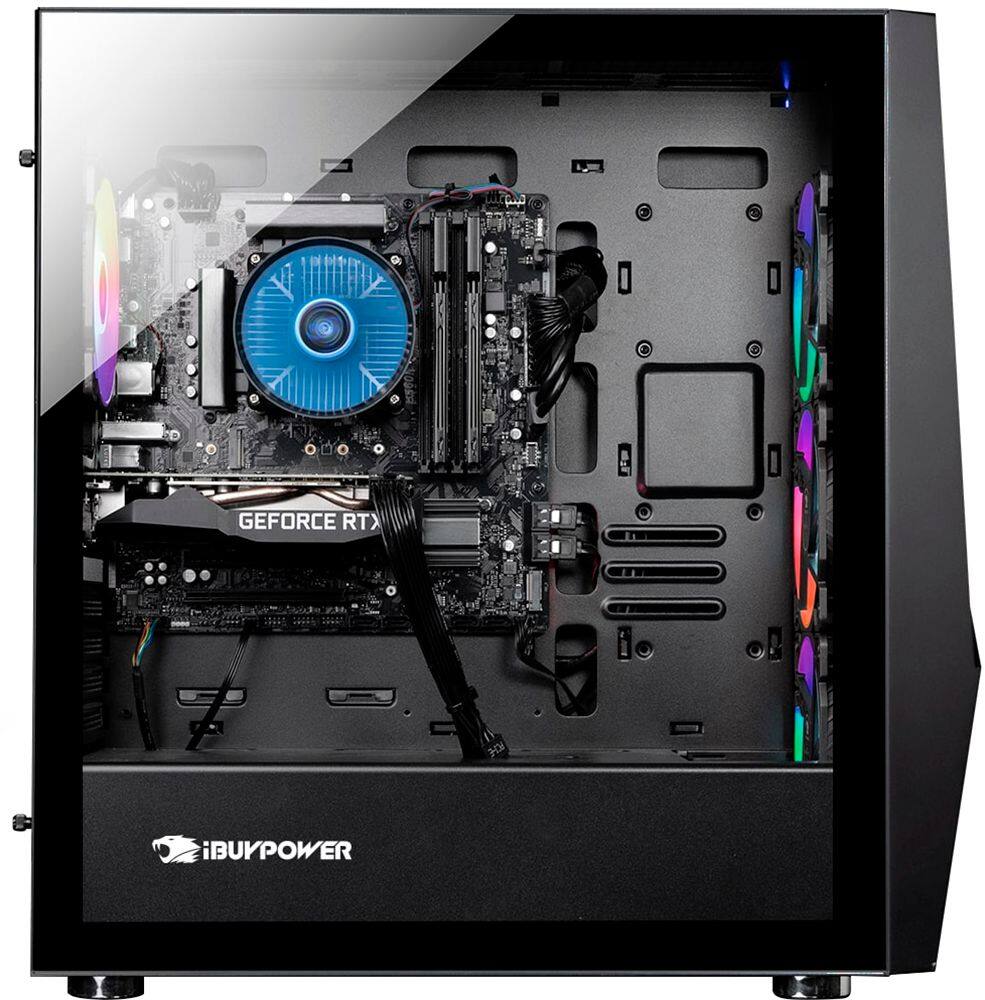
A:AnswerFirst make sure that your HDMI cord is plugged into the video card at the bottom of the PC. Check to see if the HDMI cord doesn't isn't damaged or have a shortage before you return it. It may just be something minor. Make sure you update the drivers to your video card when you connect it to the internet.
A:AnswerHello,
This depends on what motherboard model your system comes with. You can refer to the manual that can be found online once you determine your model.
A:AnswerHello,
There is not necessarily a max screen quality this PC can support, but the higher resolution you go, the harder it will be for the PC to output the graphics.