A:AnswerI recommend switching to an fan only setup. I had the same exact issue, less than one month after purchase of the i7 12700kf/3080 pre built. I highly recommend “Noctua UA12” setup. Fixed the problem and is very very quiet. Trust me. Hope this helps.
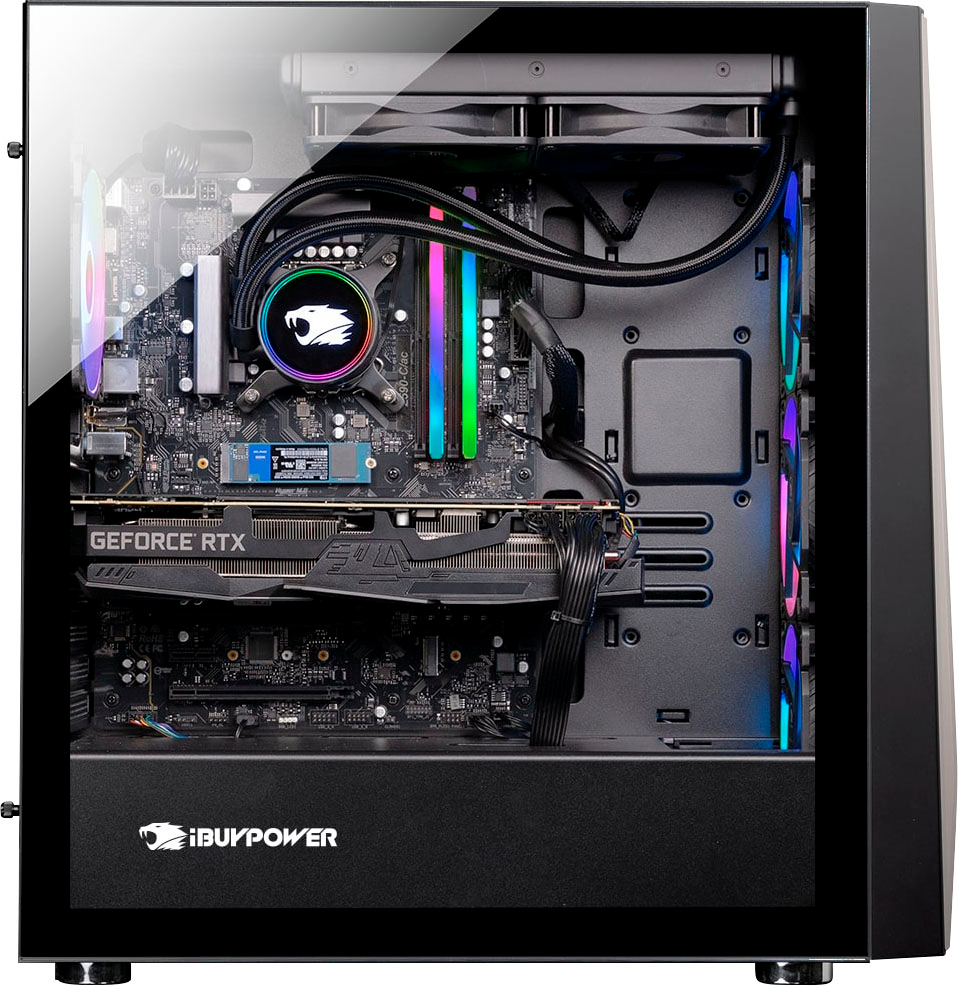
A:AnswerYes, but they use a literal $25 Chinese liquid Cooling setup. It fails within 3 months for 90% of recent buyers. That’s the ONLY thing you MUST upgrade if you buy this. Trust me. It seems to be an issue for the last 2-3 months. Must be a supply chain issue where they have to use cheap alternatives for liquid cooling. I recommend getting a “Noctua U12A” fan setup. It’s very very quiet and the temps stay super cold. Trust me. Hope this helps. I recommend waiting for it to go on sale for $1499 like it usually does and using the extra cash for a new cooling setup.
A:AnswerAbsolutely. In fact it runs Microsoft Flight sim on basically maxed out graphics with no issues. Only thing got need to be aware of is the AIO pump failing which is 90% fail rate within 1-3 months. Upgrade that for a high end $150 or so liquid setup or go fan only for $120. That’s really the only weak link in this setup. I recommend “Noctua U12A” for $120 if you go fan only. Works amazingly for the 3080. And is VERY VERY quiet.
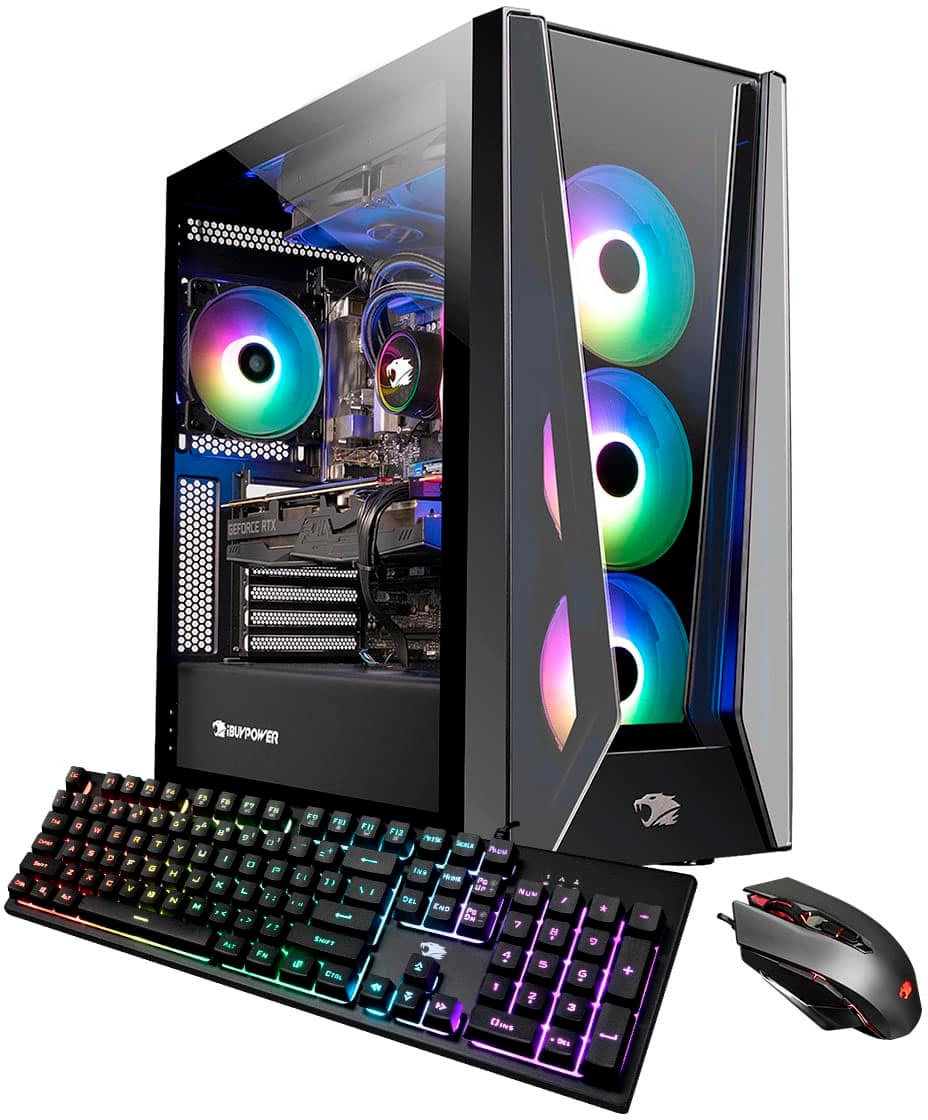
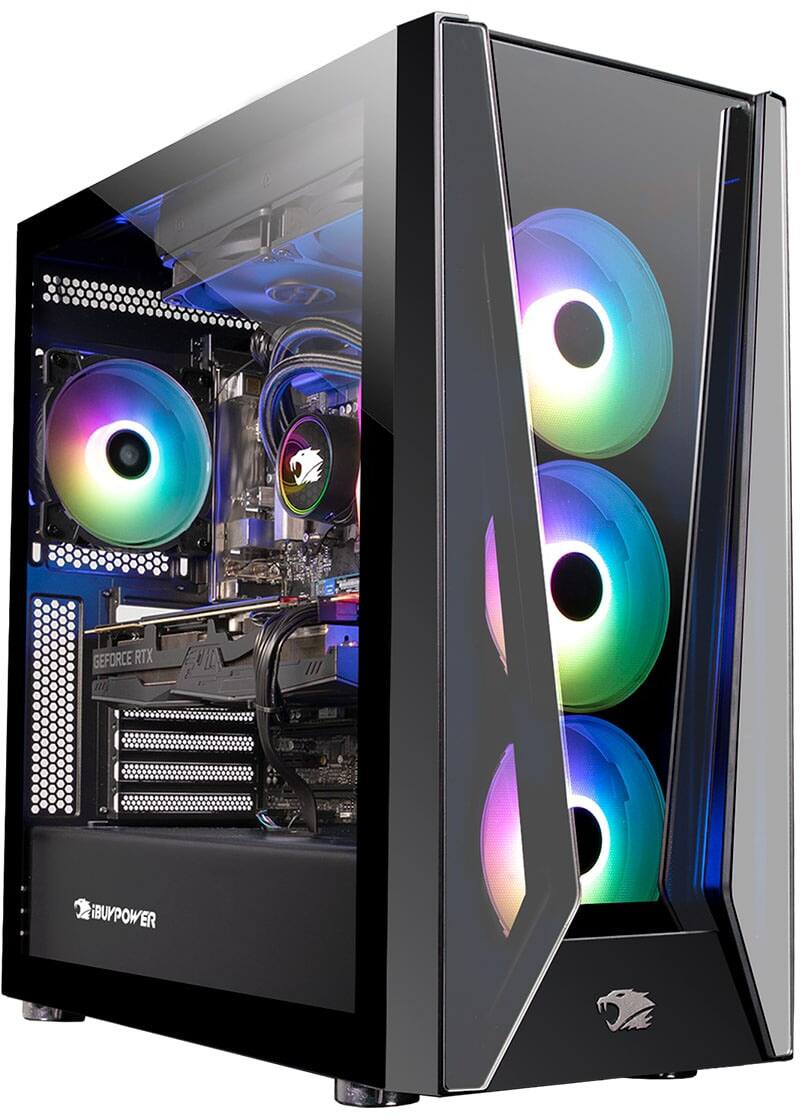
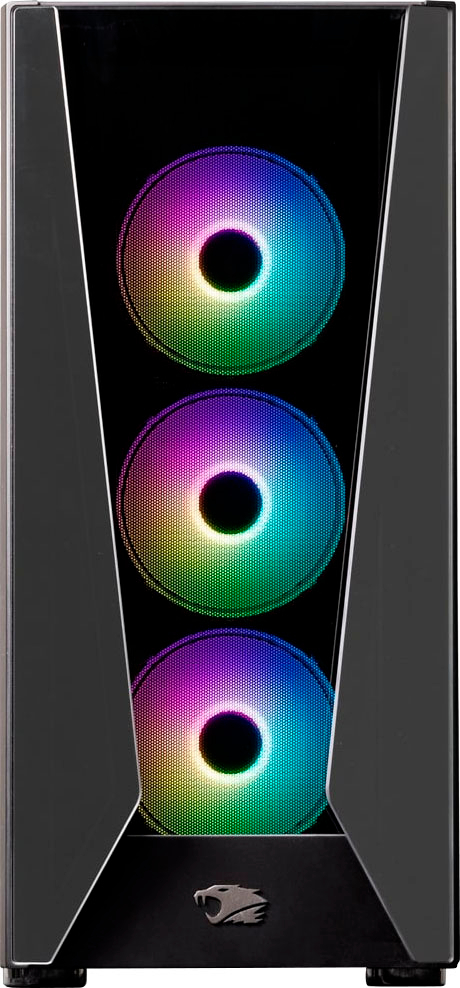
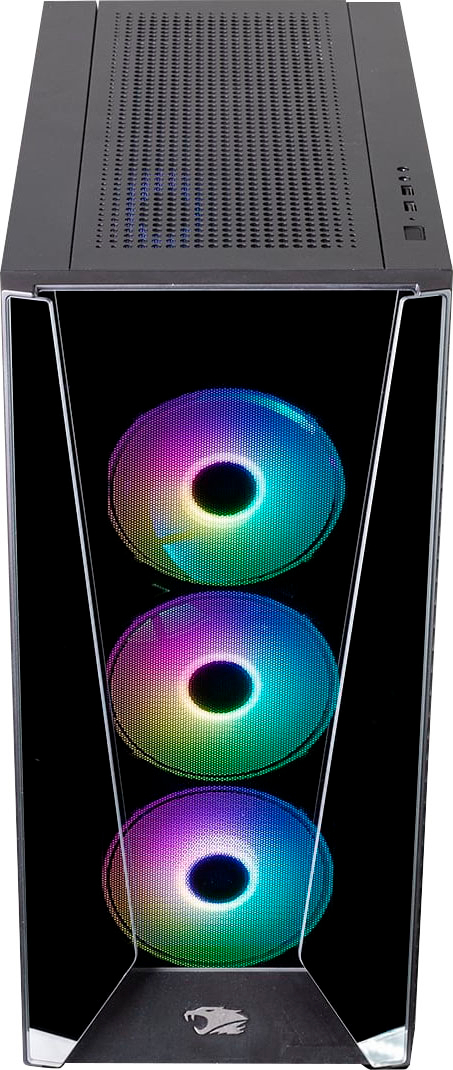
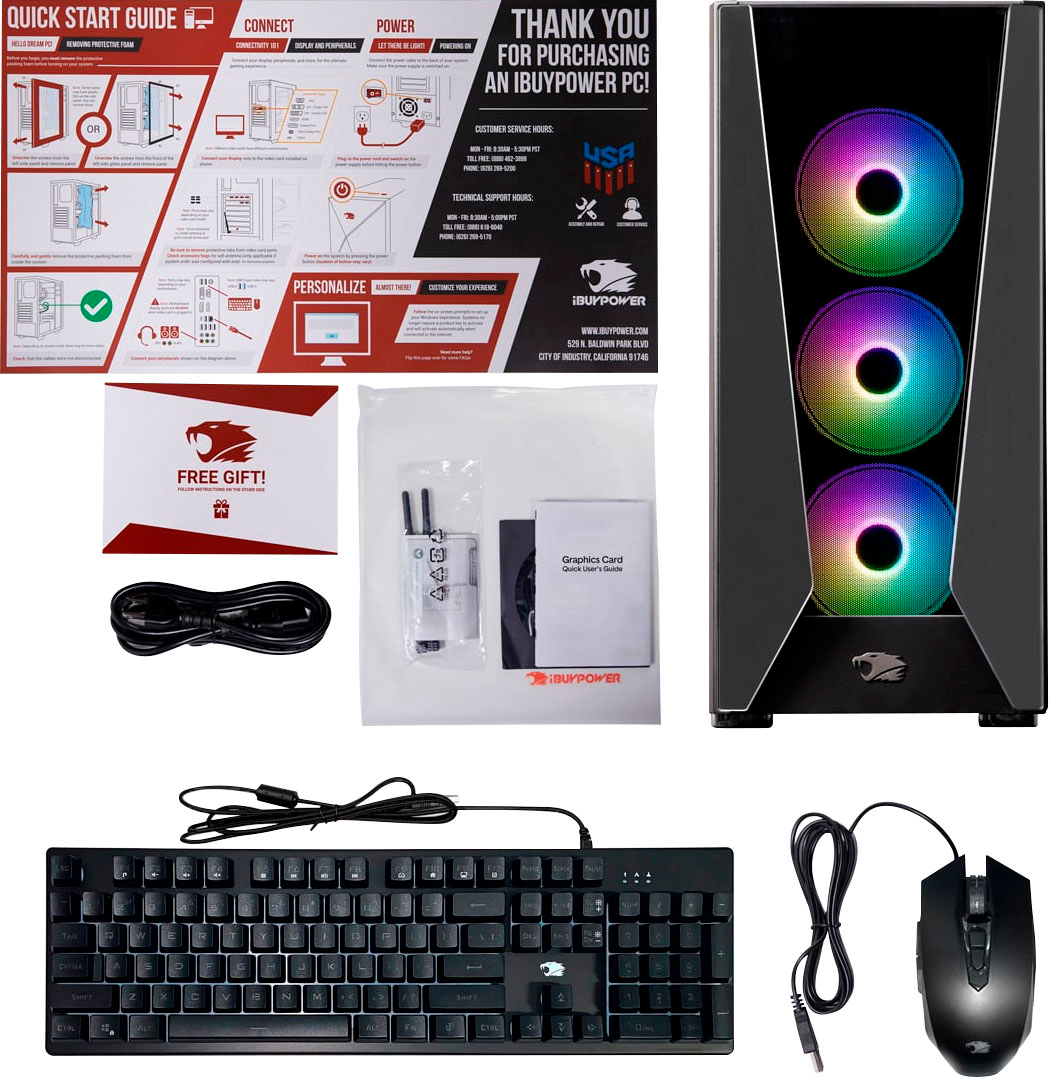
A:AnswerLooking at the front as I stand in front of it, it seems pretty solid, so dont think you'd be able to replace it. The only airflow vents I can see are on the right side of the case looking at it from the front - I think its adequate but could definitely be better in terms of airflow.
A:AnswerSure you can replace the aio water cooler for a different CPU cooler and add ssd. I have this same model and added a ssd m.2 drive but haven changed the cooler due to not having cooling issues as of yet