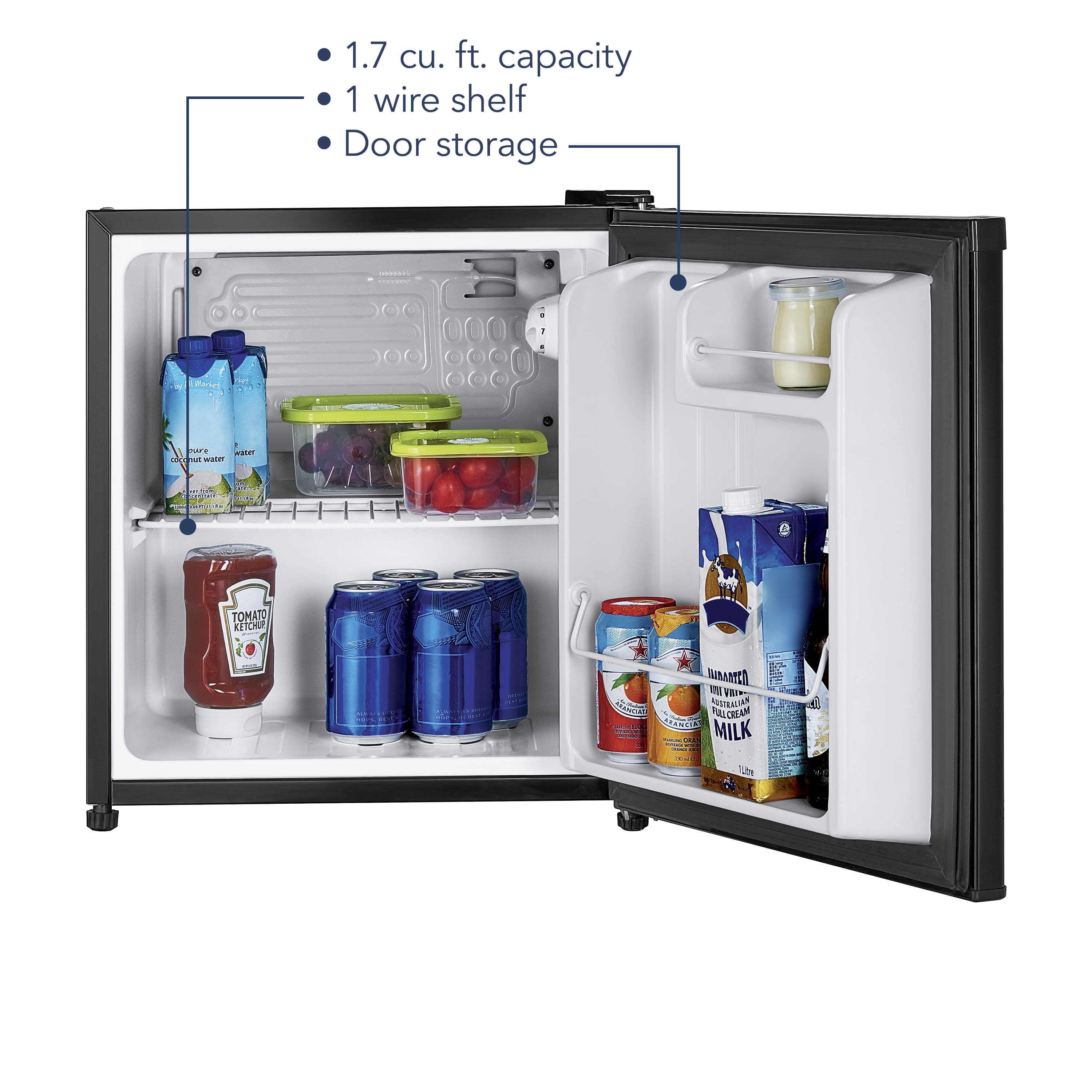
A:AnswerHello CadillacJoe. This unit does not have automatic defrost capability. Defrosting directions are provided in the manual that came with it. You have to take out all items first and then unplug it. More details are in the manual for reference.
Mary II Insignia Products II https://www.insigniaproducts.com/contact-us
A:AnswerThe average wattage is between 85 and 100. But can rise up to 250 if in unfavorable conditions such as, if placed in a cupboard/cabinet or in direct sunlight. These conditions make it work harder to stay cold.
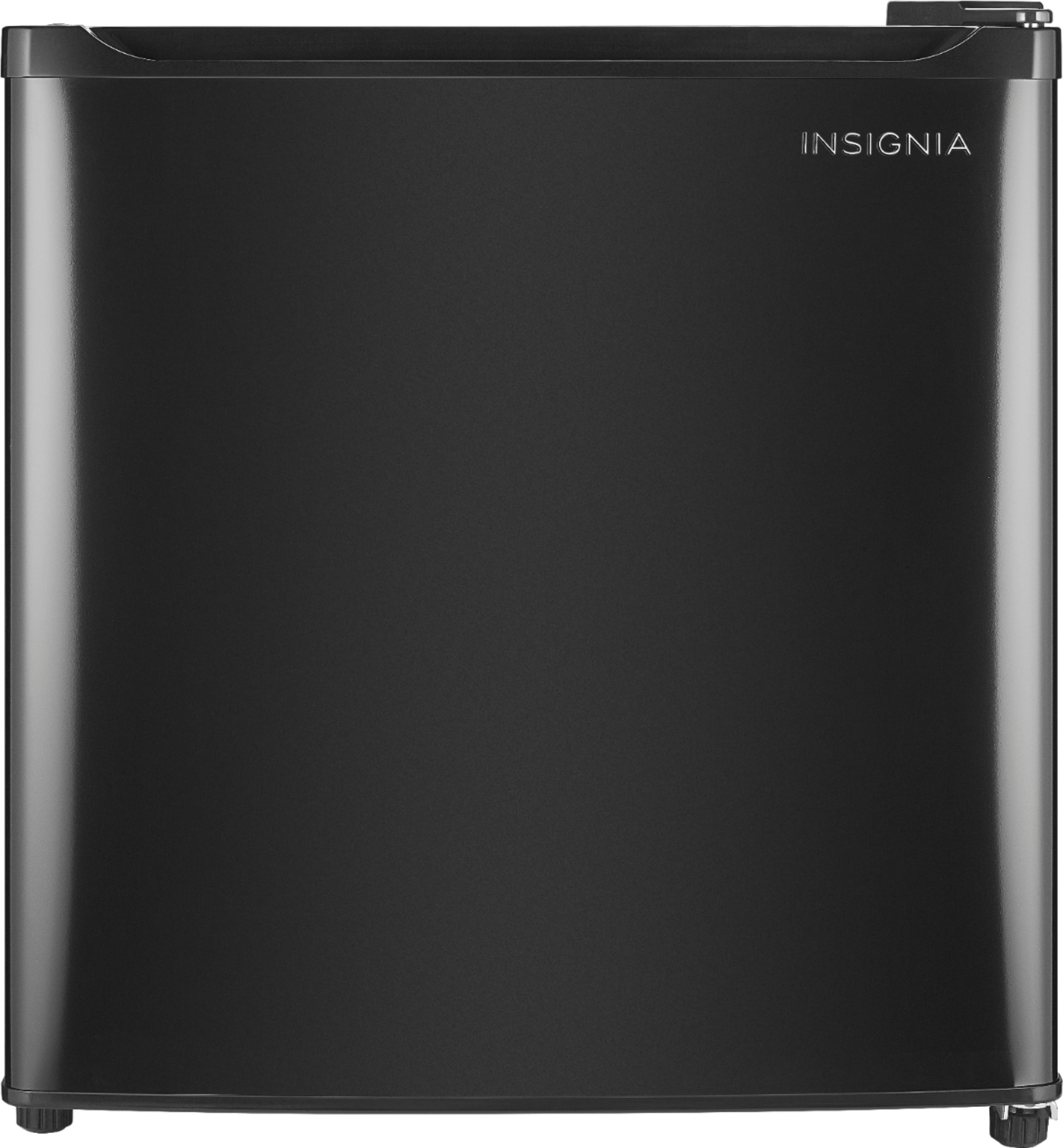
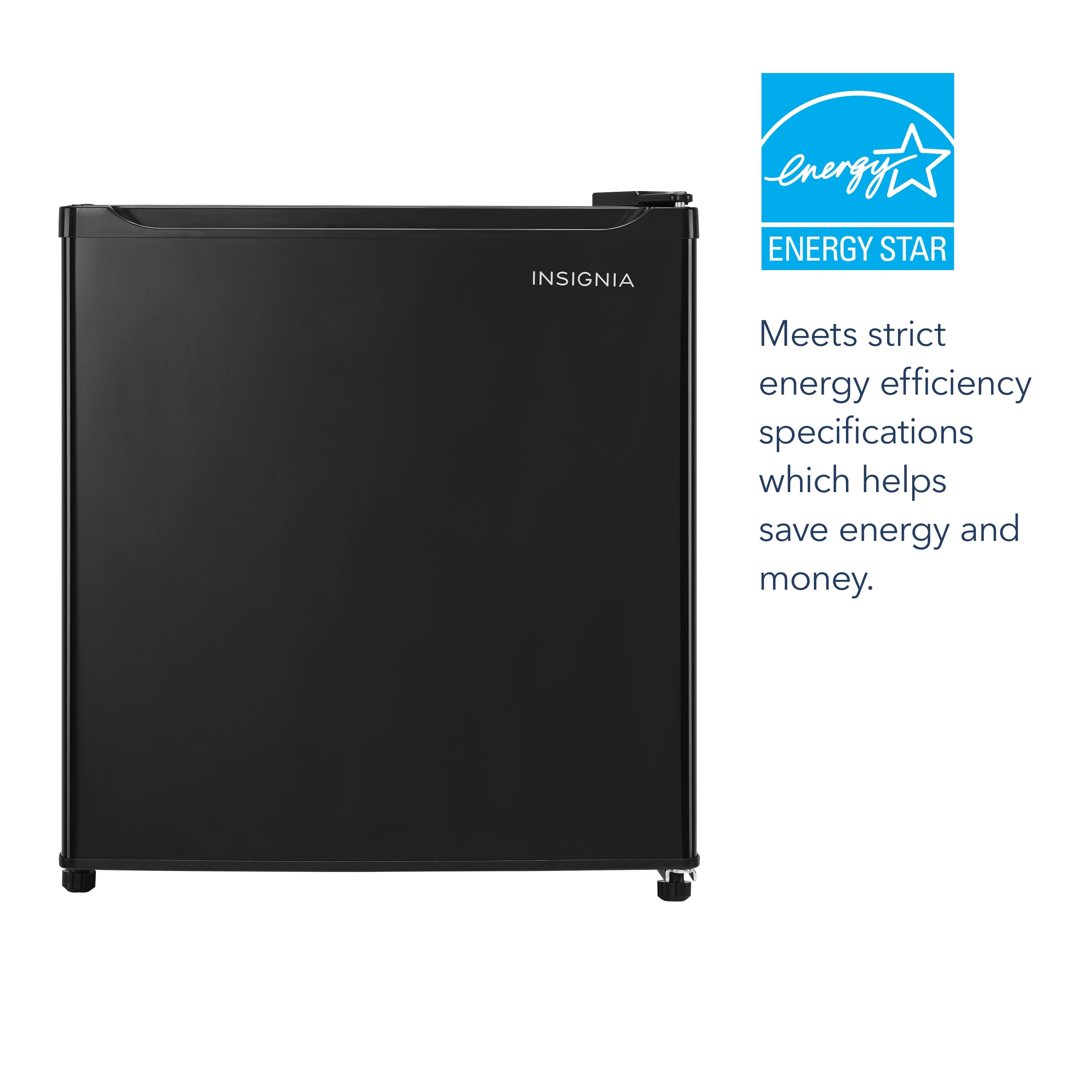
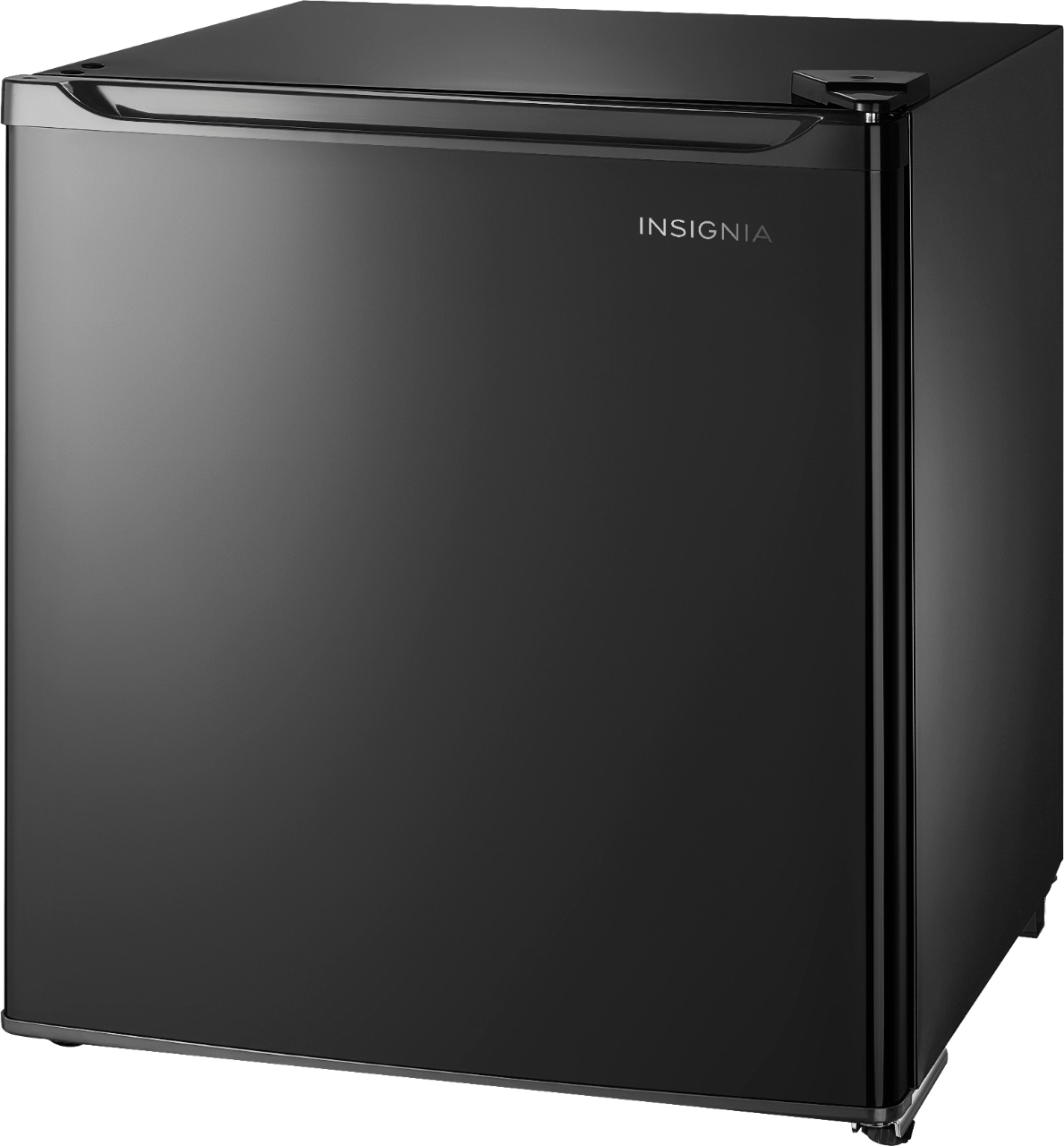
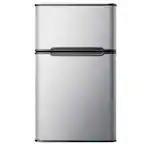
A:AnswerThe dimensions of this unit are:
Product Height 19 3/10 inches
Product Width 17 3/10 inches
Product Depth 18 9/10 inches
Height To Top Of Door HingeL 19 1/2 inches
Counter Depth: No
Product Weight 32.8 pounds
A:AnswerThe cycling frequency and noise level you’re experiencing with your Insignia™ 1.7 Cu. Ft. Mini Fridge doesn’t sound typical. Here are some insights and steps you can take:
1. Cycle Duration: Normally, a mini fridge should cycle on and off every 15-30 minutes, depending on the room temperature and how often the door is opened. Cycling every 6 minutes is quite frequent and might indicate an issue.
2. Loud Thumps: The loud thumps when the compressor starts and stops could be due to the fridge not being level or the compressor mounts being loose. Ensure the fridge is on a stable, level surface and check if any parts are loose.
3. Potential Issues:
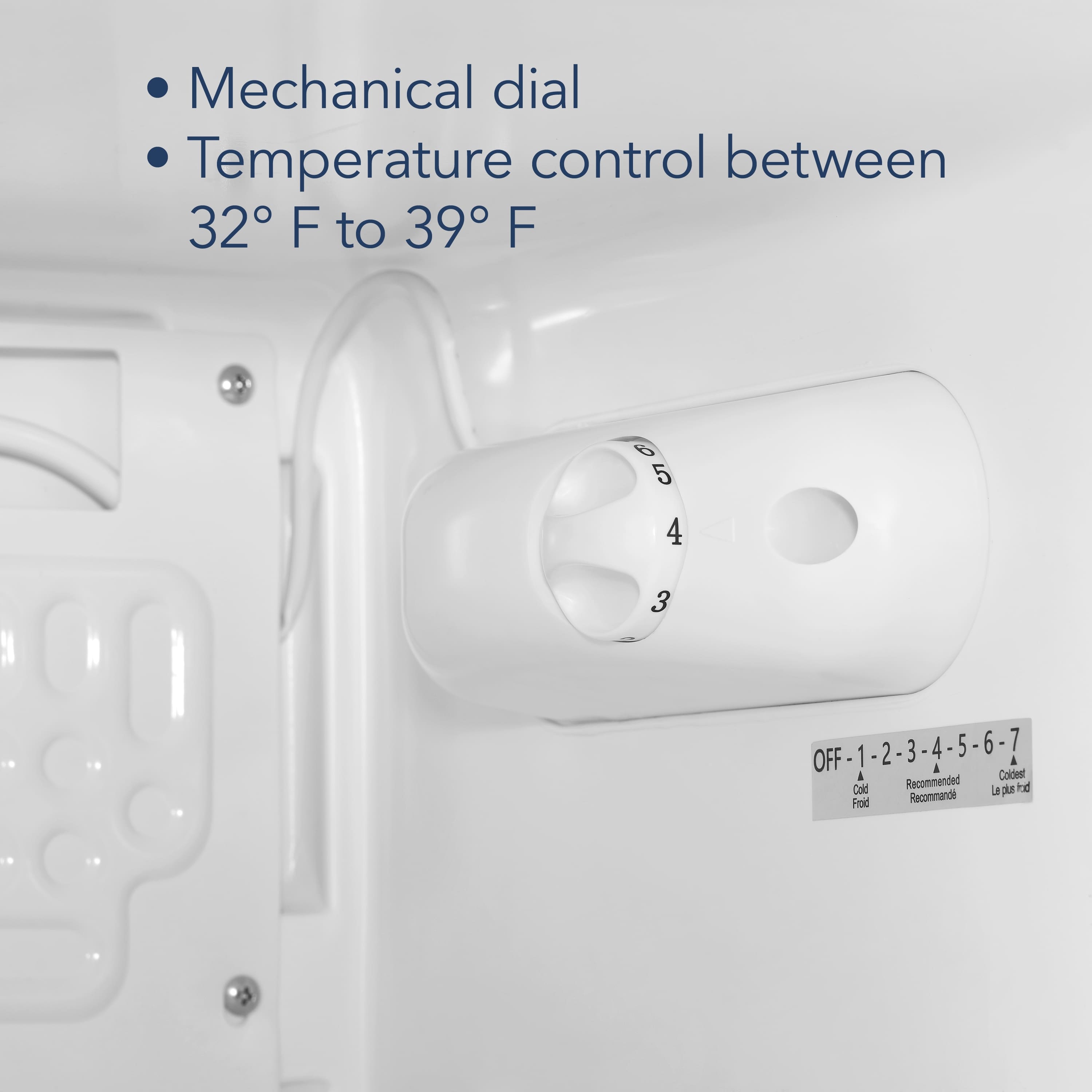
- Thermostat Setting: Make sure the thermostat is set correctly. If it’s set too cold, the compressor might be overworking.
- Ventilation: Ensure there’s enough space around the fridge for proper ventilation. Blocked vents can cause the compressor to cycle more frequently.
- Internal Components: If the noise persists, there might be an issue with the internal components, which would require professional inspection.
4. Solutions:
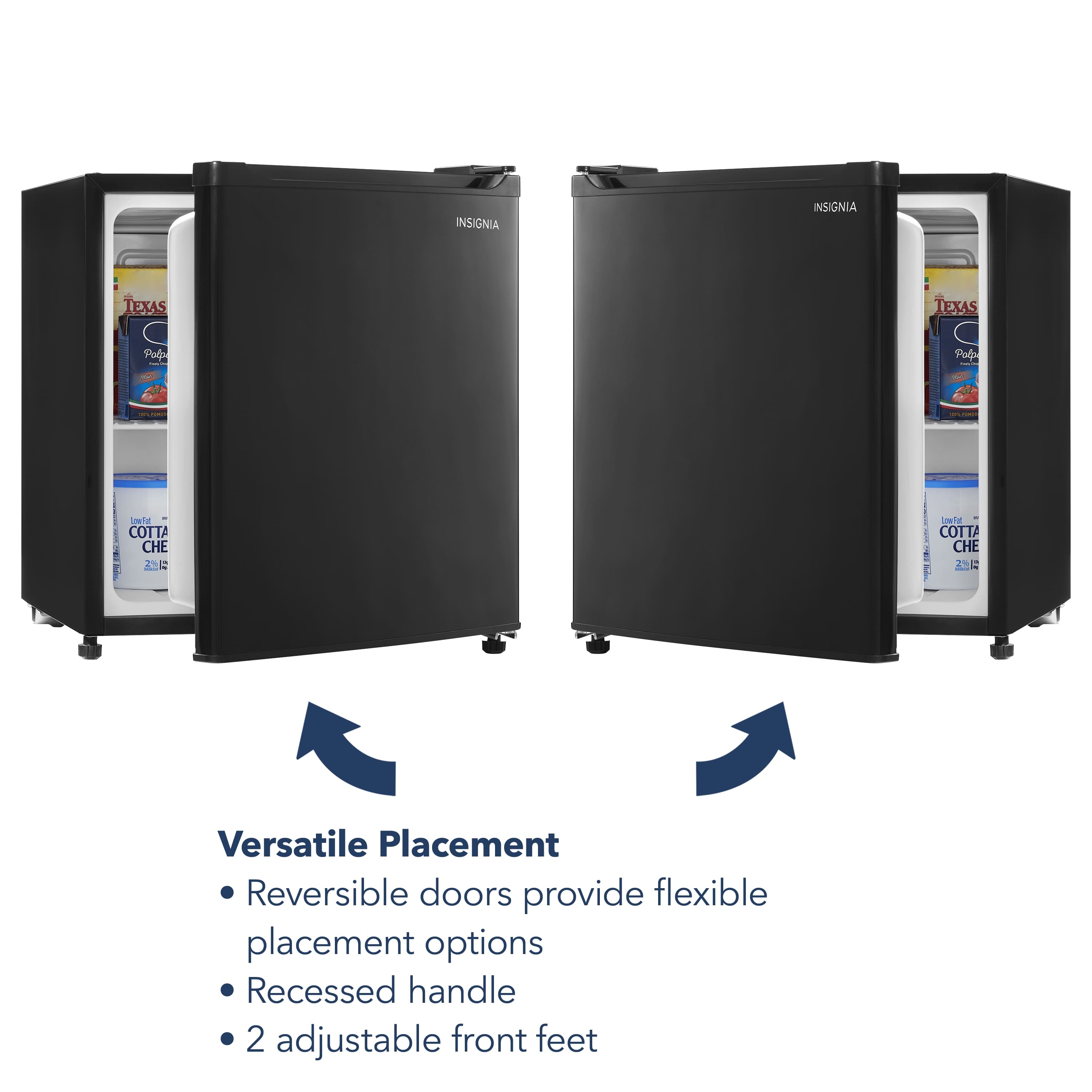
- Level the Fridge: Adjust the leveling feet to ensure the fridge is stable.
- Check for Loose Parts: Inspect the compressor mounts and other internal parts for any looseness.
- Contact Support: If the problem continues, it might be best to contact Insignia customer support or a professional technician for a thorough check.
If you have any questions or need further assistance, please don't hesitate to reach out. Thank you for choosing Insignia! - Emman | Insignia Support | https://www.bestbuy.com/site/brands/best-buy-brands/pcmcat1596746025285.c?id=pcmcat1596746025285