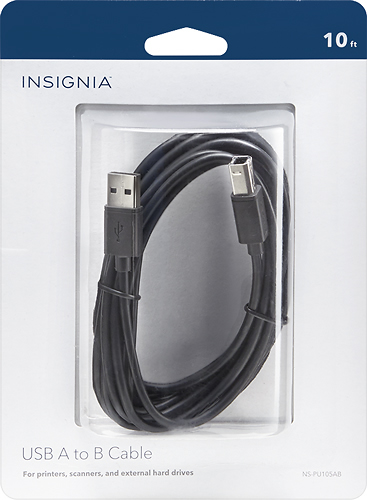
A:AnswerUSB is backwards compatible, running at the highest speed that the ports/cables used can handle. Even if you did have USB 1.0 ports it will work slightly slower, but given that you said Windows 7 and how long USB 2.0 or higher has been available, if that computer can even run Windows 7 it probably has USB 2.0 ports.
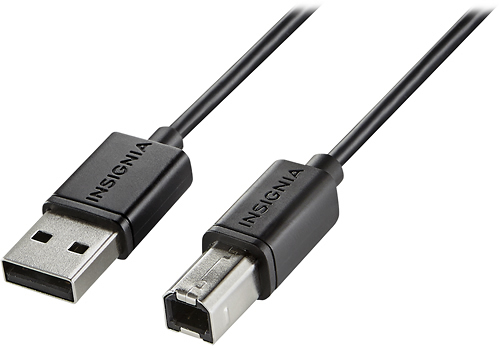
A:AnswerIt's likely that only one device has the smaller hole required for the smaller end. The other device should have the larger hole. If they both have large and small holes, then I don't think it matters which end you plug into which machine.
A:AnswerIf your port looks like this one then yes. Be careful though I almost bought the slightly larger type b cable without realizing the difference between the two. Hopefully this helps!
A:AnswerI have a MacBook Air and a friend gave me a printer but I was missing the plug. I went into the store and showed then my printer and told them I had a MacBook Air and they were able to show me the right cord to purchase so I can print papers.