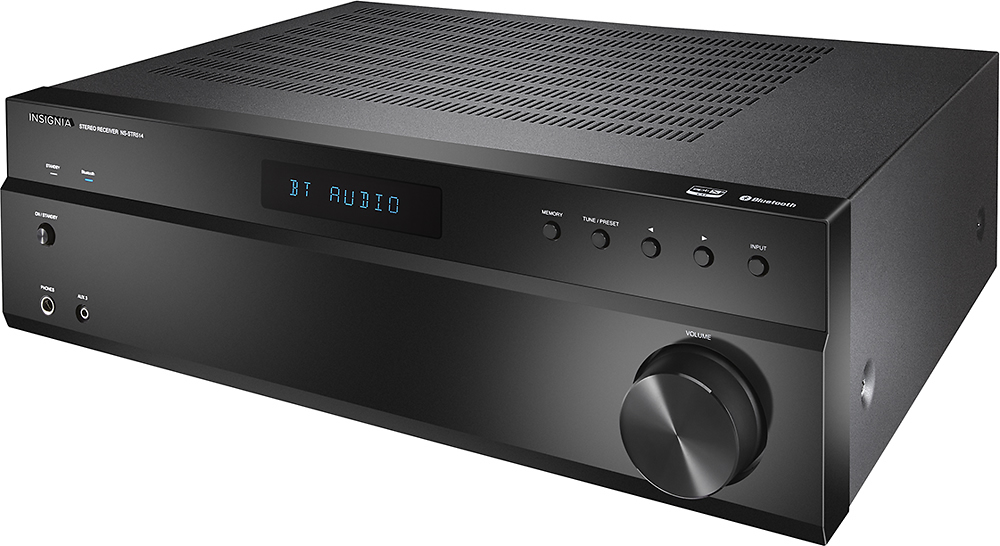
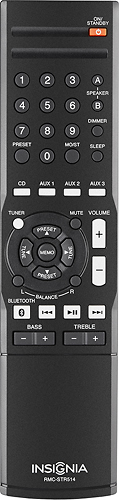
A:AnswerPlease check the User Guide, also available under the overview section. https://files.bbystatic.com/B6JHe0wETl1iktiC2t500g%3D%3D/NS-STR514_16-0462_WEB_V2_ENG_Final%2Blr.pdf
A:AnswerMake sure the volume is up on you Android device. A lot of times when connecting to a new Bluetooth device the volume is set really low. I had to turn mine up on my iPhone. Also I have found anytime I use Spotify via Bluetooth it is generally softer than when playing music stored on device.
A:AnswerVery easy, select the Bluetooth input on your receiver and on your iPhone Bluetooth settings select the receiver. Once paired, the devices should reconnect automatically.
A:AnswerHello,
This does not seem like normal behavior so I will like to suggest you get in touch with us at the link below for further assistance.
Itzel I. - Insignia Support.
https://www.insigniaproducts.com/contact-us