A:AnswerI believe any app that you add to the device will be compatible, but direct TV is the default. I think dish Network may be a competitor with direct TV/at&t, so you might need geek squad to help find an alternate solution.
A:AnswerHi Minn, thank you for your inquiry! Insignia™ - 24" Class F20 Series LED Full HD Smart Fire TV (Model: NS-24F202NA23) is not directly compatible with the Ring app. Ring app is designed for mobile devices (phones and tablets) running specific operating systems. Unfortunately, the TV does not natively support the Ring app. For more information about this product, you may click this link: https://www.bestbuy.com/site/insignia-24-class-f20-series-led-full-hd-smart-fire-tv/6490138.p?skuId=6490138. Carlo | Insignia Support
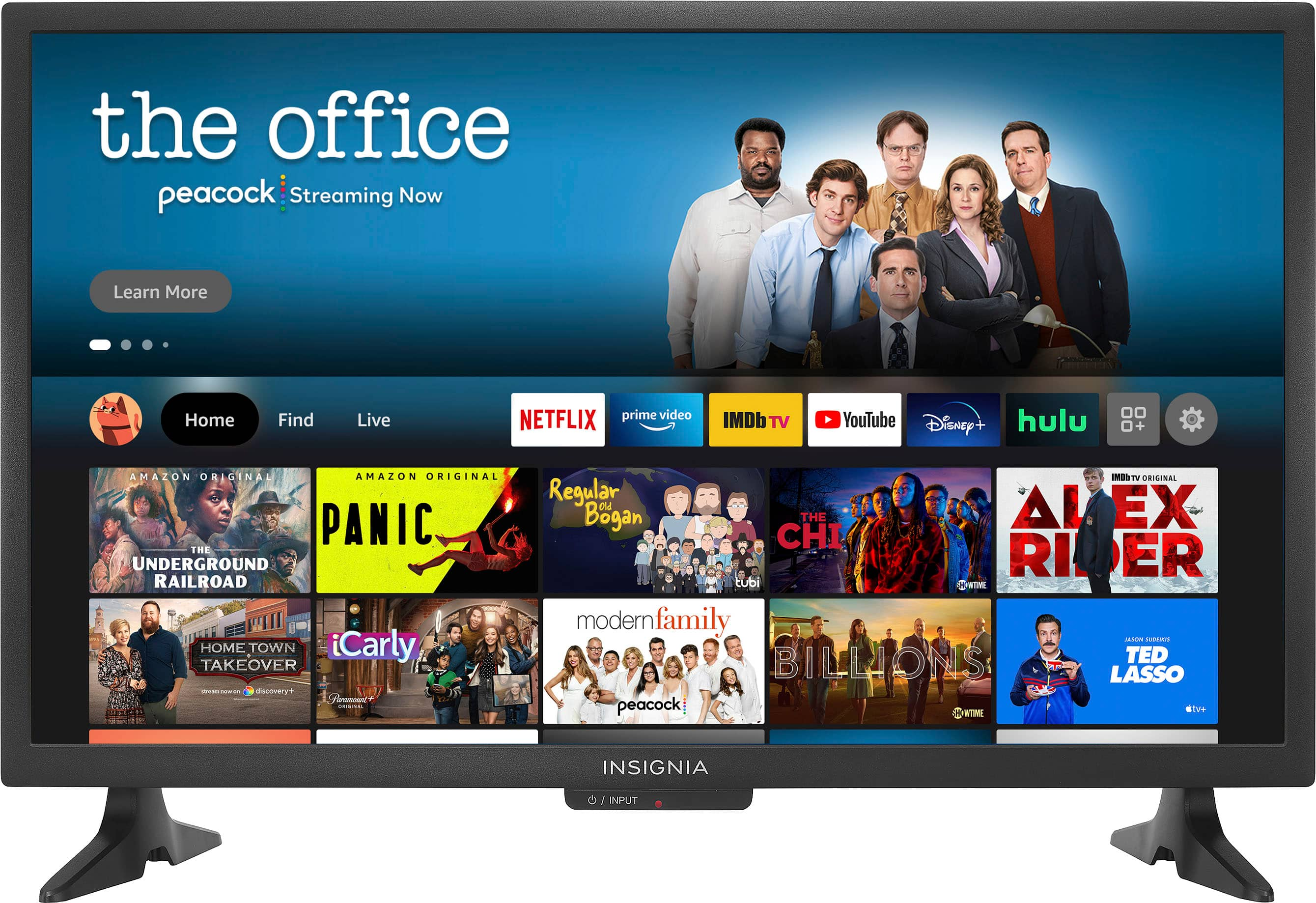
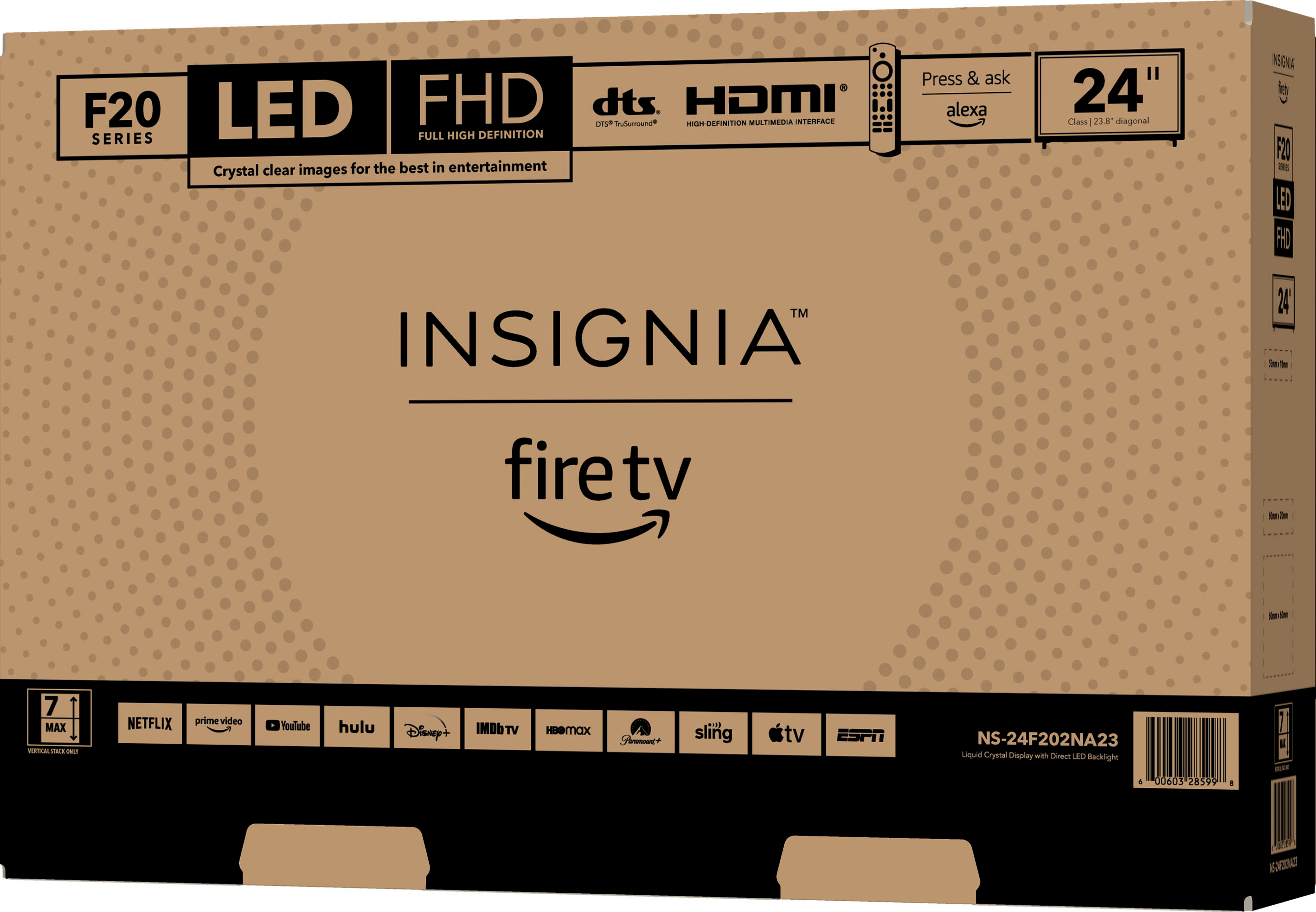
A:AnswerHi CuttingDcord! our Insignia™ - 24" Class F20 Series LED Full HD Smart Fire TV only featured streaming services such as Netflix, Apple TV+, Prime Video, Disney+, Hulu, Sling TV, YouTube, HBO Max, Spotify, Peacock, ESPN+. For more product information, kindly check the link below. |Angelica| Insignia Support| https://www.bestbuy.com/site/insignia-24-class-f20-series-led-full-hd-smart-fire-tv/6490138.p?skuId=6490138
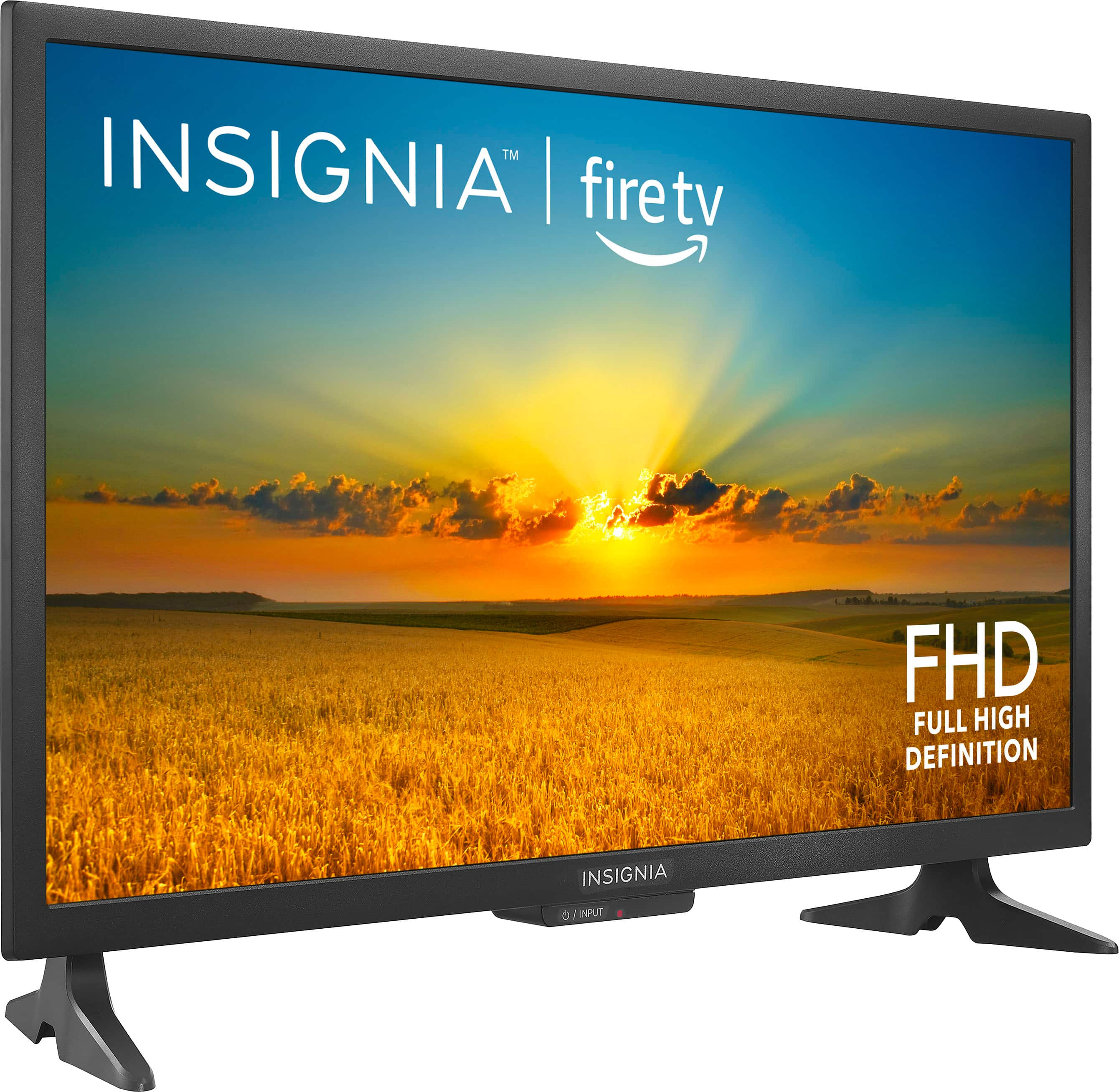
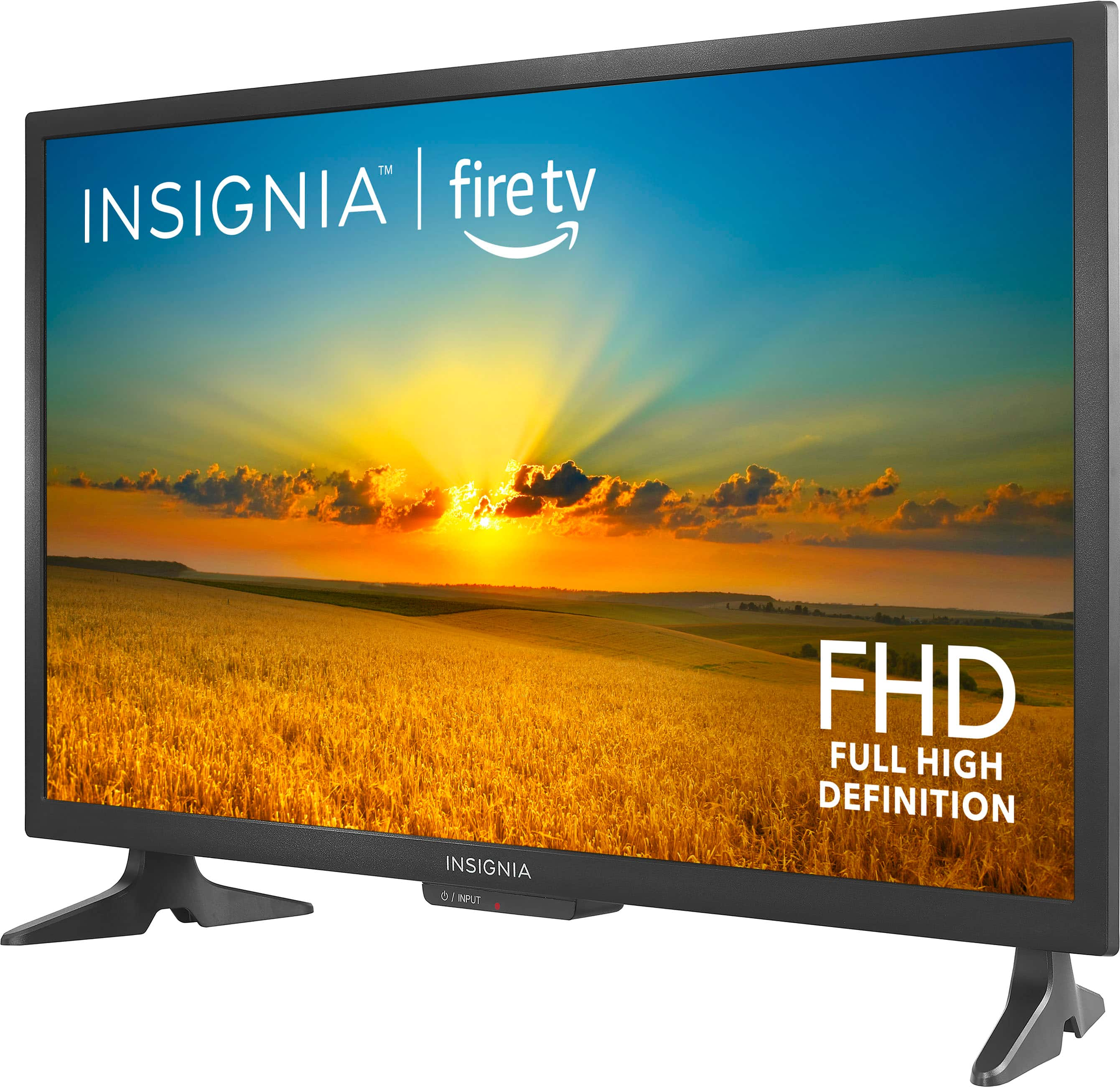
A:AnswerHi Hoot! Thank you for showing interest in our Insignia™ - 24" Class F20 Series LED Full HD Smart Fire TV.
It sounds like there may be an issue with the settings on your Insignia Smart Fire TV. Here are a few steps you can try to troubleshoot this issue:
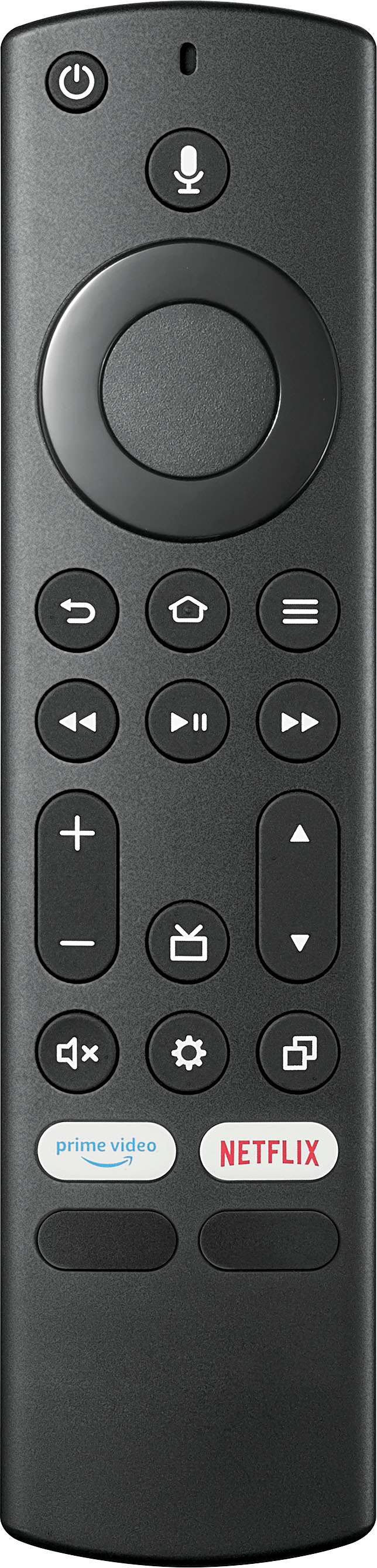
Make sure your remote control is paired with the TV and working properly.
Restart your Insignia Smart Fire TV by unplugging it from the power source, waiting a few seconds, and then plugging it back in.
Check for any software updates for your TV and make sure it is up to date.
Reset the TV to factory settings, but be aware that this will erase all of your settings and data.
Contact Insignia customer support for further assistance if the issue persists.
Hopefully, one of these steps will resolve the issue and allow you to play your recorded shows.

JC | Insignia Support https://www.bestbuy.com/site/insignia-24-class-f20-series-led-full-hd-smart-fire-tv/6490138.p?skuId=6490138
A:AnswerHi Skip, we appreciate your inquiry! For return policy information, please click the link below: https://www.bestbuy.com/site/help-topics/return-exchange-policy/pcmcat260800050014.c?id=pcmcat260800050014.
Carlo | Insignia Support | https://www.bestbuy.com/site/insignia-24-class-f20-series-led-full-hd-smart-fire-tv/6490138.p?skuId=6490138
A:AnswerHi Romeo,
Yes, this TV have Bluetooth enabled.
Insignia Support
Shella
https://www.bestbuy.com/site/brands/best-buy-brands/pcmcat1596746025285.c?id=pcmcat1596746025285
A:AnswerHi Brett,
-Press the gear button on your remote
-Select Settings
-Select Display & Sound
-Select Picture
-Select Advanced Settings
For more product details, please visit https://www.bestbuy.com/site/brands/best-buy-brands/pcmcat1596746025285.c?id=pcmcat1596746025285
Insignia Support
https://www.bestbuy.com/site/brands/best-buy-brands/pcmcat1596746025285.c?id=pcmcat1596746025285
A:AnswerTry removing the batteries from the remote. If that solves the problem then your remote is defective. If not, your TV is defective. Return the item for replacement if it is within the warranty period.
A:AnswerHello nonieB1,
We are very sprry to read you are experiencing issues with one of our products. To get the best video, you should use the best

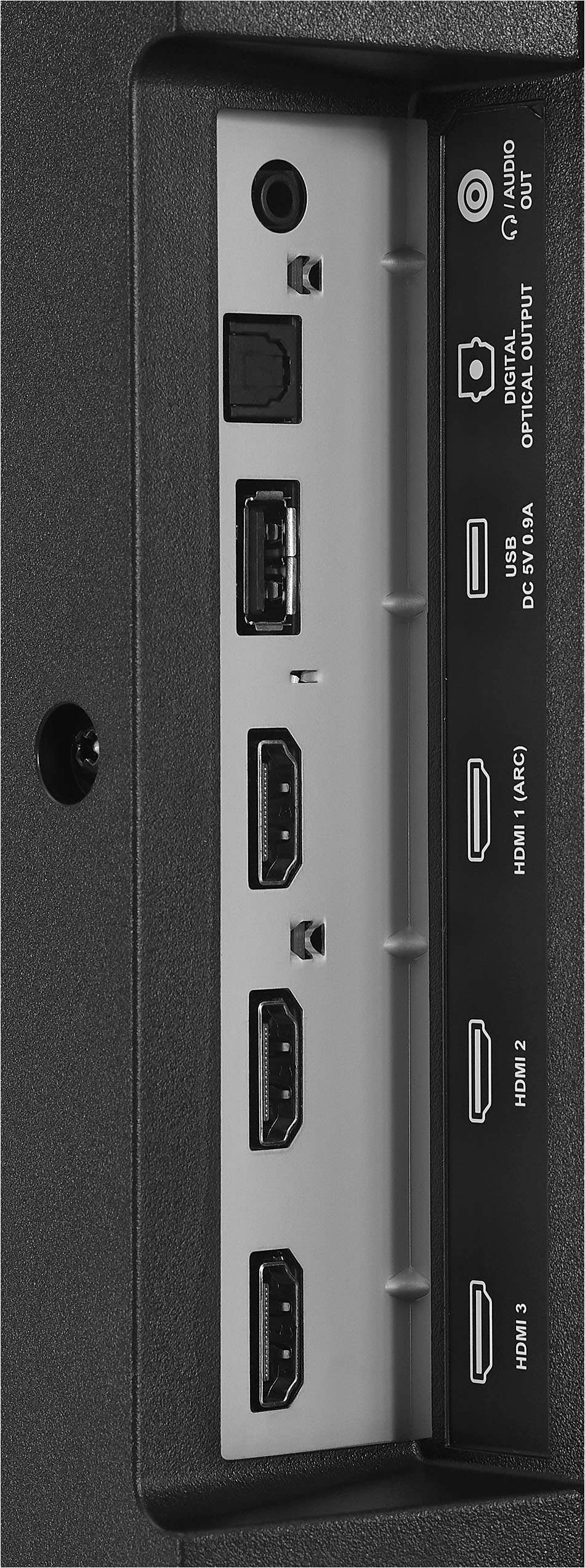
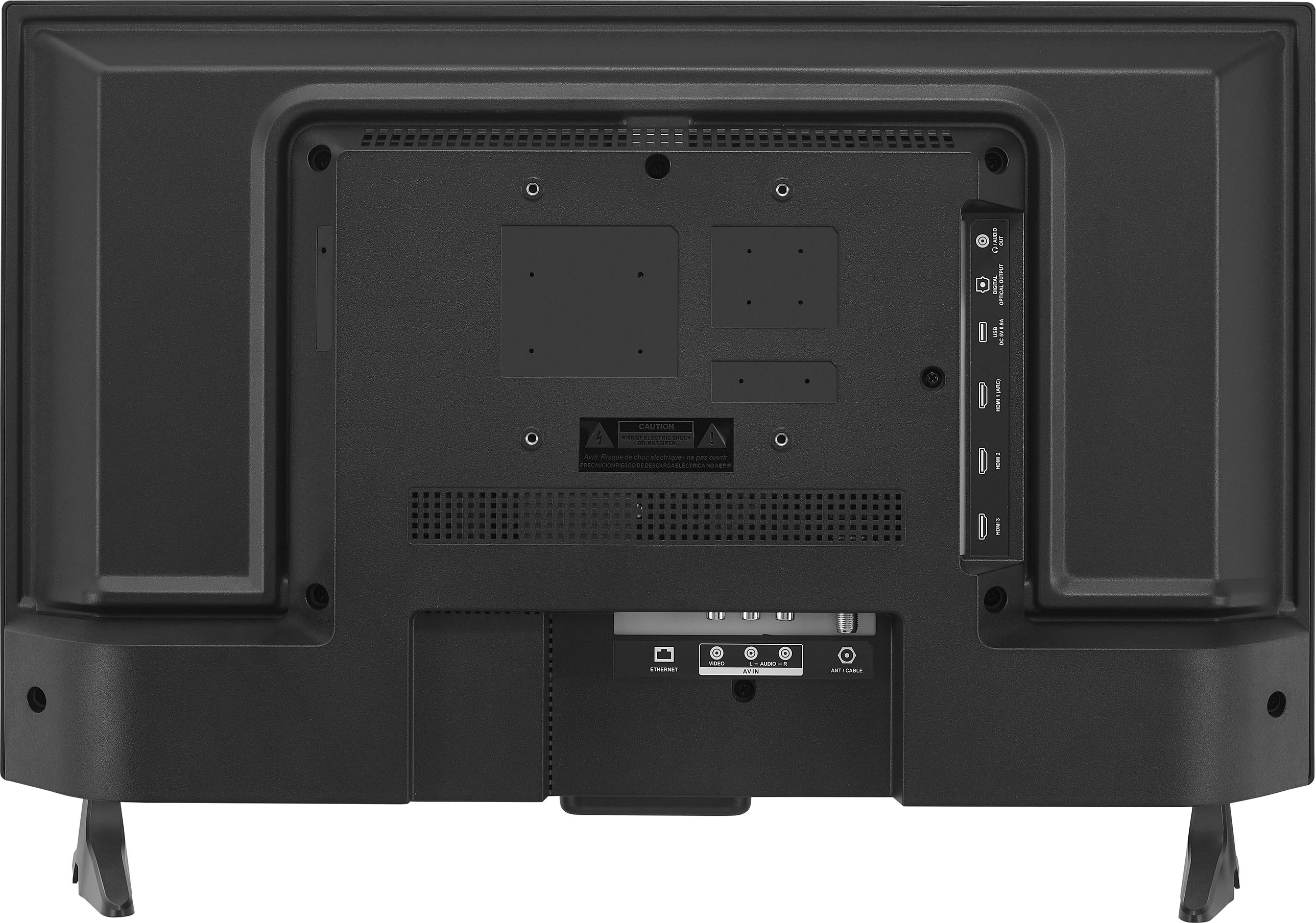
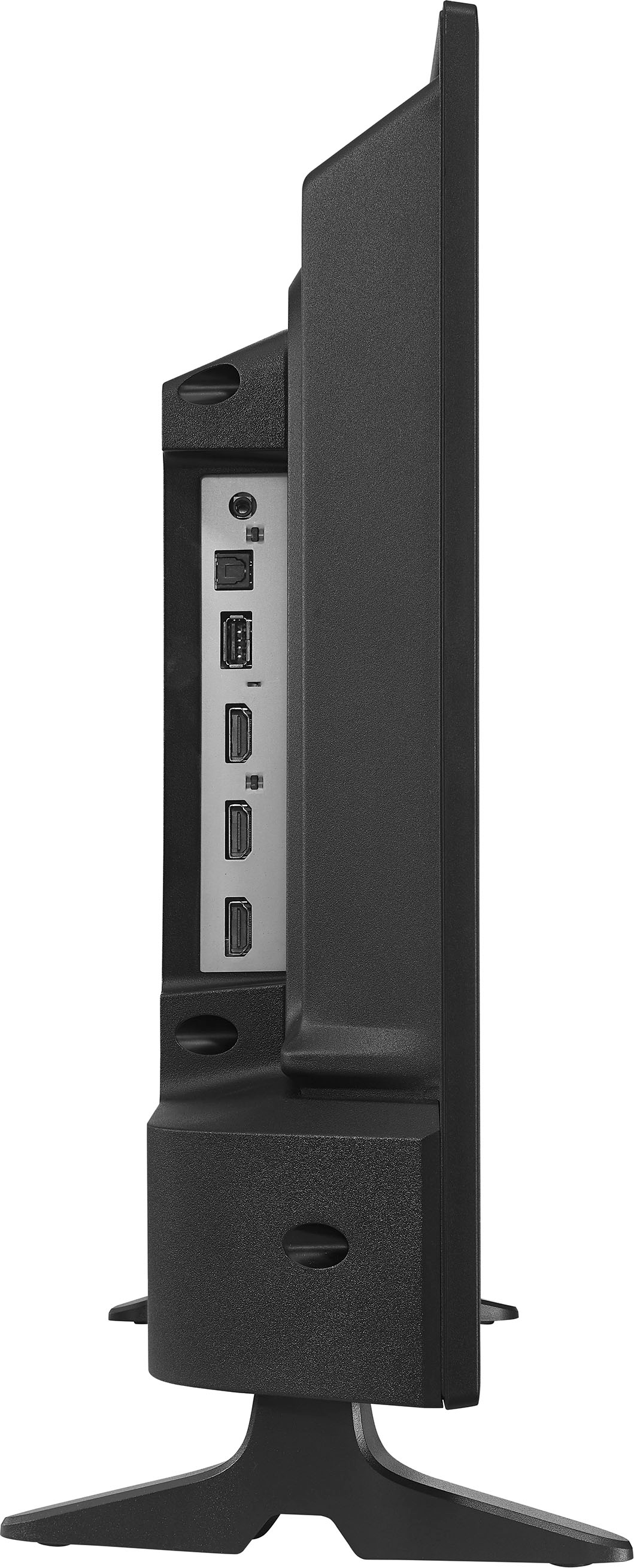
connection type which is the HDMI cable. To proceed, please follow the steps below: Make sure that your TV’s power cord is unplugged and all connected equipment is turned off. Connect a coaxial cable (not provided) to the cable wall jack and to the cable-in jack on the cable or satellite box. Connect an HDMI cable (not provided) to one of the HDMI jacks on your TV and to the HDMI out jack on the cable or satellite box. Plug your TV’s power cord into a power outlet, turn on your TV, then turn on the cable or satellite box. On the HOME screen, navigate to the INPUTS row, then select HDMI1, HDMI2, or HDMI3. For more questions and product support you may contact our customer service at 1-(877)-467-4289 Monday to Saturday 8am - 9pm CST.

Chelsea
Insignia Support
Please give us a visit at: https://www.bestbuy.com/site/brands/best-buy-brands/pcmcat1596746025285.c?id=pcmcat1596746025285