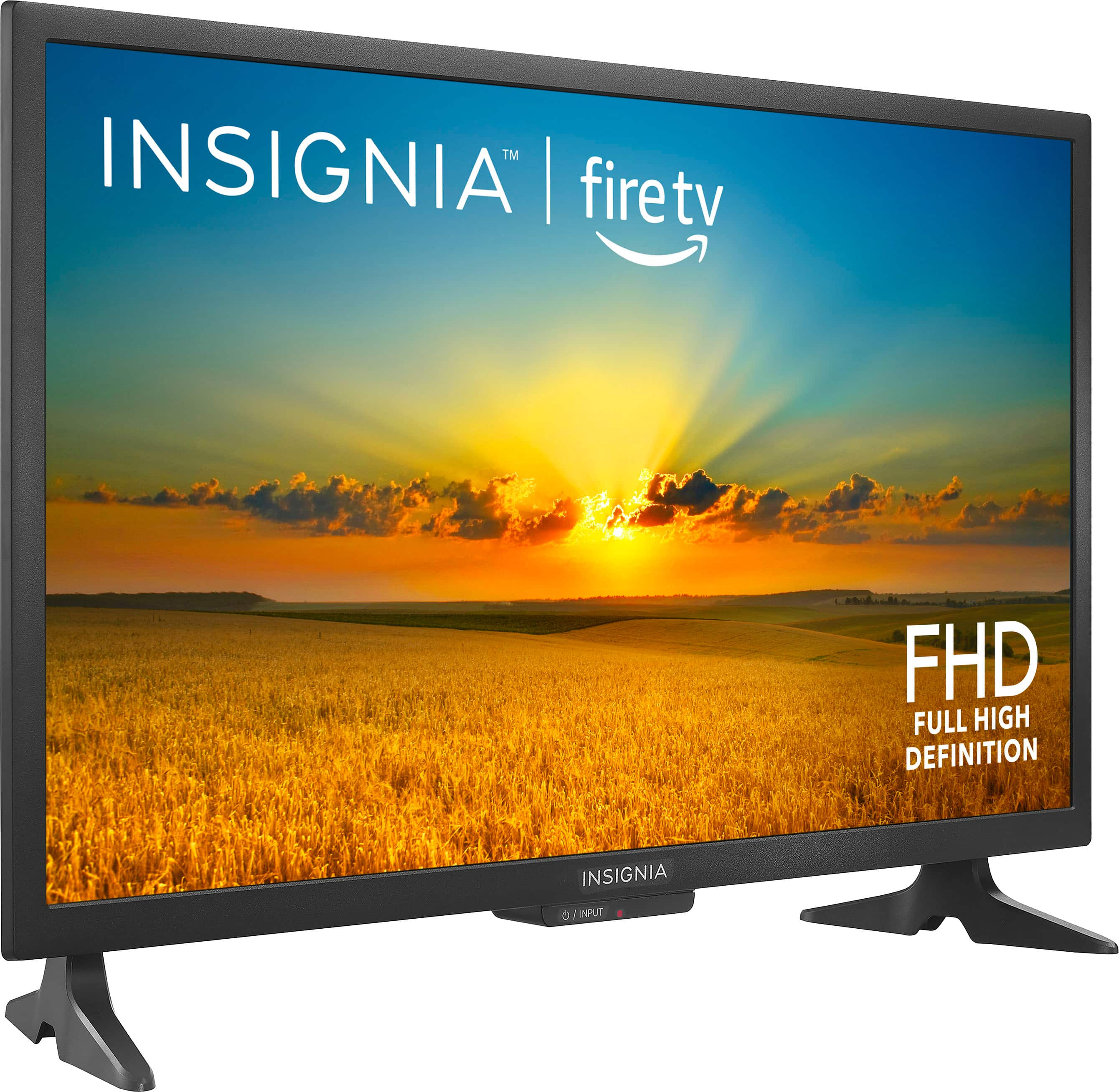
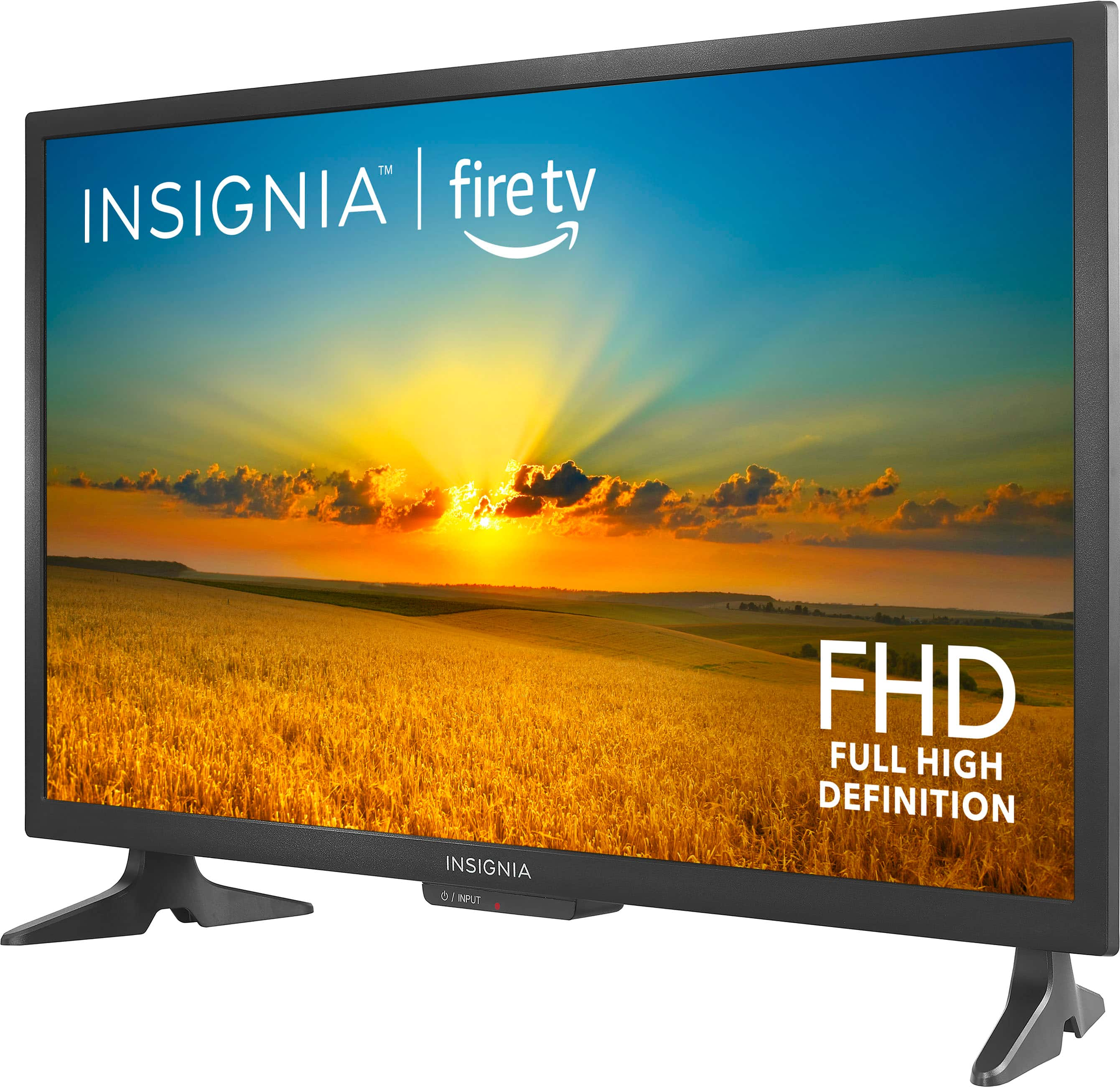
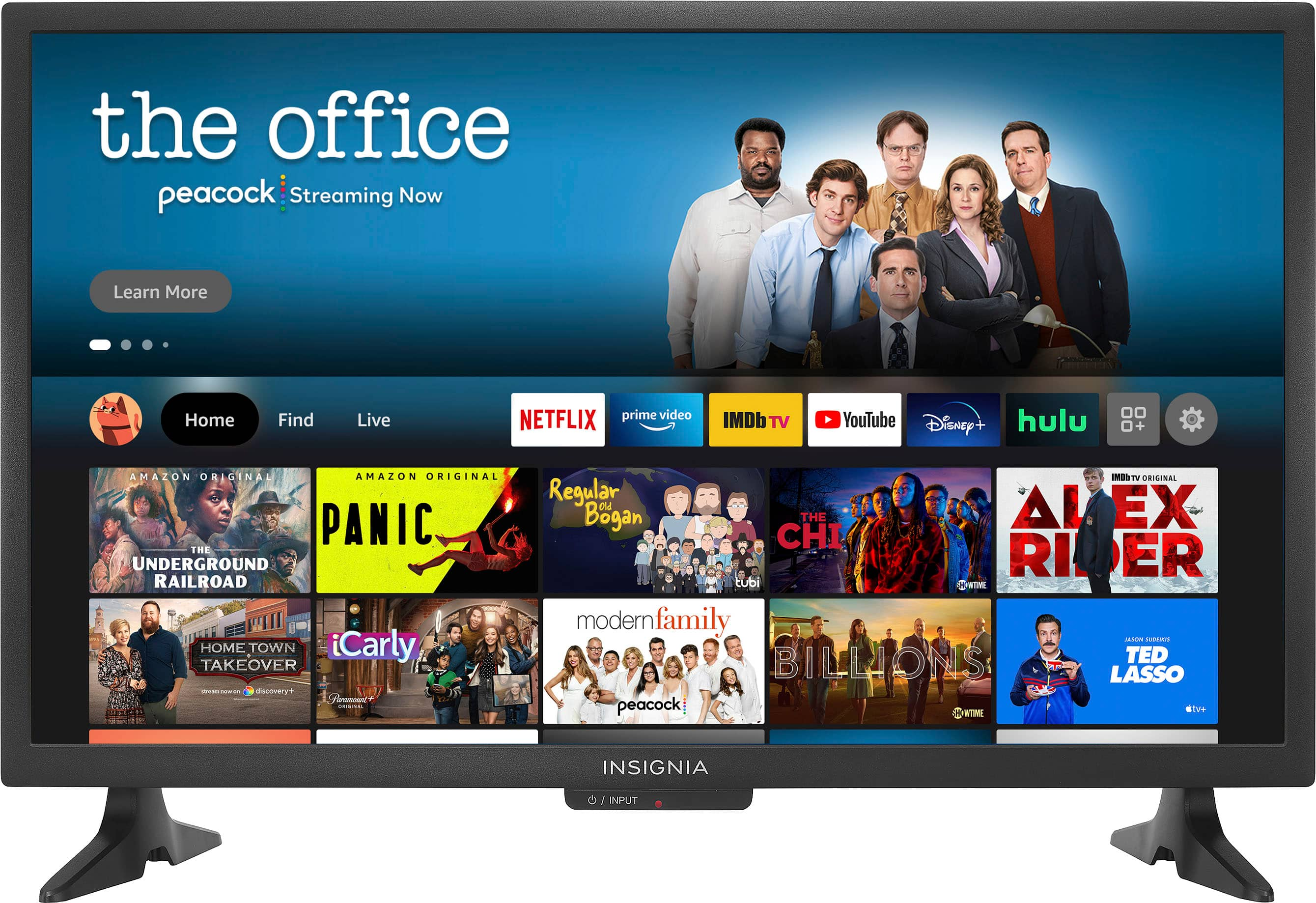
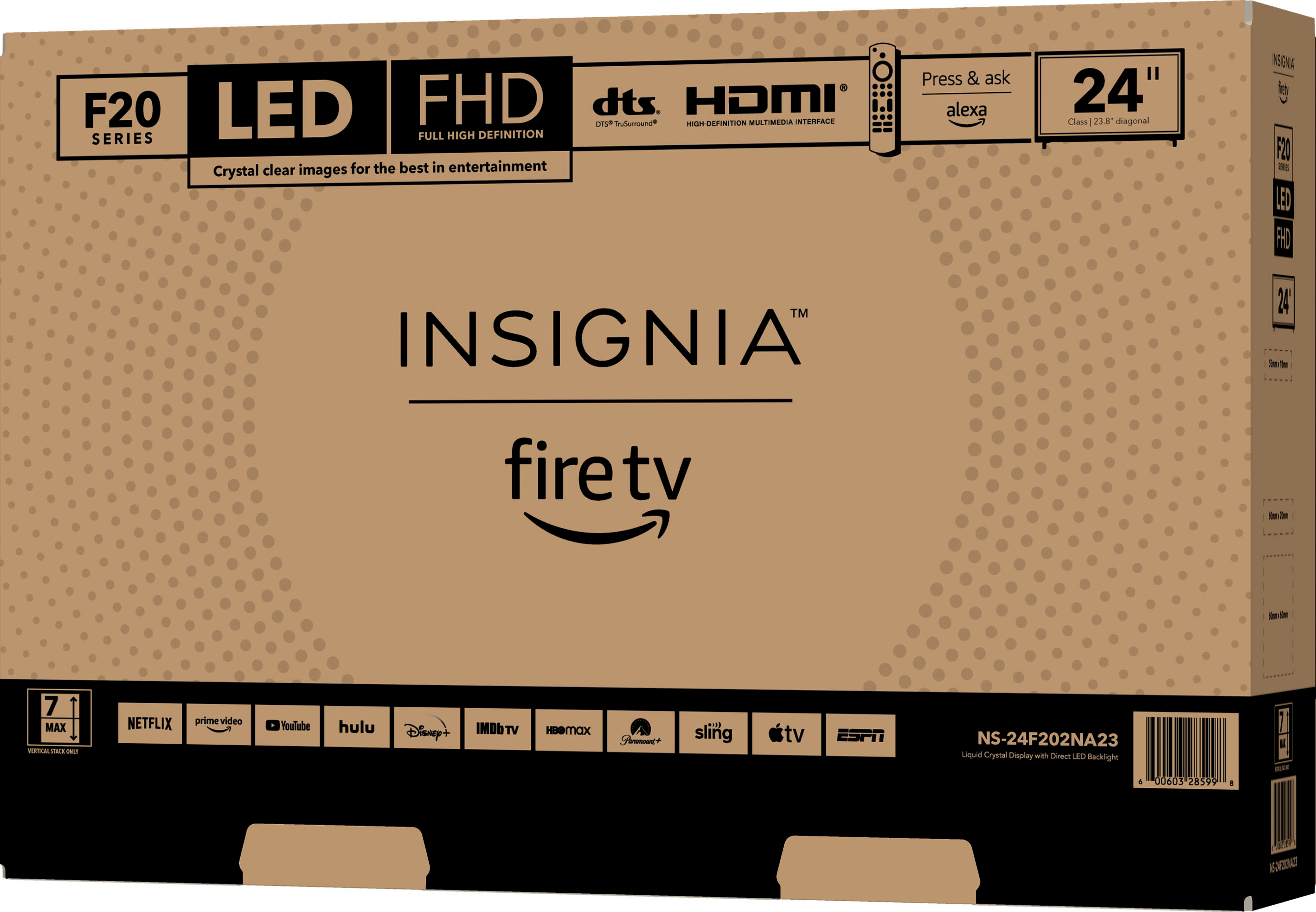
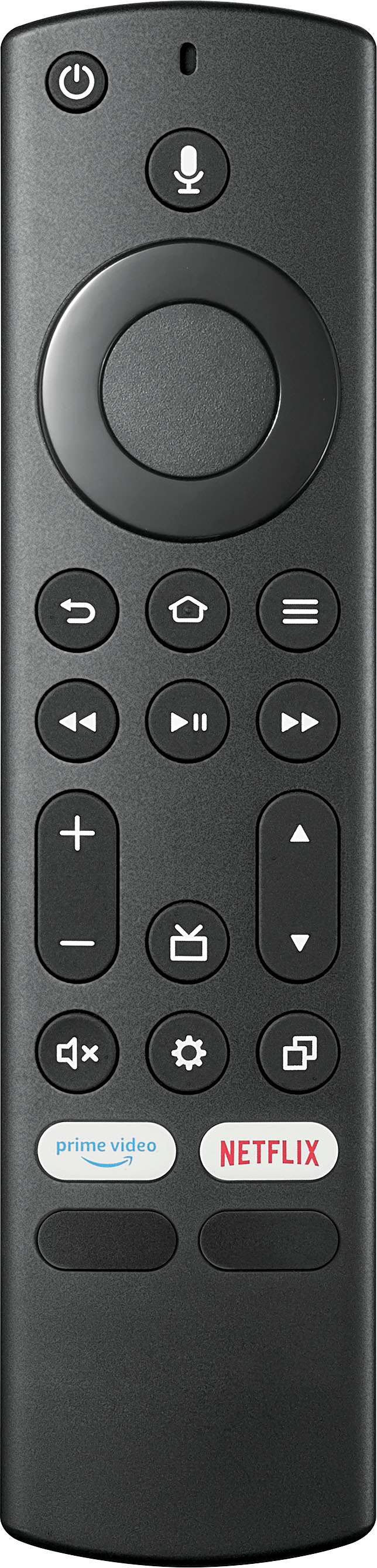
A:AnswerHello! Thank you for reaching out. Yes, you can still change the channels on this TV using the remote that came with it by utilizing the navigation button. If you need any assistance with the TV, please don’t hesitate to contact our Customer Service team. We’re here to help! - Carl | Insignia Support
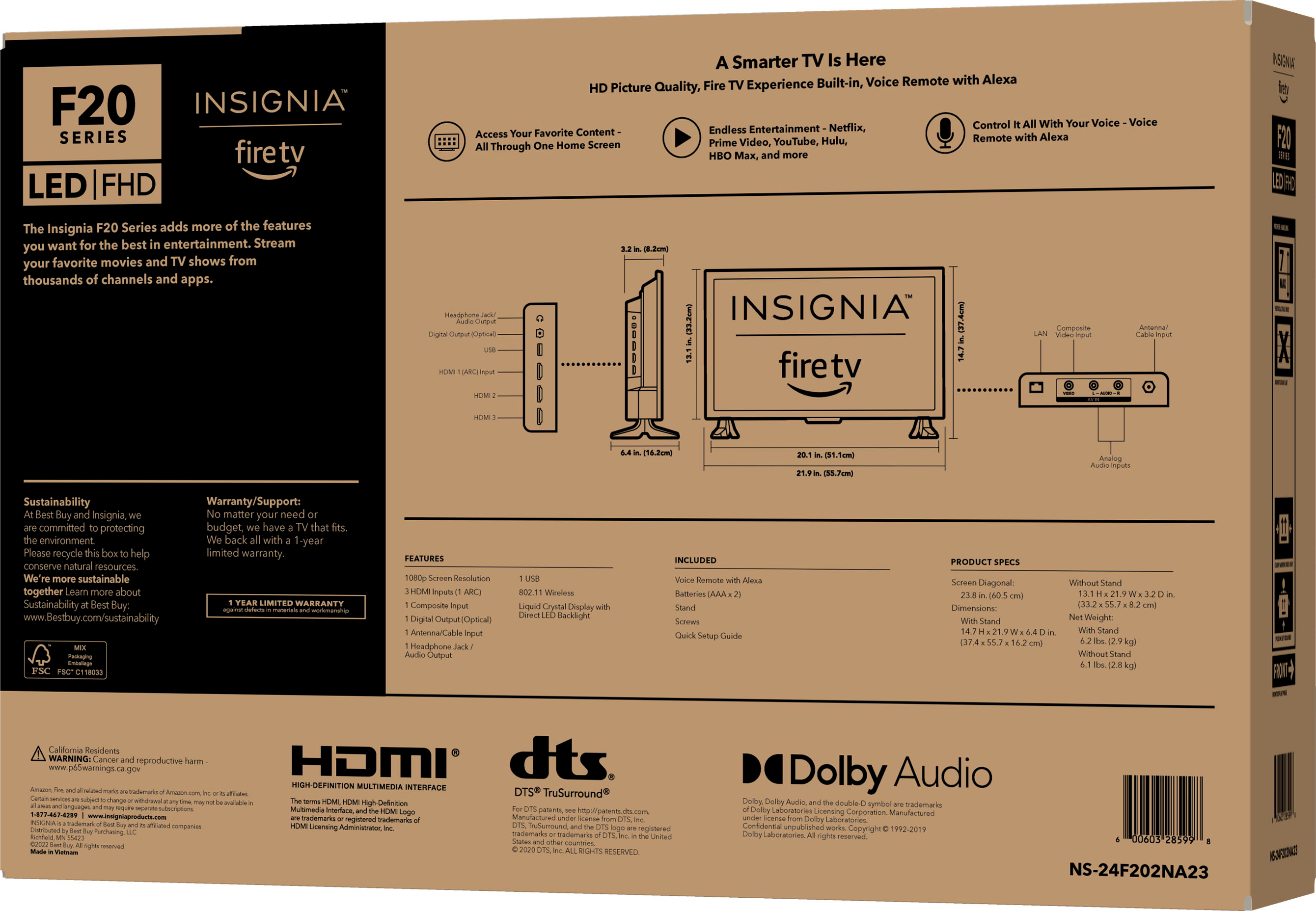
A:AnswerThank you for your Inquiry! The Insignia™ 24" Class F20 Series LED Full HD Smart Fire TV does not include an ATSC 3.0/Next Gen TV tuner. Keith | Insignia Support https://www.bestbuy.com/site/insignia-24-class-f20-series-led-full-hd-smart-fire-tv/6490138.p?skuId=6490138
A:AnswerI'd recommend the ProMounts Premium Universal Swivel Tabletop TV Stand ¹. It's a versatile and sturdy option that fits most small to large flat and curved TVs, ranging from 37 to 72 inches. The stand has a strong steel structure and a tempered glass base that can hold up to 99 pounds.
A:AnswerIt sounds like you're experiencing a connectivity issue with your Insignia TV. Please try to unplug your TV from the power source, wait for about a minute, and then plug it back in. This can help reset the system. Also, even though your TV is connected to Wi-Fi, there might be an issue with the internet connection. Try restarting your router and modem. If the issue persists, please contact Insignia Support for further assistance. -Ed | Insignia Support | https://www.bestbuy.com/site/brands/best-buy-brands/pcmcat1596746025285.c?id=pcmcat1596746025285
A:AnswerI'm sorry to hear you're having trouble with your TV's sound. To assist you further please contact Insignia Support. -Ed | Insignia Support | https://www.bestbuy.com/site/brands/best-buy-brands/pcmcat1596746025285.c?id=pcmcat1596746025285
A:AnswerYes, the Insignia™ - 24" Class F20 Series LED Full HD Smart Fire TV will work with YouTube TV. This model is a Smart TV with Amazon Fire TV built-in, which means you can download and use various streaming apps, including YouTube TV, directly on the TV. Patricia | Insignia Support
A:AnswerTo adjust the color settings on your Insignia Fire TV 24-inch (model NS-24F201NA23), follow these steps: Settings > Display and Sounds > Picture Settings. You will be able to set the picture quality for your liking. If you have any specific preferences or issues, feel free to ask! -Ed | Insignia Support | https://www.bestbuy.com/site/brands/best-buy-brands/pcmcat1596746025285.c?id=pcmcat1596746025285
A:AnswerThe Insignia™ 24" Class F20 Series LED Full HD Smart Fire TV typically consumes around 20 watts of power when in use. This makes it quite energy-efficient for a smart TV of its size. Patricia | Insignia Support
A:AnswerHi Sunny. Yes, the Insignia 24" Class F20 Series LED Full HD Smart Fire TV (NS-24F202NA23) does have Bluetooth capability. You can pair your Bose speakers to the TV by navigating to the TV's settings menu and following the on-screen instructions to connect your Bluetooth device. If you have any questions or need further assistance, please don't hesitate to reach out. - Mae | Insignia Support | https://www.bestbuy.com/site/brands/best-buy-brands/pcmcat1596746025285.c?id=pcmcat1596746025285
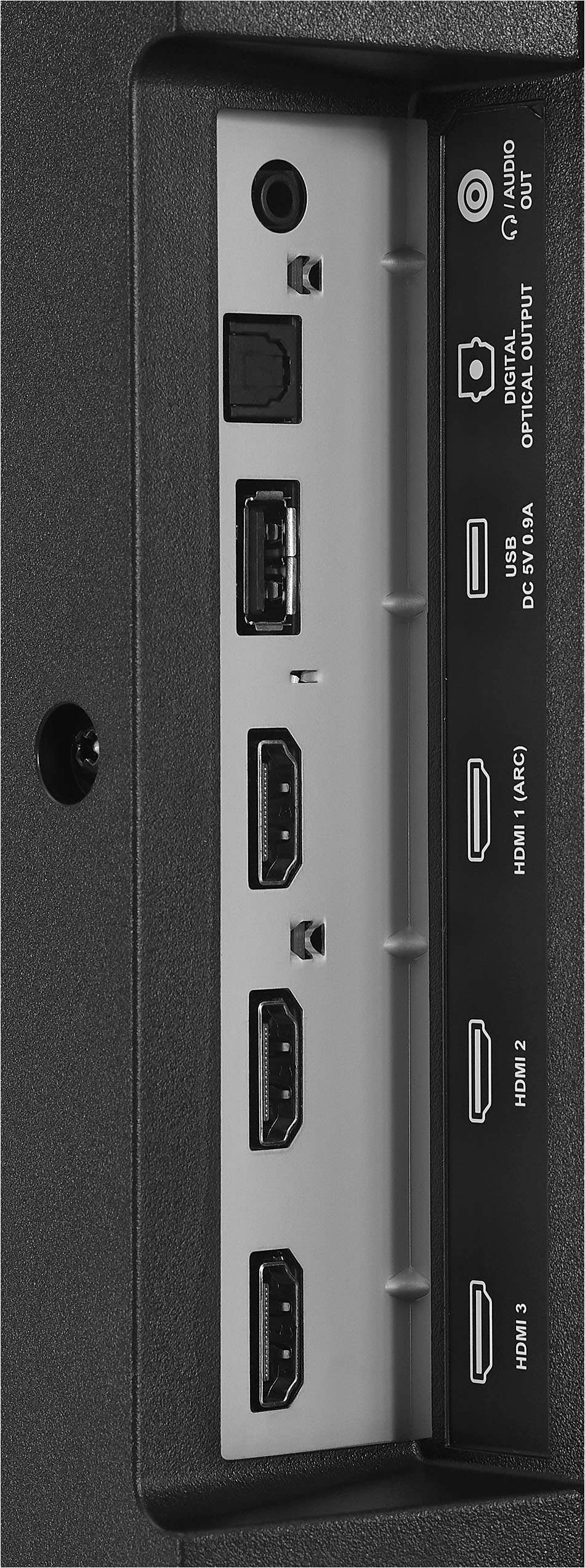
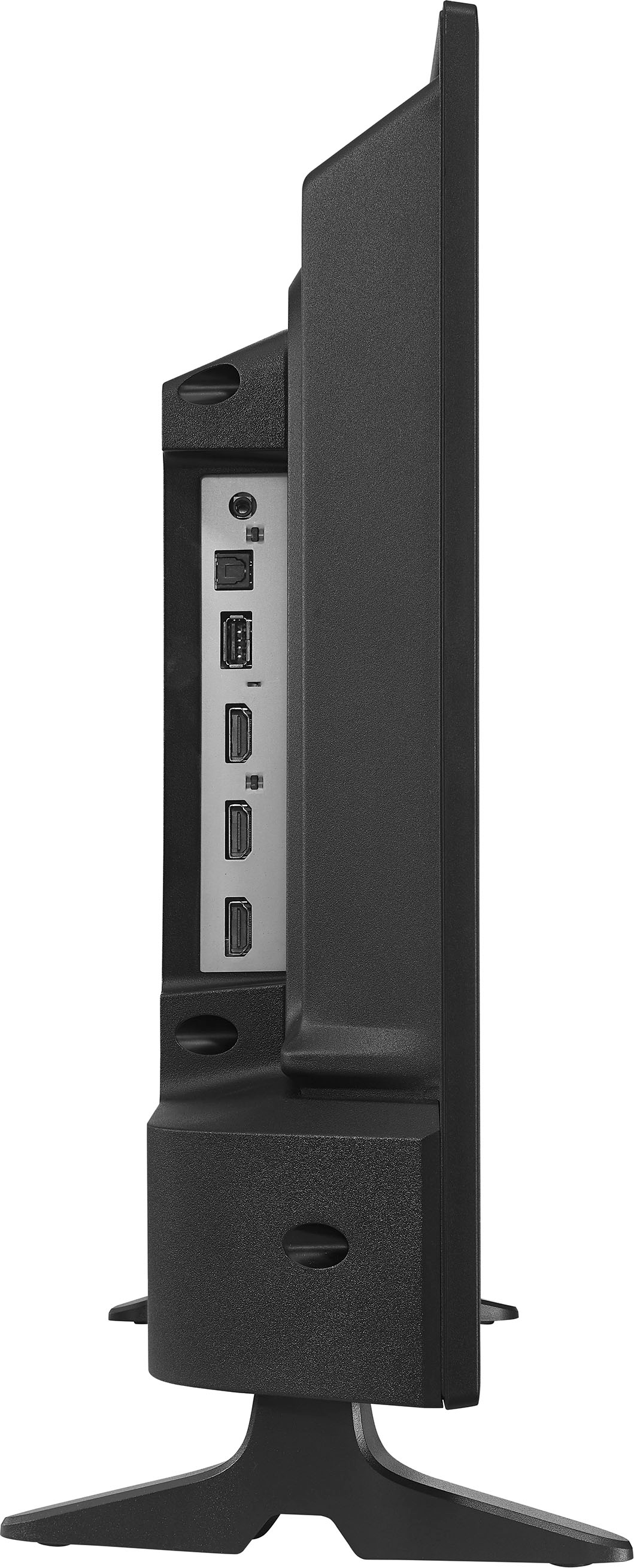
A:AnswerTo ensure your Insignia™ - 24" Class F20 Series LED Full HD Smart Fire TV turns on displaying the last used input, you need to enable the appropriate settings. Start by going to “Settings,” then navigate to “Display and Sound,” followed by “Power Controls.” Under “Power On,” select “Last Input.” Next, press the “Home” button, go to “Settings,” then “Inputs,” and choose the HDMI input (HDMI 1, HDMI 2, or HDMI 3) that corresponds to where your cable box is connected. Finally, power the TV off and then back on to validate that it starts up with the correct input and resolution. This should ensure your TV automatically switches to the last used input when turned on. Patricia | Insignia Support
A:AnswerThank you for your question! Yes, the Plex App is available for the Insignia™ 24" Class F20 Series LED Full HD Smart Fire TV. You can download it directly from the Amazon Website.
If you have any other questions or need further assistance, feel free to ask! - Mae | Insignia Support | https://www.bestbuy.com/site/brands/best-buy-brands/pcmcat1596746025285.c?id=pcmcat1596746025285
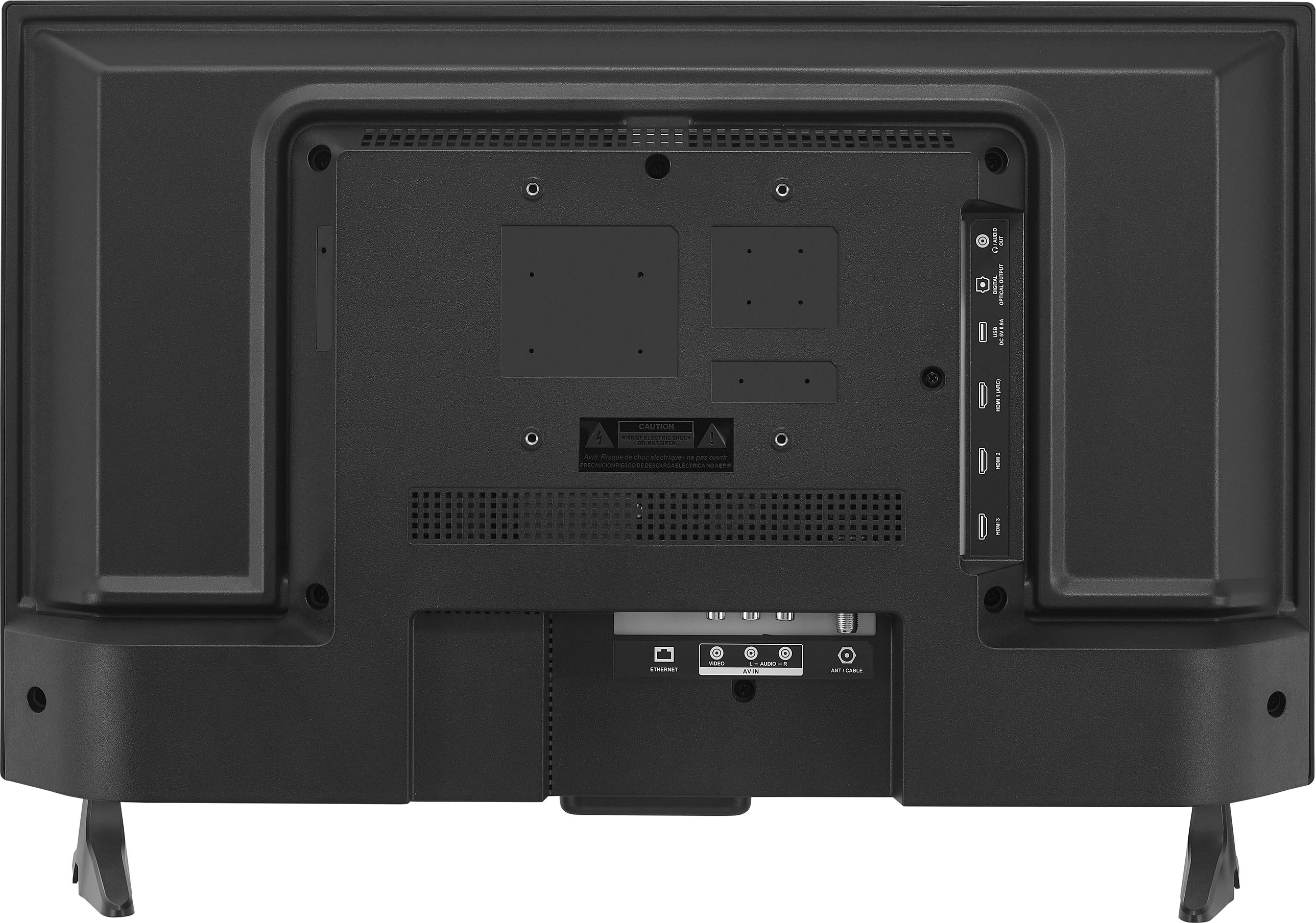
A:AnswerHi Duggie! The Insignia™ 24" Class F20 Series LED Full HD Smart Fire TV comes with its own power cord, so you don’t need a separate AC adapter. Just plug the included power cord into an outlet, and you’re good to go! Patricia | Insignia Support
A:AnswerThis Insignia 24-inch Fire TV is designed to operate on standard household voltage (120V AC) and do not have a built-in option for 12V DC operation, which is typical in RVs. -Ed | Insignia Support | https://www.bestbuy.com/site/brands/best-buy-brands/pcmcat1596746025285.c?id=pcmcat1596746025285
A:AnswerUsing a TV like the Insignia 24-inch Fire TV in a vehicle can be challenging, primarily due to the power supply requirements. TVs typically require a stable AC power supply, while vehicles operate on a DC battery system. -Ed | Insignia Support | https://www.bestbuy.com/site/brands/best-buy-brands/pcmcat1596746025285.c?id=pcmcat1596746025285
A:AnswerYes, the Insignia™ 24" Class F20 Series LED Full HD Smart Fire TV can be mounted on a swivel type device, allowing you to turn it to different areas of your kitchen for better viewing angles. Just make sure to use a compatible VESA mount that supports the TV's size and weight.
If you need recommendations for specific swivel mounts or have any other questions, feel free to ask!
A:AnswerIf you purchase the Insignia™ 24" Class F20 Series LED Full HD Smart Fire TV, you will need to download your apps again on the new TV. However, since this TV has built-in Fire TV functionality, you can sign in with your existing Amazon account, and your apps and settings should sync automatically.
Regarding your DVR programs, if you are using a Fire TV Recast or another DVR service linked to your Amazon account, your recordings should be accessible once you sign in on the new TV. If your DVR is a separate device, you will need to connect it to the new TV to access your recorded programs.
If you have any other questions or need further assistance, feel free to ask!
A:AnswerYes, you can stream in all rooms using the Insignia™ 24" Class F20 Series LED Full HD Smart Fire TV. Each TV has built-in Fire TV functionality, allowing you to access various streaming services like Netflix, Hulu, Amazon Prime Video, and more.
To ensure smooth streaming in multiple rooms, consider the following:
1. Internet Connection: Make sure your office has a strong and stable Wi-Fi connection. Streaming multiple TVs simultaneously can require significant bandwidth.
2. Streaming Accounts: Verify that your streaming service subscriptions support multiple devices. Most services allow streaming on several devices at once, but it's good to check your plan's limitations.
3. Network Setup: If you experience any buffering or connectivity issues, you might need to upgrade your router or consider using a mesh Wi-Fi system to ensure consistent coverage throughout the office.
If you have any other questions or need further assistance, feel free to ask!