A:Answer Hi CDS,
If there is no audio coming from the brand new TV, please try performing the following steps below:
• Make sure that the sound is not muted.
• Make sure that you do not have headphones connected.
• Change to a different audio mode.
• If you are using a home theater system, soundbar, or external speaker system, make sure that it is turned on and is not muted.
• If you are using a home theater system, soundbar, or external speaker system, make sure that you have selected the correct output mode.
• If you are using a home theater system, soundbar, or external speaker system and have connected it with a digital audio cable, select Digital Audio Format/Audio Delay on the Audio menu, then set Audio Format to PCM.
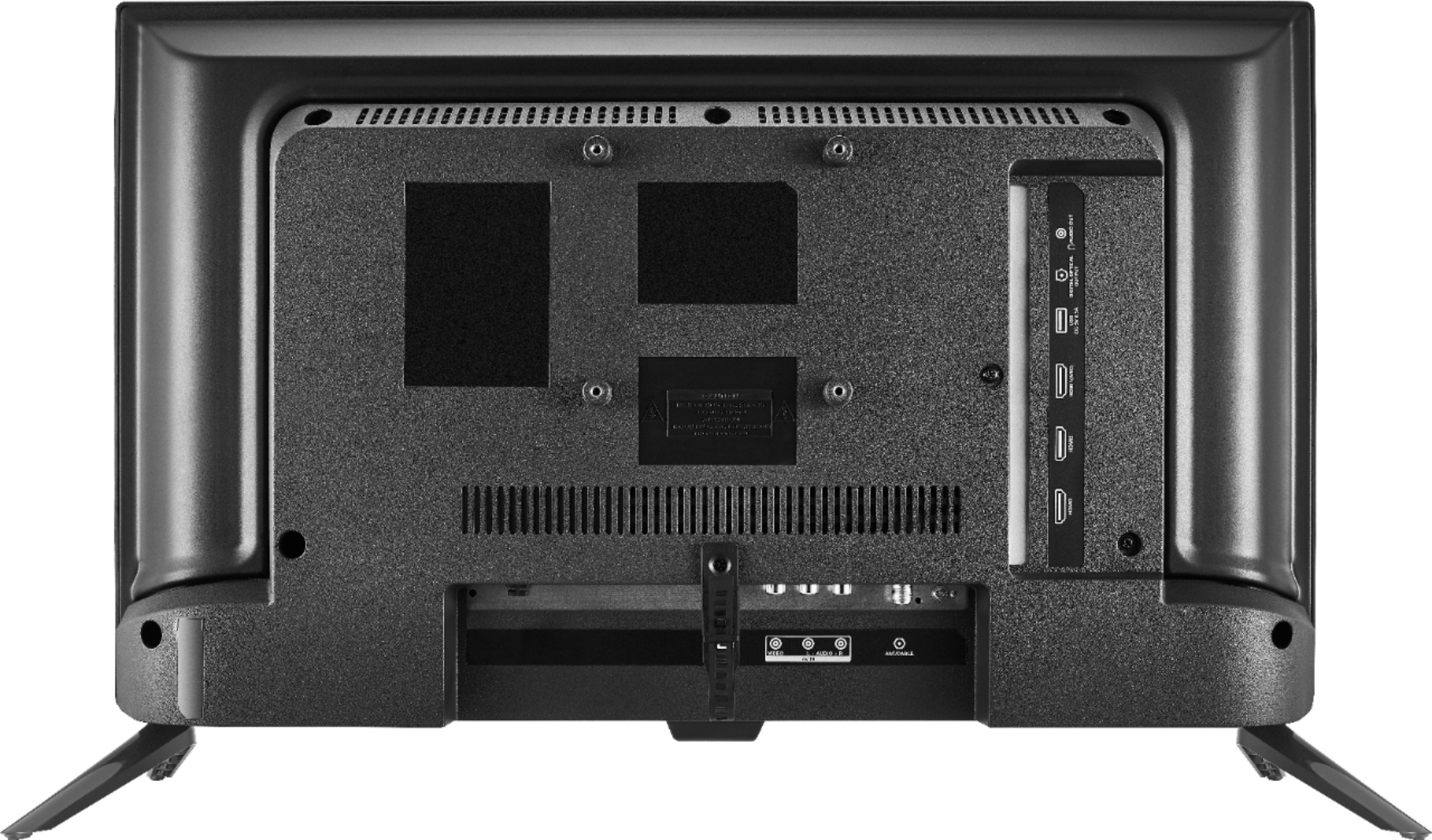
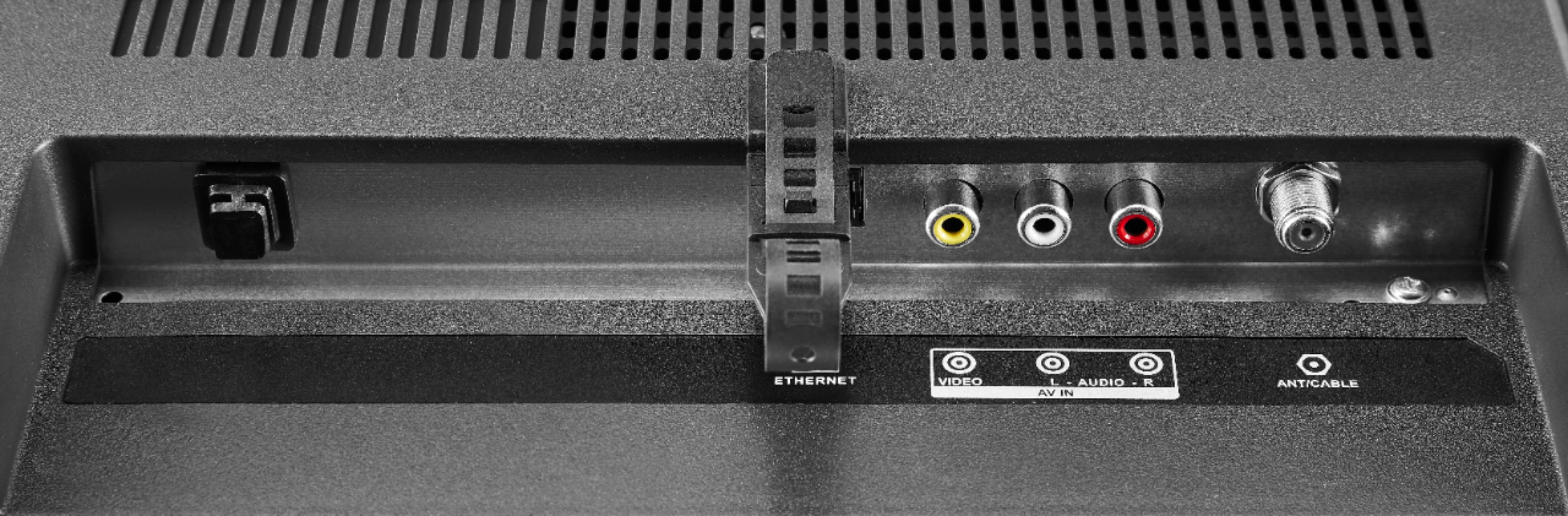
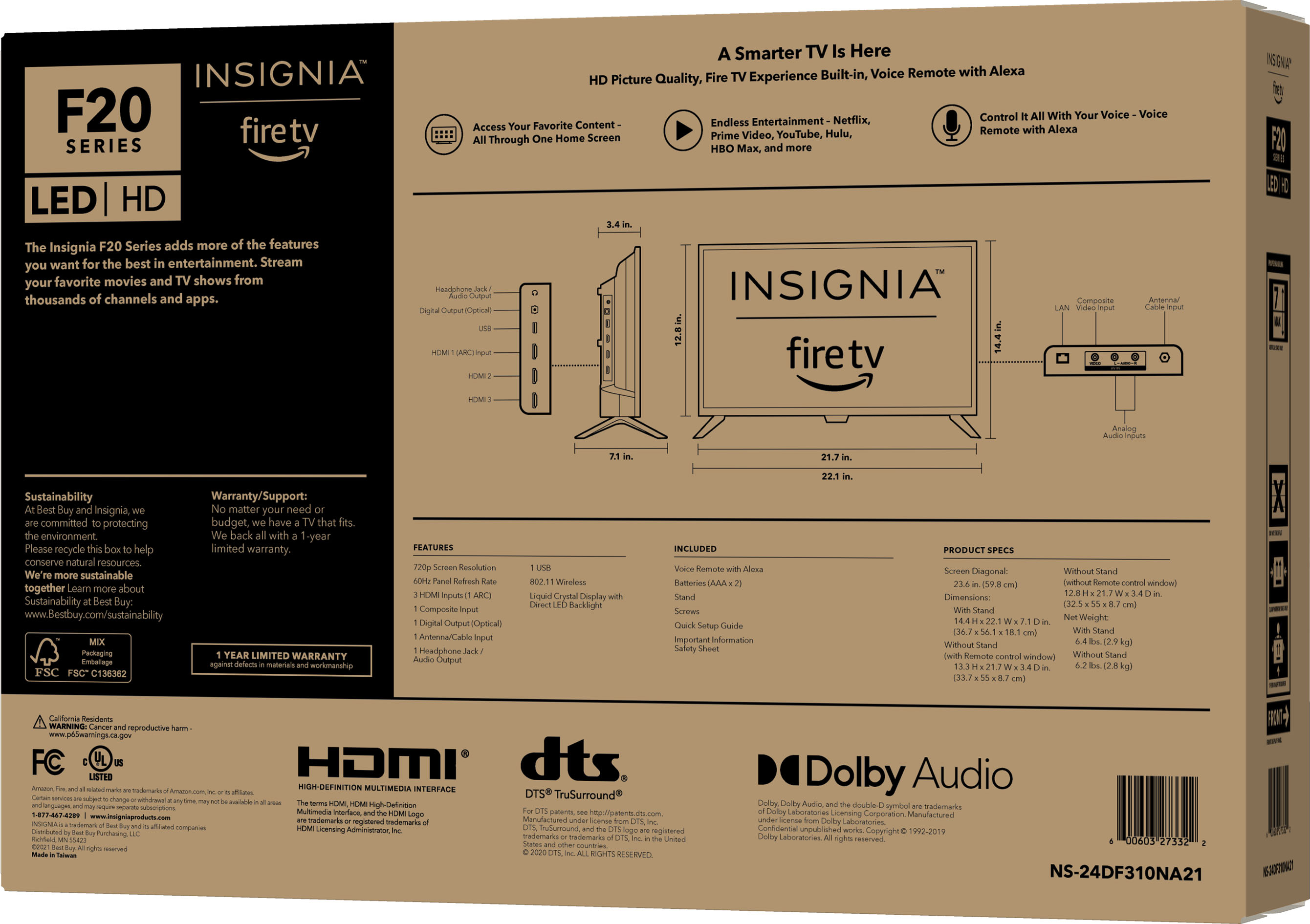
• Make sure that the audio cables are connected correctly and securely to your TV.
• Make sure that the antenna or cable TV is connected correctly and securely.
• If you are using an antenna, the digital channel signal may be low. To check the digital channel signal strength.
• If you are using an antenna and the signal strength is low, adjust the antenna or use a highly directional outdoor antenna or set-top antenna with a built-in amplifier.
• The audio cables you are using may be bad. Try a new set.
But if you need further assistance, you can contact directly the Insignia customer service 1-877-467-4289.
Insignia Products
Lisa
https://insigniaproducts.com