A:AnswerHi,
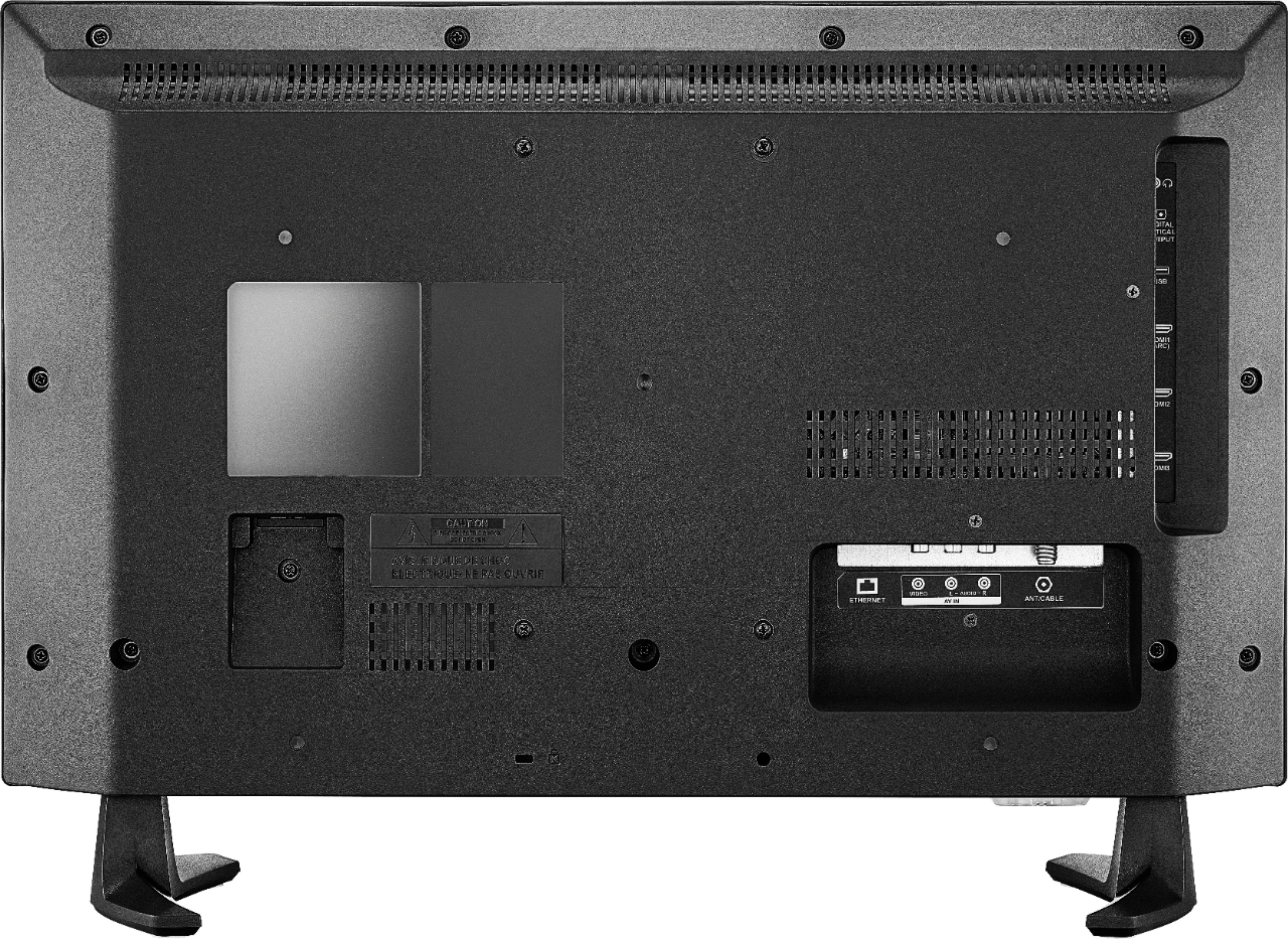
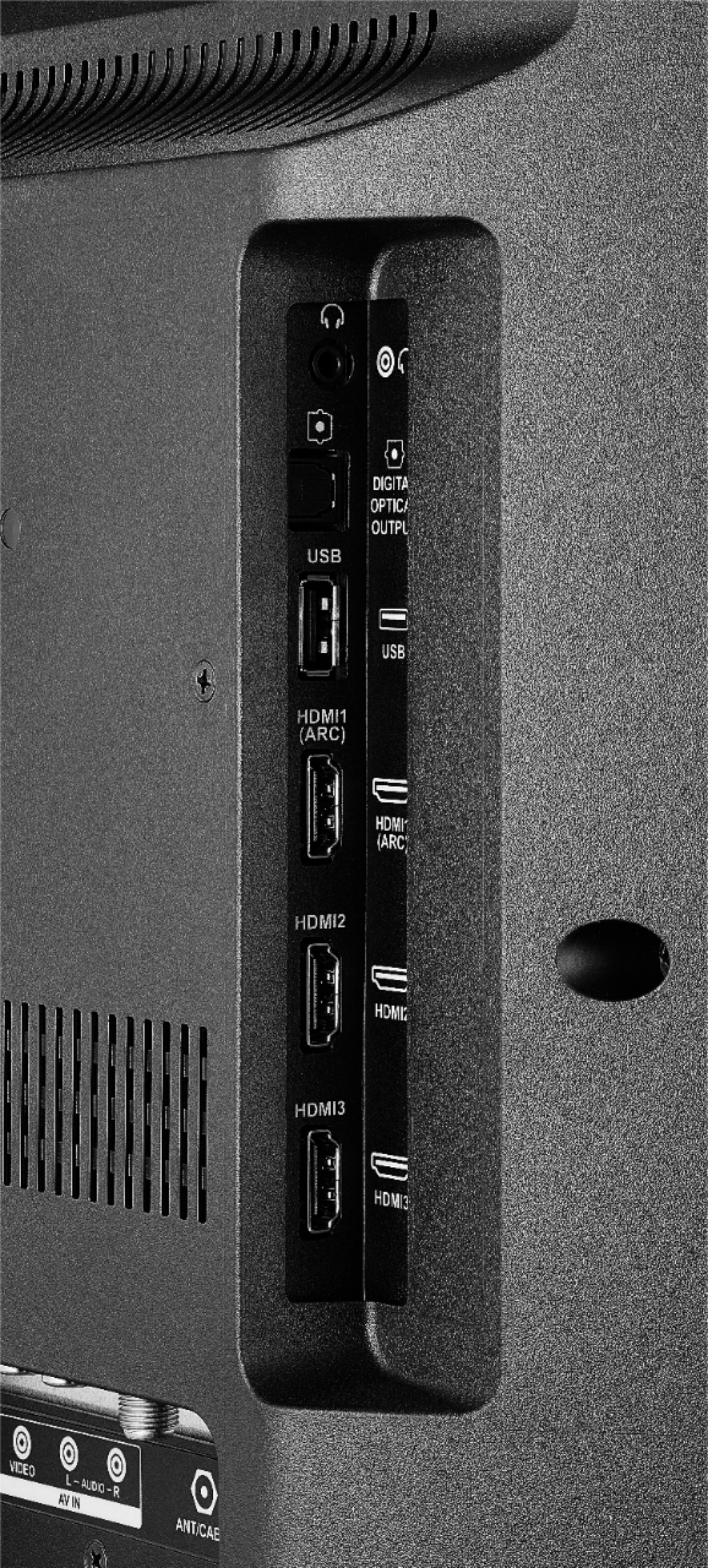
yes, the TV features the following Audio Outputs:
3.5 mm (Headphone Jack) and Digital Optical Output.
To pair a Bluetooth device, go Home > Settings > Controllers & Bluetooth Devices.
Alan O. - Insignia Support
A:AnswerThis is all the user manual says :
• Do not use your TV in areas that are too hot or too cold, because the cabinet may warp or the screen may malfunction. Your TV works best in temperatures that are comfortable to you.
• Do not place your TV in direct sunlight or near a heat source.
A:AnswerHi,
It seems that you need personalized assistance, for product support please call 1-877-467-4289 available from 8am to 9pm CT daily.
Alan O. - Insignia Support
A:AnswerHi,
If you want to watch free over the air broadcast of your local channels, you will need to connect an antenna to the TV, also check put the Pluto TV app, it has a lot of free live TV channels to watch.
Alan O. - Insignia Support
A:AnswerHi,
You can try to do a Channel Scan on the Fire TV Edition television go: Home > Settings > Live TV > Channel Scan > Advanced Options and try them all. If you need more assistance, please call 1 877-467-4289 available from 8 am to 9 pm CT everyday.
Alan O. - Insignia Support